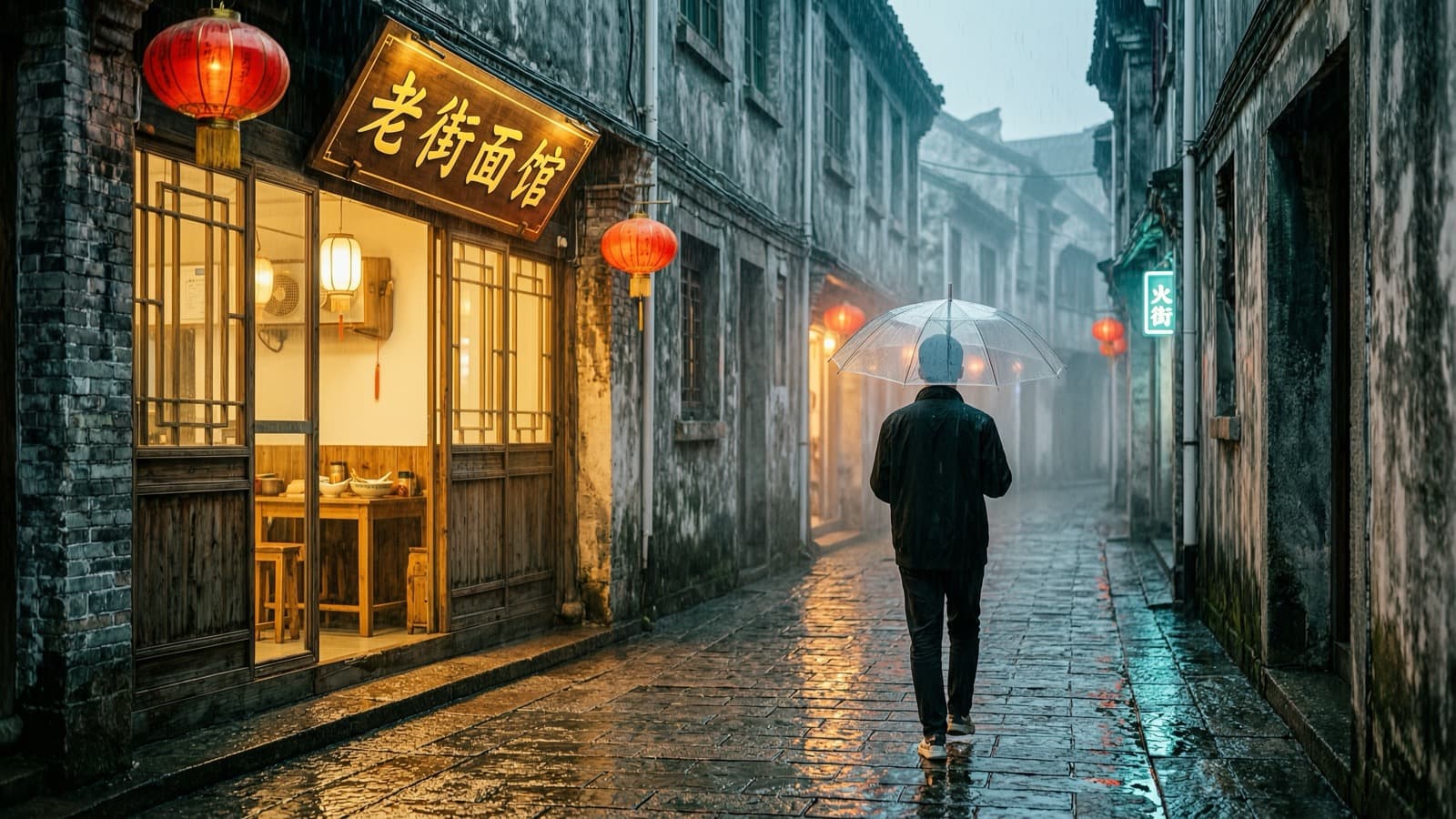
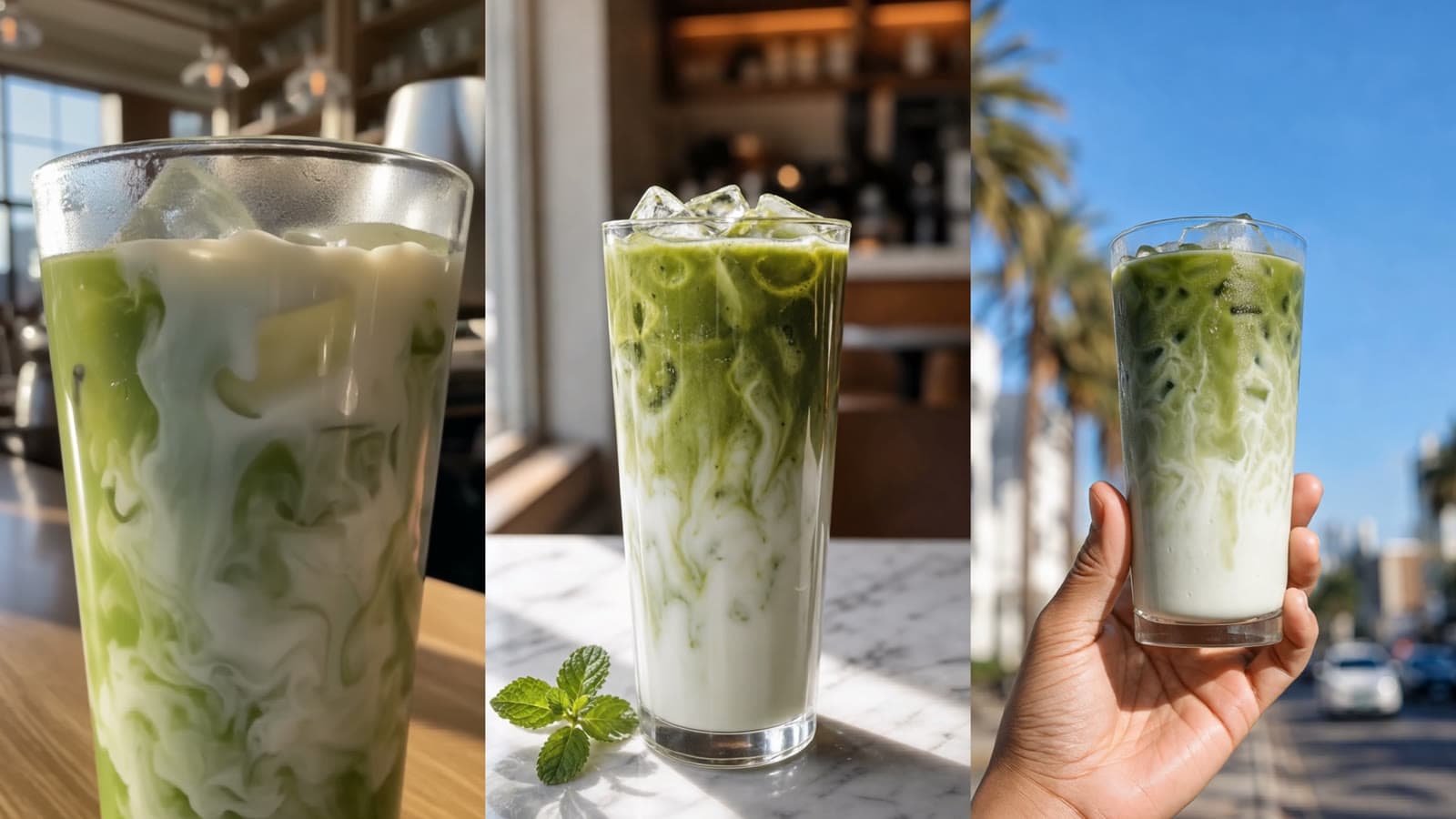
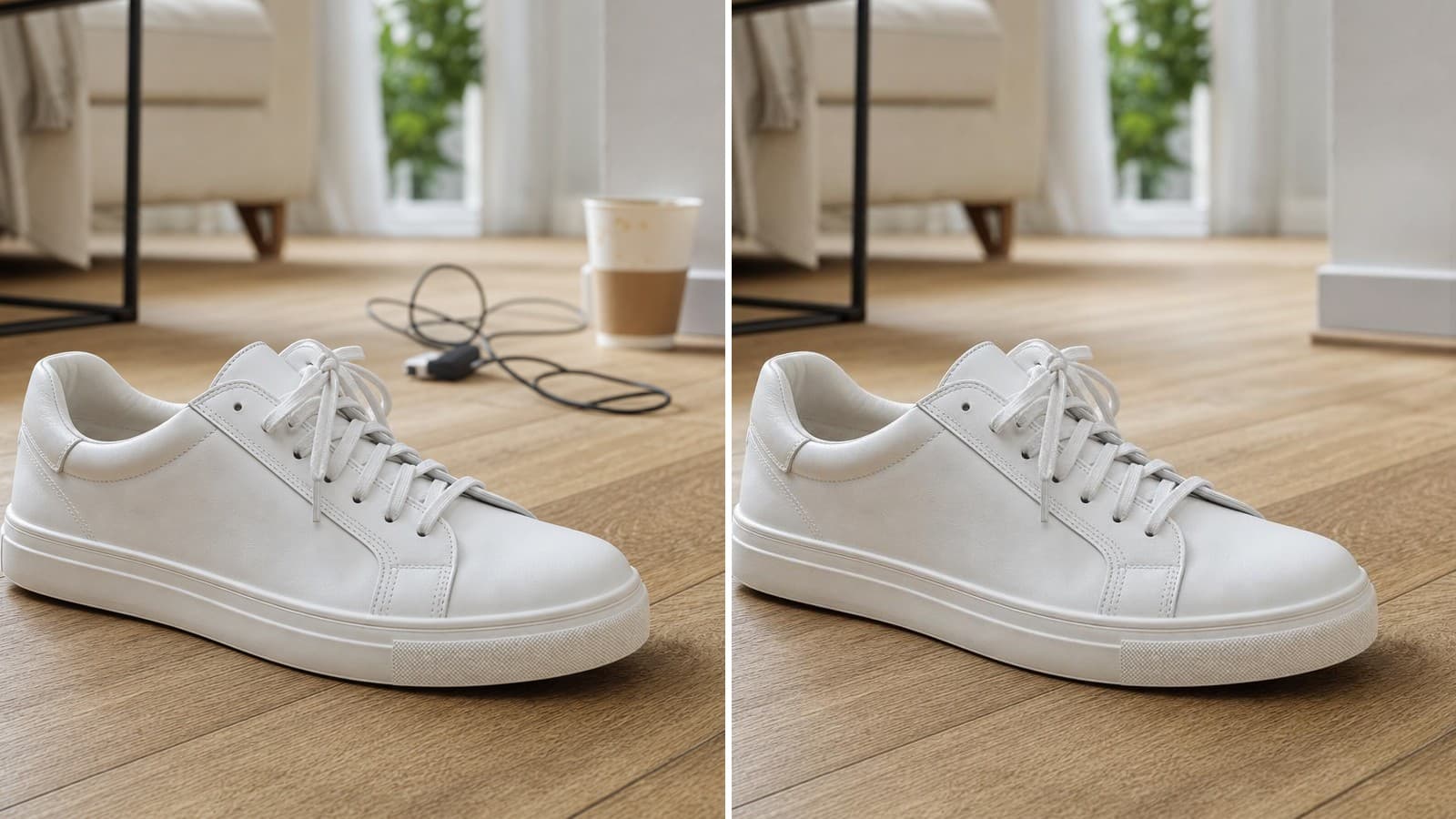
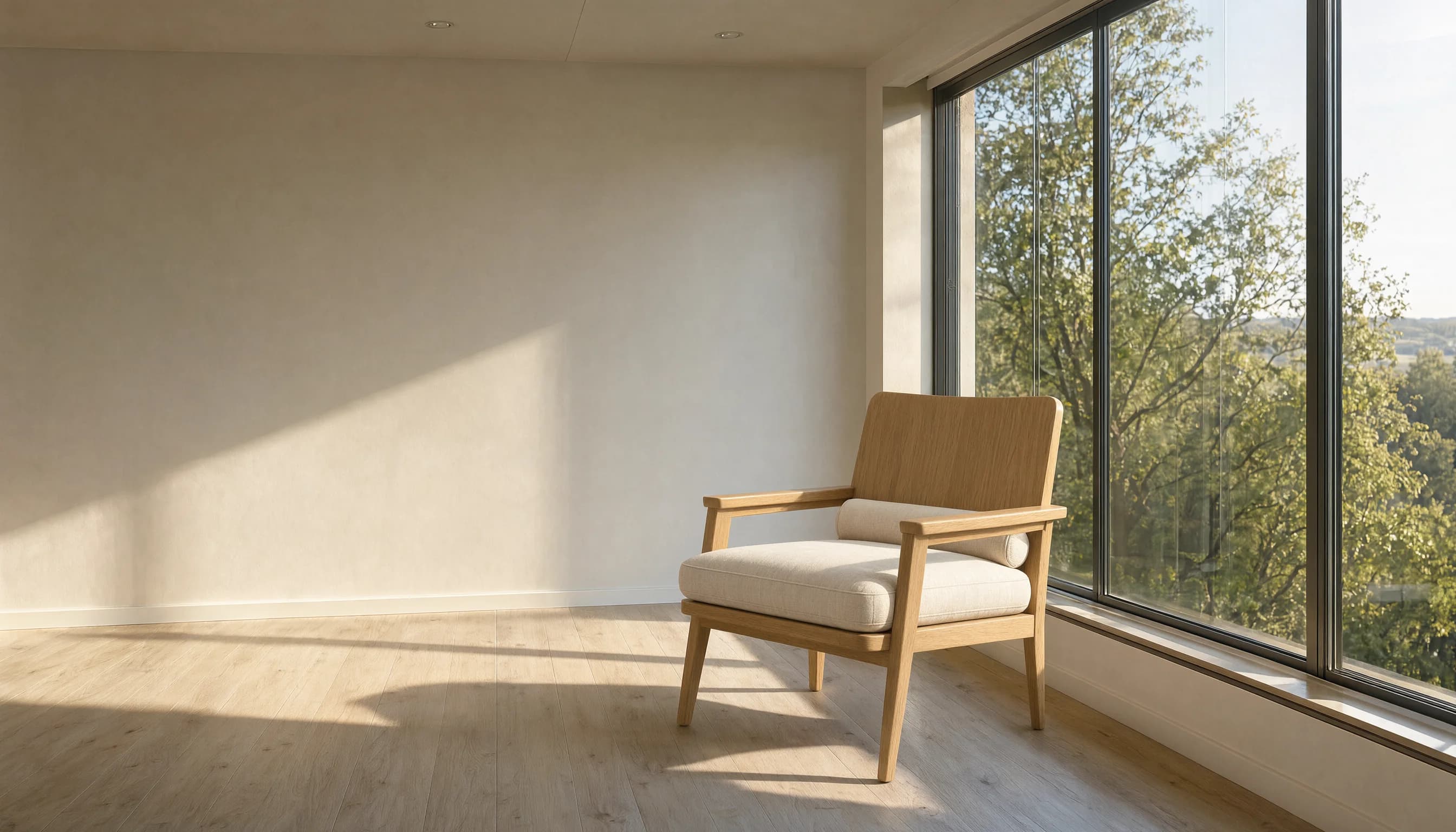
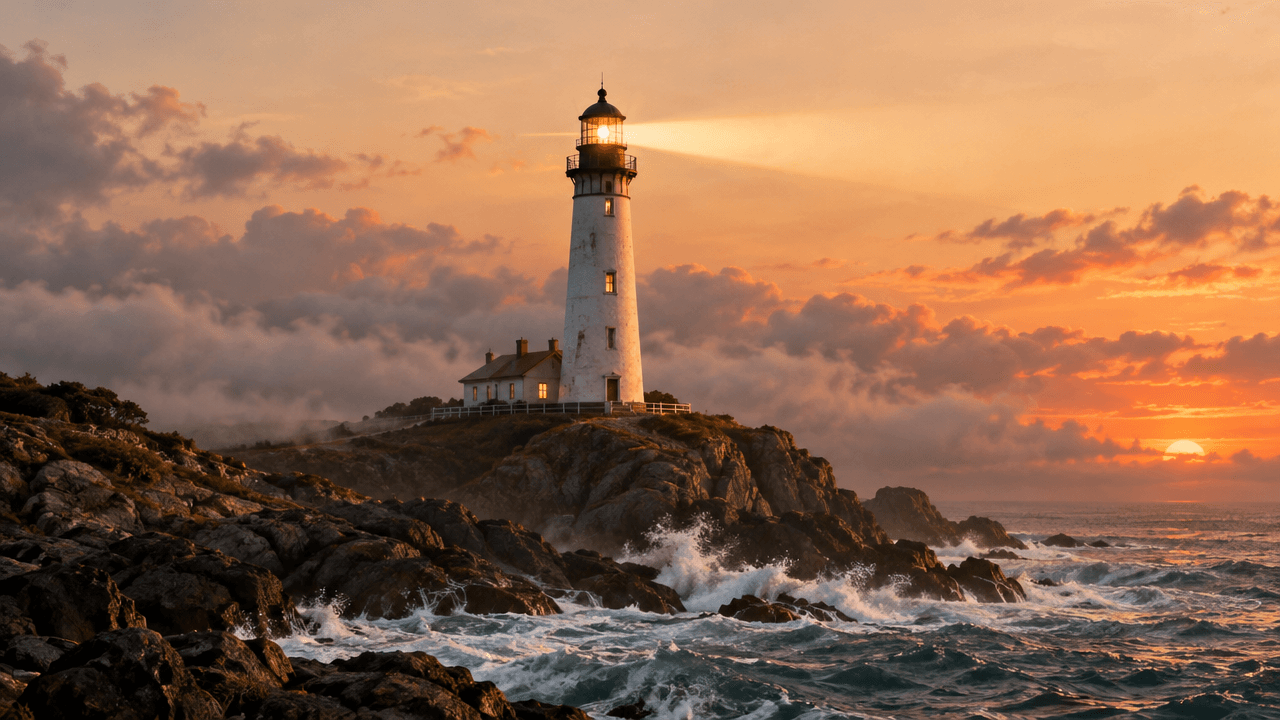
GPT Image 2.5 Flare is the fast, cheap tier of OpenAI's GPT Image 2.5 family — and it turns out the fastest way to get good results from it isn't clever settings, it's a well-built prompt. Below are five real prompts we wrote and ran ourselves on Flare, each paired with the actual image it produced, covering the five jobs people ask this model to do most: clean product catalog shots, background-only edits, lifestyle placement, on-image text in a non-English script, and fast editorial photography.
Summary
- Flare rewards structured, single-purpose prompts more than long adjective lists — separate "what the product is" from "what to do to it."
- For catalog work, describing the exact camera angle and background material (not just "white background") is what makes shots usable without a re-shoot.
- Background-only edits need an explicit "keep the product unchanged" instruction, or Flare will happily reinterpret the product too.
- Flare renders non-English text (we tested Chinese) accurately enough for production use, but every character still needs a human check before publishing.
- A short, confident prompt (one sentence) can outperform an over-engineered one for editorial/lifestyle shots — Flare has strong defaults.
Why prompt structure matters more than prompt length on Flare
Flare is OpenAI's fast tier of GPT Image 2.5, priced for high-volume use rather than single hero shots. We already covered how it stacks up against Google's model head-to-head in GPT Image 2.5 vs Nano Banana 2 — this piece is about a narrower, more practical question: once you've picked Flare, what do you actually type into the prompt box to get a usable result on the first try?
The five recipes below aren't a random prompt dump. Each one solves a specific, recurring production problem — and each was run for real through hiapi's /v1/tasks endpoint on gpt-image-2.5-flare, not staged or cherry-picked from someone else's gallery.
Recipe 1: Clean product catalog shot
The most common catalog failure mode is a "white background" prompt that gives you an off-white, slightly shadowed background that doesn't match your actual catalog template. Being specific about surface, lighting direction, and camera angle fixes that in one pass.
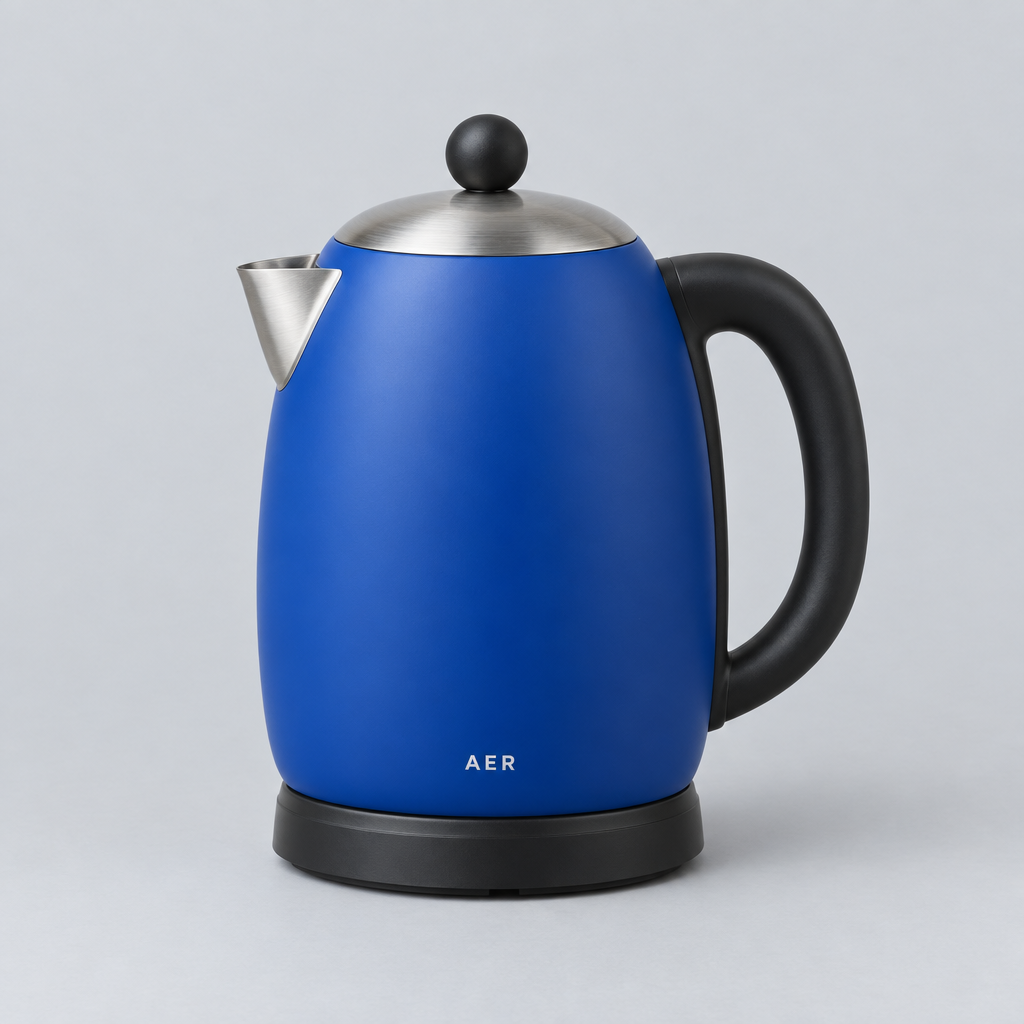
Professional product photography of a modern stainless steel electric kettle
with a black handle, placed on a seamless pure white studio background.
Soft, even studio lighting from the upper left, subtle reflection on the
white surface beneath the product. Camera angle: straight-on, eye-level,
slightly elevated. Sharp focus on the entire kettle, no shadows on the
background, commercial e-commerce catalog style, ultra high detail.
The parts doing the actual work here: "seamless pure white studio background" (not just "white background"), a named light direction, and an explicit camera angle. Drop any of those three and Flare tends to guess — sometimes a 3/4 angle, sometimes warm lighting that shifts the product's color.
Recipe 2: Background-only edit (keep the product identical)
This is the prompt shape people get wrong most often. If you just describe the new scene, Flare treats it as a fresh generation and the product itself drifts — proportions change, materials look different. The fix is to explicitly separate "leave this untouched" from "change this."
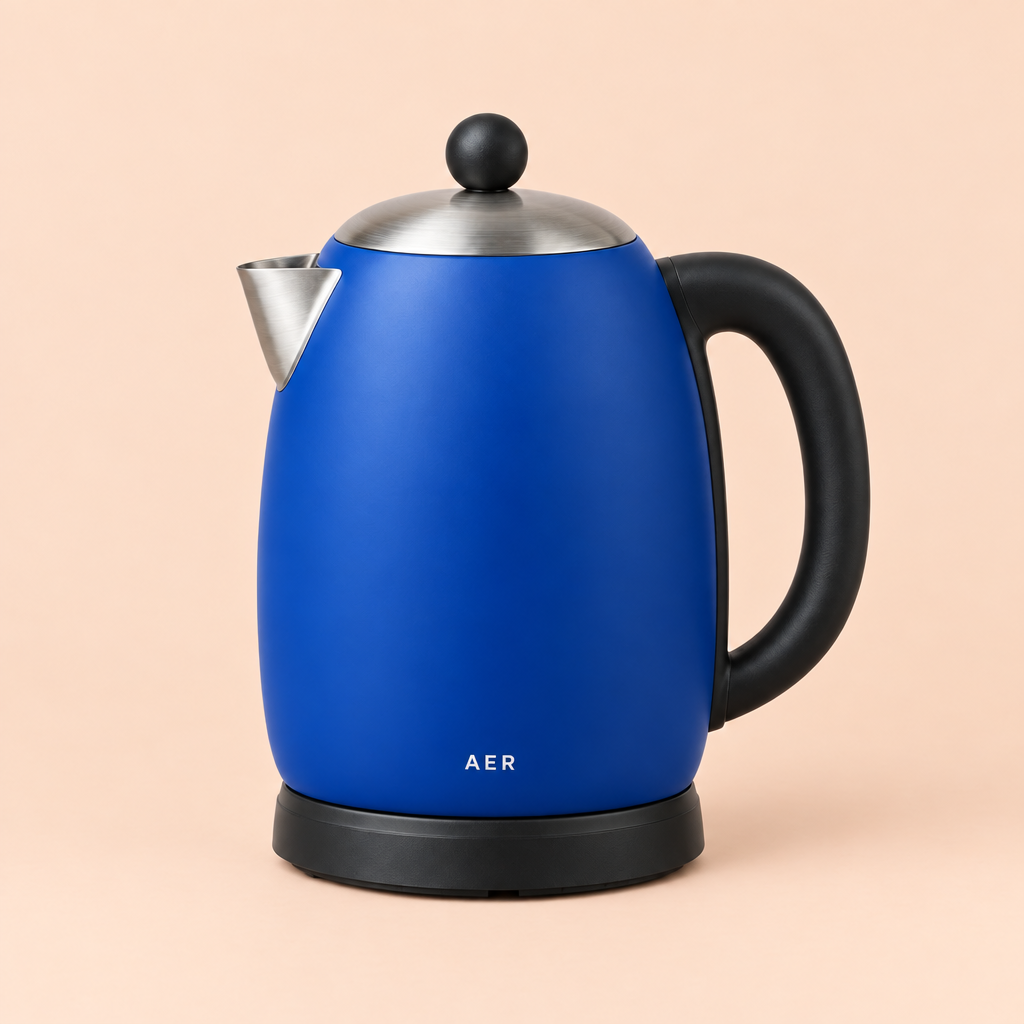
Take the exact same stainless steel electric kettle from the reference image
and keep its shape, proportions, material, and color completely unchanged.
Replace only the background: place the kettle on a warm wooden kitchen
countertop, with soft morning sunlight coming through a window on the left,
a blurred kitchen background, shallow depth of field. Do not alter the
kettle itself in any way — only the environment around it changes.
The instruction to keep the product "completely unchanged" isn't filler — it's the difference between a usable background swap and a whole new (subtly wrong) product render.
Recipe 3: Lifestyle placement for a different product category
The same "reference product stays fixed, scene changes" structure works across categories — here it's a floor lamp instead of a kettle, dropped into a furnished living room rather than a studio set.
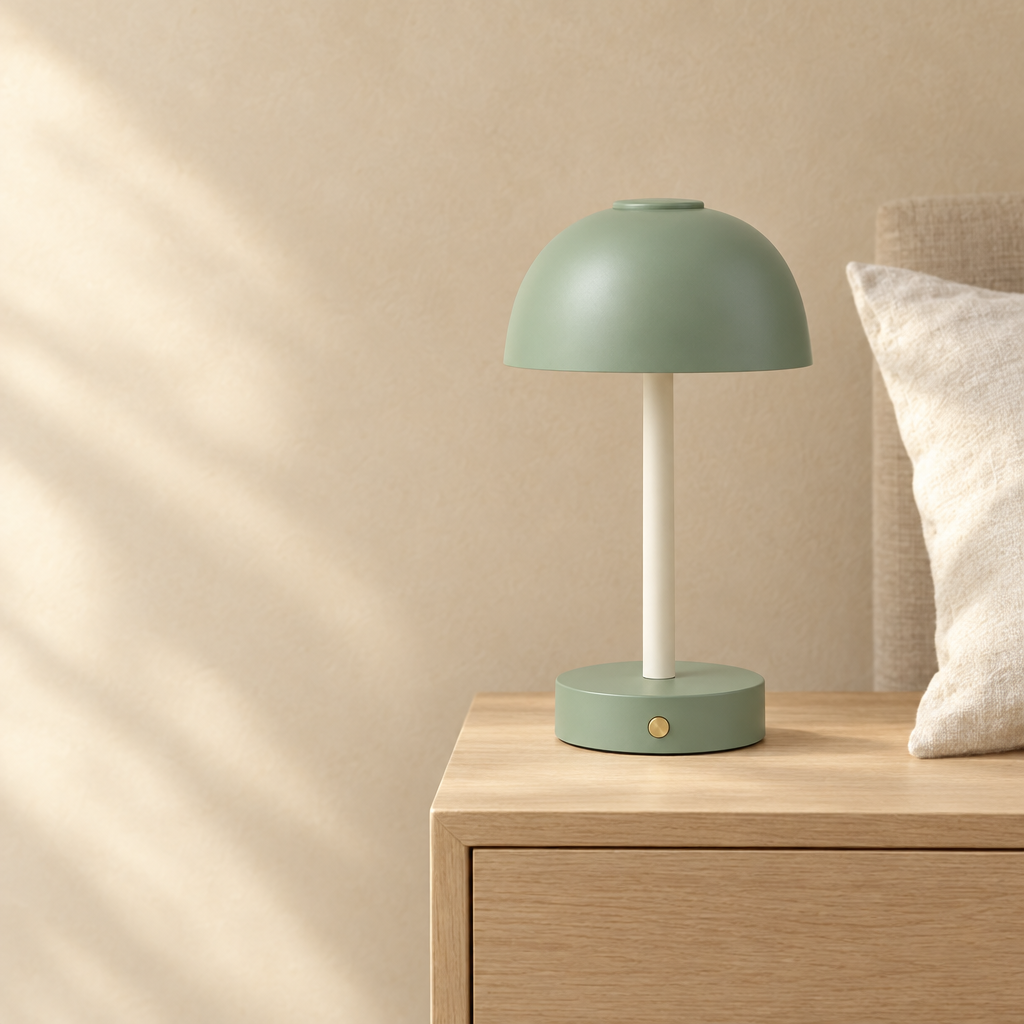
Place this modern arc floor lamp, with its exact design and finish
unchanged, into a cozy living room scene: next to a linen sofa, warm
ambient evening lighting, the lamp turned on and casting a soft warm glow,
wooden floor, a small side table nearby, tasteful minimalist interior
design, photorealistic, magazine interior photography style.
Notice this recipe adds one thing Recipe 2 didn't need: the lamp's own light source ("turned on and casting a soft warm glow"). When the product itself emits light, naming that explicitly keeps Flare from rendering it as an unlit prop.
Recipe 4: On-image text in a non-English script
Flare's text rendering is strong enough to trust with real copy, including non-Latin scripts — but §3.14 of our internal production playbook is a hard rule for a reason: every character still gets checked by a human before it ships, because even a 1-in-100 typo rate matters on a poster with your brand's name on it.
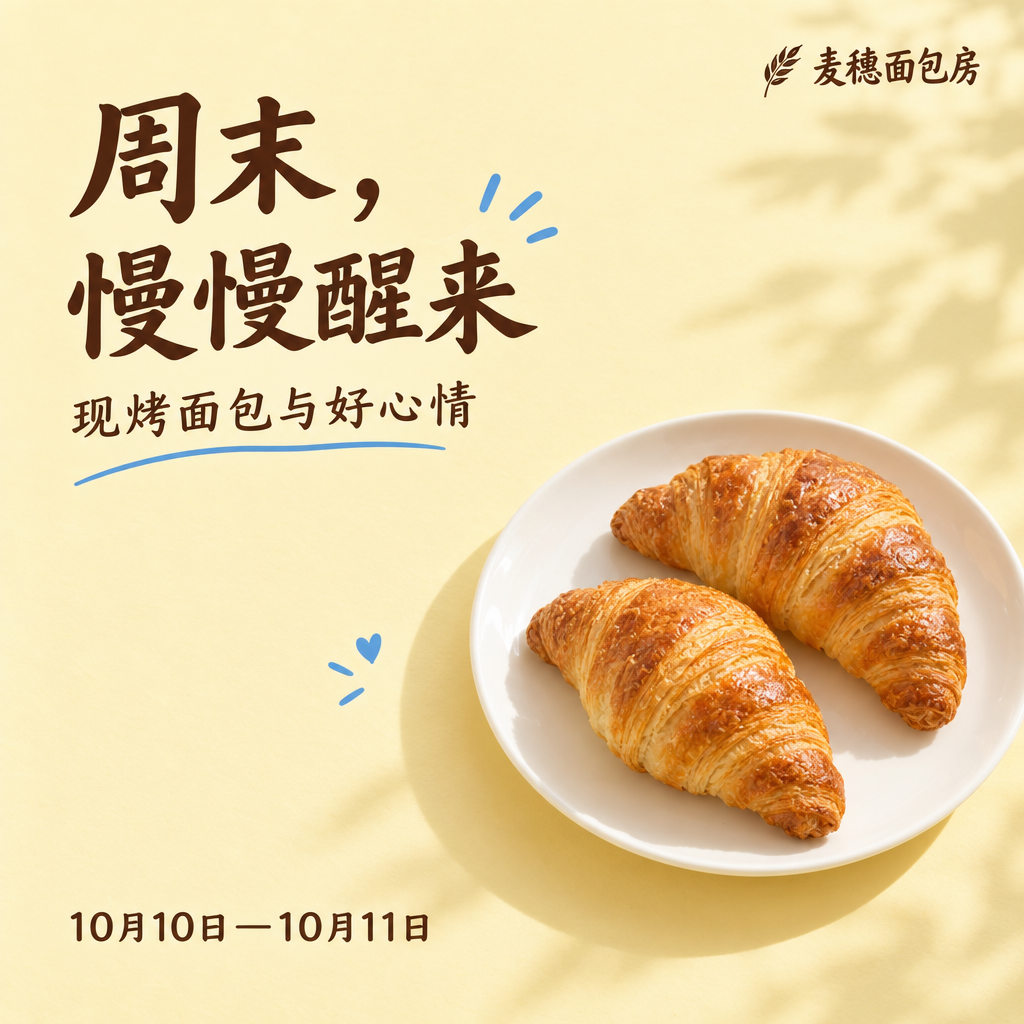
Design a promotional poster for a Chinese bakery, featuring bold red and
gold color scheme, elegant Chinese calligraphy-style typography for the
store name at the top, appetizing photograph of fresh pastries and bread
in the center, small text at the bottom listing a grand opening date,
festive and inviting atmosphere, high-end commercial poster design.
Two things helped accuracy here: naming the exact content role of each text block ("store name," "grand opening date") instead of writing the literal characters inline, and keeping the total on-image text short. Long paragraphs of rendered text are where error rates climb.
Recipe 5: A one-sentence prompt still works for editorial shots
Not every good result needs a paragraph. This is the shortest prompt in the set — one sentence, no camera or lighting spec — and it's a real production asset we shipped as-is:
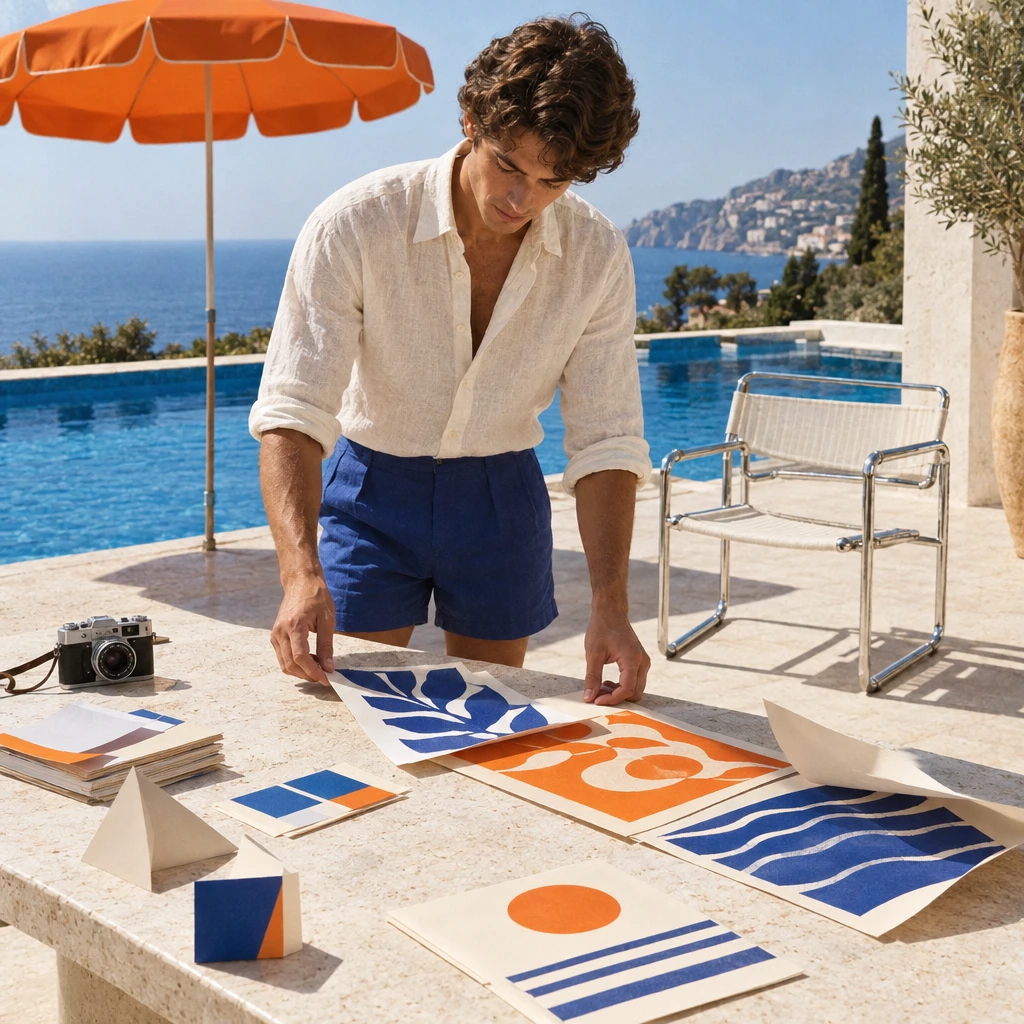
Mediterranean poolside creative studio editorial photograph
This works because Flare's defaults for "editorial photograph" are already good — confident composition, natural light, real depth of field — so over-specifying can actually fight the model's own instincts. The lesson isn't "always write short prompts," it's that structure (Recipes 1-4) and trust in strong defaults (Recipe 5) are both valid tools, and knowing which situation calls for which is what separates a one-shot prompt from a five-retry one.
FAQ
Is GPT Image 2.5 Flare good for text-heavy designs, or should I use a different tier? Flare handles short-to-medium text blocks (titles, labels, short taglines) reliably, as shown in Recipe 4. For dense paragraphs of on-image text you'll get more consistent results by keeping each text block short and reviewing every render — that's true across the GPT Image 2.5 family, not just Flare.
Do I need to re-upload my product photo every time I want a new background? Yes — Flare edits work by referencing the source image you provide in the request, so each background or scene variation is a separate call with the same reference image and a new prompt describing what to change.
Why did my background-only edit change the product slightly? Almost always a missing "keep unchanged" instruction — see Recipe 2. Flare treats an edit prompt as a full regeneration unless you explicitly tell it which parts of the reference image to preserve.
Can I chain these recipes — catalog shot, then lifestyle placement, then a poster — for one product? Yes, that's a common real workflow: generate the clean catalog shot first (Recipe 1), then feed that same clean shot back in as the reference image for lifestyle placement (Recipe 3) or a promotional poster (Recipe 4).
Takeaways
- Structure beats length: name the background material, camera angle, and light direction instead of stacking adjectives.
- Editing a reference image always needs an explicit "keep this part unchanged" instruction, or the product itself drifts.
- Non-English on-image text is production-ready on Flare, but still requires a human character-by-character check before publishing.
- Short, single-sentence prompts are a legitimate recipe for editorial/lifestyle shots where Flare's own defaults are already strong.
- Reuse a clean base render as the reference image for your next edit instead of prompting every variation from scratch.
Ready to try these yourself? Run any of the five prompts above against gpt-image-2.5-flare through the hiapi API, or start from the model page to see current pricing before you scale up a batch.