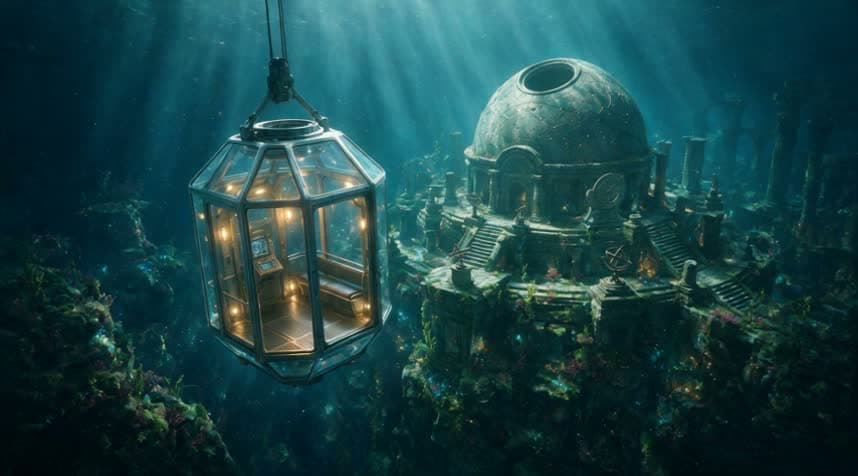
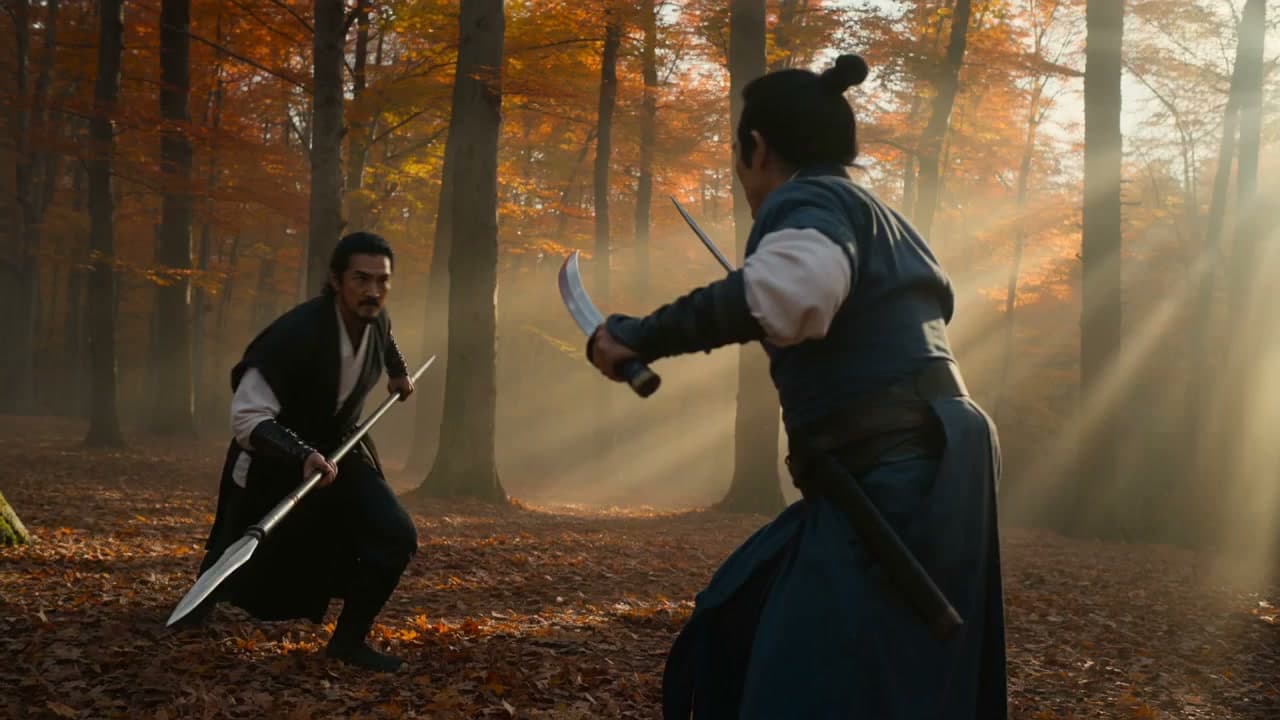
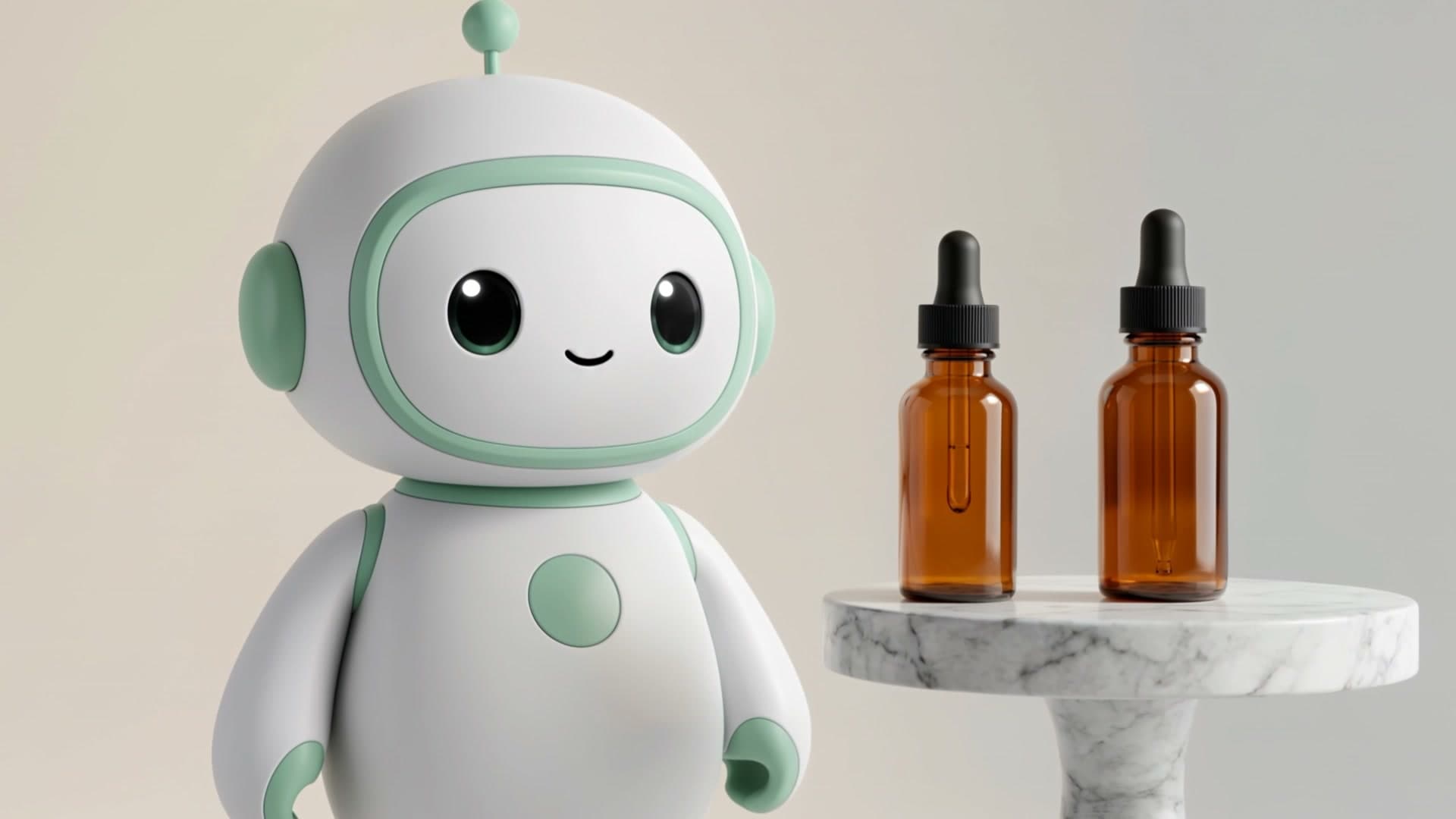
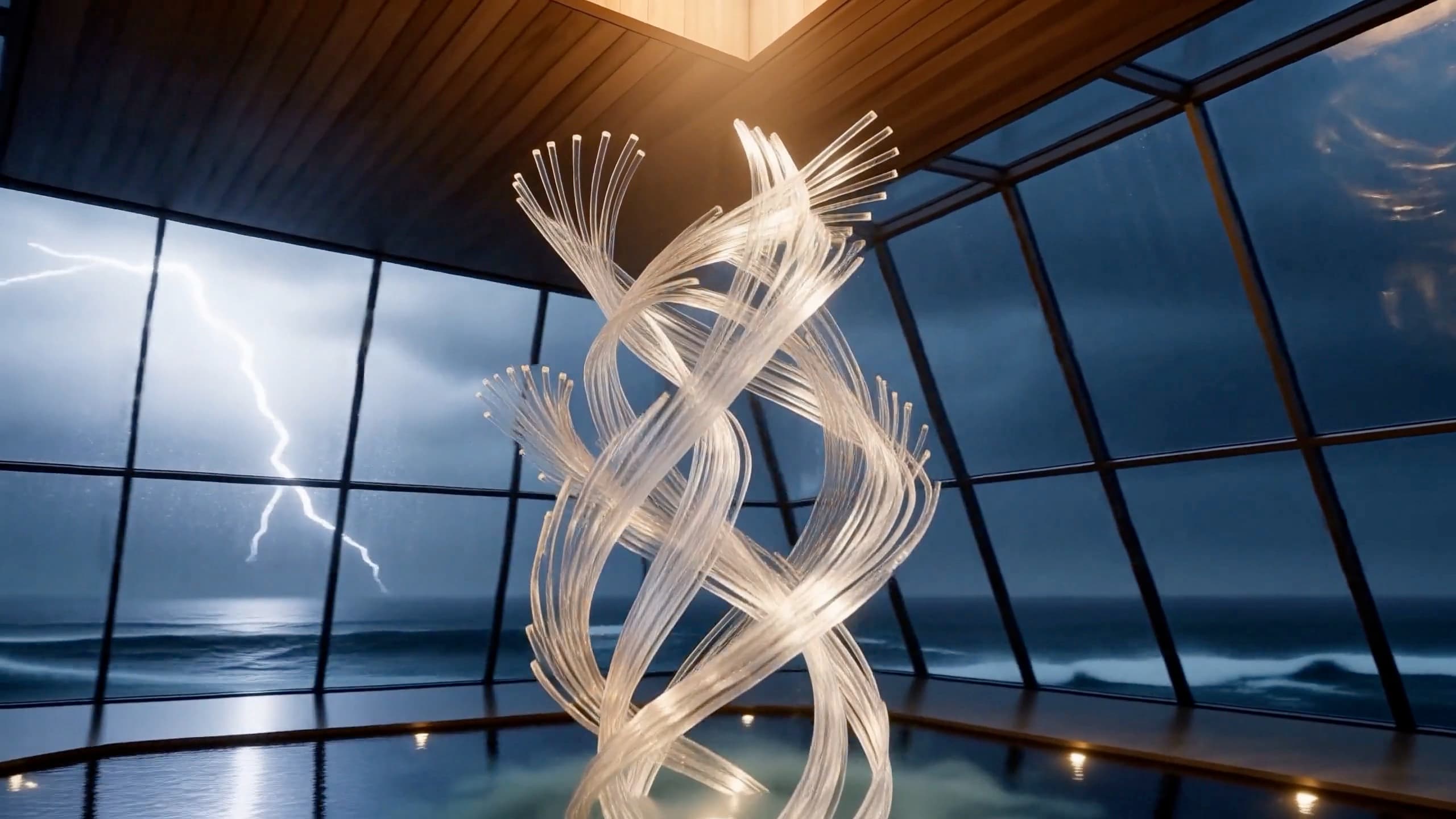
You have a still image — a product render, a signed-off key visual, a character sheet — and you need it to move. Not a new scene that looks roughly similar, but that exact frame, animated. That is what image-to-video (i2v) does, and it's a different integration from typing a prompt and hoping the model draws what you pictured. This is the hands-on version: prep the source image, control where the motion starts and ends, write a prompt that animates rather than re-describes, and handle the polling and callbacks that keep a multi-minute render from breaking your backend.
Still deciding whether to use i2v versus text-to-video? Start with Text to Video vs Image to Video API Workflow. This article assumes you've made that call and want to do i2v well.
When image-to-video is the right tool
Reach for i2v when the opening frame is non-negotiable. The model isn't inventing a subject; it takes yours and adds motion, so anything that has to stay on-brand or on-model is safe in a way text-to-video can't guarantee — product shots of the actual SKU, an approved hero turned into a header loop, a character sheet that keeps the face consistent, or a before→after where you pin a start and end image and let the model fill the transition. If the subject is flexible, text-to-video is usually less work. The whole point of i2v is that the still is fixed.
The image-to-video landscape in 2026
i2v is crowded and the bar is high. Worth knowing as context, even though the callable workflow below runs on a focused set:
- Runway Gen-4 / Gen-4.5. Successor to Gen-3 Alpha; pushed "world consistency" across shots plus physics-grounded motion and deliberate camera work. Gen-4.5's i2v is widely treated as the strongest pick for tight creative control on ads or client deliverables (Runway Research, "Introducing Runway Gen-4," 2026; ZNIX model roundup, 2026).
- Vidu Q3. Built around first-and-last-frame conditioning — start frame, target end frame, prompt the change, it fills the in-between — up to 16s at 1080p with audio (Vidu, "AI Image to Video," 2026).
- Kling 3.0. Strong on complex human motion from a reference still, with native 4K and lip-sync (TeamDay.ai, "Best AI Video Models 2026," 2026).
- Seedance 2.0. ByteDance's model (Feb 12, 2026) holds product details, logos, and text steady across frames — exactly what e-commerce i2v needs (opencreator.io, "AI Video Models Comparison 2026," 2026).
The pattern is the same across the strong models: first-frame control is table stakes, last-frame control is no longer exotic, and anchoring both ends is the most reliable way to stop a clip drifting by the final second. That principle is what the workflow below is built around. On HiAPI the two i2v models you call are Seedance 2.0 (ByteDance) and Wan 2.7 image-to-video (Alibaba).
Step 1 — Prep the source image
This is the step people skip and then blame the model for. With i2v, your first frame is the ceiling on quality. Three things to get right before you send anything:
- Match the aspect ratio to your output. Render the source at 4:3 but request a 16:9 clip and the model has to crop or pad — you lose control over what survives. Decide the output ratio first, then produce the still in it. Seedance also accepts an
adaptiveratio that matches the source dimensions automatically. - Render at the resolution you want back. A 480p source won't become a crisp 1080p clip; upscaling a soft input just animates the softness.
- Frame the subject cleanly. A clear, uncluttered subject gives the model less to misinterpret. Busy backgrounds and ambiguous edges are where weird motion comes from.
Then host it. The API takes the source as a URL (first_frame_url), not a file upload, so it has to be reachable over HTTPS — your bucket, a CDN, signed object storage. A localhost path or a link the API can't fetch will fail the task.
Step 2 — Submit the task with a first frame
On HiAPI every model, video included, runs through one async task API. You create a task, you get a taskId back immediately, and the render happens server-side. Turning text-to-video into image-to-video is one field: add first_frame_url. Here is the minimal call, using Seedance 2.0:
curl -X POST https://api.hiapi.ai/v1/tasks \
  -H "Authorization: Bearer sk-<your-key>" \
  -H "Content-Type: application/json" \
  -d '{
    "model": "seedance-2-0",
    "input": {
      "prompt": "Slow cinematic push-in, a soft light sweep travels across the surface, the subject holds steady and in focus",
      "first_frame_url": "https://cdn.your-domain.com/assets/product-front.jpg",
      "aspect_ratio": "16:9",
      "duration": 5,
      "resolution": "720p",
      "generate_audio": false
    }
  }'
That is the whole image-to-video request. The input fields that matter:
first_frame_url— the still to animate from; its presence is what makes this i2v.aspect_ratio— match the source (or useadaptive).duration— seconds of output; longer costs more and gives motion more room to drift.resolution—480p/720p/1080p; the main cost dial.generate_audio— turn off for silent loops and product shots.
Full request and response shapes are in the docs. Wan 2.7 image-to-video follows the same create-poll-download flow, but its input differs — it carries the source frame in a media array and outputs 720p or 1080p — so check the docs for its exact shape instead of reusing the Seedance body verbatim.
Step 3 — Add a last frame when the ending matters
A first frame controls where the clip starts and lets the model decide how it ends — which is exactly where drift creeps in, because the model is improvising the back half. If continuity through the final frame matters, pin it too:
{
  "model": "seedance-2-0",
  "input": {
    "prompt": "The product rotates a quarter turn and settles, light resolving to a clean studio key",
    "first_frame_url": "https://cdn.your-domain.com/assets/product-front.jpg",
    "last_frame_url": "https://cdn.your-domain.com/assets/product-three-quarter.jpg",
    "aspect_ratio": "16:9",
    "duration": 5,
    "resolution": "720p"
  }
}
Now both endpoints are fixed and the model only fills the motion between them. This is the workhorse pattern for product reveals and before→after transitions, and the single most effective fix for "the clip looked great until the last second." Keep both frames on the same subject and framing — if the start and end images disagree wildly, the model has to invent a path between them and you are back to guessing.
Step 4 — Motion prompting for a still
The prompt does a different job in i2v, and getting it wrong wastes renders. In text-to-video the prompt builds the whole scene. In image-to-video the model can already see the scene — it's in the frame you gave it — so the prompt's job is the change over time, not the contents:
- Lead with the camera. "Slow dolly-in," "gentle pan left," "push-in then hold." Motion models follow camera verbs reliably; give them one explicitly.
- Describe how the subject moves, not what it is. "Steam begins to rise," "the fabric sways," "the screen wakes and glows." You're scripting animation, not re-listing objects.
- Don't re-describe the frame. Re-stating what's plainly in the source fights the model and can pull it toward regenerating instead of animating.
- Keep the motion plausible for the duration. A 5-second clip can't hold a 20-second story.
A good i2v prompt reads like stage directions for a camera operator, not a scene description for a painter.
Step 5 — Poll, or take a callback
Video is GPU-minutes, not milliseconds. The render is asynchronous on purpose so it never holds a connection open. After you create the task, you have two ways to know it finished.
Poll until it reaches a terminal state — fine for scripts and prototypes:
curl https://api.hiapi.ai/v1/tasks/<taskId> \
  -H "Authorization: Bearer sk-<your-key>"
# data.status: queued -> handling -> archiving -> success (or fail)
# on success, read data.output[0].url and download it promptly — the URL expires
Take a callback for anything past a prototype. Instead of sitting in a poll loop, pass a callback and let HiAPI push you the terminal state:
{
  "model": "seedance-2-0",
  "input": { "prompt": "...", "first_frame_url": "https://cdn.your-domain.com/assets/product-front.jpg", "aspect_ratio": "16:9", "duration": 5, "resolution": "720p" },
  "callback": { "url": "https://your-domain.com/hooks/hiapi", "when": "final" }
}
Either way, the output URL is time-limited. The moment a task is success, download data.output[0].url to your own storage — do not hotlink it into a page or hand it to a customer, because it will expire.
Production patterns that hold up
A few habits separate a demo script from something you run at volume:
- Prefer callbacks over polling at scale. A poll loop per task is wasted compute and rate-limit pressure. One callback endpoint that downloads the result and updates your record scales far better than hundreds of pollers.
- Make submission idempotent. Retries and at-least-once callbacks happen. Key each render on a stable id (source image + prompt + params, hashed) so a retry doesn't quietly produce — and bill you for — a duplicate clip.
- Cost is resolution × duration. Video bills per second and the rate climbs with resolution, so a 1080p 10s clip is far more than a 480p 5s one. Iterate at 480p, lock the prompt and camera move, then re-render only the keeper at ship resolution. Live rates are on the pricing page — they move, so don't bake them into code.
- Budget on usable clips, not renders. Keep one clip in three and your real cost per shippable asset is triple the sticker — that ratio, not the per-second rate, decides your budget, and it is why locking the prompt at 480p pays for itself.
- Validate the source URL early. A first frame the API can't fetch is the most common avoidable failure — check it's reachable over HTTPS before you submit.
FAQ
How is image-to-video different from text-to-video in the request?
One field. The task call is otherwise identical; adding first_frame_url (the source image) is what switches it from text-to-video to image-to-video. On HiAPI both run through the same POST /v1/tasks endpoint.
Can I control both the first and last frame?
Yes. first_frame_url pins the opening frame; adding last_frame_url pins the closing frame so the model only fills the motion between two fixed endpoints. Pinning both is the most reliable way to control a transition and prevent end-of-clip drift.
Does the Runway Gen-3/Gen-4 API do image-to-video? Runway's Gen-3 and Gen-4 lines support image-to-video and are strong on cinematic control — that is the broader landscape. The callable workflow in this guide runs on Seedance 2.0 and Wan 2.7 image-to-video, which HiAPI hosts behind one task API.
How long does an image-to-video render take? Minutes, not seconds — video is real compute. That is why the API is asynchronous: you create a task and either poll or receive a callback, so a long render never blocks your request.
Takeaways
Image-to-video is for when a specific still has to appear on screen as drawn and then move. The quality ceiling is set before you write a word of prompt — by the source image's resolution, aspect ratio, and framing — so prep it first and host it somewhere stable. Pin the first frame to control where the clip starts, add a last frame when the ending has to land, and write the prompt as motion and camera direction, not a re-description of a frame the model can already see. Then treat it as the async job it is: poll or, better, take a callback; make submission idempotent; download before the URL expires; budget on usable clips at ship resolution.
When you're ready, run a source image through the Seedance 2.0 model page or Wan 2.7 image-to-video, then wire the task API above, and check live per-second rates on the pricing page before you scale up. (Chasing a no-key option first? See free text-to-video options.)