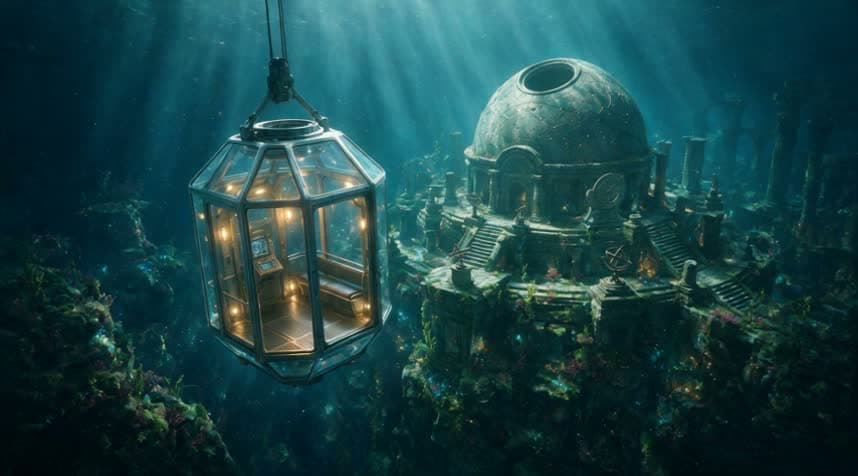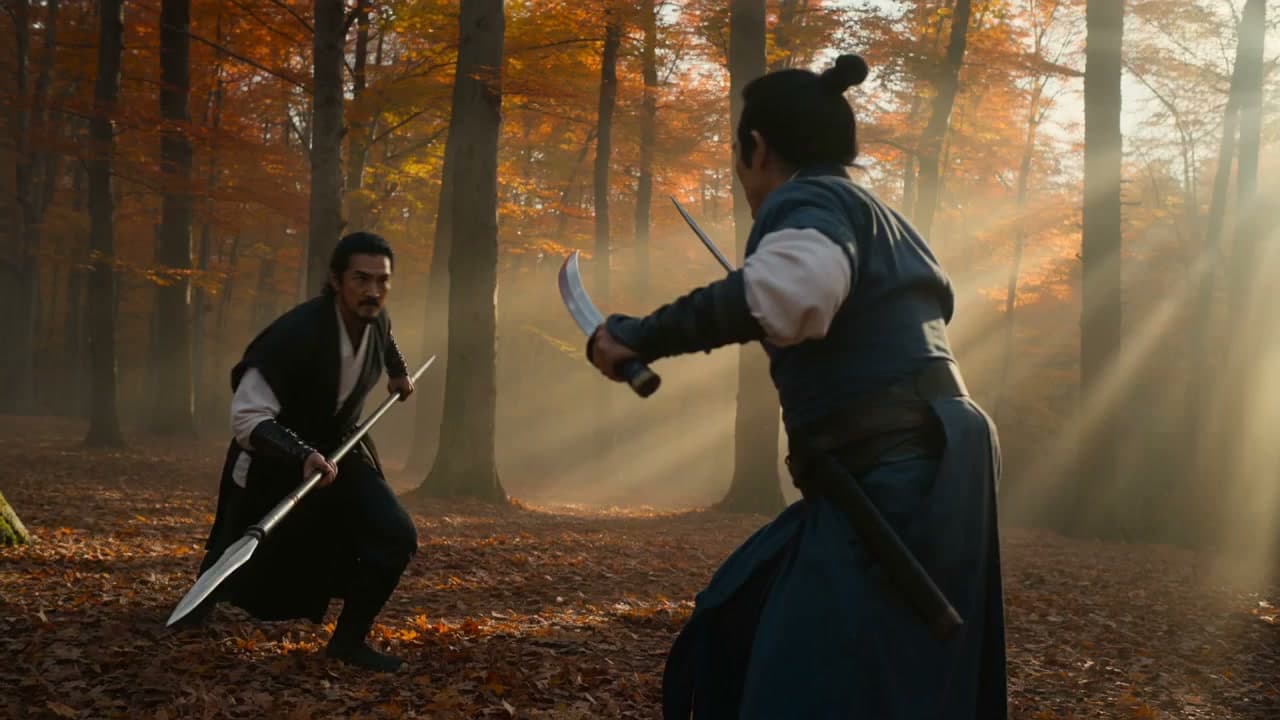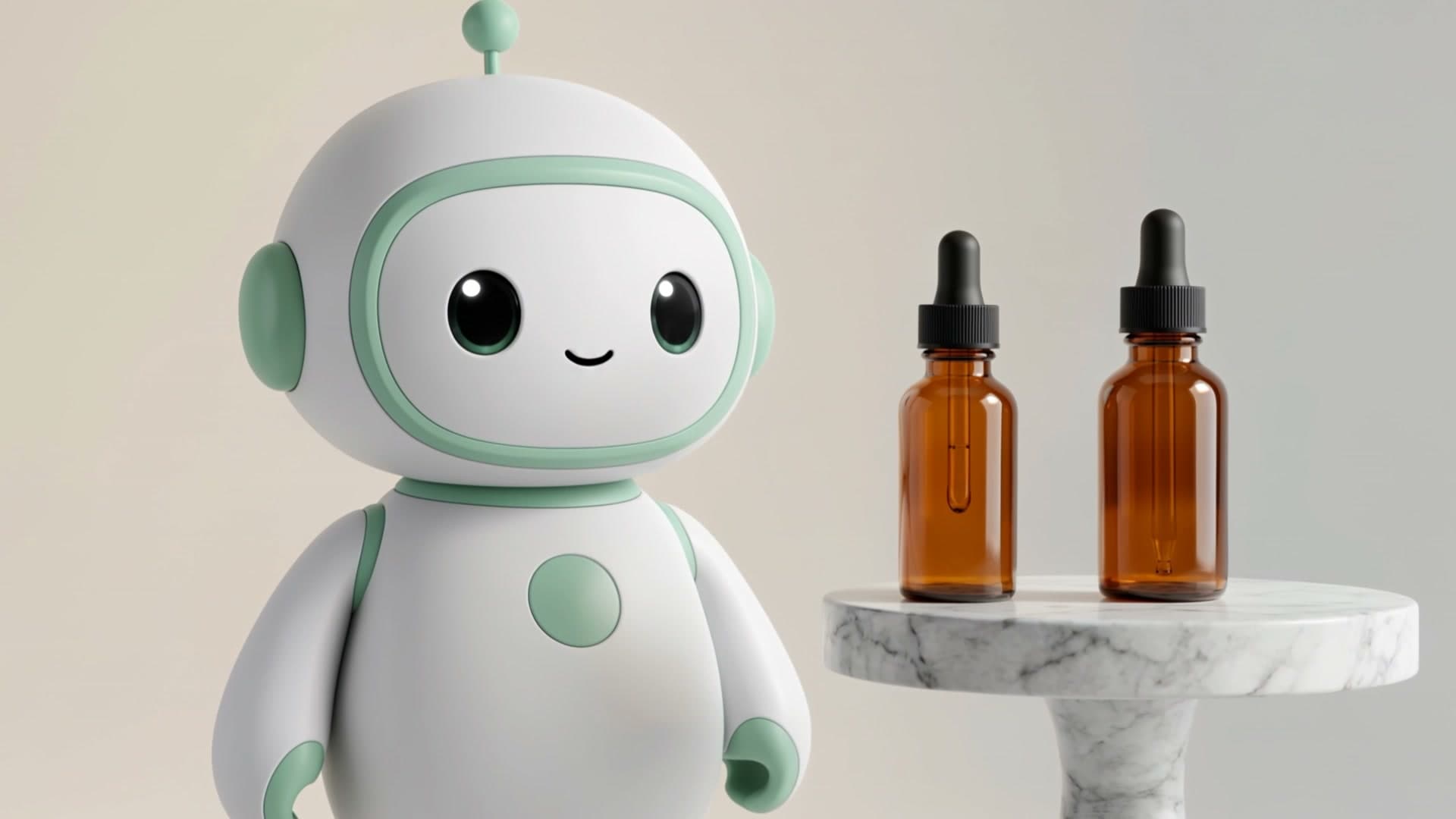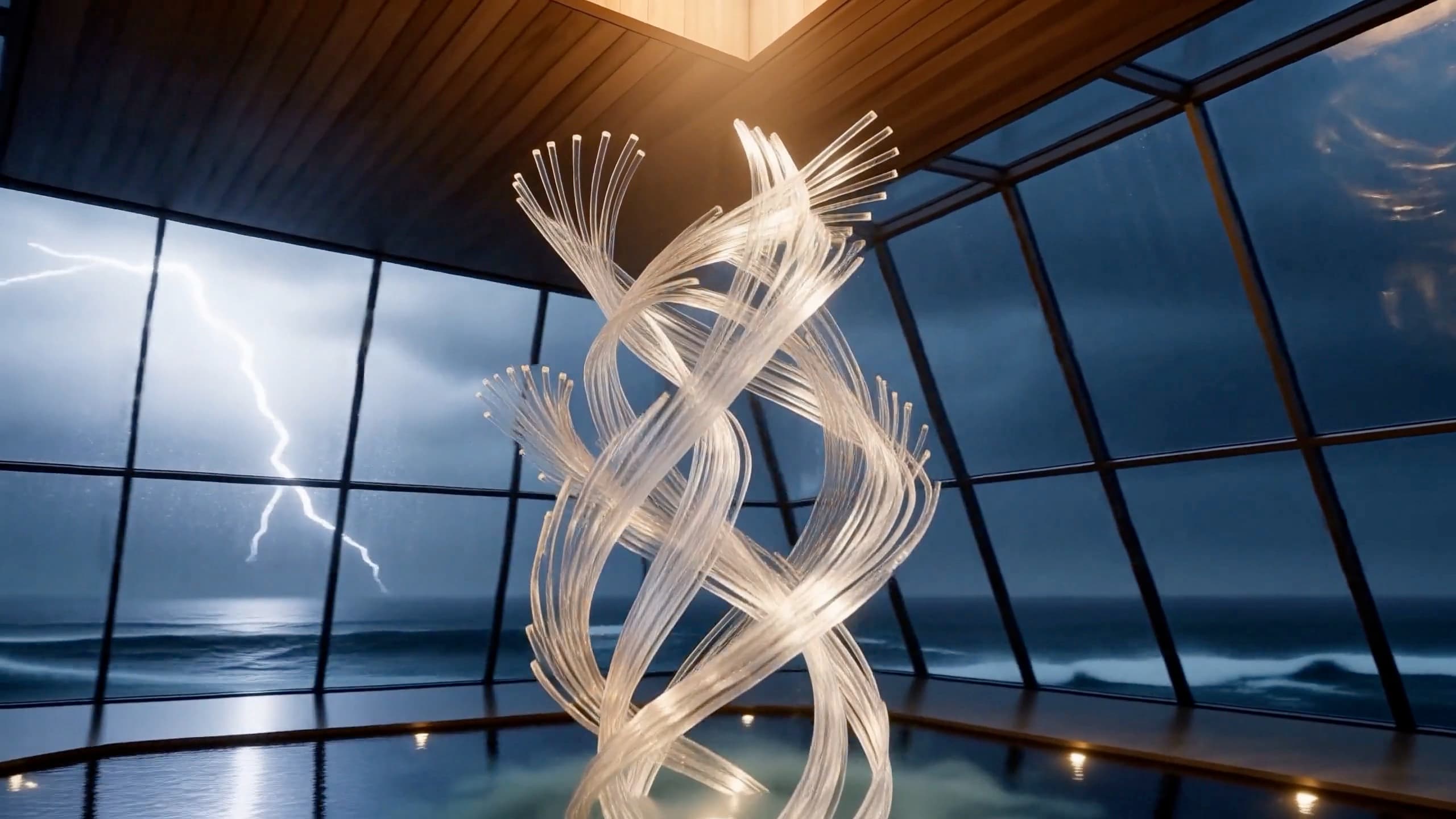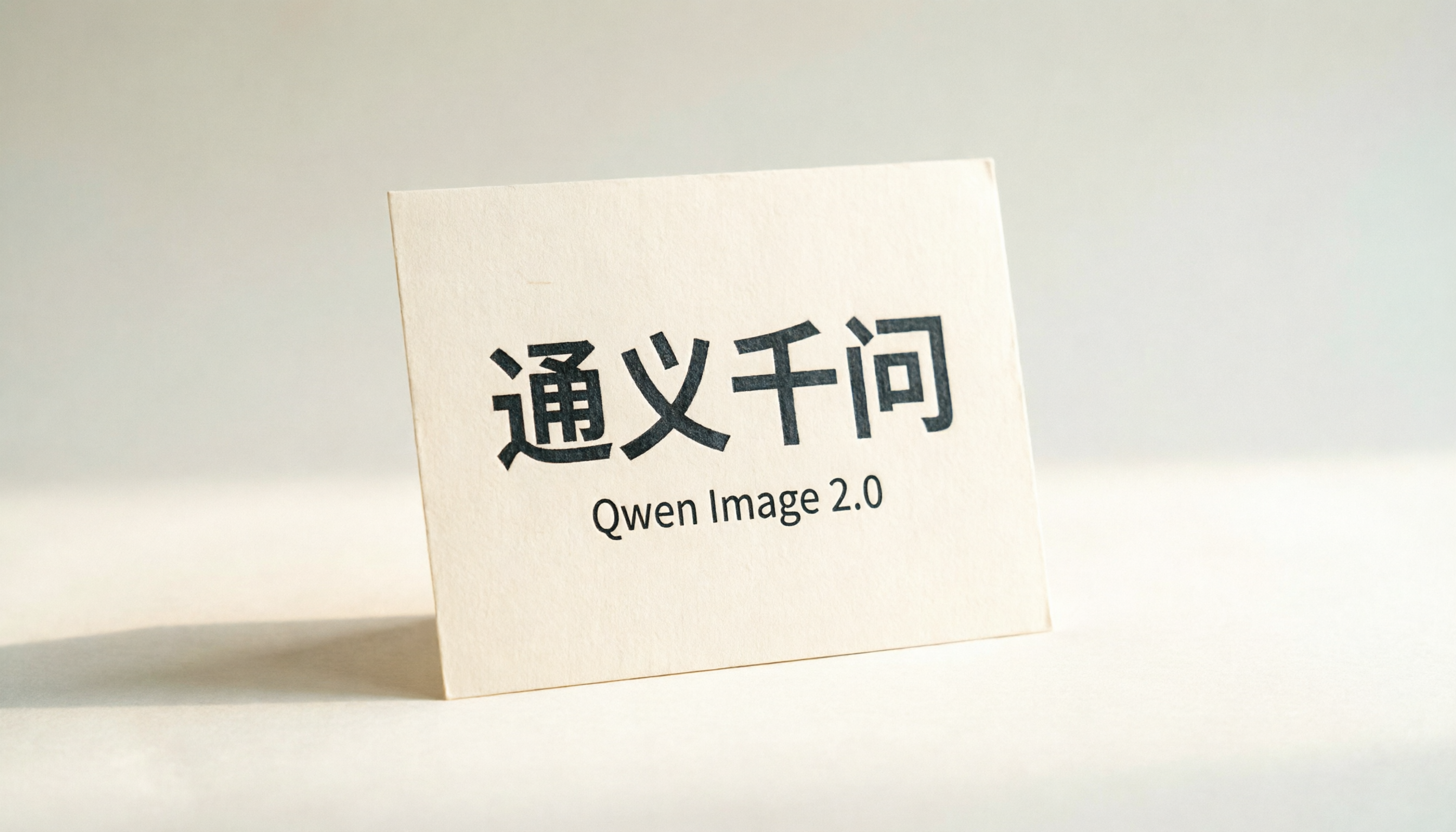
Most image-generation prompt collections are written for diffusion models that treat any text-in-image as part of the painting — including the letters. The result, on every model except a handful, is that "open" turns into "opne," "Promo" turns into "Promn," and bilingual posters become noise.
qwen-image-2.0 is one of the few models you can actually trust with text. It renders multi-character Chinese signage cleanly, sets short English headlines without dropping letters, and at $0.025 per image on hiapi it's the cheapest text-capable text-to-image model on the platform. Default output is 2K, so the results below are large enough to drop straight into a poster mockup or product page without an upscale.
This post is a working set of prompts. Every image in this article was generated by qwen-image-2.0 through hiapi's task endpoint while the article was being written — same prompts you'll see below, same parameters, no retouching. Copy them, swap the subject, and they'll behave.
Quick reference
| Setting | Value |
|---|---|
| Model name | qwen-image-2.0 |
| Endpoint | POST https://api.hiapi.ai/v1/tasks (async) |
| Price | $0.025 per image, flat |
| Default resolution | 2K (long edge ≈ 2048–2688 px) |
| Supported sizes | 2688*1536 (16:9), 2368*1728 (4:3), 2048*2048 (1:1), 1728*2368 (3:4), 1536*2688 (9:16) |
| What it's best at | Chinese text, bilingual posters, multi-style — flagship strength is rendering text |
| What it's not | Photoreal humans with strict identity continuity — diffusion-style identity drift still applies |
A note on the schema: qwen-image-2.0's task input block takes a size field (one of the five enum strings above, with * as the separator). It does not accept the more generic aspect_ratio + resolution pair that some other hiapi models use. Sending those will return a 400 with additional properties not allowed. Stick to the five supported sizes.
The endpoint is async (/v1/tasks): submit the prompt, poll the task ID, download the output URL when status is success. End-to-end latency is roughly 60–120 seconds per image in practice. The output URL has an expireAt timestamp — treat it as ephemeral and copy it into your own storage immediately. There's a working Python wrapper at the end of this post.
Six recipes
Recipe 1 — Bilingual storefront sign
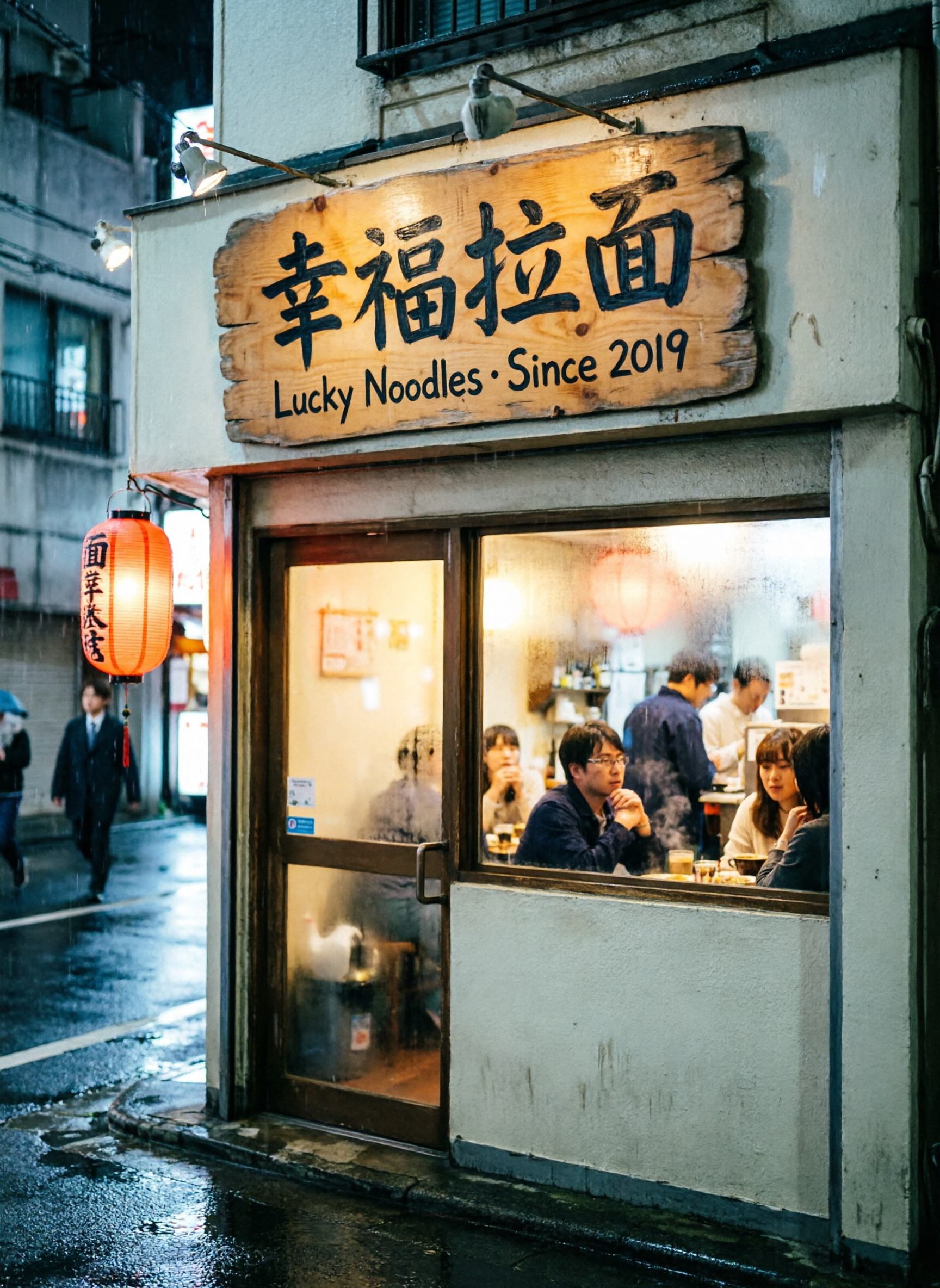
What this demonstrates. Chinese characters rendered cleanly inside a photoreal scene, alongside English. Most general-purpose image models corrupt the strokes on 面 or 福 — qwen sets them correctly on the first pass. This recipe is the proof.
Size. 1728*2368 (3:4 portrait — a street-level vertical).
Prompt:
A small Tokyo-style ramen shop at night, photoreal, soft drizzle on the pavement,
warm interior light spilling out, customers visible through a frosted window.
Above the door, a hand-painted wooden sign with two clean lines of text:
the top line in large Chinese characters reads "幸福拉面", the bottom line in
smaller English reads "Lucky Noodles · Since 2019". A small red paper lantern
hangs to the left. 35mm street photography, shallow depth of field,
cinematic colour grade.
hiapi input:
{ "model": "qwen-image-2.0",
  "input": { "prompt": "<above>", "size": "1728*2368" } }
Recipe 2 — Traditional Chinese ink landscape with a poem
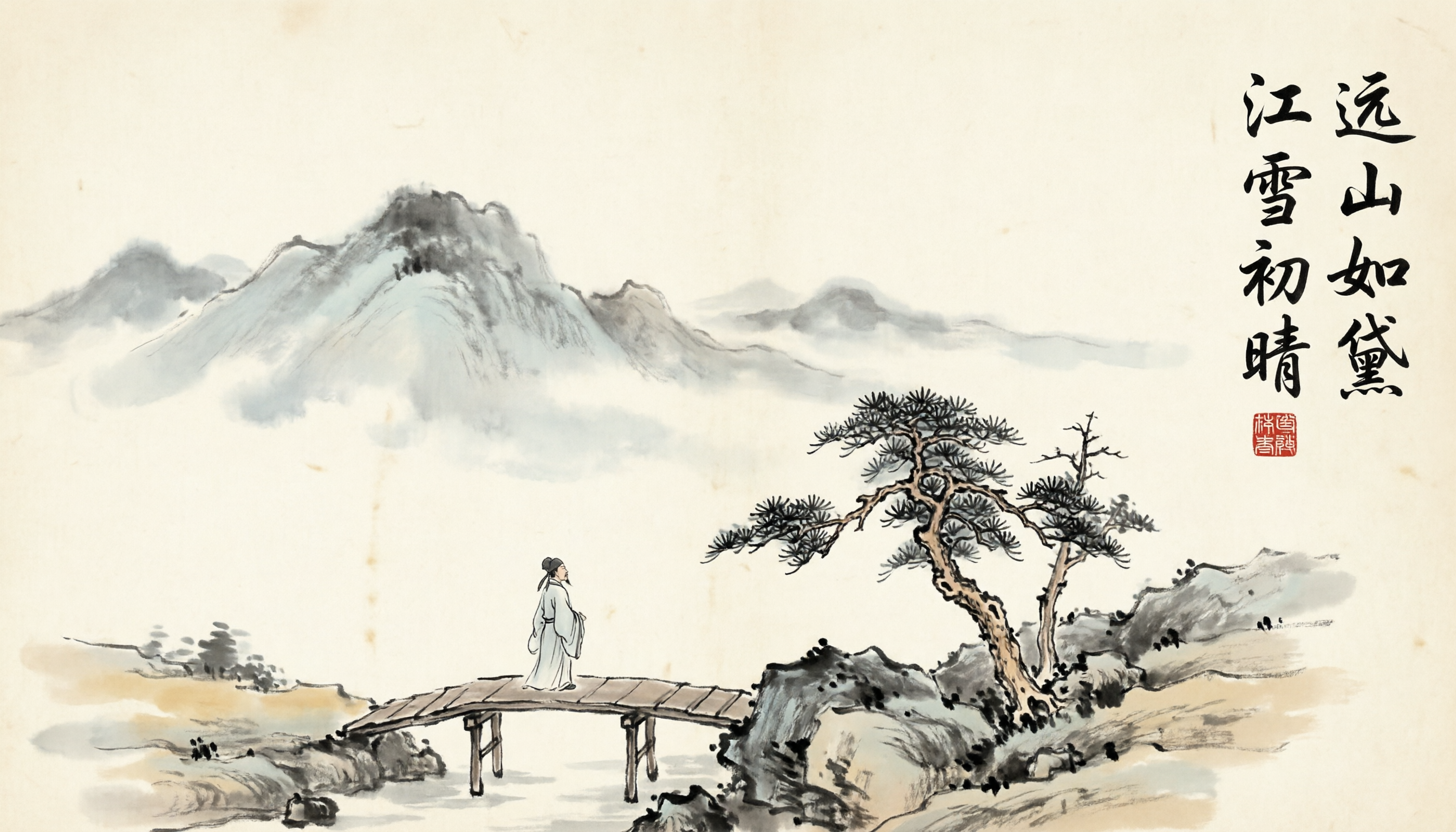
What this demonstrates. 国风 (traditional Chinese aesthetic) plus calligraphy as a first-class compositional element. The poem is not a texture — it's set as readable characters, which is what makes qwen unusual for this category.
Size. 2688*1536 (16:9 landscape — the widest supported format, good for a handscroll feel).
Prompt:
Traditional Chinese ink-wash landscape painting (山水画), distant misty mountains
fading into pale wash, a small wooden bridge in the foreground, a single robed
scholar walking across, sparse pine trees on a rocky outcrop. Upper-right corner
has a vertical calligraphic inscription in semi-cursive script reading
"远山如黛 江雪初晴", with a small red seal stamp directly below it.
Aged silk paper texture, restrained palette (ink grey, faint ochre, one touch
of red from the seal). Hand-painted, no digital artifacts.
hiapi input:
{ "model": "qwen-image-2.0",
  "input": { "prompt": "<above>", "size": "2688*1536" } }
Recipe 3 — Modern bilingual product poster
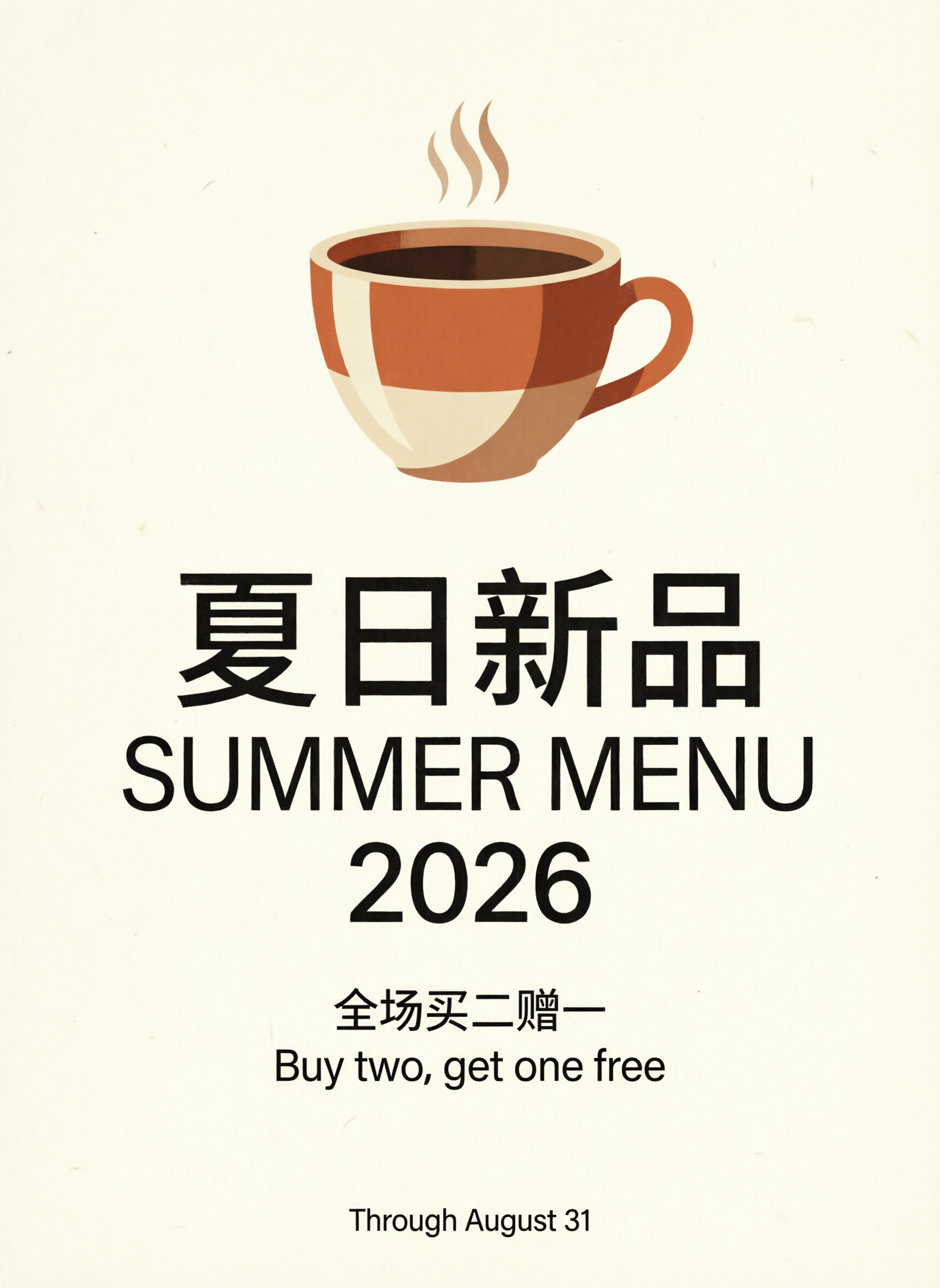
What this demonstrates. Multi-block layout: large bilingual headline, mid-size body, small footer line — all set as type, not as background pattern. This is the format qwen-image-2.0 was built for.
Size. 1728*2368 (3:4 portrait — closest supported size to a classic Instagram poster).
Prompt:
A modern minimalist promotional poster for a specialty coffee shop, cream
background with a subtle paper grain. Centred composition:
- Top half: a large flat-illustration espresso cup with steam, terracotta-and-cream palette.
- Middle: large bilingual headline. Chinese line on top reads "夏日新品", English line directly below reads "SUMMER MENU 2026". Both lines are perfectly centred.
- Lower third: a short body line in smaller Chinese reads "全场买二赠一", and an English line beneath reads "Buy two, get one free".
- Bottom footer: a single small line of English reads "Through August 31".
Clean geometric sans-serif typography, generous whitespace, magazine-quality layout.
hiapi input:
{ "model": "qwen-image-2.0",
  "input": { "prompt": "<above>", "size": "1728*2368" } }
Recipe 4 — Pixar-style 3D character
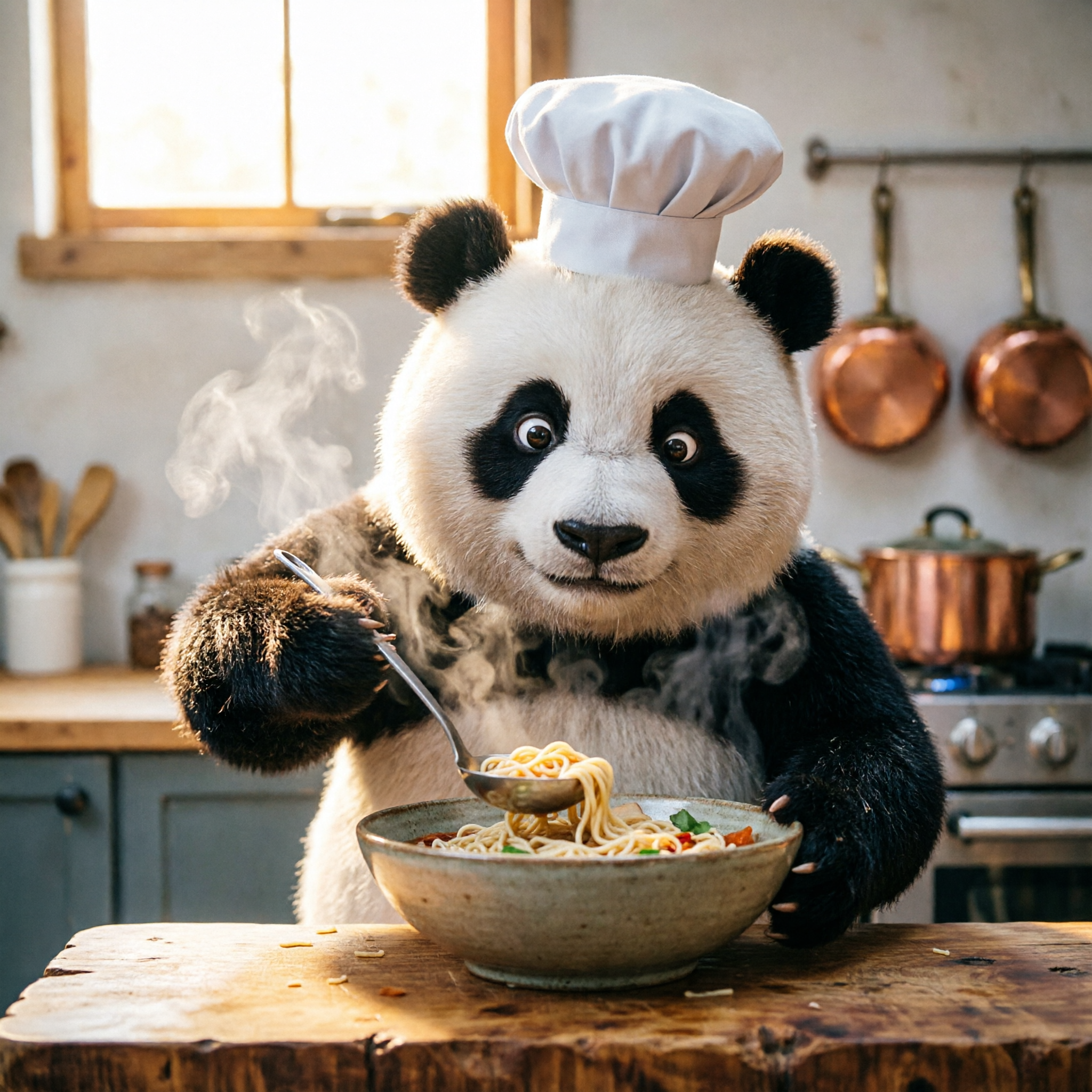
What this demonstrates. qwen-image-2.0 isn't only a poster engine — it handles full 3D-cartoon rendering, soft global illumination, and sub-surface scattering on fur. This recipe is adapted from the model's official example to give you a tested baseline before you fork the subject.
Size. 2048*2048 (1:1 — clean character portrait).
Prompt:
A cute 3D cartoon panda chef wearing a small white toque blanche, standing
behind a butcher-block counter in a cozy modern kitchen, focused expression,
carefully ladling noodles into a deep ceramic bowl. Steam rising in soft volumetric
light. Warm window light from the upper-left, copper pots blurred in the background.
Pixar-grade rendering, soft global illumination, subsurface scattering on the fur,
shallow depth of field, square composition.
hiapi input:
{ "model": "qwen-image-2.0",
  "input": { "prompt": "<above>", "size": "2048*2048" } }
Recipe 5 — Editorial flat illustration
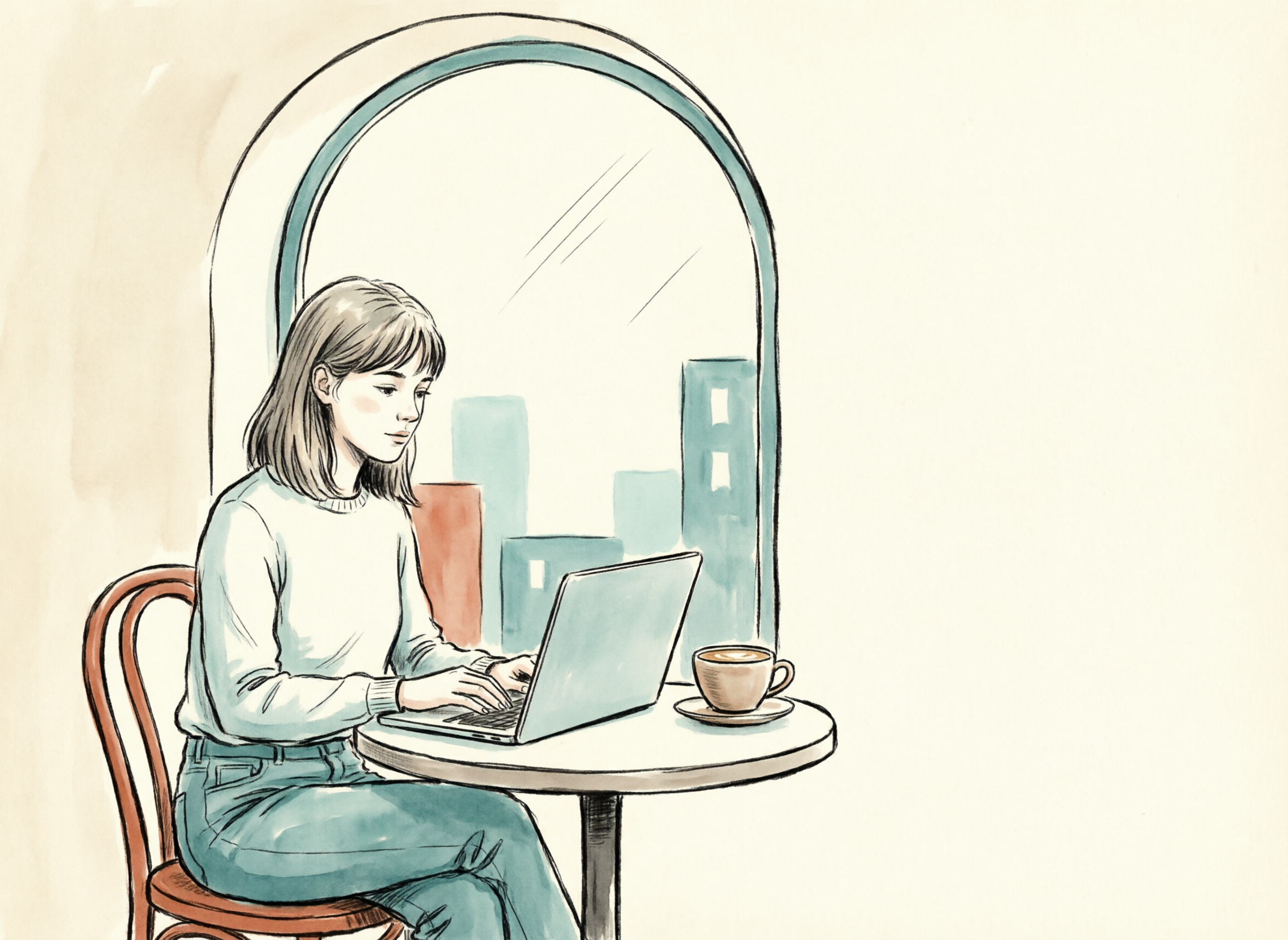
What this demonstrates. A different stylistic register entirely: vector-style editorial illustration with a constrained palette. Useful for blog hero images and section dividers where photoreal would feel heavy.
Size. 2368*1728 (4:3 landscape — the article-hero shape).
Prompt:
A flat editorial illustration in the style of a modern tech magazine. A young
woman with shoulder-length hair is sitting at a small round cafe table next to
a large arched window, working on a slim silver laptop. A ceramic latte cup
sits next to the laptop. Outside the window, a stylised cityscape of soft
geometric buildings. Restrained palette: warm cream background, terracotta
accent, two shades of muted teal, off-black line work. Limited shading
(two values per shape), thick consistent outlines. Composition heavy on the
left third, generous negative space on the right where headline text could
later be placed (no text in the image itself).
hiapi input:
{ "model": "qwen-image-2.0",
  "input": { "prompt": "<above>", "size": "2368*1728" } }
Recipe 6 — Photoreal product flat-lay
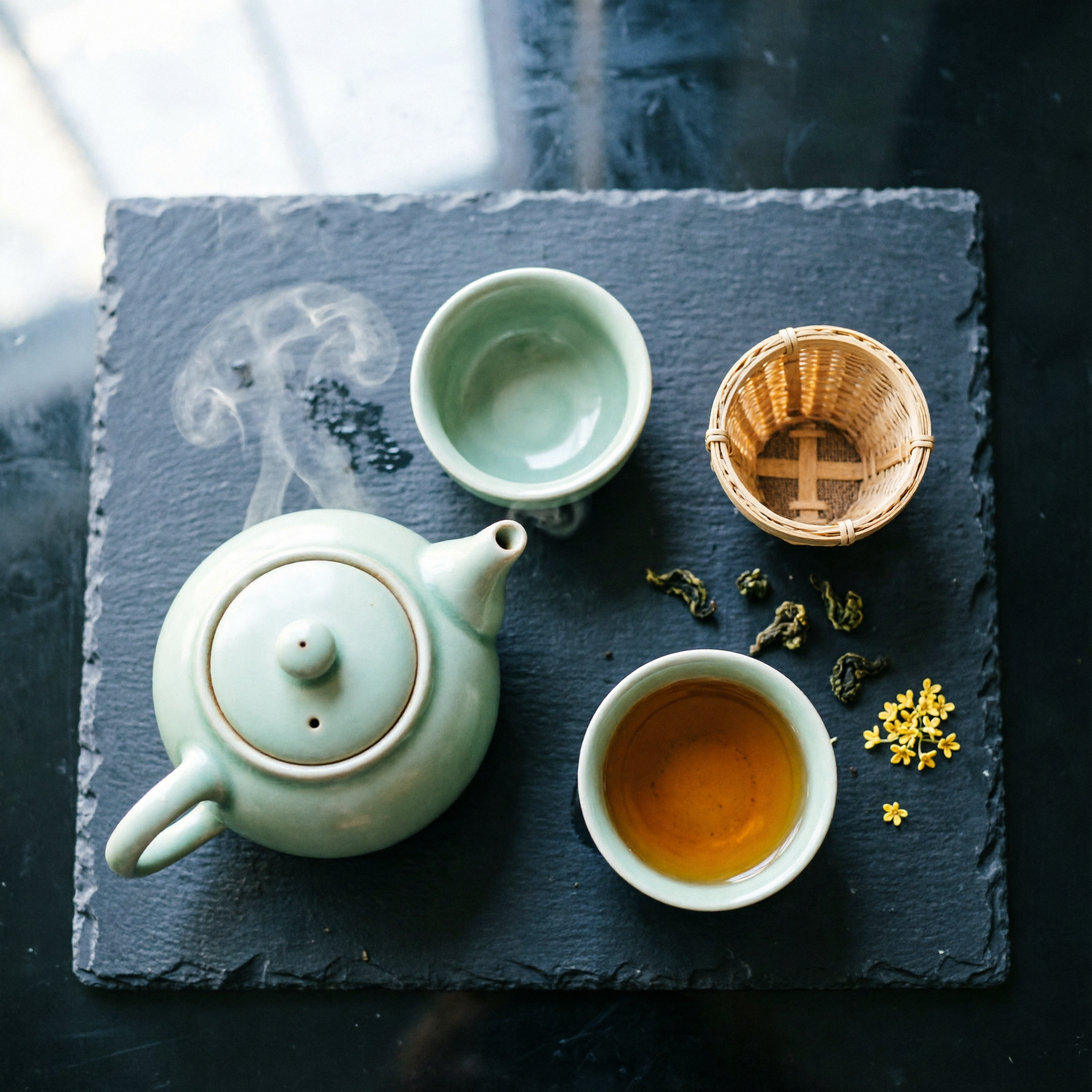
What this demonstrates. Top-down product photography — small object counts, deliberate negative space, a single material focus (here: dark stone). The kind of image that ships into a Shopify product page without retouching.
Size. 2048*2048 (1:1 — catalogue-square crop).
Prompt:
A photoreal top-down flat-lay shot on a single piece of dark slate stone.
Arranged on the slate: one small unglazed ceramic teapot in pale celadon green
with steam rising, two matching tea cups (one empty, one half full of amber
oolong tea), a small woven bamboo strainer, three loose oolong leaves casually
scattered nearby, one dried osmanthus flower. Soft daylight from the upper-left,
gentle shadows, perfectly orthogonal top-down angle, deep negative space in
the upper-right quadrant. Macro food-photography lens, slight depth-of-field
fall-off at the corners, no on-image text.
hiapi input:
{ "model": "qwen-image-2.0",
  "input": { "prompt": "<above>", "size": "2048*2048" } }
Calling the model from your own code
These recipes were all run through hiapi's task endpoint. Here's a minimal Python client that mirrors what the article used — create → poll → download:
import json, os, time, urllib.request

API = "https://api.hiapi.ai/v1/tasks"
TOKEN = os.environ["HIAPI_TOKEN"]

def create(prompt: str, size: str = "2048*2048") -> str:
    body = json.dumps({
        "model": "qwen-image-2.0",
        "input": {"prompt": prompt, "size": size},
    }).encode("utf-8")
    req = urllib.request.Request(API, data=body, method="POST", headers={
        "Authorization": f"Bearer {TOKEN}",
        "Content-Type": "application/json",
    })
    with urllib.request.urlopen(req, timeout=60) as r:
        return json.load(r)["data"]["taskId"]

def wait(task_id: str, timeout_s: int = 300) -> str:
    deadline = time.time() + timeout_s
    while time.time() < deadline:
        req = urllib.request.Request(f"{API}/{task_id}", headers={
            "Authorization": f"Bearer {TOKEN}",
        })
        with urllib.request.urlopen(req, timeout=30) as r:
            task = json.load(r)["data"]
        if task["status"] == "success":
            return task["output"][0]["url"]
        if task["status"] == "fail":
            raise RuntimeError(task.get("error"))
        time.sleep(5)
    raise TimeoutError(task_id)

def download(url: str, path: str) -> None:
    with urllib.request.urlopen(url, timeout=120) as r, open(path, "wb") as f:
        f.write(r.read())

if __name__ == "__main__":
    tid = create("一只可爱的3D卡通熊猫戴着厨师帽,在温馨厨房里煮拉面",
                 size="2048*2048")
    url = wait(tid)
    download(url, "out.webp")
Or with curl, if you just want to smoke-test the endpoint:
curl -s https://api.hiapi.ai/v1/tasks \
  -H "Authorization: Bearer $HIAPI_TOKEN" \
  -H "Content-Type: application/json" \
  -d '{"model":"qwen-image-2.0","input":{"prompt":"夏日新品 SUMMER MENU 2026 minimalist poster","size":"1728*2368"}}'
# → { "data": { "taskId": "..." } }

curl -s "https://api.hiapi.ai/v1/tasks/<taskId>" \
  -H "Authorization: Bearer $HIAPI_TOKEN"
# poll until status: "success", then read .data.output[0].url
What it cost to make this article
All seven images in this article — one cover plus six recipes — cost a total of $0.175 on hiapi at the flat $0.025 per-image rate. Reproducing the whole article end to end is roughly the price of half an espresso.
When qwen-image-2.0 isn't the right tool
A practical reverse-look: when would you reach for something else?
- Photoreal human identity that must stay consistent across many images — a brand spokesperson, a character across a comic. Diffusion-class identity drift still applies. Use a workflow with reference conditioning, or a model that supports identity locking.
- Hyper-realistic typography for printed marketing collateral at billboard scale. Qwen sets short text cleanly at screen resolutions, but for final-art print you still want a designer to set the type in Figma over a qwen background.
- Strict counts of small objects beyond ~5–6 items. Diffusion models still loosen up on
exactly sevenrequests. - Aspect ratios outside the five supported sizes — qwen-image-2.0 only accepts the enum values listed above. If you need 21:9 ultra-wide or 4:5 social, render at the closest supported size and crop in post.
For everything else in this post's range — posters, signage, bilingual layouts, editorial illustration, product flat-lays, character work — qwen-image-2.0 at $0.025 is hard to beat. Copy a recipe, swap the subject, ship.