
사용 가이드
FLUX.3 Image 프롬프트 모음: 6가지 시나리오, 그대로 복사해서 바로 생성
이커머스 제품 이미지, 인테리어 제안, 도시 야경 헤더 이미지, 4K 인쇄용 일러스트, 잡지 정물, 3장 합성까지, 각 프롬프트마다 실제 생성 이미지와 원클릭 생성 링크를 함께 제공합니다.
FLUX.3 Image 프롬프트 6개, 각각 실제 생성 이미지가 함께 있어 복사만 하면 바로 쓸 수 있습니다. FLUX.3 Image는 HiAPI에 출시되었으며, 아무 「이 프롬프트로 생성」 버튼이나 누르면 모델 페이지에 같은 프롬프트가 자동으로 입력됩니다. 신규 가입 시 200 크레딧을 드립니다.
1. 이커머스 제품 이미지
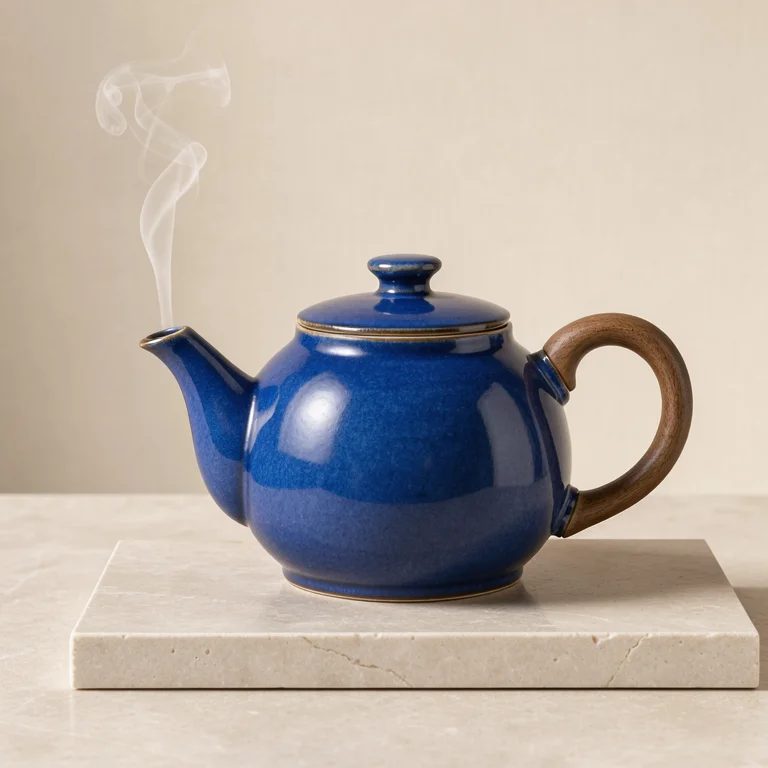
Studio product photograph of a sculptural cobalt blue ceramic teapot with a
walnut handle on pale limestone, soft side light, a single thin curl of steam,
warm ivory backdrop, precise material detail, no lettering.
이 프롬프트로 생성 → (768, 1:1)
flux-3-image, 768, 1:1, $0.041.
재질(코발트블루 유약, 월넛, 석회암)과 광원 방향을 명확히 쓰면 '고급스러운 느낌'이라고 쓰는 것보다 훨씬 안정적으로 생성됩니다.
2. 인테리어 공간 제안
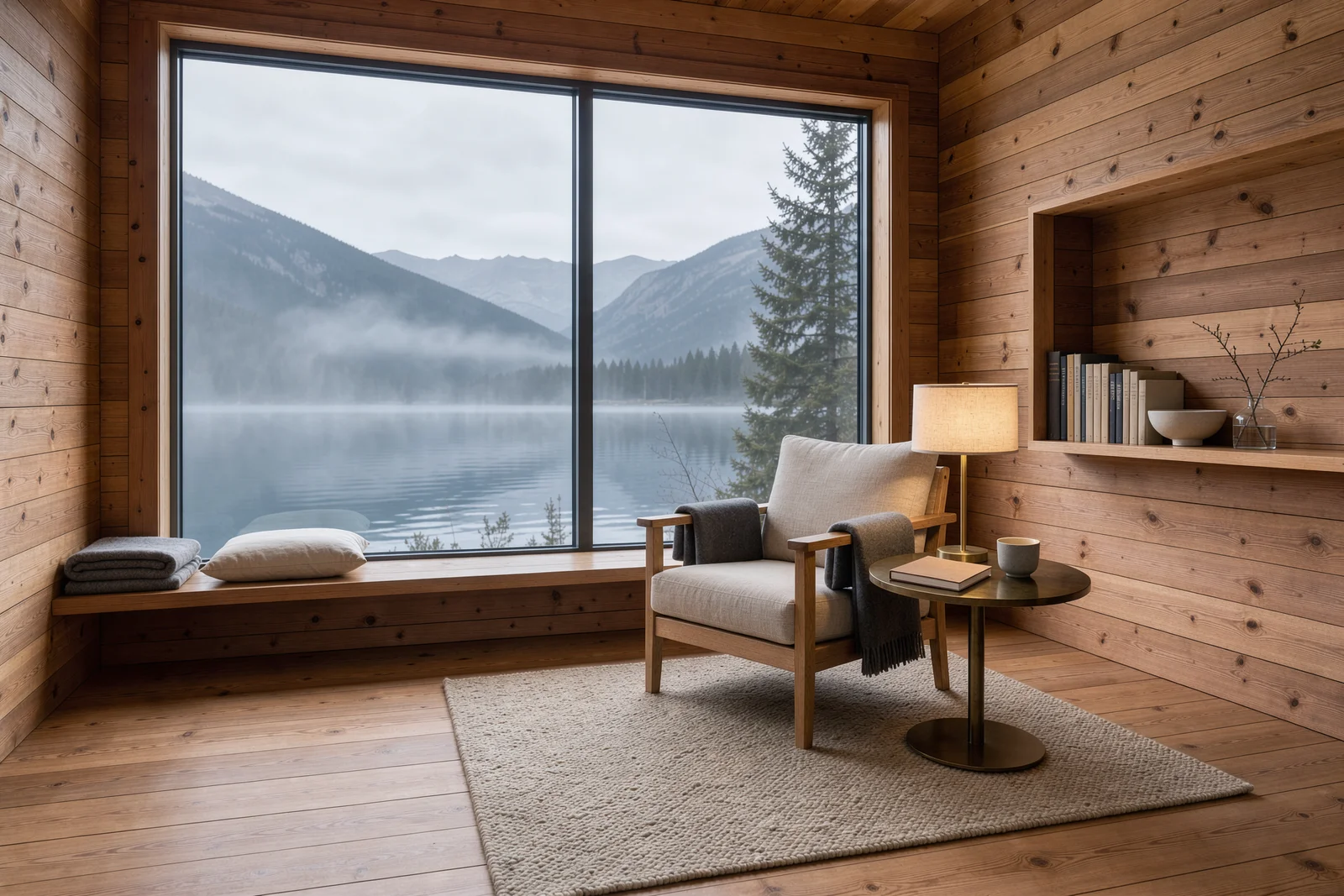
Architectural interior photograph of a cedar alpine reading cabin,
floor-to-ceiling window opening onto a misty mountain lake, linen armchair and a
small brass lamp, warm wood grain, quiet morning atmosphere, restrained
Scandinavian design, no text.
이 프롬프트로 생성 → (1.5K, 3:2)
flux-3-image, 1.5K, 3:2, $0.07.
가구를 하나하나 명시하고, 시간대를 지정하세요. 3:2 비율이면 창밖 풍경과 방 안을 동시에 담을 수 있습니다.
3. 도시 야경 헤더 이미지
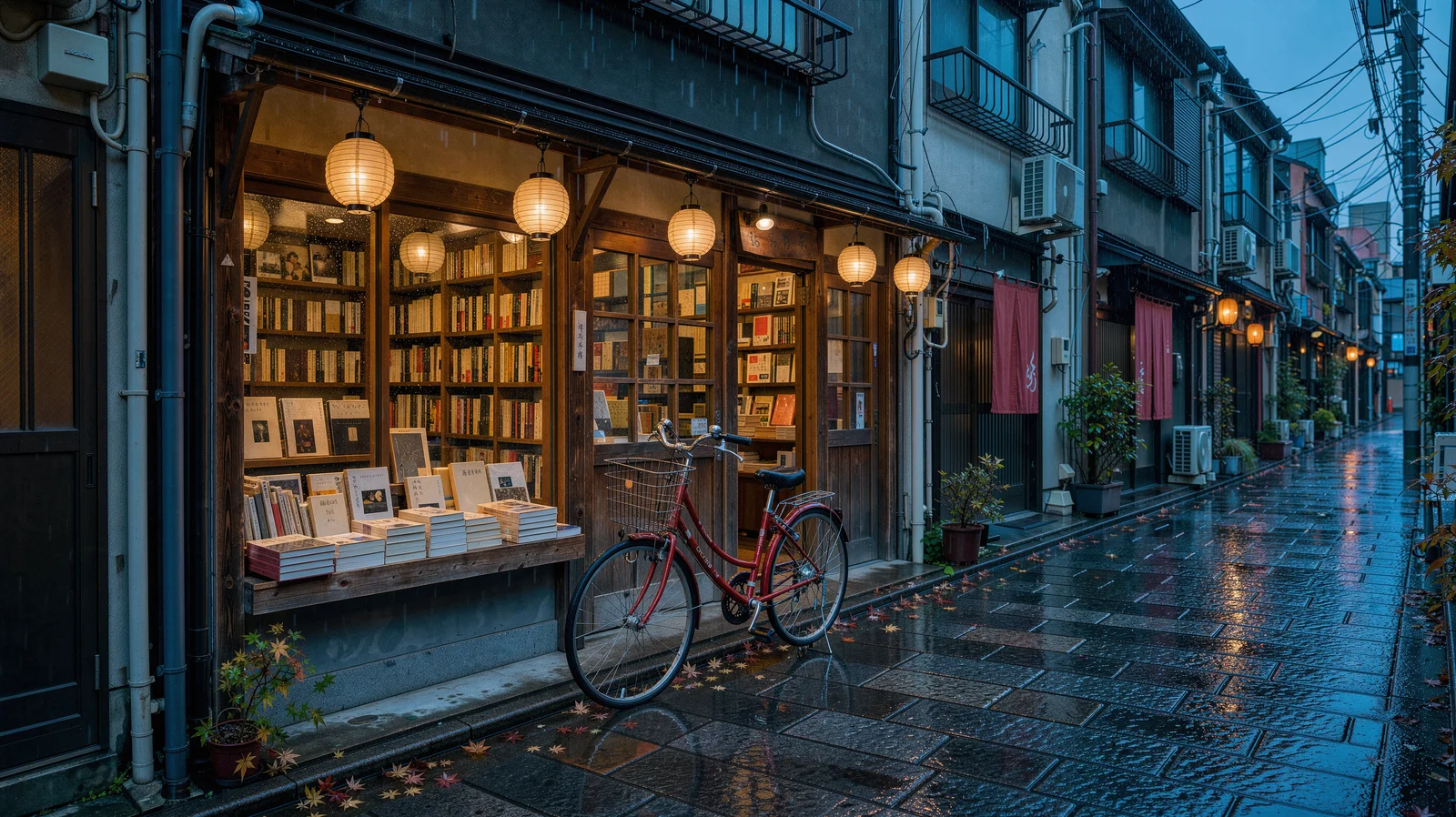
A cinematic rainy Tokyo side street at blue hour, a small independent bookstore
with warm amber windows and a red bicycle outside, glossy cobblestones
reflecting teal and vermilion light, delicate paper lanterns, no readable signs,
editorial architectural photography.
이 프롬프트로 생성 → (2K, 16:9)
flux-3-image, 2K, 16:9, $0.10.
「no readable signs」 덕분에 거리 전체에 글자가 없어 어떤 제목을 올려도 충돌하지 않습니다. 화면에 빨간 물체(자전거)를 하나만 두면 시선이 자연스럽게 머뭅니다.
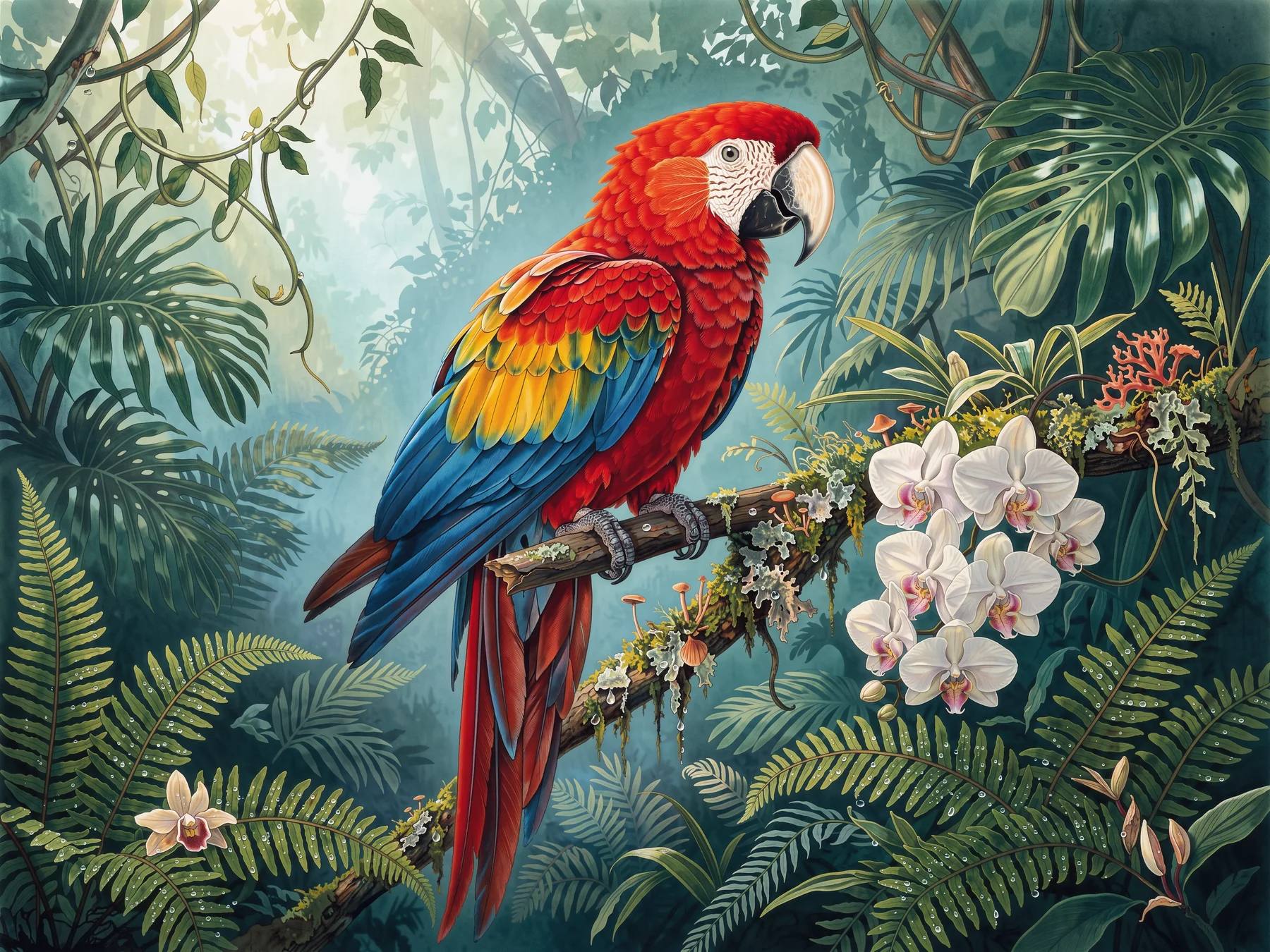
4. 인쇄용 4K 일러스트
Large-format botanical editorial illustration, a jewel-toned scarlet macaw
perched on a mossy branch amid ferns and orchids in a deep emerald rainforest,
dew droplets and luminous mist, intricate feather detail, elegant spacious
composition, no typography.
이 프롬프트로 생성 → (4K, 4:3)
flux-3-image, 4K, 4:3, $0.607.
먼저 1K($0.048)로 한 장 생성해서 구도가 마음에 들면 4K로 전환하세요. 「spacious composition」이 인쇄 재단 여백을 확보해 줍니다.
5. 디자인 잡지 정물
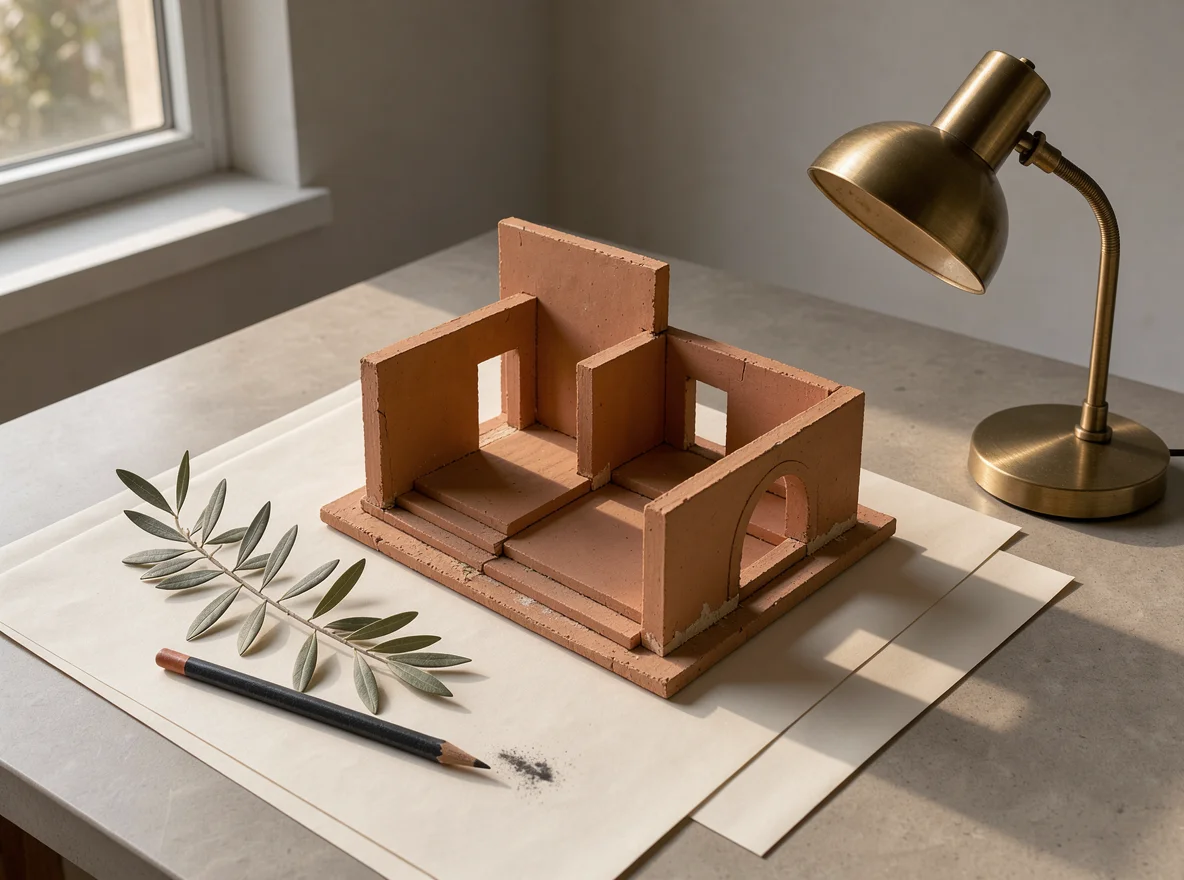
A refined still life photograph of a miniature terracotta architectural model
on ivory paper, a warm brass desk lamp, a sprig of olive leaves and a charcoal
pencil, precise shadows and soft late-afternoon sunlight, restrained
design-magazine composition, no text.
이 프롬프트로 생성 → (1K, 4:3)
flux-3-image, 1K, 4:3, $0.048.
명시한 네 가지 사물에 광원 하나만 더하면 잡지 정물 한 장을 충분히 구성할 수 있습니다. 「restrained」는 모델이 임의로 소품을 추가하는 것을 막아 줍니다.
6. 참고 이미지 세 장으로 제품 장면 합성
이미지 1은 주체, 이미지 2는 장면, 이미지 3은 색상 배색만 차용합니다:
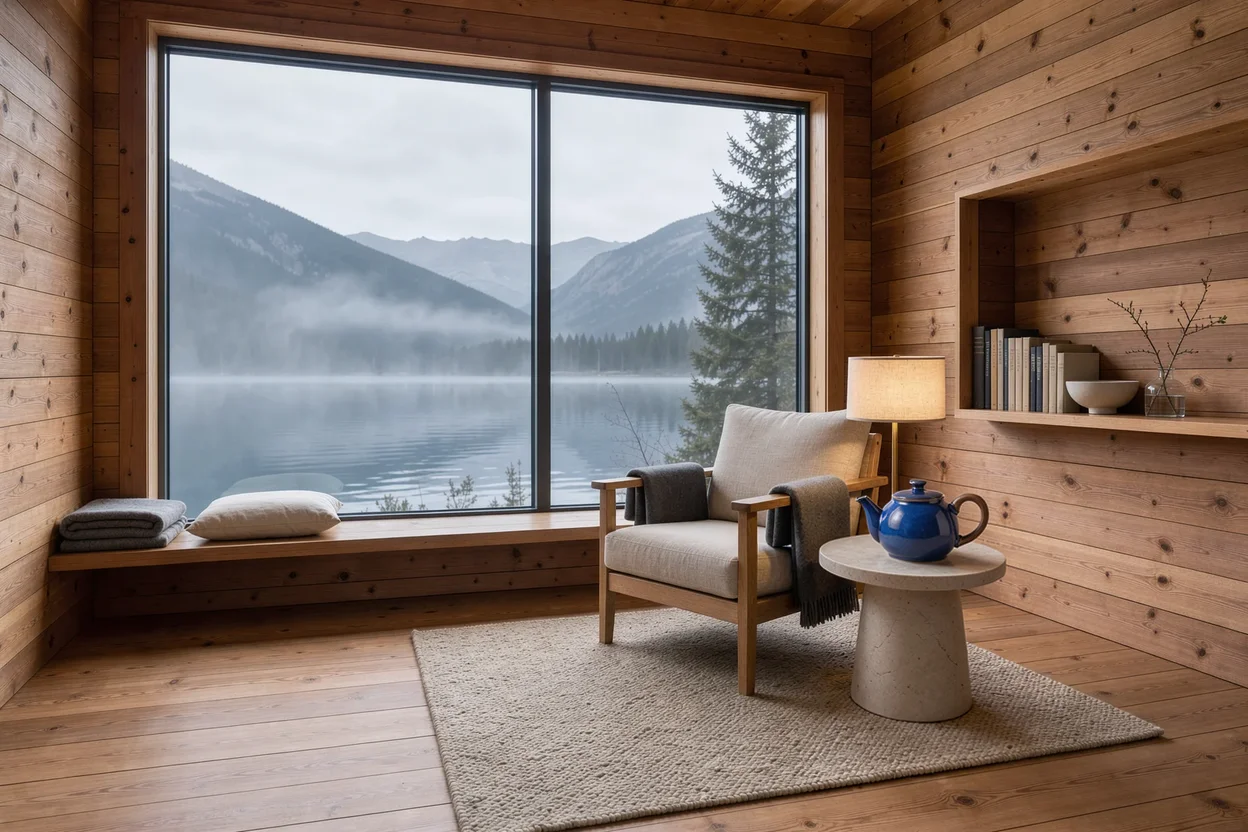
Create a refined product photograph. Use the cobalt blue ceramic teapot and
walnut handle from Image 1 as the main subject, place it on a pale stone side
table inside the cedar reading cabin from Image 2. Borrow only the subtle teal
and amber lighting palette from Image 3. Preserve the teapot shape and glaze,
keep the lake window visible in the background, realistic scale, no lettering.
이 프롬프트와 함께 모델 페이지 열기 → (본인의 이미지 세 장을 업로드, 3:2)
flux-3-image, 참고 이미지 세 장, 3:2, $0.048.
참고 이미지마다 역할을 하나씩만 부여하고, 가져오지 말아야 할 것(「only the palette」)을 명시하세요. 반드시 유지해야 할 것은 항목별로 나열합니다: 형태, 유약 색, 창밖 풍경.
세 줄 작성 요령
- 주체, 재질, 광원, 구도, 제외 항목 순서로 쓰세요. 각 항목은 한 문장이면 충분합니다.
- 사물에 이름을 붙이세요: 「brass desk lamp」가 「a lamp」보다 좋습니다. 제외 항목은 맨 마지막에 둡니다(「no text」「no readable signs」).
- 1K에서 확정한 뒤
resolution을 높이세요. 프롬프트는 바꿀 필요 없고 가격만 달라집니다.
각 해상도별 가격은 FLUX.3 Image API 가격에서, 코드는 FLUX.3 Image API 연동 튜토리얼에서 확인하세요. 위의 제품 이미지 프롬프트를 복사해서 모델 페이지에서 첫 이미지를 생성하세요.
관련 글
모든 아티클 보기 →-

사용 가이드
seedream-5.0-pro/image-to-image 시작 가이드: 기능, 가격 및 연동 핵심 포인트
ByteDance 이미지 편집 모델의 기능 경계, 과금 방식 및 엔지니어링 연동 실무
-

사용 가이드
seedream-5.0-pro 텍스트-이미지 생성 입문 가이드: 능력 경계, API 연동 및 비용 관리
개발자를 위한 실무 관점: 파라미터 핵심부터 장당 $0.05 비용 추정까지
-

사용 가이드
Hailuo 2.3 Fast 이미지-투-비디오 입문 가이드: 성능 범위, 가격 및 연동 실무
개발자를 위한 MiniMax 이미지-투-비디오 모델 선택과 연동 핵심 포인트