
使用ガイド
FLUX.3 Image プロンプト大全:6 つのシーンをコピペするだけで画像生成
EC 商品画像、インテリア提案、都市夜景のヒーロー画像、4K 印刷向けイラスト、雑誌風静物、3 枚合成。いずれも実際の生成画像とワンクリック生成リンク付き。
FLUX.3 Image のプロンプト 6 本。いずれも実際の生成画像付きで、コピーすればそのまま使えます。FLUX.3 Image は HiAPI で公開済み。「このプロンプトで生成」をクリックすれば、モデルページに同じプロンプトが自動入力されます。新規ユーザー登録で 200 クレジット進呈。
1. EC 商品画像
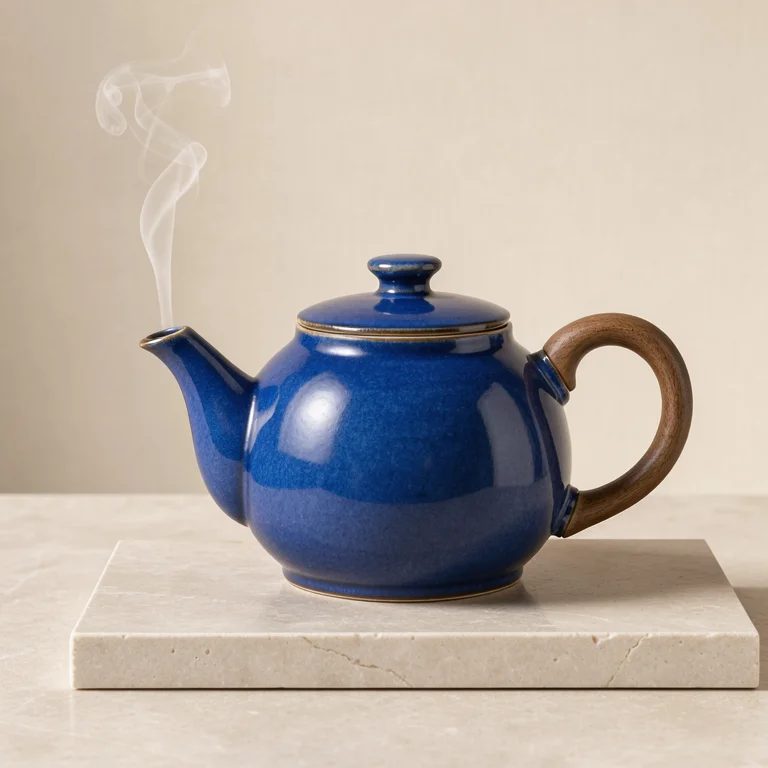
Studio product photograph of a sculptural cobalt blue ceramic teapot with a
walnut handle on pale limestone, soft side light, a single thin curl of steam,
warm ivory backdrop, precise material detail, no lettering.
このプロンプトで生成 →(768、1:1)
flux-3-image、768、1:1、$0.041。
素材(コバルト釉、ウォールナット、石灰岩)と光源の方向を明記すると、「高級感」と書くよりはるかに安定した画像が出ます。
2. インテリア空間提案
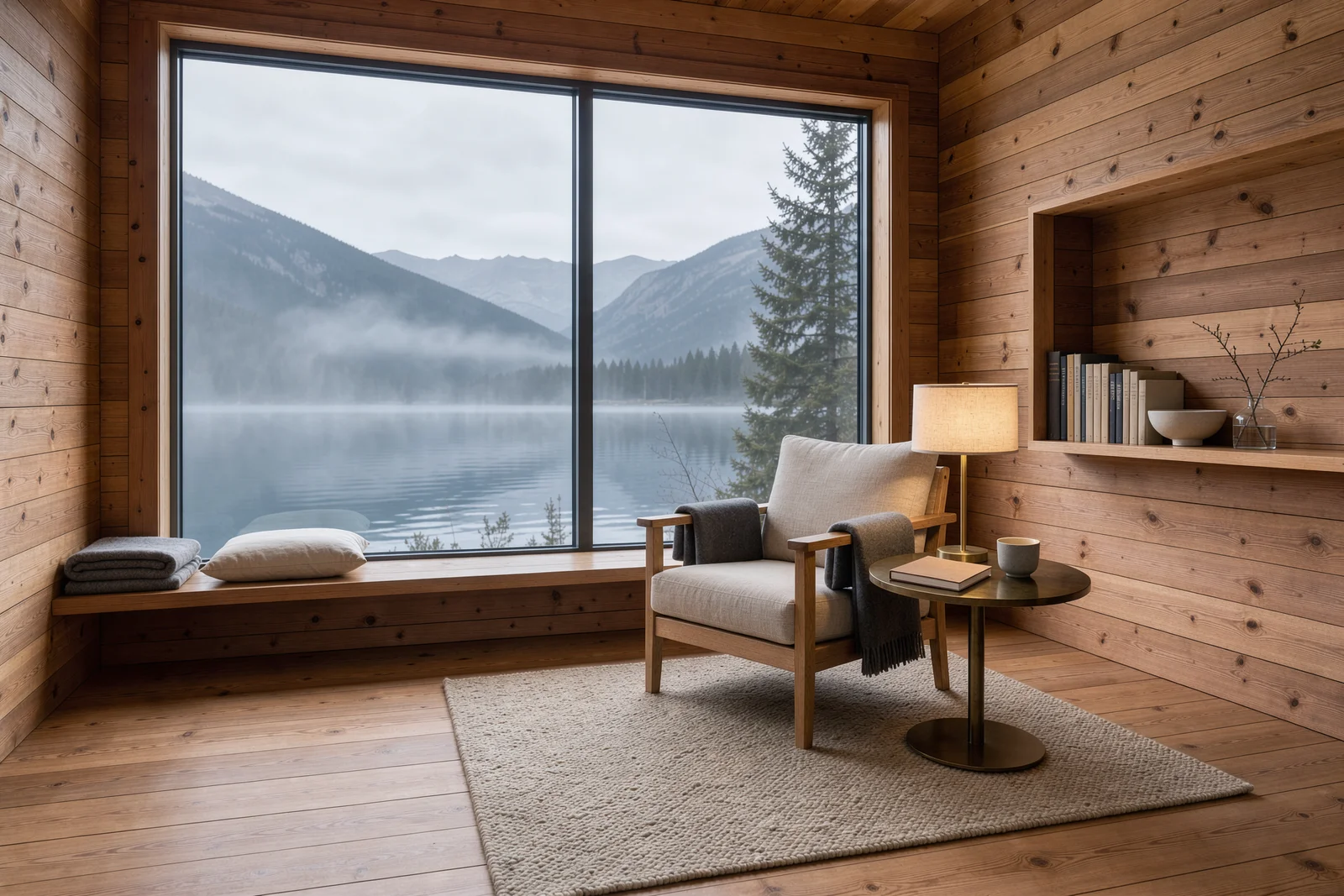
Architectural interior photograph of a cedar alpine reading cabin,
floor-to-ceiling window opening onto a misty mountain lake, linen armchair and a
small brass lamp, warm wood grain, quiet morning atmosphere, restrained
Scandinavian design, no text.
このプロンプトで生成 →(1.5K、3:2)
flux-3-image、1.5K、3:2、$0.07。
家具を一つずつ指定し、時間帯も添えます。3:2 なら窓の景色と部屋を同時に収められます。
3. 都市夜景のヒーロー画像
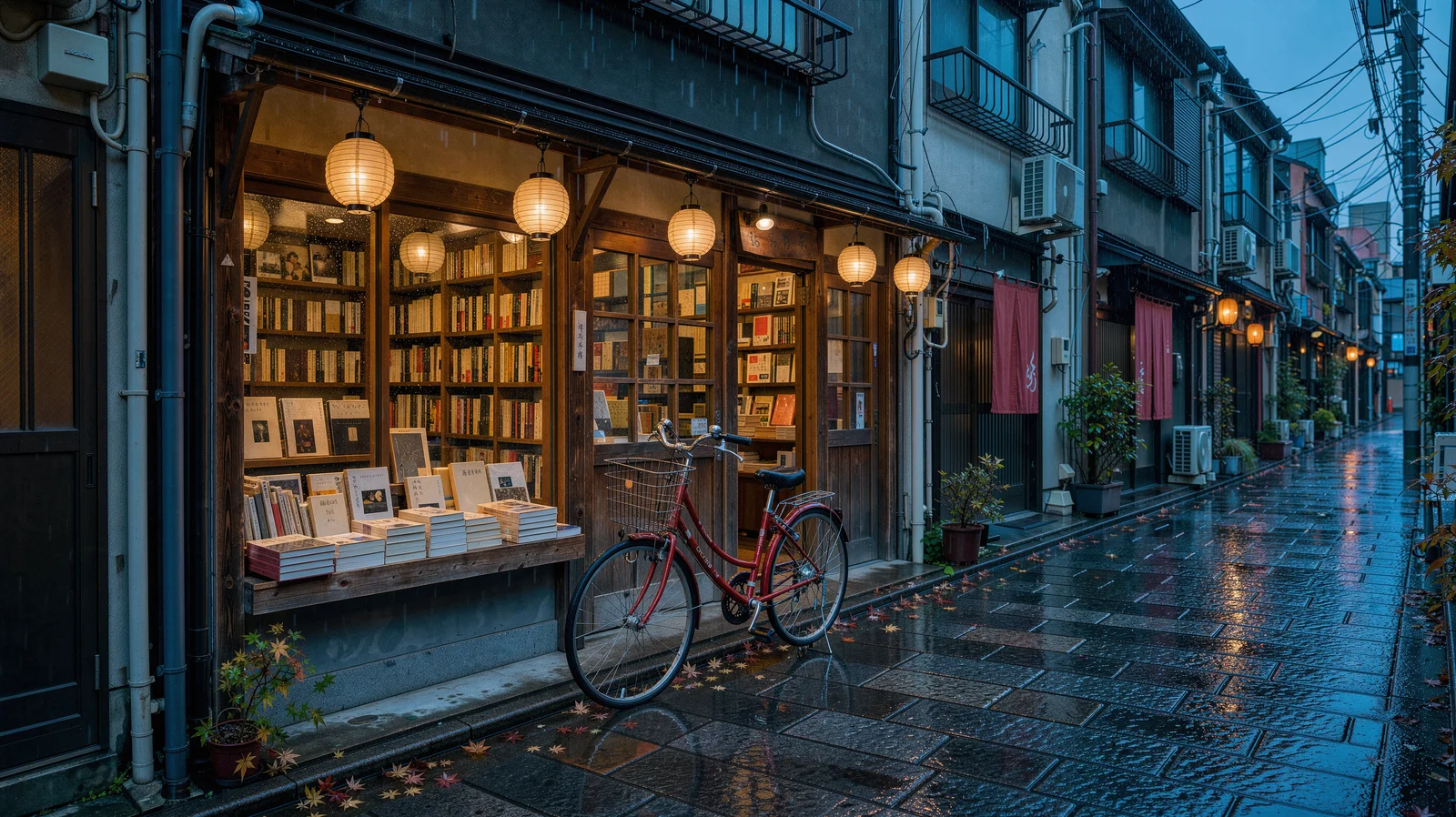
A cinematic rainy Tokyo side street at blue hour, a small independent bookstore
with warm amber windows and a red bicycle outside, glossy cobblestones
reflecting teal and vermilion light, delicate paper lanterns, no readable signs,
editorial architectural photography.
このプロンプトで生成 →(2K、16:9)
flux-3-image、2K、16:9、$0.10。
「no readable signs」で街全体から文字が消えるので、どんなタイトルを載せてもぶつかりません。画面に赤い物を一つ(自転車)置くだけで、視線の落としどころが生まれます。
4. 印刷グレードの 4K イラスト
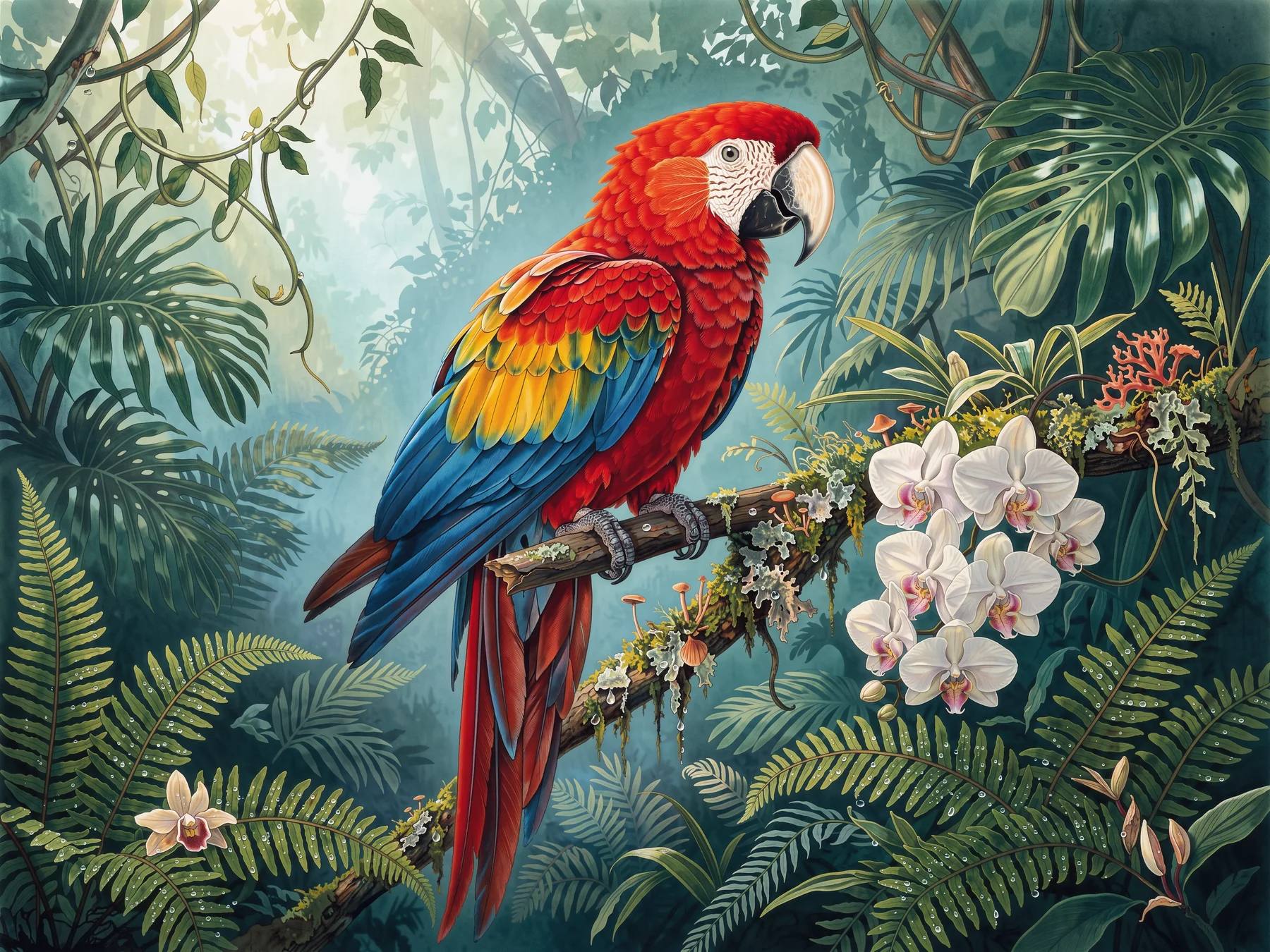
Large-format botanical editorial illustration, a jewel-toned scarlet macaw
perched on a mossy branch amid ferns and orchids in a deep emerald rainforest,
dew droplets and luminous mist, intricate feather detail, elegant spacious
composition, no typography.
このプロンプトで生成 →(4K、4:3)
flux-3-image、4K、4:3、$0.607。
まず 1K($0.048)で一枚試し、構図に満足したら 4K に切り替えます。「spacious composition」が印刷時のトリミングに余白を残してくれます。
5. デザイン雑誌風の静物
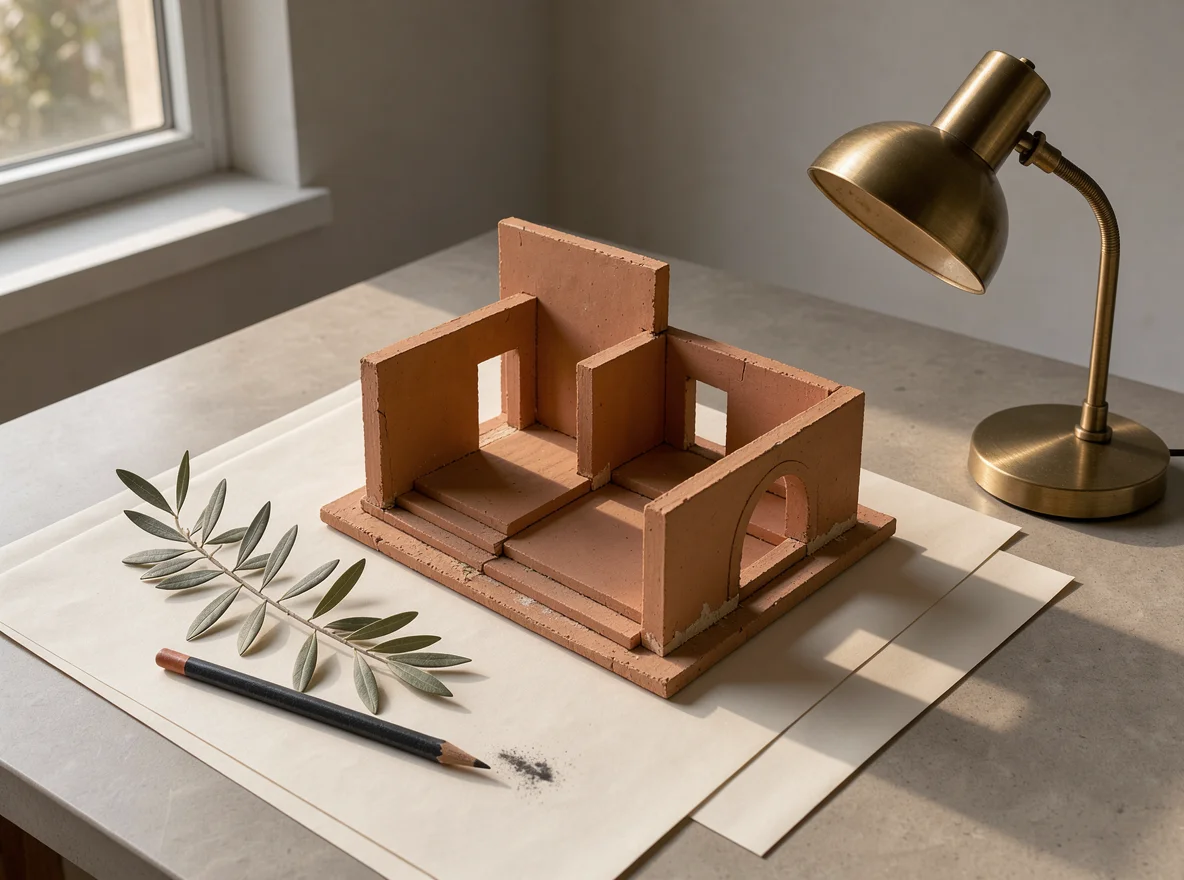
A refined still life photograph of a miniature terracotta architectural model
on ivory paper, a warm brass desk lamp, a sprig of olive leaves and a charcoal
pencil, precise shadows and soft late-afternoon sunlight, restrained
design-magazine composition, no text.
このプロンプトで生成 →(1K、4:3)
flux-3-image、1K、4:3、$0.048。
名指しした四つのオブジェクトに光源を一つ加えるだけで、雑誌の静物写真として十分に成立します。「restrained」がモデルによる勝手な小道具の追加を防ぎます。
6. 参照画像 3 枚で商品シーンを合成
画像 1 で被写体、画像 2 でシーン、画像 3 は配色だけを借ります:
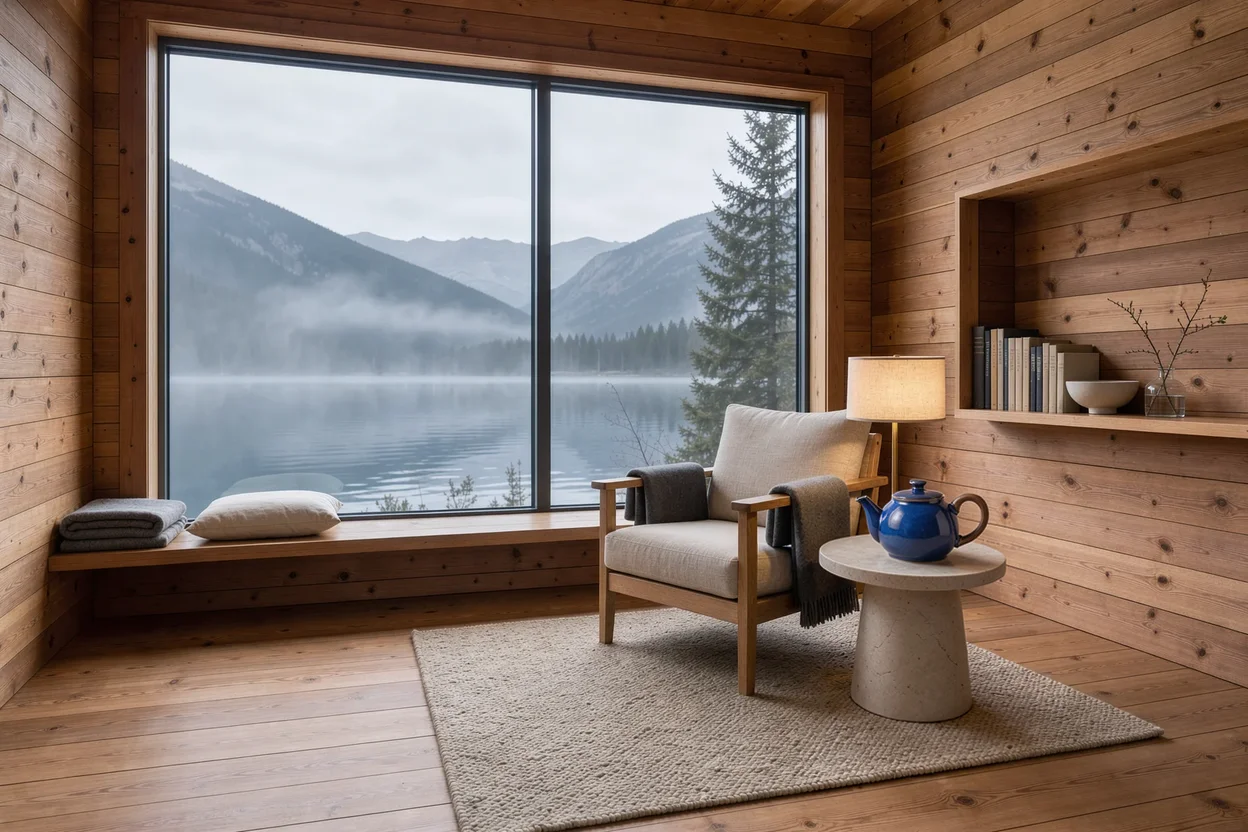
Create a refined product photograph. Use the cobalt blue ceramic teapot and
walnut handle from Image 1 as the main subject, place it on a pale stone side
table inside the cedar reading cabin from Image 2. Borrow only the subtle teal
and amber lighting palette from Image 3. Preserve the teapot shape and glaze,
keep the lake window visible in the background, realistic scale, no lettering.
このプロンプトを持ってモデルページを開く →(自分の画像 3 枚をアップロード、3:2)
flux-3-image、参照画像 3 枚、3:2、$0.048。
各参照画像には役割を一つだけ与え、持ち込ませたくないもの(「only the palette」)を明記します。必ず維持したいものは項目ごとに列挙します:形状、釉薬の色、窓の景色。
3 行で書く要点
- 被写体、素材、光線、構図、除外項目の順に書く。各項目は一文で十分です。
- ものには名前を付ける:「a lamp」より「brass desk lamp」が良い。除外項目は最後に置く(「no text」「no readable signs」)。
- 1K で仕上げを決めてから
resolutionを上げる。プロンプトは変えずに済み、変わるのは価格だけです。
各段階の価格は FLUX.3 Image API 価格、コードは FLUX.3 Image API 導入チュートリアル を参照。上の商品画像プロンプトをコピーして、モデルページで最初の一枚を生成。


