
사용 가이드
Grok Image 2.0 텍스트 투 이미지 프롬프트 모음: 5가지 시나리오에서 바로 복사해 이미지 생성
아이콘, 제품 이미지, 와이드 배너, 휴대폰 배경화면, 풍경까지 5개의 완성형 프롬프트와 실제 생성 이미지를 모델 페이지에서 한 번에 불러오세요.
Grok Image 2.0 텍스트 투 이미지 프롬프트는 어떻게 작성할까요? 아래 5가지 시나리오는 모두 완성된 영어 프롬프트로, 그대로 복사하면 바로 이미지를 생성할 수 있습니다: 앱 아이콘, 제품 이미지, 와이드 배너, 휴대폰 배경화면, 풍경. 각 항목에는 해당 API 원본 이미지도 함께 첨부했습니다.
Grok Image 2.0은 HiAPI에 출시되었으며, 텍스트 투 이미지는 장당 $0.052, 1K / 2K, low / medium, 모든 화면 비율이 동일 가격입니다. 신규 사용자 가입 시 200 포인트를 드립니다. 각 프롬프트 아래의 「이 프롬프트로 생성」을 클릭하면 모델 페이지에 자동으로 입력됩니다.
1. 앱 아이콘: 개성 있는 마스코트
아이콘은 작은 크기로 보이므로 구도가 매우 단순해야 합니다: 주체 하나, 사방에 충분한 여백, 배경은 깔끔하게. 이 아이콘 예시는 1K / low를 사용했습니다.
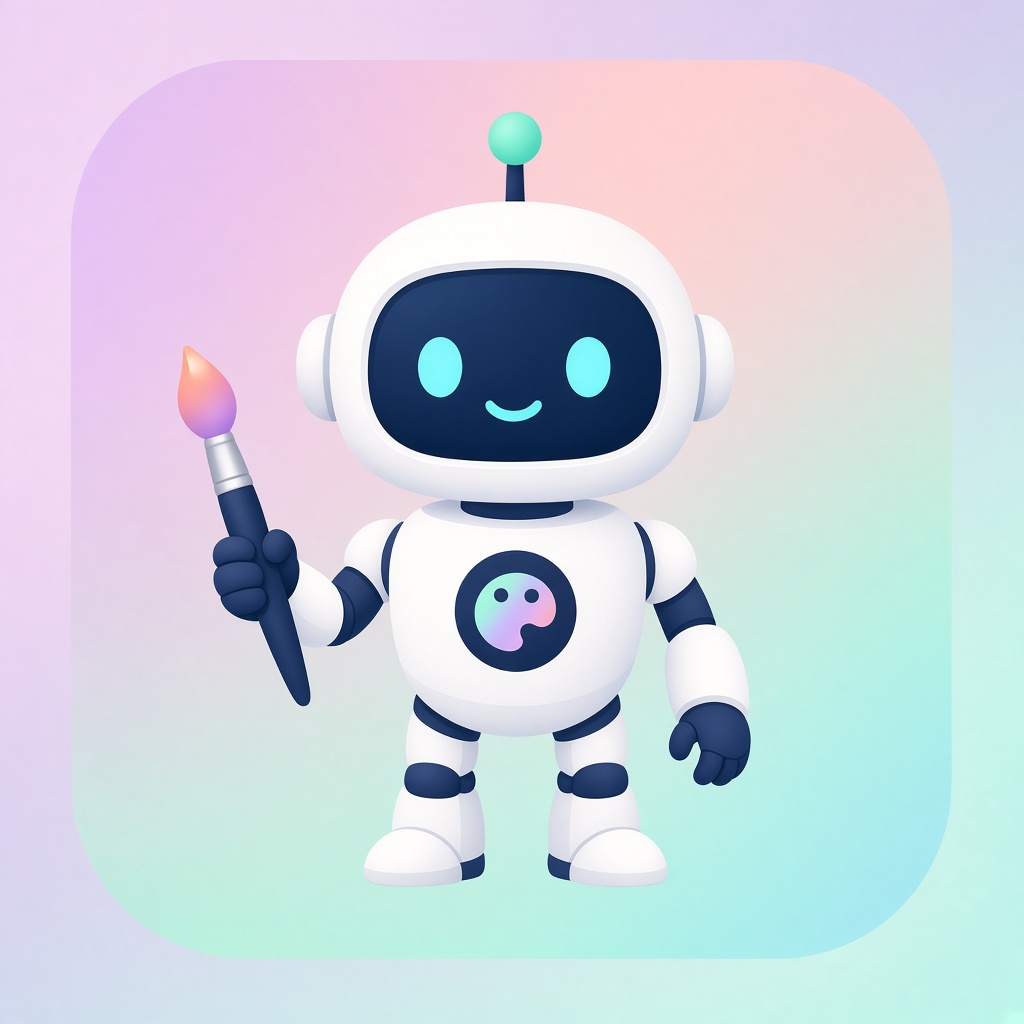
1K / low / 1:1, 약 15초
프롬프트(원문):
A friendly white robot mascot for a creative app icon, rounded chunky body with a single antenna topped by a small mint-green sphere, big dark rounded-square face with two glowing cyan oval eyes and a simple curved smile, holding an artist's paintbrush loaded with a warm orange-to-pink gradient of paint in its right hand, a small circular badge on its chest showing a painter's palette icon in a pastel gradient, standing centered against a soft pastel gradient background inside a rounded square (lavender to peach to mint), flat vector-illustration style with clean outlines and soft ambient shading, no text, app-icon composition with even padding on all sides
이 프롬프트로 생성 →(비율 1:1, 해상도 1K, 품질 low 선택)
작성 요령: 주체는 하나만 쓰고 "app-icon composition with even padding on all sides"와 "no text"를 덧붙이면 아이콘이 화면을 가득 채우거나 깨진 글자가 생기는 것을 피할 수 있습니다.
2. 제품 사진: 창가의 머그컵
상업 이미지는 사진작가처럼 묘사해야 합니다: 빛이 어느 쪽에서 오는지, 심도가 얼마나 얕은지, 나중에 글자를 넣어야 한다면 여백을 명확히 요구해야 합니다.
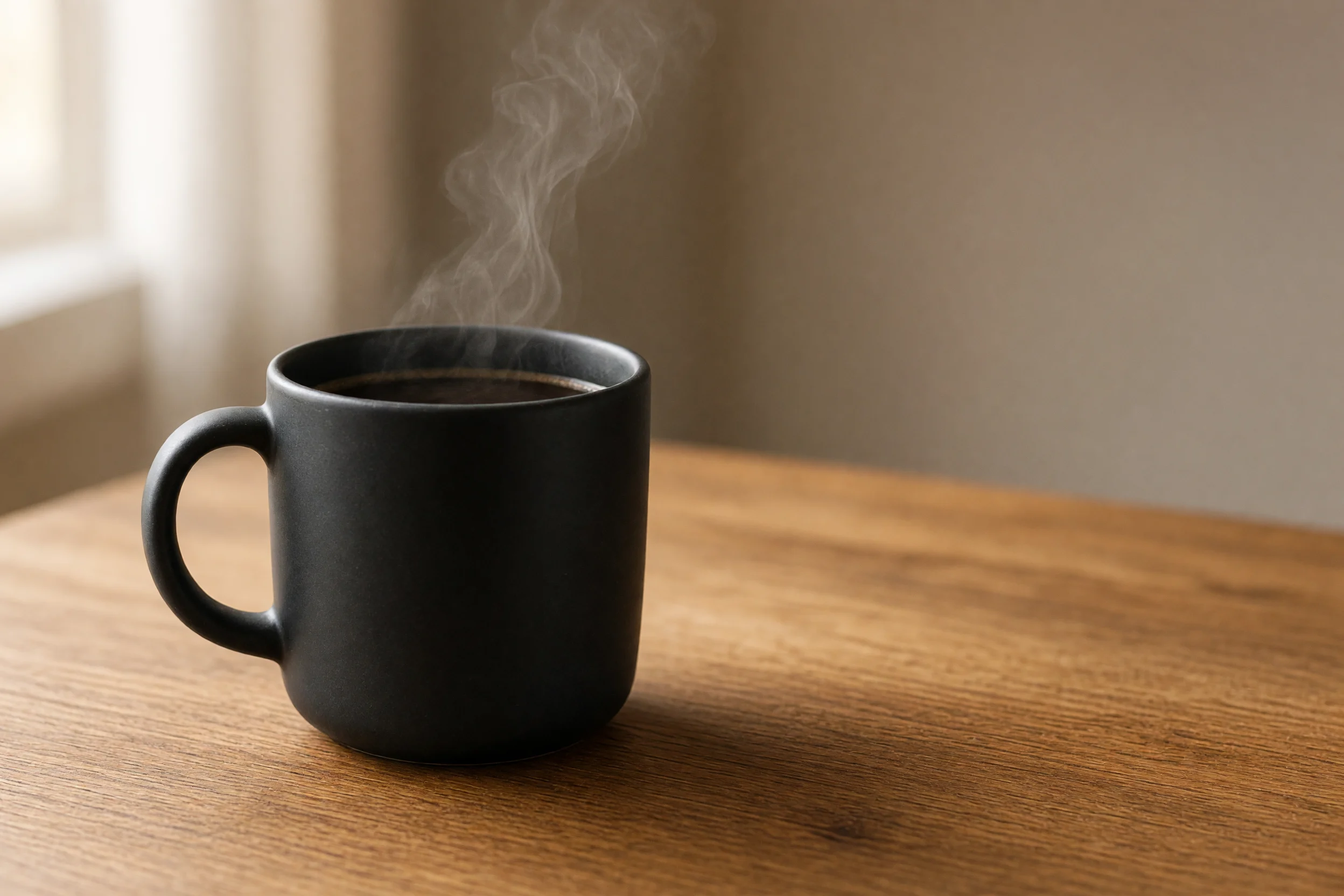
2K / medium / 3:2, 약 73초
프롬프트(원문):
Product photography of a matte black ceramic coffee mug filled with steaming black coffee, thin wisps of steam curling upward, mug placed on a warm honey-toned wooden table near a bright window with sheer curtains, soft natural window light from the left creating gentle highlights on the mug's curved surface, shallow depth of field with the background softly blurred, plenty of empty negative space to the right of the mug for text overlay, warm cozy morning color grade, realistic commercial photography style, 3:2 aspect ratio
이 프롬프트로 생성 →(비율 3:2, 해상도 2K, 품질 medium 선택)
작성 요령: 빛의 방향("from the left")과 여백 위치("to the right of the mug")를 구체적으로 쓰면 생성 이미지의 텍스트 영역이 원하는 곳에 배치됩니다.
3. 와이드 배너: 자작나무 숲의 일출
20:9는 모델이 지원하는 가장 넓은 화면 비율 중 하나로, 웹사이트 헤더 이미지에 적합합니다. 초광폭 화면에는 유도선(여기서는 멀리 굽어지는 오솔길)을 넣어야 구도가 잘린 정사각형처럼 보이지 않습니다.
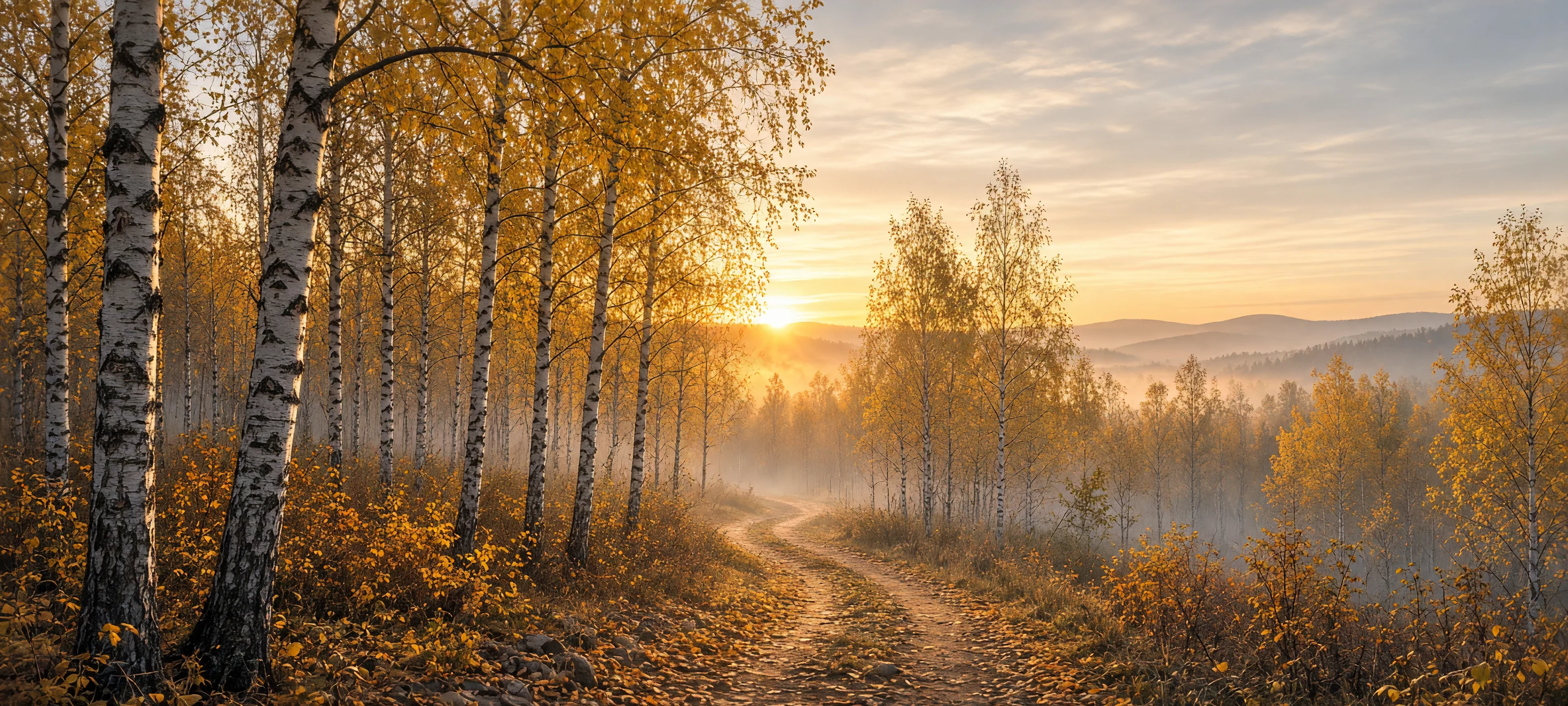
2K / medium / 20:9, 약 76초
프롬프트(원문):
Ultra-wide panoramic landscape of a birch forest at sunrise in autumn, tall white-barked birch trees with golden-yellow leaves lining a winding dirt path that curves toward the horizon, low morning mist drifting between the trunks, the sun just cresting distant hazy hills and casting a warm golden glow through the canopy, soft pastel sky with thin clouds catching the light, rich autumn color palette of gold, amber and soft blue, cinematic wide-format nature photography, extremely wide 20:9 aspect ratio suitable for a website banner
이 프롬프트로 생성 →(비율 20:9, 해상도 2K, 품질 medium 선택)
작성 요령: 초광폭 화면에 명확한 "leading line"을 주고 광원과 색상 팔레트를 명시하면 화면에 더 깊은 원근감이 생깁니다.
4. 휴대폰 배경화면: 비 내리는 네온 골목
세로 9:16 화면의 대부분은 배경이므로, 전경에 앵커 포인트를 상단 또는 하단 1/3 지점에 배치해야 합니다. 여기서는 불 켜진 등불을 근경에 두고, 네온 반사가 나머지 원근감을 담당합니다.
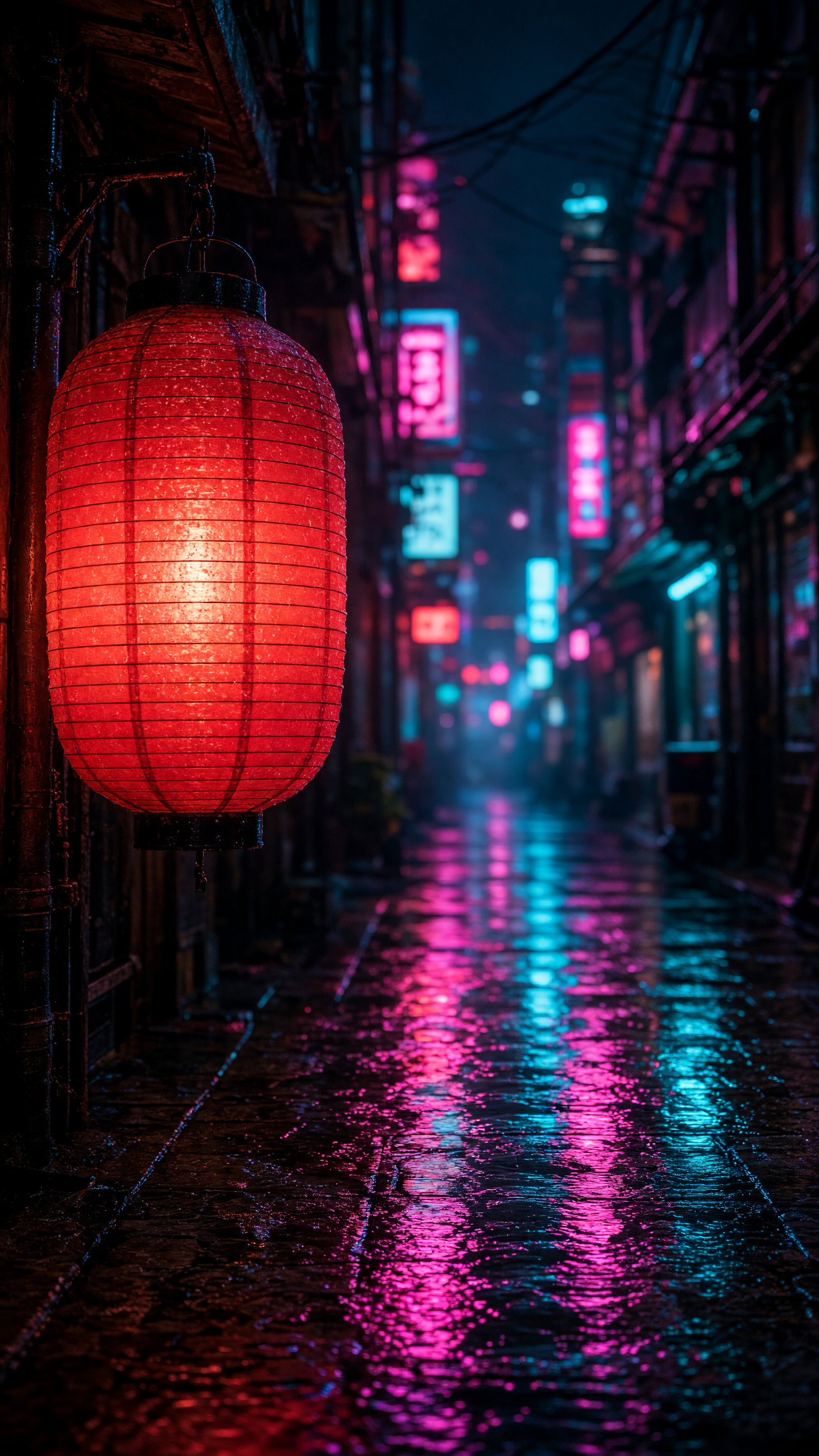
2K / medium / 9:16
프롬프트(원문):
Vertical phone wallpaper photo of a glowing red paper lantern hanging from a wooden eave in a narrow rain-soaked alley at night, the lantern lit warmly from within in the left foreground, the alley stretching away into the distance lined with blurred neon signs in pink and cyan, wet cobblestones reflecting the neon colors in long vertical streaks, moody cinematic night photography, shallow depth of field with the lantern sharp and the background softly bokeh'd, cyberpunk-tinged atmosphere, tall 9:16 aspect ratio framed for a phone lock screen
이 프롬프트로 생성 →(비율 9:16, 해상도 2K, 품질 medium 선택)
작성 요령: 전경 주체의 위치를 명확히 쓰고("left foreground"), 배경은 bokeh로 흐리게 처리하면 주체와 분위기가 분리됩니다.
5. 풍경: 고산 호수 일몰
호수 반영은 주체와 반영의 관계를 명확히 써야 합니다. 이 프롬프트는 mirrored perfectly와 strong bilateral symmetry로 대칭 구도를 지정했습니다.
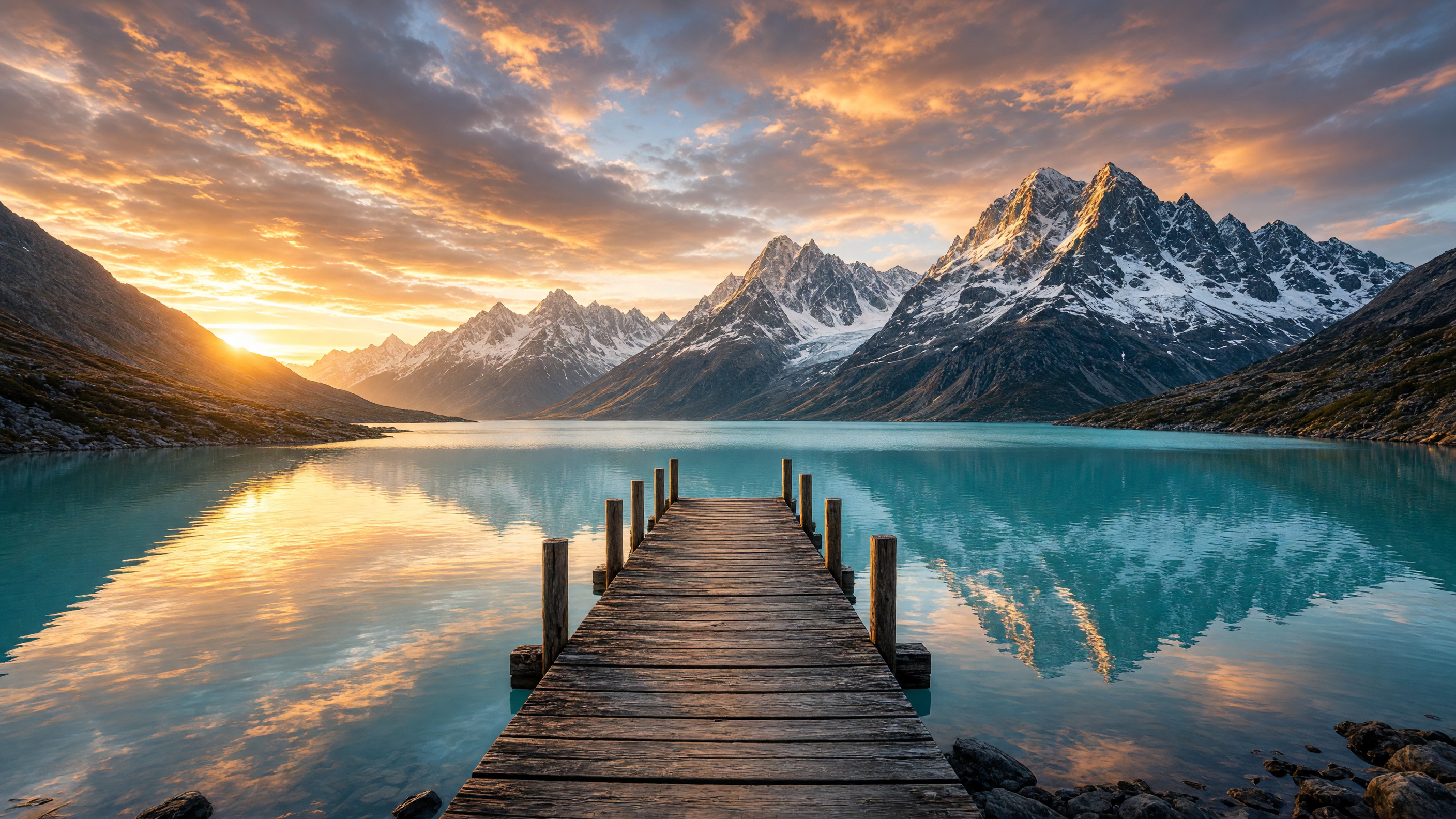
2K / medium / 16:9
프롬프트(원문):
Wide landscape photo of an old wooden pier extending into a calm turquoise alpine lake at sunset, snow-capped jagged mountain peaks rising directly behind the lake and mirrored perfectly in the still water, dramatic sky full of orange and pink clouds lit by the setting sun low on the horizon, scattered rocks along the near shoreline, crisp golden-hour light, epic nature photography with strong bilateral symmetry between sky/mountains and their reflection, 16:9 aspect ratio
이 프롬프트로 생성 →(비율 16:9, 해상도 2K, 품질 medium 선택)
작성 요령: "strong bilateral symmetry between sky/mountains and their reflection"을 포함하면 반영이 깔끔하고 대칭적으로 나타납니다.
구도 요구 사항을 어떻게 명확히 쓸까요?
- 먼저 주체를 쓰고, 그다음 빛과 렌즈, 마지막으로 화면 비율 용도를 씁니다. 각 단계를 구체적으로 쓰고, 명사 하나만 쓰지 마세요.
- 레이아웃 요구 사항을 직접 써 넣으세요: 여백이 필요하다, 안전 여백이 필요하다, 텍스트가 없어야 한다는 것을 모두 한 문장으로 설명하세요.
- 화면 비율, 해상도, 품질은 모델 페이지나
input에서 선택합니다. 예시 프롬프트의 비율 설명과 아래 표기된 파라미터를 일치시키세요.
파라미터와 가격
grok-imagine-image-2.0/text-to-image의 input에는 필드가 네 개뿐입니다:
prompt: 필수resolution:1k또는2kquality:low또는mediumaspect_ratio:1:1,16:9,9:16,4:3,3:4,3:2,2:3,2:1,1:2,19.5:9,9:19.5,20:9,9:20, 그리고auto
가격은 장당 $0.052로 고정이며, 해상도, 품질, 화면 비율 모두 영향을 주지 않습니다; $10으로 약 192장을 생성할 수 있습니다. 전체 연동 방법은 텍스트 투 이미지 API 연동 가이드를 참고하세요.
구도 테스트와 최종 확정에 어떤 파라미터를 선택할까요?
구도 테스트에는 1K / low를 사용하고, 최종 확정에는 2K / medium을 선택하세요. 두 단계의 가격은 동일합니다. 이미지 캡션의 소요 시간은 각각 해당 생성 기록에 대응합니다.
자주 묻는 질문
Grok Image 2.0으로 이미지를 수정할 수 있나요?
네, 이미지 수정은 grok-imagine-image-2.0/image-to-image를 사용하며, 참조 이미지 한 장과 편집 지시를 전송하면 됩니다. 이미지 투 이미지 프롬프트 템플릿을 참고하세요.
어떤 해상도를 선택할 수 있나요?
1k와 2k이며, 4K는 없습니다.
어떤 화면 비율을 지원하나요?
총 14개 값입니다: 13개의 고정 비율(1:1부터 초광폭 20:9, 초세로 9:20까지)과 auto입니다.
프롬프트는 영어로 써야 하나요? 위에 완성된 영어 템플릿을 제공하므로 그대로 복사할 수 있습니다; 자신의 주제에 맞게 주체, 장면, 구도를 수정하세요.
구도 테스트에는 어떤 파라미터를 선택하나요?
먼저 resolution: 1k, quality: low로 구도를 확인한 뒤 2K / medium으로 최종본을 생성하세요; 매 생성마다 $0.052입니다.
지금 바로 첫 이미지를 생성하세요
위의 제품 이미지 프롬프트를 복사하고 모델 페이지에서 첫 이미지 생성하기로 이동하여 비율 3:2, 해상도 2K를 선택하세요. API 연동을 원하시면 텍스트 투 이미지 API 연동 가이드를, 가격 세부 사항은 Grok Image 2.0 API 가격을 참고하세요.
관련 글
모든 아티클 보기 →-

사용 가이드
seedream-5.0-pro/image-to-image 시작 가이드: 기능, 가격 및 연동 핵심 포인트
ByteDance 이미지 편집 모델의 기능 경계, 과금 방식 및 엔지니어링 연동 실무
-

사용 가이드
seedream-5.0-pro 텍스트-이미지 생성 입문 가이드: 능력 경계, API 연동 및 비용 관리
개발자를 위한 실무 관점: 파라미터 핵심부터 장당 $0.05 비용 추정까지
-

사용 가이드
Hailuo 2.3 Fast 이미지-투-비디오 입문 가이드: 성능 범위, 가격 및 연동 실무
개발자를 위한 MiniMax 이미지-투-비디오 모델 선택과 연동 핵심 포인트