
Black Forest Labs
FLUX.1 Fill Pro
flux-1-fill-pro
A professional-grade local inpainting and outpainting model that replaces, removes, or extends parts of an image at precise points according to a binary mask while keeping lighting and perspective consistent; it requires a mask input and is suited for retouching rather than whole-image generation
Try flux-1-fill-pro
Input
Showcases
View all showcasesOutput
image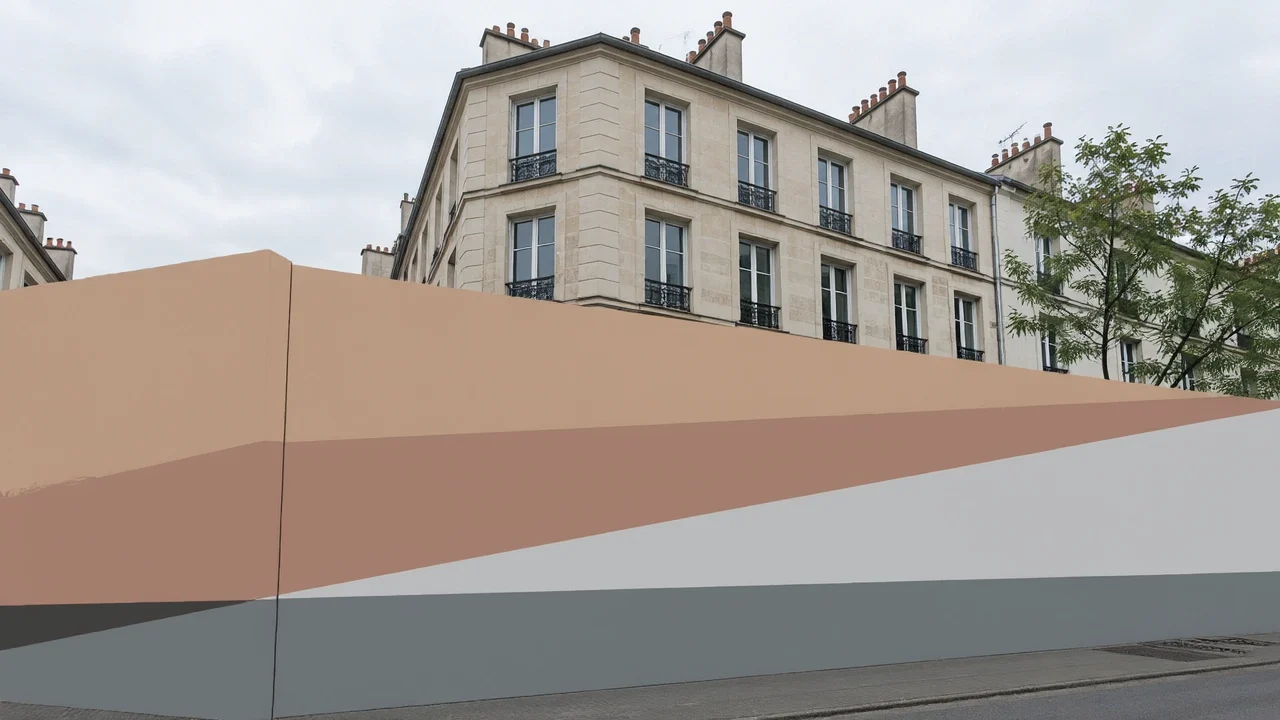
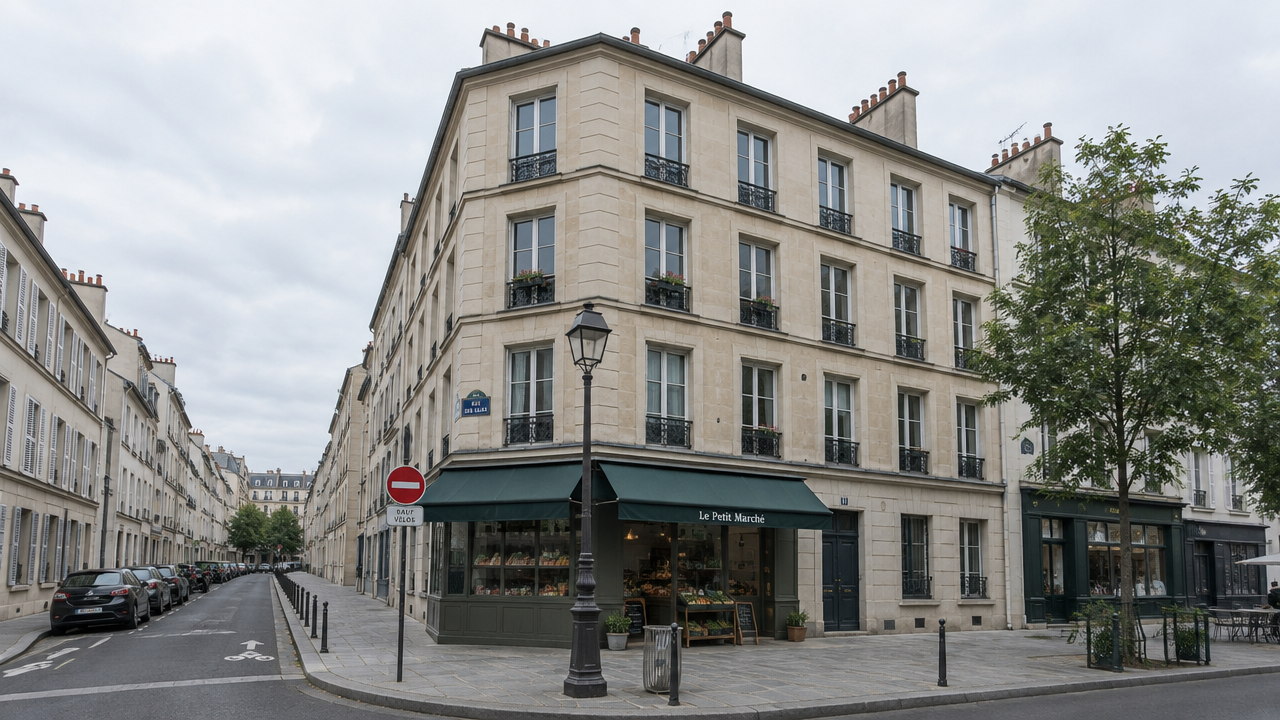
Style Spectrum: The Same Composition from Realism to Flat Illustration
Style style-transfer · Illustration · Editing
Reference inputs

mask
image
Prompt
Perform inpainting-style style transfer within the mask area: repaint the photographed street corner as a flat vector illustration. Remove all photographic gradients, texture noise, and soft shadows; replace them with solid color fills, hard-edged geometric shapes, and at most two tones per surface. Fully preserve the building masses, window panes, street perspective, and horizon from the original image. Use a limited palette of soft terracotta, ochre, slate blue, and cream. Crisp edges, no outlines or only a single uniform thin outline. Editorial poster feel, clean and graphic, seamlessly blending with the untouched sky area.
Copy the full prompt and adapt it for your own generation.
Tags
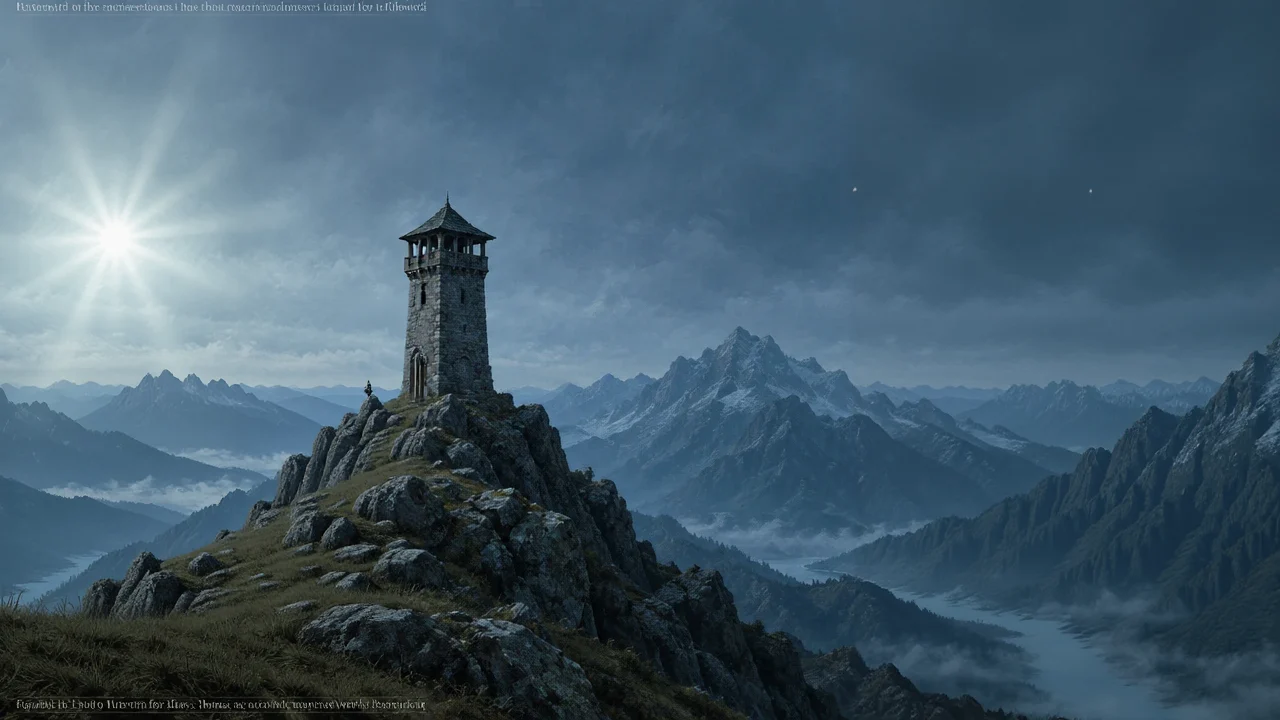
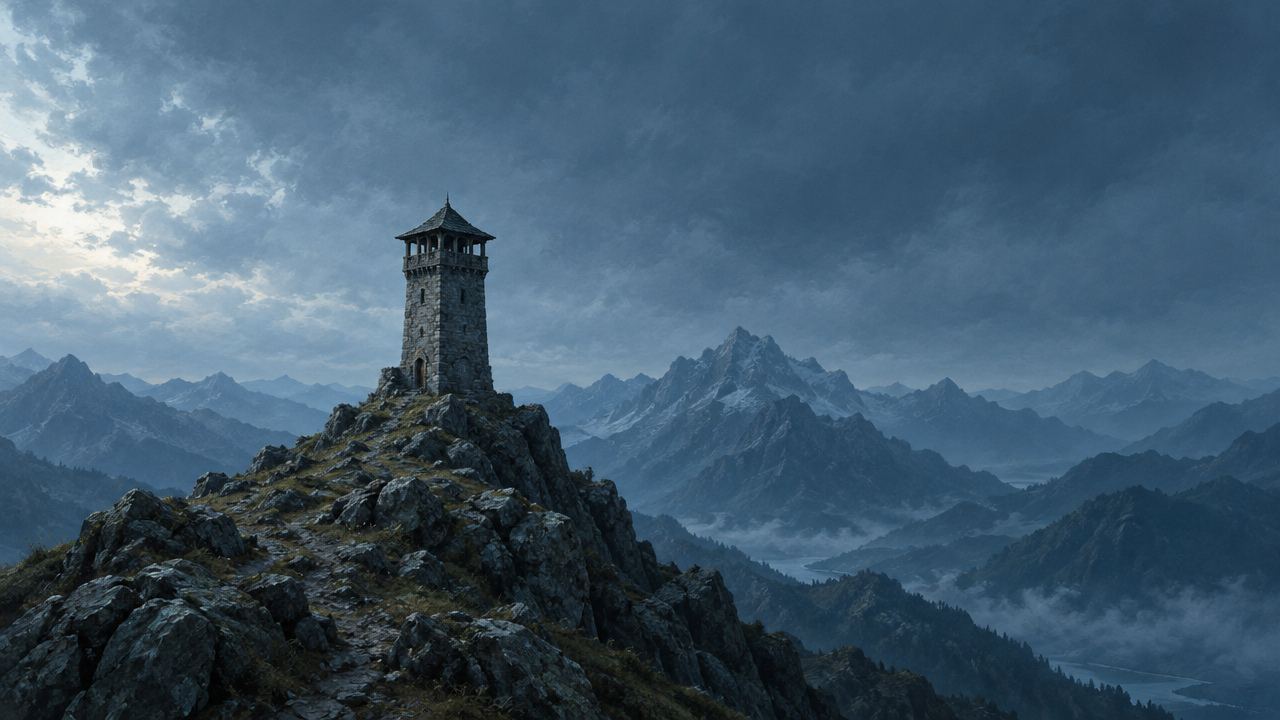
FLUX.1 Fill [pro] Worldbuilding Scene Concept Art: Distant Ridge Extension
Style Concept Art · Worldbuilding · Matte painting
Reference inputs

mask
image
Prompt
Wide-format matte painting depicting an expansive ridgeline at cold blue hour: on the nearest ridge stands an isolated stone watchtower, layered mountain silhouettes recede into distant atmospheric haze, low-hanging cloud bands are lit by a low sun on the left, soft slate gray and desaturated teal-green tones, fine brushwork texture and soft volumetric fog. The extended areas seamlessly continue the existing ridge geometry and light direction, with consistent grain and contrast across the entire canvas. Cinematic 21:9 composition, no text, no watermark.
Copy the full prompt and adapt it for your own generation.
Tags
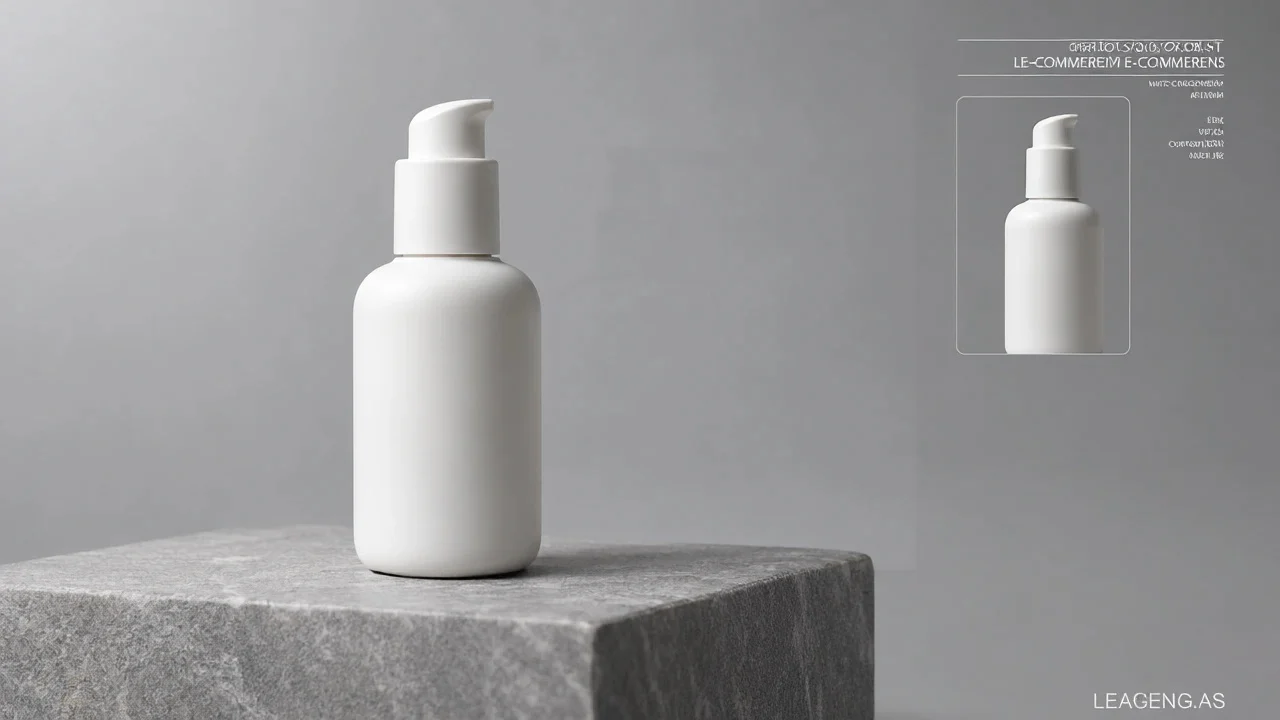
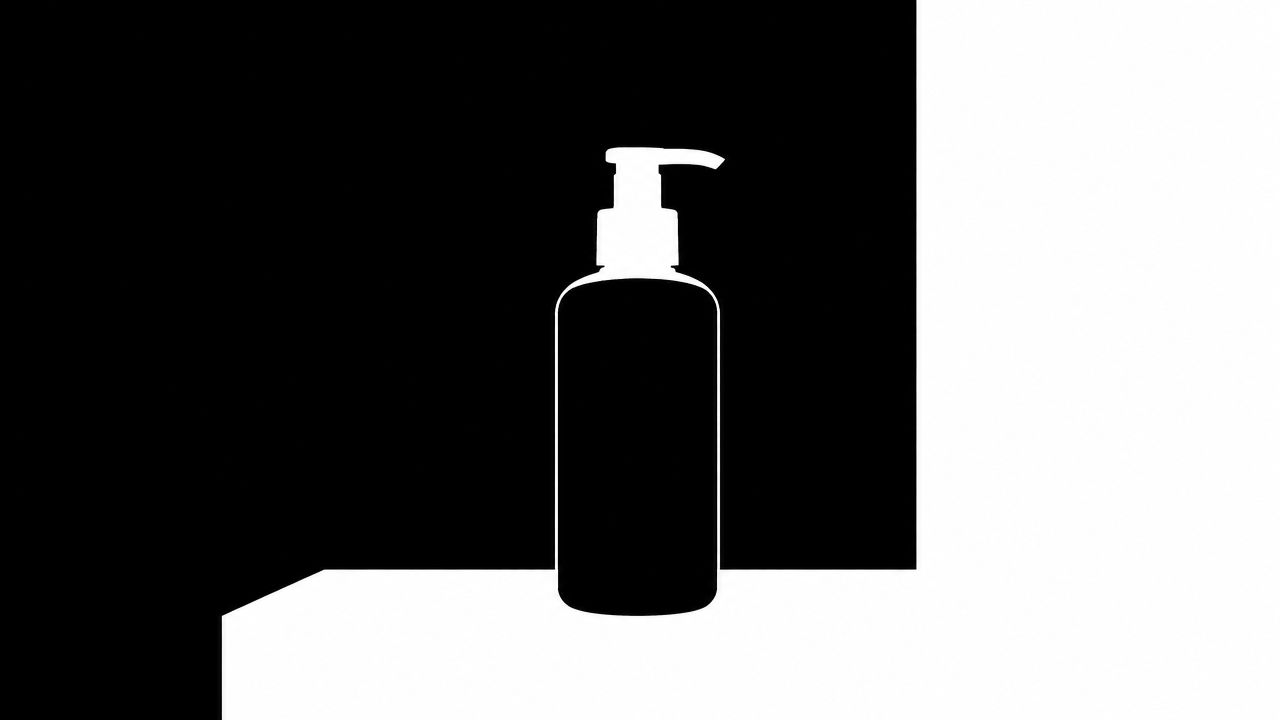
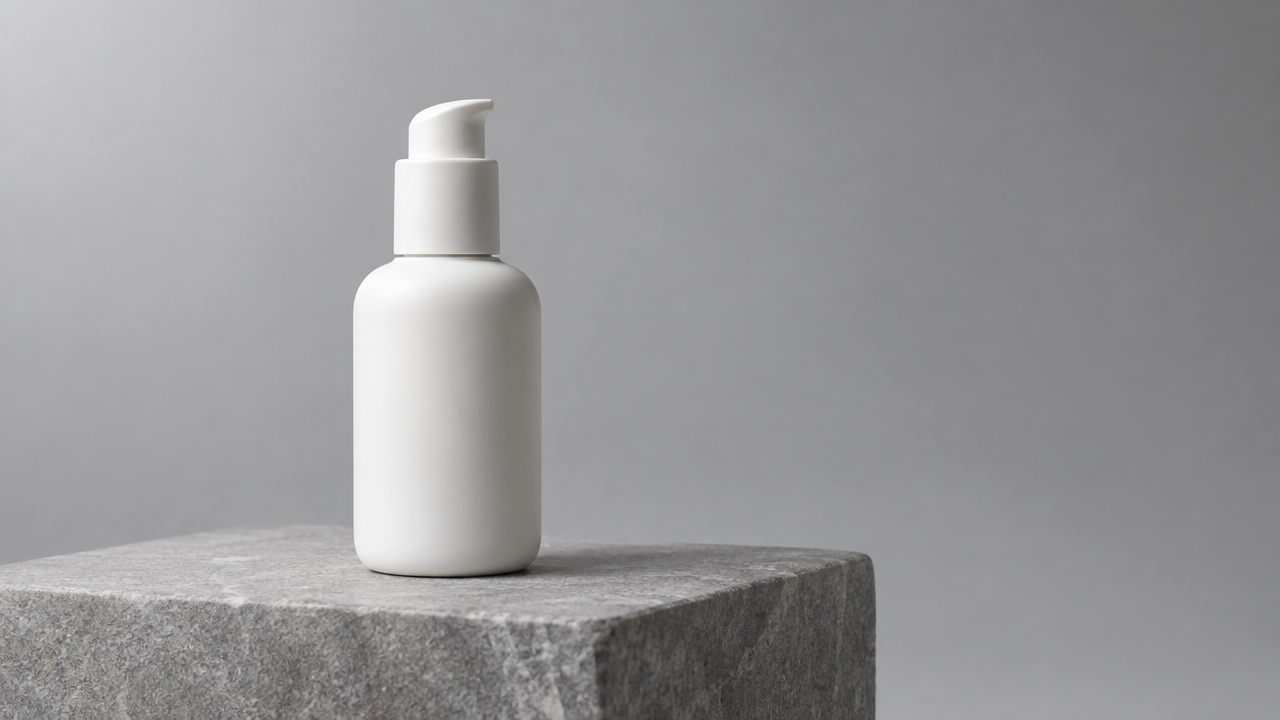
FLUX.1 Fill pro Product Photography Texture: Inpainting Approach for E-commerce-Grade Output
Style Product Image · ecommerce-retouch · inpainting
Reference inputs
mask
image
Prompt
Realistic e-commerce product photography, 16:9 composition. A matte ceramic skincare bottle is centered on a smooth light gray stone pedestal, with a seamless soft gray studio background. A large octagonal softbox key light from the upper left, paired with a subtle rim light from the right, creates a soft gradient falloff on the background and a controlled highlight on the bottle shoulder. The contact shadow beneath the pedestal is soft and close to the ground, with a faint reflection on the pedestal. Shot with a 100mm macro lens at f/8, the product is in sharp focus overall, neutral color balance, clean and minimalist commercial retouching, no extra props, no text.
Copy the full prompt and adapt it for your own generation.
Tags
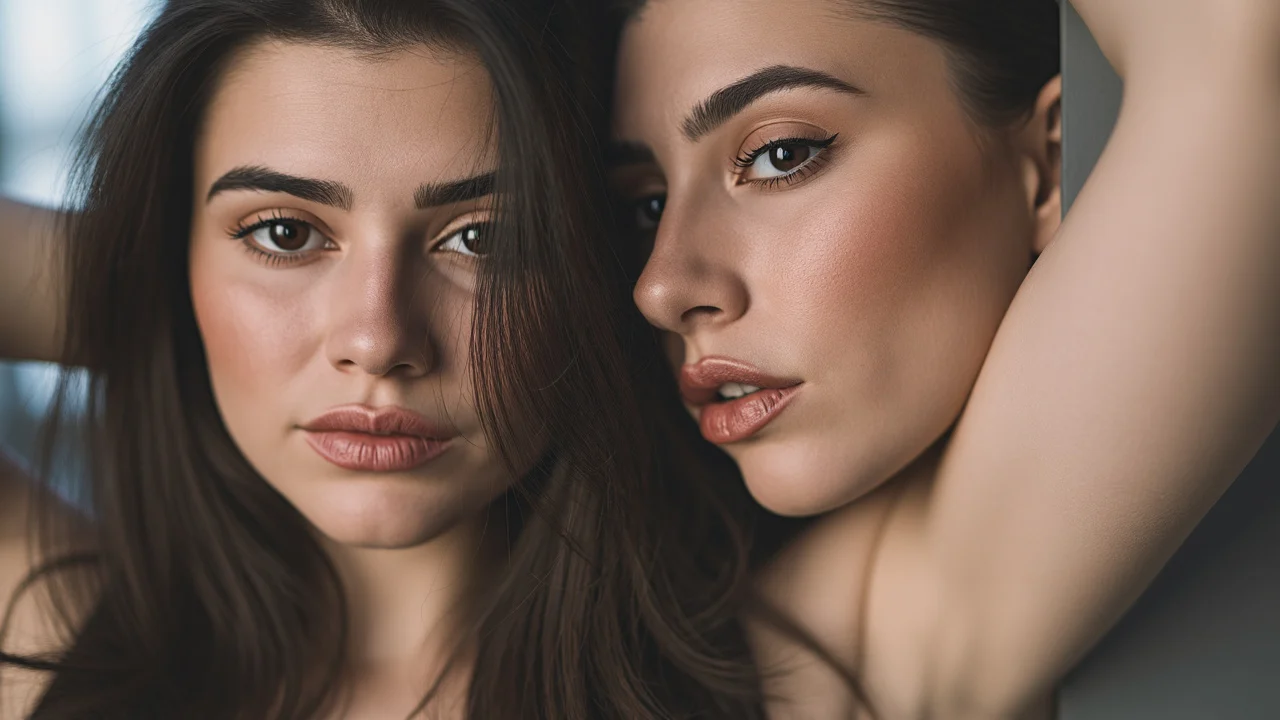
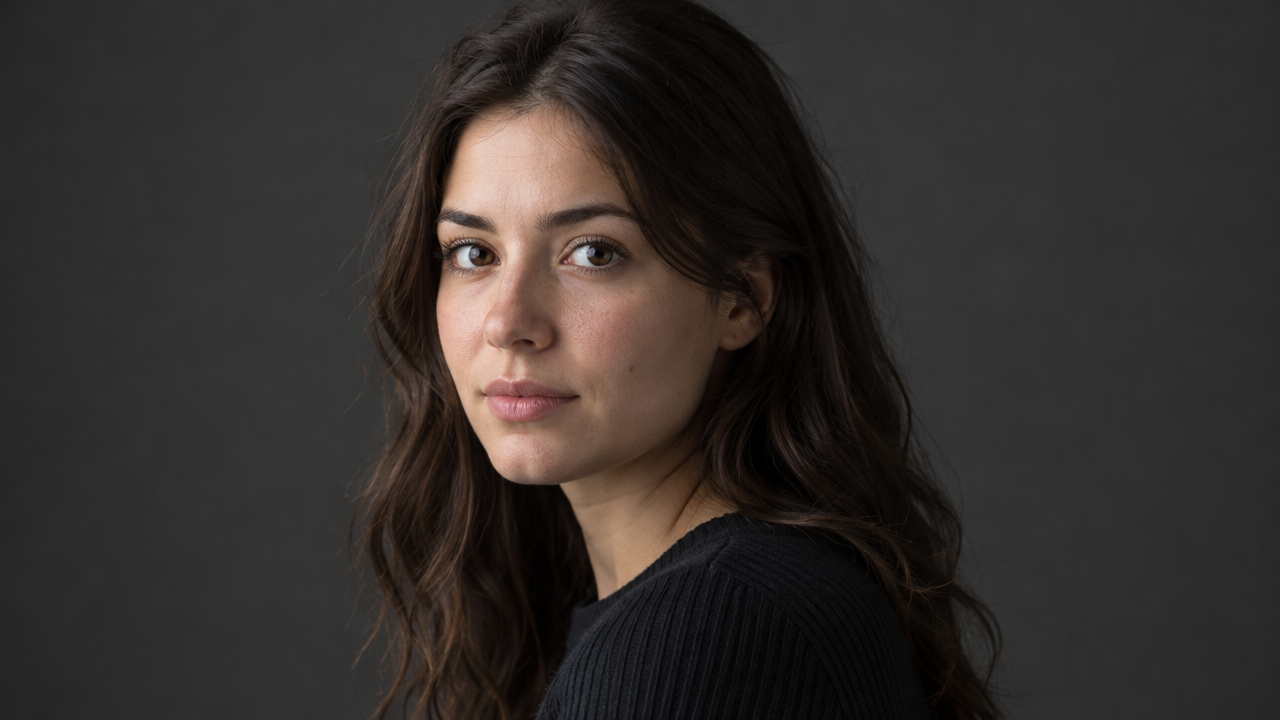
FLUX.1 Fill pro Portrait Style Rewriting: Realistic and Artistic Dual Samples
Style Portrait & Photography · inpainting · style-transfer
Reference inputs

mask
image
Prompt
Photorealistic portrait retouching guide: preserve the subject's facial structure and pose, and perform style repainting only within the mask area. Natural skin texture with clearly visible pores, soft window light from the left side of the camera, subtle gradation in shadow areas, neutral color grading, shallow depth of field, 85mm portrait composition, no plastic-looking skin smoothing, no over-sharpening.
Copy the full prompt and adapt it for your own generation.
Tags
Pricing
flux-1-fill-pro per image
| Unit Price | $0.0715 |
|---|
Overview
flux-1-fill-pro is an image inpainting model built for targeted edits: it takes an original image and a black-and-white mask along with a text prompt, and repaints only the white region of the mask while leaving the black region unchanged. It is suited to scenarios that require surgical modifications on an existing composition, such as product image retouching, swapping parts in e-commerce assets, adjusting renderings, and extending the canvas. Developers call it through the unified HiAPI.ai interface and pay per image, with no need to build their own image editing pipeline.
Key Highlights
- Mask-driven, targeted repainting — only the white region of the mask is changed while all other pixels stay as they are, making it suitable for fine edits that replace, remove, or add elements.
- Repair and outpainting in one interface — perform local repair when the structure should not change, or extend the canvas to adjust the aspect ratio when needed; both needs share one set of input parameters.
- Reproducible generation control — control randomness and prompt adherence via seed, steps, guidance, and prompt_upsampling, which helps with batch generation and regression verification.
Capabilities
Masked local repainting: pass the original image, a same-size black-and-white mask, and a prompt to replace or add content in the specified region while the black region is preserved as-is, which is suitable for swapping local parts and fixing defects.
Canvas extension and composition completion: generative extension beyond the image boundaries can be used to adjust the aspect ratio or complete the canvas, adapting to the size requirements of different delivery channels.
Parameterized quality control: diffusion steps range from 15 to 50 and guidance strength from 1.5 to 100, both adjustable as needed; higher steps yield finer details but take longer, and higher guidance strength stays closer to the prompt.
Reproducible results and format options: a fixed seed reproduces similar results, facilitating batch tasks and effect comparisons; output can be jpg or png and can go directly into subsequent asset workflows.
Prompt auto-rewrite toggle: prompt_upsampling is off by default; when enabled, it automatically rewrites the prompt to increase creativity. Keep it off when generation must strictly follow the original text.
Use Cases
- E-commerce operations: swapping parts and fixing defects in product images — use a mask to outline the product component or blemish to be replaced, enter a new description, and produce a product main image ready for listing, reducing reshoots and full-image regeneration.
- Design teams: local adjustment and canvas extension of renderings — modify specific areas or extend the canvas outward on renderings such as architectural and interior ones, producing images that fit different layouts while keeping lighting and perspective consistent.
- Asset processing: removing distracting elements and filling them in naturally — mark unwanted objects on the original image with a mask and describe the fill content in the prompt to produce a clean image for later layout and delivery.
Limitations and Selection Advice
Before use, you must prepare a black-and-white mask of the same size as the original image, adding an extra region annotation or segmentation step. It is an editing model rather than a general text-to-image model and is not suitable for generating a complete image from scratch; results depend on mask quality and prompt description, and complex text and fine structures may require multiple adjustments. Large-area or high-resolution edits significantly increase processing time and call costs, and scenarios that are budget-sensitive or require self-hosted weights should be evaluated separately.
What's new
View changelog →- New model New model: flux-1-fill-pro
Frequently asked questions
View all FAQs →-
What is FLUX.1 Fill Pro?
FLUX.1 Fill Pro is a mask-driven image editing model: upload a source image, a same-size black-and-white mask and a prompt, and only the white area is repainted while the black area stays unchanged.
-
What do black and white mean in the mask?
Black keeps the source and white is repainted by the prompt. The mask must match the source image dimensions.
-
Are both image and mask required?
Yes. The current public contract requires a source image and a black-and-white mask.
-
What should the prompt describe?
Describe only the new content inside the white mask and state what must be preserved; do not repeat the area outside the mask.
Create a generation task
https://api.hiapi.ai/v1/tasks Headers
AuthorizationstringRequiredAccount API key. Required on every request. Example: Bearer YOUR_HIAPI_API_KEY. Get your API key
Content-TypestringOptionalThe request body is always parsed as JSON; when sent, only application/json (optionally with charset) is accepted — any other value returns 415. Example: application/json.
Idempotency-KeystringOptionalIdempotency key, up to 255 bytes. Retries with the same key from the same account create the task only once; replays return the original taskId.
On network timeouts or client retries, the same key creates the task only once — no double charges (scope: the API key's account). Use a business-unique identifier as the key (e.g. "order-42"); replays return the original taskId, and keys expire 24 hours after the first request. See the Unified Async API overview for the full scenario matrix.
Body
modelstringRequiredCurrent fixed value: flux-1-fill-pro
routestringOptionalCurrent fixed value: default
inputobjectRequired
Business parameters for flux-1-fill-pro and route default — see the parameter table below.
maskstringRequiredBlack-and-white mask image used to specify the repaint region: black areas stay unchanged, while white areas are repainted according to the prompt. Supports JPEG, PNG, GIF, and WebP formats; dimensions must match the original image.
seedintegerOptionalRandom seed; fixing this value allows similar results to be reproduced. If not provided, it is generated randomly.
imagestringRequiredThe original image to edit, supporting JPEG, PNG, GIF, and WebP formats, and may include an alpha mask. If using a separate mask, ensure its dimensions match the original image.
stepsintegerOptionalDefault: 50min 15max 50Number of diffusion steps, range 15–50, default 50; higher values produce finer details but take longer.
promptstringRequiredminLength 1maxLength 4000Describes the content to generate or replace within the white area of the mask, up to 4000 characters.
guidancenumberOptionalDefault: 60min 1.5max 100Prompt guidance strength, range 1.5–100, default 60; higher values follow the prompt more closely but may reduce how natural the image looks.
output_formatstringOptionalDefault: "jpg"Output image format, either jpg or png, default jpg.
jpgpngprompt_upsamplingbooleanOptionalDefault: falseWhether to automatically rewrite the prompt to add creativity, default false; turn this off when output must strictly follow the original text.
callbackobjectOptional
Terminal-state notification config. When omitted, no callback is delivered — poll the task yourself. See the callback note below.
Provide callback.url when creating a task and HiAPI POSTs to your service once the task reaches a terminal state — no polling needed. The callback payload mirrors the task detail structure; signature verification, delivery retries and idempotency are documented on the Unified Async API overview page.
urlstringRequiredRequired when callback is present. A POST is sent to this URL once the task reaches a terminal state; must be a valid http(s) URL.
whenstringOptionalDefault: "final"Only final is supported today — notified on both success and fail.
finalstoragestringOptionalDefault: "temp"Artifact storage tier: temp (default, retained about 7 days) or persistent (long-term, billed by size). Insufficient balance or exceeding the storage cap silently downgrades to temp; the effective tier is shown in the task detail response.
temppersistentRequest examples
# Submit an async task; returns a taskId immediately (no waiting for generation)
curl -X POST "https://api.hiapi.ai/v1/tasks" \
  -H "Authorization: Bearer $HIAPI_API_KEY" \
  -H "Content-Type: application/json" \
  -d '{
  "model": "flux-1-fill-pro",
  "input": {
    "mask": "…",
    "image": "…",
    "steps": 50,
    "prompt": "…",
    "guidance": 60,
    "output_format": "jpg",
    "prompt_upsampling": false
  }
}'
const res = await fetch("https://api.hiapi.ai/v1/tasks", {
method: "POST",
headers: {
Authorization: `Bearer ${process.env.HIAPI_API_KEY}`,
"Content-Type": "application/json",
},
body: JSON.stringify({
model: "flux-1-fill-pro",
input: {
"mask": "…",
"image": "…",
"steps": 50,
"prompt": "…",
"guidance": 60,
"output_format": "jpg",
"prompt_upsampling": false
}
}),
});
const task = await res.json();
// { code: 200, message: "success", data: { taskId } }import os, requests
res = requests.post(
"https://api.hiapi.ai/v1/tasks",
headers={"Authorization": f"Bearer {os.environ['HIAPI_API_KEY']}"},
json={
"model": "flux-1-fill-pro",
"input": {
"mask": "…",
"image": "…",
"steps": 50,
"prompt": "…",
"guidance": 60,
"output_format": "jpg",
"prompt_upsampling": False
}
},
)
print(res.json()) # { code, message, data: { taskId } }200 OK
{
  "code": 200,
  "message": "success",
  "data": {
    "taskId": "tk-hiapi-01HZTQ8BX2N3GM3YFK4Z9D7VQR"
  }
}
400 Bad Request
{
  "code": 400,
  "message": "invalid request",
  "data": null,
  "error_code": "INVALID_REQUEST"
}
Get task detail
https://api.hiapi.ai/v1/tasks/:id Response fields
taskIdstringRequiredTask ID, always prefixed with tk-hiapi-.
modelstringRequiredResolved full model name. Tasks submitted with the route parameter return base@route (e.g. gpt-image-2/text-to-image@ext); otherwise identical to the name passed at creation.
routestringOptionalPresent only when the task was submitted with an explicit route parameter; echoes the submitted value.
statusstringRequiredTask status.
queued Queued, not started yet.
handling Being processed.
archiving Processing finished, artifacts being prepared.
success Terminal: completed, artifacts available (output returned).
fail Terminal: failed (error returned).
After submission, check status: success and fail are terminal, everything else is non-terminal. Poll every 1–3 seconds until terminal. On success, download artifacts from output[].url and transfer them before expireAt; pass storage: "persistent" at creation time when long-term retention is needed.
creatednumberRequiredTask creation time (Unix seconds).
completednumberRequiredUnix seconds when the task reached a terminal state; fixed to 0 while not terminal.
outputarrayOptional
Present only when status == success. Artifact list — always an array; a single task may return multiple types at once (e.g. video + first_frame).
Array [ object ]
Array items
urlstringRequiredArtifact URL, directly downloadable.
typestringRequiredCurrent possible values: video, image, audio, first_frame, last_frame, thumbnail; more may be added later.
expireAtnumberRequiredUnix seconds until which the artifact remains accessible; download or transfer before it expires.
errorobjectOptional
Present only when status == fail.
codestringRequiredBusiness error code.
messagestringRequiredError description.
Response examples
Success
{
  "code": 200,
  "message": "success",
  "data": {
    "taskId": "tk-hiapi-01HZTQ8BX2N3GM3YFK4Z9D7VQR",
    "model": "happyhorse-1-0",
    "status": "success",
    "created": 1777282033,
    "completed": 1777282099,
    "output": [
      {
        "url": "https://cdn.hiapi.ai/tasks/.../video.mp4",
        "type": "video",
        "expireAt": 1777886899
      }
    ]
  }
}
Processing (non-terminal)
{
  "code": 200,
  "message": "success",
  "data": {
    "taskId": "tk-hiapi-...",
    "model": "happyhorse-1-0",
    "status": "archiving",
    "created": 1777282033,
    "completed": 0
  }
}
Failed
{
  "code": 200,
  "message": "success",
  "data": {
    "taskId": "tk-hiapi-...",
    "model": "happyhorse-1-0",
    "status": "fail",
    "created": 1777282033,
    "completed": 1777282099,
    "error": {
      "code": "TASK_FAILED",
      "message": "task failed"
    }
  }
}Articles
View all articles →Related Models
View all models →Same Type
-
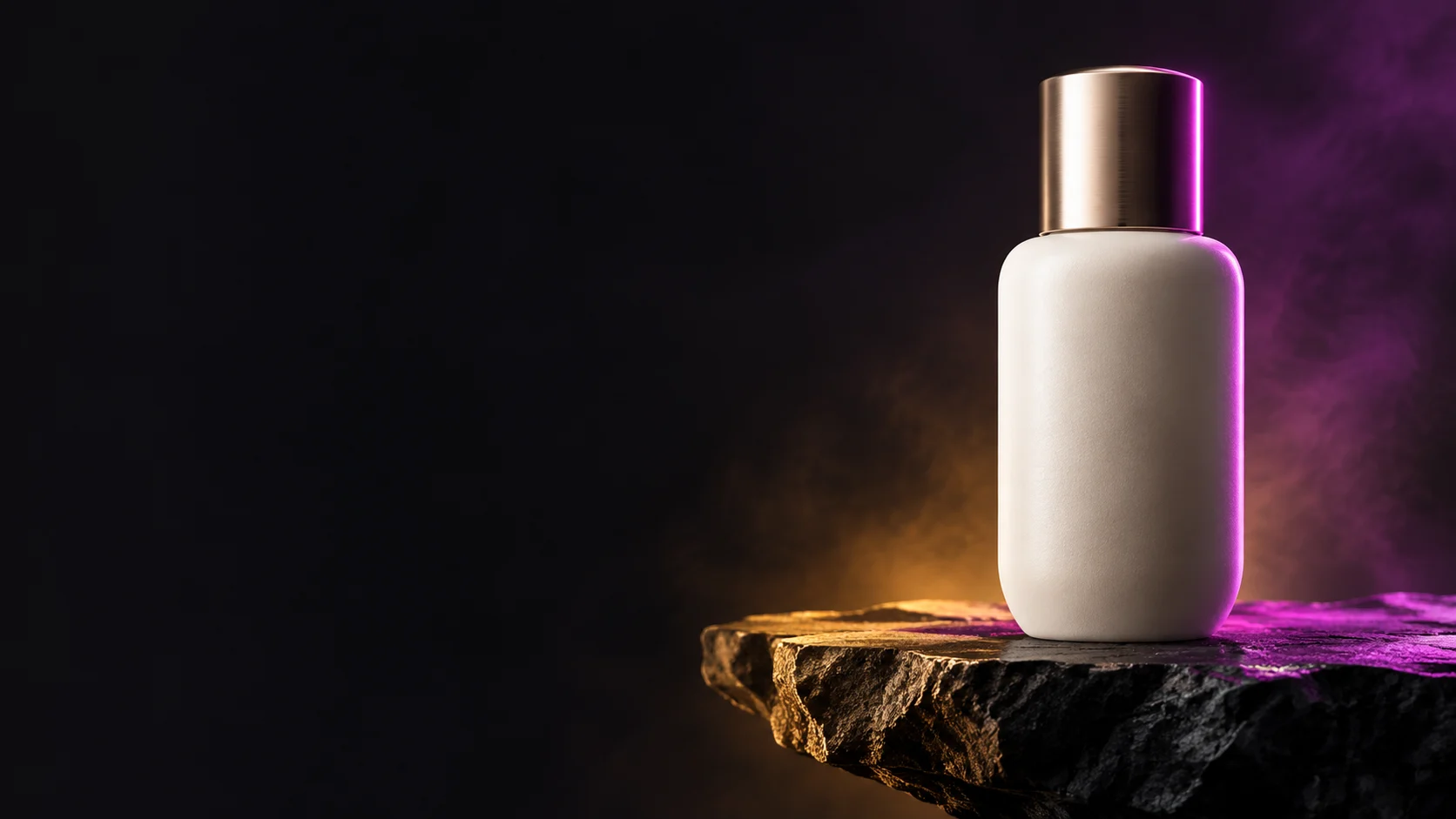 BRIA Product Shot Bria $0.058 /image
-
 Krea 2 Medium Turbo Krea $0.021 /image
-
 Krea 3 Krea $0.036 /image
-
 Qwen Image 2.1 Alibaba $0.020 /image
-
 FLUX.2 Klein 9B Black Forest Labs $0.0086 /image
-
 Ideogram V3 Character Ideogram $0.090 /image
-
 Recraft Creative Upscale Recraft $0.357 /image
-
 Nano Banana Google $0.021 /image
-
 FLUX.2 Black Forest Labs $0.035 /image
-
 Seedream 5.0 ByteDance $0.025 /image
-
 FLUX.1 Schnell Black Forest Labs $0.005 /image
-
 FLUX.1 Kontext Max Black Forest Labs $0.071 /image
Same Provider
-
 FLUX.2 Klein 4B Black Forest Labs $0.0004 /image
-
 FLUX 1.1 Pro Black Forest Labs $0.050 /image
-
 FLUX 3 Video Black Forest Labs $0.090 /second
-
 FLUX 3 Max Black Forest Labs $0.061 /second
- FLUX.2 Klein 9B Black Forest Labs $0.0086 /image
- FLUX.1 Kontext Max Black Forest Labs $0.071 /image
- FLUX.1 Schnell Black Forest Labs $0.005 /image
- FLUX.2 Black Forest Labs $0.035 /image
-
 FLUX 3 Image Black Forest Labs $0.041 /image