OpenAI
GPT Image 2.5
gpt-image-2.5-flare
OpenAI's two-tier image generation and editing models: Flare focuses on speed, Sunburst pursues precision, covering both text-to-image and multi-turn image refinement
Try gpt-image-2.5-flare
Input
Showcases
View all showcasesOutput
image
Style Spectrum: Illustration Evolution from Realism to Flat Design
Style Illustration · style-spectrum · Editing
Reference inputs

image_urls
Prompt
A single-layer cut-glass vase holding three white anemones with dark centers, centered composition, set against a warm off-white background, with side lighting from the upper left. Presented as a controlled style study: keep the same silhouette, stem count, and container across variations, letting only the expressive language shift from naturalistic light and shadow and material response to simplified flat color blocks and minimal shadow. Soft daylight, faint shadow beneath the vase, ample negative space, 16:9 composition, museum-grade illustration plate.
Copy the full prompt and adapt it for your own generation.
Tags
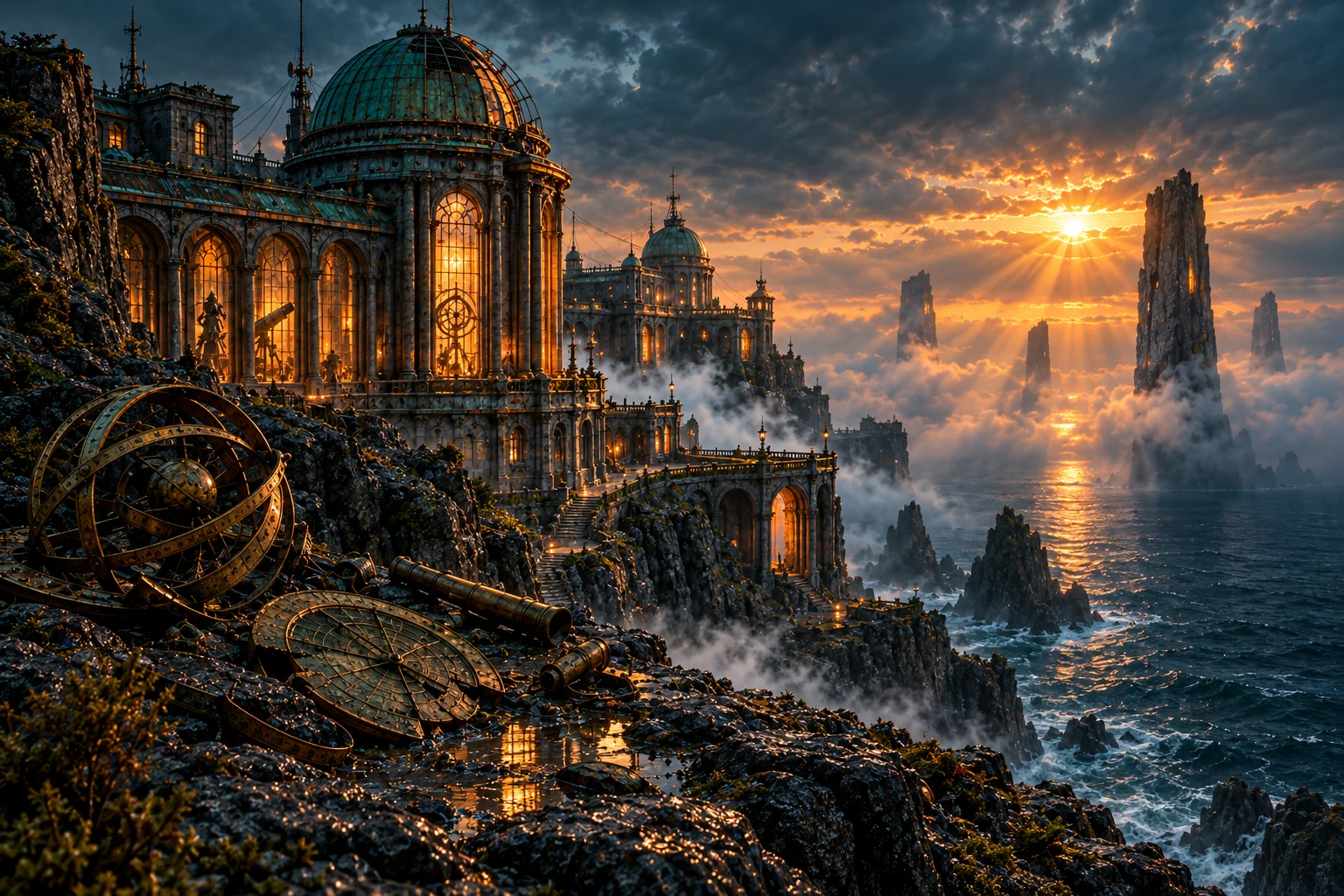
Flare Scene Concept Art: Worldbuilding Atmosphere Exploration
Style Concept Art · Environmental Design · Sci-Fi
Reference inputs
image_urls
Prompt
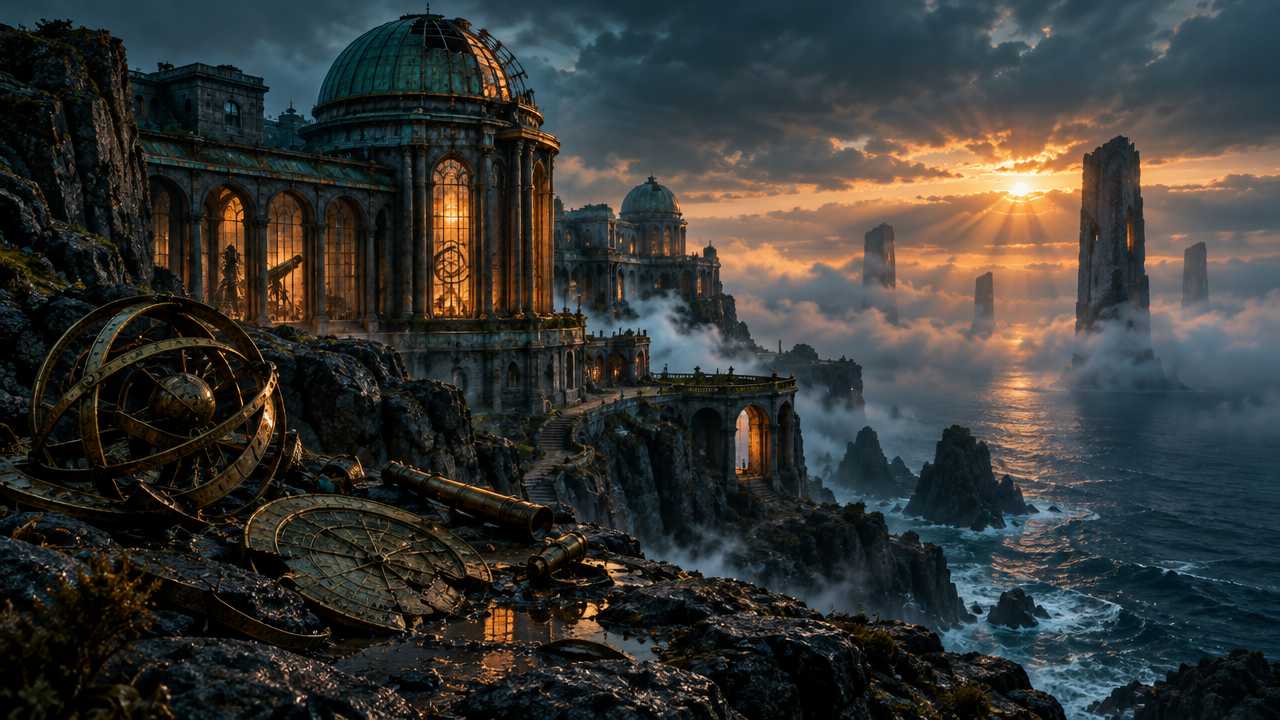
Cinematic environmental concept art: at dusk, a massive abandoned observatory built on a coastal cliff, 16:9 widescreen composition. Foreground: wet basalt ledges scattered with broken brass instruments. Midground: a building of layered stone and oxidized copper, tall arched windows glowing with warm amber light from within, slender cables and antennas casting silhouettes against the sky. Background: a slowly moving layer of fog over a dim sea, with distant monolith towers half-submerged in the water. Volumetric light pierces the thin mist; natural lighting shows a warm-cool contrast, and metal, stone, and glass have physically plausible, realistic material responses. Painterly yet precise rendering, extremely high micro-detail, a restrained palette of teal, slate gray, and amber. No text, no watermark, no UI elements.
Copy the full prompt and adapt it for your own generation.
Tags

Flare Scene Concept Art: A Visual Exploration of Worldbuilding and Atmosphere
Style Concept Art · Worldbuilding · Cinematic lighting
Reference inputs
image_urls
Prompt
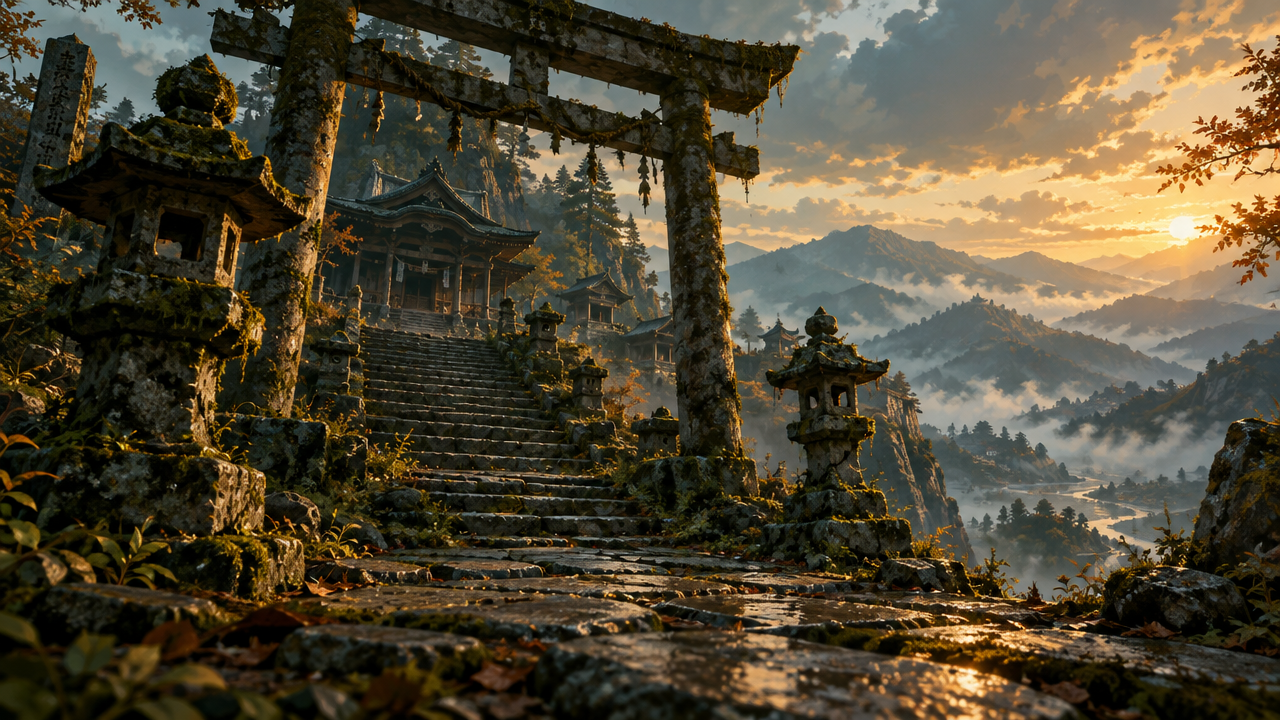
Cinematic environmental concept art keyframe: a forgotten mountain shrine atop worn stone steps, low-angle wide 16:9 composition, with clear foreground, midground, and distant valley layers. Moss-covered torii gate, cracked stone lanterns, hanging paper talismans, wet stone paving that reflects the sky. Golden-hour rim light sweeps across the scene, volumetric fog fills the valley, stylized painterly rendering, soft brush edges, strong grouping of light and shadow. Soft teal and amber tones, high silhouette readability, fantasy film production concept art.
Copy the full prompt and adapt it for your own generation.
Tags
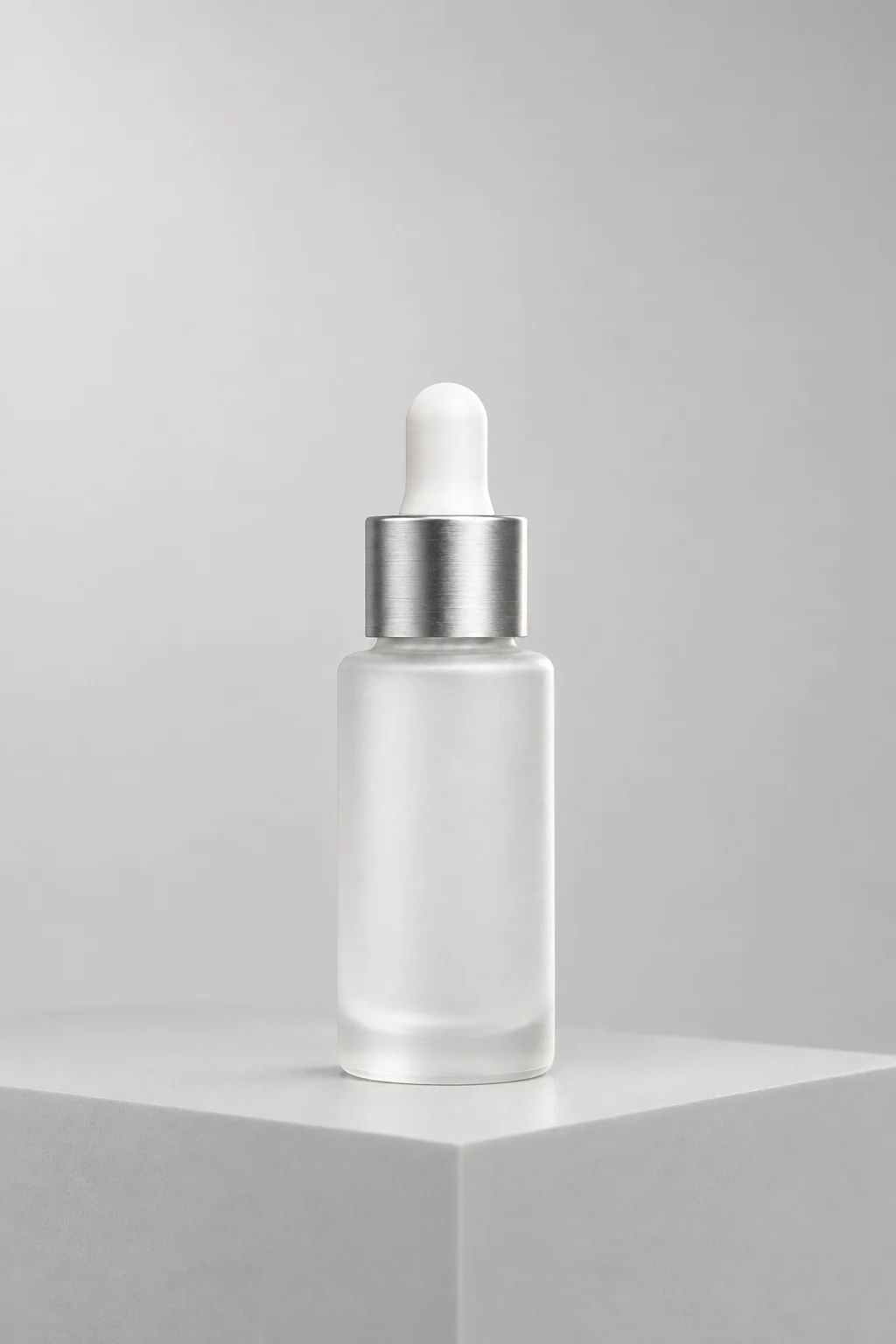
E-commerce-Grade Product Photography Quality: gpt-image-2.5-flare Image Generation Plan
Style Product Image · e-commerce · Studio lighting
Reference inputs
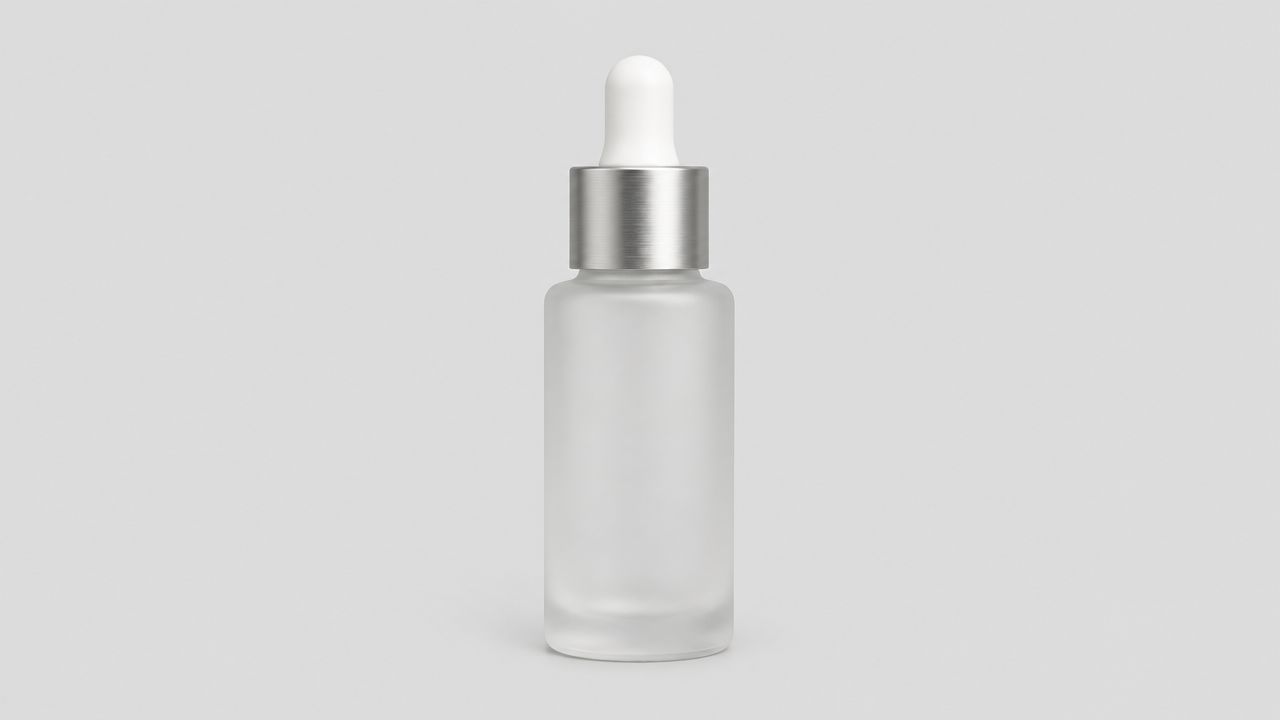
image_urls
Prompt
Studio product photography: a frosted glass skincare serum bottle with a brushed metal dropper cap, standing on a matte light gray acrylic display stand. Three-quarter front view, 85mm macro lens, shallow depth of field, sharp label edges, softly blurred background. Lighting: a large softbox at the upper left as the key light, a narrow rim light along the right edge of the bottle to separate it from the background, and a small amount of soft fill light reflected from the display stand onto the lower glass area. Highlights are visible but controlled, with no blown-out hot spots. Seamless light warm gray background with a soft gradient, and only a short, grounded contact shadow. Clean e-commerce hero image composition, ample negative space at the top for copy, high micro-contrast on the metal parts, accurate translucent frosted glass texture, no props, no text overlay.
Copy the full prompt and adapt it for your own generation.
Tags
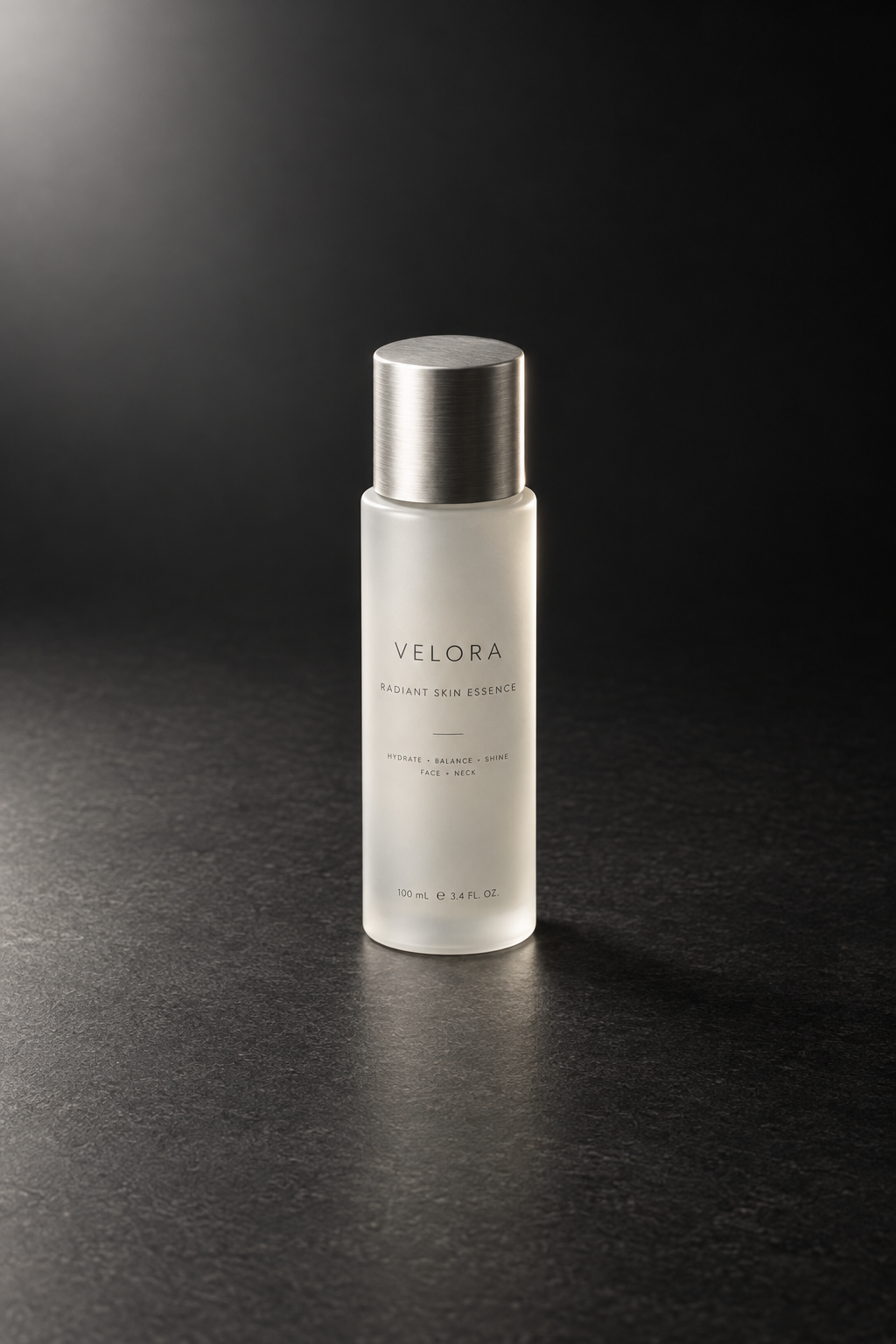
E-commerce Product Photography: gpt-image-2.5-flare Prompt Recipe
Style Product Image · ecommerce · Studio lighting
Reference inputs
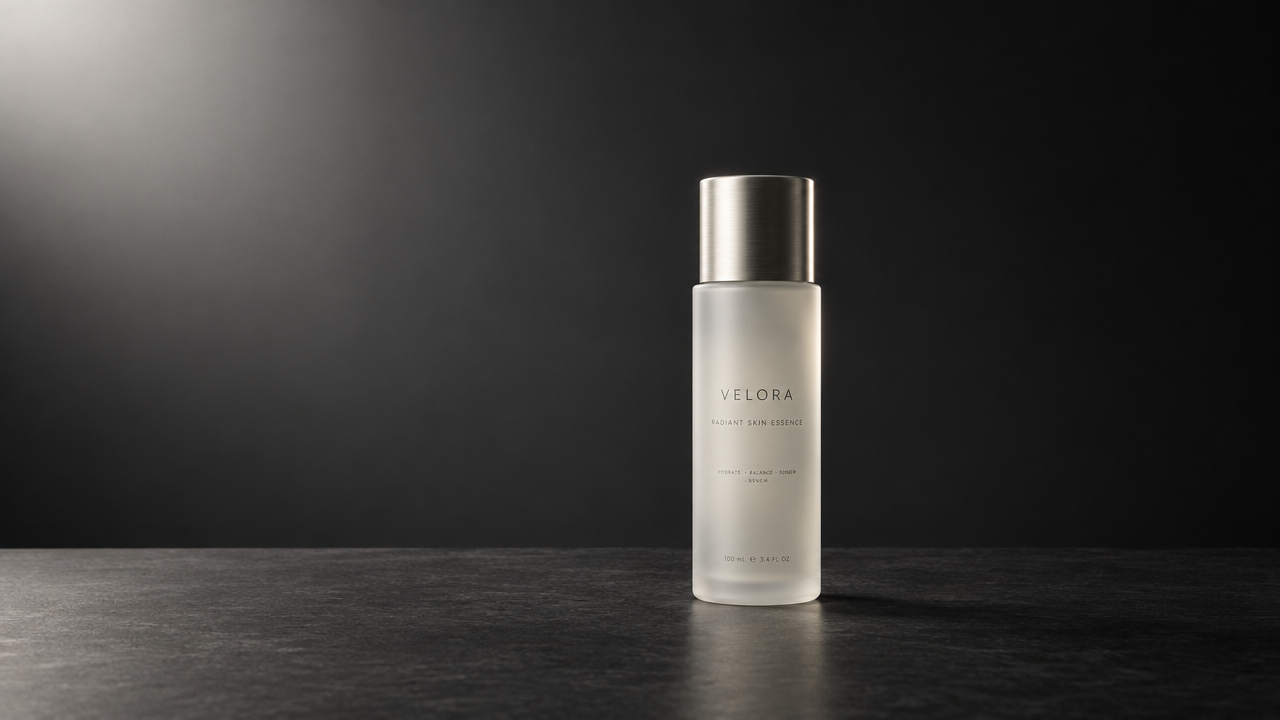
image_urls
Prompt
Studio e-commerce product photography, a matte glass skincare bottle with a brushed aluminum cap, centered on a dark charcoal gray surface, soft gradient background. Camera shot at a 45-degree high angle, 85mm macro-like perspective, shallow but controlled depth of field, ensuring the entire label is clear and sharp. Lighting: a large softbox at the upper left as the key light, tracing a thin rim light along the right contour of the bottle to separate it from the background, which is a subtle gradient from dark gray to near black, with only one restrained specular highlight retained on the shoulder of the glass, and not overexposed. Label typography is clean and legible, no extraneous props, no reflections of studio equipment, no watermark. Commercial retouching quality: realistic material rendering, crisp sharp edges, restrained color grading, 1:1 square crop, ample negative space around the subject.
Copy the full prompt and adapt it for your own generation.
Tags
Pricing
gpt-image-2.5-flare per image
| Specifications | Unit Price |
|---|---|
| low | $0.0172 |
| medium | $0.0672 |
| high | $0.1829 |
| xhigh | $0.3572 |
| max | $0.7143 |
| auto | $0.3572 |
Overview
gpt-image-2.5-flare is the version in OpenAI's gpt-image-2.5 image series that emphasizes a balance between speed and quality. It is called on HiAPI.ai through a unified interface and supports both text-to-image generation and image editing based on reference images. It is suited for commercial visual production that requires stable image output, batch content generation, and image retouching workflows, and can output images at up to 3840px resolution, with transparent backgrounds, and in a variety of aspect ratios and formats.
Key Highlights
- Speed-first without compromising quality — compared with the previous generation GPT-Image-2, it significantly reduces latency while improving quality, making it suitable for batch tasks that have requirements on image generation throughput.
- Text-to-image and editing on the same pipeline — the same model can generate from scratch based on a prompt, or accept reference images for editing, compositing, and subject/style preservation.
- Broad aspect ratio and resolution coverage — supports a variety of ratios from 1:1 to 16:9 and 9:16, as well as direct output at pixel dimensions up to 3840x2160.
- Transparent backgrounds and controllable formats — you can choose transparent backgrounds and png, jpeg, or webp output formats, reducing post-processing after assets are finalized.
Capabilities
Text-to-image generation: generate an image from a descriptive prompt; supports longer structured prompts and complex layout requirements, making it suitable for producing usable images directly from text.
Reference image editing and preservation: you can pass in up to 16 reference images for editing, compositing, or preserving the subject and style during modifications, reducing repeated parameter tuning.
Quality level selection: provides quality levels from low to max plus auto, letting developers trade off image generation speed against detail based on the scenario.
Resolution and aspect ratio control: you can specify a ratio or specific pixel dimensions, including levels such as 1024, 1536, 2048, and 3840; auto lets the model decide.
Output format and background: supports png, jpeg, and webp formats with automatic, transparent, or opaque background settings, directly producing usable asset files.
Use Cases
- Commercial imagery for brand and marketing teams — input brand visual descriptions or reference images, produce images for presentations, landing pages, and ads, and deliver them to asset libraries in batches through the unified interface.
- Social media imagery for content creators — submit prompts in batches based on scripts or topics, obtain images in multiple aspect ratios, and use them for social media publishing and content scheduling.
- E-commerce and product page asset creation — use product reference images plus modification instructions as input to generate scenario-based display images, directly usable for product detail pages and visual search assets.
- Iterative refinement in design workflows — perform multiple rounds of editing based on existing images while keeping the subject and layout consistent, for prototype validation and design iteration.
Limitations and Selection Advice
As a closed-source model, it cannot be deployed locally or fine-tuned on your own, and output depends on API calls. High-resolution image generation incurs higher compute and time costs; dense small-font text and complex legends remain error-prone scenarios and require manual review. If a task demands extremely high detail fidelity and can tolerate longer waits, gpt-image-2.5-sunburst is more suitable; if you want low-latency daily batch image generation, this pipeline is the default choice. Content compliance must follow the applicable usage policies.
Create a generation task
https://api.hiapi.ai/v1/tasks Headers
AuthorizationstringRequiredAccount API key. Required on every request. Example: Bearer YOUR_HIAPI_API_KEY. Get your API key
Content-TypestringOptionalThe request body is always parsed as JSON; when sent, only application/json (optionally with charset) is accepted — any other value returns 415. Example: application/json.
Idempotency-KeystringOptionalIdempotency key, up to 255 bytes. Retries with the same key from the same account create the task only once; replays return the original taskId.
On network timeouts or client retries, the same key creates the task only once — no double charges (scope: the API key's account). Use a business-unique identifier as the key (e.g. "order-42"); replays return the original taskId, and keys expire 24 hours after the first request. See the Unified Async API overview for the full scenario matrix.
Body
modelstringRequiredCurrent fixed value: gpt-image-2.5-flare
routestringOptionalCurrent fixed value: pro
inputobjectRequired
Business parameters for gpt-image-2.5-flare and route pro — see the parameter table below.
promptstringRequiredminLength 1maxLength 20000Describe the image content to generate, or explain the modifications to make to the reference image, as a string, up to 20,000 characters.
qualitystringOptionalDefault: "medium"Controls the level of detail, generation speed, and price tier of the output image, as a string, default is medium.
lowmediumhighxhighmaxautobackgroundstringOptionalDefault: "auto"Controls the background mode of the output image (automatic, transparent, or opaque), as a string, default is auto.
autotransparentopaqueimage_urlsarrayOptionalminItems 1maxItems 16An optional array of reference images; when provided, they are used to edit or composite the image, or to preserve the subject and style, with image addresses as elements.
Array [ string ]
aspect_ratiostringOptionalDefault: "1:1"Controls the output aspect ratio or pixel dimensions, as a string, default is 1:1; when set to auto, the model decides on its own based on the request.
1:13:22:34:33:416:99:16autoShow all (10)
1024x10241536x10241024x15361536x11521152x15362048x20482048x11521152x20483840x21602160x3840output_formatstringOptionalDefault: "webp"Controls the file format of the output image, as a string, default is webp.
pngjpegwebpcallbackobjectOptional
Terminal-state notification config. When omitted, no callback is delivered — poll the task yourself. See the callback note below.
Provide callback.url when creating a task and HiAPI POSTs to your service once the task reaches a terminal state — no polling needed. The callback payload mirrors the task detail structure; signature verification, delivery retries and idempotency are documented on the Unified Async API overview page.
urlstringRequiredRequired when callback is present. A POST is sent to this URL once the task reaches a terminal state; must be a valid http(s) URL.
whenstringOptionalDefault: "final"Only final is supported today — notified on both success and fail.
finalstoragestringOptionalDefault: "temp"Artifact storage tier: temp (default, retained about 7 days) or persistent (long-term, billed by size). Insufficient balance or exceeding the storage cap silently downgrades to temp; the effective tier is shown in the task detail response.
temppersistentRequest examples
# Submit an async task; returns a taskId immediately (no waiting for generation)
curl -X POST "https://api.hiapi.ai/v1/tasks" \
  -H "Authorization: Bearer $HIAPI_API_KEY" \
  -H "Content-Type: application/json" \
  -d '{
  "model": "gpt-image-2.5-flare@pro",
  "input": {
    "prompt": "…",
    "quality": "medium",
    "background": "auto",
    "aspect_ratio": "1:1",
    "output_format": "webp"
  }
}'
const res = await fetch("https://api.hiapi.ai/v1/tasks", {
method: "POST",
headers: {
Authorization: `Bearer ${process.env.HIAPI_API_KEY}`,
"Content-Type": "application/json",
},
body: JSON.stringify({
model: "gpt-image-2.5-flare@pro",
input: {
"prompt": "…",
"quality": "medium",
"background": "auto",
"aspect_ratio": "1:1",
"output_format": "webp"
}
}),
});
const task = await res.json();
// { code: 200, message: "success", data: { taskId } }import os, requests
res = requests.post(
"https://api.hiapi.ai/v1/tasks",
headers={"Authorization": f"Bearer {os.environ['HIAPI_API_KEY']}"},
json={
"model": "gpt-image-2.5-flare@pro",
"input": {
"prompt": "…",
"quality": "medium",
"background": "auto",
"aspect_ratio": "1:1",
"output_format": "webp"
}
},
)
print(res.json()) # { code, message, data: { taskId } }200 OK
{
  "code": 200,
  "message": "success",
  "data": {
    "taskId": "tk-hiapi-01HZTQ8BX2N3GM3YFK4Z9D7VQR"
  }
}
400 Bad Request
{
  "code": 400,
  "message": "invalid request",
  "data": null,
  "error_code": "INVALID_REQUEST"
}
Get task detail
https://api.hiapi.ai/v1/tasks/:id Response fields
taskIdstringRequiredTask ID, always prefixed with tk-hiapi-.
modelstringRequiredResolved full model name. Tasks submitted with the route parameter return base@route (e.g. gpt-image-2/text-to-image@ext); otherwise identical to the name passed at creation.
routestringOptionalPresent only when the task was submitted with an explicit route parameter; echoes the submitted value.
statusstringRequiredTask status.
queued Queued, not started yet.
handling Being processed.
archiving Processing finished, artifacts being prepared.
success Terminal: completed, artifacts available (output returned).
fail Terminal: failed (error returned).
After submission, check status: success and fail are terminal, everything else is non-terminal. Poll every 1–3 seconds until terminal. On success, download artifacts from output[].url and transfer them before expireAt; pass storage: "persistent" at creation time when long-term retention is needed.
creatednumberRequiredTask creation time (Unix seconds).
completednumberRequiredUnix seconds when the task reached a terminal state; fixed to 0 while not terminal.
outputarrayOptional
Present only when status == success. Artifact list — always an array; a single task may return multiple types at once (e.g. video + first_frame).
Array [ object ]
Array items
urlstringRequiredArtifact URL, directly downloadable.
typestringRequiredCurrent possible values: video, image, audio, first_frame, last_frame, thumbnail; more may be added later.
expireAtnumberRequiredUnix seconds until which the artifact remains accessible; download or transfer before it expires.
errorobjectOptional
Present only when status == fail.
codestringRequiredBusiness error code.
messagestringRequiredError description.
Response examples
Success
{
  "code": 200,
  "message": "success",
  "data": {
    "taskId": "tk-hiapi-01HZTQ8BX2N3GM3YFK4Z9D7VQR",
    "model": "happyhorse-1-0",
    "status": "success",
    "created": 1777282033,
    "completed": 1777282099,
    "output": [
      {
        "url": "https://cdn.hiapi.ai/tasks/.../video.mp4",
        "type": "video",
        "expireAt": 1777886899
      }
    ]
  }
}
Processing (non-terminal)
{
  "code": 200,
  "message": "success",
  "data": {
    "taskId": "tk-hiapi-...",
    "model": "happyhorse-1-0",
    "status": "archiving",
    "created": 1777282033,
    "completed": 0
  }
}
Failed
{
  "code": 200,
  "message": "success",
  "data": {
    "taskId": "tk-hiapi-...",
    "model": "happyhorse-1-0",
    "status": "fail",
    "created": 1777282033,
    "completed": 1777282099,
    "error": {
      "code": "TASK_FAILED",
      "message": "task failed"
    }
  }
}Articles
View all articles →Related Models
View all models →Same Type
-
 BRIA Eraser Bria $0.058 /image
-
 Grok Imagine xAI $0.011 /second
-
 FLUX.1 Kontext Max Black Forest Labs $0.071 /image
-
 Grok Imagine Quality xAI $0.070 /image
-
 Qwen Image 3.0 Alibaba $0.036 /image
-
 Seedream 4.5 ByteDance $0.045 /image
-
 FIBO 1.5 Bria $0.058 /image
-
 BRIA Product Shot Bria $0.058 /image
-
 Z-Image Alibaba $0.008 /image
-
 Qwen Image 2.0 Alibaba $0.042 /image
-
 Ideogram V3 Character Ideogram $0.090 /image
-
 Google Virtual Try-On Google $0.107 /image