
使用指南
gpt-image-2.5-sunburst 的图生图提示词配方
本页内容
为什么图生图提示词需要结构化
大多数图生图失败并不是模型失败,而是规格说明失败。你给模型一张参考图,再配上一句“让它看起来更好”或“把它放到海滩上”,模型就必须去推断“它”指什么、哪些像素受到保护、允许偏离到什么程度。结果通常看似合理,却以某种你未曾预料到的方式出错。
当你把一次编辑当作一次性任务时,问题会进一步放大。一个对某张人像有效的提示词,可能在接下来十张上失效,因为自由形式的措辞把太多决策留给了模型。你无法判断一次回归是来自提示词变化、参考图变化还是模型变化,因为请求中没有任何东西被固定下来。
可重复的结构能同时解决这两个问题。它把一次编辑变成一份带有明确字段的规格说明:参考图扮演什么角色、请求的是哪一个单一操作、哪些属性受到保护、哪些伪影被禁止。每个字段都可以独立审阅、做差异对比和测试。
这对开发者工作流比对休闲使用更为重要。如果图像编辑是流水线的一部分——生成产品变体、重绘素材、本地化美术资源——那么提示词实际上就是代码。它们需要输入、预期输出,以及检测漂移的方式。下一节中的四块配方就是最小的结构,能在不增加工具开销的情况下同时提供这三者。
四块提示词配方
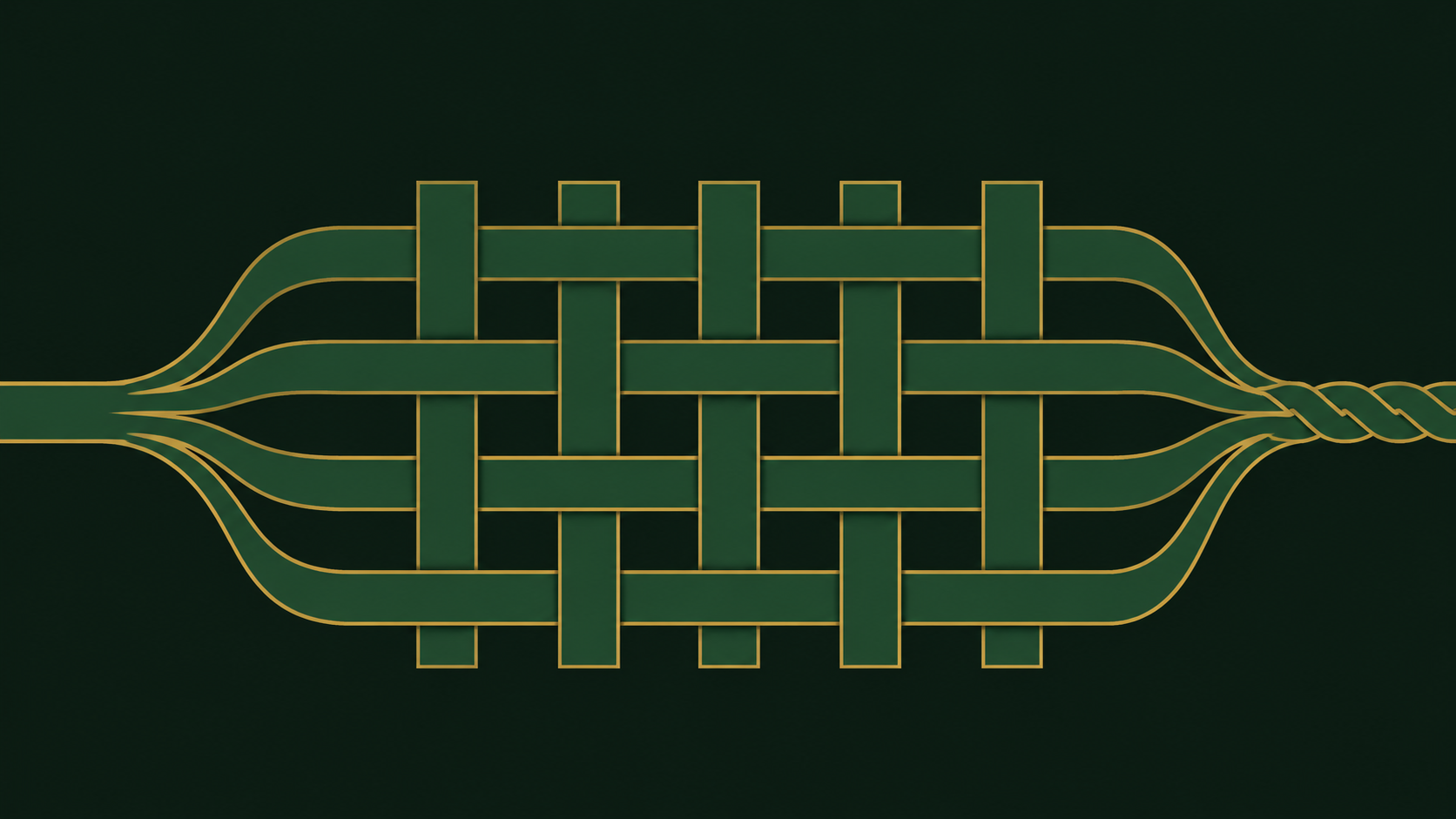
本指南中的每个编辑请求都由相同的四个块、按相同顺序组装而成。复制骨架,然后为你的任务填写每个块。
块 1:参考图角色
第一个块告诉模型输入图像的用途。不要详细描述它——模型已经看到了。说明它的功能。
REFERENCE: The input image is the product photo. It is the subject and the layout to preserve.
对于只有部分图像重要的编辑:
REFERENCE: The input image is the subject to transfer. Only the person is relevant; ignore the current background.
块 2:编辑指令
每个请求只写一个主要操作,用祈使句表达。如果需要两个操作,就运行两遍,而不是把它们复合在一句话里——复合编辑正是意外变化悄悄混入的地方。
EDIT: Replace the background with a plain light-gray seamless studio backdrop.
块 3:保真约束
这个块说明什么不得改变,并可选择说明什么明确允许改变。要具体:点名区域、颜色和几何形状。
PRESERVE: The product's exact shape, label text, label position, and color. The camera angle and framing.
ALLOWED: Lighting on the product that is consistent with the new background.
块 4:负面清单
一份简短的、需要抑制的伪影列表。保持它针对你实际观察到的失败模式——冗长的通用列表会稀释信号。
AVOID: extra objects, warped edges, new text, logo distortion, oversharpening halos, drop shadows that were not in the original.
组装后的完整配方
REFERENCE: The input image is the product photo. It is the subject and the layout to preserve.
EDIT: Replace the background with a plain light-gray seamless studio backdrop.
PRESERVE: The product's exact shape, label text, label position, and color. The camera angle and framing.
ALLOWED: Lighting on the product consistent with the new background.
AVOID: extra objects, warped edges, new text, logo distortion, sharpening halos, invented drop shadows.
四个短块、大约十几行,请求就变得可测试了。你可以只替换背景短语而不动保真措辞,也可以收紧负面清单而不重新思考编辑本身。
控制保真度:什么保持不变,什么发生改变
模糊的保真措辞是意外漂移最常见的单一原因。“保持相似”和“不要改变太多”没有给模型任何锚点。它会保留它认为显著的内容,而那可能并不是你认为显著的内容。
点名属性,而不是感觉
用名词和区域替换形容词:
弱:“保持脸部看起来一样。”
强:“保留面部身份、肤色、发际线和视线方向。不要改变年龄或表情。”
弱:“保持布局。”
强:“保留 logo 块的位置和大小、标题基线,以及四边的页边距。”
把保留和许可分开
只写“保留一切”的保真块会阻止你实际想要的编辑。把它与明确的许可配对:
PRESERVE: garment silhouette, seams, fabric texture, color, and the model's pose.
ALLOWED: relighting to match a soft window light from the left; removal of the original backdrop.
ALLOWED 那一行正是让 PRESERVE 那一行安全的原因。没有它,模型可能会拒绝请求的更改,或者应用得不一致。
用多个锚点保护身份
当画面中有人时,单一的“保留脸部”指令很脆弱。用多个独立线索锚定身份——面部特征、头发、肤色以及任何独特的配饰。如果编辑涉及头部或身体,添加明确的反重塑约束:“不要收窄、加宽或重塑下颌线或身体比例。”
约束你关心的几何关系
如果构图重要,就用数值和关系说明:“让主体居中,上方留出相同的头部空间,底边保持相同的裁切。”如果不重要,也要说明——“允许重新构图”可以防止模型过度保留你本来愿意放弃的构图。
警惕无声的风格漂移
风格变化常常通过“干净”“高级”或“电影感”之类的词不请自来。如果你想让写实素材保持写实,就明确说出来:“保持照片级写实;不要添加插画、绘画或 3D 渲染风格。”
背景替换的措辞
背景替换以可预测的方式失败:主体随背景一起被编辑。修复方法是把背景作为一个单独的、有序的指令,而不是主编辑句中的一个从句。
配方:替换背景
REFERENCE: The input image is the subject. Only the subject is relevant; the current background will be discarded.
EDIT: First isolate the subject with clean edges, including hair and any thin details. Then place the subject on a new background: a softly blurred outdoor street at midday.
PRESERVE: Subject identity, pose, clothing, and the exact subject scale relative to the frame.
ALLOWED: Subtle rim light on the subject consistent with the new outdoor lighting.
AVOID: halos around hair, chewed edges, duplicated limbs, background bleeding through the subject, invented props.
“先”这个词很重要。把隔离排在插入之前,给模型一个可遵循的顺序,而不是两个相互竞争的目标。
配方:扩展背景
外绘式请求需要明确描述画布:
REFERENCE: The input image is the central crop. The subject and existing scene are authoritative.
EDIT: Extend the scene outward on the left and right to a wider aspect ratio, continuing the existing floor texture and wall line.
PRESERVE: The original crop exactly as-is. Perspective, horizon height, and lighting direction.
AVOID: a visible seam at the original crop boundary, repeated objects, mirrored duplicates of the subject, changed color temperature.
配方:中和背景
对于之后要合成的素材,不要请求特定场景——请求中性场景:
REFERENCE: The input image is the subject to extract.
EDIT: Replace the background with a flat, evenly lit neutral gray, no gradient and no shadow cast onto the background.
PRESERVE: Subject edges, translucency in thin materials, and the full extent of the subject within the frame.
AVOID: cropping the subject, adding a floor plane, ambient color spill on the subject, hard cutout edges.
让主体约束和场景约束彼此分开
一个有用的习惯:把主体约束放在 PRESERVE,把场景约束放在 EDIT 或 ALLOWED。当请求失败时,这种分离能立刻告诉你究竟是主体漂移了还是场景漂移了,以及该修改哪个块。
构建可复用的负面清单
负面清单通常在每个请求上从头编写,这就是同样伪影不断回归的原因。把清单当作每个用例维护的产物。
从观察到的失败出发
在你的真实参考图上运行配方若干次,记录实际出错的地方。不要从别处导入通用列表——它会花费注意力在你没有的问题上。
按类别分组条目
四个类别覆盖大多数情况:
- 结构伪影:多余肢体、重复物体、扭曲边缘、融化的精细细节、接缝线。
- 文字与标记:臆造文字、改动标签、扭曲 logo、类水印痕迹、改变字体。
- 风格漂移:不想要的插画或绘画渲染、过度平滑、塑料感皮肤、HDR 式过度处理、锐化光晕。
- 语义侵入:添加道具、添加人物、改变表情、改变相机角度。
保持条目简短、具体
每个条目应是一个模型可以执行的名词短语——“多余手指”“重复主体”“臆造文字”——而不是禁止句。十到十五条通常足够;超过这个数,条目开始重叠,列表就变成噪音。
随配方一起对清单版本化
把负面清单存放在它所属的提示词旁边,并在修改时递增版本标识。当输出质量发生变化时,你就能判断是清单变了还是模型变了。每个用例保留一份清单——产品图清单和人像清单会重叠,但不应合并,因为它们的失败模式不同。
不仅测试新增,也测试删除
定期删掉几条并重新运行参考集。有些约束随着提示词改进会不再重要,而过时的条目可能把模型推向僵硬——例如,一条过于激进的“不添加阴影”条目可能压平你实际上想要的光照。
可直接复制粘贴的配方库(含前后对比)
下面每个配方都可以按原样直接使用。把方括号中的内容替换成你自己的,并保持块标签不变。
产品照片,背景替换
REFERENCE: The input image is the product photo. It is the subject and the layout to preserve.
EDIT: Place the product on a clean light-gray studio backdrop with a soft gradient toward the top.
PRESERVE: Product shape, label text and position, color, camera angle, and framing.
ALLOWED: A soft contact shadow beneath the product; lighting consistent with the new backdrop.
AVOID: warped edges, altered label text, extra reflections, sharpening halos, invented props.
前:杂乱的桌面、混合光照。后:产品几何形状和标签完全一致、中性背景、光照一致、无边缘伪影。
人像重新打光
REFERENCE: The input image is the portrait. The person is the only relevant content.
EDIT: Relight the scene as if lit by soft window light from the left.
PRESERVE: Facial identity, skin tone, hairline, gaze direction, expression, and body proportions.
ALLOWED: New shadows and highlights consistent with left-side lighting; slight background darkening on the right.
AVOID: changed age, reshaped jawline, smoothed skin texture, added makeup, changed clothing.
前:平坦的正脸光照。后:具有可读立体感的方向性光照,身份和皮肤纹理完全一致。
带内容保护风格迁移
REFERENCE: The input image is the source artwork. Only its composition and subject matter are relevant.
EDIT: Restyle the image as a flat vector illustration with a limited palette of muted blues and warm neutrals.
PRESERVE: Composition, object placement, relative sizes, and the identity of every distinct object.
ALLOWED: Simplified shapes, removed fine texture, reduced gradients.
AVOID: added objects, removed objects, changed aspect ratio, text, photorealism, heavy outlines not implied by the style.
前:照片场景。后:相同布局和物体以扁平矢量形式呈现,无增无删。
文字安全素材扩展
REFERENCE: The input image is the left half of a banner. All existing text is authoritative.
EDIT: Extend the banner to the right to a wider aspect ratio, continuing the background pattern.
PRESERVE: Every glyph, word, and text position exactly. Color, texture, and the original crop.
ALLOWED: Continued background pattern in the new area only.
AVOID: new text, repeated words, stretched letterforms, visible seam, pattern misalignment.
前:半宽横幅。后:扩展画布,原始文字未动,图案无缝延续。
用于合成的主体提取
REFERENCE: The input image is the subject to extract.
EDIT: Isolate the subject on a flat neutral gray background with no cast shadow.
PRESERVE: Subject edges including hair and thin details, full subject extent within the frame, original color.
ALLOWED: Removal of the original background entirely.
AVOID: cropped edges, halos, ambient color spill, hard polygonal cutouts, invented detail at the silhouette.
前:主体置于繁杂室内背景。后:干净的提取结果,可直接合成,边缘完整。
测试并为配方建立版本
一个只成功一次的提示词只是轶事。一个在固定参考集上反复起作用的提示词,才是你可以交付的组件。
构建固定参考集
挑选一小组能覆盖你真实分布的输入——不同主体、光照条件,以及细发丝、透明材质和嵌入文字等边缘案例。十到二十张图通常足以暴露回归。冻结这套集合,并在每次变更时复用。
把配方存储为数据
把每个配方保存为结构化记录:标识符、版本、四个块作为独立字段,以及它使用的负面清单版本。拆分这些块意味着修改背景措辞是一个可见的一行差异,而不是对整段的不透明重写。
比较输出,不要只盯着最新一次运行
当你修改提示词或模型版本时,重新运行整个参考集,并把新输出与上一个版本的输出逐图并排。图像编辑中的回归很少是戏剧性的——它们表现为标签轻微偏移、织物纹理变软,或者出现一个本不存在的阴影。并排比较能捕捉记忆漏掉的东西。
按块追踪失败
当一次运行失败时,记录是哪个块导致的。随着时间推移,这会告诉你提示词薄弱在哪里:如果大多数失败可追溯到保真约束,就投入更具体的 PRESERVE 措辞;如果可追溯到负面清单,就修剪并重新定位它。
有意识地重建基线
模型更新可能朝两个方向改变行为。当新模型版本发布时,先运行参考集,审阅差异,然后再决定是否更新基线。绝不要仅仅因为孤立看输出还行就接受新基线。
把配方当作带版本的测试用例,可以让图像编辑随着流水线增长而保持可预测。你可以在 HiAPI.ai 的统一图生图端点上运行这些 gpt-image-2.5-sunburst 配方,并让四块结构成为其周围稳定的约定。
相关文章
查看全部文章 →-
使用指南
通过 hiAPI API 使用 Ideogram V3 Character Edit 编辑电商产品图片
一份开发者指南:一致的主体、干净的背景替换,以及可用的 hiAPI 请求
-

使用指南
通过 HiAPI API 使用 happyhorse-1.1/reference-to-video:提示词配方与短视频工作流
一份开发者指南:如何通过 HiAPI 组织参考图片、编写保持身份一致性的提示词,并为短视频控制节奏
-

使用指南
使用 qwen-image-2.1-pro 生成电商产品图:API 用法与提示词配方
一份端到端的开发者指南:透明 PNG、图像编辑、文字渲染,以及可直接复制的 curl 与 Python requests 提示词