

Black Forest Labs
FLUX 1.1 Pro
flux-1.1-pro
Black Forest Labs' flagship text-to-image model, roughly 6 times faster than Flux.1 Pro with better prompt adherence, ideal for image generation at scale
Try flux-1.1-pro
Input
Showcases
View all showcasesOutput
image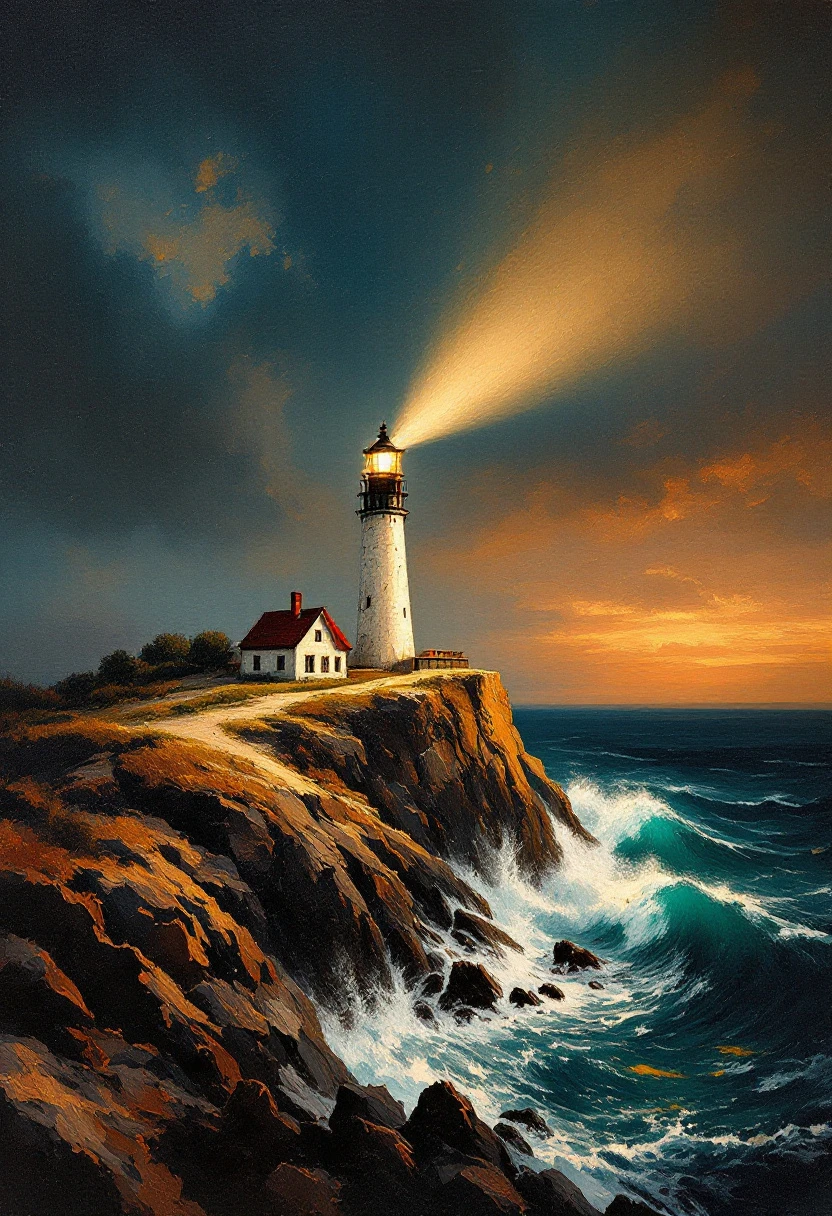
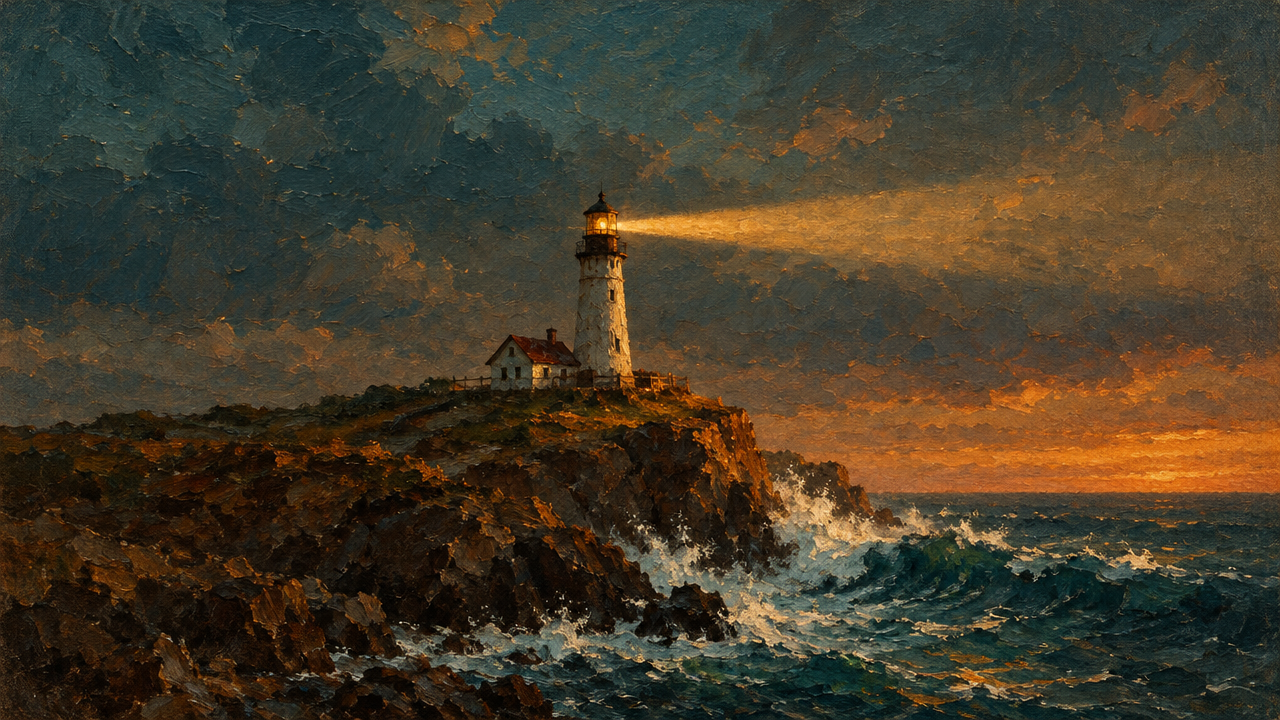
FLUX 1.1 Pro Illustration Style Spectrum: From Realistic to Flat
Style Illustration · style-spectrum · Editing
Reference inputs
image_prompt
Prompt
Editorial illustration, 4:5 vertical composition: at dusk, a solitary lighthouse stands on a rocky headland, waves crashing below, a beam of light sweeping across low-hanging clouds. Painted with heavy impasto brushstrokes, layered warm ochre and deep teal palette, visible canvas texture, the light creating soft rim lighting. Subject centered, ample negative space in the sky, restrained detail, gallery print quality.
Copy the full prompt and adapt it for your own generation.
Tags

flux-1.1-pro Portrait Dual-Style Comparison: Realistic vs. Artistic
Style Portrait & Photography · Photorealistic · Editing
Prompt
A photorealistic half-body portrait of a young woman in her late twenties, sitting beside a large window in a quiet studio, soft diffused daylight streaming in from the left, subtle rim light on her shoulders, clearly visible skin texture with fine pores and natural imperfections, loose dark hair with a few stray strands, wearing a simple oatmeal-colored knit sweater, shallow depth of field, softly blurred neutral indoor background, rendered with the look of an 85mm lens, soft tonal contrast, low-saturation warm tones, 16:9 composition, subject slightly off-center with ample negative space on the right, magazine editorial photography aesthetic, rich in detail
Copy the full prompt and adapt it for your own generation.
Tags
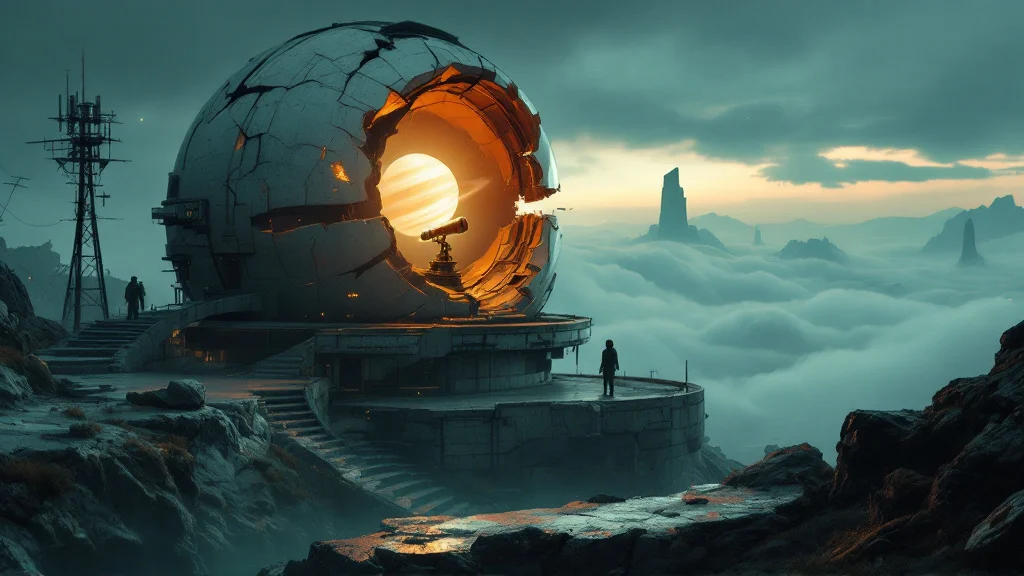
FLUX 1.1 Pro Worldbuilding Scene Concept Art: Abandoned Observatory
Style Concept Art · Worldbuilding · Sci-Fi
Prompt
Wide-angle establishing shot showing an abandoned observatory perched on a mountaintop in a speculative world, low camera position, with foreground rocks and a broken antenna mast framing the image; the cracked hemispherical dome splits open like an eggshell, the brass telescope arm still pointing toward a pale ringed planet, a spiral staircase coiling down into darkness; distinct terrain layers, from the wet moss-covered foreground to the flowing sea of clouds and distant megalith silhouettes; the light is a cool blue twilight haze, with a faint warm amber glow spilling from inside the dome and volumetric light pouring down through the dome's fissure; materials rendered as weathered concrete, oxidized copper, shattered glass, lichen, and streaks of rust; cinematic concept art, matte-painting level of finish, soft teal and amber color palette, richly detailed midground structures, soft atmospheric depth falloff, no text, no watermark.
Copy the full prompt and adapt it for your own generation.
Tags
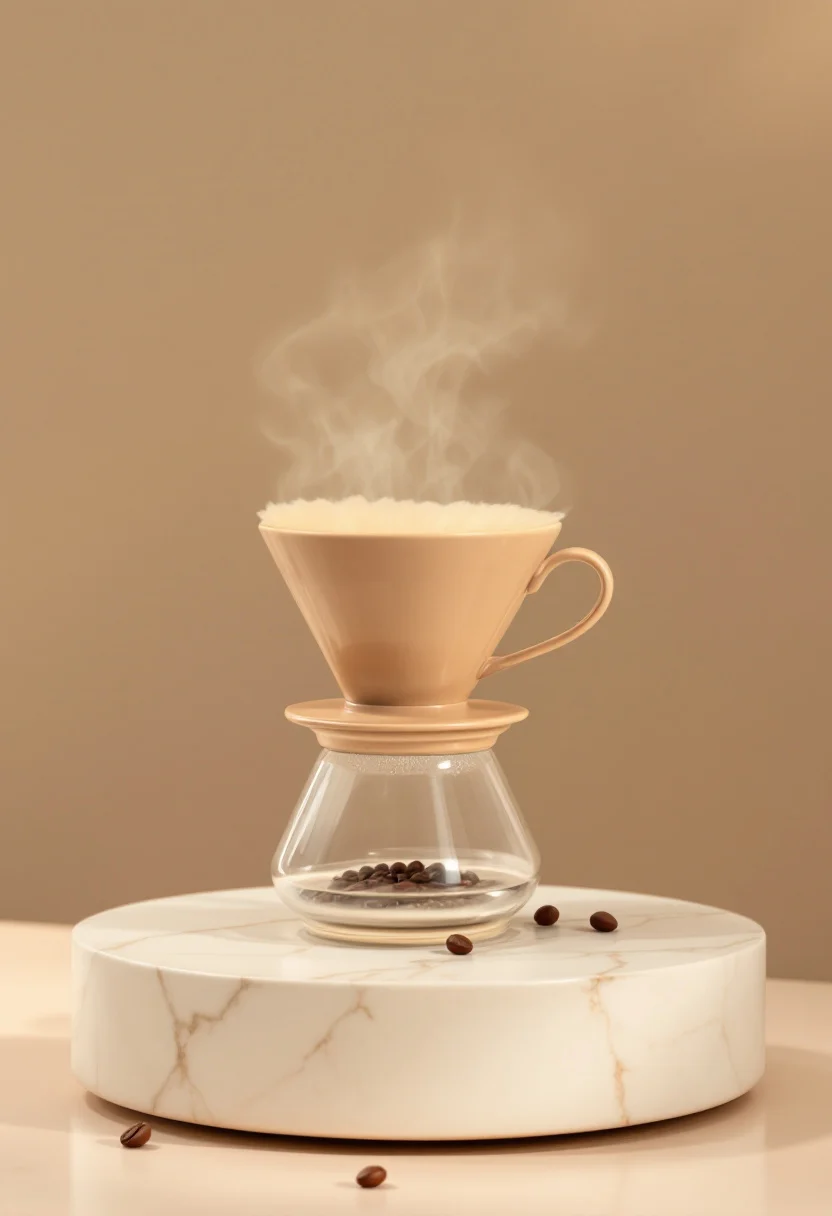
FLUX 1.1 Pro E-commerce Product Photography Quality Output
Style Product Image · ecommerce · Studio lighting
Prompt
Professional e-commerce product photography, a warm sand-colored matte ceramic pour-over coffee dripper, centered on a light-colored travertine pedestal, seamless soft beige gradient background, large softbox key light from the upper left, with a subtle rim light outlining the edges, soft contact shadow, shallow depth of field, focus clearly on the ceramic rim and glaze texture, clean and delicate composition with no steam, no other props except a single scattered coffee bean, high-end product catalog aesthetic, color-accurate neutral white balance, ultra-fine detail, 4:5 vertical composition, commercial studio quality.
Copy the full prompt and adapt it for your own generation.
Tags

FLUX 1.1 Pro Portrait Style Lineage: Realism vs. Artistic Prompt Comparison
Style Portrait Photography · Prompt Reference · Editing
Reference inputs

image_prompt
Prompt
A half-body portrait of a woman in her early thirties, her body slightly off-center, gaze calmly direct at the viewer, in a 4:5 vertical composition with ample space above. Natural window light from the left side of the camera sculpts the face, with soft light falloff, and a subtle rim light separates the shoulders and hair from a soft warm gray studio background. Visible skin texture, fine pores, and faint freckles, individual strands of hair catching the light, matte fabric with softened folds. Shallow depth of field, 85mm equivalent perspective, restrained editorial color grading, clean negative space in the upper third. High-resolution photorealistic rendering, realistic tonal range, no heavy retouching.
Copy the full prompt and adapt it for your own generation.
Tags

Style Spectrum: From Realistic to Flat Illustration of the Same Subject
Style style-spectrum · Illustration · Art Direction
Reference inputs

image_prompt
Prompt
An editorial-style illustration: on a minimalist wooden desk sits a monstera plant and a ceramic cup, presented as a style spectrum study: the right side of the image remains photorealistic, with soft window light, clearly visible leaf veins, subtle grain, and shallow depth of field; while the left side gradually flattens into clean vector shapes, with a palette limited to sage green, warm ochre, and off-white, simplified contours, and a subtle paper texture. A smooth gradient transition is achieved along the horizontal axis, 3:2 composition, balanced negative space, natural soft lighting, rich detail, with the aesthetic style of an art-directed reference board.
Copy the full prompt and adapt it for your own generation.
Tags
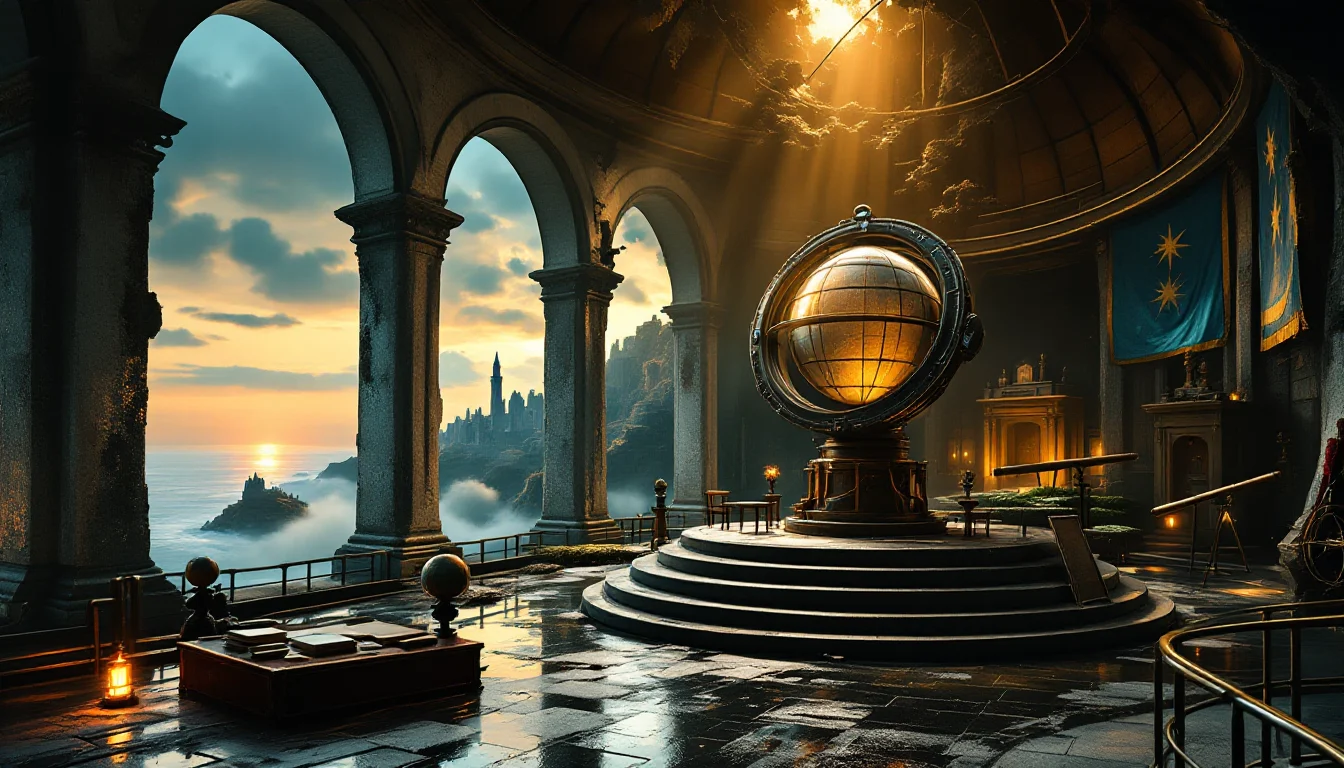
Scene Concept Art: Exploring Worldview Atmosphere
Style Concept Art · Worldbuilding · Cinematic
Reference inputs
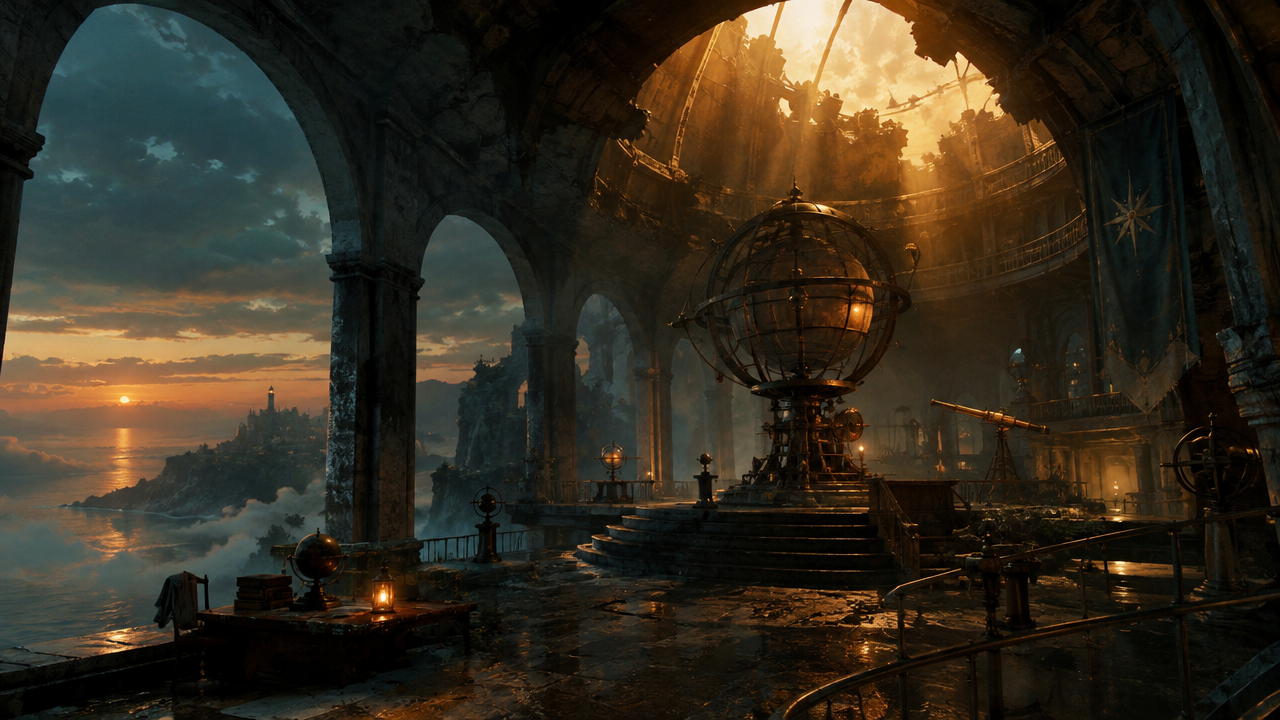
image_prompt
Prompt
Cinematic concept art: at dusk, a massive abandoned observatory carved into a coastal cliff, 16:9 widescreen composition, monolith-like stone arches and rusted brass instruments, thin sea mist drifting through the inner chambers, a beam of warm amber light falling through the collapsed dome, cool teal ambient shadows, volumetric fog effects, weathered concrete and oxidized metal materials, the distant ocean horizon visible through a broken archway, epic scale with a tiny human figure as a scale reference, painterly yet physically realistic rendering, highly detailed, rich atmospheric depth
Copy the full prompt and adapt it for your own generation.
Tags
Pricing
flux-1.1-pro per image
| Unit Price | $0.050 |
|---|
Overview
flux-1.1-pro is a production-oriented text-to-image and image-to-image model from Black Forest Labs, which developers can call through the unified HiAPI.ai interface. It supports generating images directly from text prompts, and can also perform image-conditioned generation by attaching a reference image URL; its prompt adherence is strong, making it suitable for business workflows that require stable output of high-quality images. Aspect ratios cover common specifications such as 1:1, 16:9, 3:2, 4:5, and 9:16, and custom sizes are also supported. Output format and quality are adjustable, making it easy to integrate into batch image generation and automated production pipelines.
Key Highlights
- Dual text-to-image and image-to-image modes — the same interface supports both pure prompt-based generation and image-conditioned generation by passing in a reference image URL, reducing the need to switch between multiple models.
- Reproducible generation control — supports a fixed seed, so repeated calls yield consistent results, which is convenient for regression testing and reproducing batch tasks.
- Output parameters adjustable as needed — offers aspect ratio, custom size, webp/jpg/png format, and output quality options to suit different downstream uses.
- Designed for production workflows — the parameter structure is complete, making it suitable for integration into automated batch image generation and stable delivery business processes.
Capabilities
Text-to-image generation: generates images directly with prompt as the core input, suitable for creative work and asset production starting without source material.
Reference-image-conditioned generation: pass in a jpeg, png, gif, or webp reference image URL via image_prompt to generate based on existing visuals.
Canvas and size control: includes multiple common aspect ratios; when custom is selected, width and height can be set from 256 to 1440 pixels and are aligned to multiples of 32.
Output format and quality: choose webp, jpg, or png output and set output quality from 0 to 100; png output is not affected by the quality parameter.
Reproducible generation and detail adjustment: a fixed seed reproduces results, prompt_upsampling can automatically rewrite prompts, and safety_tolerance can adjust how permissive content filtering is.
Use Cases
- Batch image generation for marketing and advertising assets — operations and marketing teams input campaign copy and produce promotional images in multiple aspect ratios for ad channels and landing pages.
- Product visualization scene images — e-commerce teams use product descriptions or reference images as input to generate product scene images for detail pages and presentation materials.
- Illustration production for content creators — creators input prompts based on article topics and produce illustrations with a consistent style for article content and social media publishing.
- Visual presentation for design prototypes — designers use concept descriptions or reference images as input to quickly produce visual drafts for proposal discussions and prototype direction confirmation.
- Image generation nodes in automated workflows — engineering teams integrate the interface into pipelines to stably produce images with fixed parameters and seeds for large-scale content production.
Limitations and Selection Advice
It only outputs static images and does not support video or other modalities; generation results depend on prompt quality, and complex or specific requirements need multiple rounds of tuning. The maximum width and height is 1440 pixels, custom sizes are aligned to 32-pixel multiples, and oversized requirements need to be handled separately. Output quality is mainly adjusted for webp/jpg; the quality parameter does not take effect for png. Lowering the safety tolerance may affect the pass rate of image generation. If a task requires video generation or batch control beyond the scope of a single image, a model with the corresponding modality should be used instead.
Frequently asked questions
View all FAQs →-
What is FLUX1.1 [pro] best for?
Generate polished photography, architecture, food, nature, and commercial visuals with custom sizing and prompt upsampling controls.
-
Does FLUX1.1 [pro] accept reference images?
No. This route is text-to-image only.
-
Which output settings are supported?
The page exposes Custom width / height and Custom, 1:1, 16:9, 9:16; use the Playground contract for the final available set.
-
How is FLUX1.1 [pro] billed?
Billing is per successful generated image. Resolution or quality differences, when present, are reflected by the live page price.
Create a generation task
https://api.hiapi.ai/v1/tasks Headers
AuthorizationstringRequiredAccount API key. Required on every request. Example: Bearer YOUR_HIAPI_API_KEY. Get your API key
Content-TypestringOptionalThe request body is always parsed as JSON; when sent, only application/json (optionally with charset) is accepted — any other value returns 415. Example: application/json.
Idempotency-KeystringOptionalIdempotency key, up to 255 bytes. Retries with the same key from the same account create the task only once; replays return the original taskId.
On network timeouts or client retries, the same key creates the task only once — no double charges (scope: the API key's account). Use a business-unique identifier as the key (e.g. "order-42"); replays return the original taskId, and keys expire 24 hours after the first request. See the Unified Async API overview for the full scenario matrix.
Body
modelstringRequiredCurrent fixed value: flux-1.1-pro
routestringOptionalCurrent fixed value: default
inputobjectRequired
Business parameters for flux-1.1-pro and route default — see the parameter table below.
seedintegerOptionalRandom seed used to produce reproducible results; when the same seed and other parameters are identical, the same generation can be reproduced.
widthintegerOptionalmin 256max 1440Custom image width, used only when aspect_ratio is custom; the value is rounded to the nearest multiple of 32.
heightintegerOptionalmin 256max 1440Custom image height, used only when aspect_ratio is custom; the value is rounded to the nearest multiple of 32.
promptstringRequiredThe text prompt used for image generation.
aspect_ratiostringOptionalDefault: "1:1"The aspect ratio of the generated image, default 1:1.
custom1:116:93:22:34:55:49:16Show all (2)
3:44:3image_promptstringOptionalOptional reference image URL; the format must be jpeg, png, gif, or webp.
output_formatstringOptionalDefault: "webp"The format of the output image, default webp.
webpjpgpngoutput_qualityintegerOptionalDefault: 80min 0max 100The quality used when saving the output image, an integer from 0 to 100, default 80; has no effect on png output.
safety_toleranceintegerOptionalDefault: 2min 1max 6Safety tolerance, ranging from 1 to 6, where 1 is the strictest and 6 is the most permissive, default 2.
prompt_upsamplingbooleanOptionalDefault: falseWhether to automatically rewrite the prompt to increase generation creativity, default false.
callbackobjectOptional
Terminal-state notification config. When omitted, no callback is delivered — poll the task yourself. See the callback note below.
Provide callback.url when creating a task and HiAPI POSTs to your service once the task reaches a terminal state — no polling needed. The callback payload mirrors the task detail structure; signature verification, delivery retries and idempotency are documented on the Unified Async API overview page.
urlstringRequiredRequired when callback is present. A POST is sent to this URL once the task reaches a terminal state; must be a valid http(s) URL.
whenstringOptionalDefault: "final"Only final is supported today — notified on both success and fail.
finalstoragestringOptionalDefault: "temp"Artifact storage tier: temp (default, retained about 7 days) or persistent (long-term, billed by size). Insufficient balance or exceeding the storage cap silently downgrades to temp; the effective tier is shown in the task detail response.
temppersistentRequest examples
# Submit an async task; returns a taskId immediately (no waiting for generation)
curl -X POST "https://api.hiapi.ai/v1/tasks" \
  -H "Authorization: Bearer $HIAPI_API_KEY" \
  -H "Content-Type: application/json" \
  -d '{
  "model": "flux-1.1-pro",
  "input": {
    "prompt": "…",
    "aspect_ratio": "1:1",
    "output_format": "webp",
    "output_quality": 80,
    "safety_tolerance": 2,
    "prompt_upsampling": false
  }
}'
const res = await fetch("https://api.hiapi.ai/v1/tasks", {
method: "POST",
headers: {
Authorization: `Bearer ${process.env.HIAPI_API_KEY}`,
"Content-Type": "application/json",
},
body: JSON.stringify({
model: "flux-1.1-pro",
input: {
"prompt": "…",
"aspect_ratio": "1:1",
"output_format": "webp",
"output_quality": 80,
"safety_tolerance": 2,
"prompt_upsampling": false
}
}),
});
const task = await res.json();
// { code: 200, message: "success", data: { taskId } }import os, requests
res = requests.post(
"https://api.hiapi.ai/v1/tasks",
headers={"Authorization": f"Bearer {os.environ['HIAPI_API_KEY']}"},
json={
"model": "flux-1.1-pro",
"input": {
"prompt": "…",
"aspect_ratio": "1:1",
"output_format": "webp",
"output_quality": 80,
"safety_tolerance": 2,
"prompt_upsampling": False
}
},
)
print(res.json()) # { code, message, data: { taskId } }200 OK
{
  "code": 200,
  "message": "success",
  "data": {
    "taskId": "tk-hiapi-01HZTQ8BX2N3GM3YFK4Z9D7VQR"
  }
}
400 Bad Request
{
  "code": 400,
  "message": "invalid request",
  "data": null,
  "error_code": "INVALID_REQUEST"
}
Get task detail
https://api.hiapi.ai/v1/tasks/:id Response fields
taskIdstringRequiredTask ID, always prefixed with tk-hiapi-.
modelstringRequiredResolved full model name. Tasks submitted with the route parameter return base@route (e.g. gpt-image-2/text-to-image@ext); otherwise identical to the name passed at creation.
routestringOptionalPresent only when the task was submitted with an explicit route parameter; echoes the submitted value.
statusstringRequiredTask status.
queued Queued, not started yet.
handling Being processed.
archiving Processing finished, artifacts being prepared.
success Terminal: completed, artifacts available (output returned).
fail Terminal: failed (error returned).
After submission, check status: success and fail are terminal, everything else is non-terminal. Poll every 1–3 seconds until terminal. On success, download artifacts from output[].url and transfer them before expireAt; pass storage: "persistent" at creation time when long-term retention is needed.
creatednumberRequiredTask creation time (Unix seconds).
completednumberRequiredUnix seconds when the task reached a terminal state; fixed to 0 while not terminal.
outputarrayOptional
Present only when status == success. Artifact list — always an array; a single task may return multiple types at once (e.g. video + first_frame).
Array [ object ]
Array items
urlstringRequiredArtifact URL, directly downloadable.
typestringRequiredCurrent possible values: video, image, audio, first_frame, last_frame, thumbnail; more may be added later.
expireAtnumberRequiredUnix seconds until which the artifact remains accessible; download or transfer before it expires.
errorobjectOptional
Present only when status == fail.
codestringRequiredBusiness error code.
messagestringRequiredError description.
Response examples
Success
{
  "code": 200,
  "message": "success",
  "data": {
    "taskId": "tk-hiapi-01HZTQ8BX2N3GM3YFK4Z9D7VQR",
    "model": "happyhorse-1-0",
    "status": "success",
    "created": 1777282033,
    "completed": 1777282099,
    "output": [
      {
        "url": "https://cdn.hiapi.ai/tasks/.../video.mp4",
        "type": "video",
        "expireAt": 1777886899
      }
    ]
  }
}
Processing (non-terminal)
{
  "code": 200,
  "message": "success",
  "data": {
    "taskId": "tk-hiapi-...",
    "model": "happyhorse-1-0",
    "status": "archiving",
    "created": 1777282033,
    "completed": 0
  }
}
Failed
{
  "code": 200,
  "message": "success",
  "data": {
    "taskId": "tk-hiapi-...",
    "model": "happyhorse-1-0",
    "status": "fail",
    "created": 1777282033,
    "completed": 1777282099,
    "error": {
      "code": "TASK_FAILED",
      "message": "task failed"
    }
  }
}Articles
View all articles →Related Models
View all models →Same Type
-
 Krea 3 Krea $0.036 /image
-
 FLUX.2 Klein 9B Black Forest Labs $0.0086 /image
-
 Seedream 5.0 ByteDance $0.025 /image
-
 Google Virtual Try-On Google $0.107 /image
-
 Recraft Crisp Upscale Recraft $0.004 /image
-
 Qwen Image 2.0 Alibaba $0.042 /image
-
 GPT Image 2 OpenAI $0.007 /image
-
 Nano Banana 2 Google $0.036 /image
-
 Seedream 4.5 ByteDance $0.045 /image
-
 Qwen Image 3.0 Alibaba $0.036 /image
-
 Recraft V4.1 Recraft $0.010 /image
-
 Z-Image Alibaba $0.008 /image
Same Provider
-
 FLUX.1 Schnell Black Forest Labs $0.005 /image
-
 FLUX.1 Kontext Max Black Forest Labs $0.071 /image
-
 FLUX 3 Image Black Forest Labs $0.041 /image
-
 FLUX.2 Black Forest Labs $0.035 /image
-
 FLUX.1 Fill Pro Black Forest Labs $0.071 /image
- FLUX.2 Klein 9B Black Forest Labs $0.0086 /image
-
 FLUX 3 Max Black Forest Labs $0.061 /second
-
 FLUX.2 Klein 4B Black Forest Labs $0.0004 /image
-
 FLUX 3 Video Black Forest Labs $0.090 /second