

Black Forest Labs
FLUX 3 Image
flux-3-image
An image-oriented model in the Black Forest Labs multimodal family, sharing a joint training architecture and the Self-Flow framework with video and audio, suitable for upgrading image generation pipelines built on the FLUX system
Try flux-3-image
Input
Showcases
View all showcasesOutput
image
Style Spectrum: From Realistic to Flat for the Same Subject
Style style-spectrum · editorial-illustration · Plane figures
Reference inputs

image_urls

image_urls
Prompt
Editorial style illustration: a lone traveler wearing a wide-brimmed hat stands at a viewpoint on a rocky coast, shown in a three-quarter rear view, with the sea and low-hanging clouds behind them. Reference image 1 defines the subject's identity and composition; reference image 2 defines the color blocks and brushwork language. Style goal: take a point on the spectrum between painterly realism and graphic flat illustration—semi-realistic rendering with a visible sense of volume, soft rim light from a low-angle sun, a restrained but saturated color palette, edges simplified into clean shapes, no heavy texture, and no gradients except for atmospheric haze. 4:3 composition, subject positioned slightly left of center, with open sky on the right and ample negative space. A palette of soft teal, warm sand, and off-white creates a calm and contemplative atmosphere, with the quality of a high-end magazine spread.
Copy the full prompt and adapt it for your own generation.
Tags
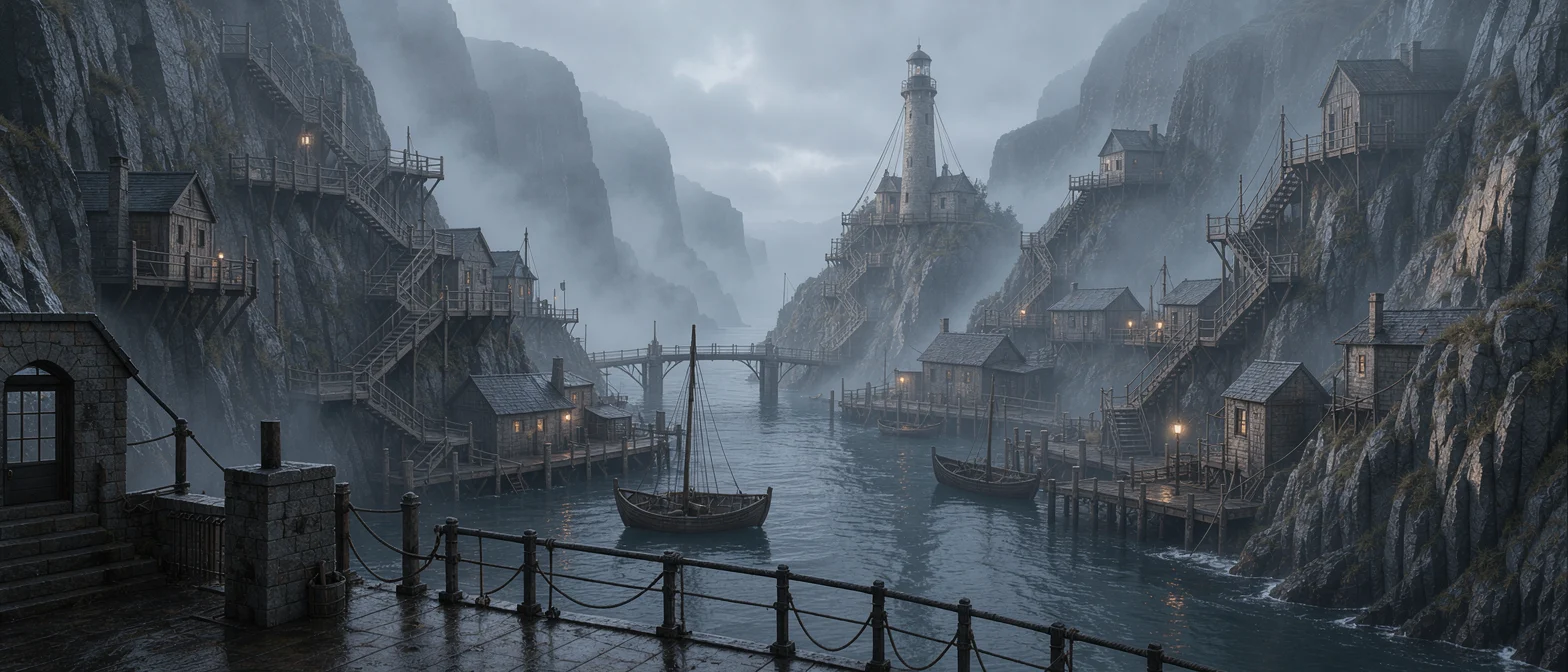
FLUX 3 Worldbuilding Scene Concept Art: Morning Light in the Misty Harbor
Style Concept Art · Worldbuilding · Atmosphere
Reference inputs
image_urls
image_urls
Prompt
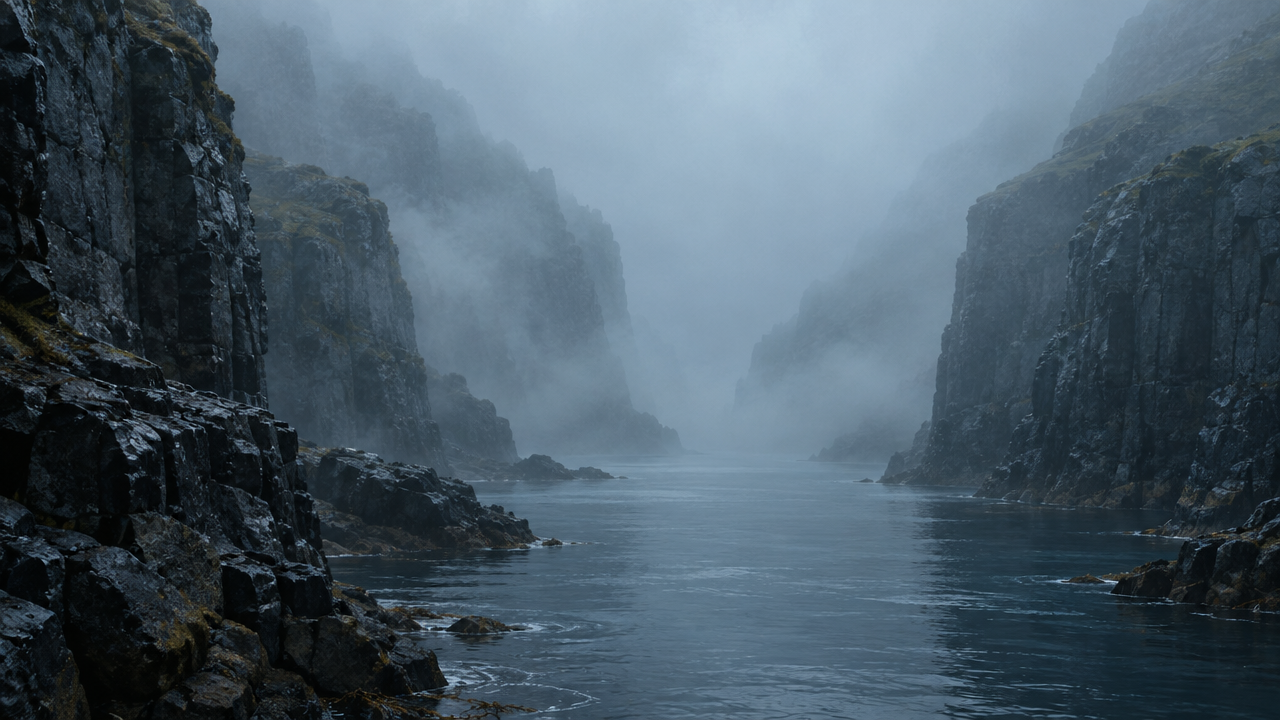
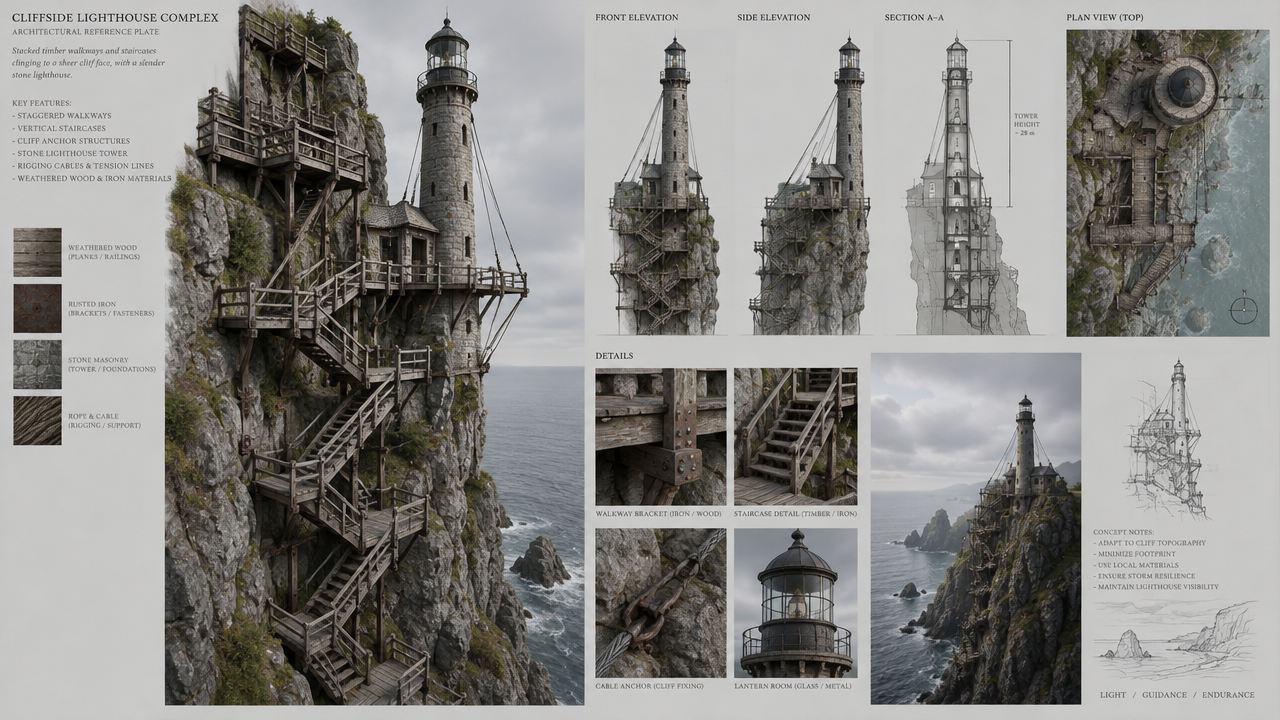
Cinematic worldbuilding concept art of a harbor canyon city shrouded in morning mist. Reference image 1 defines the mood, color palette, and volumetric fog; reference image 2 defines the architectural language of stacked wooden walkways, slender lighthouses, and rigging cables. These are synthesized into a coherent settlement: tiered terraces climb along wet basalt cliffs, narrow stairways, moored small boats, and warm lantern light piercing the cool blue mist. A wide 16:9 establishing shot composition with a strong sense of layered depth: silhouetted railings in the foreground, a bridge span in the midground, and a distant lighthouse as the visual focal point. Painterly digital matte painting, a restrained desaturated palette with selective warm accents, soft rim lighting, and delicate aerial perspective. No text, no watermark.
Copy the full prompt and adapt it for your own generation.
Tags
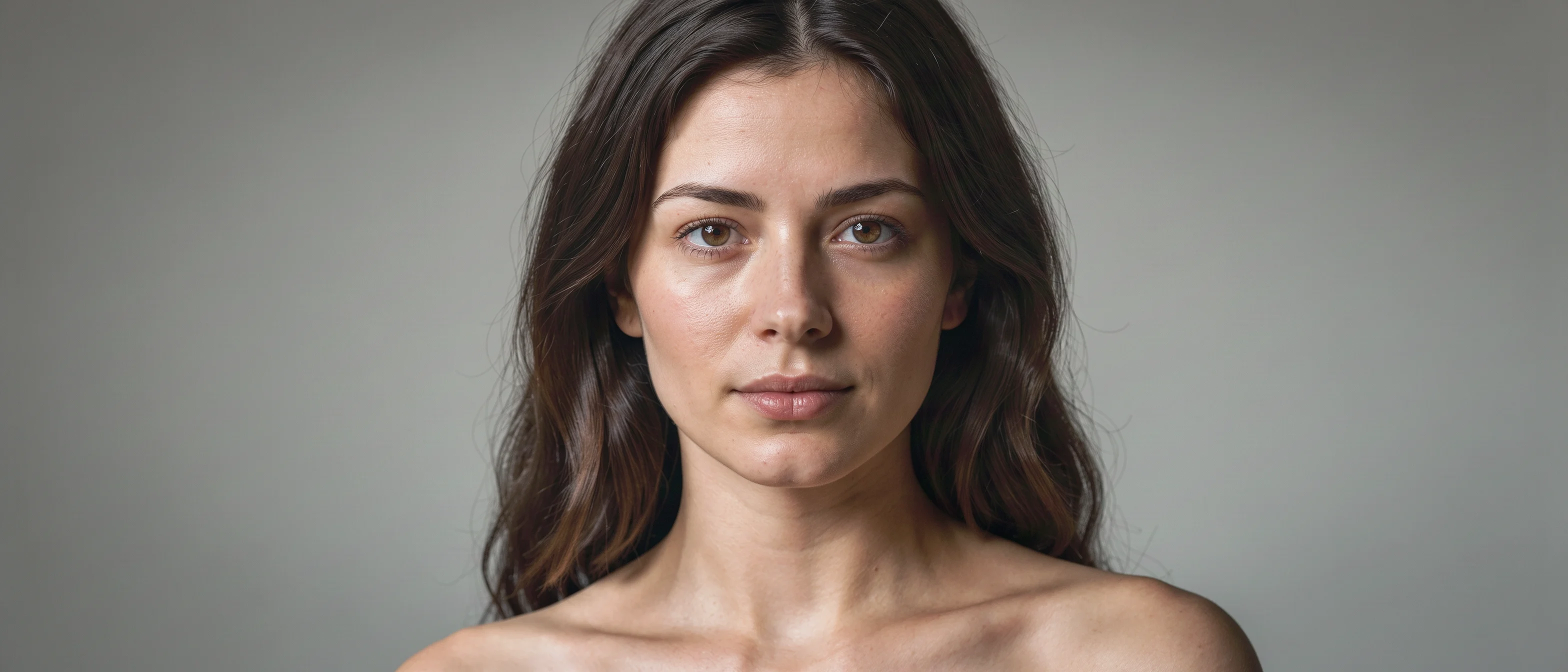
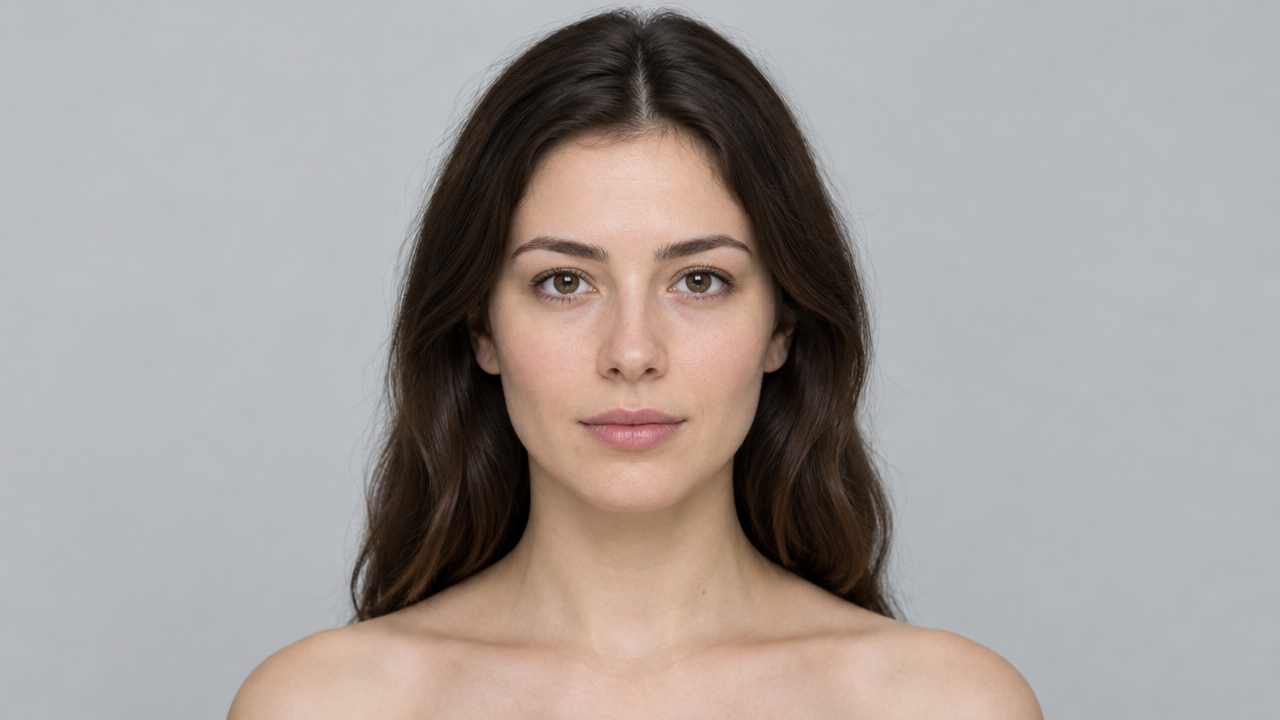
FLUX 3 Portrait Demo: Realism and Artistic Dual-Style Reference
Style Portrait & Photography · Photorealistic · Editing
Reference inputs
image_urls
Prompt
Editorial portrait of a young woman, head-and-shoulders composition, vertical 4:5 ratio. Soft directional window light from camera left, fading into a soft warm gray background. Natural skin texture with visible pores and fine hairs, subtle catchlights in the eyes, f/2.0 shallow depth of field. Calm neutral expression, gaze slightly off camera. Restrained color palette, high dynamic range, no heavy retouching. Realistic photographic quality, medium-format detail.
Copy the full prompt and adapt it for your own generation.
Tags
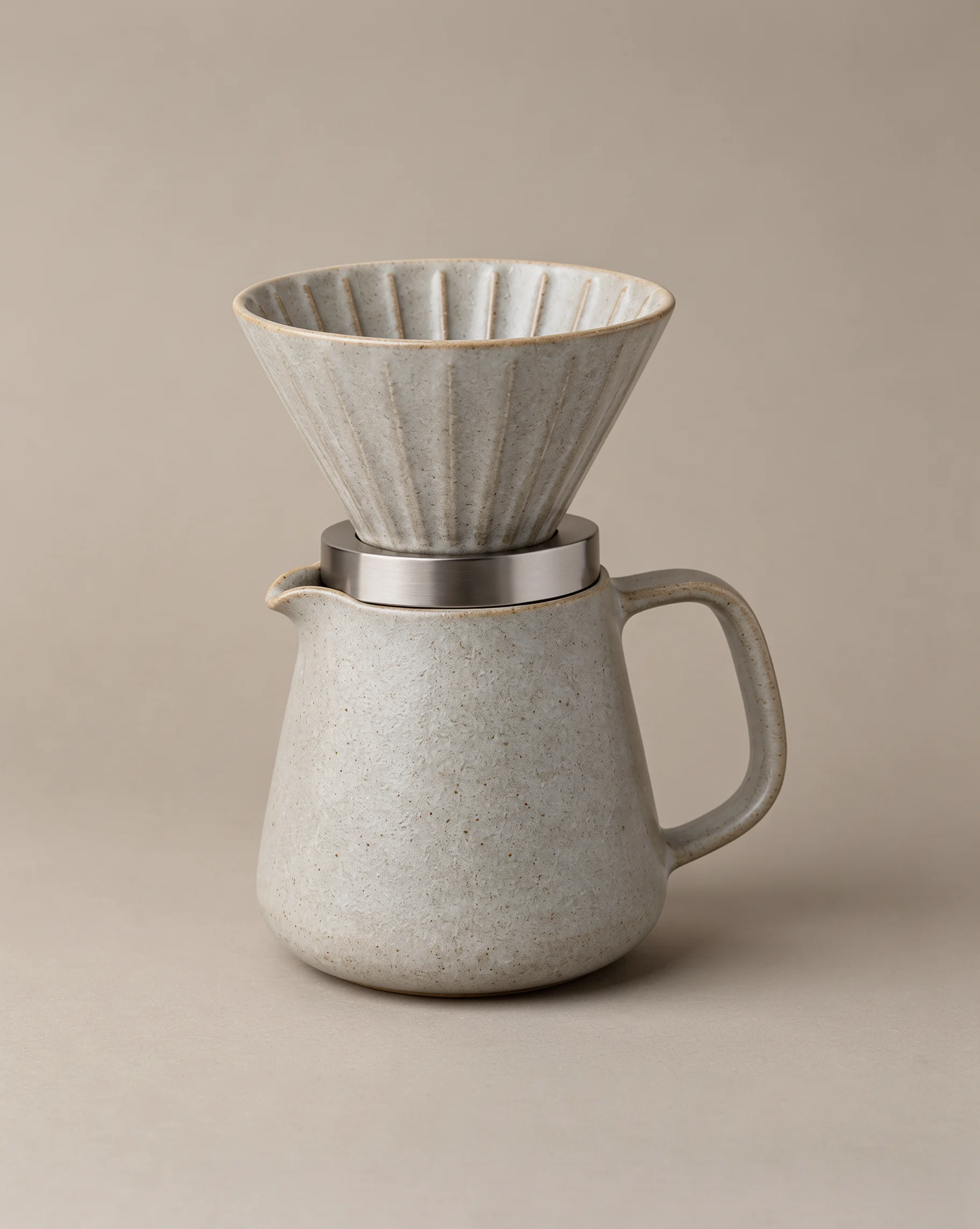
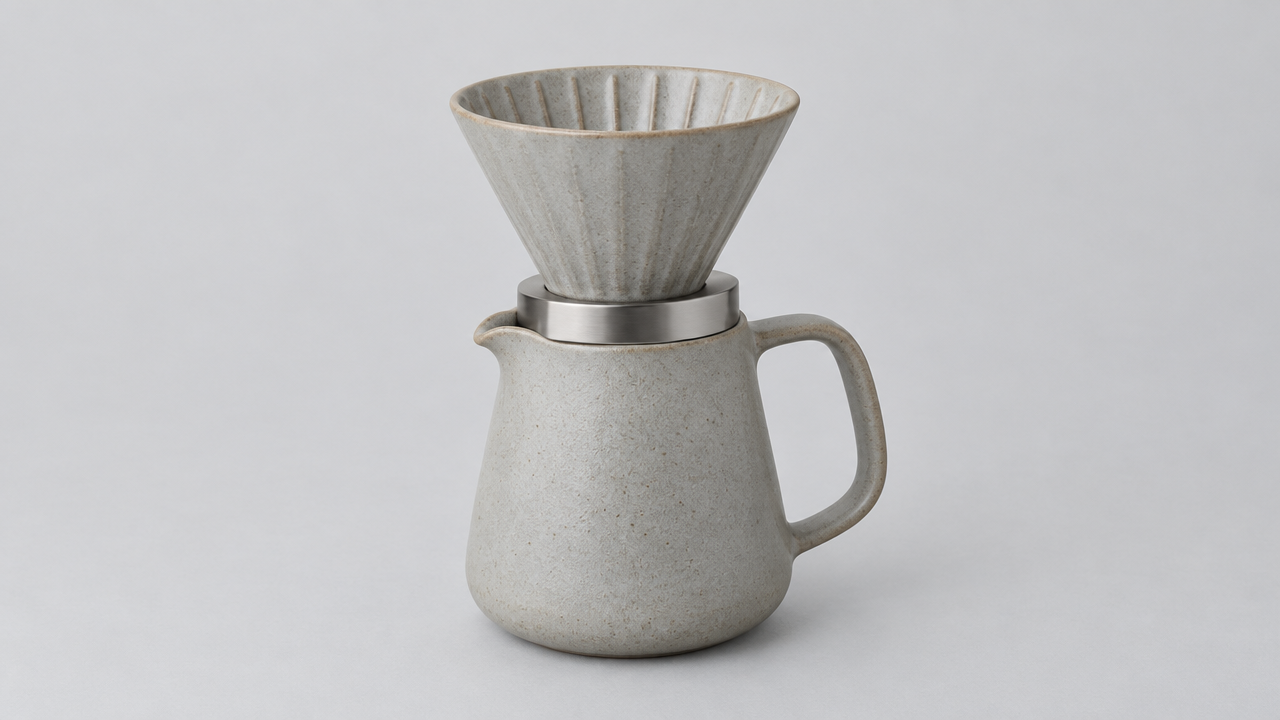
flux-3-image E-commerce Product Photography Texture
Style Product Image · ecommerce · Studio lighting
Reference inputs
image_urls
Prompt
Studio product photography: a matte ceramic pour-over coffee set, centered and slightly off-axis, placed on a seamless warm sand-gray background. A soft, large softbox from the upper left with subtle gradient falloff; a thin rim light along the right edge separates the body from the background; a soft floor shadow at the bottom stabilizes the base. Shot with an equivalent 85mm lens at f/8, achieving sharp quality from center to edge, with shallow enough depth of field to softly blur the background. Visible micro-texture and specular highlights on the glazed ceramic edges, with clear detail on the metal ring. Neutral color grading, true white balance, no cluttered props, and ample negative space on the right for copy. Commercial e-commerce catalog aesthetic, clean, high fidelity, 3:2 horizontal composition.
Copy the full prompt and adapt it for your own generation.
Tags
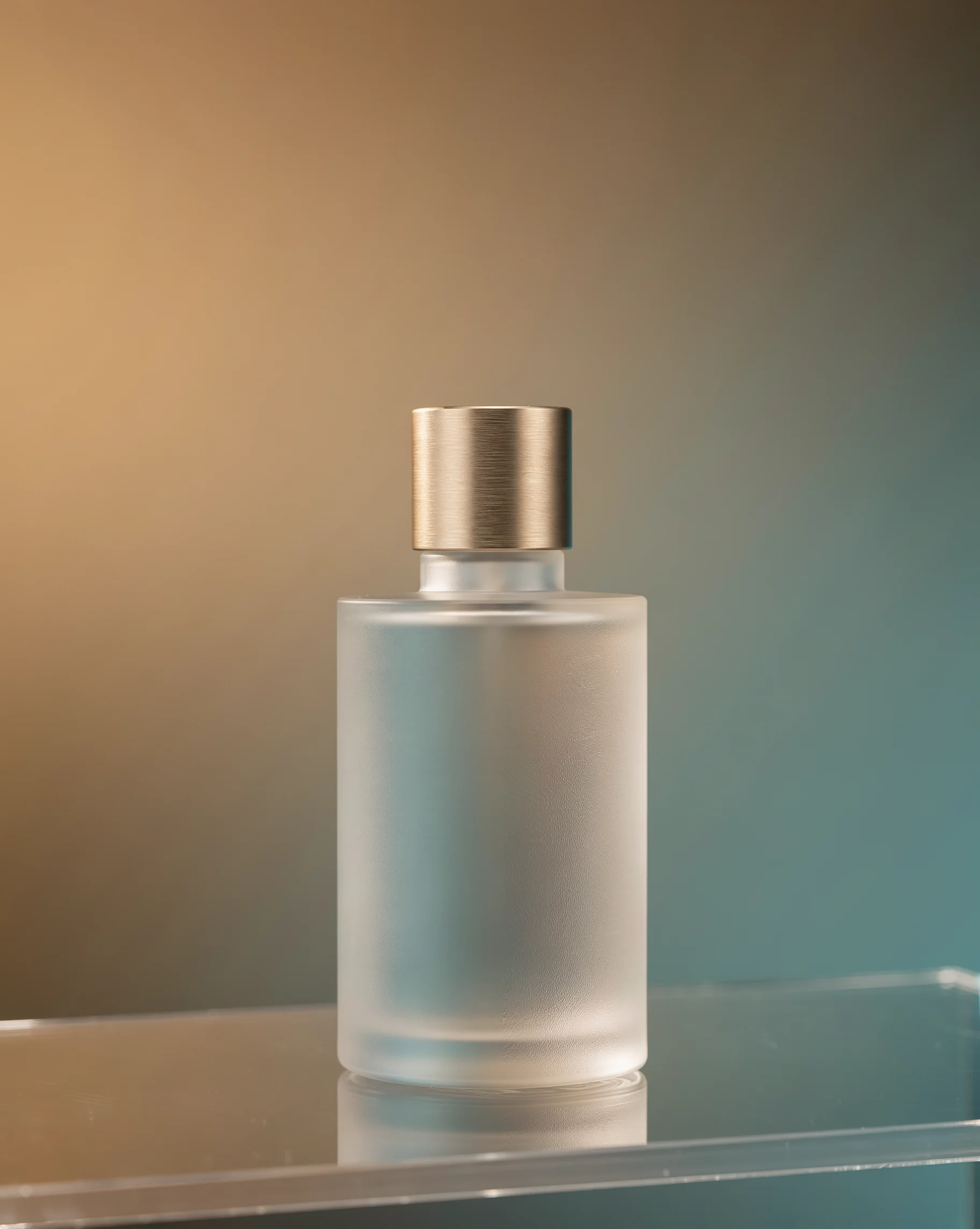
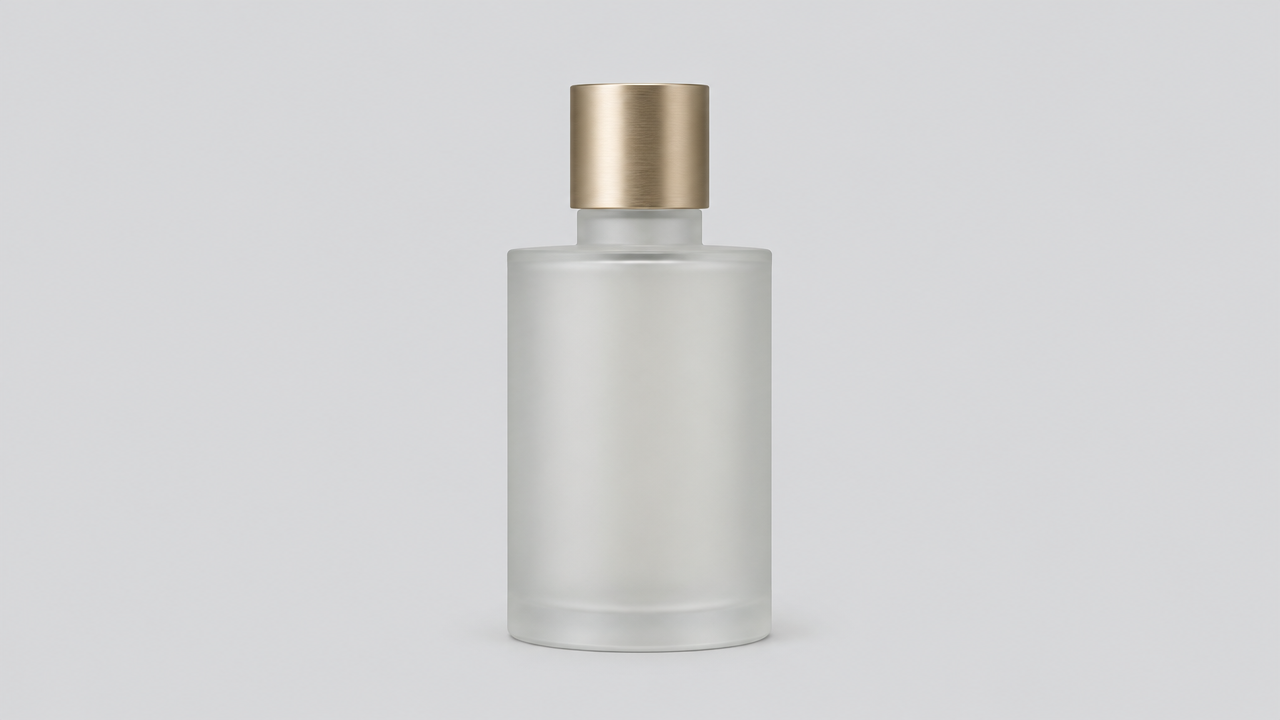
flux-3-image e-commerce-grade product still life: perfume shot with warm-cool collision
Style Product Image · ecommerce · Studio lighting
Reference inputs
image_urls
Prompt
High-end e-commerce product photography, a frosted glass perfume bottle, the cap in brushed champagne gold, standing slightly off-center on a transparent acrylic display stand, a hard key light cast from the upper right, forming clear and sharp specular highlights on the edges of the bottle, a large softbox on the left filling light to brighten the shadow side, the background transitioning from a warm amber gradient to a cool-toned cyan on the right, subtle reflections on the glossy surface below the bottle, a faint layer of condensation on the glass, shallow depth of field, the label clear and sharp, the background softly blurred, 4:5 vertical composition, ample negative space at the top for copy placement, clean commercial retouching aesthetic, no text, no logo, ultra-fine glass refraction and metal micro-texture
Copy the full prompt and adapt it for your own generation.
Tags
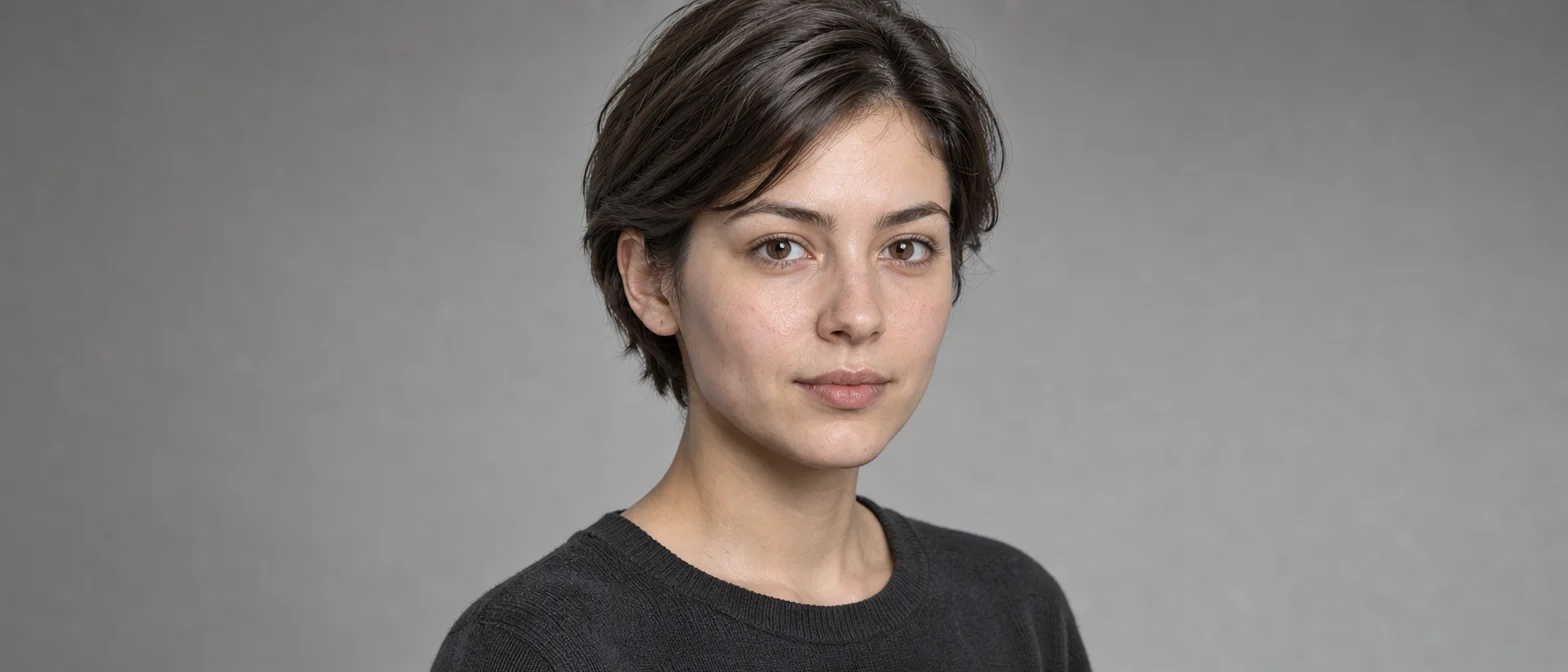
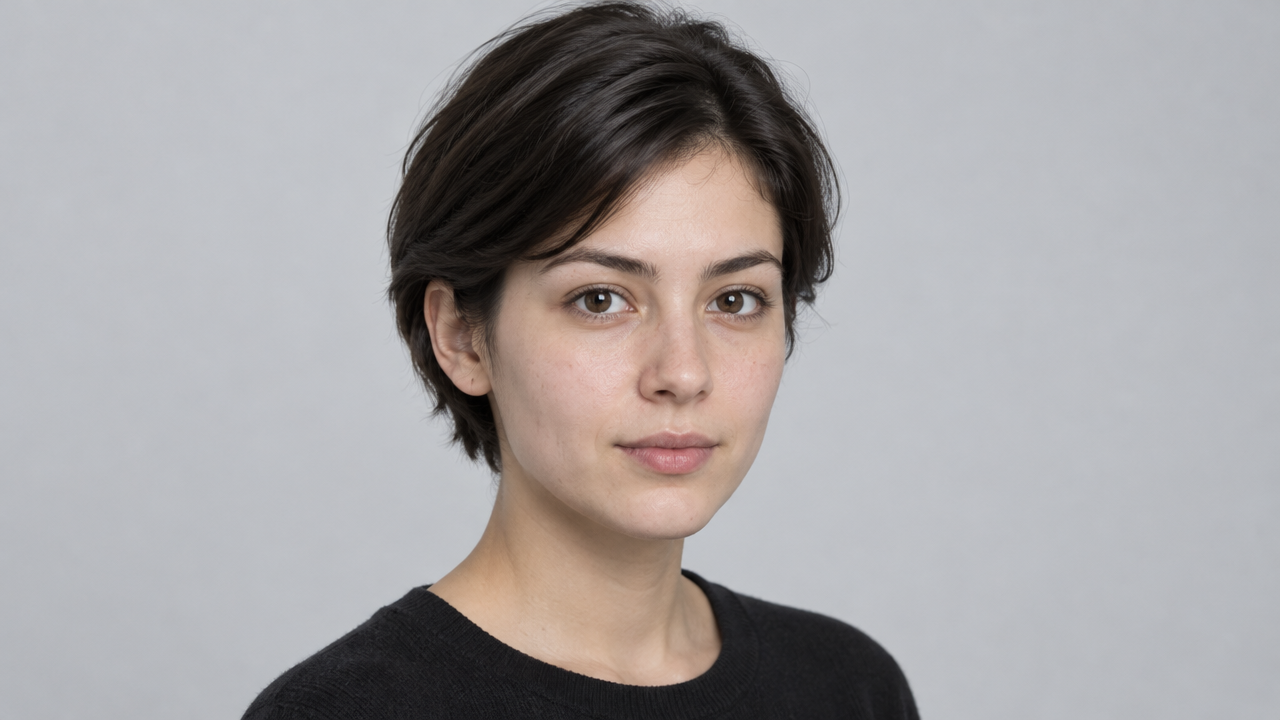
FLUX 3 Image Portrait Dual-Style Demo: Realism and Artistic
Style Portrait & Photography · Photorealistic · Art style
Reference inputs
image_urls
Prompt
A photorealistic studio portrait of a young woman with short dark hair, three-quarter profile view, soft window light coming from the left, natural skin texture with visible pores and fine hairs, subtle catchlights in the eyes, neutral gray seamless background, shallow depth of field, 85mm lens quality, low-saturation color grading, pure dark gray knit sweater with rich fabric detail, calm neutral expression, magazine editorial photography aesthetic, vertical 4:5 composition, negative space at the top
Copy the full prompt and adapt it for your own generation.
Tags
Pricing
flux-3-image per image
| Specifications | Unit Price |
|---|---|
| 768S | $0.041 |
| 1K | $0.048 |
| 1.5K | $0.070 |
| 2K | $0.100 |
| 4K | $0.607 |
Positioning Overview
flux-3-image is the image-oriented model in Black Forest Labs' FLUX 3 multimodal family, accessed through the unified HiAPI.ai interface. It accepts plain-text prompts to generate images directly, and also supports up to 10 reference images for generation and local edits, with adjustable output aspect ratio, resolution tier, and content-safety tolerance. It suits developers building visual content generation pipelines and teams looking to integrate the new-generation model into their existing FLUX image workflows.
Core Highlights
- Reference-image and prompt co-control — you can pass up to 10 reference images and specify in the prompt the subject, style, or composition role each one plays.
- Optional web retrieval to supplement visual information — grounding is enabled by default, retrieving web pages and images before generation to fill in entity and scene details for the prompt.
- Fine-grained resolution and aspect-ratio options — output covers five pixel tiers from 768 to 4K and 16 aspect ratios; auto mode sets the aspect ratio automatically based on the prompt and reference images.
Capabilities
Text-to-image and reference-guided generation: a single request generates an image from a prompt; when reference images are provided, describe in the prompt what should be modified and retained to achieve targeted adjustments without multi-step workflows.
Multi-image reference composition: up to 10 reference images can be used per request, each serving as a subject, style, or composition role, making it suitable for converging multiple visual assets into a single image.
Aspect ratio and resolution control: aspect_ratio offers 16 ratios from 21:9 landscape to 9:21 portrait with automatic selection, and resolution covers 768 to 4K, making batch image production easy by delivery channel and clarity requirements.
Adjustable content-safety tolerance: safety_tolerance ranges from 0 to 4, defaulting to 2, so teams can tighten or loosen filtering strength based on their own compliance requirements.
Use Cases
- Stylized image generation for creative design teams — input design briefs and style reference images to produce visual drafts matching a specified composition and aspect ratio, for advertising assets and concept proposals.
- Model upgrades for existing FLUX pipelines — replace existing image-generation calls with text prompts; outputs keep the original interface form, making it easy to update the model without changing upstream workflows.
- Scene image production requiring factual details — with grounding enabled, describe the subject in a short prompt to produce images supplemented with retrieved information, for content illustrations and scene mockups.
- Multi-asset compositing and image revision — upload multiple reference images and label each one's role to produce unified-style composites or edits, for e-commerce images and asset reuse.
Limitations and Selection Advice
Public information focuses mainly on the FLUX 3 family as a whole and the video direction, with limited disclosure of specific specs for this image version; family-level descriptions of joint training and video capabilities cannot be directly equated with all of this model's capabilities. Grounding retrieves before generating, which may increase per-request latency. For generation speed, stability, and performance on extremely difficult prompts, validate with your own samples before adopting in production. If the need is video or audio generation, choose the corresponding direction model in the same family.
Frequently asked questions
View all FAQs →-
Can one entry generate and edit?
Yes. Generate from text without references, or provide 1–10 images to edit around existing material.
-
How should I choose among the five tiers?
Start with 768 or 1K for a direction, consider 1.5K or 2K for more detail, and 4K when a larger file or cropping room is useful. Tiers do not specify fixed edges; inspect the returned dimensions.
-
How should I assign reference roles?
Assign the subject, setting and palette or style to specific references in order, including anything that should stay out.
-
How many images does each task return?
Each task returns one image. Adjust the brief and submit a separate task for another direction.
Create a generation task
https://api.hiapi.ai/v1/tasks Headers
AuthorizationstringRequiredAccount API key. Required on every request. Example: Bearer YOUR_HIAPI_API_KEY. Get your API key
Content-TypestringOptionalThe request body is always parsed as JSON; when sent, only application/json (optionally with charset) is accepted — any other value returns 415. Example: application/json.
Idempotency-KeystringOptionalIdempotency key, up to 255 bytes. Retries with the same key from the same account create the task only once; replays return the original taskId.
On network timeouts or client retries, the same key creates the task only once — no double charges (scope: the API key's account). Use a business-unique identifier as the key (e.g. "order-42"); replays return the original taskId, and keys expire 24 hours after the first request. See the Unified Async API overview for the full scenario matrix.
Body
modelstringRequiredCurrent fixed value: flux-3-image
routestringOptionalCurrent fixed value: default
inputobjectRequired
Business parameters for flux-3-image and route default — see the parameter table below.
promptstringRequiredminLength 1maxLength 5000Describe the visual content you want to generate; when reference images are provided, you can also specify here which parts of the images should be modified and which should be kept.
groundingbooleanOptionalDefault: trueBoolean value controlling whether to search the web and images online before generation to supplement the visual information in the prompt; defaults to true.
image_urlsarrayOptionalminItems 1maxItems 10Array of reference image URLs used to provide visual references for generation; the subject, style, or compositional role of each image must be specified in the prompt.
Array [ string ]
resolutionstringOptionalDefault: "1K"Output resolution tier; the exact width and height vary with the aspect ratio; defaults to 1K.
7681K1.5K2K4Kaspect_ratiostringOptionalDefault: "auto"Output aspect ratio; can be landscape, portrait, or square; auto means the aspect ratio is determined automatically based on the prompt and reference images; defaults to auto.
21:92:116:93:27:54:35:41:1Show all (8)
4:53:45:72:39:161:29:21autosafety_toleranceintegerOptionalDefault: 2min 0max 4Integer, content safety tolerance; a value of 0 is the strictest; defaults to 2.
callbackobjectOptional
Terminal-state notification config. When omitted, no callback is delivered — poll the task yourself. See the callback note below.
Provide callback.url when creating a task and HiAPI POSTs to your service once the task reaches a terminal state — no polling needed. The callback payload mirrors the task detail structure; signature verification, delivery retries and idempotency are documented on the Unified Async API overview page.
urlstringRequiredRequired when callback is present. A POST is sent to this URL once the task reaches a terminal state; must be a valid http(s) URL.
whenstringOptionalDefault: "final"Only final is supported today — notified on both success and fail.
finalstoragestringOptionalDefault: "temp"Artifact storage tier: temp (default, retained about 7 days) or persistent (long-term, billed by size). Insufficient balance or exceeding the storage cap silently downgrades to temp; the effective tier is shown in the task detail response.
temppersistentRequest examples
# Submit an async task; returns a taskId immediately (no waiting for generation)
curl -X POST "https://api.hiapi.ai/v1/tasks" \
  -H "Authorization: Bearer $HIAPI_API_KEY" \
  -H "Content-Type: application/json" \
  -d '{
  "model": "flux-3-image",
  "input": {
    "prompt": "…",
    "grounding": true,
    "resolution": "1K",
    "aspect_ratio": "auto",
    "safety_tolerance": 2
  }
}'
const res = await fetch("https://api.hiapi.ai/v1/tasks", {
method: "POST",
headers: {
Authorization: `Bearer ${process.env.HIAPI_API_KEY}`,
"Content-Type": "application/json",
},
body: JSON.stringify({
model: "flux-3-image",
input: {
"prompt": "…",
"grounding": true,
"resolution": "1K",
"aspect_ratio": "auto",
"safety_tolerance": 2
}
}),
});
const task = await res.json();
// { code: 200, message: "success", data: { taskId } }import os, requests
res = requests.post(
"https://api.hiapi.ai/v1/tasks",
headers={"Authorization": f"Bearer {os.environ['HIAPI_API_KEY']}"},
json={
"model": "flux-3-image",
"input": {
"prompt": "…",
"grounding": True,
"resolution": "1K",
"aspect_ratio": "auto",
"safety_tolerance": 2
}
},
)
print(res.json()) # { code, message, data: { taskId } }200 OK
{
  "code": 200,
  "message": "success",
  "data": {
    "taskId": "tk-hiapi-01HZTQ8BX2N3GM3YFK4Z9D7VQR"
  }
}
400 Bad Request
{
  "code": 400,
  "message": "invalid request",
  "data": null,
  "error_code": "INVALID_REQUEST"
}
Get task detail
https://api.hiapi.ai/v1/tasks/:id Response fields
taskIdstringRequiredTask ID, always prefixed with tk-hiapi-.
modelstringRequiredResolved full model name. Tasks submitted with the route parameter return base@route (e.g. gpt-image-2/text-to-image@ext); otherwise identical to the name passed at creation.
routestringOptionalPresent only when the task was submitted with an explicit route parameter; echoes the submitted value.
statusstringRequiredTask status.
queued Queued, not started yet.
handling Being processed.
archiving Processing finished, artifacts being prepared.
success Terminal: completed, artifacts available (output returned).
fail Terminal: failed (error returned).
After submission, check status: success and fail are terminal, everything else is non-terminal. Poll every 1–3 seconds until terminal. On success, download artifacts from output[].url and transfer them before expireAt; pass storage: "persistent" at creation time when long-term retention is needed.
creatednumberRequiredTask creation time (Unix seconds).
completednumberRequiredUnix seconds when the task reached a terminal state; fixed to 0 while not terminal.
outputarrayOptional
Present only when status == success. Artifact list — always an array; a single task may return multiple types at once (e.g. video + first_frame).
Array [ object ]
Array items
urlstringRequiredArtifact URL, directly downloadable.
typestringRequiredCurrent possible values: video, image, audio, first_frame, last_frame, thumbnail; more may be added later.
expireAtnumberRequiredUnix seconds until which the artifact remains accessible; download or transfer before it expires.
errorobjectOptional
Present only when status == fail.
codestringRequiredBusiness error code.
messagestringRequiredError description.
Response examples
Success
{
  "code": 200,
  "message": "success",
  "data": {
    "taskId": "tk-hiapi-01HZTQ8BX2N3GM3YFK4Z9D7VQR",
    "model": "happyhorse-1-0",
    "status": "success",
    "created": 1777282033,
    "completed": 1777282099,
    "output": [
      {
        "url": "https://cdn.hiapi.ai/tasks/.../video.mp4",
        "type": "video",
        "expireAt": 1777886899
      }
    ]
  }
}
Processing (non-terminal)
{
  "code": 200,
  "message": "success",
  "data": {
    "taskId": "tk-hiapi-...",
    "model": "happyhorse-1-0",
    "status": "archiving",
    "created": 1777282033,
    "completed": 0
  }
}
Failed
{
  "code": 200,
  "message": "success",
  "data": {
    "taskId": "tk-hiapi-...",
    "model": "happyhorse-1-0",
    "status": "fail",
    "created": 1777282033,
    "completed": 1777282099,
    "error": {
      "code": "TASK_FAILED",
      "message": "task failed"
    }
  }
}Articles
View all articles →Related Models
View all models →Same Type
-
 Krea 2 Medium Turbo Krea $0.021 /image
-
 Qwen Image 3.0 Alibaba $0.036 /image
-
 Krea 3 Krea $0.036 /image
-
 FLUX.1 Fill Pro Black Forest Labs $0.071 /image
-
 Seedream 5.0 ByteDance $0.025 /image
-
 Recraft V4.1 Recraft $0.010 /image
-
 851 Labs Background Remover 851 Labs $0.002 /image
-
 Qwen Image 2.0 Alibaba $0.042 /image
-
 GPT Image 2.5 OpenAI $0.017 /image
-
 Wan 2.7 Image Alibaba $0.035 /image
-
 BRIA Eraser Bria $0.058 /image
-
 Grok Imagine Image 2.0 xAI $0.052 /image
Same Provider
-
 FLUX.2 Klein 4B Black Forest Labs $0.0004 /image
-
 FLUX.1 Schnell Black Forest Labs $0.005 /image
-
 FLUX 3 Video Black Forest Labs $0.090 /second
- FLUX.1 Fill Pro Black Forest Labs $0.071 /image
-
 FLUX 3 Max Black Forest Labs $0.061 /second
-
 FLUX.2 Black Forest Labs $0.035 /image
-
 FLUX 1.1 Pro Black Forest Labs $0.050 /image
-
 FLUX.2 Klein 9B Black Forest Labs $0.0086 /image
-
 FLUX.1 Kontext Max Black Forest Labs $0.071 /image