
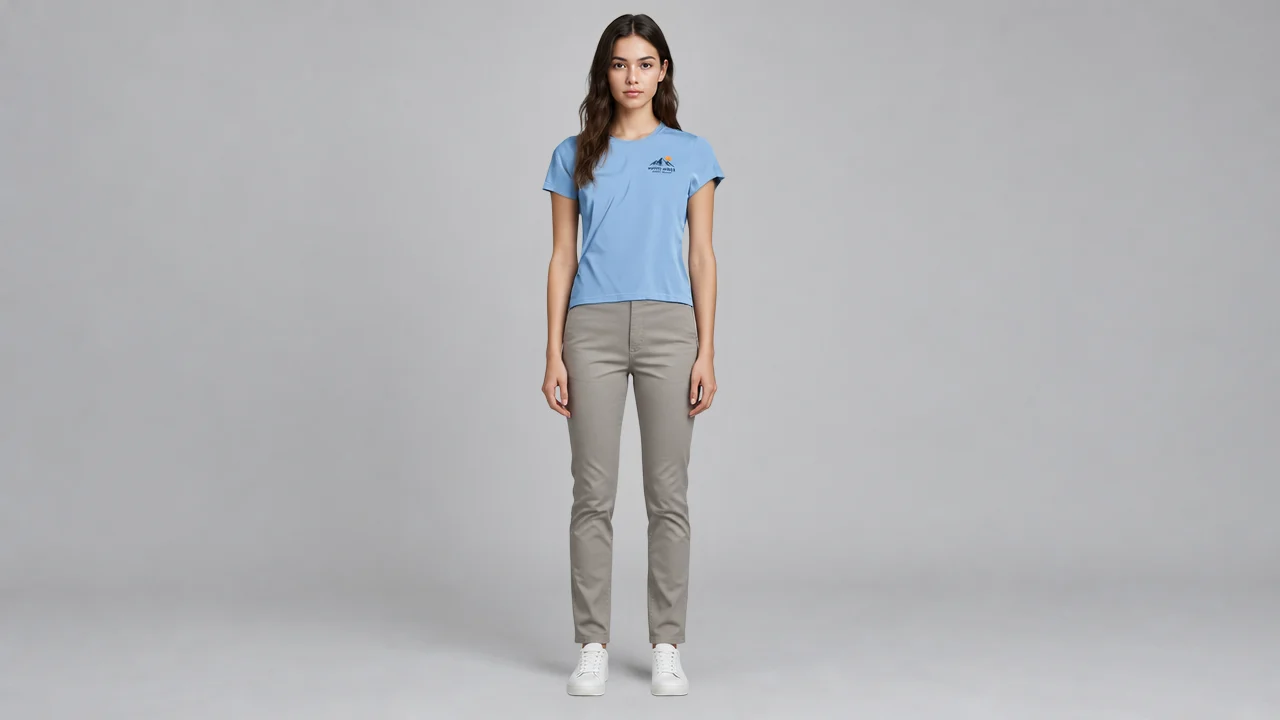
FASHN v1.6 Virtual Try-On: Studio Portrait Try-On Demo
Centered on the virtual try-on capability of FASHN v1.6, this demo uses one clean studio portrait and one flat-lay garment photo as inputs to generate a model wearing the garment. The portrait side deliberately keeps a neutral pose and soft lighting to minimize distraction from the garment itself; the garment side uses a flat-lay image with clear patterns and fabric so that v1.6's fidelity in rendering fabric texture, patterns and text details can be shown. In base, garment_photo_type=flat-lay and garment_category=tops are fixed, and automatic detection is turned off to reduce variables, making it easy for developers to compare output details against the same set of inputs. Suitable for validating batch production workflows that turn flat product images into model try-on images for e-commerce detail pages.
Style virtual-tryon · e-commerce · Studio portrait
Model FASHN Tryon v1.6
Reference inputs
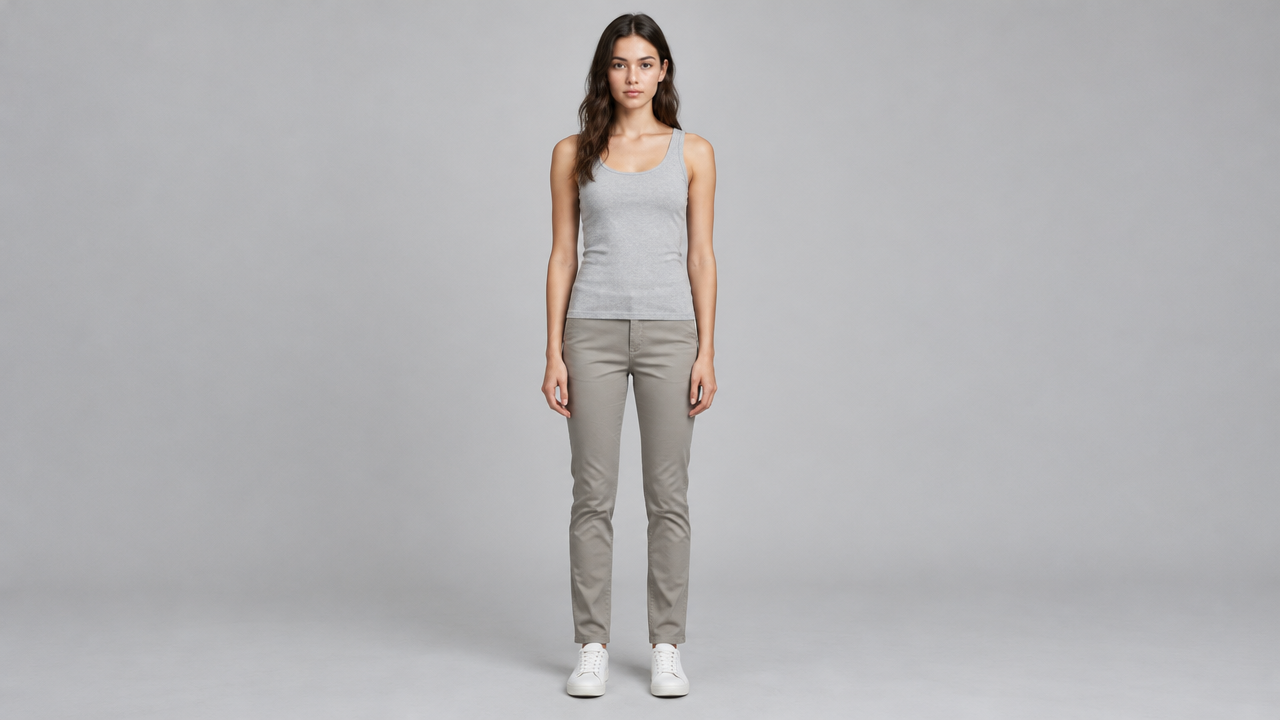
model_image
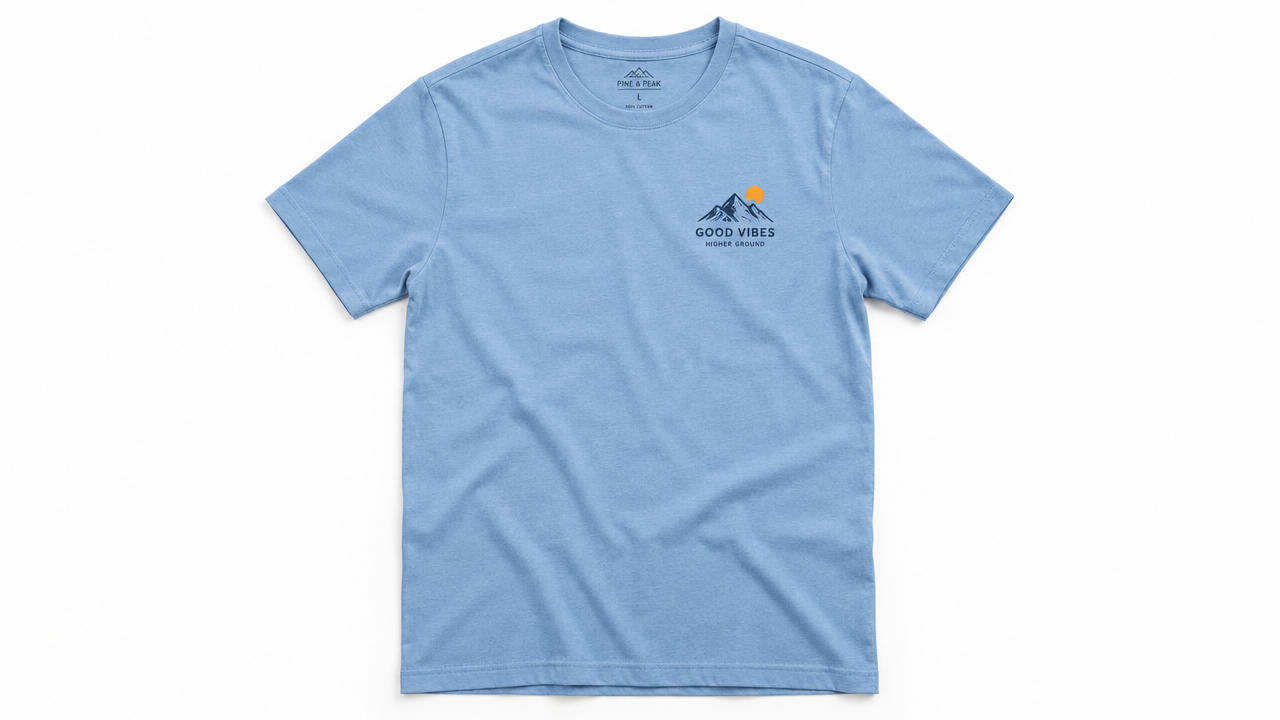
garment_image
Prompt
Studio fashion portrait, person wearing a solid-color slim-fit base layer top, full-body composition, natural relaxed standing pose, soft diffused key light from the left with subtle fill light, seamless light gray background, 864x1296 vertical composition, natural skin tones, crisp fabric texture details, fashion e-commerce lookbook style, no heavy retouching
Copy the full prompt and adapt it for your own generation.
Tags