
FLUX 3 Max Keyframes-to-Video Tutorial Cover
Create a dynamic cover for the flux-3-max/keyframes-to-video usage tutorial: use a static "tutorial cover" layout as the first keyframe, and let the image complete its own entrance and settle within 10 seconds, forming a looping visual that can be placed directly at the top of a document. The composition retains the layout with a title area on the left and a demo area on the right; the title area is used for overlaying tutorial copy, while the right demo area shows the transitional imagery from a reference image to a video clip. The author's pipeline positions keyframes on a 24fps timeline via the keyframes array; this piece places two keyframes, the first frame and the last frame, and uses duration, resolution, aspect_ratio, and reasoning_level to control output specifications, with synchronized audio generation enabled, making it convenient for direct use in documents or social media previews. Suitable for scenarios such as tutorial covers, product documentation header images, and model family introduction pages that need low-cost dynamic versions of static layouts; it is also suitable as a reference for developers using this model family for rapid creative iteration and storyboard previsualization.
Style Design Tutorial · Keyframe Animation · ui-motion
Model FLUX 3 Max
Reference inputs
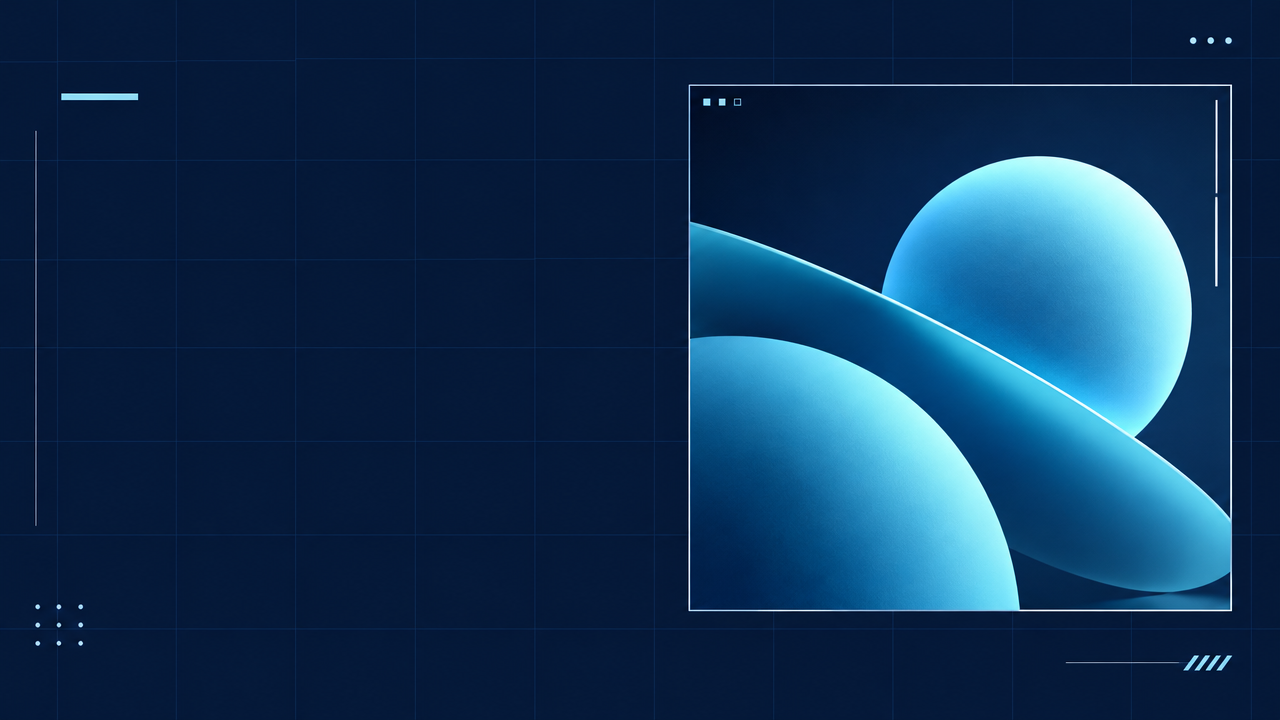
keyframes
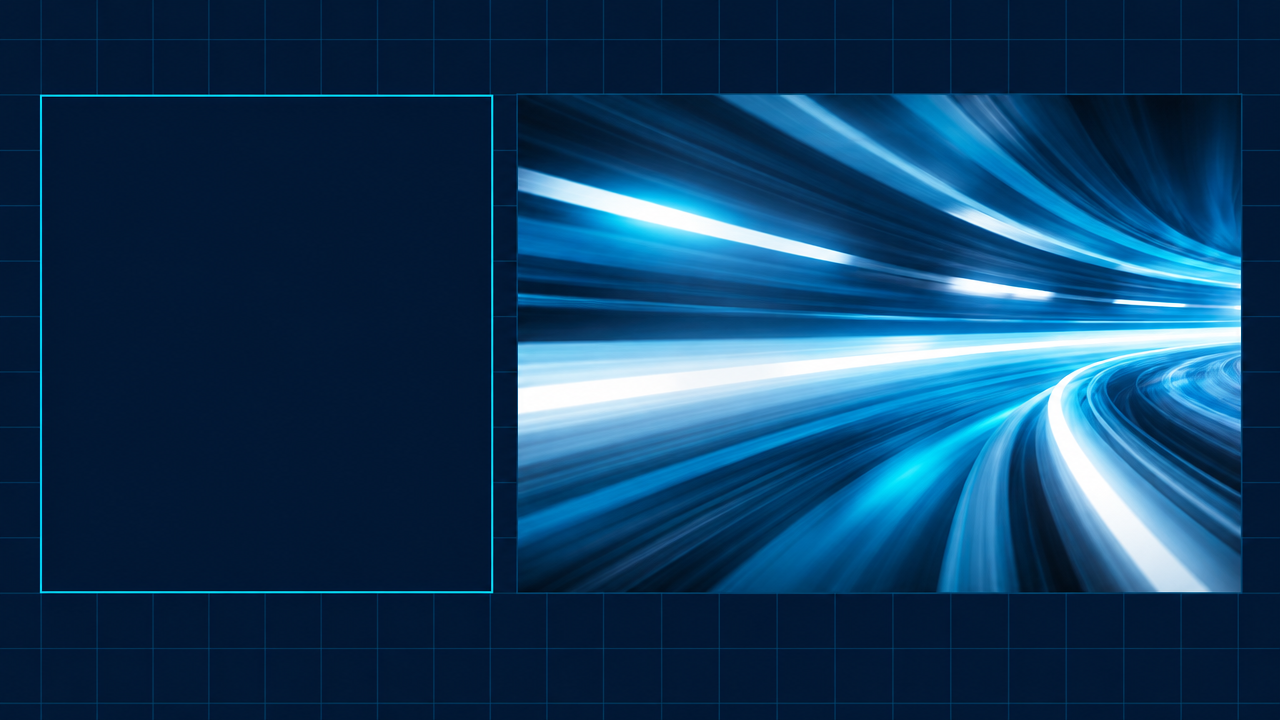
keyframes
Prompt
A clean editorial-style tutorial cover animates in place: a flat deep navy background with a soft grid, a bold left-aligned title block area left empty on the left for later text overlay, and a demo panel on the right that begins as a clear static reference frame and then smoothly transitions into a motion-abstract video strip with subtle motion blur. The camera remains fixed, pushing in very slowly; typographic placeholders and panel outlines are progressively drawn in with precise staggered timing, a thin accent line sweeps across once, and then everything settles into a stable key visual layout. Minimal, technical, high contrast, cool cyan and white accent palette, soft studio lighting, no text, 16:9, smooth 24 fps pacing, ending with an ease-out.
Copy the full prompt and adapt it for your own generation.
Tags