
Worldbuilding Scene Concept Art: Anchoring Atmosphere with a Reference Image
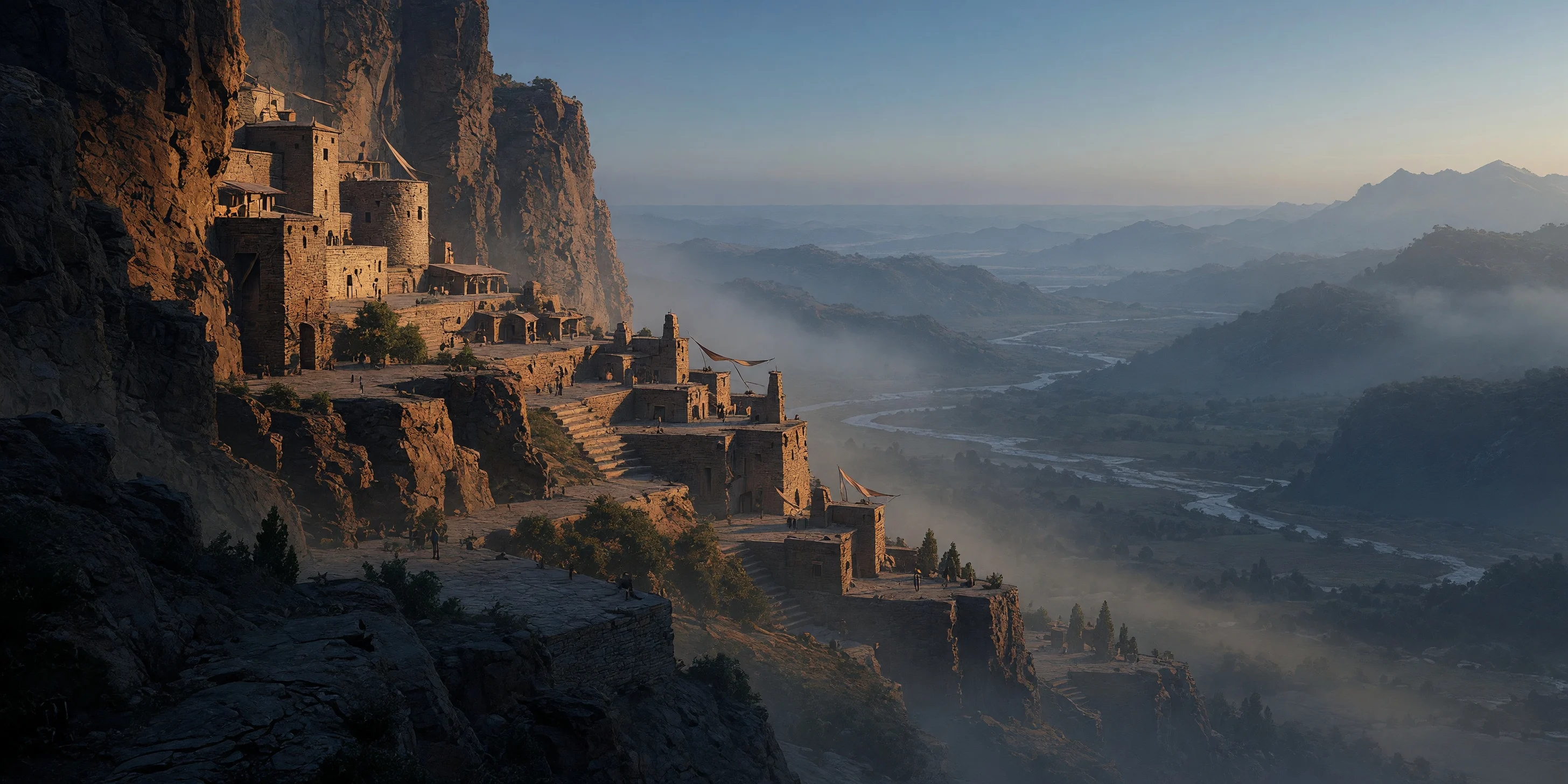
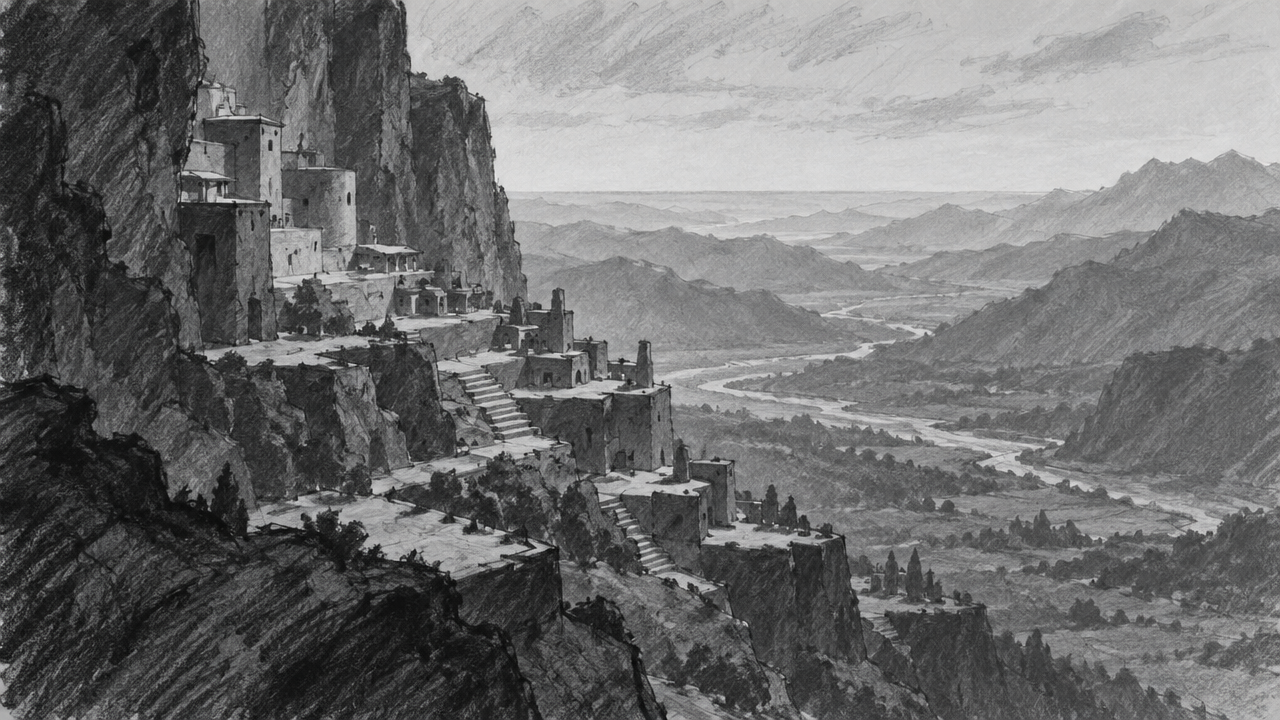
Use a low-fidelity environment sketch as the reference image and push it forward into a usable worldbuilding concept art piece with the grok-imagine-quality image editing pipeline. The core approach is to let the reference image carry the composition and terrain structure, while the edit instructions handle only atmosphere and material evolution: light direction, atmospheric medium, the treatment of the boundary between architecture and nature, and the overall color script. The schema supports 1–3 reference images and an auto aspect ratio, so the example feeds in only one sketch and lets the output ratio follow the input, making it easy to run multiple rounds of atmosphere iteration on the same composition; you can also add 2 more reference images to constrain material and color tone separately. At 2k resolution you get sharper textures and more natural lighting gradation, suitable for direction confirmation in early concept design, early-stage visual exploration for film and games, and multi-scene comparison where a unified color script is needed.
Style Concept Art · Worldbuilding · Environmental Design
Model Grok Imagine Quality
Reference inputs
image_urls
Prompt
Environment concept art generated from a rough structural sketch. Preserve the sketch's terrain layout, horizon line, and major massing relationships while developing it into a fully detailed world: a grand settlement built against a cliff, made of weathered stone and wooden platforms, descending in tiers into a mist-filled valley, with distant ridges fading into atmospheric perspective. Cinematic widescreen composition, strong low-angle sunlight raking across the rock face, volumetric light shafts visible in the mist, warm amber highlights set against cool blue-gray shadows. Painterly realistic style, rich surface texture on stone and fabric, credible sense of scale conveyed through tiny figure silhouettes and hanging banners. Unified color script, no text, no watermark.
Copy the full prompt and adapt it for your own generation.
Tags