
Grok Imagine Image-to-Video: Core Parameters and Use-Case Diagram
Using a single static reference image as the only required input, this demonstrates the core parameter combinations of the xAI Grok Imagine image-to-video pipeline: mode controls the intensity of the motion style (fun/normal/spicy), duration determines the clip length from 6–30 seconds, resolution offers three tiers—480p/720p/1080p (1080p accepts only a single input image), and aspect_ratio takes effect in multi-image reference mode, while with single-image input the frame follows the original image. This entry uses a city street scene image as reference material, paired with an English motion prompt to generate a short shot, for observing how the model preserves the subject, composition, and lighting under minimal input conditions, as well as the direction and pacing of camera movement. It is a useful reference for developers who need to quickly turn storyboards, product images, or scene concept art into dynamic assets: understand the parameter boundaries first, then decide whether to introduce multi-image reference, raise the resolution, or extend the duration.
Style Image-to-Video · Product Demo · Camera Movement
Model Grok Imagine
Reference inputs
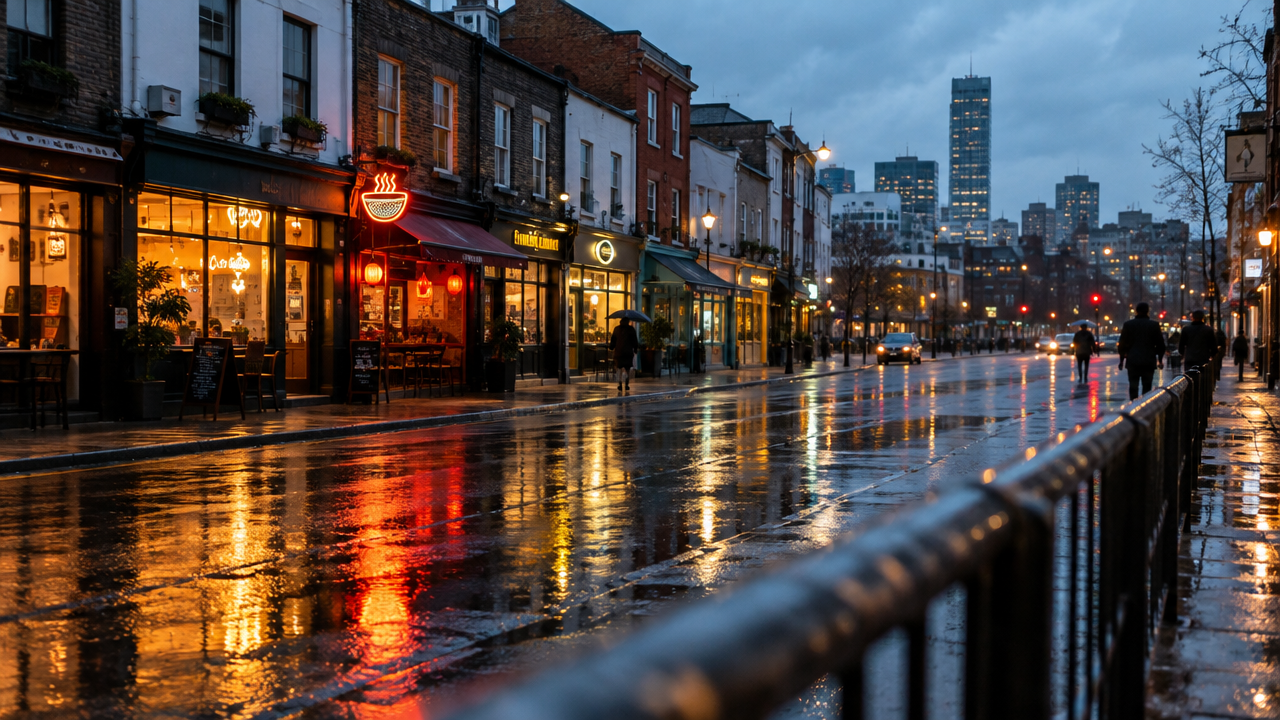
image_urls
Prompt
Image-to-video shot: a slow, steady dolly-in toward a rain-soaked city street at dusk, the camera gliding forward at walking speed with subtle parallax displacement from the foreground railing to the midground storefronts. Reflections of neon signs ripple on the wet asphalt, a few pedestrians pass by with soft motion blur, and warm tungsten lighting contrasts with the cool blue ambient sky. Preserve the reference image's original composition, subject placement, and lighting direction; keep the motion smooth and physically plausible, with no cuts and no scene changes, cinematic depth of field, 16:9 cinematic look.
Copy the full prompt and adapt it for your own generation.
Tags