
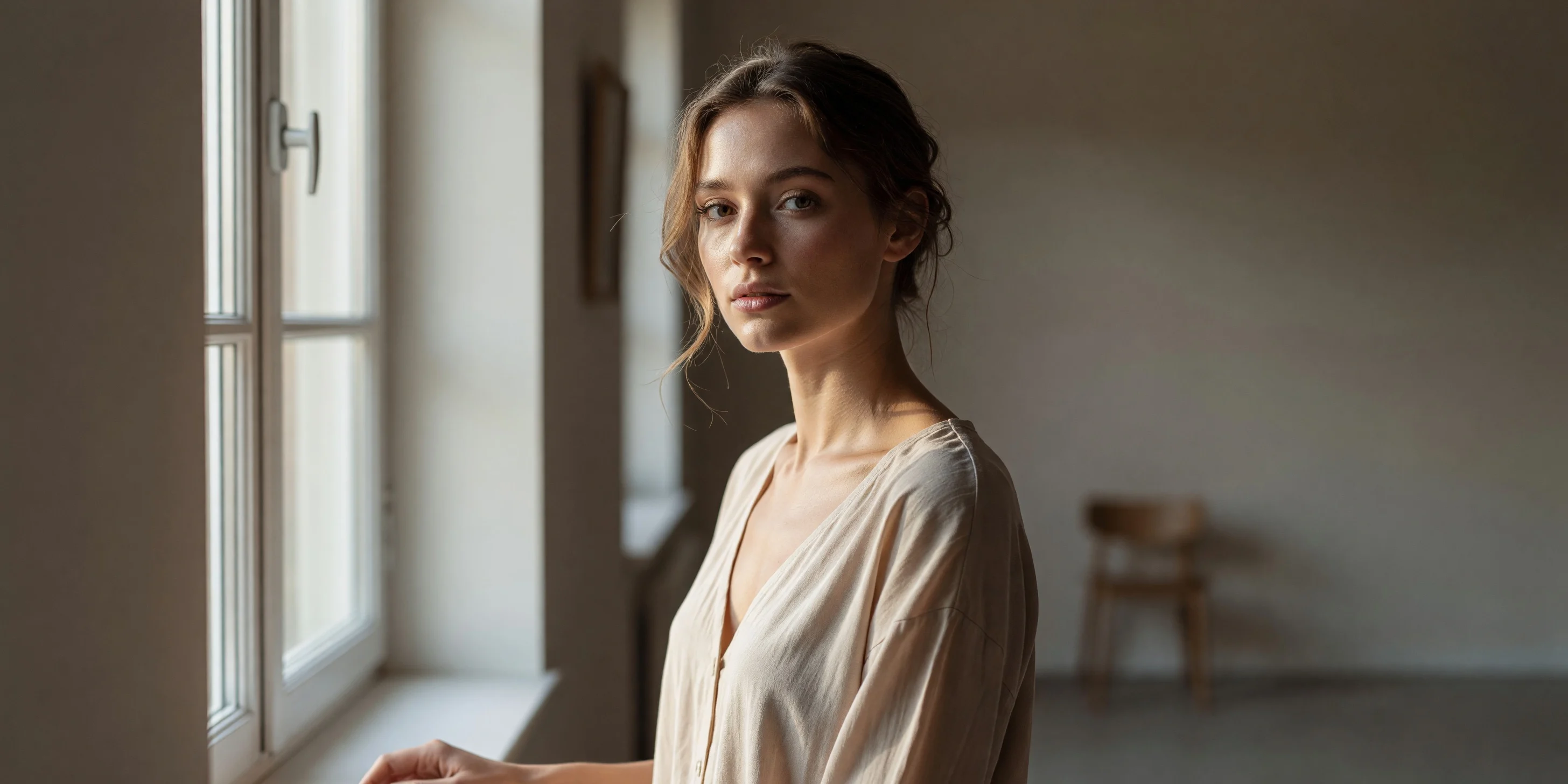
Grok Imagine Portraits: Realistic vs. Artistic Prompt Comparison
Using the same portrait subject as a thread, this shows the difference between grok-imagine/text-to-image under two prompt directions: one end is a realistic texture close to professional photography (natural skin texture, window-light contours, shallow depth of field), and the other is an artistic treatment with a painterly feel (blocky light and shadow, high-contrast color grading). The work can be generated with just a single text prompt, and parameters are controlled via resolution, aspect_ratio, and output_format, making it suitable for developers as a prompt template reference for quickly testing portrait, character design sheets, and vertical social media assets. This demo selects a 3:4 vertical format and 2k resolution to preserve facial details.
Style Portrait & Photography · Photorealistic · Studio lighting
Model Grok Imagine
Prompt
A realistic half-body portrait of a young woman standing beside a large window, soft directional daylight outlining the light and shadow on her left cheek, natural skin texture with pores and fine stray hairs clearly visible, subtle catchlights in her eyes, a shallow depth of field softly blurring the neutral indoor background, low-saturation warm color grading, 85mm lens effect, high dynamic range, no excessive skin smoothing, magazine editorial photography style, vertical 3:4 composition, subject slightly off-center
Copy the full prompt and adapt it for your own generation.
Tags