
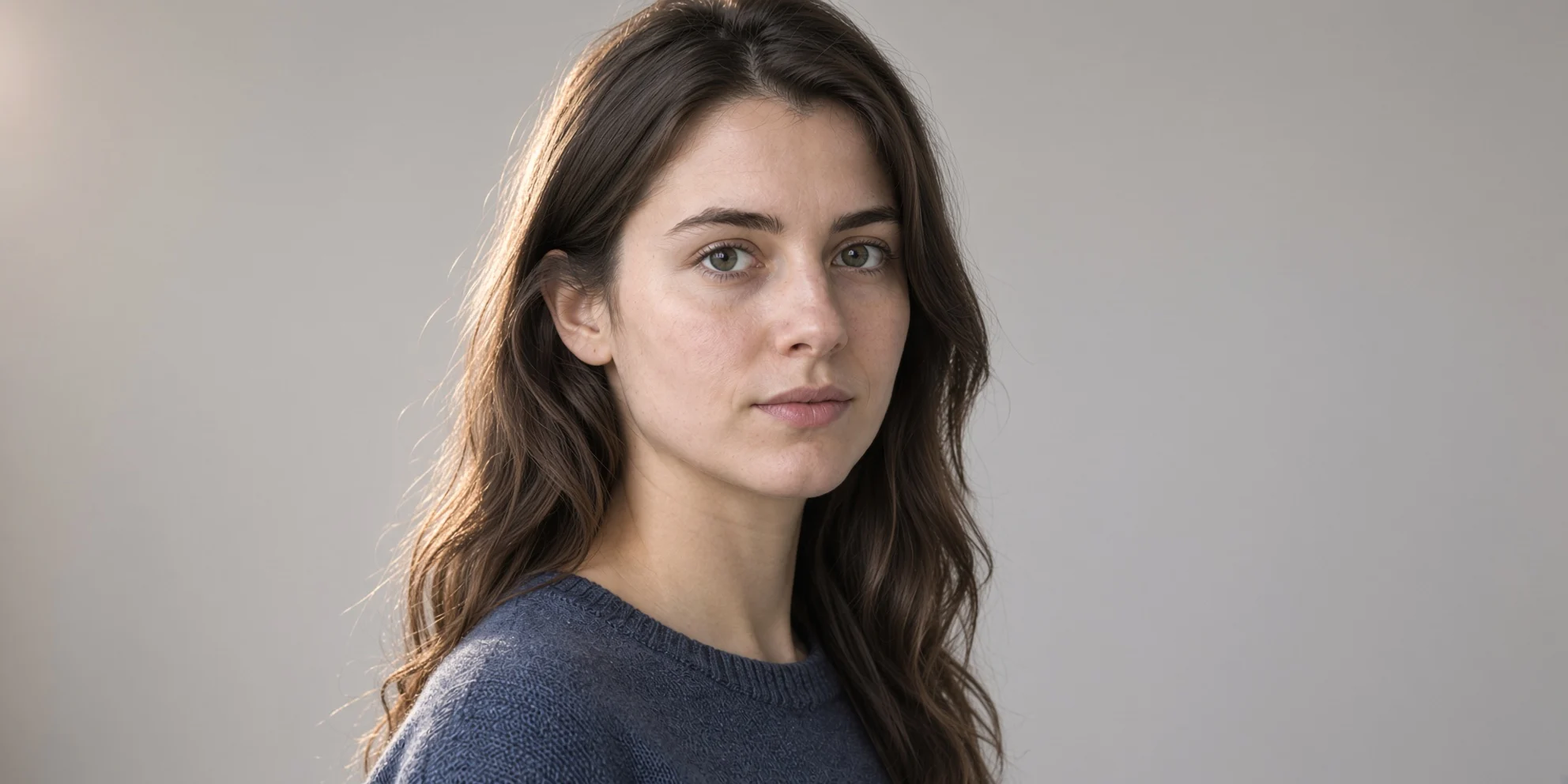
Reference-driven portrait style repainting: realistic and artistic dual-version demo
Starting from a single portrait reference image, this demo uses Grok Imagine's reference-image editing pipeline to show two directions for the same face: one version preserves the skin texture, soft lighting, and shallow depth of field of real photography, while the other repaints the subject as a high-contrast, painterly artistic portrait. Both prompts change only the style dimensions (lighting, color tone, material rendering) and explicitly require preserving facial features, pose, and composition, making it easy for developers to compare and observe how prompt wording affects the output. The input structure is simple: one reference image (image_urls[0]) plus an editing instruction (prompt). Resolution uses the default 1k, the aspect ratio is auto to follow the reference image's proportions, and the output is jpeg. It works well as an image-to-image prompt reference, a style transfer baseline, or a comparison sample for a portrait filter pipeline in a product.
Style Portrait & Photography · style-transfer · Photorealistic
Model Grok Imagine
Reference inputs
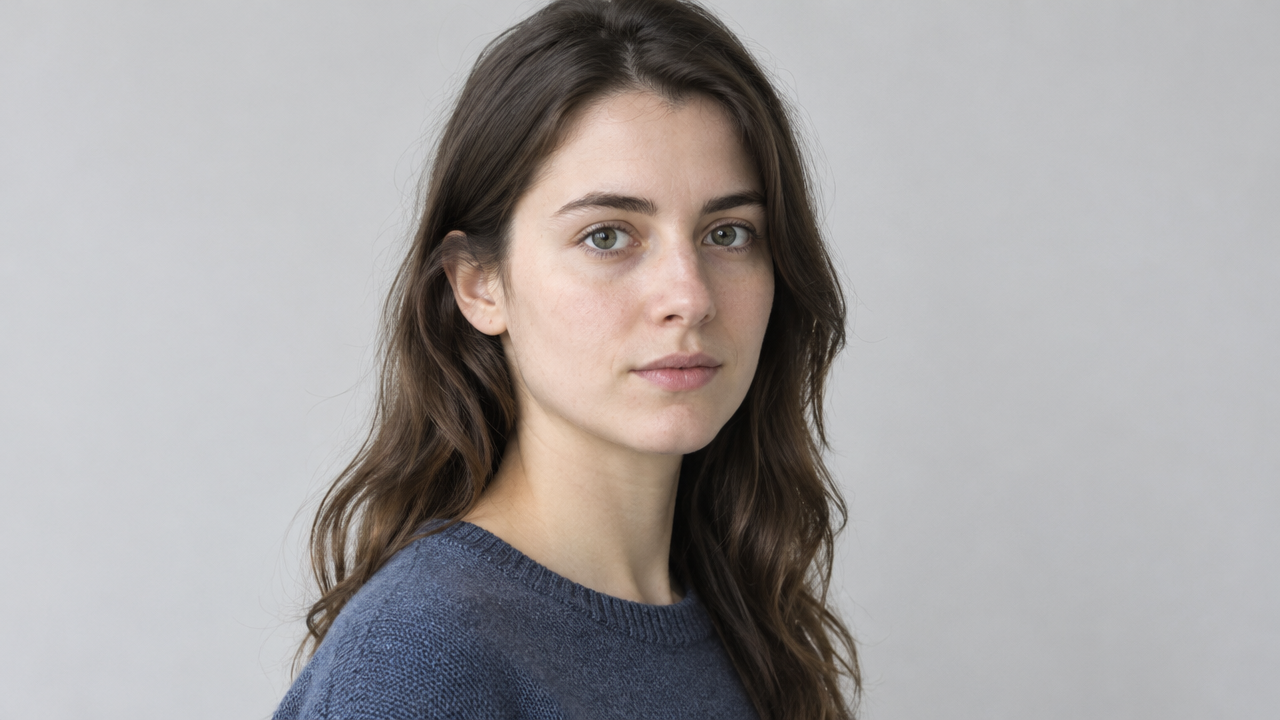
image_urls
Prompt
An edited-style portrait of a person, framed from the chest up, body turned three-quarters toward the camera, soft directional window light coming from the left, subtle rim light on the cheek and shoulder, shallow depth of field, soft neutral-colored background, natural skin texture, visible pores and fine hair details, calm neutral expression, high-fidelity photorealistic rendering, 16:9 composition, subject slightly off-center with ample negative space on the right.
Copy the full prompt and adapt it for your own generation.
Tags