
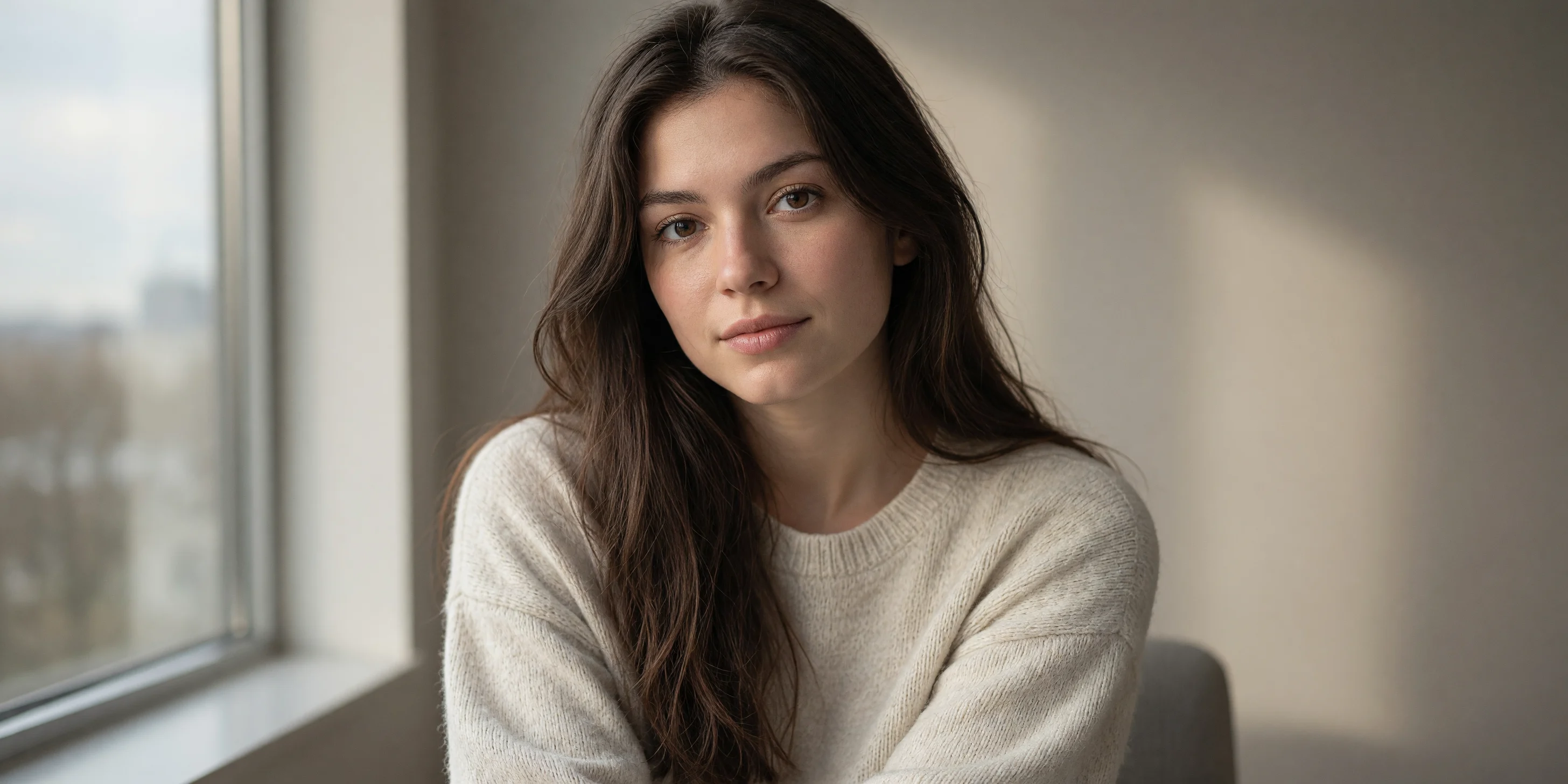
Image-to-Image Portrait: Realistic and Artistic Dual-Style Reference
Using a single indoor natural-light portrait as the sole reference image, this demonstrates two directions for the grok-imagine-quality image editing pipeline in portrait scenarios: one preserves the subject's identity and pose while pushing the image toward photographic realism (skin texture, soft window light, shallow depth of field); the other converts the same reference image into a painterly artistic portrait (brushstrokes, color blocks, paper texture). Both prompts share the same reference image, allowing developers to compare the differences in prompt wording between "realism enhancement" and "style transfer," and to replace image_urls with their own assets for isomorphic testing. The non-media parameters used at the schema level are resolution, aspect_ratio, and output_format, with aspect_ratio set to auto to follow the reference image's composition. Suitable for scenarios requiring reference-image consistency, such as portrait retouching, social media portraits, and character visual design.
Style Portrait & Photography · Photo Style Restyle · style-transfer
Model Grok Imagine Quality
Reference inputs
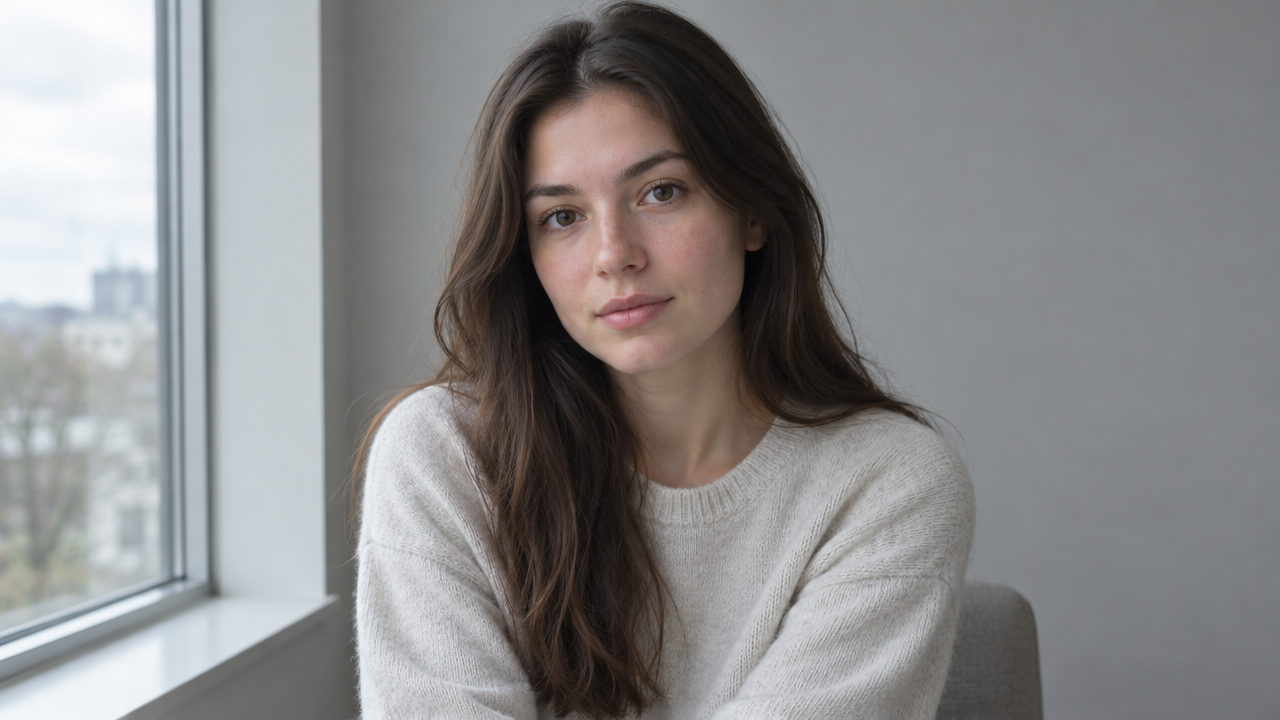
image_urls
Prompt
Perform photo-level realistic portrait retouching on the reference subject: keep facial features, pose, and composition unchanged, refine skin texture with visible pores and natural subsurface scattering, soft directional window light from the upper left, fading shadow on the right cheek, shallow depth of field with creamy background bokeh, subtly shift the color tone toward neutral warmth, high micro-contrast in the eyes and hair strands, 2K detail, no beauty smoothing, no text or watermarks.
Copy the full prompt and adapt it for your own generation.
Tags