
Visual Notes on Camera Movement Language: Image-to-Video Shot Demonstrations
Starting from a static illustration of a city street corner, use minimax-h3-max/image-to-video to turn common camera movement language into visual demonstrations that can be compared directly. The work uses only the first-frame capability of image-to-video: the first-frame image defines the aspect ratio, composition, and lighting baseline, while the prompt focuses on describing how the camera moves—dolly in, dolly out, lateral tracking, orbiting, and crane up/down—and specifies movement speed, focus retention, and pacing. When first and last frames are given as a pair, they can be used to show how a transition from wide shot to close-up within the same shot is constrained between the two end compositions. Suitable for storyboard communication, camera movement teaching materials, and quickly explaining to the team "how this shot should move" when prototyping a short film. All visuals are genuinely generated by the author's own pipeline; what is shown is how the model responds to camera instructions, not a substitute for film-grade live-action footage.
Style Camera Movement · visual-notes · Image-to-Video
Model MiniMax H3
Reference inputs
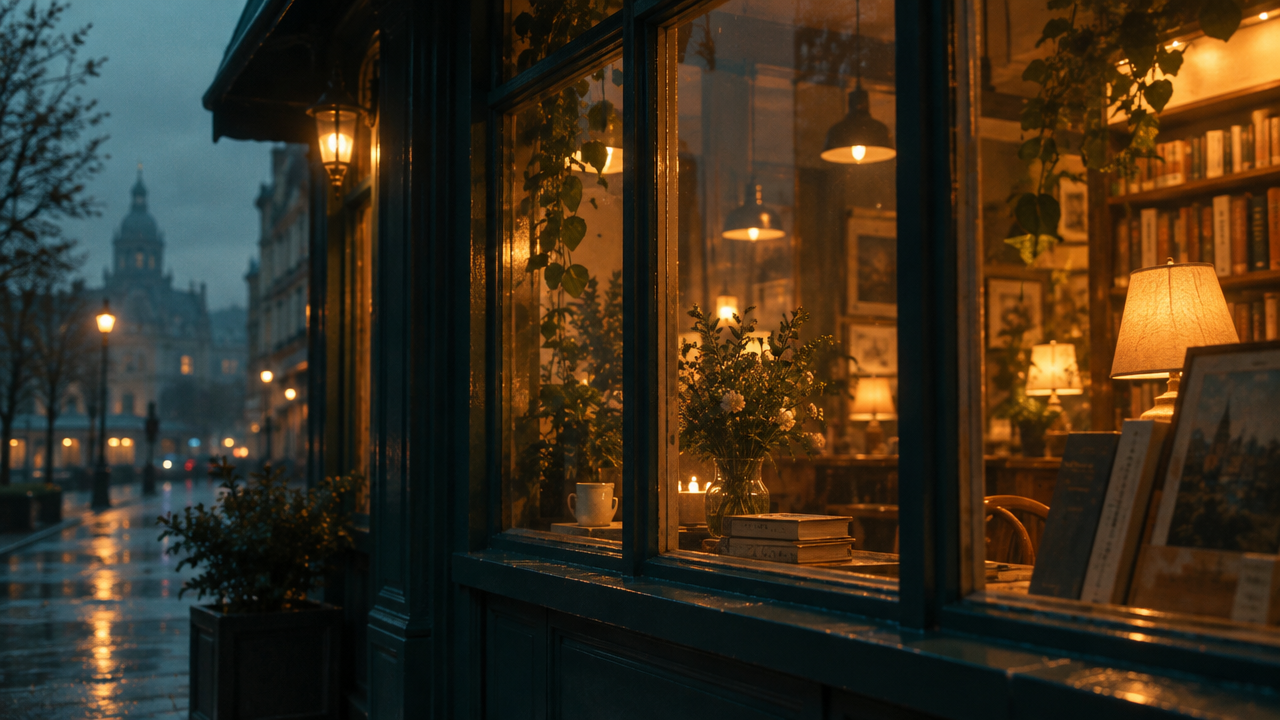
last_frame_image
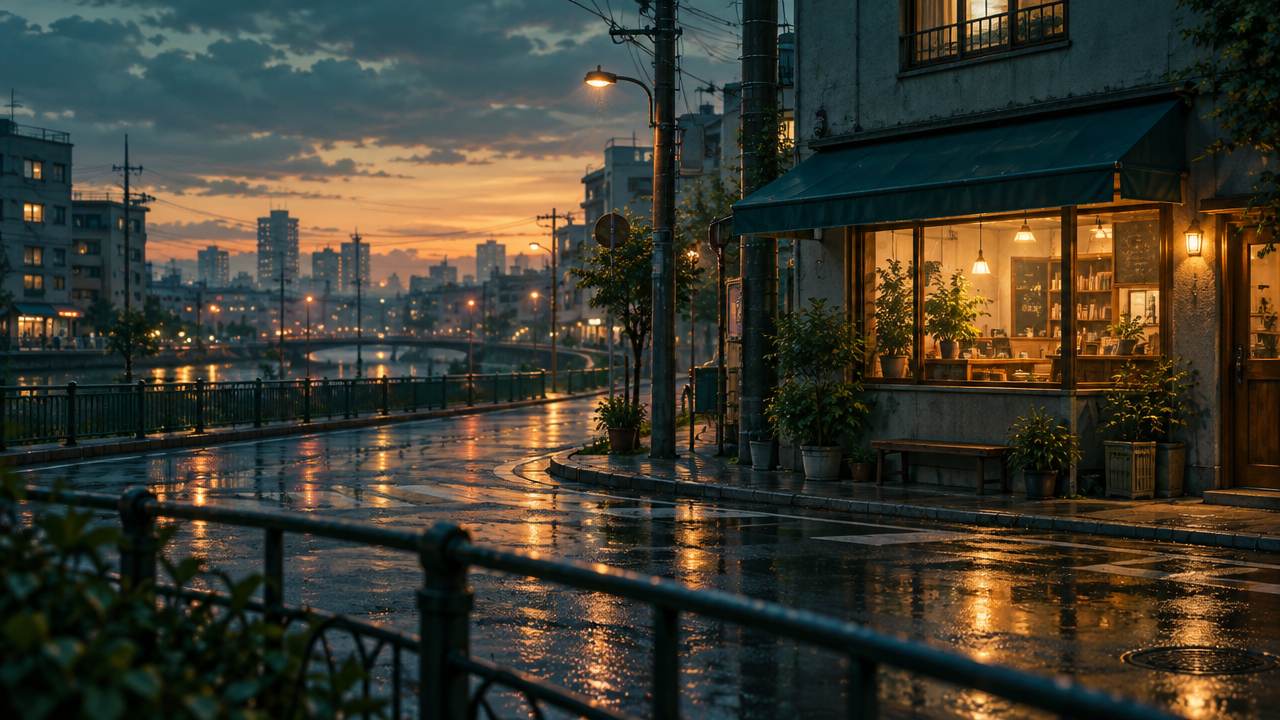
first_frame_image
Prompt
Image-to-video camera language demonstration. Starting from the provided first frame of a quiet city street corner at dusk, slowly and continuously dolly toward the storefront: the camera glides forward at eye level, keeping the horizon stable, with slight parallax on the foreground railing, and a shallow depth of field gradually focusing onto the warm-lit window. Subtle handheld micro-movement, no whip pans, no cuts. Dusk atmosphere with soft practical light sources, light atmospheric haze, natural color grading, 24fps feel, cinematic but restrained.
Copy the full prompt and adapt it for your own generation.
Tags