
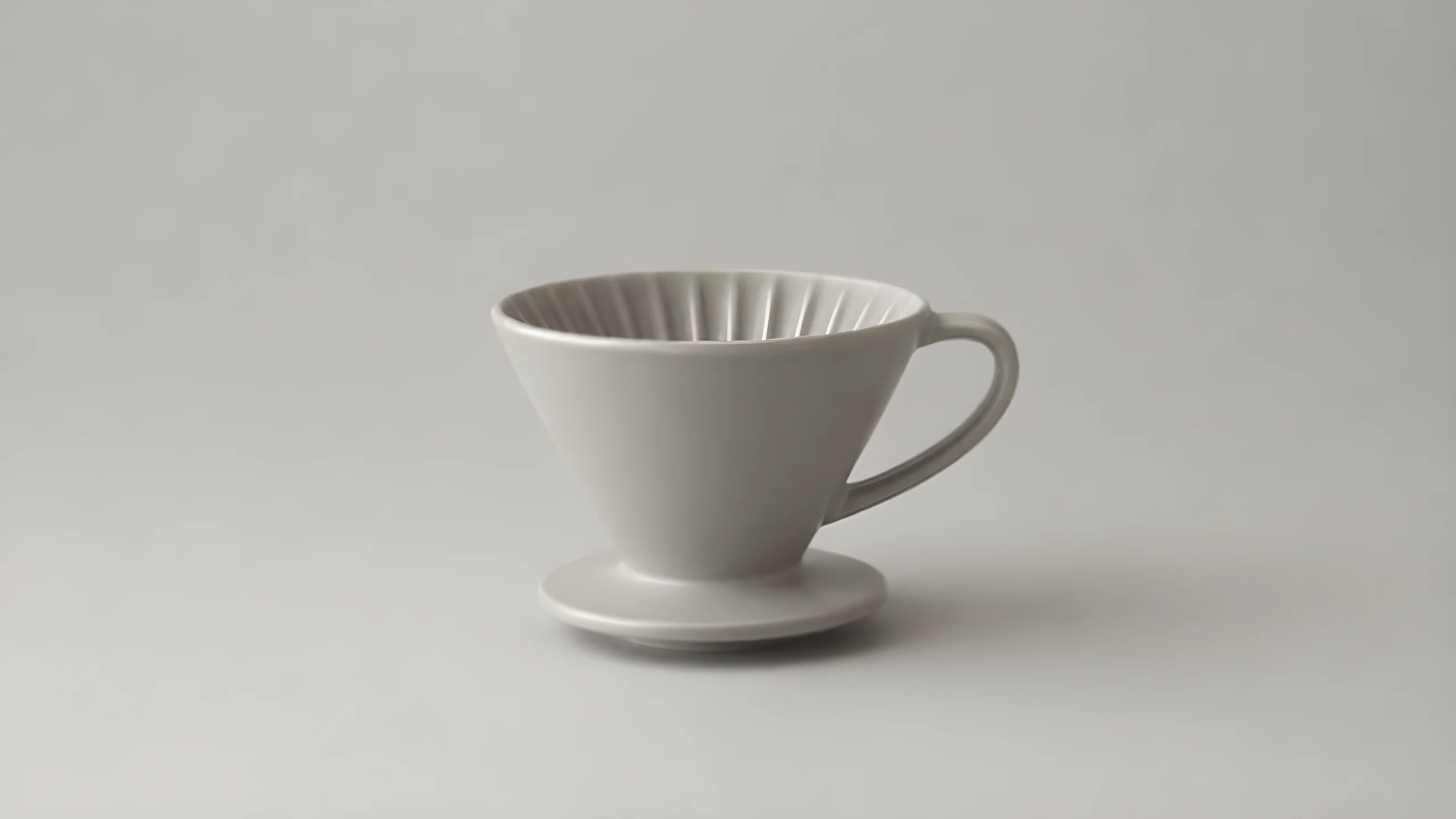
E-commerce Product Image Sharpening: The Crisp Upscale Pipeline
This entry demonstrates a typical use of recraft/crisp-upscale: first, the pipeline generates a somewhat low-resolution original product photograph, which is then handed to Crisp Upscale for image-to-image resolution and clarity enhancement. This model does not generate new images; it only performs AI upscaling on an existing input, balancing denoising with detail preservation, and applies targeted handling to small details and facial regions. Input supports JPEG/PNG/WEBP, with a 10MB limit per file. The schema requires only one image_url, so all controllable variables in the whole pipeline lie in the preceding generation stage: subject material, lighting direction, background negative space, and sharp edges within the frame that can be reinforced by upscaling. It is suitable for e-commerce main images, upscaling small marketing assets, post-generation sharpening, and batch preprocessing.
Style Product Image · e-commerce · retouch
Model Recraft Crisp Upscale
Reference inputs
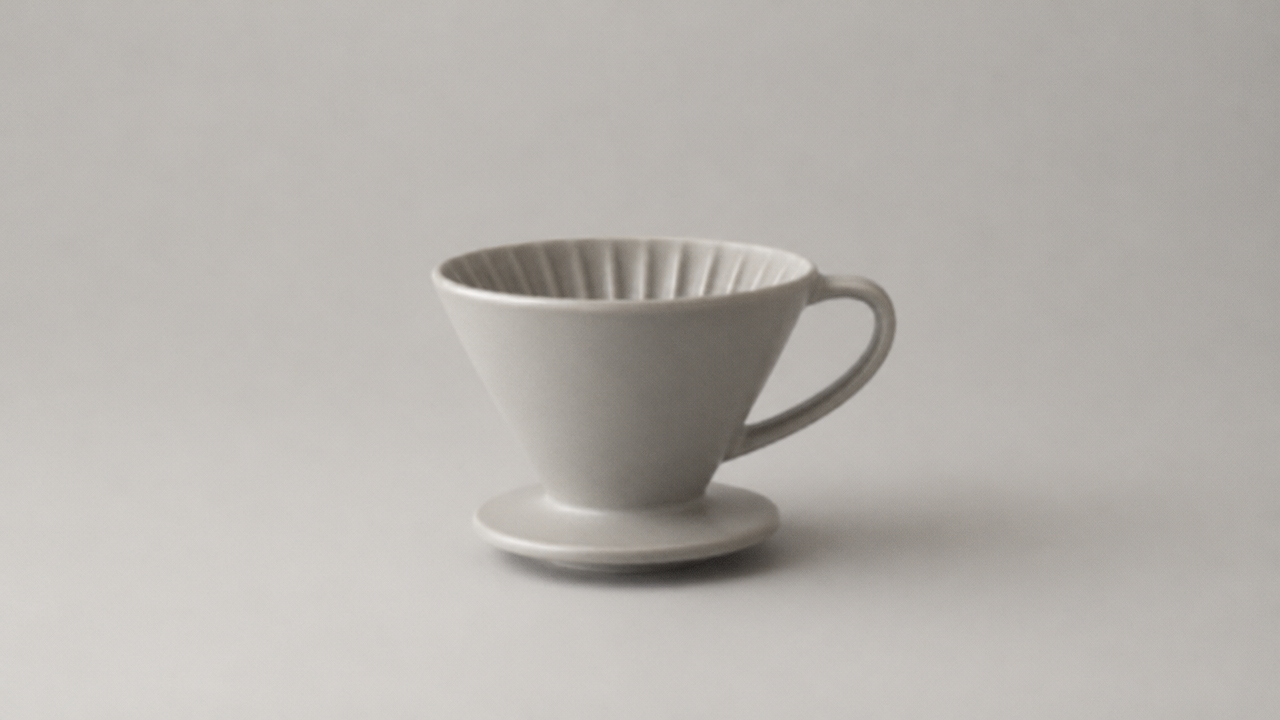
image_url
Prompt
A low-resolution e-commerce product photo: a matte ceramic pour-over coffee dripper on a light warm gray seamless background, three-quarter front view, a large soft softbox at the upper left with a slight fill card on the right, crisp specular rim highlights along the rim and handle edges, a faint surface texture on the glaze, a soft shadow cast toward the lower right, ample negative space above the object for layout copy, neutral white balance, tight centered composition with the product occupying the middle third of a 16:9 frame, clean commercial studio style, slightly soft focus with light noise to simulate the original image before upscaling.
Copy the full prompt and adapt it for your own generation.
Tags