
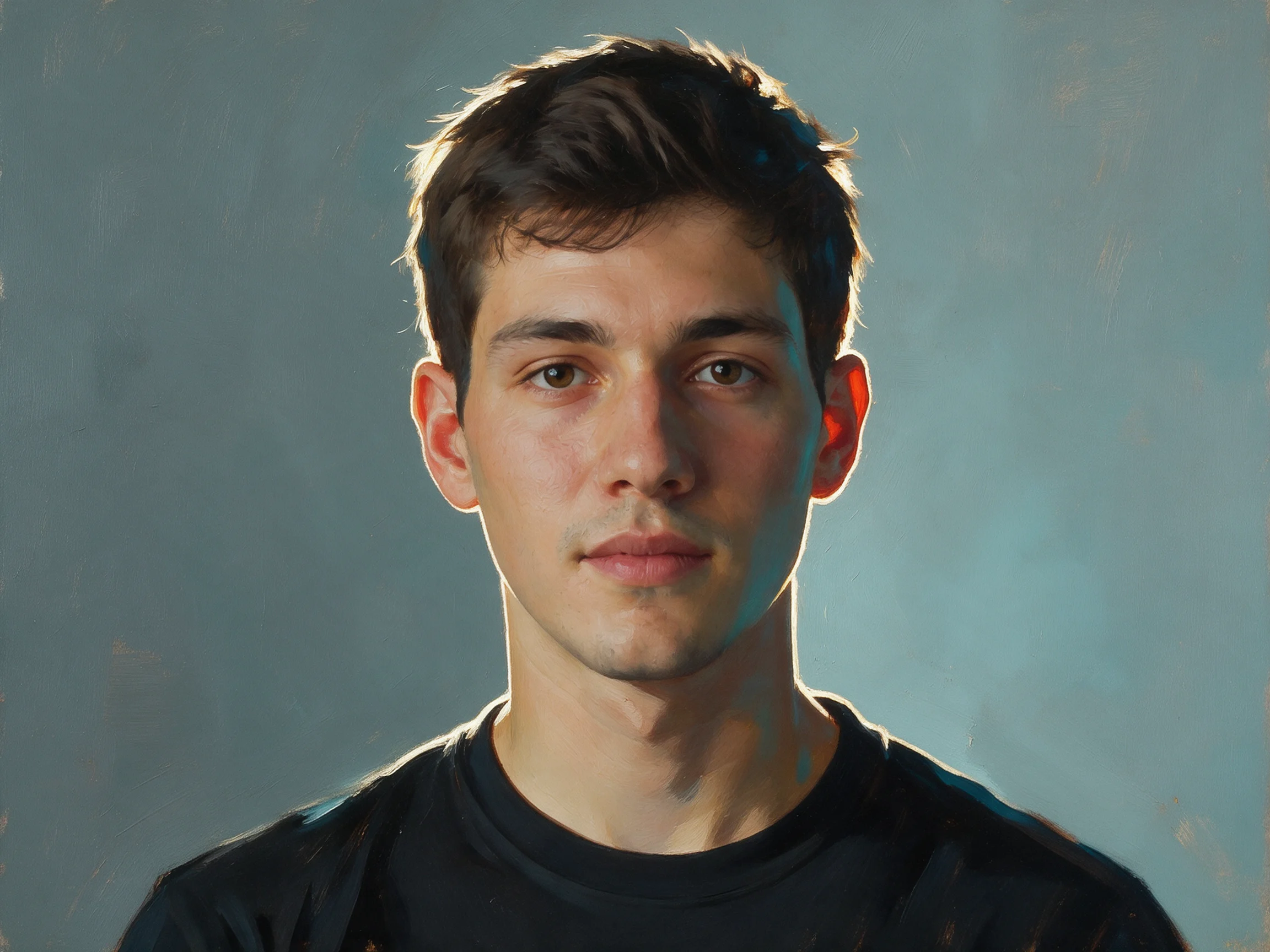
Portrait Image-to-Image: Realistic and Artistic Dual-Style Reference
Using a single reference portrait as input, demonstrate two stylistic routes with Seedream 5.0 Pro's image-to-image capability: one pursues a realism close to commercial photography (preserving the original facial structure and skin texture, reshaping only lighting and color temperature), while the other takes an artistic approach (repainting brushstrokes and color blocks while keeping the facial features recognizable). The reference image is first generated by the pipeline as a neutral studio portrait to ensure a controllable input, then the same image drives both branches, making it easy for developers to compare "how prompts affect the boundary between preservation and repainting." Suitable for validating scenarios that require stable facial structure, such as portrait retouching, brand character assets, and social avatar templates.
Style Portrait & Photography · Photo Style Restyle · style-transfer
Model seedream-5.0-pro
Reference inputs
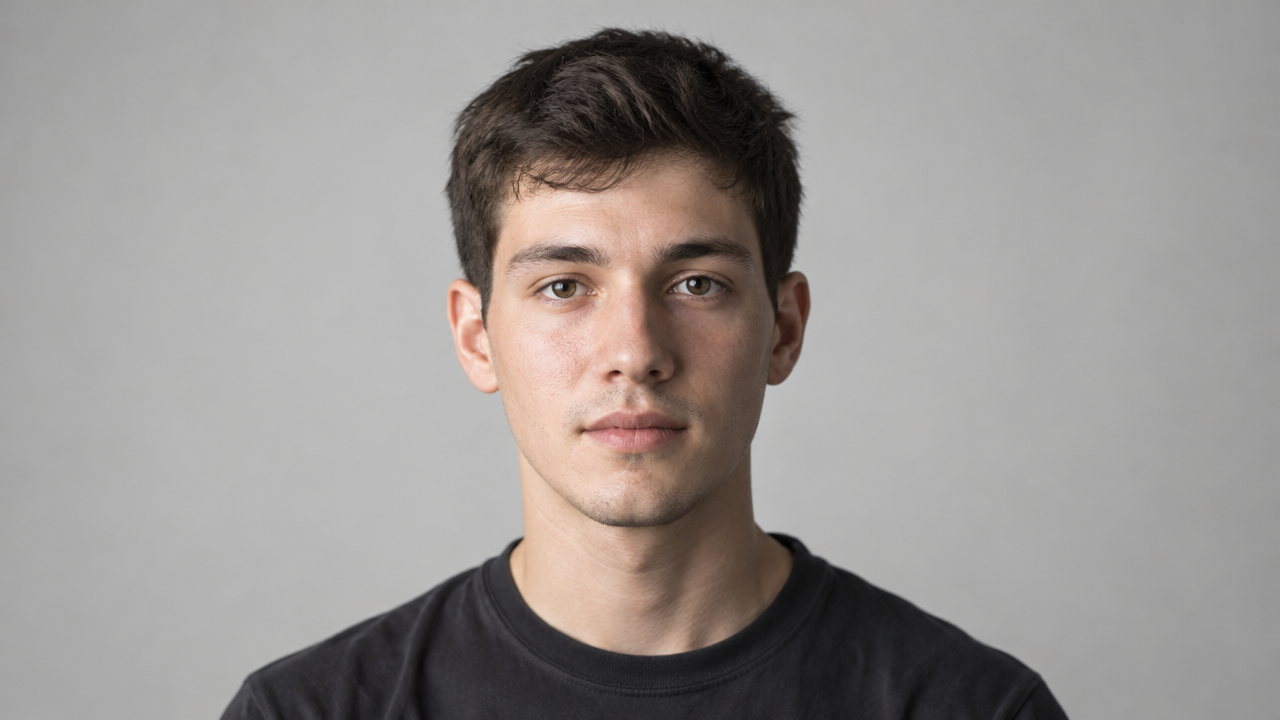
image_urls
Try-it is unavailable: this model's playground configuration isn't ready yet.
Prompt
Image-to-image portrait repainting. Branch A: keep the subject's facial structure, skin texture, and natural proportions unchanged, replace the background with a soft neutral gray studio seamless backdrop, relight with a large soft key light from the left side of the camera, and add a subtle rim light on the hair, neutral-to-cool white balance, 85mm portrait lens look, shallow depth of field, fine skin detail, realistic commercial headshot. Branch B: reinterpret the same face in a painterly art style, visible brushstrokes and layered color blocks, warm ochre and teal tones, simplified background, while preserving recognizable facial features and head pose. Centered chest-up composition, 3:4 vertical framing.
Copy the full prompt and adapt it for your own generation.
Tags