
Tutorial
gpt-image-2.6-flare/image-to-image in practice: 5 high-value image editing use cases and implementation essentials

On this page
Why choose image-to-image instead of pure text-to-image
Before deciding to integrate an image model, you must first answer a fundamental question: should this requirement use pure text-to-image or image-to-image? The two differ in input/output form, and their applicable business boundaries are completely different.
Core differences between pure text-to-image and image-to-image
Pure text-to-image receives only a text description, and the model generates an image from scratch. Its advantage is high freedom; its disadvantage is that it is uncontrollable—it is very hard to ensure the generated result matches expectations in composition, subject, and details, let alone consistency across multiple calls.
Image-to-image, by contrast, edits or rewrites based on an existing input image. The input image provides prior information such as composition, subject, and style, and the model only needs to make incremental modifications in the specified direction. This means:
- Predictable results: The subject position and overall structure are largely preserved, and the scope of change is controllable.
- Guaranteed consistency: The same base image can derive multiple versions in batches, naturally aligned with each other.
- Lighter prompt burden: You describe “what to change,” not “what to draw from scratch.”
Which requirements should choose image-to-image
When you already have a “base image” and the requirement is to make controlled changes on top of the base, image-to-image is the more reasonable choice. Typical signals include:
- Need to preserve the original image's subject, composition, or brand elements, and only adjust style, background, or size;
- Need to produce multiple variants from the same asset for comparison or delivery;
- Need to unify, localize, or make existing assets compliant.
Conversely, if the requirement is to create something from nothing with no base image to rely on, pure text-to-image is still more suitable.
Capability boundaries and prerequisites
gpt-image-2.6-flare/image-to-image outputs images, and its core capability is image-to-image. Its positioning is controlled editing, not arbitrary redrawing. Two prerequisites should be clarified before integration: first, input image quality determines the upper limit of results—low-resolution or blurry-subject inputs rarely produce clean outputs; second, the granularity of editing instructions must match business needs—overly vague descriptions amplify result uncertainty.
Thinking through these two points before moving into specific integration design can save a lot of rework.

Four things to clarify before integration
Image-to-image integration looks like just “send image + send instruction + get result,” but what really determines launch quality is four upfront decisions.
1. Input image specifications
The input image is the starting point of the entire pipeline and must be standardized before entering the model. It is recommended to perform the following preprocessing uniformly on the server side:
- Size normalization: Limit the long edge to a reasonable range to avoid unnecessary transmission and processing overhead from oversized images, while also avoiding detail loss from undersized images.
- Format unification: Convert uniformly to common formats supported by the model to reduce call failures caused by format differences.
- Orientation correction: Handle EXIF rotation information to avoid portraits or product images being flipped horizontally or vertically.
- Content validation: Perform a basic check before calling, reject blank, corrupted, or clearly non-compliant images, and block invalid calls before billing.
2. How to express editing instructions
Image-to-image prompts are written differently from text-to-image prompts; the focus is not describing the scene but describing the changes. In practice, a three-part structure is recommended:
- Preserve items: Clearly state what must remain unchanged, e.g., “keep the subject's pose and product outline unchanged.”
- Change items: Explain what to change, e.g., “replace the background with a solid-color studio backdrop.”
- Constraint items: Give style or quality constraints, e.g., “unified overall tone, natural lighting and shadows.”
Writing the “preserve” part clearly often improves stability more than writing the “change” part in detail.
3. Cost basis
This model is billed per image, with a public price of $0.023 per image. The key to cost estimation is not the unit price itself but how many calls a single business action triggers. Deriving 6 variants from one base image means 6 calls; producing 4 sets of options for an A/B test means 4 calls. It is recommended to calculate “calls per business unit” clearly during requirements review, then multiply by the unit price to get the per-business-action cost, and set a budget cap accordingly.
4. Concurrency and rate limiting
In batch scenarios, concurrency strategy directly affects success rate and cost. Recommendations:
- Queue batch tasks rather than using unbounded concurrency, to avoid triggering upstream rate limits and amplifying cost through retries;
- Set limited retries for failed calls, and handle retryable and non-retryable errors separately;
- Set quotas by business line to prevent a single scenario from consuming the entire allowance.
Once these four things are settled, the integration path is basically clear: upload → preprocess → call → store and return results. The remaining work is mainly scenario adaptation.

Scenario 1: Multi-version derivation of e-commerce product images
E-commerce is the most typical image-to-image landing scenario: merchants usually have only one main image but need scene images, specification variants, detail images, and other assets.
Input/output design
On the input side, use the product main image as the base, requiring the subject to be centered, the background clean, and the resolution sufficient. On the output side, define variant types by purpose:
- Scene images: Keep the product unchanged and replace the background with different usage scenarios;
- Specification variants: Keep the composition unchanged and adjust color or material presentation;
- Detail images: Perform local zoom-in reconstruction based on the subject.
It is recommended to maintain an independent prompt template for each variant type, fixing the “preserve items” in the template and making only variables such as “scene/color” configurable.
Consistency and cost control
Consistency comes from two things: first, all variants share the same main image; second, the prompt explicitly locks the subject outline and key features. The key to cost control is on-demand generation—first produce a small number of candidates for operations staff to select, then expand in batches after approval, rather than running all variants at once. At $0.023 per image, the call cost of deriving 6 images for one product is easy to calculate; the point is to avoid waste from “generated but unused.”
Scenario 2: Rapid iteration and A/B testing of marketing assets
The core pain point for marketing teams is that “image production speed cannot keep up with delivery pace.” Image-to-image lets the same base asset quickly spawn multiple visual options.
How to organize multi-option output
Treat the base image as a constant and “style,” “tone,” and “text-area whitespace” as variables, combining them into several options. Each option corresponds to one call; after generation, store them uniformly and tag them with option labels for later grouped testing on the delivery platform.
The key is orthogonality of variables: change only one dimension at a time so that A/B test conclusions are attributable. If style and composition are changed at the same time, the test results cannot be explained.
Trade-offs under a limited budget
With a limited budget, the strategy should be “small and fast”:
- Generate only a small number of options covering core variables per round, and run small-traffic tests first;
- Use data to identify the winning direction, then do deep derivation along that direction;
- Cut losses on poorly performing options in time and stop expanding variants.
Per-image billing means every call has a real cost, so “test first, then expand” is more cost-effective than “fill everything at once.” Aligning call logs with delivery data can also feed back into optimizing prompt templates.
Scenario 3: Asset style unification and brand guideline constraints
Many teams have visually inconsistent existing assets: images produced in different periods by different vendors look inconsistent when placed together. Image-to-image can align them to the same brand guideline.
Alignment process
- Define style anchors: Select samples that conform to brand guidelines from existing assets, and extract reusable style descriptions, including tone, lighting and shadows, texture, and composition habits.
- Batch rewriting: Use existing assets as input images and style anchors as the core of the prompt, performing style transfer one by one.
- Sampling acceptance: Do not pursue perfection for every image; instead, sample by batch and confirm overall style convergence.
How to define acceptance criteria
Style unification is a subjective judgment, but acceptance criteria must be operational. It is recommended to define criteria from three dimensions:
- Subject fidelity: Whether the subject of the original asset has been damaged or distorted;
- Style consistency: Whether tone and texture are close among outputs in the same batch;
- Guideline compliance: Whether hard requirements for color, whitespace, and element usage are met.
Write these three into a checklist, and acceptance shifts from “does it look okay” to “does it pass each item.” Samples that fail go back to the prompt stage for adjustment, rather than repeatedly rerunning blindly.
Scenario 4: Content localization and layout adaptation
The same content must be delivered to different channels and regions, with widely varying sizes and layouts. Image-to-image can adapt layouts while preserving the subject and key information.
Key points of input/output design
On the input side, in addition to the source image, you also need to specify the target aspect ratio and elements that must be preserved (such as products, people, and brand marks). On the output side, define a set of target ratios by channel, with each ratio corresponding to one call.
The prompt must clearly state “adaptation”: which elements must be fully preserved, which background areas can be extended or cropped, and how the subject's relative position in the frame should be adjusted. Writing these into a template is much more stable than describing them ad hoc each time.
Common failure modes
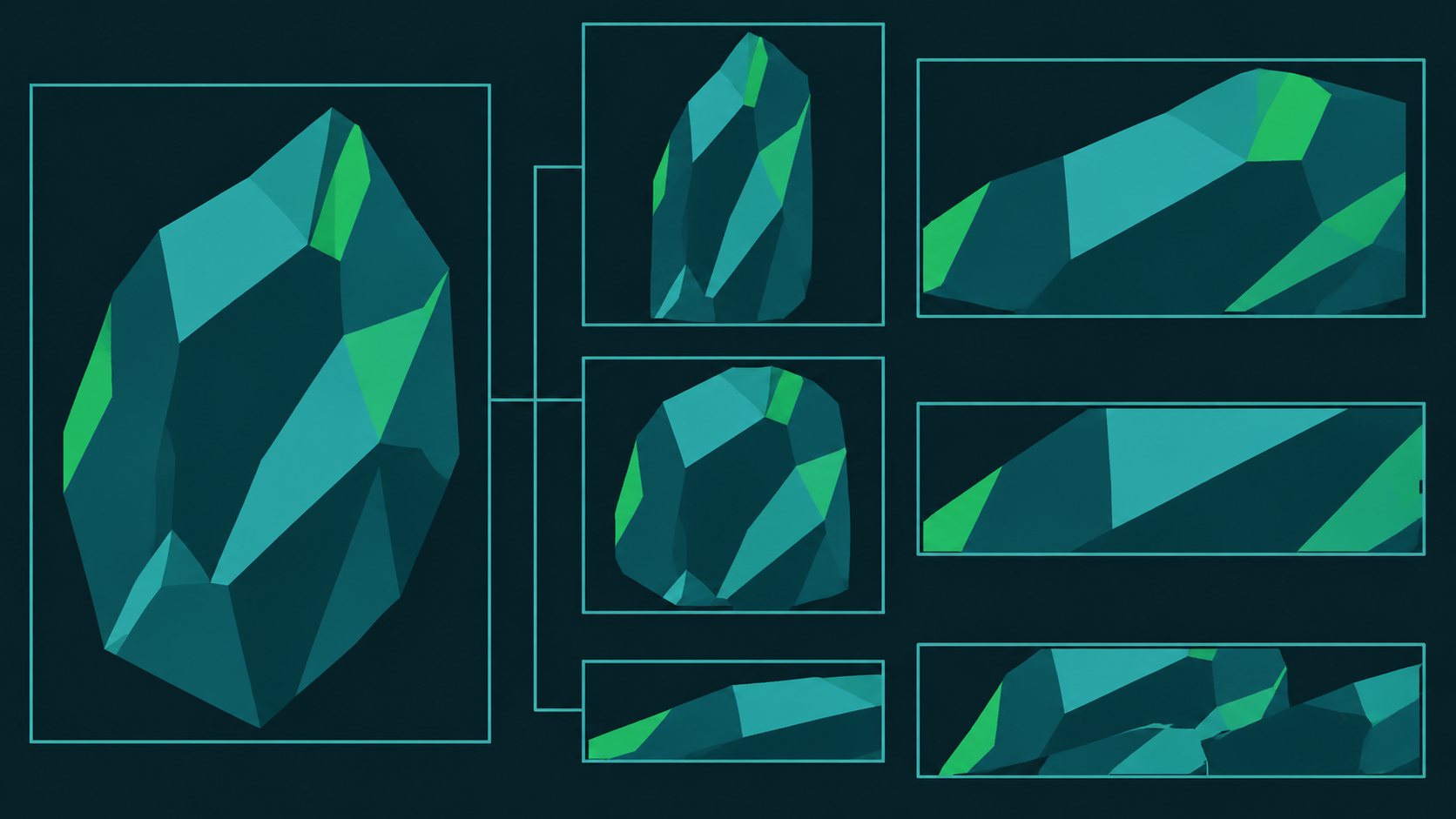
Cross-size adaptation most commonly has three types of problems:
- Subject distortion: When proportions change, the model improperly stretches the subject; the instruction must explicitly prohibit deformation;
- Key elements cropped: Edge information is lost after aspect ratio changes; the prompt should specify that elements must be fully visible;
- Missing layout information: Text areas and whitespace are filled during rewriting, leaving no space for subsequent layout.
The response is to validate each ratio individually rather than validating only one ratio and then scaling in batches. First run samples at each target ratio, confirm none of the above problems occur, and then execute in batches.
Scenario 5: Compliance rewriting of user-generated content
In UGC scenarios, user-uploaded images may contain non-compliant elements or fail quality standards. Image-to-image can play the role of lightweight rewriting and compliance processing.
Process design
Compliance rewriting must come after review, not replace it:
- Pre-review: First determine via rules or a review system whether the image can be processed, blocking clearly violating content;
- Rewriting: For images that can be processed but need adjustment, use image-to-image for lightweight modification, such as replacing sensitive backgrounds or softening inappropriate elements;
- Post-review: Rewritten results enter review again to confirm they still meet guidelines after processing.
Risk control considerations
- Converge the rewriting scope: Process only areas that clearly need processing, avoiding new problems introduced by redrawing the whole image;
- Keep original records: Archive both original and rewritten images for traceability and appeals;
- Control call volume: UGC volume is large, so daily quotas and priorities must be set to avoid runaway costs;
- Fallback on failure: Images that fail rewriting go to manual handling or a degraded strategy; the process must not get stuck.
Per-image billing models require extra attention to volume in UGC scenarios; be sure to filter at the entry point and concentrate calls on images that truly need processing.
Result acceptance, cost monitoring, and common troubleshooting
Launch is only the beginning; stable operation depends on an executable acceptance, monitoring, and troubleshooting mechanism.
Build an acceptance feedback loop
Make the process a feedback loop: generate → manual spot check → metric recording → prompt revision. Spot-check a fixed proportion of each batch, record pass rates and typical failure samples; after attributing failure samples, feed the findings back into prompt templates or input image specifications. The faster this loop turns, the faster results converge.
Cost monitoring
The core metrics for cost monitoring are unit business cost and invalid call ratio. The former equals the number of calls multiplied by the $0.023 per-image unit price and allocated to business units; the latter reflects how many calls produce unusable results. A high invalid call ratio indicates problems with prompts or input image specifications; fix the process before discussing unit price optimization. It is recommended to build cost dashboards by business line and by day, with alerts for abnormal fluctuations.
Common troubleshooting checklist
- Results deviate greatly from expectations: First check whether the prompt's “preserve items” are clear, then check whether the input image is sharp and the subject centered.
- Low batch task success rate: Check whether excessive concurrency triggers rate limiting, and whether the retry strategy amplifies failures.
- Large variation across multiple results from the same input: Confirm whether instructions are too vague; narrowing the scope of changes usually improves stability.
- Abnormal cost increase: Check whether any scenario is rerunning without restraint, and confirm whether quotas and queues are in effect.
- Local areas not processed cleanly: Narrow the rewriting scope and explicitly state in the instruction that only the target area should be processed.
Embed this checklist into the on-call handbook, and most problems can be located in the first troubleshooting round. The value of image-to-image lies in controllability, and controllability requires processes that are observable and rollback-capable.
Related articles
View all articles →-

Tutorial
gemini-omni-1.2-flash in practice: 3 video generation business scenarios and a go-live checklist
Three application scenarios: text-based creative, first-frame animation, and reference-image-constrained visuals
-

Tutorial
How to Call gpt-image-2.5-sunburst/text-to-image via the HiAPI API: curl and Python
An integration walkthrough with a working request, reference-image handling, and retry patterns
9 min read -

Tutorial
How to Call gpt-5.6-terra@azure via the HiAPI API: curl and Python Guide
Build a working request, add streaming and tool calls, and handle errors without guesswork
9 min read