OpenAI
GPT Image 2.6
gpt-image-2.6-flare/image-to-image
OpenAI's two-tier image generation and editing models: Flare focuses on speed, Sunburst on precision, with direct GIF and SVG output and partial image edits
Try gpt-image-2.6-flare/image-to-image
Input
Output
imagePricing
gpt-image-2.6-flare/image-to-image per image
Positioning Overview
gpt-image-2.6-flare is an image-to-image model aimed at developers who need to modify, extend, and re-create existing assets. It takes source images as input and prompts as instructions to complete edits, accepts up to 16 reference images per call, and supports mask-based local repainting, annotation prompts, and 1K to 4K resolution output. It is suitable for embedding image editing capabilities into automated workflows such as content production, e-commerce assets, and marketing imagery.
Core Highlights
- Accepts up to 16 source images per call — multiple reference images can serve as editing bases at the same time, reducing batched calls and result stitching.
- Two local control methods: masks and annotations — masks specify the repaint region, while annotated images are used to circle prompts and are not retained in the output; the two cannot be used together.
- Quality and complexity adjusted separately — rendering quality and planning complexity each have their own levels, allowing trade-offs based on task difficulty without upgrading or downgrading everything at once.
- Resolution and aspect ratio can be specified per output target — supports 1K, 2K, 4K, and a variety of aspect ratios, and can also follow the source image or let the model decide automatically.
Capability Description
Instruction-based editing from source images: describe the intended modification in a prompt and pair it with 1 to 16 jpeg, png, or webp source images to complete the edit, suitable for targeted remodeling on top of an original image rather than generating from scratch.
Mask-based local repainting: pass in an RGBA PNG mask of the same size as the first source image; transparent pixels mark the edit region. Areas outside the mask may also change slightly.
Annotation prompts to locate modifications: use a transparent PNG with annotations such as circles as an auxiliary prompt to guide the model's attention to the target region; the annotations themselves do not appear in the output.
Output format and background control: choose png, jpeg, or webp output; jpeg and webp support compression levels from 0 to 100. When a transparent background is needed, the output format is limited to png or webp.
Separate levels for quality, complexity, and content moderation: rendering quality has five levels and planning complexity has three, allowing separate adaptation to fine retouching and to tasks with dense text and complex layouts; content moderation can be set to automatic or low.
Use Cases
- Design teams iterating on existing assets over multiple rounds — input an existing visual draft and modification notes, adjust composition and details round by round, and produce image assets ready for review.
- Asset re-creation for e-commerce and brand teams — use product images or key visuals as source images to replace backgrounds, extend scenes, or correct details, obtaining product and campaign images ready to publish.
- Compositing and local retouching workflows — use masks or annotations to locate the areas to change, adjust only the specified parts, and output graphics for layout compositing such as posters and detail pages.
- High-resolution delivery needs — directly specify 2K or 4K resolution and the target aspect ratio, reducing post-processing upscaling and cropping steps.
Limitations and Selection Advice
This is an image-to-image editing model and does not have text-to-image capability; to generate images from scratch, use the text-to-image route in the same series. Local control relies on masks or annotations, and areas outside the mask may also change slightly. Transparent background output is constrained by format and must be paired with png or webp; compression levels apply only to jpeg and webp. When details must stay consistent across multiple rounds of editing, the Sunburst route in the same series can be used.
Frequently asked questions
View all FAQs →-
How is billing calculated? Will I be charged if a request is rejected?
Billed per image; the unit price is determined by quality tier and resolution, as shown in the price table on this page; Flare and Sunburst are priced the same. For image-to-image, each reference image adds $0.012. GIFs are priced separately by quality tier, regardless of resolution. Requests with invalid parameters or GIF dimensions exceeding the limit are rejected at the submission stage, and the pre-authorized charge is fully refunded with no fee deducted.
-
Can I modify only part of an image?
Yes, use the image-to-image route, with one of two options. The first is mask_url: pass an RGBA PNG of the same dimensions as the first source image, where fully transparent pixels are the areas to be modified. The second is markup_url: pass a transparent PNG annotation image that marks the locations to change with circles or similar markings; the annotations themselves will not appear in the result. The two cannot be passed at the same time. Even with a mask, the model may still make slight redraws across the entire image.
-
What is the difference between Flare and Sunburst, and which one should I choose?
The two have exactly the same parameters, usage, and pricing; the difference lies in their focus. According to OpenAI's introduction, Flare generates images faster, making it suitable for rapid iteration and batch image generation, and is the recommended default choice; Sunburst emphasizes detail more, and during multi-round editing at the medium quality level and above, it keeps character, product, or layout details more consistent. Generally, start with Flare; when the same image needs repeated revisions and detail stability is required, switch to Sunburst and set quality to medium or higher.
-
Can it generate GIF animations or SVG vector graphics directly?
Yes. On the text-to-image route, just set output_format to gif or svg; the image-to-image route only supports png, jpeg, and webp. GIF is controlled by three parameters: set frame_size to the pixel size of each frame (default 512x512; the width and height also determine the GIF's aspect ratio), set frame_count to the number of frames (2–16, default 9), and set frame_duration_ms to the duration of each frame (default 200 milliseconds). When generating a GIF, either omit aspect_ratio or pass auto.
Create a generation task
https://api.hiapi.ai/v1/tasks Headers
AuthorizationstringRequiredAccount API key. Required on every request. Example: Bearer YOUR_HIAPI_API_KEY. Get your API key
Content-TypestringOptionalThe request body is always parsed as JSON; when sent, only application/json (optionally with charset) is accepted — any other value returns 415. Example: application/json.
Idempotency-KeystringOptionalIdempotency key, up to 255 bytes. Retries with the same key from the same account create the task only once; replays return the original taskId.
On network timeouts or client retries, the same key creates the task only once — no double charges (scope: the API key's account). Use a business-unique identifier as the key (e.g. "order-42"); replays return the original taskId, and keys expire 24 hours after the first request. See the Unified Async API overview for the full scenario matrix.
Body
modelstringRequiredCurrent fixed value: gpt-image-2.6-flare/image-to-image
routestringOptionalCurrent fixed value: default
inputobjectRequired
Business parameters for gpt-image-2.6-flare/image-to-image and route default — see the parameter table below.
promptstringRequiredminLength 1maxLength 32000Describe the changes to make to the source image, or the picture to generate based on the source image, up to 32,000 characters.
qualitystringOptionalDefault: "high"Rendering quality tier; options are low, medium, high, xhigh, max; defaults to high when omitted.
lowmediumhighxhighmaxmask_urlstringOptionalMask image URL: an RGBA PNG with the same dimensions as the first source image, where fully transparent pixels mark the areas to modify; the entire image may still be lightly redrawn. Cannot be sent together with markup_url.
backgroundstringOptionalBackground mode; options are auto, opaque, transparent; transparent requires the output to be png or webp.
autoopaquetransparentcomplexitystringOptionalPlanning level, independent of rendering quality: low suits localized, single-point edits, high suits dense text and complex layouts; defaults to high when omitted.
lowmediumhighimage_urlsarrayRequiredminItems 1maxItems 16Array of source image URLs, 1–16 publicly accessible http(s) images, supporting jpeg, png, webp.
Array [ string ]
markup_urlstringOptionalMarkup image URL: a transparent PNG overlay that uses circles and other marks to indicate the locations to modify; the markup itself will not appear in the result. Cannot be sent together with mask_url.
moderationstringOptionalContent moderation level; options are auto or low; defaults to low when omitted.
autolowresolutionstringOptionalDefault: "1K"Output resolution tier; options are 1K, 2K, 4K; defaults to 1K when omitted.
1K2K4Kaspect_ratiostringOptionalDefault: "auto"Output aspect ratio; defaults to auto when omitted, which follows the source image ratio.
auto1:13:22:34:33:45:44:5Show all (8)
16:99:162:11:221:99:213:11:3output_formatstringOptionalDefault: "png"Output format; options are png, jpeg, webp; defaults to png when omitted. If output_compression is sent, jpeg or webp must also be sent.
pngjpegwebpoutput_compressionintegerOptionalmin 0max 100Compression level 0–100, only for jpeg or webp; when this parameter is sent, output_format must also be set to jpeg or webp.
callbackobjectOptional
Terminal-state notification config. When omitted, no callback is delivered — poll the task yourself. See the callback note below.
Provide callback.url when creating a task and HiAPI POSTs to your service once the task reaches a terminal state — no polling needed. The callback payload mirrors the task detail structure; signature verification, delivery retries and idempotency are documented on the Unified Async API overview page.
urlstringRequiredRequired when callback is present. A POST is sent to this URL once the task reaches a terminal state; must be a valid http(s) URL.
whenstringOptionalDefault: "final"Only final is supported today — notified on both success and fail.
finalstoragestringOptionalDefault: "temp"Artifact storage tier: temp (default, retained about 7 days) or persistent (long-term, billed by size). Insufficient balance or exceeding the storage cap silently downgrades to temp; the effective tier is shown in the task detail response.
temppersistentRequest examples
# Submit an async task; returns a taskId immediately (no waiting for generation)
curl -X POST "https://api.hiapi.ai/v1/tasks" \
  -H "Authorization: Bearer $HIAPI_API_KEY" \
  -H "Content-Type: application/json" \
  -d '{
  "model": "gpt-image-2.6-flare/image-to-image",
  "input": {
    "prompt": "…",
    "quality": "high",
    "image_urls": "…",
    "resolution": "1K",
    "aspect_ratio": "auto",
    "output_format": "png"
  }
}'
const res = await fetch("https://api.hiapi.ai/v1/tasks", {
method: "POST",
headers: {
Authorization: `Bearer ${process.env.HIAPI_API_KEY}`,
"Content-Type": "application/json",
},
body: JSON.stringify({
model: "gpt-image-2.6-flare/image-to-image",
input: {
"prompt": "…",
"quality": "high",
"image_urls": "…",
"resolution": "1K",
"aspect_ratio": "auto",
"output_format": "png"
}
}),
});
const task = await res.json();
// { code: 200, message: "success", data: { taskId } }import os, requests
res = requests.post(
"https://api.hiapi.ai/v1/tasks",
headers={"Authorization": f"Bearer {os.environ['HIAPI_API_KEY']}"},
json={
"model": "gpt-image-2.6-flare/image-to-image",
"input": {
"prompt": "…",
"quality": "high",
"image_urls": "…",
"resolution": "1K",
"aspect_ratio": "auto",
"output_format": "png"
}
},
)
print(res.json()) # { code, message, data: { taskId } }200 OK
{
  "code": 200,
  "message": "success",
  "data": {
    "taskId": "tk-hiapi-01HZTQ8BX2N3GM3YFK4Z9D7VQR"
  }
}
400 Bad Request
{
  "code": 400,
  "message": "invalid request",
  "data": null,
  "error_code": "INVALID_REQUEST"
}
Get task detail
https://api.hiapi.ai/v1/tasks/:id Response fields
taskIdstringRequiredTask ID, always prefixed with tk-hiapi-.
modelstringRequiredResolved full model name. Tasks submitted with the route parameter return base@route (e.g. gpt-image-2/text-to-image@ext); otherwise identical to the name passed at creation.
routestringOptionalPresent only when the task was submitted with an explicit route parameter; echoes the submitted value.
statusstringRequiredTask status.
queued Queued, not started yet.
handling Being processed.
archiving Processing finished, artifacts being prepared.
success Terminal: completed, artifacts available (output returned).
fail Terminal: failed (error returned).
After submission, check status: success and fail are terminal, everything else is non-terminal. Poll every 1–3 seconds until terminal. On success, download artifacts from output[].url and transfer them before expireAt; pass storage: "persistent" at creation time when long-term retention is needed.
creatednumberRequiredTask creation time (Unix seconds).
completednumberRequiredUnix seconds when the task reached a terminal state; fixed to 0 while not terminal.
outputarrayOptional
Present only when status == success. Artifact list — always an array; a single task may return multiple types at once (e.g. video + first_frame).
Array [ object ]
Array items
urlstringRequiredArtifact URL, directly downloadable.
typestringRequiredCurrent possible values: video, image, audio, first_frame, last_frame, thumbnail; more may be added later.
expireAtnumberRequiredUnix seconds until which the artifact remains accessible; download or transfer before it expires.
errorobjectOptional
Present only when status == fail.
codestringRequiredBusiness error code.
messagestringRequiredError description.
Response examples
Success
{
  "code": 200,
  "message": "success",
  "data": {
    "taskId": "tk-hiapi-01HZTQ8BX2N3GM3YFK4Z9D7VQR",
    "model": "happyhorse-1-0",
    "status": "success",
    "created": 1777282033,
    "completed": 1777282099,
    "output": [
      {
        "url": "https://cdn.hiapi.ai/tasks/.../video.mp4",
        "type": "video",
        "expireAt": 1777886899
      }
    ]
  }
}
Processing (non-terminal)
{
  "code": 200,
  "message": "success",
  "data": {
    "taskId": "tk-hiapi-...",
    "model": "happyhorse-1-0",
    "status": "archiving",
    "created": 1777282033,
    "completed": 0
  }
}
Failed
{
  "code": 200,
  "message": "success",
  "data": {
    "taskId": "tk-hiapi-...",
    "model": "happyhorse-1-0",
    "status": "fail",
    "created": 1777282033,
    "completed": 1777282099,
    "error": {
      "code": "TASK_FAILED",
      "message": "task failed"
    }
  }
}Articles
View all articles →-

Comparison
Mureka 9.5 vs MiniMax Music 2.6: Which Fits Your Song
Inputs, lyric limits, vocals and instrumental support, price and output length side by side, with both models singing the same lyrics.
5 -
Comparison
Replicate Alternative for Image & Video Generation: hiapi vs Replicate (2026)
What changes in your prediction calls, webhooks and billing when you move image and video jobs to hiapi, with a 10-step migration checklist.
9 -
Guide
GPT Image 2.6 API Pricing: Every Quality and Resolution Tier
Per-image prices for all 15 quality × resolution tiers, plus SVG, GIF, and image-to-image fees
8 min read -
Guide
Mureka 9.5 Prompts: 6 Real Examples to Copy
Indie pop, Mandarin city-pop, acoustic folk, film score, lo-fi and Chinese neo-classical — each with a real track, the full prompt and a one-click link.
6 -
Guide
OmniHuman 1.5 Prompts: 5 Ready-to-Use Templates
Five templates with real outputs for presenters, pets, full-body shots and groups.
6 -
Guide
Recraft Creative Upscale Pricing: $0.3575
Budget at $0.3575 per image and distinguish input limits, display previews and full results when enlarging assets.
5 -
List
Best PiAPI Alternative (2026): One API for Image, Video, Audio & LLM
A dated, source-checked shortlist for teams leaving PiAPI over Suno, Midjourney, pricing, or agent setup.
9 -
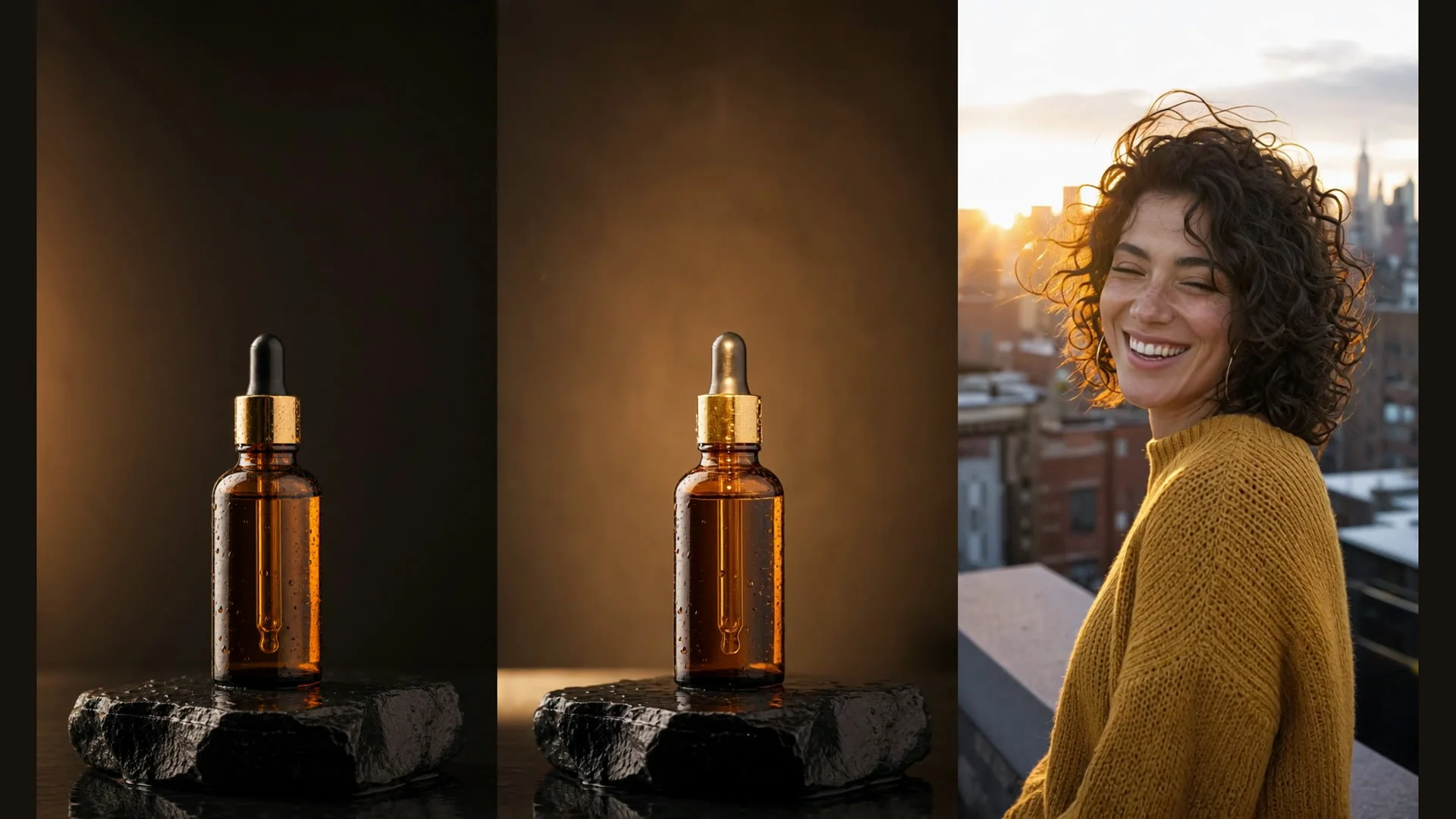
Guide
Ray 3.2 Image-to-Video: Turn Stills Into Vertical Short-Form Clips
Animate the product shots and portraits you already own into 9:16 clips, plus a tested seamless-loop trick with end_image_url
9 -
News
November's Model Wave: 7 Names Circulating, 2 With Real Substance
A prediction list is making the rounds with Gemini 4 Carbon, Claude Fable 5.5, Qwen 4, and Grok 4.8. Separating rumor from what already ships.
6
Related Models
View all models →Same Type
-
 FLUX 3 Image Black Forest Labs $0.041 /image
-
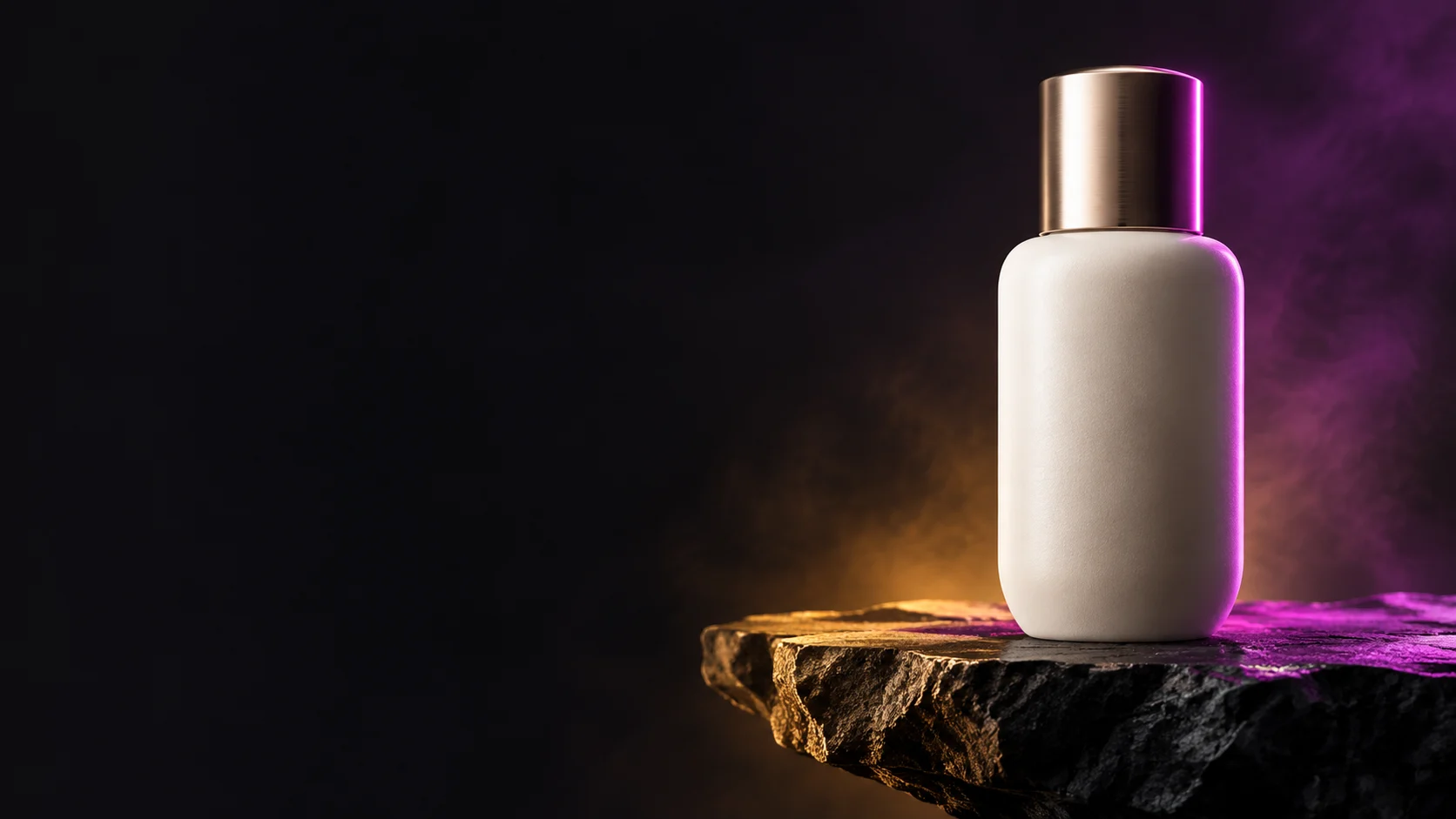 BRIA Product Shot Bria $0.058 /image
-
 851 Labs Background Remover 851 Labs $0.002 /image
-
 FLUX.1 Schnell Black Forest Labs $0.005 /image
-
 GPT Image 2.5 OpenAI $0.017 /image
-
 Qwen Image 2.0 Alibaba $0.042 /image
-
 FLUX 1.1 Pro Black Forest Labs $0.050 /image
-
 Grok Imagine Quality xAI $0.070 /image
-
 Recraft Creative Upscale Recraft $0.357 /image
-
 Qwen Image 3.0 Alibaba $0.036 /image
-
 FASHN Tryon v1.6 FASHN $0.107 /image
-
 FLUX.1 Fill Pro Black Forest Labs $0.071 /image