
Guide
Recraft Creative Upscale Pricing: $0.3575
Budget at $0.3575 per image and distinguish input limits, display previews and full results when enlarging assets.
- Per image
- $0.3575
Before enlarging an old illustration for a larger layout, decide whether changes to its details are acceptable. Recraft Creative Upscale generates new texture as it enlarges an image, making it useful for landscapes, illustrations and scenes that can tolerate local changes.
TL;DR
The price is $0.3575 per image, with one input image per request; view budget calculations. The only input is image_url. There is no prompt, scale factor or style tier. The cabin example has a full result of 4096 × 4096; inspect other results for their own dimensions.
Unit price and budgets
| Planned images | Calculation | Budget |
|---|---|---|
| 1 | 1 × $0.3575 | $0.3575 |
| 10 | 10 × $0.3575 | $3.575 |
| 100 | 100 × $0.3575 | $35.75 |
| 1,000 | 1,000 × $0.3575 | $357.50 |
Processing 20 selected landscape assets costs $7.15. If you request another candidate for 5 of them, the total becomes 25 images and $8.9375. Choose the composition and content before enlarging final candidates to avoid processing assets you do not need.
What the processing does
Upload images to try it →; no prompt required.
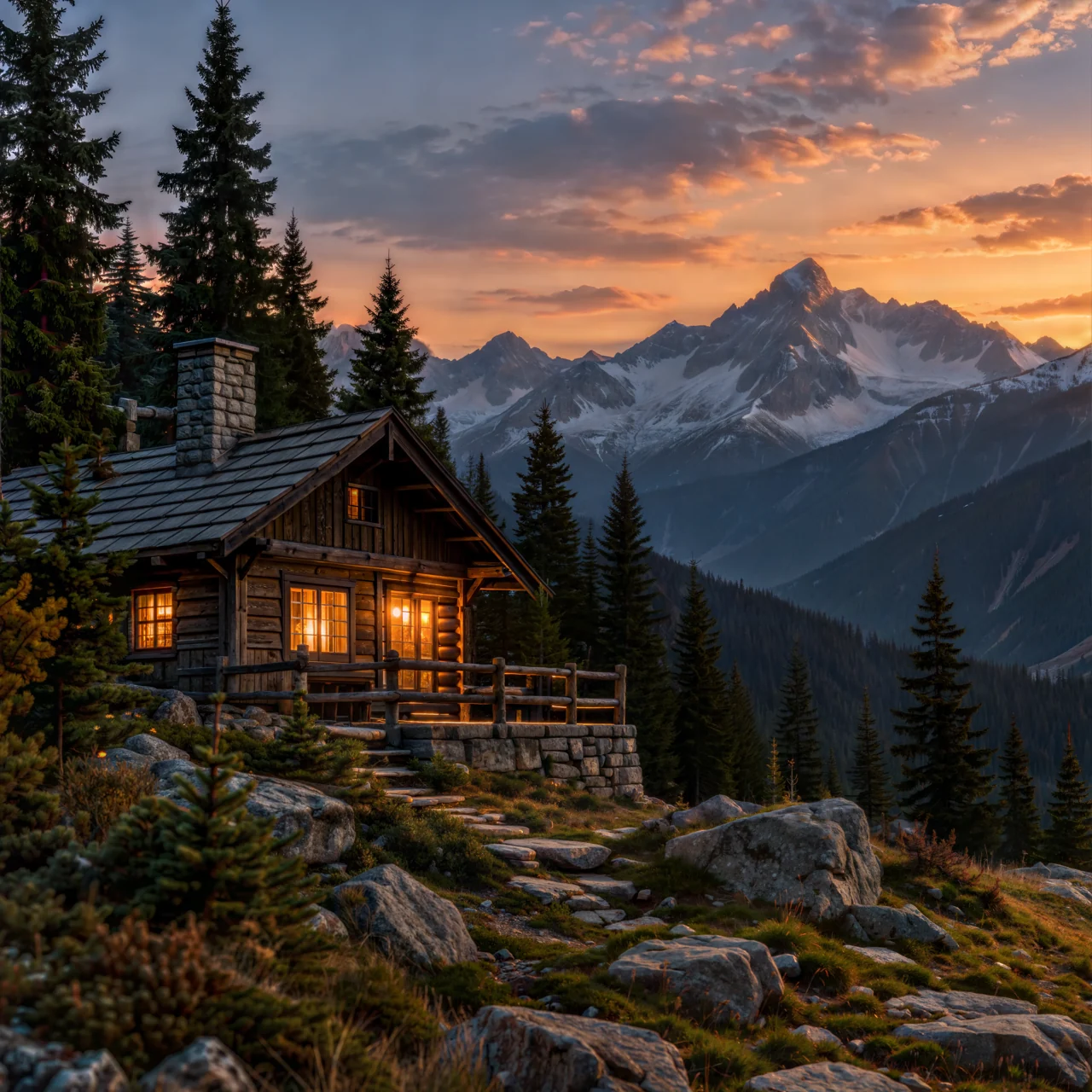
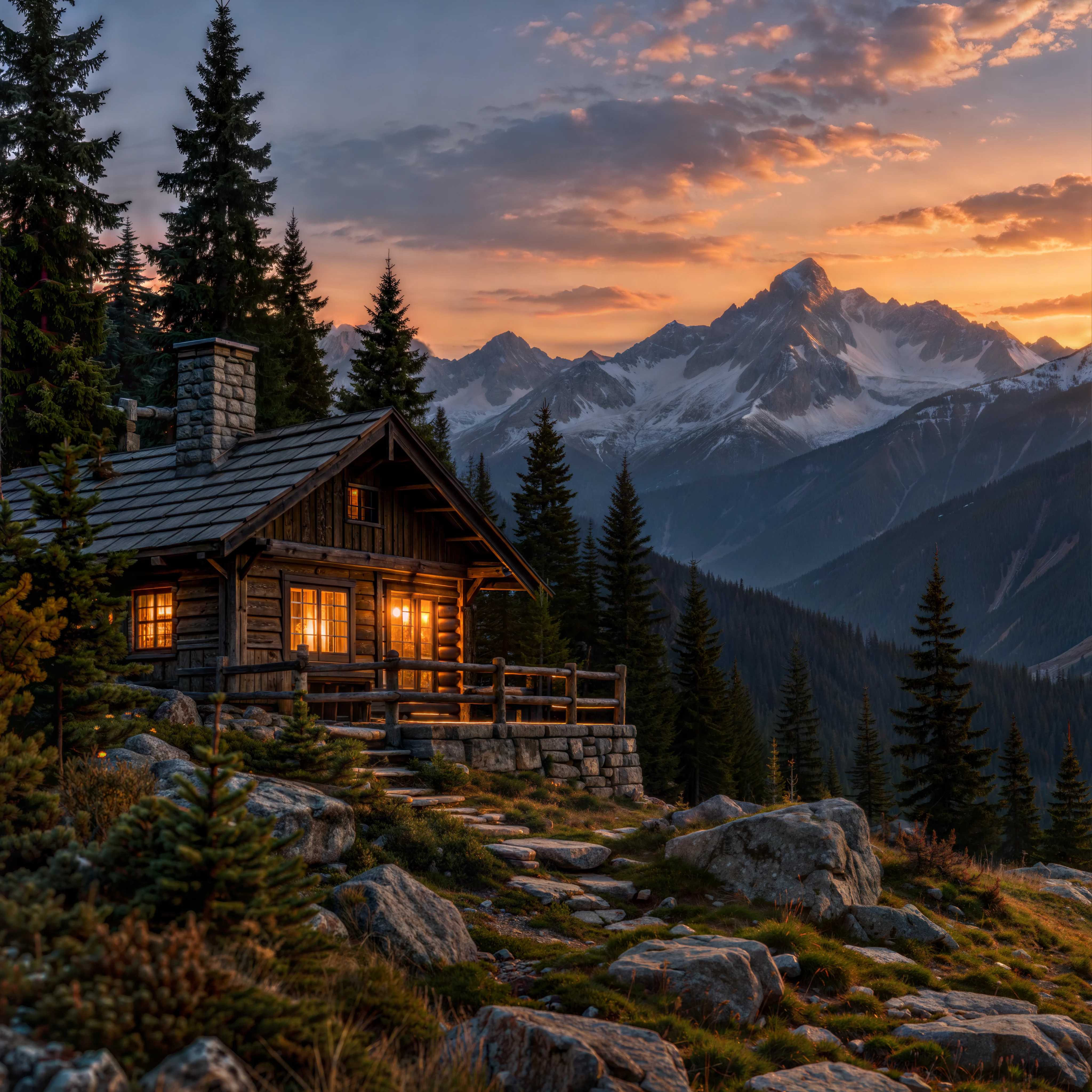
The cabin source is 1254 × 1254. The image above is a 1280 × 1280 display preview; the full result is 4096 × 4096. The roof, windows and peaks remain in similar positions, while the stonework and railing details change. Evaluate those redrawn areas along with the pixel dimensions.
Choose assets with the budget in mind
For landscapes, illustrations and atmospheric scenes, begin with a few representative images. Inspect texture and local structure before processing the rest. Images containing exact lettering, logos or product details need closer review of those areas. If retaining existing detail is the priority, see Recraft Crisp Upscale. Examples made from different sources cannot establish a same-image quality ranking.
Creative offers no scale factor or quality pricing tier. Inputs must meet the limits of 20 MB, 256 to 4096 pixels on each side and no more than 16 MP in total; Use a PNG source image. Input limits and output dimensions describe different things. A display preview does not tell you the full result size.
Enlarge assets after selecting them
Confirm the subject, composition and intended placement before deciding which files need enlargement. More texture cannot make an unsuitable composition pass selection. Separate assets ready for delivery from candidates still under consideration, and process those with a settled direction first instead of enlarging an unselected collection.
The earlier 20-image plan assumes the assets have already been selected. The extra 5 runs are a chosen candidate allowance, not a prediction that 5 images will need reworking. Start with examples representative of the selected material: inspect structure in architectural scenes, texture in trees and rocks, and brushwork in watercolors. Use those results to decide whether to process the remaining assets of each type.
Before adding a candidate for the same source, specify what it should resolve. You might consider another result when particular redrawn details are unsuitable. If every stone, frame or letter must stay exactly as it was, reconsider whether this processing method fits the job. Repeated candidates offer no established fidelity guarantee, and one example cannot predict a batch acceptance rate.
What the unit price covers and cannot predict
Each request supplies one image_url at $0.3575 per image. There are no scale, quality or style pricing tiers; adding a scale parameter cannot purchase a different output. Input limits determine whether an image can be submitted, rather than defining another price table by file size or pixel count.
The planned count includes repeat processing you choose to request. Ordinary budgets can be multiplied by the unit price, but public sources do not fully specify settlement for failures, submission timeouts or refunds. Do not assume a failed task is free. If you already have a task identifier, query the original task. If the client received no submission response, reconcile the task situation before turning a network problem into another generation request.
Pixel dimensions alone cannot establish usefulness. The cabin has a full 4096 × 4096 file to inspect; the lake and watercolor are displayed as previews. They do not prove that all inputs produce the same dimensions. Suitability for a banner or print also depends on the downloaded file's dimensions, the final layout and whether its redrawn details are acceptable.
Use acceptance decisions to guide further spending
Decide which changes are acceptable before processing. Rearranged leaves or rocks in an atmospheric background may still serve the composition. Changes to rails, stonework and steps can be a problem in an image meant to describe a real building. A clearer watercolor also needs a check for overly defined edges that alter its loose brushwork.
Review source and result at the same display size for the overall image, then open the full result for detail. The first view helps assess subject and palette; the second reveals changes in texture and small structures. Selection based only on thumbnails can miss problems visible in a larger layout. Focusing only on sharp detail can overlook a change in the image's style.
For files that must retain lettering, logos or product geometry, assess Recraft Crisp Upscale and review the results on your own material. Unit prices do not settle suitability when the processing goals differ. Allow project time for comparison, downloading, archiving and any retouching; the API budget covers the image-processing portion.
FAQ
How many images does one request process?
One image_url supplies one image. Submit separate requests for additional assets.
Can I choose a cheaper scale tier?
Creative has no scale or quality tiers. The price is $0.3575 per image.
Is every result 4096 × 4096?
That is the full size of the cabin result. There is no fixed scale setting; inspect the dimensions returned for each input.
Do I need a prompt?
No. The input is an image URL. A prompt cannot be used to specify which texture to add.
Further reading
API integration · Examples and input selection · Recraft Creative Upscale
Related articles
View all articles →-
Guide
What Is GPT Image 2.6? Markup Edits and Specs
What OpenAI's API spec says about GPT Image 2.6, how the new markup edit field works, and what hasn't been published yet.
5 -
Guide
Vidu Q4 Preview API Pricing: $0.0515 per Second
Both modes share one rate: five resolutions from 540p to 4K, 3–16 second clips, what $10 buys, and how it compares with other video models on HiAPI.
5 -
Guide
Recraft V4.1 Flash for E-Commerce Product Images: $0.01 Batch Catalog Shots
A real parallel batch on recraft-v4.1-flash/text-to-image: listing and scene shots, measured background whiteness, timing, and a batch script.
7