
Guide
A Developer's Guide to grok-imagine/text-to-image for E-commerce Product Images on HiAPI
Prompt templates, ultra-wide aspect ratios, and a working API request for catalog-ready visuals

Why Use a Text-to-Image Model in an E-commerce Image Pipeline
Every catalog has a long tail of image slots that studio photography handles poorly. A product that sells in forty colorways, a bundle that changes every quarter, a seasonal banner that needs five locale variants before lunch — each of these is a scheduling problem before it is a creative one. Text-to-image generation does not replace a photographer for flagship hero shots. It does absorb the volume work around them.
It helps to be explicit about the split. grok-imagine/text-to-image fits jobs where the subject is describable in text and the composition is repeatable:
- Variant expansion. One base composition, many colorways, materials, or packaging states.
- Placeholder and draft slots. Something catalog-ready enough to unblock layout and merchandising review before final assets arrive.
- Concept exploration. Rapid passes on background, mood, and framing before a paid shoot is booked.
- Locale and format variants. The same product, recomposed for a wide hero banner versus a square grid tile.
It fits poorly where fidelity is contractual. Regulated claims, exact label typography, precise material finishes, and anything requiring a legally verified depiction of the physical item should stay with photography or a controlled render pipeline. Text-to-image models are generative — they will approximate a logo, not reproduce it.
The practical framing is a queue. Expensive, high-fidelity work goes to humans. Repeatable, describable, high-volume work goes to a model, with a human review step between generation and publication. Once you accept that split, the engineering questions become ordinary ones: how do you keep outputs consistent, how do you plan for the aspect ratios your storefront actually uses, and how do you run the job at volume without babysitting it?
The rest of this guide works through those questions against the HiAPI platform, ending with a request structure you can adapt to your own catalog.

What grok-imagine/text-to-image Offers on HiAPI
On HiAPI, grok-imagine/text-to-image is one model identifier reached through a single unified API surface. You send a text prompt describing the image you want, and you get back a generated image asset. That is the whole contract at the conceptual level — and it is worth stating plainly, because a lot of integration pain comes from assuming more.
A few scoping notes that matter for planning:
It is prompt-driven, not reference-driven. The composition you get is derived from the text you supply. If a slot requires exact reproduction of a physical object, this model is the wrong tool; use it where a faithful-to-description depiction is acceptable.
Everything flows through one interface. Authentication, request shape, and response handling follow the HiAPI platform conventions rather than a model-specific dialect. That means the code you write for this model has the same skeleton as code for any other image model on the platform, which keeps your client layer small.
Your prompt is your primary control surface. Because you are not steering the model with structured fields or reference images, prompt discipline carries most of the weight. The next section turns that into templates.
Billing follows the platform's metering, and current rates live in the pricing panel. Plan capacity by counting images per catalog run, then check the panel for the live figure rather than hardcoding anything into your planning docs.
Do not assume undocumented knobs. If a parameter is not part of the request schema you are working against, do not build a pipeline that depends on it. Treat the documented request surface as the contract and keep model-specific behaviour out of your business logic.
The useful mental model: HiAPI gives you a stable, uniform doorway; grok-imagine/text-to-image is what sits behind it. Keep your integration pointed at the doorway.
Designing Prompt Templates for Consistent Product Visuals
Consistency across a catalog is not a model property — it is a prompt architecture property. If every prompt is freehand, every image will be a different shoot. The fix is to decompose your prompt into fixed blocks and vary only the block that describes the product.
The four-block template
[SUBJECT]      what the product is and its key material/color attributes
[STAGING]      how it sits in frame: angle, crop, support, scale
[LIGHTING]     direction, softness, color temperature, shadow behaviour
[BACKGROUND]   surface, depth, environment, negative space
[CONSTRAINTS]  what must not appear: text, watermarks, extra props, people
Keep STAGING, LIGHTING, BACKGROUND, and CONSTRAINTS byte-identical across every item in a catalog run. Only SUBJECT should change per product. That single discipline gets you most of the way to a coherent grid.
A worked e-commerce template
Studio product photograph of {product_name}, {material}, {color}, {finish}.
Centered three-quarter view, product fills roughly 60% of frame height,
resting on a matte neutral surface. Soft large-source key light from
upper left, gentle fill from right, subtle contact shadow directly
beneath. Seamless light-grey background with clean negative space
above the product. No text, no logos, no watermarks, no props, no people.
Fill {product_name}, {material}, {color}, and {finish} from your product database. Everything else is a constant in your codebase, ideally in a versioned template file with a template_version string written into your generation logs — so when visual style drifts, you can tell whether the template changed or the model did.
Practical rules
- Order matters less than stability. Pick a block order, then never shuffle it within a catalog.
- Describe material, not brand. "Brushed aluminium" is steerable; a trademark is not.
- Front-load the subject. Put the concrete noun phrase early so it anchors the composition.
- State negatives explicitly. A
CONSTRAINTSblock is not optional for product work — stray text and props are the most common reason an image is unusable. - Test on three products before generating three hundred. Template bugs scale linearly with your catalog.
Treat prompts as code: version them, review changes, and keep generated assets tied to the template version that produced them.
Planning Ultra-Wide Aspect Ratios for Storefronts
Aspect ratio is a design decision that gets made too late. The usual sequence is: generate a beautiful square image, then discover the homepage hero wants something dramatically wider, then crop and lose the product's top third. Plan ratios first.
Inventory your slots before you generate
Walk your storefront and list every distinct frame shape that will hold a product image: grid tiles, detail-page gallery, category banners, homepage hero, email headers, and any paid-media placements. Each slot has a shape, and shapes cluster. Group them and generate per group rather than per image.
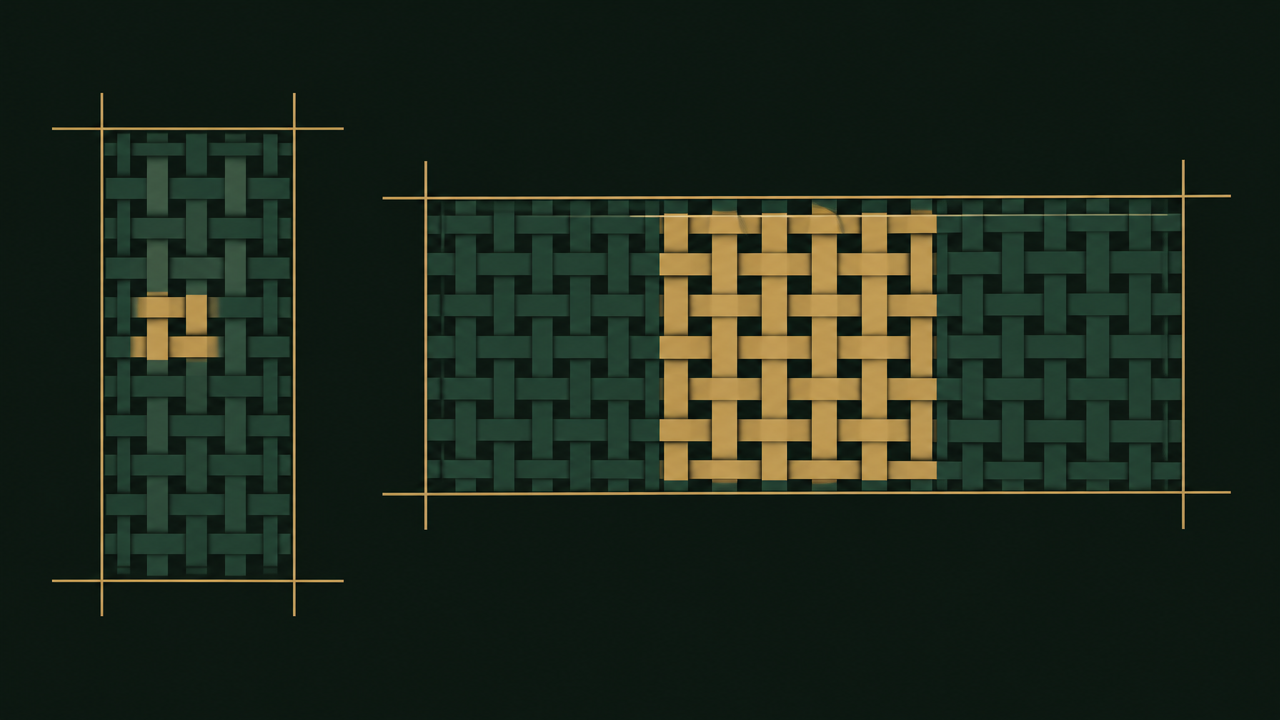
What ultra-wide changes
A wide canvas is not a wide square. As width grows relative to height:
- Horizontal safe zones grow; vertical ones shrink. Anything near the top or bottom edge risks being clipped by responsive crops on smaller viewports.
- Subject scale needs a decision. A product centered at reasonable size on a square frame becomes a small island on an ultra-wide one. Either enlarge it deliberately or commit to a composition where the product occupies one side.
- Negative space becomes the point. Wide frames usually carry overlaid text, price badges, or a CTA. In your prompt, reserve that region explicitly — for example, "clean uninterrupted background on the right third for headline text."
- Lighting gradients stretch. A soft vignette that reads well on a square can look like a smear across a wide frame. Keep lighting descriptions simple and directional.
Composition patterns that survive wide crops
- Product left, negative space right. The safest pattern for hero banners.
- Centered product, generous side margins. Works when the same asset must also crop down to a square.
- Product right, environment left. Good for lifestyle banners where a surface or texture carries the left side.
Generate at your widest target
If a single asset must serve both a wide hero and a square tile, generate a version composed for the wide frame and plan the square crop in your layout — or generate two versions from the same template with different staging blocks. What you should avoid is composing for the narrow frame and hoping the wide version works.
Write the intended ratio into the same template metadata as your product ID, so every asset in storage knows which slot it was built for.
Structuring a Working HiAPI Request
The integration skeleton is deliberately boring, which is what you want. Assemble the prompt, send it to the HiAPI endpoint with your credentials and the model identifier, handle the returned asset.
Sketch of the flow
import os, requests

HIAPI_BASE = "https://api.hiapi.ai"  # confirm exact base in platform docs
HEADERS = {
    "Authorization": f"Bearer {os.environ['HIAPI_API_KEY']}",
    "Content-Type": "application/json",
}

def build_prompt(product, template):
    return template.format(
        product_name=product["name"],
        material=product["material"],
        color=product["color"],
        finish=product["finish"],
    )

def generate_image(prompt, aspect_ratio="1:1"):
    payload = {
        "model": "grok-imagine/text-to-image",
        "prompt": prompt,
        "aspect_ratio": aspect_ratio,
    }
    resp = requests.post(
        f"{HIAPI_BASE}/v1/images/generations",
        headers=HEADERS, json=payload, timeout=120,
    )
    resp.raise_for_status()
    return resp.json()
Treat the endpoint path and the exact parameter names as things you verify against the platform's current documentation before shipping — this sketch shows structure, not a frozen schema. The important properties are:
- The model identifier is data, not code. Store
"grok-imagine/text-to-image"in configuration so swapping models is a config change. - The prompt is assembled, never hand-typed. One
build_promptfunction, one template source. - Ratio is a parameter of the call. It belongs with the request, chosen from your slot inventory, not applied as a post-processing crop.
- The key comes from the environment. No credentials in the repository.
Log what you will need later
For every request, persist: a request ID, product ID, template version, aspect ratio, the full prompt string, the model identifier, a timestamp, and the returned asset reference. When a merchandiser asks why one tile looks off, this log answers it in seconds instead of an afternoon.
Keep the client thin
Wrap the call in a small function that returns either an asset reference or a typed failure. Your catalog job should not know about HTTP, and your HTTP layer should not know about products. That separation is what makes the retry logic in the next section short.
Handling Outputs, Retries, and Batch Jobs
Generation is the easy part. Everything that makes an image pipeline trustworthy happens after the response comes back.
Validate before you publish
Every returned asset should clear an automated gate before it reaches a catalog slot:
- Does it exist and decode? A file that downloads but fails to parse is a silent failure waiting for launch day.
- Does the shape match the slot? Check dimensions against the ratio you requested, not against what you hoped for.
- Did the constraints hold? If your template forbids text in the image, flag assets where text was detected — a lightweight classifier or even a manual spot check on a sample is enough at small volume.
- Does it pass human review? For anything customer-facing, queue a review step. Approval status is a field on the asset record, not a Slack message.
Retry with intent
Not all failures are the same, and treating them identically wastes capacity.
- Transport and rate-limit errors: retry with exponential backoff and jitter, capped at a small number of attempts.
- Server-side failures: retry a couple of times with backoff, then mark the item failed and move on.
- Schema or validation errors: never retry — they will fail identically. Log and alert.
- Quality rejections: do not blind-retry. Re-running an identical prompt often returns a similar result. Adjust a single variable — usually the subject description — and record that the retry used a modified prompt.
Make every attempt idempotent by keying your job on (product_id, template_version, aspect_ratio). A crashed worker should be able to resume without duplicating spend.
Run batches as a queue, not a loop
For anything beyond a handful of images, structure the work as a queue:
- Enumerate the desired outputs from your product database and slot inventory into job records with a
pendingstatus. - Process jobs with bounded concurrency — start conservatively and raise it only as you observe stable latency.
- Persist each result to object storage under a deterministic key, and write the asset record with its generation metadata.
- Report on the batch: attempted, succeeded, failed, rejected in review, and total retries. Publish this summary, not just a success count.
Add a dry-run mode that assembles and logs every prompt without calling the API. It is the cheapest way to catch template bugs across a thousand SKUs.
Checklist Before Shipping Product Images to Production
Run this before the first catalog batch goes live.
Prompt quality
- Template split into subject, staging, lighting, background, and constraints blocks.
- Only the subject block varies within a catalog run.
- Negative constraints are explicit and include text, watermarks, and stray props.
- Template is version-controlled and the version string is written to every asset record.
- Spot-checked on at least three products representing your material and color extremes.
Ratio coverage
- Every storefront slot has a documented ratio and a corresponding staging pattern.
- Ultra-wide assets were composed for the wide frame, with reserved negative space for overlay text.
- Responsive crops were reviewed at your smallest supported viewport.
Pipeline reliability
- API key loaded from the environment, never committed.
- Model identifier and endpoint live in configuration, verified against current platform docs.
- Retry policy distinguishes transport, server, validation, and quality failures.
- Jobs are idempotent on product, template version, and ratio.
- Every request logged with prompt, ratio, model, timestamp, and returned asset reference.
Review and operations
- Human approval gate in place for customer-facing assets.
- Batch summary reports failures and review rejections, not just successes.
- Dry-run mode available and exercised before large runs.
- Current billing rates confirmed in the platform pricing panel and capacity planned by image count.
Ship when every box is ticked and the sample batch looks like one coherent shoot rather than a collection of strangers.
Related articles
View all articles →-

Guide
Getting Started with seedream-5.0-pro/image-to-image: Capabilities, Pricing, and Integration Essentials
Capability boundaries, billing model, and engineering integration practices for ByteDance's image editing model
-

Guide
seedream-5.0-pro Text-to-Image Getting Started Guide: Capability Boundaries, API Integration, and Cost Control
A hands-on developer perspective: from key parameters to a cost estimate of $0.05 per image
-

Guide
Hailuo 2.3 Fast Image-to-Video Getting Started Guide: Capability Boundaries, Pricing, and Integration Practices
MiniMax image-to-video model selection and integration key points for developers