
Guide
imagen4-fast Prompt Recipes: Copy-Paste Prompts for Developers
A practical prompt cookbook for the fast tier: structure, aspect ratios, and style cues

Why a prompt recipe beats a one-off prompt
Most image generation bugs are not model bugs. They are prompt bugs, and they are hard to fix because the prompt only ever existed in someone's chat history or a stale doc. A one-off prompt that produced a great result on Tuesday is impossible to reproduce on Friday if you can't say precisely what was in it.
A prompt recipe fixes this the same way a function fixes copy-pasted logic. It has a fixed shape, named slots, and a stable identity so you can reference it later. When output changes, you have something to diff.
The practical benefits show up fast:
- Consistency across calls. The same recipe with the same inputs produces comparable framing and style, which matters when a page renders twelve card images in a grid.
- Cheap iteration. You change one slot at a time instead of rewriting freeform prose and losing the parts that were working.
- Traceability. A recipe has a version. When a brand team asks why the thumbnails look flatter than last month, you can bisect.
- Reviewability. A recipe can be reviewed in a pull request like any other asset, by people who don't write prompts for a living.
The rest of this article is a cookbook. Every recipe follows the same skeleton, so you can read one, adapt it, and drop it into your codebase without restructuring it. Treat the model as a component and the recipe as the interface you build against.
One framing to keep in mind: a recipe is not a magic phrase. It is a contract between a downstream UI slot and the generation call. The UI slot decides the frame; the recipe decides what fills it.

The base prompt skeleton
Every recipe in this cookbook is built from the same four-part skeleton. Copy this and fill the slots:
[subject] — [composition] — [style] — [constraints]
That is the whole idea. Here is a filled-in version you can paste as-is:
A lone ceramic coffee cup on a pale oak desk, three-quarter view, shallow depth of field,
soft morning light from the left, minimal editorial product photography, muted warm palette,
no text, no logos, no hands, centered subject with breathing room on all sides
What each slot is for
Subject is the one thing the image is about. Name it concretely: "ceramic coffee cup," not "coffee vibes." If the subject has an action or state, put it here: "a developer mid-keystroke at a dim desk." Resist adding a second subject; that is the most common cause of cluttered results.
Composition controls the frame. Viewpoint (three-quarter, top-down, eye level), subject placement (centered, rule-of-thirds left), crop (full frame, tight crop), and depth of field belong here. This slot is where you encode the aspect ratio intent in words, even though the actual ratio is a separate parameter.
Style is a short block of visual vocabulary: medium (photograph, flat vector, watercolor), lighting (soft morning light, hard rim light), palette (muted warm, high-contrast monochrome), and finish (matte, glossy, grain). Keep it to one to three clauses. Longer style blocks tend to fight each other.
Constraints is the negative space. What must not appear: text, logos, watermarks, extra limbs, cluttered background, harsh shadows. Constraints are cheap insurance and the first thing to extend when a recipe misbehaves.
Two variants worth having on hand
Minimal object shot:
[object] on a seamless [color] backdrop, centered, straight-on view, soft even studio light,
clean commercial product photography, no shadows on background, no text, no props
Editorial scene:
[scene subject] in [environment], wide establishing view, natural light, subtle film grain,
documentary photography, muted palette, no text, no logos, no visible brand marks
Both are intentionally short. If your prompt is a paragraph of adjectives, you have probably lost the composition slot somewhere inside it.
Choosing aspect ratios before you write the prompt
Write the prompt after you know the shape of the hole it fills. The aspect ratio is a product decision, not a prompt decision, and choosing it late forces you to rewrite composition clauses you already tuned.
A simple mapping that covers most surfaces:
- Hero banners and page headers — wide frames. Composition words: "wide establishing view," "horizon placed in the lower third," "negative space on the left for headline overlay."
- Cards and grid tiles — square or near-square. Composition words: "centered subject," "even margins," "no important detail near the edges."
- Avatars and profile chips — square, tight crop, single subject. Composition words: "head and shoulders," "centered face," "plain background."
- Thumbnails and list rows — small wide or square crops where the subject must survive being shrunk. Composition words: "single dominant subject," "high contrast against background," "no fine detail."
- Editorial or long-form figures — portrait frames. Composition words: "vertical composition," "subject occupies the upper two thirds," "foreground anchor at the bottom."
Why wording has to match the frame
A composition clause written for a wide banner ("negative space on the left") is meaningless once cropped to a square, and a tight portrait crop described in words will get squeezed if you ask for a wide frame. The prompt and the ratio should agree, because you are describing the same rectangle twice — once in language, once in parameters.
Practical workflow
- Look at the actual UI slot and note its width-to-height ratio and how it crops on small screens.
- Pick the closest supported aspect ratio rather than asking the model to fake it with padding.
- Write the composition slot around that frame, including where negative space should land.
- Generate, then check the worst-case crop (mobile, grid shrink) rather than the ideal one.
If a recipe has to serve two very different slots, make it two recipes. Duplicating a recipe is cheaper than a composition clause that half-works everywhere.
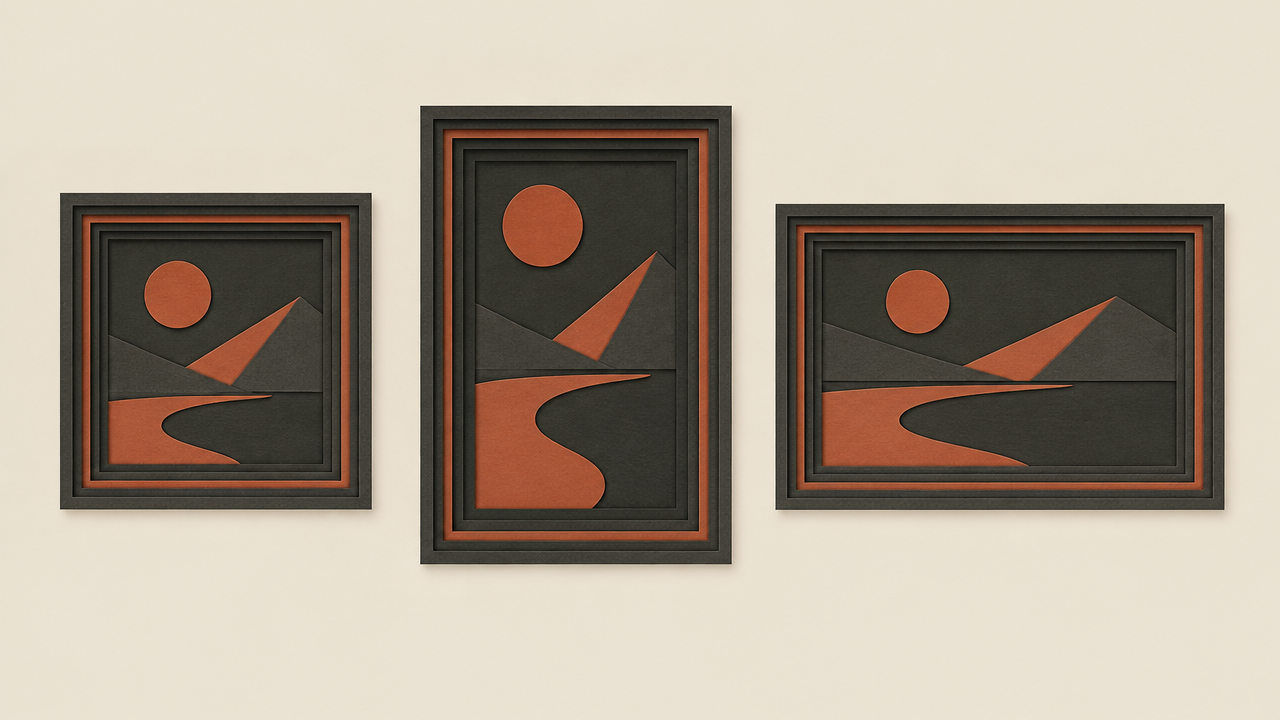
Style cue blocks you can swap per surface
The style slot is the one you should expect to change most often, so keep it modular. Write the style cues as a self-contained block that attaches to the base skeleton, and keep one block per surface or brand mood.
Brand-safe / neutral
minimal editorial photography, soft diffused light, muted neutral palette,
clean background, product-focused, no text, no logos
Use for marketing pages where the image must not compete with copy or imply a brand claim.
Photographic / documentary
natural light, documentary photography, shallow depth of field, subtle grain,
unposed subject, realistic color, no heavy filters
Use for editorial figures and storytelling surfaces where authenticity reads better than polish.
Flat illustration
flat vector illustration, limited two-color palette, bold simple shapes,
no gradients, generous whitespace, geometric composition, no text
Use for onboarding, empty states, and docs where images need to match a design system.
Studio product
seamless studio backdrop, soft even key light, crisp shadows, high detail on the subject,
commercial catalog photography, no props, no text
Use for catalog and comparison grids where consistency across many images matters more than any single image.
How to swap without regressing
- Keep the style block as one variable, never interleaved with subject or composition clauses. If style words are scattered through the prompt, you can't swap them cleanly.
- Change one block at a time and regenerate the same subject and composition. If two variables move at once, you can't tell which caused the change.
- Watch for style blocks that smuggle in composition. "Centered" and "close-up" are composition, not style; if they live in the style block, your aspect ratio work gets undone silently.
- Trim blocks that grow. Three clauses of style is usually enough; five start competing.
A useful test: swap the style block on an otherwise identical recipe and see whether the output still fits the same UI slot. If it does, the block is properly isolated.
Parameterizing prompts in code
Recipes should live as templates, not string literals scattered through handlers. A single template with named variables gives you A/B testing, rollback, and per-surface overrides for free.
Template shape
RECIPE = {
    "id": "product-hero-v3",
    "template": (
        "{subject} — {composition} — {style} — {constraints}"
    ),
    "defaults": {
        "composition": "centered subject, generous margins, eye-level view",
        "style": "minimal editorial photography, soft diffused light, muted neutral palette",
        "constraints": "no text, no logos, no watermark, clean background",
    },
    "aspect_ratio": "1:1",
}


def render(recipe, **overrides):
    slots = {**recipe["defaults"], **overrides}
    return recipe["template"].format(**slots)
The recipe object carries its identity (id), its frame (aspect_ratio), and its defaults. Callers supply only what differs. That keeps call sites short and makes the diff between two surfaces obvious.
Variants for A/B tests
Model a variant as an override on a base recipe rather than a forked string:
variants = {
    "control": {},
    "warm": {"style": "minimal editorial photography, warm afternoon light, muted warm palette"},
    "tight": {"composition": "tight crop, subject fills the frame, eye-level view"},
}
Because every variant shares the subject and constraints, a difference in results is attributable to the slot you changed. That is the entire value of the exercise.
Rollback and pinning
- Give each recipe a version in its
idand log it with every generation request. When output shifts, the log tells you which recipe version produced what. - Keep old versions addressable for a while. Rolling back should be a config change, not a code revert under pressure.
- Pass the recipe id, not the rendered string, into your own analytics so you can group results by recipe rather than by exact prompt text.
- Validate slots before calling the API — an empty
subjectshould fail fast in your app, not produce a vague image.
Keep aspect ratio as a first-class parameter next to the template, since it is chosen from the UI slot and not from the prompt text. Everything the API needs should be derived from one recipe object, so there is a single source of truth per surface.
Common failure modes and how to debug them
Most bad outputs trace back to one slot. Use this list to decide which part of the skeleton to adjust before you start rewriting the whole prompt.
Subject is cut off or off-frame
Symptom: heads cropped, objects bleeding past edges, important detail outside the safe area.
Fix the composition slot first, not the style. Add explicit framing language ("full subject in frame," "generous margins on all sides") and confirm the aspect ratio matches the intended frame. If the subject is inherently tall and the slot is wide, the frame is wrong, not the prompt.
Result is cluttered
Symptom: multiple competing focal points, busy background, props you didn't ask for.
Fix the subject slot. Reduce to one subject and one state. Move anything that reads as a prop into the constraints as an exclusion. Clutter is usually an ambiguous subject, not an over-eager model.
Style is inconsistent across a batch
Symptom: some images in a grid look photographic, others illustrative; palette drifts.
Fix the style block. Shorten it to one medium, one lighting clause, one palette clause. Remove style words that leaked into other slots and split recipes that are serving two different surfaces. Inconsistency across a batch is often a symptom of a style block that varies per call.
Text or logos appear
Symptom: garbled lettering, fake watermarks, brand-like marks.
Extend constraints: "no text, no lettering, no logos, no watermarks, no signage." If the composition implies a surface where text usually lives (screens, packaging, posters), say so explicitly or change the composition.
Output ignores the requested mood
Symptom: image is correct but feels flat, harsh, or generic.
Fix the style block, one clause at a time. Lighting is usually the highest-leverage change; palette second. Regenerate with the same subject and composition so the comparison is honest.
Everything else
If two slots look suspect, change one and regenerate. If the result still misses, step back and check whether the recipe is being asked to serve a UI slot it was never written for — that is a product mismatch, not a prompt bug.
Shipping a recipe library
Once recipes are templates with versions, they become assets your team maintains alongside code. The goal is that anyone can find the recipe behind a surface, understand why it looks the way it does, and change it safely.
Organize by surface, not by prompt text
Group recipes by where they render: hero, card, avatar, thumbnail, editorial-figure. A developer looking at the pricing page should land on the recipes that page uses, not on an alphabetical list of adjectives. Name each recipe with a stable id and a version suffix, and keep the defaults inside the recipe object.
Review recipes in pull requests
Treat a recipe change like a component change. The diff should show which slot moved and why. Reviewers can ask the useful questions: does the composition still match the frame, did style words leak into composition, did constraints shrink? Small, single-slot diffs are easy to review; wholesale rewrites are not.
Version, log, and prune
- Log the recipe id and version with every generation request so output changes are traceable to a change.
- Keep deprecated versions addressable until no surface references them, then remove them in a cleanup pass rather than leaving dead recipes forever.
- When you add a variant, promote the winner to a new version instead of leaving the A/B branch as the permanent path.
Document the contract
For each recipe, record the intended UI slot, the aspect ratio, and the constraints that must not be dropped. Two sentences is enough. The next person to touch the recipe needs to know what it is not allowed to break.
Keep the loop short
Recipes rot when no one regenerates them after a design change. Wire a small review step into any UI work that changes image slots, and re-run the affected recipes as part of that change. The whole system stays cheap only if the feedback loop stays short.
Start with the base skeleton, add one style block per surface, and let the library grow from real slots rather than hypothetical ones. If you're wiring generation into your app, keep the call site thin and let the recipe object carry the decisions.
Related articles
View all articles →-

Guide
Getting Started with seedream-5.0-pro/image-to-image: Capabilities, Pricing, and Integration Essentials
Capability boundaries, billing model, and engineering integration practices for ByteDance's image editing model
-

Guide
seedream-5.0-pro Text-to-Image Getting Started Guide: Capability Boundaries, API Integration, and Cost Control
A hands-on developer perspective: from key parameters to a cost estimate of $0.05 per image
-

Guide
Hailuo 2.3 Fast Image-to-Video Getting Started Guide: Capability Boundaries, Pricing, and Integration Practices
MiniMax image-to-video model selection and integration key points for developers