

Google Virtual Try-On
google-virtual-try-on
Upload a full-body photo to generate a try-on image of the specified clothing; diffusion-based technology simulates fabric folds and lighting to help with online clothing purchase decisions
Try google-virtual-try-on
Input
Showcases
View all showcasesOutput
image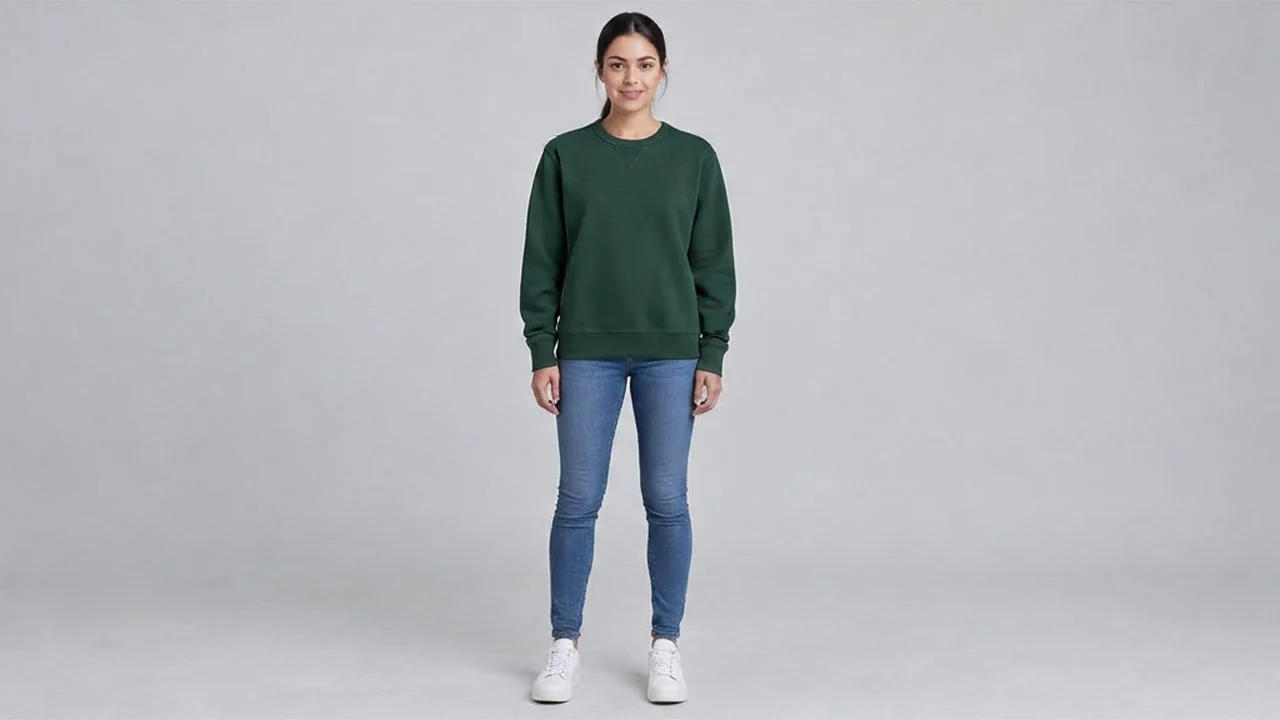
Virtual Try-On Scenario Concept Art: A Visual Exploration of Worldview and Atmosphere
Style Virtual Try-On · Fashion Editorial · Concept Art
Reference inputs
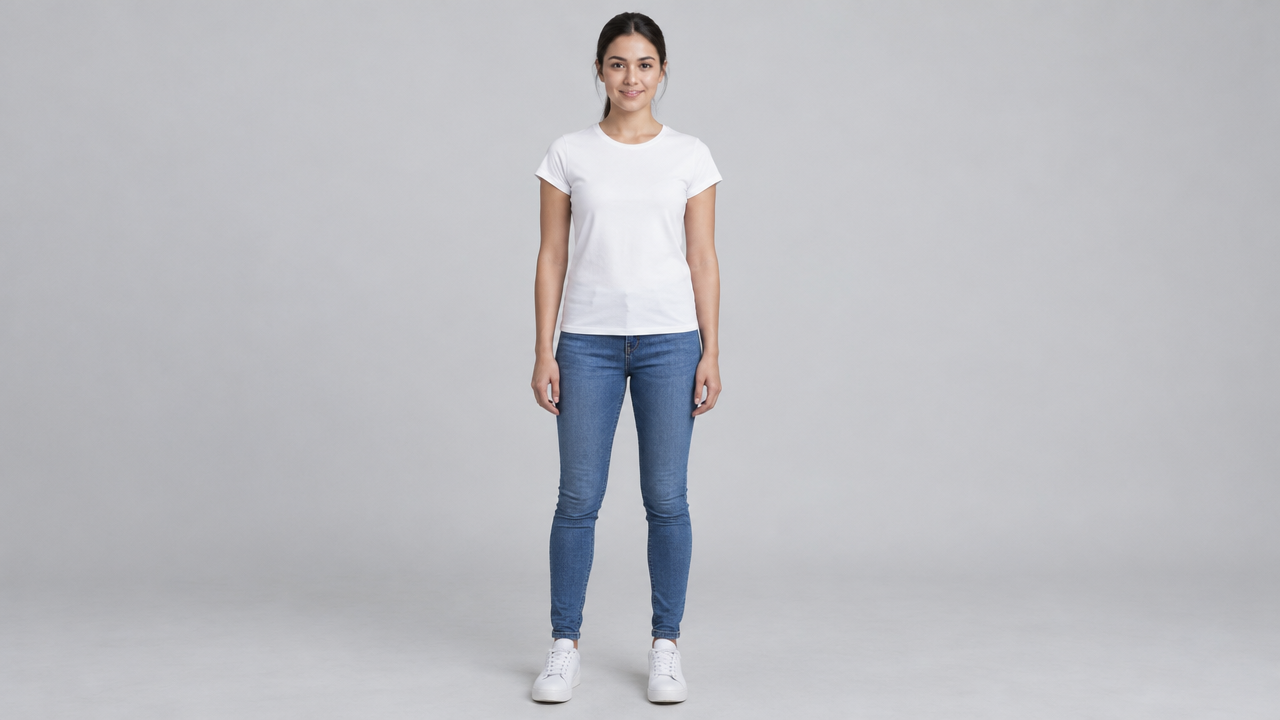
person_image_url
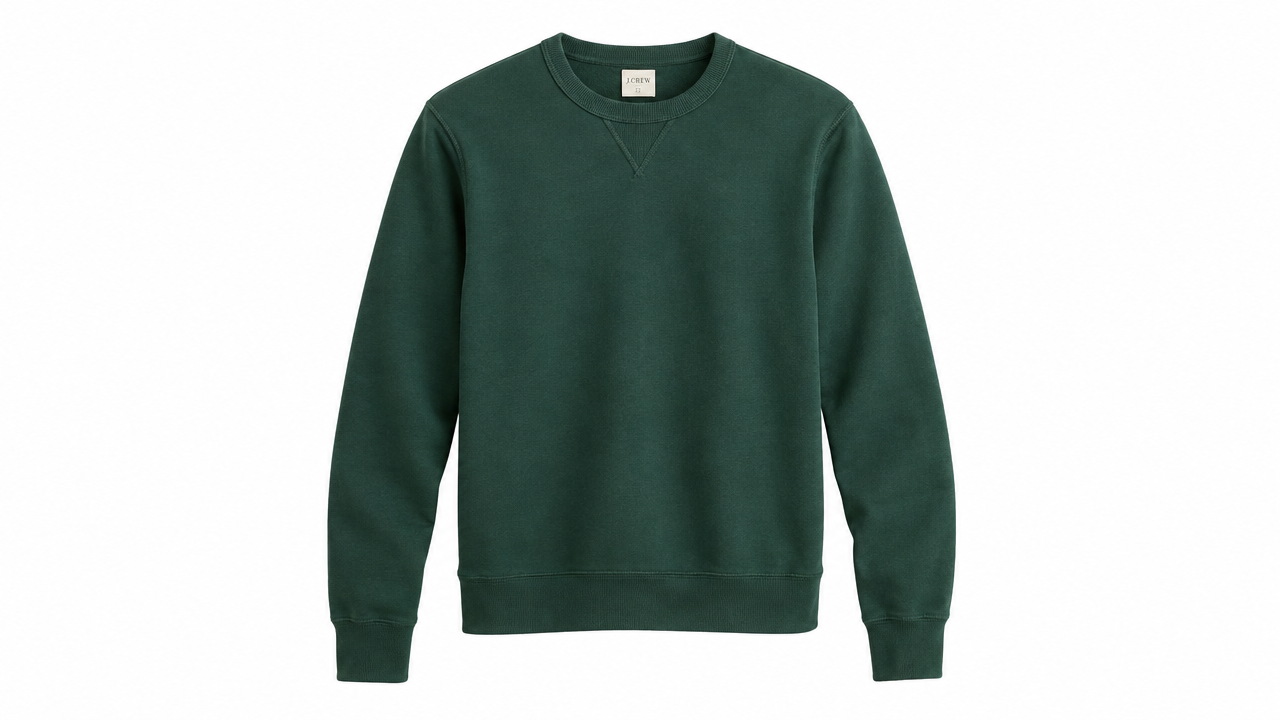
product_image_url
Prompt
Copy the full prompt and adapt it for your own generation.
Tags
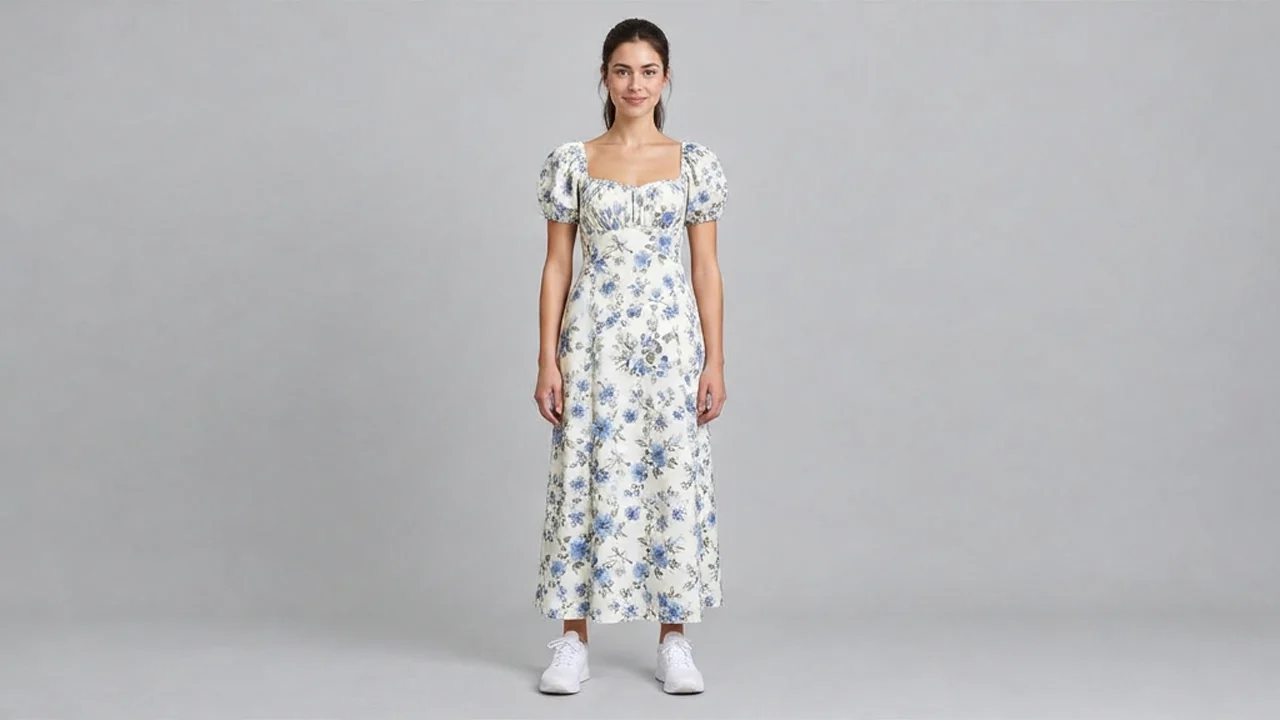
Virtual Try-On · Illustration Style Spectrum: From Realistic to Flat
Style Virtual Try-On · Illustration · Fashion Retail
Reference inputs
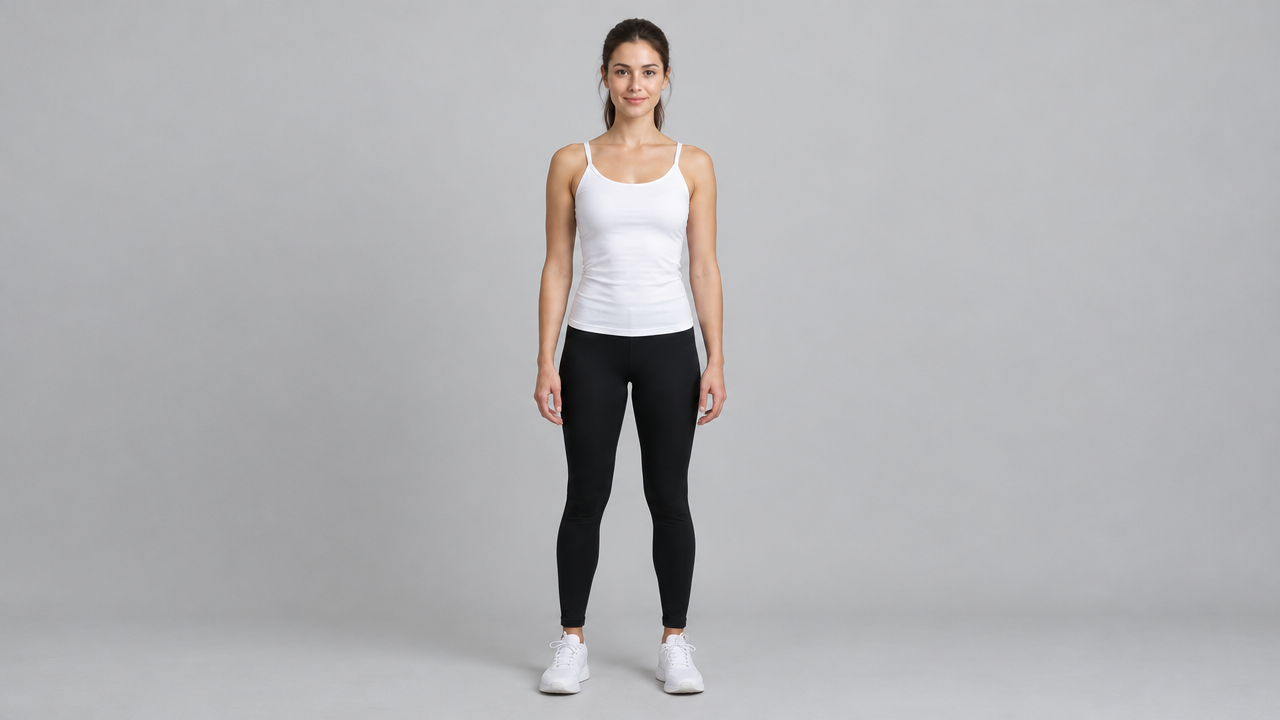
person_image_url
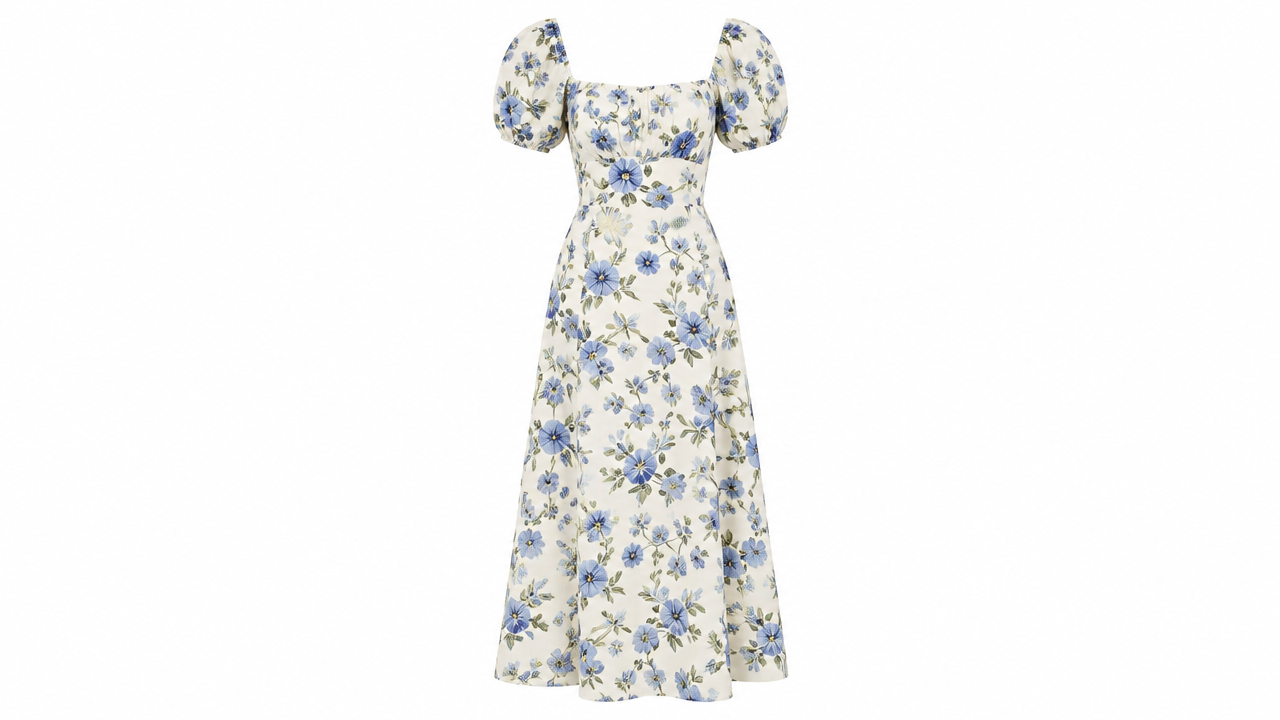
product_image_url
Prompt
Copy the full prompt and adapt it for your own generation.
Tags
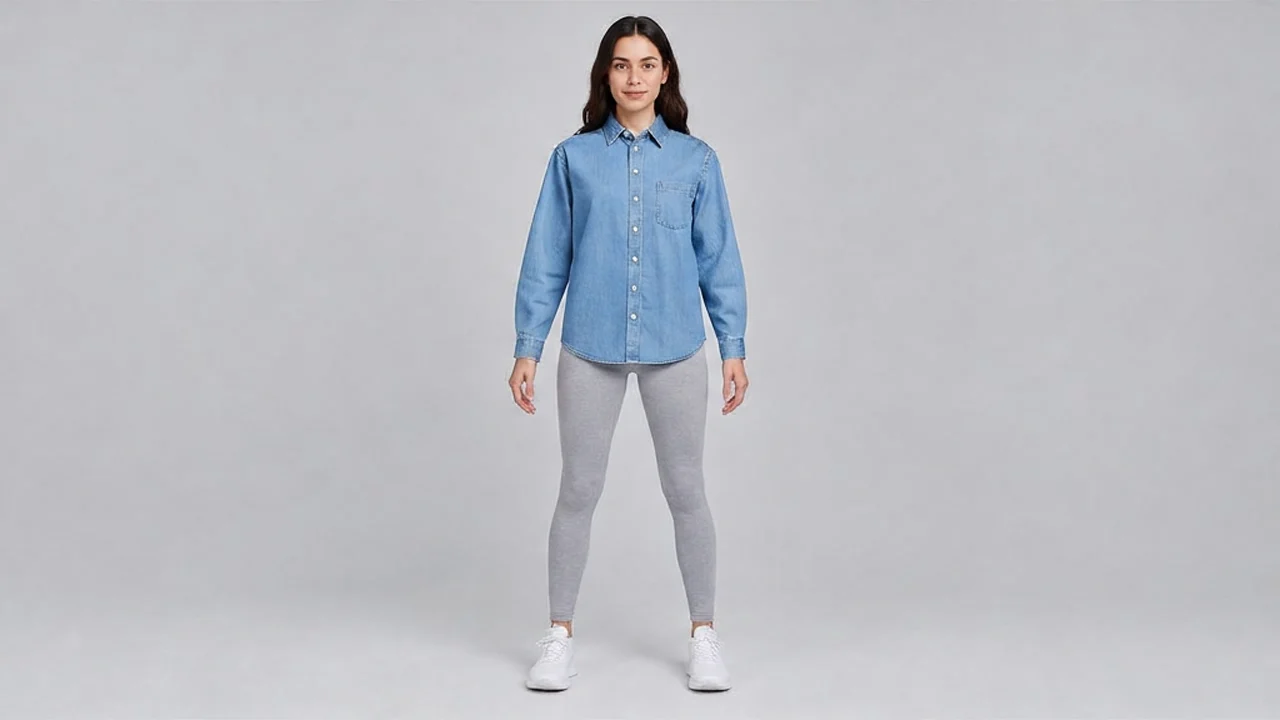
E-commerce-Grade Virtual Try-On Output: White-Background Studio Quality
Style ecommerce · Studio lighting · fashion-lookbook
Reference inputs
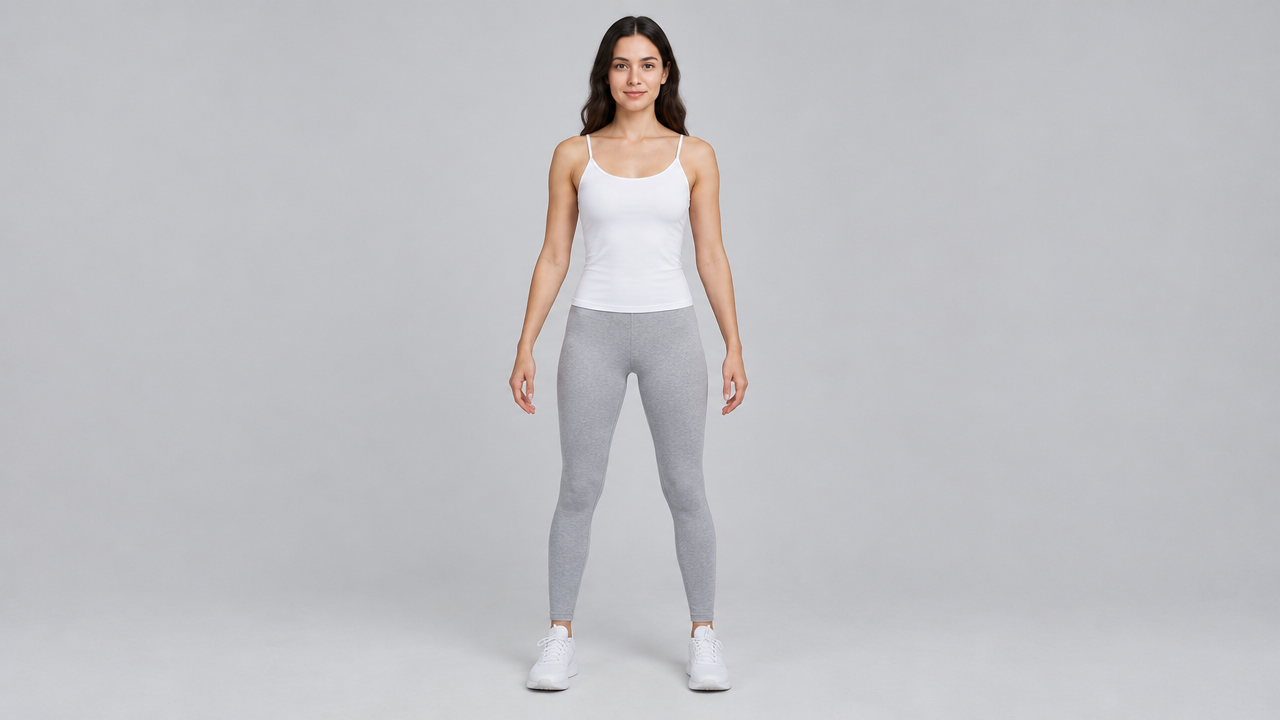
person_image_url
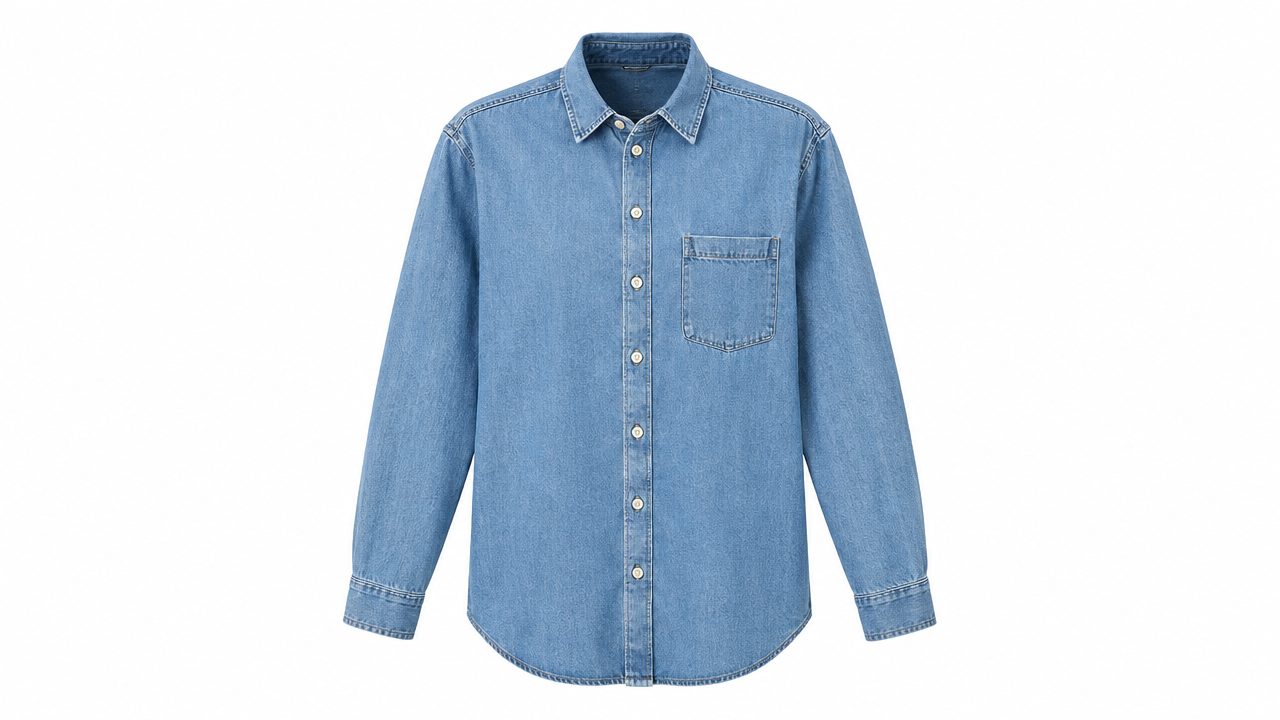
product_image_url
Prompt
Copy the full prompt and adapt it for your own generation.
Tags
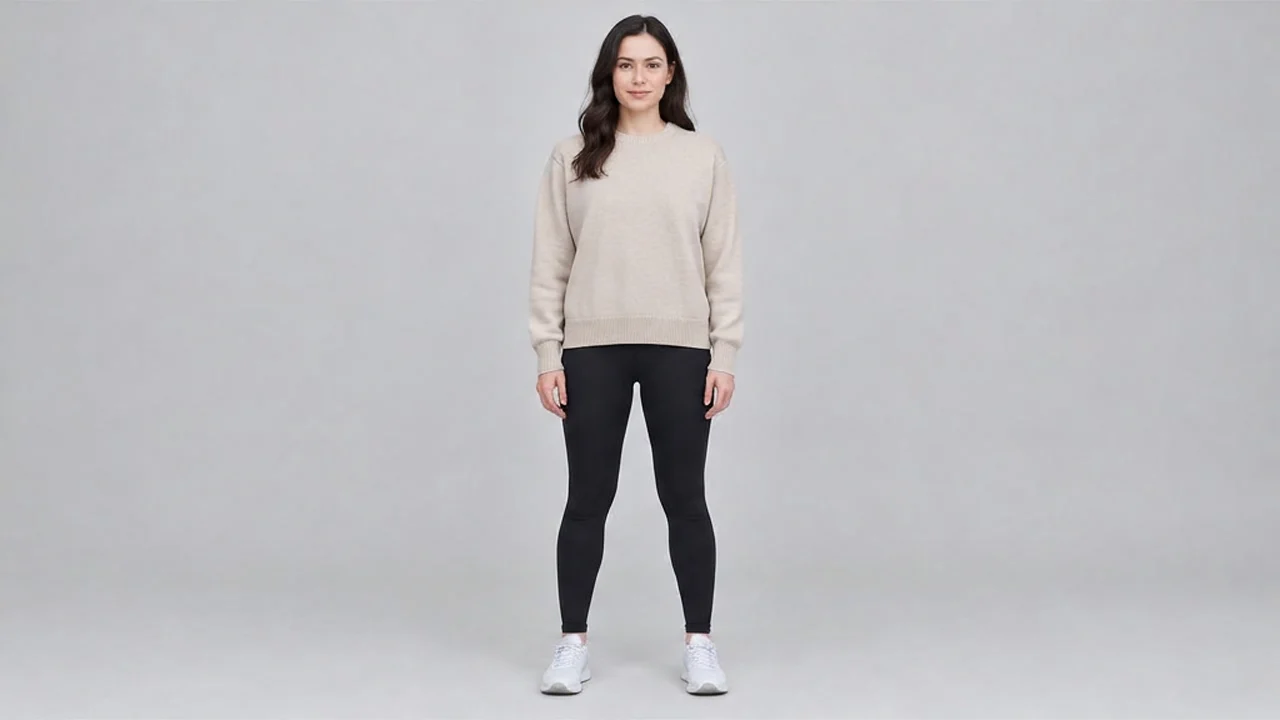
Google Virtual Try-On Portrait: A Dual-Prompt Demo of Realism and Artistic Stylization
Style Virtual Try-On · e-commerce · Portrait & Photography
Reference inputs
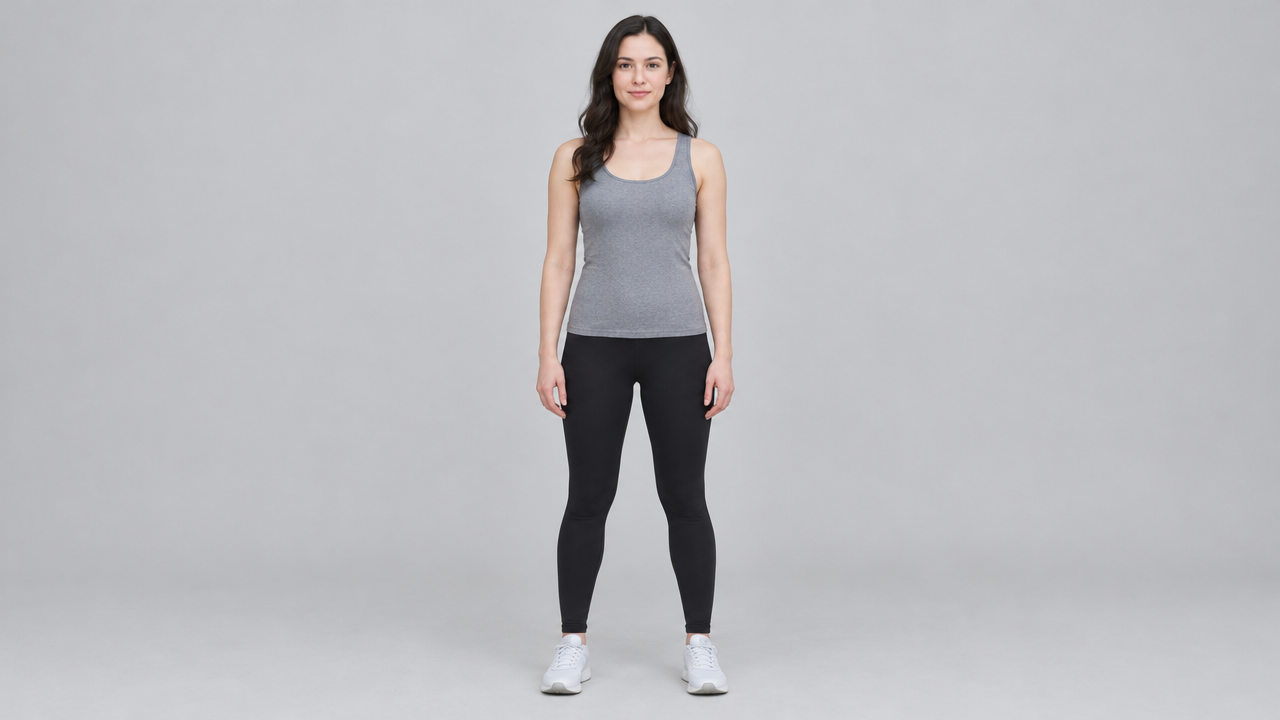
person_image_url
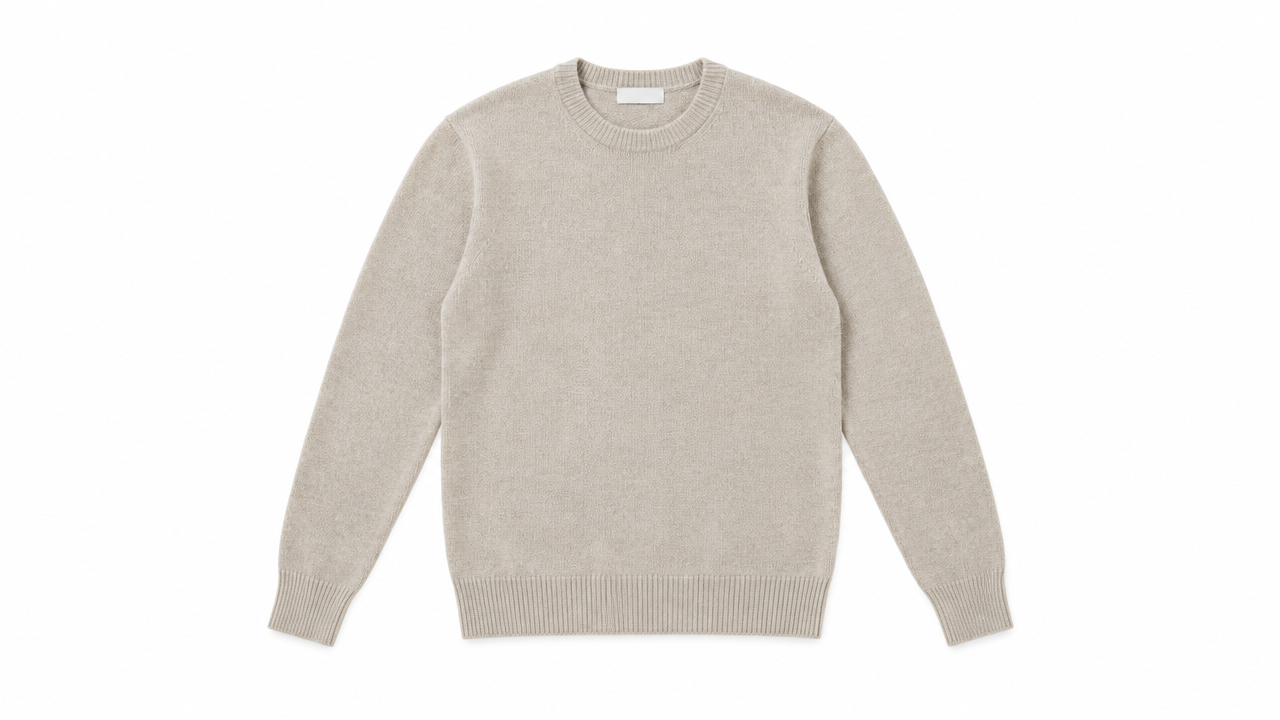
product_image_url
Prompt
Copy the full prompt and adapt it for your own generation.
Tags
Pricing
google-virtual-try-on per image
| Unit Price | $0.1075 |
|---|
Positioning Overview
Google Virtual Try-On is an image-to-image generation model that takes a person photo and a clothing product image as input and outputs an image of that person wearing the garment. It is suited to apparel e-commerce, outfit recommendation, and online clothing purchase decision applications. Developers pass the URLs of the two images through the unified HiAPI.ai interface to obtain a composite image, which can be used in product detail pages, try-on previews, or outfit references, reducing the difficulty for users to judge how a garment looks when worn.
Key Highlights
- Dual-image input, direct try-on generation — Simply provide two links: the person image and the clothing product image, and the model synthesizes a picture of that person wearing the garment, with no additional annotations or masks required.
- Preserves clothing wrinkles and drape — During generation, it simulates how the garment fits, folds, and responds to light and shadow on the body, making the preview image closer to the real wearing experience.
- Simple interface, easy batch integration — Very few parameters are needed; only two image URLs are required, making it easy to integrate into existing business flows such as product details and outfit recommendations.
Capability Description
Dual-image-driven try-on synthesis: Accepts two http(s) addresses, one for a person photo and one for a clothing product image, and outputs an image of that person wearing the garment, suitable for generating try-on previews on demand.
Garment detail restoration: The generated result reflects the drape, wrinkles, and light and shadow of the garment on the body, making it easy to show users a near-real wearing effect.
Single image output per request: Each request always returns one image, and the quantity parameter can only be 1, making per-request billing and result management easy.
Link-based image input: Input accepts only http(s) image addresses, with no file stream upload required, making it easy to connect with existing image storage and CDN systems.
Applicable Scenarios
- Apparel e-commerce: try-on preview on product detail pages — Users upload a full-body photo on the product page, and an image of them wearing the product is generated in real time, helping them judge whether the style suits them.
- Outfit recommendation: generate wear-on images for recommended items — Pair recommended apparel with user photos to generate try-on images as visual assets for outfit cards, improving the perceptibility of recommendations.
- Social sharing: generate saveable outfit images — Generate outfit reference images based on try-on results for users to save or share, supporting outfit discussions and content distribution.
Limitations and Model Selection Advice
It only generates try-on effect images and cannot reflect size fit, nor can it replace the experience of real fabric and cut. It requires users to provide a full-body person photo and a clear clothing product image; input quality directly affects the result. It is not applicable when the person image or product image is missing. If size recommendations, multi-angle wear-on views, or video-level try-on are needed, another model supporting the relevant capabilities should be selected. Each request outputs only one image.
What's new
View changelog →- Price update google-virtual-try-on price adjustment
- Parameter change google-virtual-try-on: num_images is now fixed at 1
- New model New model: google-virtual-try-on
Frequently asked questions
View all FAQs →-
What inputs does Google Virtual Try-On need?
One person photo and one garment image, both required. No prompt is needed.
-
What kind of person photo works best?
A single person with the body clearly visible and little occlusion; front-facing or slightly angled standing poses are the most stable.
-
What should the garment image look like?
Flat-lay or hanging product photos both work; a complete garment on a clean background with no other people is best.
-
How many images can one request return?
One; num_images is fixed at 1. For more options, submit the same input pair a few times; the results differ slightly.
Create a generation task
https://api.hiapi.ai/v1/tasks Headers
AuthorizationstringRequiredAccount API key. Required on every request. Example: Bearer YOUR_HIAPI_API_KEY. Get your API key
Content-TypestringOptionalThe request body is always parsed as JSON; when sent, only application/json (optionally with charset) is accepted — any other value returns 415. Example: application/json.
Idempotency-KeystringOptionalIdempotency key, up to 255 bytes. Retries with the same key from the same account create the task only once; replays return the original taskId.
On network timeouts or client retries, the same key creates the task only once — no double charges (scope: the API key's account). Use a business-unique identifier as the key (e.g. "order-42"); replays return the original taskId, and keys expire 24 hours after the first request. See the Unified Async API overview for the full scenario matrix.
Body
modelstringRequiredCurrent fixed value: google-virtual-try-on
routestringOptionalCurrent fixed value: default
inputobjectRequired
Business parameters for google-virtual-try-on and route default — see the parameter table below.
num_imagesintegerOptionalDefault: 1min 1max 1Number of images to generate per request; must be 1, defaults to 1.
person_image_urlstringRequiredminLength 1pattern ^https?://http(s) URL of the model/person photo, used to specify the subject for the virtual try-on garment.
product_image_urlstringRequiredminLength 1pattern ^https?://http(s) URL of the product image of the garment to try on; the try-on result will be generated based on this garment.
callbackobjectOptional
Terminal-state notification config. When omitted, no callback is delivered — poll the task yourself. See the callback note below.
Provide callback.url when creating a task and HiAPI POSTs to your service once the task reaches a terminal state — no polling needed. The callback payload mirrors the task detail structure; signature verification, delivery retries and idempotency are documented on the Unified Async API overview page.
urlstringRequiredRequired when callback is present. A POST is sent to this URL once the task reaches a terminal state; must be a valid http(s) URL.
whenstringOptionalDefault: "final"Only final is supported today — notified on both success and fail.
finalstoragestringOptionalDefault: "temp"Artifact storage tier: temp (default, retained about 7 days) or persistent (long-term, billed by size). Insufficient balance or exceeding the storage cap silently downgrades to temp; the effective tier is shown in the task detail response.
temppersistentRequest examples
# Submit an async task; returns a taskId immediately (no waiting for generation)
curl -X POST "https://api.hiapi.ai/v1/tasks" \
  -H "Authorization: Bearer $HIAPI_API_KEY" \
  -H "Content-Type: application/json" \
  -d '{
  "model": "google-virtual-try-on",
  "input": {
    "num_images": 1,
    "person_image_url": "…",
    "product_image_url": "…"
  }
}'
const res = await fetch("https://api.hiapi.ai/v1/tasks", {
method: "POST",
headers: {
Authorization: `Bearer ${process.env.HIAPI_API_KEY}`,
"Content-Type": "application/json",
},
body: JSON.stringify({
model: "google-virtual-try-on",
input: {
"num_images": 1,
"person_image_url": "…",
"product_image_url": "…"
}
}),
});
const task = await res.json();
// { code: 200, message: "success", data: { taskId } }import os, requests
res = requests.post(
"https://api.hiapi.ai/v1/tasks",
headers={"Authorization": f"Bearer {os.environ['HIAPI_API_KEY']}"},
json={
"model": "google-virtual-try-on",
"input": {
"num_images": 1,
"person_image_url": "…",
"product_image_url": "…"
}
},
)
print(res.json()) # { code, message, data: { taskId } }200 OK
{
  "code": 200,
  "message": "success",
  "data": {
    "taskId": "tk-hiapi-01HZTQ8BX2N3GM3YFK4Z9D7VQR"
  }
}
400 Bad Request
{
  "code": 400,
  "message": "invalid request",
  "data": null,
  "error_code": "INVALID_REQUEST"
}
Get task detail
https://api.hiapi.ai/v1/tasks/:id Response fields
taskIdstringRequiredTask ID, always prefixed with tk-hiapi-.
modelstringRequiredResolved full model name. Tasks submitted with the route parameter return base@route (e.g. gpt-image-2/text-to-image@ext); otherwise identical to the name passed at creation.
routestringOptionalPresent only when the task was submitted with an explicit route parameter; echoes the submitted value.
statusstringRequiredTask status.
queued Queued, not started yet.
handling Being processed.
archiving Processing finished, artifacts being prepared.
success Terminal: completed, artifacts available (output returned).
fail Terminal: failed (error returned).
After submission, check status: success and fail are terminal, everything else is non-terminal. Poll every 1–3 seconds until terminal. On success, download artifacts from output[].url and transfer them before expireAt; pass storage: "persistent" at creation time when long-term retention is needed.
creatednumberRequiredTask creation time (Unix seconds).
completednumberRequiredUnix seconds when the task reached a terminal state; fixed to 0 while not terminal.
outputarrayOptional
Present only when status == success. Artifact list — always an array; a single task may return multiple types at once (e.g. video + first_frame).
Array [ object ]
Array items
urlstringRequiredArtifact URL, directly downloadable.
typestringRequiredCurrent possible values: video, image, audio, first_frame, last_frame, thumbnail; more may be added later.
expireAtnumberRequiredUnix seconds until which the artifact remains accessible; download or transfer before it expires.
errorobjectOptional
Present only when status == fail.
codestringRequiredBusiness error code.
messagestringRequiredError description.
Response examples
Success
{
  "code": 200,
  "message": "success",
  "data": {
    "taskId": "tk-hiapi-01HZTQ8BX2N3GM3YFK4Z9D7VQR",
    "model": "happyhorse-1-0",
    "status": "success",
    "created": 1777282033,
    "completed": 1777282099,
    "output": [
      {
        "url": "https://cdn.hiapi.ai/tasks/.../video.mp4",
        "type": "video",
        "expireAt": 1777886899
      }
    ]
  }
}
Processing (non-terminal)
{
  "code": 200,
  "message": "success",
  "data": {
    "taskId": "tk-hiapi-...",
    "model": "happyhorse-1-0",
    "status": "archiving",
    "created": 1777282033,
    "completed": 0
  }
}
Failed
{
  "code": 200,
  "message": "success",
  "data": {
    "taskId": "tk-hiapi-...",
    "model": "happyhorse-1-0",
    "status": "fail",
    "created": 1777282033,
    "completed": 1777282099,
    "error": {
      "code": "TASK_FAILED",
      "message": "task failed"
    }
  }
}Articles
View all articles →Related Models
View all models →Same Type
-
 FLUX.2 Klein 4B Black Forest Labs $0.0004 /image
-
 Nano Banana Google $0.021 /image
-
 Grok Imagine xAI $0.011 /second
-
 FIBO 1.5 Bria $0.058 /image
-
 Qwen Image 2.1 Alibaba $0.020 /image
-
 Grok Imagine Image 2.0 xAI $0.052 /image
-
 Qwen Image 3.0 Alibaba $0.036 /image
-
 Nano Banana Pro Google $0.057 /image
-
 Ideogram V3 Character Ideogram $0.090 /image
-
 FLUX.1 Schnell Black Forest Labs $0.005 /image
-
 Imagen 4 Google $0.030 /image
-
 Krea 2 Medium Turbo Krea $0.021 /image
Same Provider
-
 Veo 3.1 Google $0.290 /second
-
 Veo 3.1 Fast Google $0.170 /second
-
 Lyria 3.5 Google $0.090 /song
-
 Veo 3.1 Lite Google $0.060 /second
-
 Nano Banana 2 Google $0.036 /image
- Nano Banana Google $0.021 /image
- Imagen 4 Google $0.030 /image
-
 Lyria 3 Pro Google $0.140 /song
-
 Nano Banana 2 Lite Google $0.033 /image
-
 Gemini Omni Google --
-
 Gemini Omni 1.1 Flash Google $0.450 /video
- Nano Banana Pro Google $0.057 /image