
FLUX 3 Video Prompt Formula Card: A Visual Guide to Structured Prompting
Break down how to write prompts for FLUX 3 Video into one readable "formula card": five slots — subject and scene, action, camera movement, lighting and style, sound and dialogue — appear on screen one after another, then a sample prompt with the same structure is used to generate a real clip for comparison. The first frame for image-to-video is generated first by the pipeline, then used as images[0] to drive motion, so viewers can directly see the difference between "before applying the formula" and "after applying the formula." It serves as a quick-start reference for developers integrating FLUX 3 Video's text-to-video and image-to-video capabilities, and is also suitable for internal model selection and prompt training materials.
Style prompt-guide · Motion Graphics · Educational Explanation
Model FLUX 3 Video
Reference inputs
images
Prompt
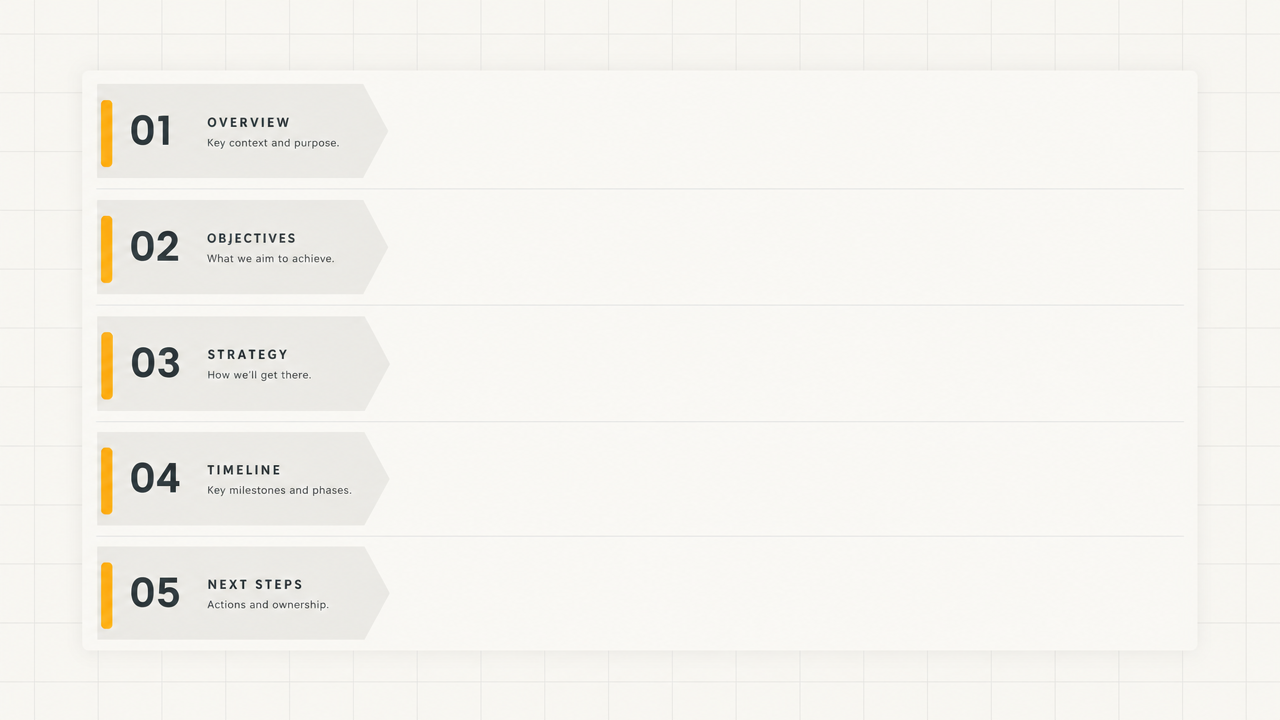
A clean 16:9 motion graphics explainer animation in flat editorial design, with a warm off-white background with fine grid lines. A large card slides in from the left and splits into five stacked rows, each labeled Subject and Scene, Action, Camera, Lighting and Style, Sound and Dialogue; each row fills with a short line of text as a soft highlight sweeps across it. The camera stays locked with a subtle slow push-in and gentle parallax between card layers. The typography is geometric sans-serif in dark graphite, with a single amber accent. The lighting is even and soft like a studio, with no harsh shadows. The pacing is steady and instructional, about one row per second, ending on the fully assembled card holding still for a beat. No flashy transitions, no lens flares, no extraneous decoration.
Copy the full prompt and adapt it for your own generation.
Tags