
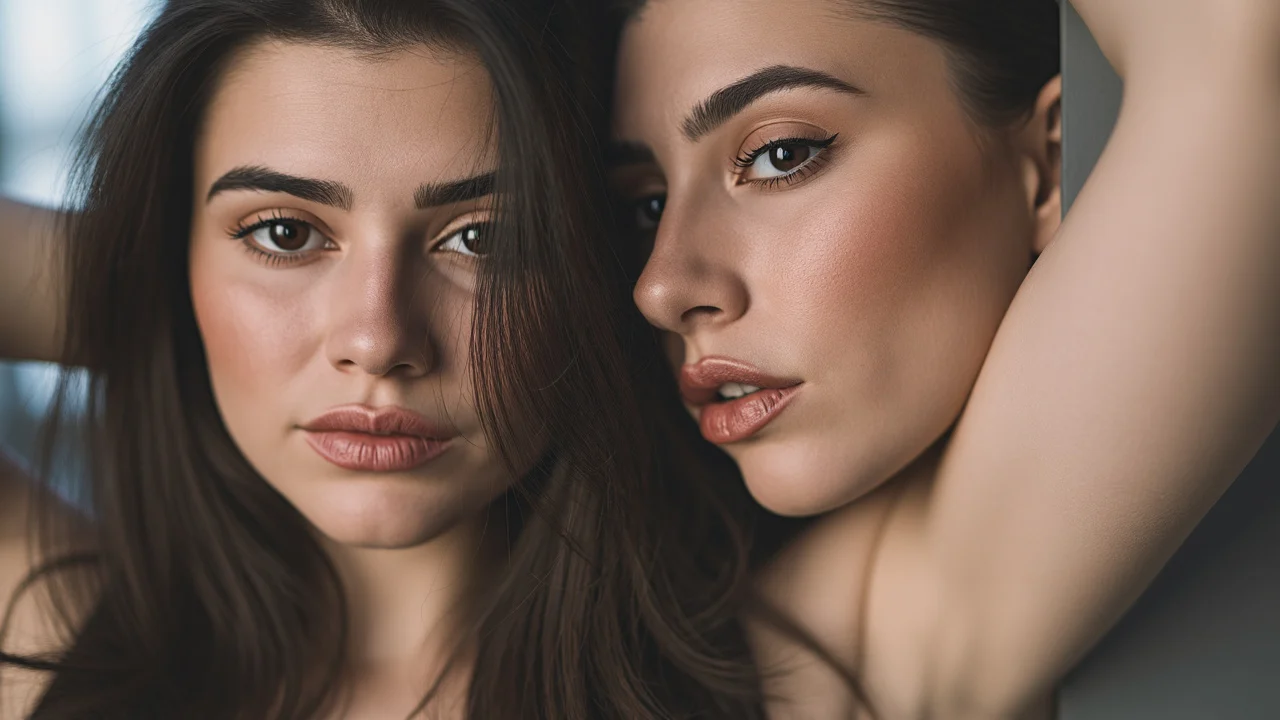
FLUX.1 Fill pro Portrait Style Rewriting: Realistic and Artistic Dual Samples
Demonstrating the local repainting capability of FLUX.1 Fill [pro] by editing the same portrait under two style prompts: one follows a realistic route (preserving skin texture and natural light), and the other follows an artistic route (painterly brushstrokes and color blocks). The setup requires an original image and a binary mask of the same dimensions as the original image; white areas are repainted according to the prompt, while black areas remain unchanged. This work uses an all-white mask to perform an overall style rewrite of the entire portrait, thereby isolating and exposing the "prompt differences." It is suitable for developers, before integrating FLUX.1 Fill pro, to observe how mask range, guidance, and prompt_upsampling affect the output style for the same base image. It can also serve as a prompt reference for local retouching, skin replacement, and background replacement of portrait assets. Note that this model is an editing model, not a text-to-image model; results depend on mask quality and prompt description, and fine structures may still require multiple attempts.
Style Portrait & Photography · inpainting · style-transfer
Model FLUX.1 Fill Pro
Reference inputs

mask
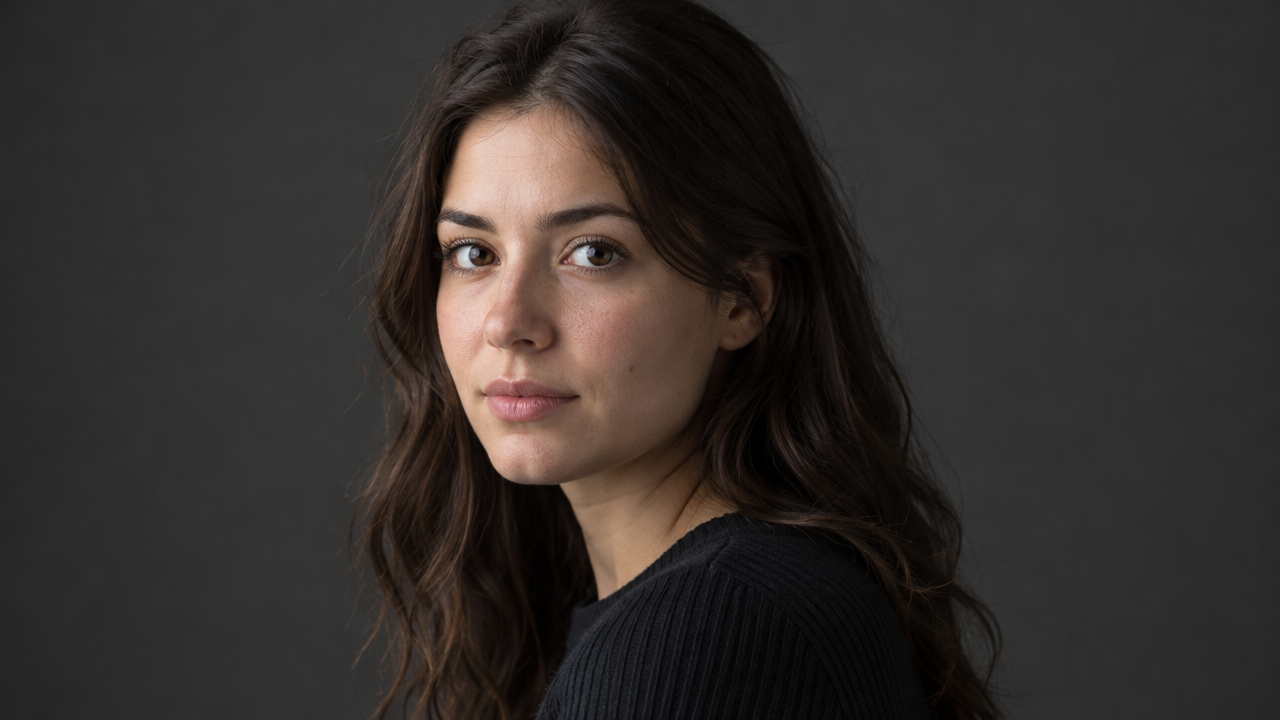
image
Prompt
Photorealistic portrait retouching guide: preserve the subject's facial structure and pose, and perform style repainting only within the mask area. Natural skin texture with clearly visible pores, soft window light from the left side of the camera, subtle gradation in shadow areas, neutral color grading, shallow depth of field, 85mm portrait composition, no plastic-looking skin smoothing, no over-sharpening.
Copy the full prompt and adapt it for your own generation.
Tags