
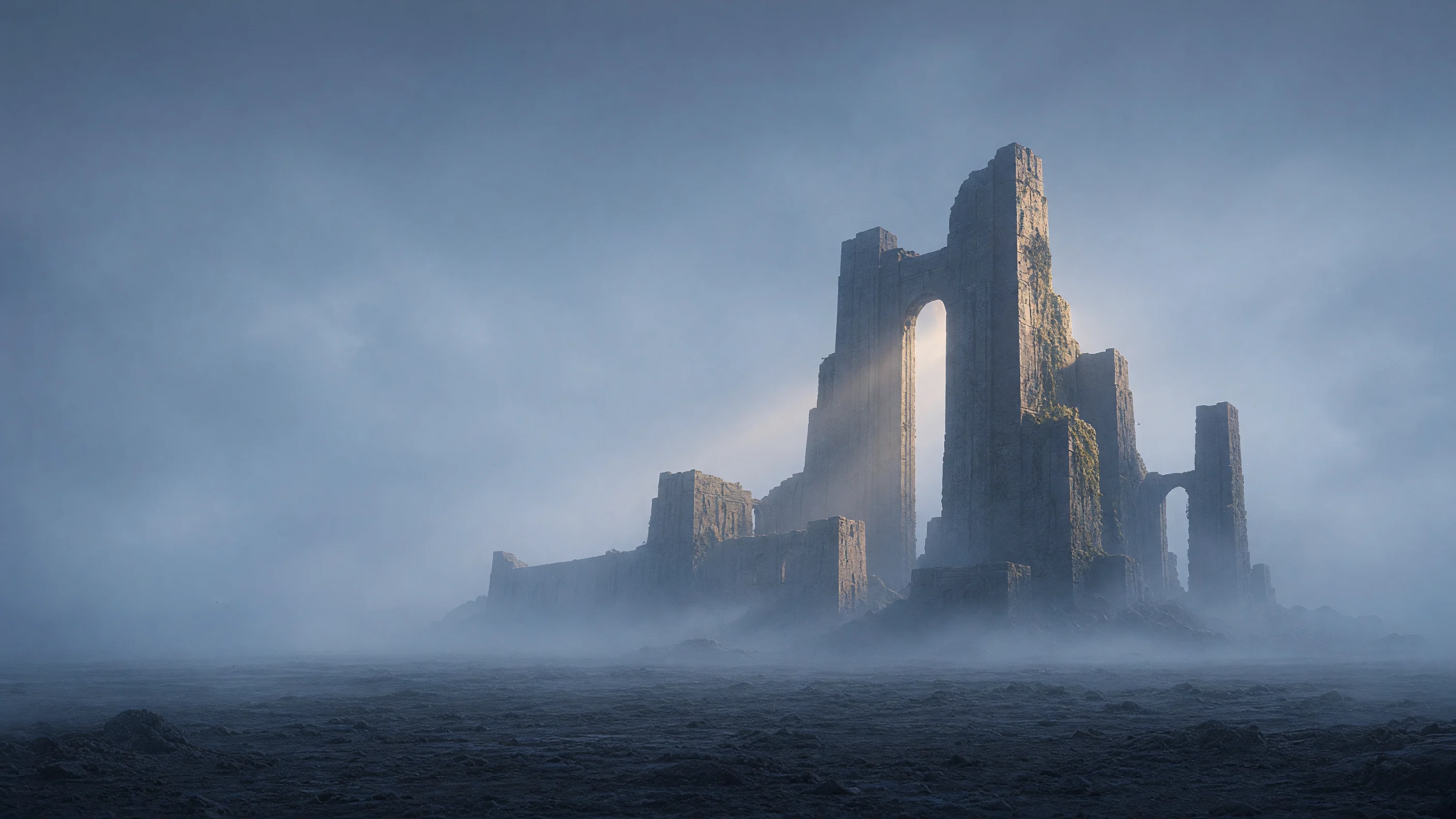
Worldbuilding Scene Concept Art: From Reference Image to Final Atmosphere
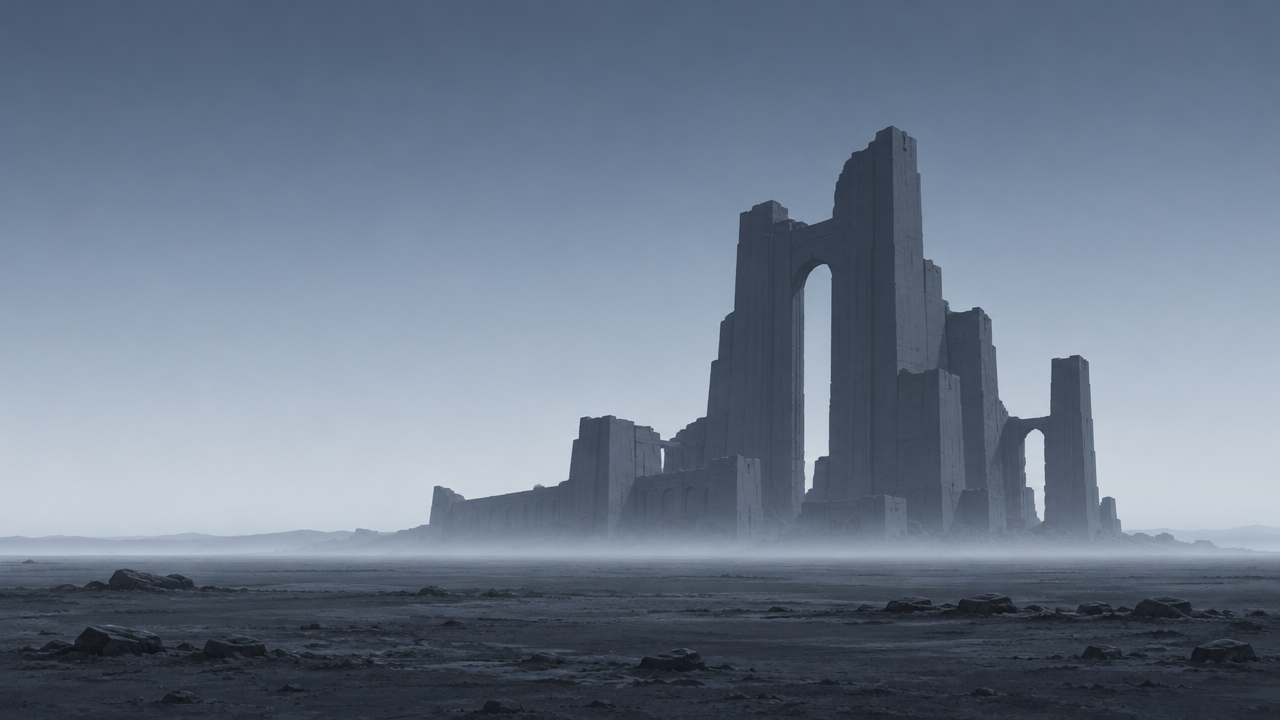
Using a low-resolution scene sketch as the reference image, leverage the image-to-image capability of grok-imagine-image-2.0 to develop it into a usable worldbuilding concept image. On the asset side, generate only one structurally clear reference image: establish a three-part composition with the horizon, a giant ruin silhouette, and a fog layer, avoiding details that would interfere with subsequent revisions. The editing instructions focus on atmosphere and materials—lower the sky contrast, turn the fog into layered volumetric light, add weathering and plant erosion traces on the ruin surface, while keeping the framing and subject position of the reference image unchanged so it converges stably across multiple iterations. Suitable for early concept art exploration, film and game scene mood pieces, and series images that need to use the reference image as an anchor for style consistency. In the schema, aspect_ratio does not affect the output composition during editing, so the image ratio is determined by the reference image; 16:9 is chosen here as the original framing ratio of the reference image.
Style Concept Art · Worldbuilding · Atmosphere
Model Grok Imagine Image 2.0
Reference inputs
image
Prompt
Image-to-image concept art treatment: keep the horizon, the giant stone ruin silhouette, and the overall composition of the reference image unchanged, and develop it into an atmospheric worldbuilding keyframe. Add layered volumetric fog with visible light beams pouring down through the holes in the ruins; use a low-saturation cool blue-gray palette, with only a warm rim light along the stone edges; show weathered surface details with traces of moss and plants slowly encroaching; soften the sky gradient to reduce contrast, and add fine film grain and a slight atmospheric haze. Cinematic 16:9 composition, matte painting quality, restrained detail density so the silhouette remains clearly readable.
Copy the full prompt and adapt it for your own generation.
Tags