
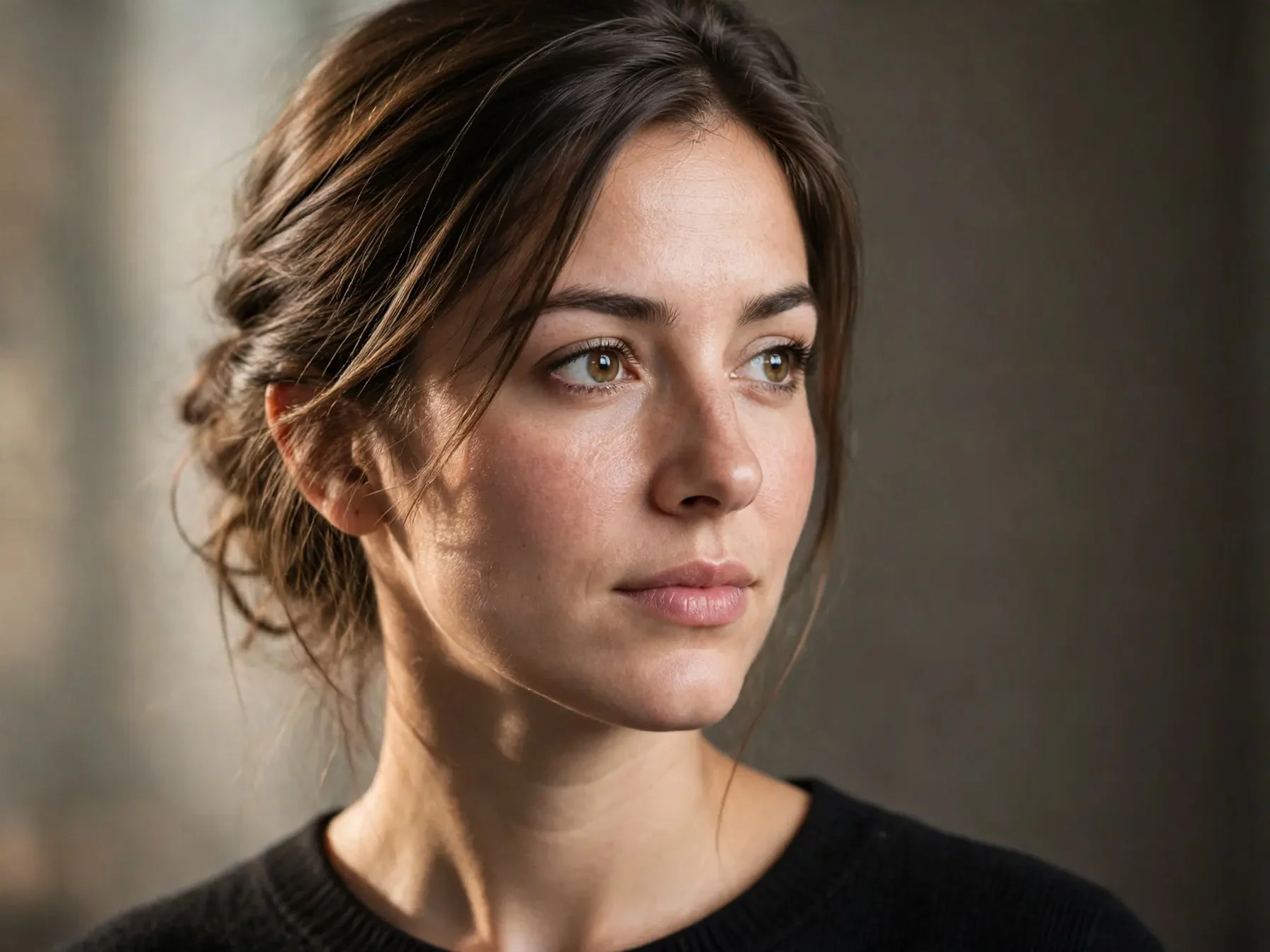
Reference-Image-Driven Realistic and Artistic Portrait Repainting
Demonstrates how to use a reference image in the muse-image-1.0 image-to-image pipeline: take a single neutral studio portrait as the only reference image, specify two directions in the prompt — "preserve realism" and "artistic repainting" — and observe how the model switches rendering texture while preserving the subject's identity features (facial structure, hairstyle silhouette, pose). On the asset side, only one controllable reference portrait is generated to avoid the variables introduced by multi-image blending; the prompt explicitly labels the role of the reference image (source of subject and composition) and states what should be preserved and what should be changed, meeting this schema's requirement to "explain the role of each image in the prompt." Suitable for exploring portrait photography styles, social media avatar variants, and establishing a prompt baseline for subsequent batch variant generation.
Style Portrait & Photography · style-transfer · Photorealistic
Model Muse Image 1.0
Reference inputs
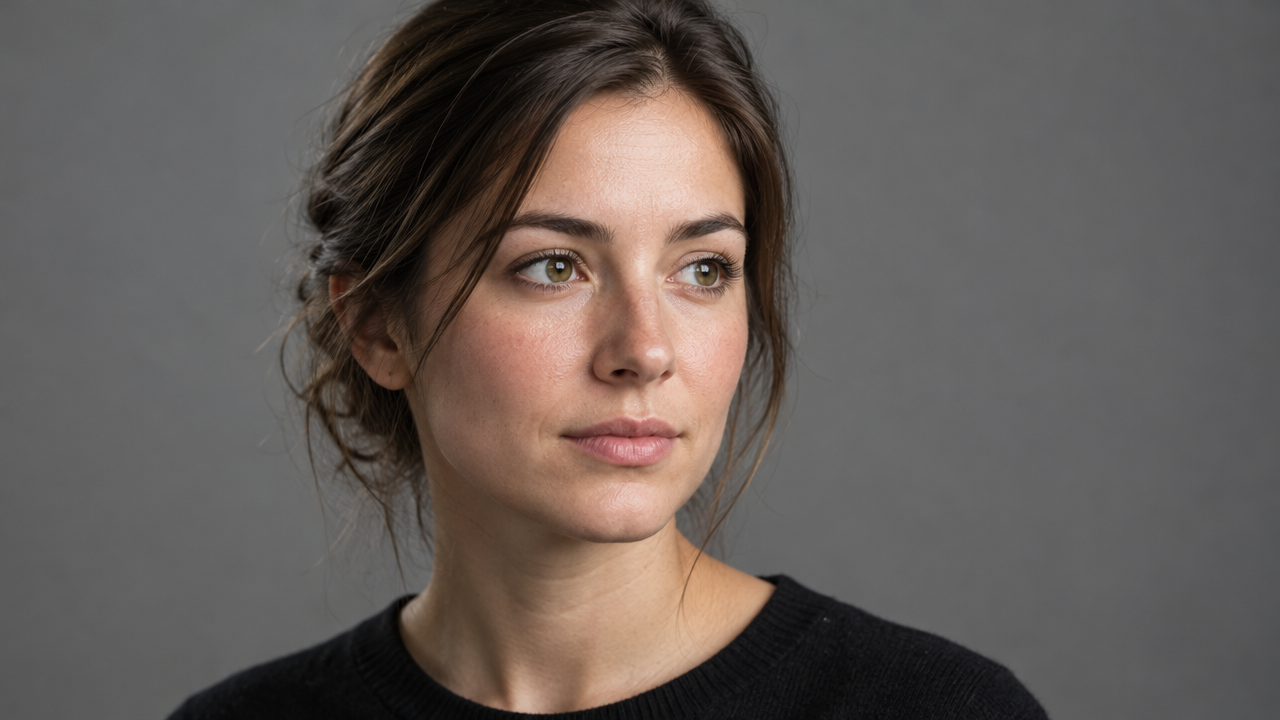
image_urls
Prompt
Image-to-image portrait repainting style. Use the provided reference photo as the sole source of the person's identity and composition: keep the same facial structure, hairstyle silhouette, head angle, and shoulder pose. Render a single medium close-up portrait, 3:4 vertical composition, with soft directional key light coming from the left side of the camera and a gentle falloff into a neutral warm-gray seamless background. Preserve natural skin texture with visible pores and fine hairs, subtle specular highlights on the cheekbones and bridge of the nose, realistic eyes with visible catchlights, and lifelike tonal transitions. Restrained color grading with a slight film-like contrast; no over-stylization, no plastic skin smoothing, no extra props or text. Shallow depth of field with sharp focus on the eyes, 85mm portrait lens effect.
Copy the full prompt and adapt it for your own generation.
Tags