
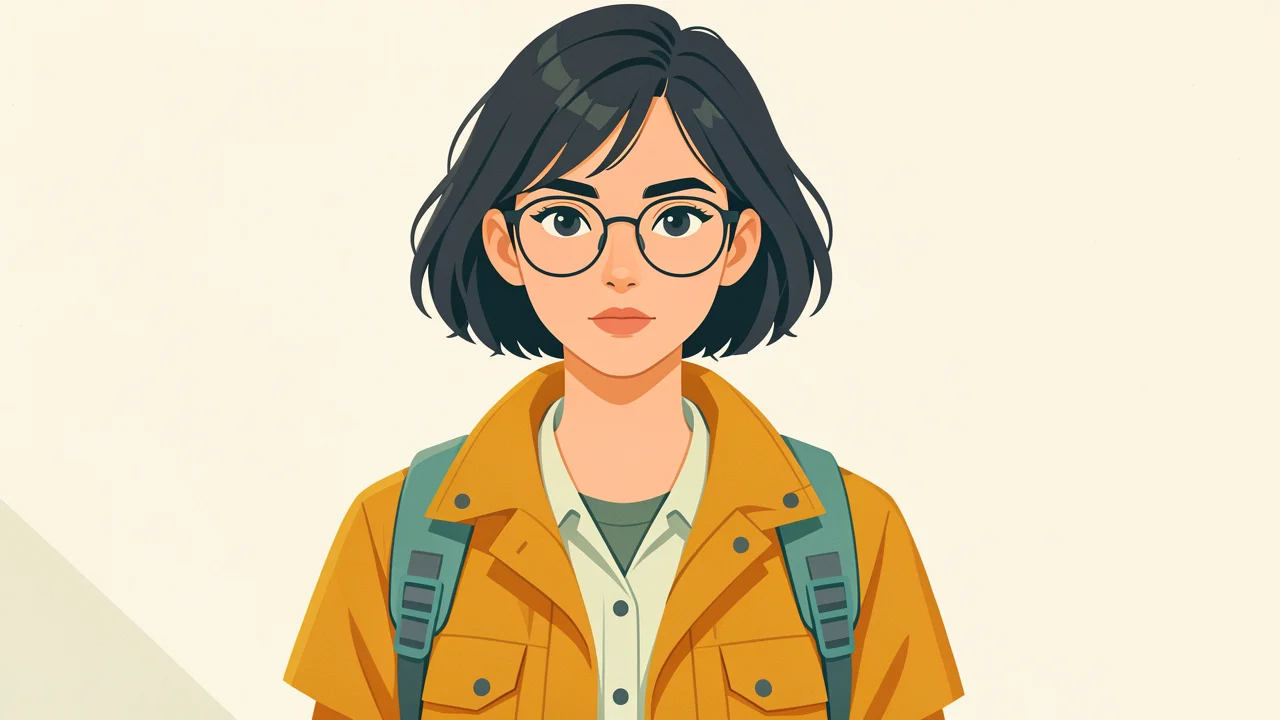
Illustration Style Spectrum for the Same Character: From Realistic to Flat
Centered on the reference-image editing capability of Ideogram v3 Character/Edit, this demonstrates the "lock the same character, change only the art style" workflow: use a character reference image with a clear face and even lighting as the visual anchor, specify the redraw area with a mask, then use prompts to push the image across a style spectrum from realistic to flat—realistic impasto, cinematic realism, semi-stylized impasto, and vector flat. The character's facial features, hairstyle, and clothing proportions stay consistent across multiple edits, making it easy for developers to understand how to separate "subject lock + style variable" in image-to-image editing. Suitable for character design sheets, art-style exploration for illustration series, and multi-style social media images of the same character; note that the mask and source image must share the same aspect ratio, and reference image quality directly affects consistency.
Style style-transfer · Character Consistency · Illustration
Model Ideogram V3 Character
Reference inputs

mask_url

image_url
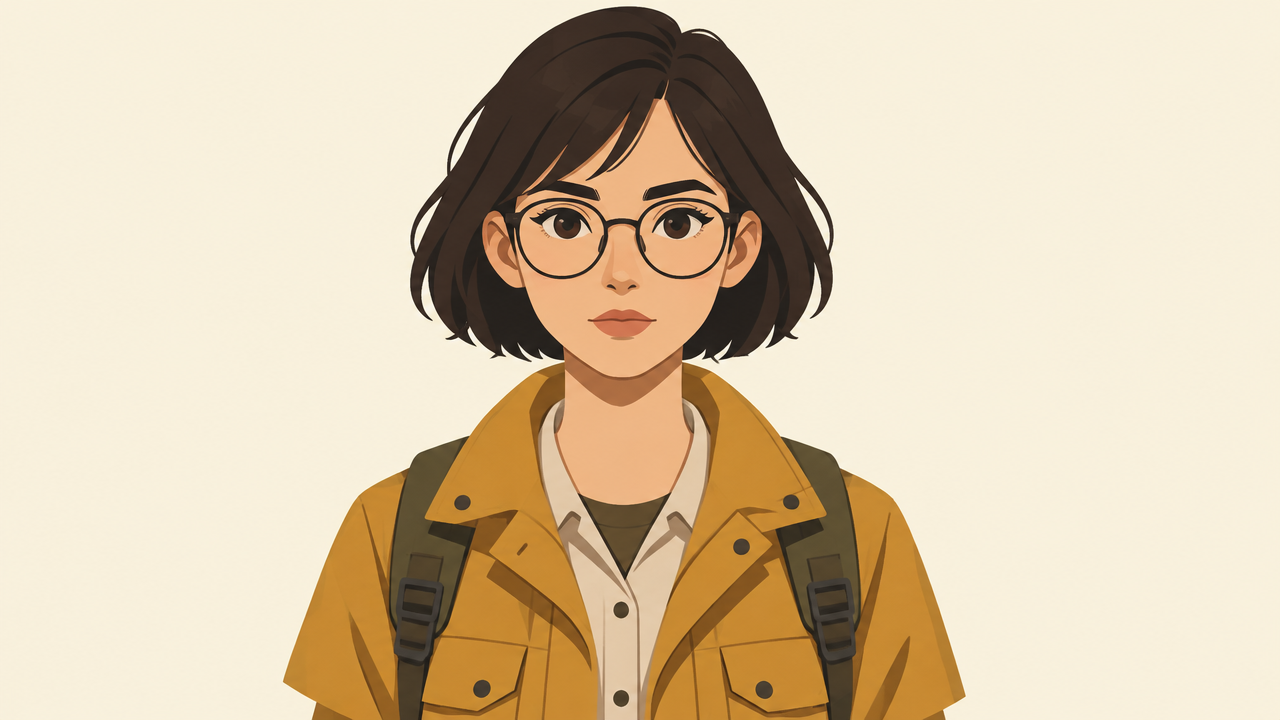
reference_image_urls
Prompt
A single-character illustration drawn in a clean semi-flat vector style: a young female explorer with a short dark bob, round glasses, and an ochre field jacket, three-quarter half-body portrait, centered composition, ample negative space on a 16:9 canvas, simplified geometric shapes, crisp outlines, a limited warm palette of ochre, off-white, soft teal, and charcoal gray, soft light from the lower left, subtle paper grain texture, no text, high clarity, suitable as a style reference baseline
Copy the full prompt and adapt it for your own generation.
Tags