
Comparison
Gemini Omni 1.2 Flash Model Selection Checklist: Input Modes, Specs, and Budget
Verify input modes, specs, budget, and effect boundaries, and complete model selection validation with your own samples

On this page
What This Checklist Covers
gemini-omni-1.2-flash is publicly accessible through HiAPI. When selecting a model, first verify four things: whether the input modes cover your asset pipeline, whether the specification parameters meet your product constraints, whether the budget can be calculated by resolution and duration, and which effects fall outside the guaranteed scope. The checklist below only describes currently public capabilities and does not include competitor benchmarks or rankings.

Input Modes: Four Available Paths and Mutual Exclusion Rules
The currently public input modes include:
- Text-to-video: generate video using only a prompt.
- First-frame image-to-video: specify the starting frame with first_frame_url to make the image move.
- First-and-last-frame transition: specify both first_frame_url and last_frame_url to generate a transition between the first and last frames; this mode is capped at 10 seconds and cannot include negative_prompt or system_prompt.
- Reference-image-to-video: pass 1–10 public HTTP(S) reference images via image_urls to constrain style or subject; even if you pass only one image, it is still a reference image, not a first frame.
Pay special attention to mutual exclusion boundaries: image_urls is mutually exclusive with first_frame_url/last_frame_url; last_frame_url depends on first_frame_url and cannot be used alone. first_frame_url can independently specify the starting frame. All image parameters accept only public HTTP(S) URLs; Base64 is not supported.
Capabilities that are not available include: video editing, video continuation, video or audio input, and seed. If you need these capabilities, do not include this model as a candidate.
Specification Parameters: Required, Defaults, and Hard Constraints
prompt is the only required item; it must be non-empty and at most 20000 characters. The remaining parameters are set as needed:
- duration: integer, 3–15 seconds, default 10 seconds.
- resolution: 360p, 720p, 1080p, 4k, default 720p. 1080p and 4k are upscaled outputs; 4k may not include an audio track.
- aspect_ratio: 16:9 or 9:16, default 16:9.
In first-and-last-frame mode, besides the 10-second maximum, negative_prompt and system_prompt cannot be used at the same time. Reference-image mode is constrained by the 1–10 image count and URL format. Building these constraints into product parameter validation is easier than fixing issues after calls fail.
Budget: Per-Resolution Unit Price × Request Duration × Number of Videos
Current default multiplier pricing is differentiated by resolution:
- 360p: $0.0229/second
- 720p: $0.0343/second
- 1080p: $0.0343/second
- 4k: $0.0800/second
Budget = selected resolution unit price × request duration × number of videos. Actual billing and applicable multipliers prevail; do not reverse-calculate charges from the seconds in the file container (for example, fractional seconds). Request duration should be calculated from the duration parameter, not from video file metadata.
Distinguish two cost events: success but unsatisfactory requires recreating the task, which increases the budget; actual failure is handled according to the platform's refund rules. Do not assume that all failures are refunded or that none are; actual billing prevails. On network timeout, do not directly recreate the task; first query existing tasks to avoid the same request being billed twice.
Non-Guaranteed Items: These Effects Require Your Own Validation
Public capability does not equal a performance promise. It is currently not guaranteed that all modes have sound, lip sync, accurate text, or fully consistent subjects or brands. 1080p and 4k are upscaled outputs, and 4k may not include an audio track. When selecting the model, do not infer quality, latency, or cost advantages from the parameter page; without measured data, you should not fabricate competitor comparisons or rankings.
Validate with Your Own Samples: Quality, Turnaround Time, and Applicable Cost
It is recommended to use the same batch of prompts and the same batch of reference images or first-frame images to run text-to-video, first-frame image-to-video, first-and-last-frame transition, and reference-image-to-video separately (where applicable), and record three sets of results:
- Quality: in your typical scenarios, how many generations produce one result that is directly usable; do not look only at the best one.
- Turnaround time: the time from submitting a task to getting a usable result, including necessary retries and queries.
- Applicable cost: calculate the budget based on your resolution, duration, and number of videos, and include reworks caused by success-but-unsatisfactory results, rather than looking only at the unit price.
During validation, fix inputs and parameters, record item by item, and do not mix results from different resolutions, durations, or input modes in the same comparison. Only your own samples can show whether this model is suitable for your product.
Checklist Before Integration
- Does the product require video editing, continuation, video or audio input, or seed? If so, this model is not applicable.
- Can the asset pipeline provide public HTTP(S) image URLs? If only Base64 is available, upload and hosting need to be modified first.
- Are image_urls and first-frame/last-frame parameters used at the same time? The two are mutually exclusive and need to be blocked at the parameter validation layer.
- In first-and-last-frame mode, does the duration exceed 10 seconds, or are negative_prompt or system_prompt included by mistake?
- Is the budget calculated as per-resolution unit price × request duration × number of videos, with allowance reserved for success-but-unsatisfactory reworks?
- On network timeout, do you query existing tasks first instead of directly recreating them?
Through HiAPI's unified interface, you can first perform small-sample validation according to the checklist above, and then decide whether to integrate into production. The basis for model selection should be the quality, turnaround time, and applicable cost you measure yourself, not comparison conclusions that have not been empirically tested.
Related articles
View all articles →-
Comparison
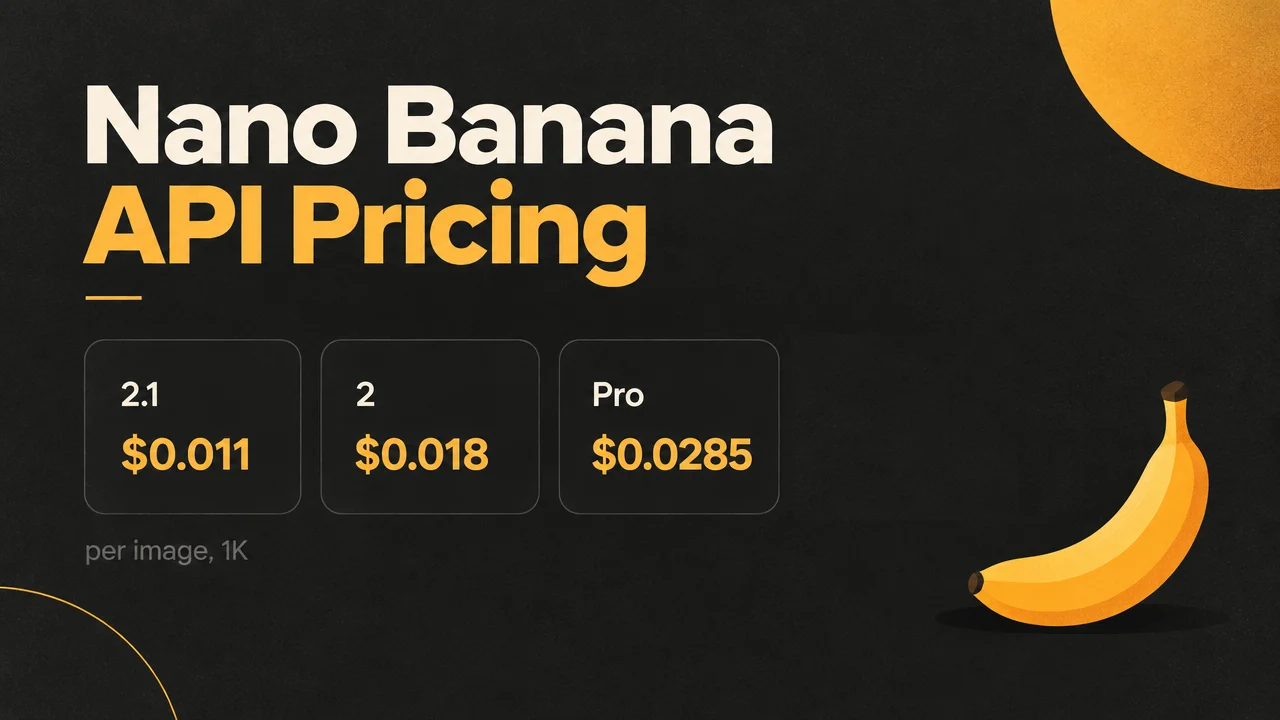
Nano Banana for Under 1¢ an Image: 2.1 vs 2 vs Pro, Same Prompt
List and Black Friday prices for 2.1, 2 and Pro, plus one prompt on all three
3 min read -
Comparison
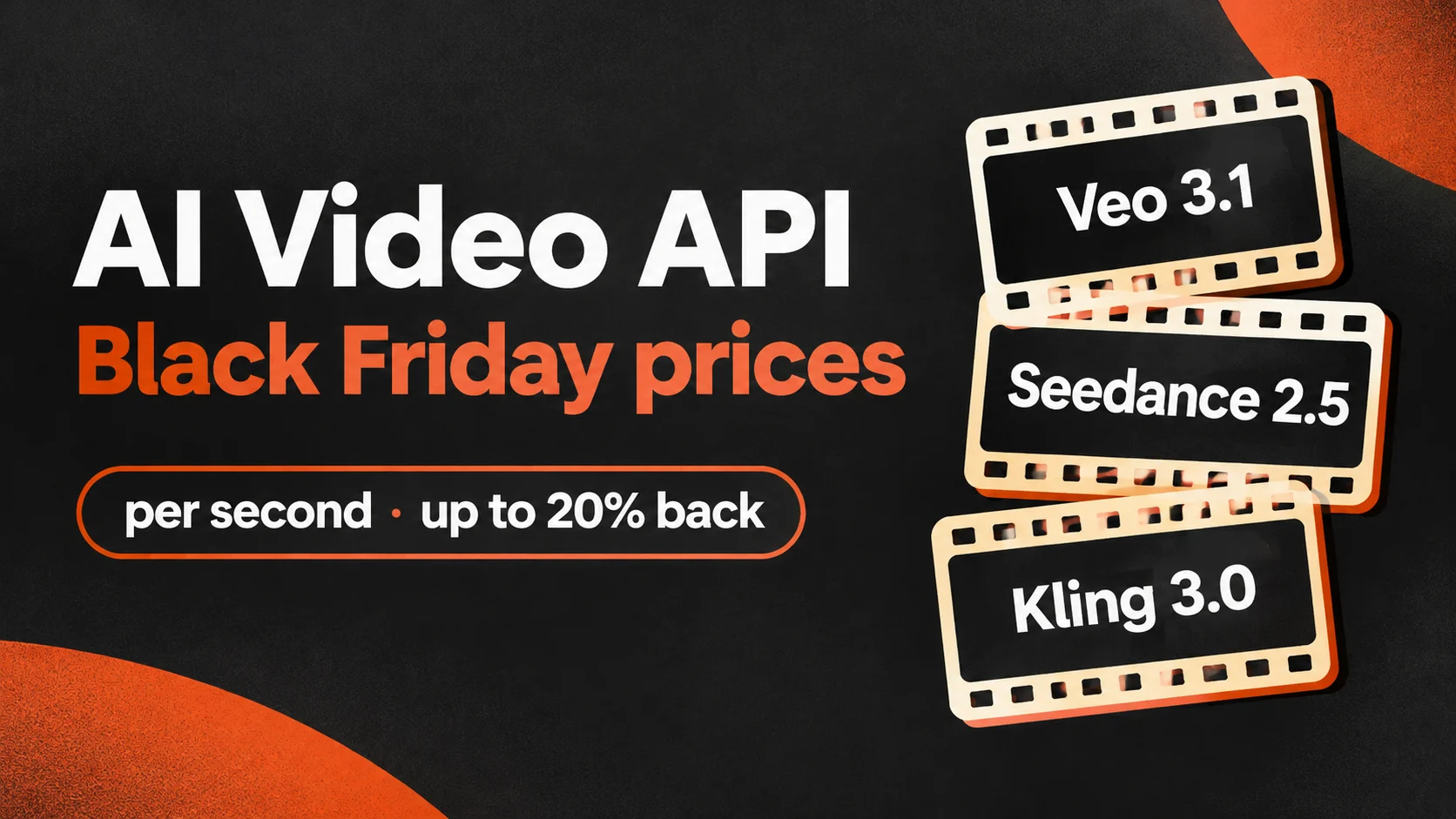
AI Video API Black Friday 2026: Veo, Seedance, Kling Up to 23% Less
Per-second and per-clip prices for Veo 3.1, Seedance and Kling 3.0, at list and during Black Friday
3 min read -

Comparison
gpt-image-2.6-sunburst/text-to-image Selection Guide: A Side-by-Side Comparison Based on Per-Image Pricing
From billing granularity and output form to integration cost, helping engineering teams decide whether to use it