
Guide
Recraft v4 Styles Text-to-Image Prompt Recipes: Copy-Paste Prompts With Real Outputs
A developer's guide to style-reference steering for illustration and photography tones
Anatomy of a recraft-v4-styles Prompt
Every team that ships generated images eventually hits the same wall: someone crafts a prompt that looks great once, pastes it into a notebook, and six weeks later nobody can reproduce that output. The prompt was tuned against a single run, with no record of which words actually mattered. When the model, a parameter, or a teammate changes, the result drifts and there is no baseline to return to.
A prompt recipe fixes this by treating the prompt as a structured, versioned artifact rather than a magic string. A recipe separates the parts of a prompt that do different jobs — the subject, the style reference, the tone, and the constraints — so each can be changed deliberately. That structure buys you three things developers care about:
- Reproducibility. With a fixed recipe, fixed parameters and a fixed seed, a team can regenerate a comparable image months later.
- Testability. You can A/B two recipes that differ in exactly one slot and attribute the difference to that slot.
- Onboarding. A new teammate reads the recipe library instead of reverse-engineering someone's intuition.
This guide is organized as a recipe book for recraft-v4-styles/text-to-image. Each recipe section gives copy-paste prompt patterns for a specific job: steering toward a style reference, pushing illustration tones, and pushing photography tones. The final sections cover how to read real outputs, iterate on one variable at a time, and serve recipes from application code through a unified model interface.
The prompts here are starting points, not guarantees. Image models are sensitive to wording, and small edits can move output noticeably. Treat every recipe as a baseline you adjust and re-measure.
A note on prompt structure: separate slots with clear delimiters (periods, line breaks, or labeled fragments) so you and your team can read the prompt as a spec, not a paragraph.
How to use this recipe book
- Pick the recipe that matches your target output family (style-steered, illustration, or photography).
- Copy it, substitute your subject into the subject slot, and run it once as a baseline.
- Compare against your intent (see "Reading Real Outputs and Iterating").
- Adjust one slot at a time and log the change next to the output.
That loop — recipe, run, compare, change one thing — is the core discipline the rest of this article builds on.
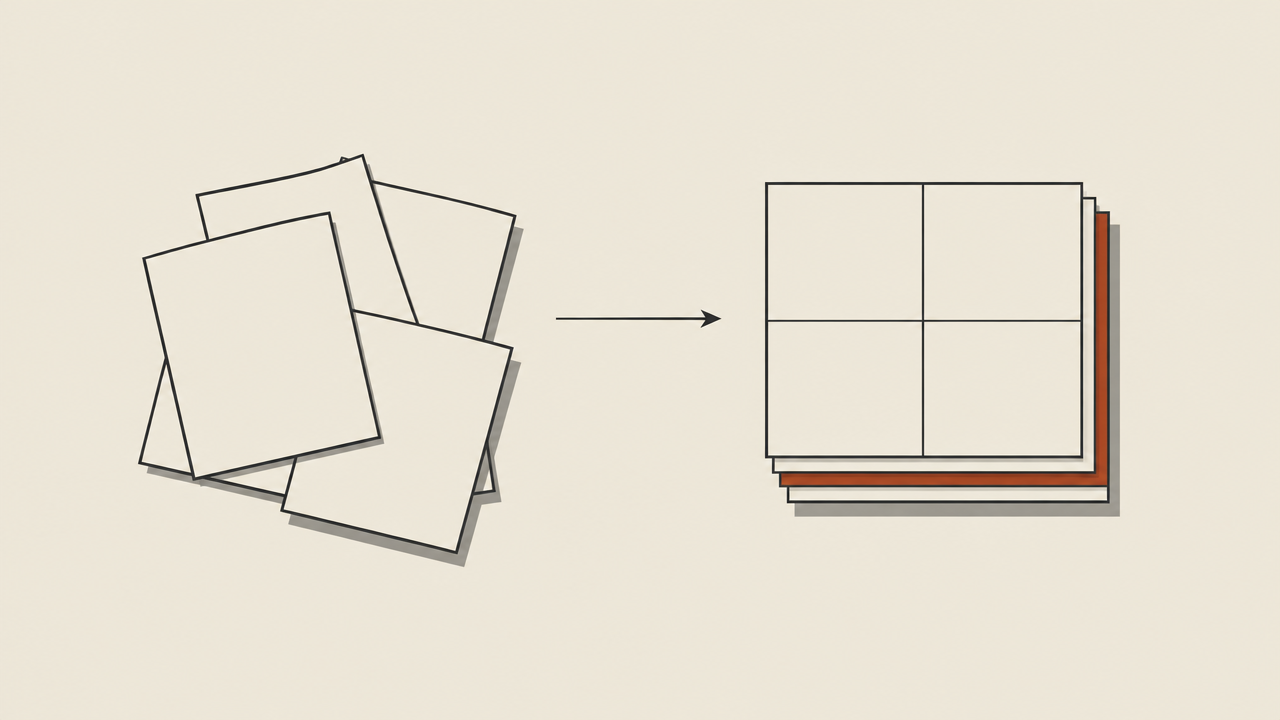
Style-Reference Steering Recipes
Illustration Tone Recipes
Style-reference steering is the part of recraft-v4-styles that most rewards a disciplined prompt. The goal is to make the generation inherit the look of a reference — its palette, line quality, rendering treatment — without copying its literal content. The reliable way to do that is to describe the reference's visual properties in words, in their own slot, and keep the subject slot separate.
Recipe S1 — Property-based reference steering
Subject: a fox sitting in tall grass, three-quarter view
Style reference: muted earth palette, soft watercolor washes, visible paper grain, thin uneven outlines, low contrast shadows, no hard black
Tone: calm, naturalistic illustration
Composition: centered subject, generous negative space above
Constraints: no text, no signature, no frame
This is the most portable recipe: you are not pasting a reference image, you are describing what makes the reference recognizable. It survives model updates better than copying a style name.
Recipe S2 — Reference strength, light touch
Subject: a ceramic teapot on a wooden shelf
Style reference: subtle nod to mid-century poster art — simplified shapes, two-tone palette, slight print texture
Tone: restrained, graphic
Constraints: flat background, no gradients, no text
Note the phrase subtle nod to. Strength of steering is largely a wording problem: hedged language ("subtle nod," "loosely inspired by," "light echo of") keeps the subject dominant, while assertive language ("strongly in the style of," "dominated by") lets the reference take over.
Recipe S3 — Reference-led, subject-secondary
Style reference: bold flat vector artwork, heavy geometric shapes, saturated complementary palette, crisp edges, no texture
Subject: a mountain range, simplified into stacked triangles
Tone: poster-like, confident
Constraints: no text, no gradients, no photographic detail
When the reference should lead, put it first and describe the subject as already translated into the reference's language ("simplified into stacked triangles"). This avoids the common failure where the subject keeps photographic detail while the background turns flat.
Varying strength without rewriting
Keep the subject, tone, constraints and composition slots byte-identical and change only the steering phrase in the style-reference slot:
light echo of→subtle nod to→in the spirit of→strongly in the style of
Log each variant with its output. After three or four runs you'll know which phrase lands near your intent for that reference, and you can freeze it into the recipe.
Common pitfalls
- Naming a brand or living artist as the style reference tends to give inconsistent, sometimes evasive results. Describe properties instead.
- Mixing two references in one slot produces averaging. If you need a blend, write two clearly labeled reference fragments and state which dominates.
- Leaving constraints out invites text artifacts, signatures and frames.
Photography Tone Recipes
Illustration output responds to a different vocabulary than photography. Think in terms of line, shape, texture and shading model rather than lens and light. The recipes below assume you've filled the subject slot with your own content.
Recipe I1 — Flat vector, minimal palette
Subject: a delivery courier on a bicycle
Tone: flat vector illustration
Style reference: solid fills, two-tone palette plus one accent color, uniform stroke weight, rounded geometry, no gradients, no texture
Composition: side profile, simple ground line, plain background
Constraints: no text, no shadows, no outlines doubled
Flat recipes are the easiest to keep consistent across a series because the vocabulary is binary: gradients off, texture off, stroke weight uniform. Use the same phrasing for every asset in a set.
Recipe I2 — Hand-drawn line art
Subject: a houseplant in a terracotta pot
Tone: hand-drawn ink illustration
Style reference: thin variable-width ink lines, slight wobble, sparse cross-hatching for shadow, off-white background, single accent wash
Composition: centered, full subject in frame, small margin
Constraints: no text, no color fills beyond the accent wash
The words that do the work here are variable-width, wobble, and sparse cross-hatching. Remove them and you get generic line art; keep them and the output reads as drawn rather than traced.
Recipe I3 — Textured, shaded illustration
Subject: a lighthouse on a rocky coast at dusk
Tone: painterly illustration with visible brush texture
Style reference: thick opaque strokes, layered shadow shapes, warm-to-cool palette shift, canvas grain, edges softened selectively
Composition: low horizon, lighthouse right of center
Constraints: no text, no photorealism, no lens flare
For shaded illustration, specify how shading is built — layered shapes, cross-hatching, or soft washes — rather than just saying "shaded." Vague shading words produce muddy midtones.
Recipe I4 — Isometric technical illustration
Subject: a small cafe interior layout
Tone: isometric technical illustration
Style reference: 30-degree isometric projection, flat colors, thin consistent outlines, simple repeated furniture shapes, no perspective distortion
Composition: full scene, neutral background, even lighting
Constraints: no text labels, no people, no shadows beyond a simple floor drop
Isometric recipes fail when perspective language leaks in. Keep the projection stated explicitly and forbid photographic terms.
Vocabulary cheatsheet
- Line: uniform stroke weight, variable-width, tapered, hand-drawn wobble, crisp edges.
- Shape: geometric, rounded, simplified, stacked triangles, silhouette-first.
- Texture: paper grain, canvas grain, print texture, none.
- Shading: flat fills, two-tone, cross-hatching, layered shadow shapes, soft washes.
Reading Real Outputs and Iterating
Photographic recipes lean on light, lens feel, material and framing. The same subject words that produce a clean illustration will produce a flat photo unless you add the photographic slots. Keep the tone slot short and put the technical character into the style-reference slot.
Recipe P1 — Soft natural light, editorial feel
Subject: a bowl of citrus fruit on a linen tablecloth
Tone: editorial food photography
Style reference: soft diffused window light from the left, shallow depth of field, 50mm-equivalent perspective, natural color, gentle highlight rolloff, fine grain
Composition: three-quarter overhead, subject slightly off-center
Constraints: no text, no props outside frame edge, no harsh specular highlights
The light direction is the highest-leverage phrase. Naming the source and side ("diffused window light from the left") gives more consistent results than "beautiful lighting."
Recipe P2 — Hard light, product clarity
Subject: a matte black wireless speaker on a concrete surface
Tone: studio product photography
Style reference: single hard key light from upper right, crisp shadow edge, macro-clean detail, neutral gray backdrop, slight rim separation, no color cast
Composition: centered, eye-level, square framing
Constraints: no text, no reflections of the studio, no dust
Material words matter here — matte, concrete, neutral gray — because the model infers surface response from them. If the material reads wrong, fix the material word before touching the light.
Recipe P3 — Available-light documentary
Subject: a night market stall with a vendor arranging produce
Tone: documentary street photography
Style reference: available light, mixed color temperature, visible grain, slight motion blur in background figures, 35mm-equivalent perspective, deep but imperfect focus
Composition: candid, eye-level, subject partially framed by stall edge
Constraints: no text overlays, no posed expressions, no studio lighting
Documentary recipes need permission words: candid, available light, imperfect focus. Without them the model defaults to a polished, posed look.
Recipe P4 — Landscape, long-lens compression
Subject: layered mountain ridges at sunrise
Tone: landscape photography
Style reference: long-lens compression, atmospheric haze increasing with distance, cool shadows and warm highlights, high dynamic range but clean sky, no visible noise
Composition: ridge lines stacked horizontally, horizon in lower third
Constraints: no text, no people, no lens flare artifacts
Vocabulary cheatsheet
- Light: diffused window light, hard key light, rim separation, available light, mixed color temperature.
- Lens feel: shallow depth of field, long-lens compression, wide-angle perspective, macro-clean detail.
- Material: matte, brushed, concrete, linen, specular vs diffuse response.
- Framing: eye-level, three-quarter overhead, off-center, horizon placement.
Serving Recipes Through an Aggregation API
A recipe is only useful if you can tell whether an output matched its intent. The mistake most teams make is judging a result as "good" or "bad" instead of asking which slot failed. Before you look at the image, write down what each slot was supposed to produce:
- Subject: the literal content — is it present and correctly described?
- Style reference: the surface treatment — palette, line, texture, light character.
- Tone: the overall register — calm, bold, editorial, candid.
- Composition: where things sit in frame.
- Constraints: the negatives — no text, no gradients, no extra props.
Then inspect the image against each line. A result that gets the subject right but the texture wrong is not a failed recipe; it's a failed texture phrase. That distinction is what makes iteration fast.
The one-variable rule
Change exactly one slot per run and hold everything else fixed — including parameters and, where supported, the seed. If you change two things and the output improves, you've learned nothing you can reproduce.
A practical loop:
- Run the recipe unchanged. Save the output with the full recipe text and parameters.
- Score each slot pass/fail against your written intent.
- Pick the single worst slot.
- Edit only that slot — sharpen the vocabulary, add a constraint, or remove a contradictory phrase.
- Re-run. Compare side by side with the previous output.
- When a slot passes, freeze that phrasing and move to the next worst slot.
Recognizing common failure modes
- Constraint leakage. Text or signatures appear despite a "no text" constraint. Usually the cause is a subject or tone phrase that implies typography, like "poster" or "label." Remove the implication; don't just repeat the negative.
- Style averaging. Two references blended into mush. Pick one dominant reference and demote the other to a modifier.
- Slot collision. The subject slot describes rendering ("a watercolor fox") while the style slot also describes rendering. Keep rendering language out of the subject slot.
- Over-specification. Long prompts with dozens of adjectives dilute each one. If a phrase isn't doing measurable work, cut it.
Build a recipe library
Store each recipe as structured text with a version number, the parameter set used, the seed when fixed, and links to its outputs. Treat a recipe change like a code change: note what moved and why. When you later A/B two recipes, the only differences should be the ones you intended, and the seed and parameters should be pinned so the comparison is fair.
Even with everything pinned, some variation is normal — treat recipes as reproducible baselines, not bit-exact guarantees, and keep the output log alongside the recipe so the comparison stays honest.
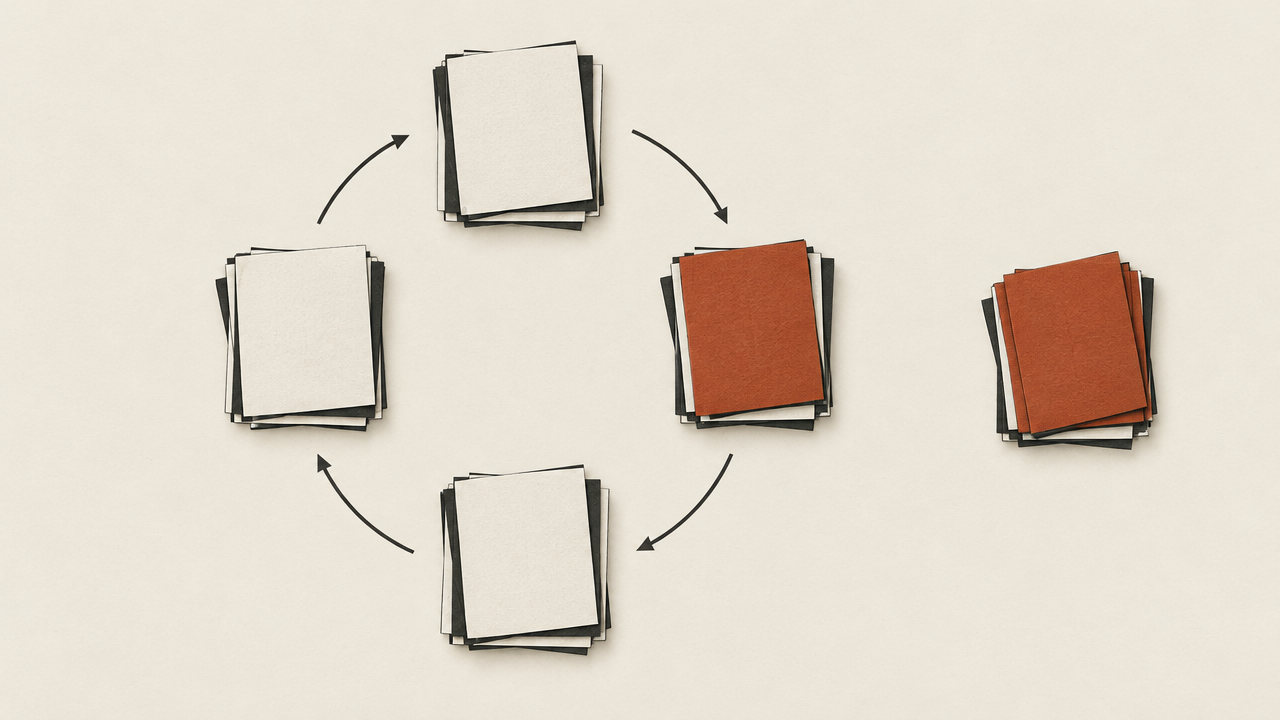
Serving Recipes Through an Aggregation API
Once a recipe stabilizes, it belongs in code — not in a shared doc that drifts. The goal is to make the prompt a versioned value your application assembles, sends, logs, and can swap without a rewrite.
Assemble prompts from slots
Keep each slot as its own field and join them at request time. That lets you vary one slot in a test without duplicating the rest of the string:
recipe = {
    "id": "photo-p1-citrus",
    "version": 3,
    "subject": "a bowl of citrus fruit on a linen tablecloth",
    "style": "soft diffused window light from the left, shallow depth of field, "
             "natural color, fine grain",
    "tone": "editorial food photography",
    "composition": "three-quarter overhead, subject slightly off-center",
    "constraints": "no text, no harsh specular highlights",
}

prompt = ". ".join(
    [recipe["subject"], recipe["tone"], recipe["style"],
     recipe["composition"], recipe["constraints"]]
)
The id and version are the important part: every generated image should be traceable back to the exact recipe revision that produced it.
Pass parameters consistently
Fix the parameters that affect reproducibility — dimensions, seed where supported, and any style or strength controls the model exposes — in a single config object per recipe, not scattered through call sites. When you A/B a recipe, only the version number should change.
Route through one unified API
Send requests through HiAPI.ai's single, OpenAI-compatible endpoint rather than integrating each model vendor separately. That keeps your recipe code stable while the model behind recraft-v4-styles/text-to-image changes, and it lets you test a recipe against a different model by swapping the model identifier — no new SDK, no new auth flow, no rewritten prompt assembly. Point your client at https://api.hiapi.ai/v1 and keep recipe versioning in your own code.
Log what matters
For each generation, record the recipe id and version, the resolved prompt string, every parameter, the returned image reference, and a one-line intent note. That log is your A/B test harness and your debugging trail when a future model update shifts output.
Copy-paste a recipe as your baseline, iterate one slot at a time, then freeze it into a versioned record served through HiAPI.ai — that workflow is what turns a lucky prompt into a reliable pipeline.
Related articles
View all articles →-

Guide
Getting Started with seedream-5.0-pro/image-to-image: Capabilities, Pricing, and Integration Essentials
Capability boundaries, billing model, and engineering integration practices for ByteDance's image editing model
-

Guide
seedream-5.0-pro Text-to-Image Getting Started Guide: Capability Boundaries, API Integration, and Cost Control
A hands-on developer perspective: from key parameters to a cost estimate of $0.05 per image
-

Guide
Hailuo 2.3 Fast Image-to-Video Getting Started Guide: Capability Boundaries, Pricing, and Integration Practices
MiniMax image-to-video model selection and integration key points for developers