
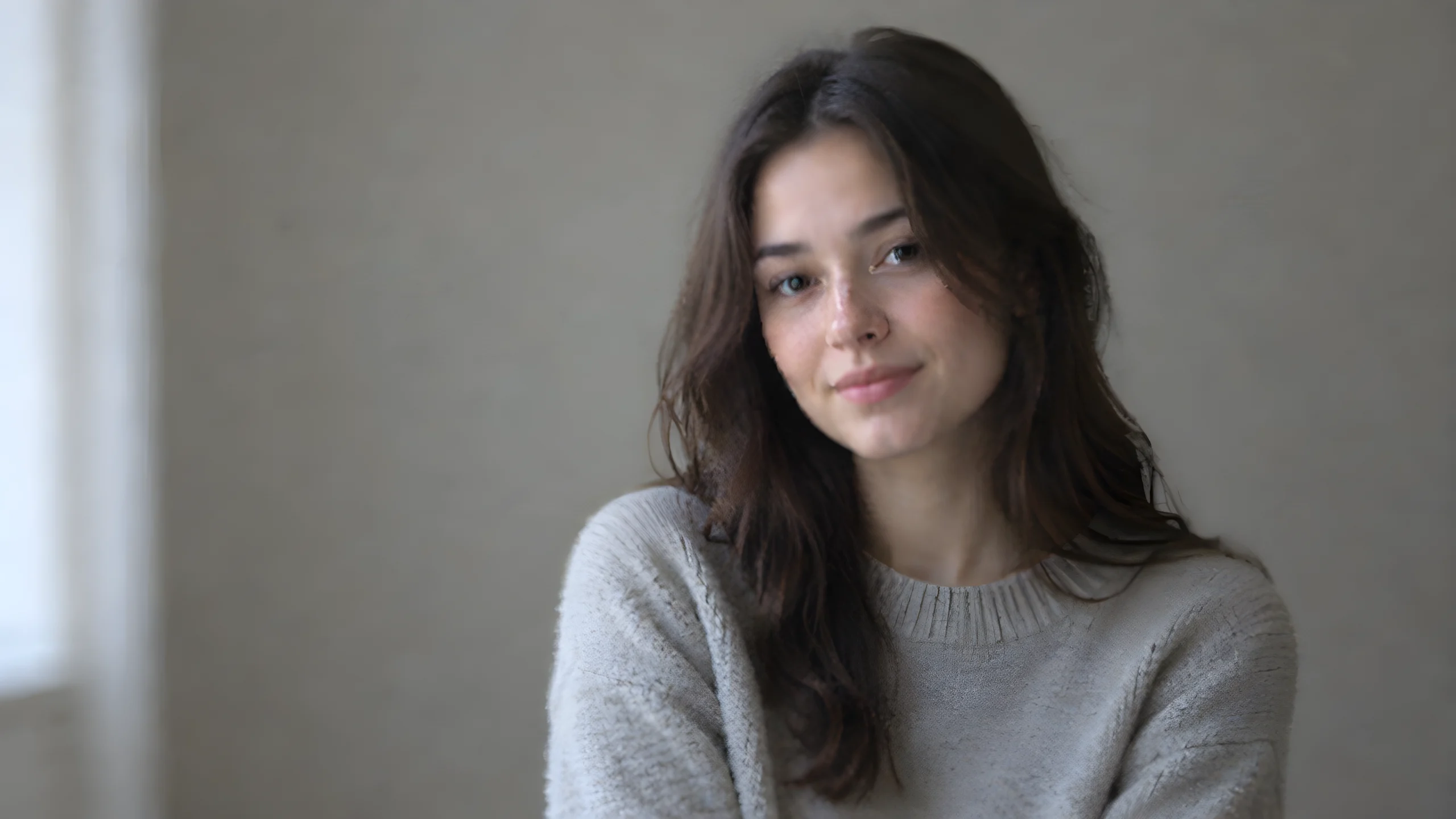
Portrait Upscaling and Restoration Example: Recraft Crisp Upscale Input Reference
This entry demonstrates how to prepare an input image for Recraft Crisp Upscale. This model is Recraft's image super-resolution (image-to-image) post-processing model. It increases resolution and clarity based on the input image, preserving details and suppressing noise as much as possible during upscaling, with targeted processing for small-scale details and facial regions; it supports JPEG/PNG/WEBP, with a maximum single file size of 10MB. The schema requires only one image_url, so the work composition is extremely minimal: a low-resolution, stylized portrait source image is generated by the pipeline and bound to image_url, showcasing the "before upscaling" input form and prompt phrasing. It is suitable as an integration reference for scenarios such as sharpening portrait assets, upscaling low-resolution marketing images, and post-enhancement of generated images; note that this model does not have text-to-image generation capability and must have an existing input image.
Style Portrait & Photography · Image Restoration · Low resolution
Model Recraft Crisp Upscale
Reference inputs
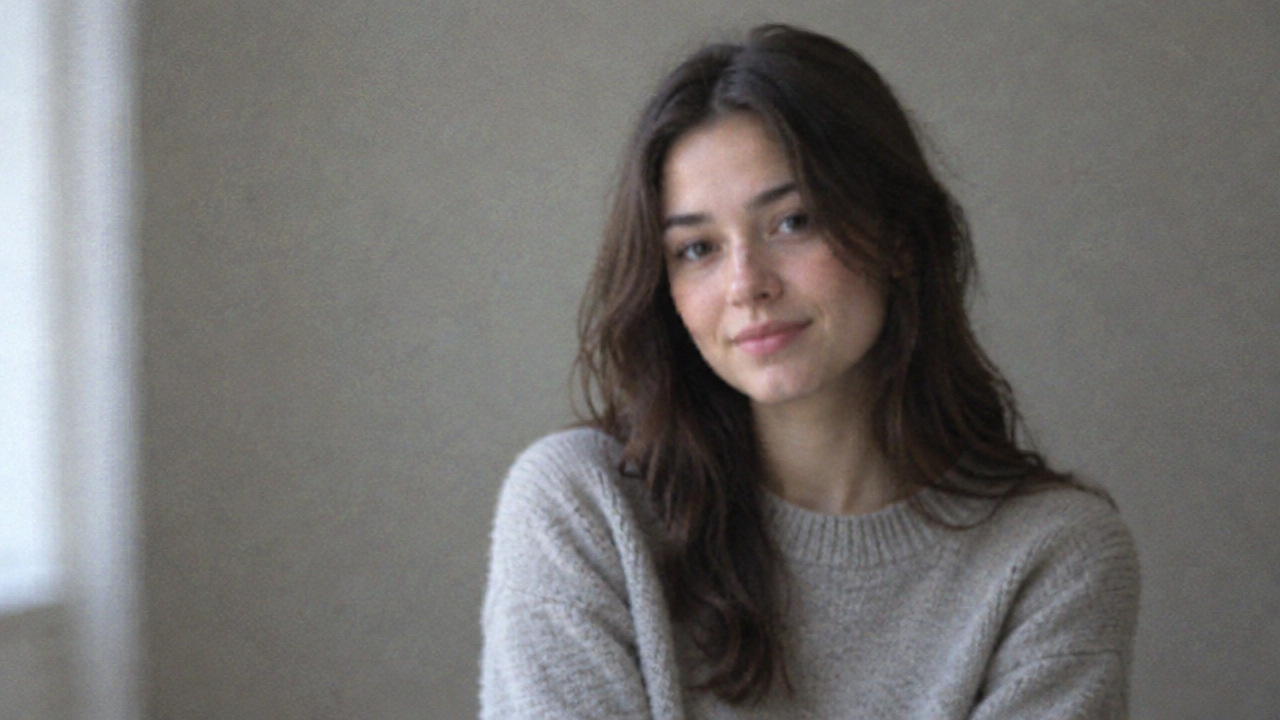
image_url
Prompt
A soft, blurry low-resolution half-body portrait of a young woman wearing a simple knit sweater, natural window light from the left, neutral gray-beige studio background, shallow depth-of-field focus, visible sensor noise and slight JPEG compression artifacts, facial edges and hair strands slightly soft, delicate skin texture, 16:9 horizontal composition, subject slightly right of center, documentary-style color grading, no text, no watermark—used as an input reference image for upscaling.
Copy the full prompt and adapt it for your own generation.
Tags