
Comparison
GPT Image 2 vs GPT Image 1.5: Tested Differences, and How to Migrate After 1.5's Retirement
No parameter tables—just the image quality and speed differences we observed in testing, and how to migrate existing workloads now that GPT Image 1.5 has been retired and taken offline.
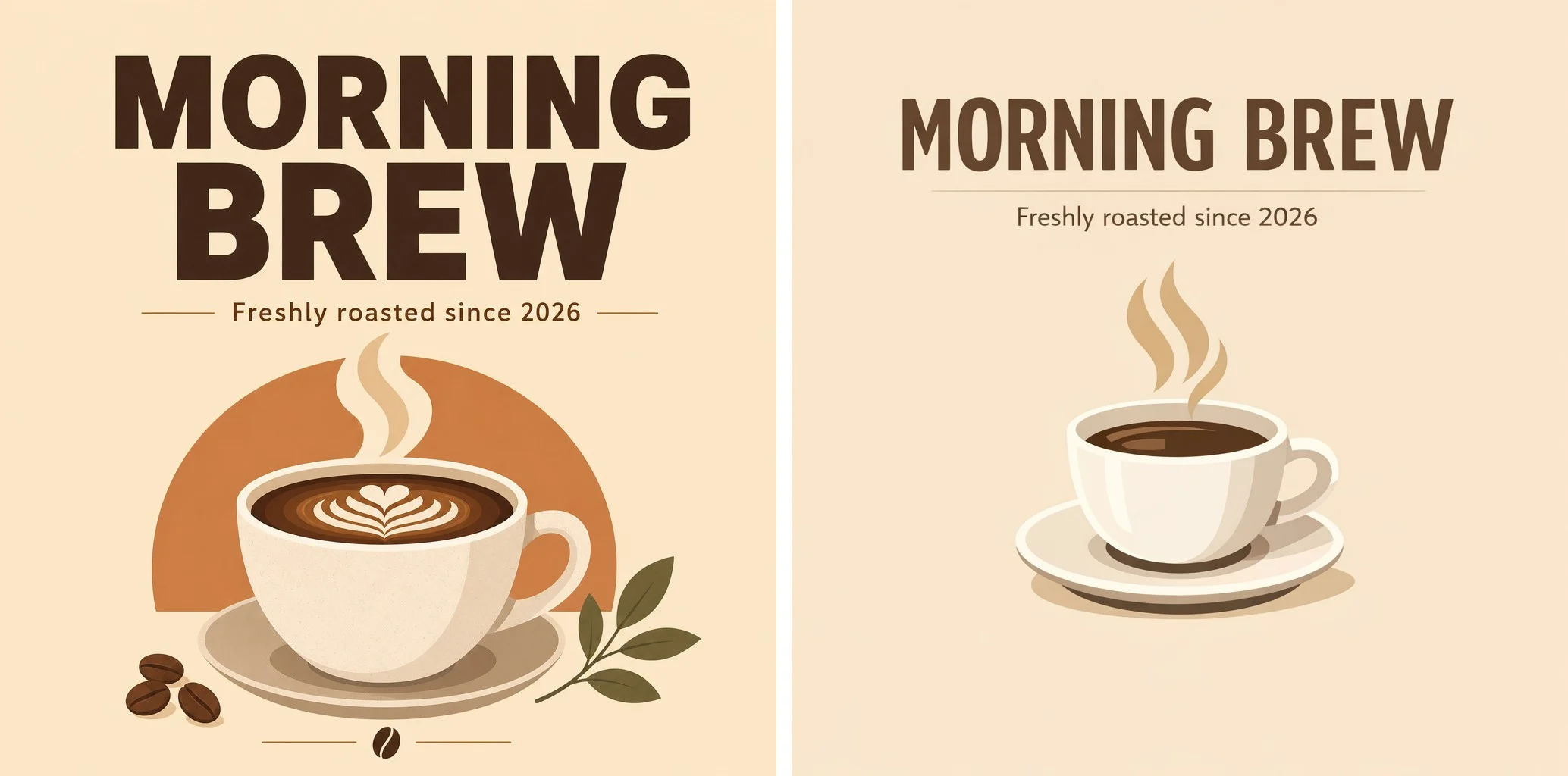
Update (2026-06): GPT Image 1.5 has been retired from the hiapi platform and can no longer be called. This article was written in 2026-05, when both generations were still on sale; the hands-on comparison is kept as a historical reference—and it also explains exactly why GPT Image 2 could directly replace 1.5. For new projects, use GPT Image 2.
If you want to know where GPT Image 2 is stronger than 1.5, and why the platform ultimately handed the baton to it entirely, here is the conclusion first: GPT Image 2 is cheaper ($0.03 per image, about 40% cheaper than 1.5's $0.05 at the time), its image quality is at OpenAI's current next-generation flagship level, and its text rendering is stable.
The only thing that needed weighing back then was speed. We ran one set of real prompts each on test accounts: GPT Image 2 measured about 107 seconds per image, while GPT Image 1.5 took about 20 seconds. During the window when both generations coexisted, "can your scenario afford to wait" was the only selection criterion—now that 1.5 is retired, that trade-off is history too.
Below we explain this thoroughly—no piling up parameter tables, just the differences we observed in testing, and how an older-generation model was replaced by a next generation that is "cheaper and stronger."
The test data in this article was collected in 2026-05, according to hiapi platform metrics.
Two models, one sentence each on their positioning
GPT Image 1.5 (retired) is an image generation model from OpenAI, positioned as the successor to DALL·E 3. Its strengths were strong instruction following, precise spatial relationships, and good English text rendering; it was slightly behind FLUX for realistic portraits. On hiapi, its value tag used to be just two words: fast and stable—quick image output, suitable for product workflows that need fast feedback.
GPT Image 2 was released by OpenAI in 2026-04 (consumer brand: "ChatGPT Images 2.0") and is OpenAI's strongest image generation model to date, taking first place on both the text-to-image and image-editing leaderboards on Arena.ai. What is most worth discussing is Thinking Mode—it studies, plans, and reasons about the image structure before putting anything down, then generates. This is the core of how it pulls ahead of the previous generation in "understanding complex instructions." In addition, its text rendering has about 99% character accuracy and supports multiple languages including Chinese, Japanese, and Korean, which is very useful for posters and banners with copy.
On the hiapi platform, GPT Image 2 currently supports both text-to-image and image-to-image, starting at $0.03 per image.
For a more systematic single-model hands-on review, see the companion article In-depth Review of GPT Image 2.
The real differences seen in testing
Parameter tables cannot tell you what you actually care about. Below is what we saw in actual runs on test accounts in 2026-05 (three groups: text poster, spatial instructions, realistic macro; one image per model per group)—the sample is small, so treat these as observations, not definitive conclusions.
Speed: the gap is obvious. GPT Image 2 took about 107 seconds per image; GPT Image 1.5 took about 18–36 seconds per image. GPT Image 2 actually measured slower than the time stated on its detail page, and we are reporting that honestly. This is the first thing to think through when selecting a model—it directly determines whether your scenario can use 2.
Image quality: hard to separate with a small sample. In this group, neither model failed at text rendering; titles and subtitles were accurate and clear for both; both presented spatial instructions correctly; both reached photographic level for realistic macro, with water droplet refraction in place. In other words, judging purely by "is it drawn correctly and clearly," both passed in this group.
Style tendency: the difference is clear, and this is more worth noting. Under the same prompt, GPT Image 2 leaned toward realistic photography with a dramatic dark tone; GPT Image 1.5 leaned toward illustration and watercolor, warm and bright. This is not a matter of better or worse, but of two different tonalities—which one you want directly determines which one you should choose.
One detail: For instructions like "three books" that require counting quantities precisely, 1.5's output had a clearly countable number, while GPT Image 2's pile of books was instead ambiguous. It is worth noting when you need precisely countable elements.



One table to see exactly where they differ
Only the dimensions that help you decide are listed, not specification enumerations:
| Dimension | GPT Image 1.5 | GPT Image 2 |
|---|---|---|
| Price | $0.05 per image (before retirement) | $0.03 per image (about 40% cheaper) |
| Image generation speed (measured) | About 20 seconds per image, fast | About 107 seconds per image, noticeably slow |
| Style tendency | Illustration and watercolor, warm and bright | Realistic photography, dramatic dark tone |
| Industry positioning | Successor to DALL·E 3 | OpenAI's next-generation flagship, with Thinking Mode |
| Suitable scenarios (back then) | Real-time preview, batch first-pass screening | Posters, commercial design, e-commerce hero images |
In one sentence: GPT Image 2 is cheaper, more realistic, and more reliable with complex instructions, at the cost of being noticeably slower; GPT Image 1.5 wins on speed and has a style that leans more toward warm illustration—but it was retired in 2026-06.
The selection logic back then, and why it ended
When both generations coexisted, the selection logic was as follows—and looking back now, it also makes clear why 1.5 was replaced.
Even then, GPT Image 2 was already the answer for most people:
- Making posters, banners, e-commerce product images, and commercial design: image quality and text rendering matter, second-level output is not required, waiting 100 seconds is fully acceptable, and it is cheaper.
- Complex scenes with many elements and spatial relationships: Thinking Mode reasons about structure before putting anything down, making such instructions more reliable.
- Wanting realistic photographic texture and a dramatic dark-tone final image: in testing, 2's style leaned in this direction.
- Caring about cost: $0.03 per image is about 40% cheaper than 1.5, and the gap is obvious at volume.
The ground 1.5 held back then (and its last remaining value before retirement):
- Products with near-real-time image generation needs: for example, when users adjust parameters in the interface for instant preview, a 107-second wait directly ruins the experience; in such scenarios, speed trumps everything.
- Batch first-pass screening: quickly producing a batch of drafts to pick from, where speed matters more than per-image quality.
- Wanting illustration, watercolor, warm and bright styles: this is 1.5's natural tendency (to get this kind of tonality now, simply specify the style in GPT Image 2's prompt; its style range is wide enough).
- Scenes with elements that need to be counted precisely: in testing, 1.5 was more reliable on this point.
What about code that still uses 1.5? There is no choice to make now—1.5 is offline, and continuing to call it will fail directly. The good news is that migration has no cost trap: switching to GPT Image 2 is cheaper and has better image quality. If your scenario depends on speed, first measure the real latency of the models currently on sale in the Playground before selecting, and do not decide based on old impressions.
To verify directly, go to the GPT Image 2 model detail page and run a few of your own real prompts in the Playground, then decide based on your image quality and speed requirements.
FAQ
Which is better, GPT Image 2 or GPT Image 1.5?
Overall, GPT Image 2 is better: cheaper ($0.03 vs $0.05), image quality at OpenAI's next-generation flagship level, about 99% text rendering accuracy, and Thinking Mode. Its only obvious shortcoming is slow image generation (measured about 107 seconds per image, versus about 20 seconds for 1.5). Back then, "better" had to be tied to a scenario; now that 1.5 is retired, that multiple-choice question no longer exists.
Why is GPT Image 2 so slow?
Before generating, it first uses Thinking Mode to reason about the image structure, and the next-generation model itself is more complex, so per-image time is noticeably longer. This is the image quality and instruction understanding bought by "thinking clearly before drawing"—scenarios like posters and commercial design are worth the wait; real-time interactive scenarios are not suitable.
Is GPT Image 2 more expensive than 1.5?
No, it is actually cheaper. On the hiapi platform, GPT Image 2 is $0.03 per image, while GPT Image 1.5 was $0.05 per image before retirement, about 40% cheaper (data as of 2026-05).
Can GPT Image 2 do image editing (image-to-image)?
Yes. GPT Image 2 on hiapi currently supports both text-to-image and image-to-image. For specific capabilities, refer to the model detail page.
Is GPT Image 2's text rendering accurate?
Yes. GPT Image 2's text rendering has about 99% character accuracy and supports multiple languages including Chinese, Japanese, and Korean. In our testing, when making posters with titles and subtitles, the text was clear and accurate, with no failures.
Can I still use GPT Image 1.5 now?
No. GPT Image 1.5 was retired from the hiapi platform in 2026-06, and API calls will fail. Please migrate existing code to GPT Image 2—cheaper and with better image quality. All models on the platform now use a unified asynchronous task interface (POST /v1/tasks to create, GET /v1/tasks/:id to retrieve results); see the unified asynchronous interface documentation for migration instructions.
Do the two models produce the same style?
No. In testing, GPT Image 2 leaned toward realistic photography with a dramatic dark tone, while GPT Image 1.5 leaned toward illustration and watercolor, warm and bright. When selecting a model, consider this style tendency in addition to price and speed.
Key conclusions
- GPT Image 2 has fully taken over: cheaper ($0.03 per image, about 40% cheaper than 1.5's $0.05 before retirement), image quality at OpenAI's next-generation flagship level, stable text rendering, and Thinking Mode.
- The only obvious cost is speed—measured about 107 seconds per image (about 20 seconds for 1.5). Non-real-time scenarios such as posters, commercial design, and e-commerce images can fully accept this.
- GPT Image 1.5 held real-time scenarios back then thanks to its roughly 20-second image generation speed; after its retirement, for speed-dependent scenarios we recommend measuring the models currently on sale in the Playground and then selecting again.
- The two generations have different style tendencies: 2 leans toward realistic photography and dark-tone texture, while 1.5 leans toward illustration, watercolor, warm and bright—to get the latter now, simply specify the tonality in GPT Image 2's prompt.
- If unsure, go to the GPT Image 2 model detail page and run a few real prompts, then decide based on your own image quality and speed requirements.
Related articles
View all articles →-

Comparison
Recraft v4.1 Flash Text-to-Image Horizontal Comparison: Developer Model Selection and Migration Guide
Use the $0.01 per-image cost and pure text-to-image capability to judge whether it fits your image generation pipeline
-

Comparison
hailuo-2.3-fast/image-to-video Side-by-Side Comparison: How to Choose an Image-to-Video Model and Key Migration Points
-

Comparison
Seedream 5.0 Pro Image-to-Image Side-by-Side Comparison: Capabilities, Pricing, and Selection Guidance