
Comparison
Crisp Upscale vs Seedream 5.0 Lite: Faithful 2× vs 2K Repaint
$0.004 faithful upscaling vs $0.035 generative repaint, three-column pairs on the same sources.
- Crisp
- $0.004
- Seedream 2K
- $0.035
- 1,000 images
- $4.00 vs $35.00
TL;DR
- Need pixel-faithful 2× upscaling? Use
recraft/crisp-upscale($0.004 per image, content and lettering untouched). Need redrawn 2K/4K-grade detail? Useseedream-5.0-lite/image-to-image($0.035 per image, it repaints the whole frame). - The hardest number: $0.004 versus $0.035 — nearly 9×; 1,000 images cost $4.00 versus $35.00 (full Crisp pricing on the pricing page).
- Both are live on HiAPI: the Crisp Upscale page and the Seedream 5.0 Lite page, one shared
/v1/tasks, 200 free credits on signup.
At a glance
recraft/crisp-upscale |
seedream-5.0-lite/image-to-image |
|
|---|---|---|
| Per image | $0.004 | $0.035 |
| What it does | Faithful upscale: 2× on both axes, crisper edges, content unchanged | Generative repaint: redraws per prompt; 2K / 4K at the same price, 2K default |
| Input | One image (image_url) | One image (image_urls) + prompt |
| Prompt | None | Required |
| Scale / resolution | Fixed 2× | resolution parameter (2K / 4K same price; 2K default) |
| Risk | Near zero: nothing changes | Repaints: text and details can drift |
| Best for | Upscaling product shots, lettered posters, design assets | "Repaint it sharper" cases |
HiAPI current prices, checked October 22, 2026. Failed tasks are not billed.
Same source image, both approaches, real outputs
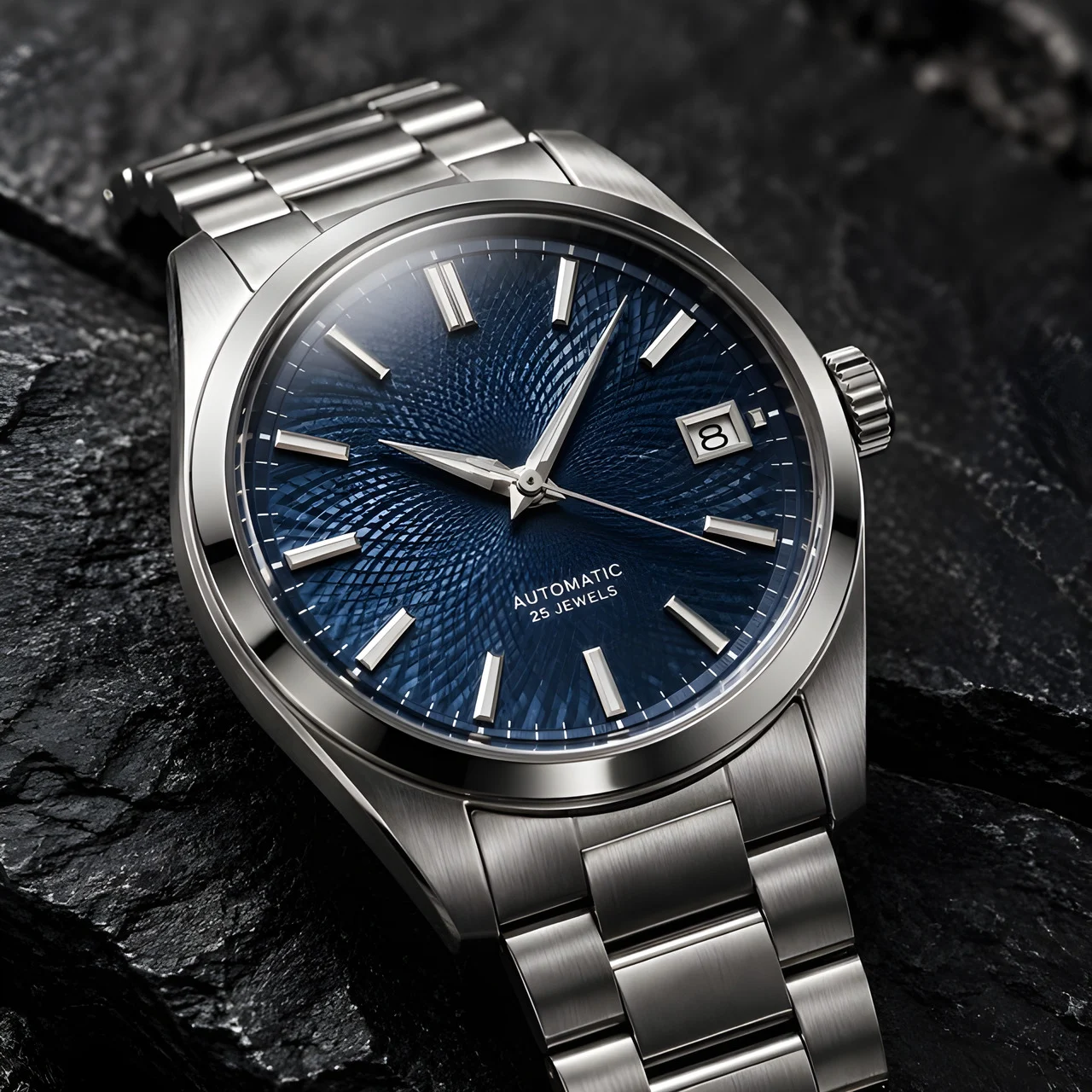
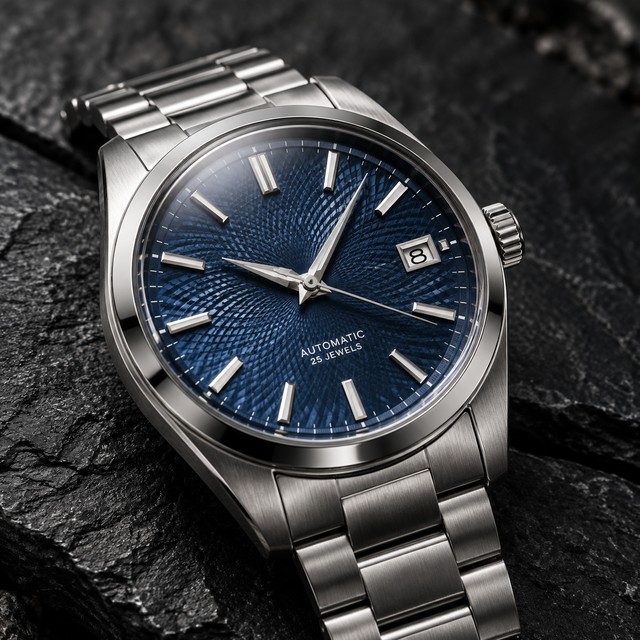
Pair A: watch product shot (640×640 source)
| Original 640×640 | Crisp 2× $0.004 | Seedream 2K repaint $0.035 |
|---|---|---|
 |
|
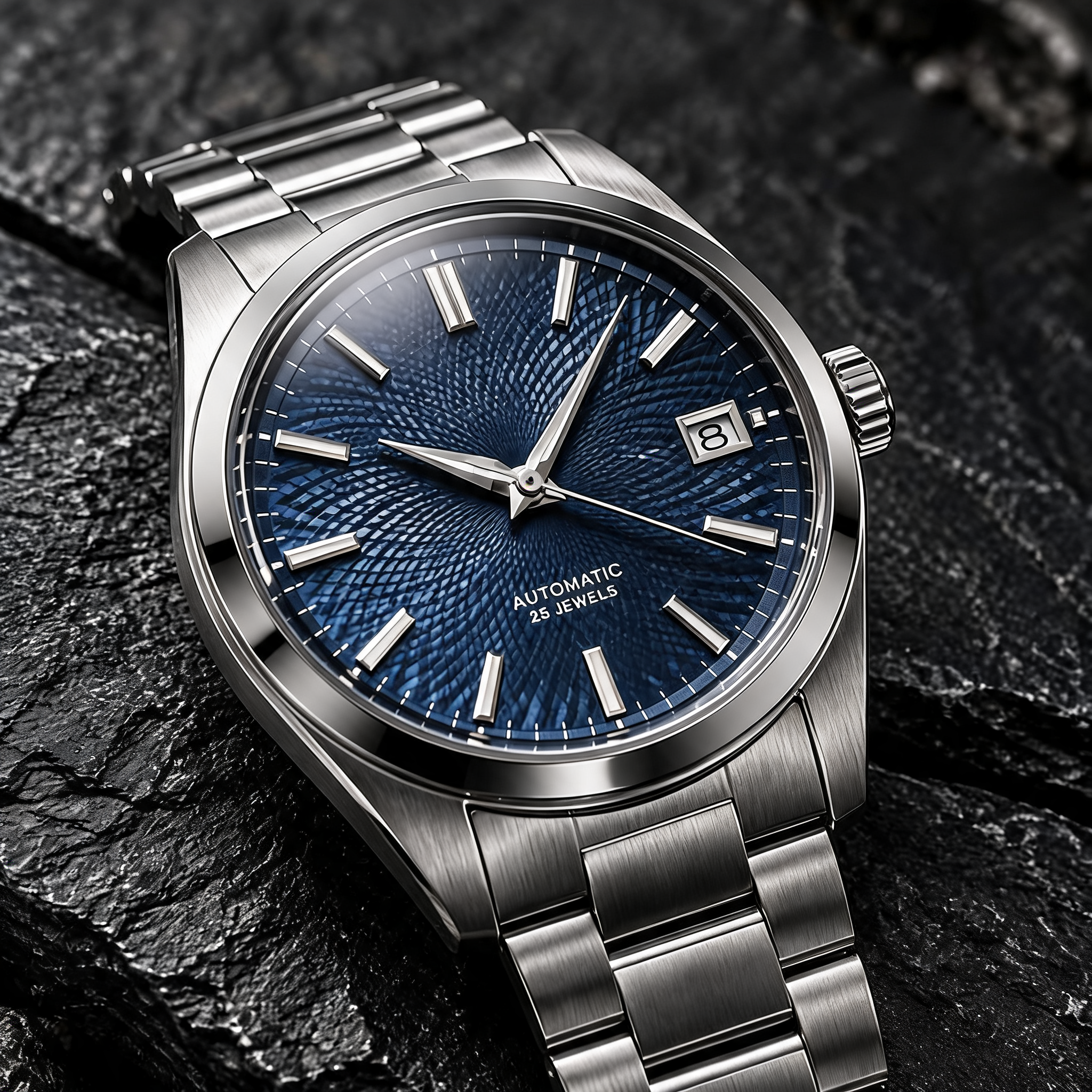 |
Middle: recraft/crisp-upscale, 640×640 → 1280×1280, $0.004, dial text untouched. Right: seedream-5.0-lite/image-to-image, 2K repaint, $0.035, prompt "Same image, preserved composition and colors"; pixel sizes differ between the two.
The Seedream prompt (deliberately "keep it the same"):
Same image, preserved composition and colors, sharp fine detail, no artifacts
Generate with Seedream 5.0 Lite → (upload your own original)
What you can see in pair A:
- Crisp enlarges the dial, steel, and the AUTOMATIC small print as-is — not a letter moved.
- Seedream repaints the dial detail even with a "keep it the same" prompt — close to the original but not the original; small-type letterforms can differ slightly on close inspection.
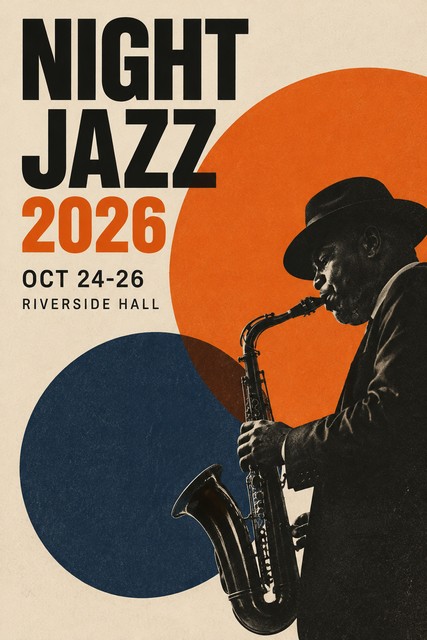
Pair B: lettered poster (427×640 source)
| Original 427×640 | Crisp 2× $0.004 | Seedream 2K repaint $0.035 |
|---|---|---|
 |
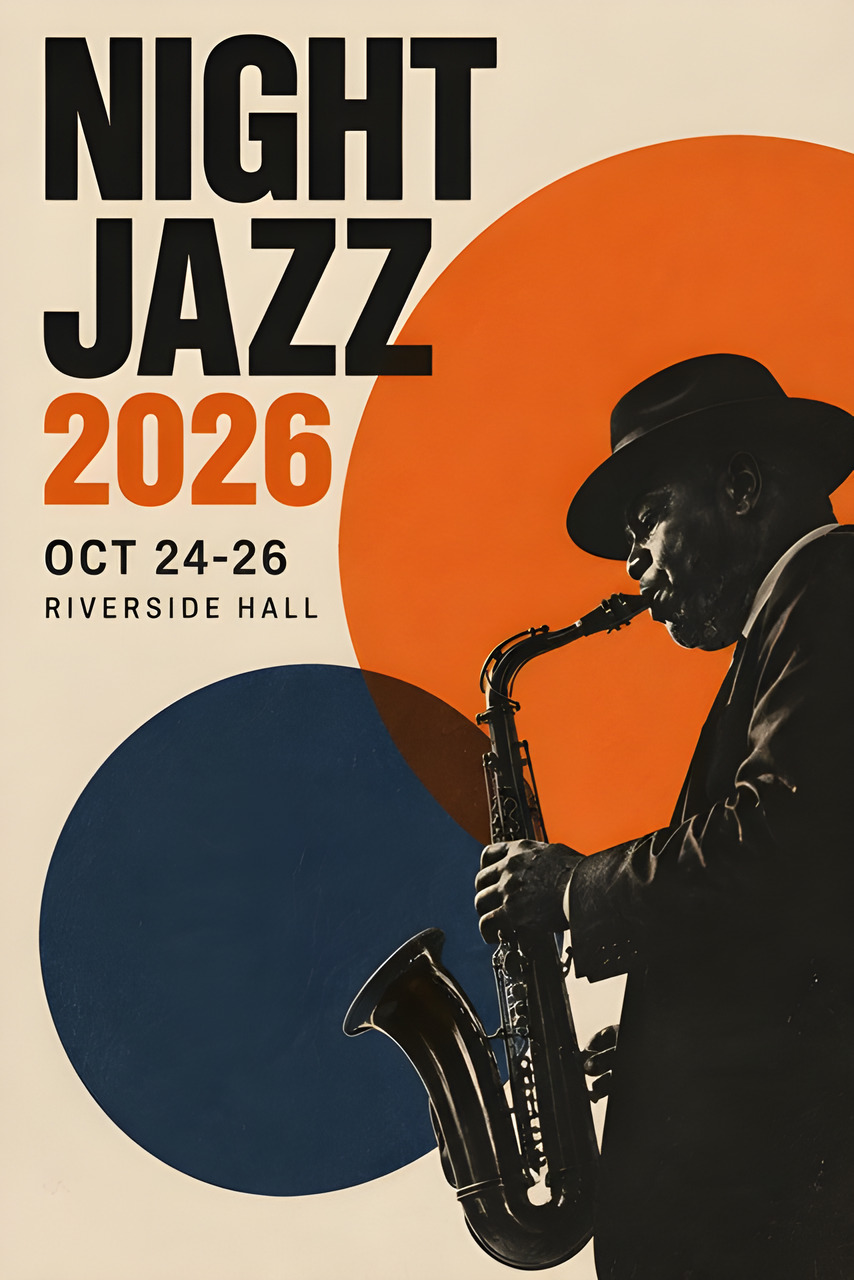 |
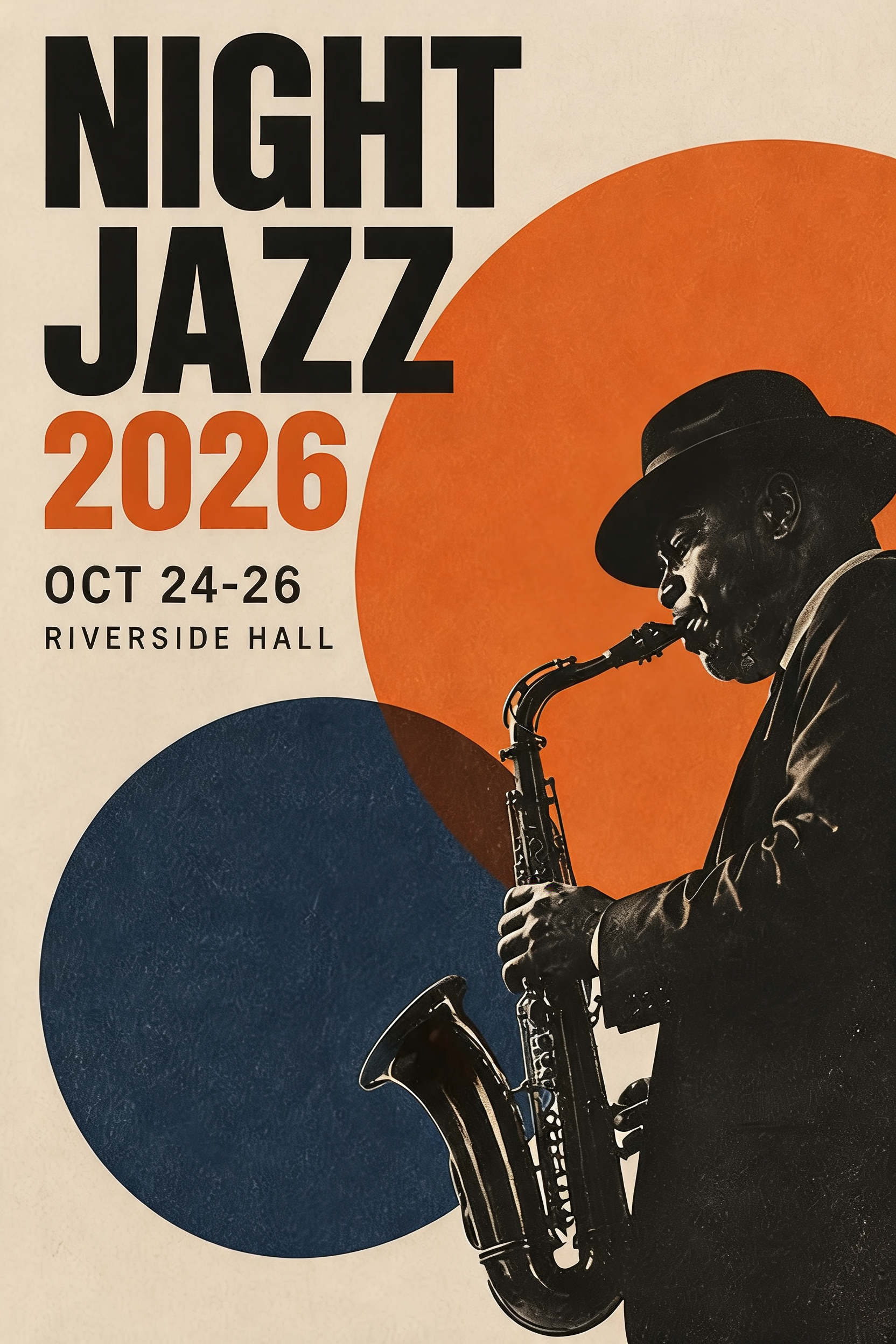 |
Middle: recraft/crisp-upscale, 427×640 → 854×1280, $0.004. Right: seedream-5.0-lite/image-to-image, 2K repaint, $0.035 (same prompt).
Generate with Seedream 5.0 Lite → (upload your own original)
What you can see in pair B:
- Crisp keeps the headline letterforms and layout exactly, just clearer.
- Seedream's repainted headline is close but not identical — the delivery risk for lettered assets.
Choosing by scenario
- Product shots, lettered posters, finalized design assets: Crisp Upscale — $0.004 for faithful 2× with zero drift.
- Photo restoration, "repaint it finer" cases where detail may change: Seedream 2K.
- The budget gap compounds: 1,000 images cost $4.00 on Crisp versus $35.00 on Seedream.
- They chain well: Crisp first to hold the subject, then Seedream locally where repainting helps.
- Background on generative upscaling approaches: the resolution tutorial.
Switching cost: very different bodies
{
  "model": "recraft/crisp-upscale",
  "input": {
    "image_url": "https://static.hiapi.ai/gallery/2026/10/4fdfd6b43b638849.jpg"
  }
}
{
  "model": "seedream-5.0-lite/image-to-image",
  "input": {
    "prompt": "Same image, preserved composition and colors, sharp fine detail, no artifacts",
    "image_urls": ["https://static.hiapi.ai/gallery/2026/10/4fdfd6b43b638849.jpg"],
    "aspect_ratio": "1:1",
    "resolution": "2K"
  }
}
Mind the field names: Crisp takes image_url (a string); Seedream takes image_urls (an array) and requires a prompt.
FAQ
Does Crisp change the content?
No. Text, composition, and color stay as-is — the fundamental difference from repaint models.
Does Seedream repaint even with a "keep it the same" prompt?
Yes. High similarity, not pixel identity.
Are the output pixels the same?
No. Crisp doubles; Seedream outputs by resolution tier (2K / 4K same price; 2K default) — captions state it.
How big is the 1,000-image gap?
$4.00 versus $35.00 — nearly 9×.
Can I use both together?
Yes. A common chain: Crisp upscales everything to stay usable, and Seedream repaints only the few frames that need retouching.
Next: take one of your product shots and upscale it on the Crisp page ($0.004) to see the fidelity; try Seedream when you want repainted detail. Crisp usage is in the API guide; five original pairs are in the examples page.
Related articles
View all articles →-

Comparison
Recraft v4.1 Flash Text-to-Image Horizontal Comparison: Developer Model Selection and Migration Guide
Use the $0.01 per-image cost and pure text-to-image capability to judge whether it fits your image generation pipeline
-

Comparison
hailuo-2.3-fast/image-to-video Side-by-Side Comparison: How to Choose an Image-to-Video Model and Key Migration Points
-

Comparison
Seedream 5.0 Pro Image-to-Image Side-by-Side Comparison: Capabilities, Pricing, and Selection Guidance