
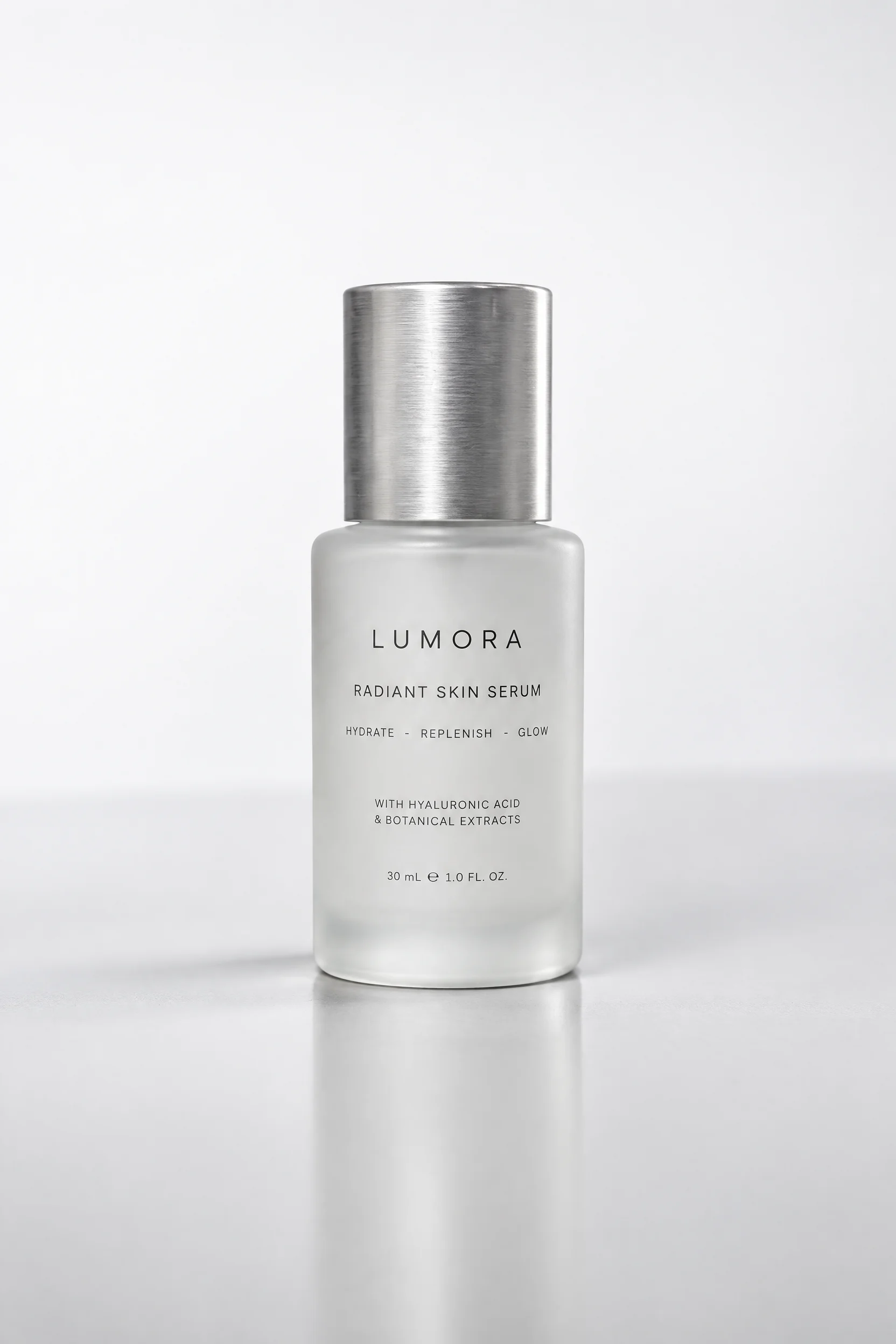
E-commerce-Grade Product Image Quality: Reference-Image-Driven Still Life Retouching
Using an ordinary product still-life photo as the reference image, redo the photographic quality with the gpt-image-2.5 Sunburst image editing pipeline: keep the product's shape, labels, and proportions, and only re-light, re-set the background, and redo the material highlights, outputting a finished image that can be used directly for e-commerce detail pages and advertising assets. In terms of composition, base only provides resolution (2K, balancing detail and time cost) and aspect_ratio (1:1 square, fitting most e-commerce main-image slots), and does not enable background (transparent backgrounds only support 1K, and a high-precision opaque background is needed here). The reference image is generated from one image asset in assets and bound to image_urls[0]; it serves as both the "input image" and the "editing anchor"; the top-level prompt is automatically written into input.prompt by the pipeline. The prompt approach is organized in four layers: subject lock (shape, color, printed text, and proportions unchanged), lighting (large softbox + single-side rim light + controllable tabletop reflection), materials (brushed metal, matte plastic, and glass translucency each described in terms of roughness and highlight form), and composition and post-processing (macro depth of field, clean background, and negative space to accommodate copy). Applicable scenarios: batch re-creation of e-commerce main images and scene images, unification of brand visual assets, upgrading existing low-quality product photos, and design workflows that require multiple rounds of retouching while keeping the subject and layout stable. The Sunburst variant trades a longer single-run time for detail and lighting fidelity, making it suitable for output tasks where precision comes first.
Style Product Image · ecommerce · Studio lighting
Model GPT Image 2.5
Reference inputs
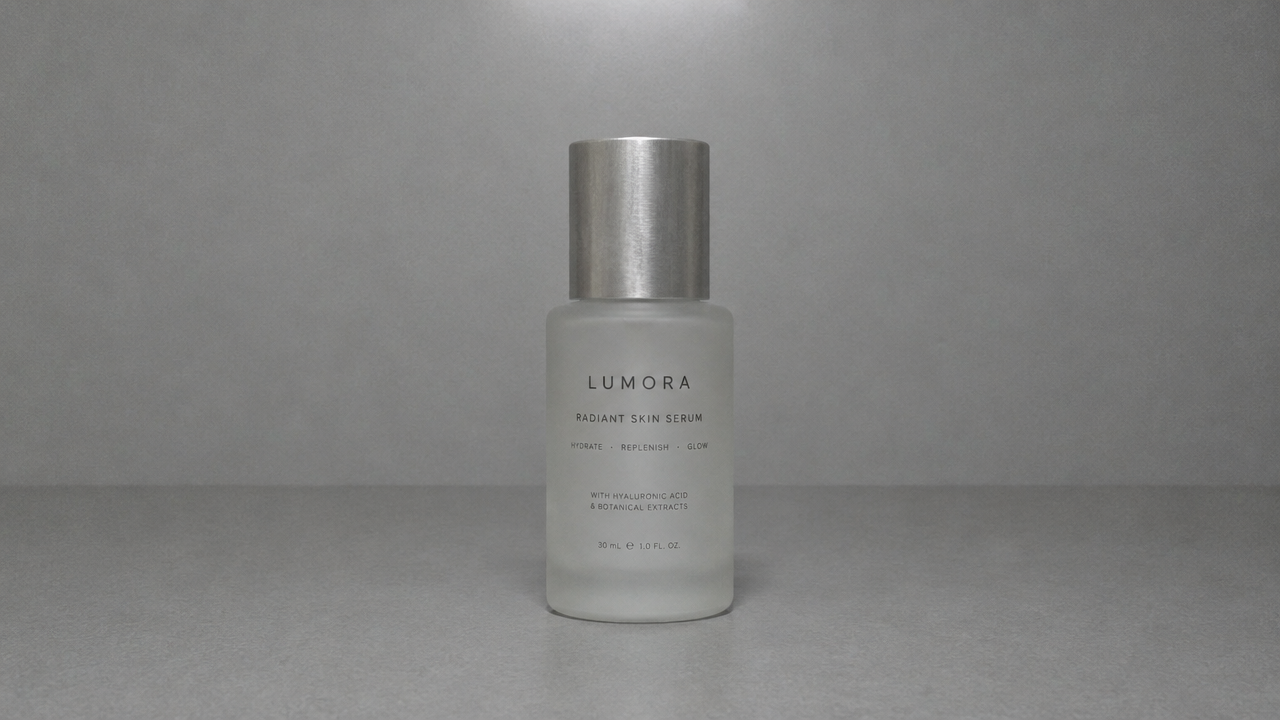
image_urls
Prompt
Edit the provided product reference photo into a high-end e-commerce studio photo. Keep the product's exact shape, proportions, colors, and printed label text unchanged. Re-light with a large softbox at the front left and add a subtle rim light from the right side to outline the silhouette; add a soft, controlled contact shadow and a slight reflection on a matte light-gray acrylic surface. Render materials physically: brushed aluminum shows fine anisotropic highlights, matte plastic shows low specular falloff, and glass shows clean refractive edges. Use a slightly elevated 35-degree angle, tight macro-style depth of field with a sharp front edge and softly blurred background. Clean near-white seamless background, with ample negative space above the product for copy. Neutral color grading, not oversaturated, and do not add any text or logos beyond what already exists in the source image.
Copy the full prompt and adapt it for your own generation.
Tags