
Tutorial
Stable Audio 3 Medium Audio Outpainting in Practice: 5 High-Value Use Cases and Integration Essentials

On this page
What problem does audio-outpainting actually solve
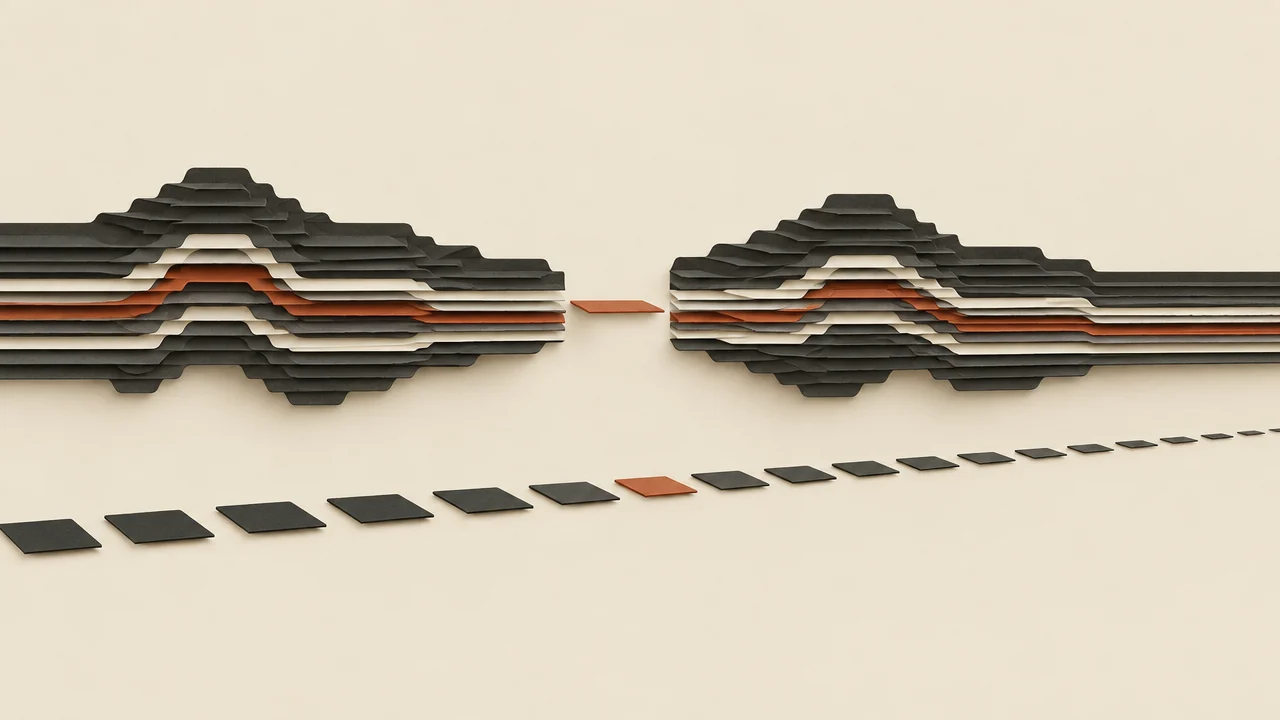
Conventional audio generation starts from scratch: you give a prompt, and the model produces a completely new piece of audio. With audio-outpainting (audio extrapolation), by contrast, the input is an existing piece of audio, and the model extends it beyond its beginning and end, generating new content whose style, rhythm, and timbre stay coherent with the original material. You can think of it as "continuing the timeline of the audio"—the original clip stays untouched and is padded out on both sides.
The difference from inpainting lies in where it acts: inpainting fills a gap in the middle, whereas outpainting extends the two ends. A typical request takes a reference audio clip plus a target extension duration, and returns the full extended audio (or the extended segments). So its core value is not "creating a new sound" but padding material that is too short up to the required length, with no audible seam.
To decide whether outpainting fits, you only need to ask one question: do I have a piece of audio that is "right but short"? If so, outpainting is less work than regenerating, and it preserves the original style better.
Three things to settle before integration
First, material quality sets the ceiling. Outpainting "follows" rather than "recreates," so background noise, clipping, and sudden rhythmic changes in the reference clip will be continued and even amplified. Before starting, confirm that the reference material is clean and that its loop points are stable.
Second, per-track duration and call granularity. One call corresponds to one piece of audio, and the required extension length must be stated explicitly in the request. If the business needs a finished piece several minutes long while a single extension is limited, you must plan how multiple calls will be stitched together and how the stitching points will be handled.
Third, the budget model. The model is billed per track, with a fixed cost for each piece of audio. This means cost is strongly tied to the "number of calls" and not directly to the number of audio seconds. What you need to estimate is: how many calls does one business output require? Do retries count as additional tracks? Work these two points out first, then decide on caching strategy and batch limits (see the pricing panel on the site for the specific unit price).
Use case 1: extending the intro and outro of podcasts and audio content
Many podcast productions have only a few dozen seconds of ambient music but need to fill the entire opening of an episode. The approach is to take that music as a reference and outpaint toward the tail to the target duration, so that listeners feel it is a complete arrangement rather than a loop.
Design points: choose the rhythmically most stable passage as the reference, and avoid using parts with vocals or obvious section transitions as the seed; after extension, listen to the tail ending manually, and add a slight fade-out in post-production if necessary, hiding the outpaint endpoint inside a natural volume change. Style consistency is the main acceptance criterion for this scenario.
Use case 2: seamlessly lengthening music for short videos and ads
The duration of ad creatives is a hard constraint—15 seconds, 30 seconds, 60 seconds; one second more or less is not acceptable. The music at hand is often just a few seconds short, and a hard loop produces an audible break at the seam.
Extending the music to the target duration with outpainting is more natural than simple stitching. Engineering advice: first determine the exact duration of the final cut, then work backward to the length that needs to be extended; if the outpainted result is slightly longer, simply trim the tail in post-production rather than asking the model to "guess" an endpoint accurate to the millisecond. Before delivery, listen to the final cut both on a phone speaker and through headphones; seams are more likely to be exposed on small speakers.
Use case 3: completing ambient loops for games and interactive scenarios
Ambient sound (rain, wind, server-room hum, distant crowds) usually needs to loop seamlessly. Raw recorded material often does not join at the ends, and looping it directly produces a regular "click."
The idea is to treat the material as a reference, extend a transition outward, and then crossfade the transition with the original segment to form a truly closed loop. The key here is not to have the model generate new content but to have it connect the "tone" of the beginning and end. The acceptance method is to play the loop continuously for several minutes and confirm that the period point cannot be heard; this is one of the scenarios where the human ear is most sensitive to repetition, and it is worth extra time.
Use case 4: repairing usable segments of old and archived audio
Archives often contain material like this: a precious live recording or the music from an old ad, with only a few dozen seconds in the middle usable and both the beginning and the end cut off. Re-recording is expensive or even impossible.
Outpainting can add preceding and following segments to such material, restoring it to a complete, broadcastable form. But quality expectations must be set in advance: old material itself has narrow bandwidth and heavy background noise, and outpainting will carry these characteristics along, so the result "sounds like the original" but not "like a new recording." If the business demands high fidelity, this kind of repair is better suited to ambient beds or transitions than to the main track. Telling the content owner up front that this is restoration rather than remastering saves a lot of rework-related communication.
Use case 5: automated audio pipelines in high-volume content production
When outpainting goes from "used occasionally" to "hundreds of tracks a day," engineering issues surface.
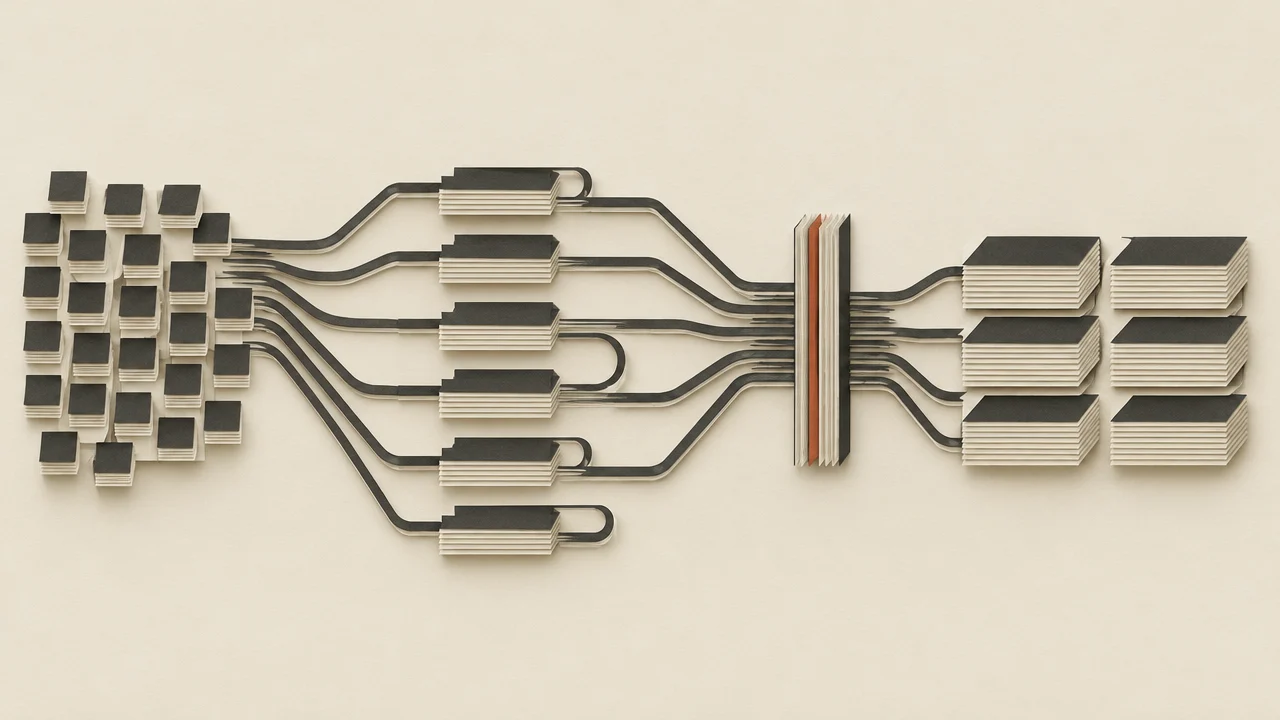
The basic shape of the pipeline is: material queue → call the outpainting API → quality check → store in the database. A few key points:
- Concurrency control: per-track billing means every rerun is a cost, so the retry strategy must have an upper limit and must distinguish retryable errors (timeouts, rate limiting) from non-retryable errors (malformed material)—the latter are rejected during input validation and are not billed, so hard retries only waste scheduling.
- Idempotency and deduplication: do not resubmit the same piece of material due to scheduling jitter; use the material ID as the idempotency key.
- Cost accounting: estimate the budget as "number of finished tracks × average number of calls," and use the retry rate as a monitoring metric. An abnormal rise in the retry rate usually means a problem on the material side, not the API side.
- Sampling instead of full inspection: listening to everything manually is unrealistic; sample a proportion of the seams, and for batches that fail sampling, go back and investigate the material.
Acceptance, troubleshooting, and launch checklist
Before launch, it is advisable to go through this checklist:
- Seam listening test: listen to the junction at the beginning and end of every sample at least once in full, focusing on volume jumps, rhythmic misalignment, and timbre shifts.
- Style consistency: sample-compare the outpainted segment with the original to see whether instruments, reverb, and background-noise levels belong to the same "space."
- Duration check: confirm that the returned audio duration meets the business minimum; err on the long side and trim the tail in post-production.
- Budget verification: use one week of real call volume to work backward to monthly cost, and confirm it matches the per-track estimate.
- Failure fallback: define the business-side fallback when outpainting fails (use the original material, use a backup track, or skip).
For troubleshooting, start with the material: first retry with a clean piece of material—if the problem reproduces, it is a material problem; if not, check the request parameters; only then suspect the API. In most "poor results" tickets, the root cause is the reference clip itself. Once all of the above is stable, you can formally integrate outpainting into your production process.
See the model page and integration parameters at stable-audio-3-medium/audio-outpainting. Get a real piece of material through beginning-to-end extension first, then decide how large a share it should take in your pipeline.
Related articles
View all articles →-
Tutorial
MAI Image 2.7 Flash Image Editing in Practice: 5 High-Value Image Editing Scenarios and Integration Essentials
-
Tutorial
MAI Image 2.7 Image Editing in Practice: 5 High-Value Image Editing Scenarios and Integration Essentials
An image-to-image scenario breakdown for developers: from model selection and integration to cost control
-
Tutorial
MAI Image 2.7 Flash Text-to-Image in Practice: 5 High-Value Application Scenarios and Integration Essentials
From scenario selection to cost accounting, truly put low-cost text-to-image models to work