
Comparison
gpt-image-2.6-flare/image-to-image Side-by-Side Comparison: How to Choose an Image-to-Image Model and Migrate

On this page
What kind of problem does this model solve
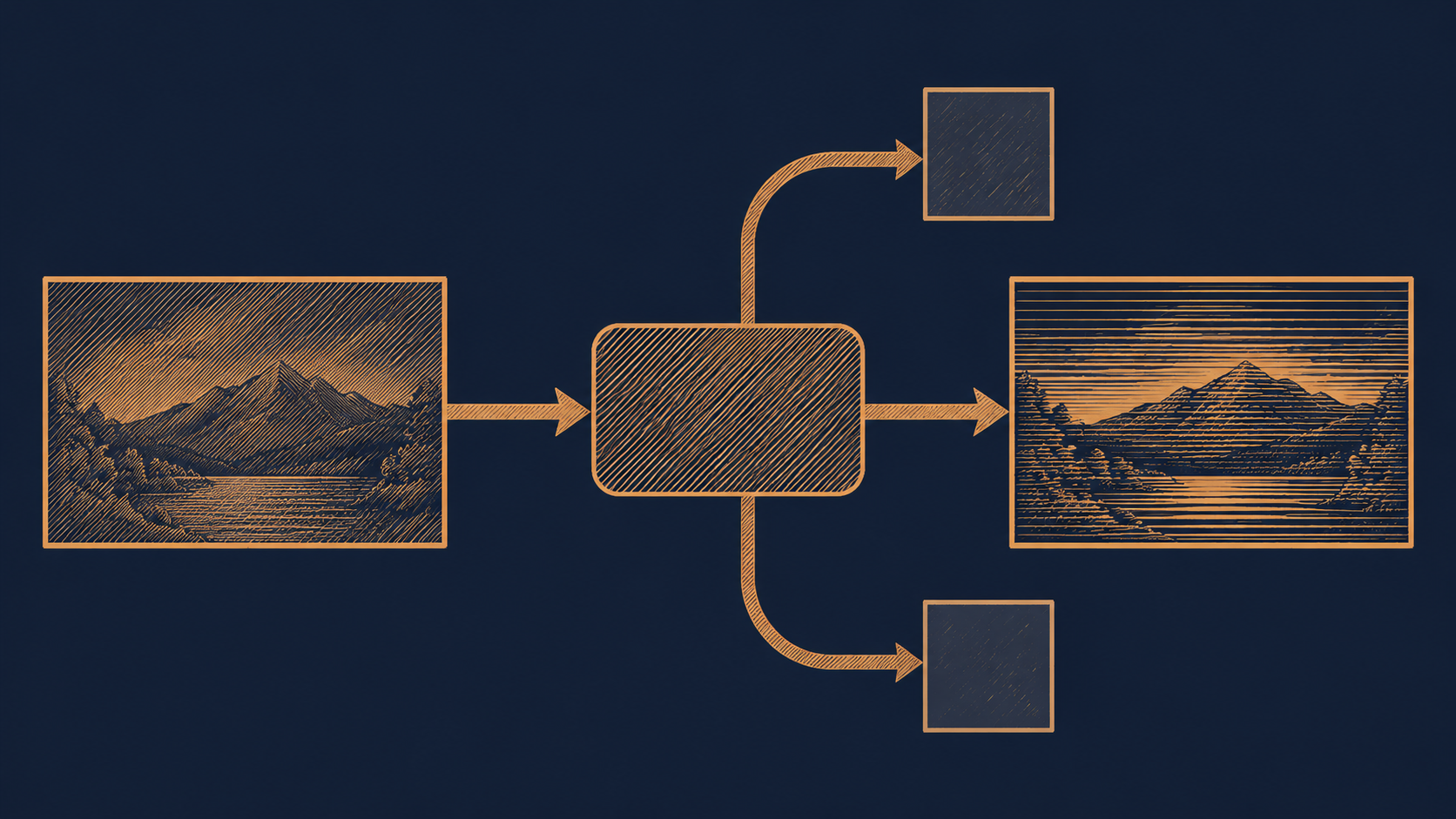
gpt-image-2.6-flare/image-to-image is an image-to-image model provided by OpenAI, with an output type of image. Unpacking the name, the question it answers is very specific: given an input image, generate a result image that is modified or redrawn based on that image.
In engineering terms, this kind of task usually takes the following forms:
- Local editing: keep the subject and composition, and only change the specified region (swap the background, remove an object, change the material).
- Style and tone redrawing: input a photo, output an illustration, line art, or a version in a specific visual style.
- Variant generation: produce multiple candidates from the same input image for operations or design to pick from.
- Reference-image driven: use a reference image as a visual anchor to constrain the subject, color scheme, or layout of the new image.
Its difference from pure text-to-image lies in the input. Text-to-image has only a prompt, so the model has a lot of freedom, and how good the result is depends heavily on prompt luck; image-to-image has an extra input image as a constraint, so the consistency and controllability of the output relative to the input are easier to manage with engineering means — which is also why, in real products, when building an "edit image" feature, image-to-image is usually the default choice rather than asking users to repeatedly rewrite prompts.
Conversely, if your need is only "generate an image from scratch," with no reference image and no original picture to preserve, then this model is not the shortest path. The first step in selection is not comparing how strong the models are, but first confirming whether your input actually contains that image.
What per-image billing means
This model's billing basis is the number of generated images, not tokens. This difference directly affects how you estimate your budget.
Estimation differences between per-image and per-token
With per-token billing, the cost of a single call depends on factors such as prompt length and output resolution, and the cost of the same feature under different inputs fluctuates, so budgets often need a large margin. Per-image billing fixes the cost of a single call, and the total cost is approximately:
total cost ≈ number of generated images × cost per image
The benefit of this linear relationship is that it is back-calculable. Once you know how many images each user action generates on average (for example, "generate 4 candidates" in one go means 4 images), you can directly compute the marginal cost per active user and per feature entry point, without having to run a round of sampling first to know roughly how much a single call costs.
How to apply it to your own scale
It is recommended to estimate in three steps:
- Clarify the image-count basis: does one request return one image or multiple? Do failed retries count as additional images?
- Estimate call frequency: daily average real request volume × average images per request gives the daily/monthly number of generated images.
- Leave room for retries and canary releases: count the volume of failed retries, A/B experiments, and internal testing separately.
One caveat: under per-image billing, whether resolution or quality tiers affect the unit price is an interface detail, and the basis differs across models; confirm it in the pricing panel and API documentation before launch rather than assuming "one image is one image." In addition, image-to-image often comes with upload and storage costs; image hosting and CDN traffic are often on the same order as inference fees, so don't count only the model segment.
Which dimensions to look at in a side-by-side comparison
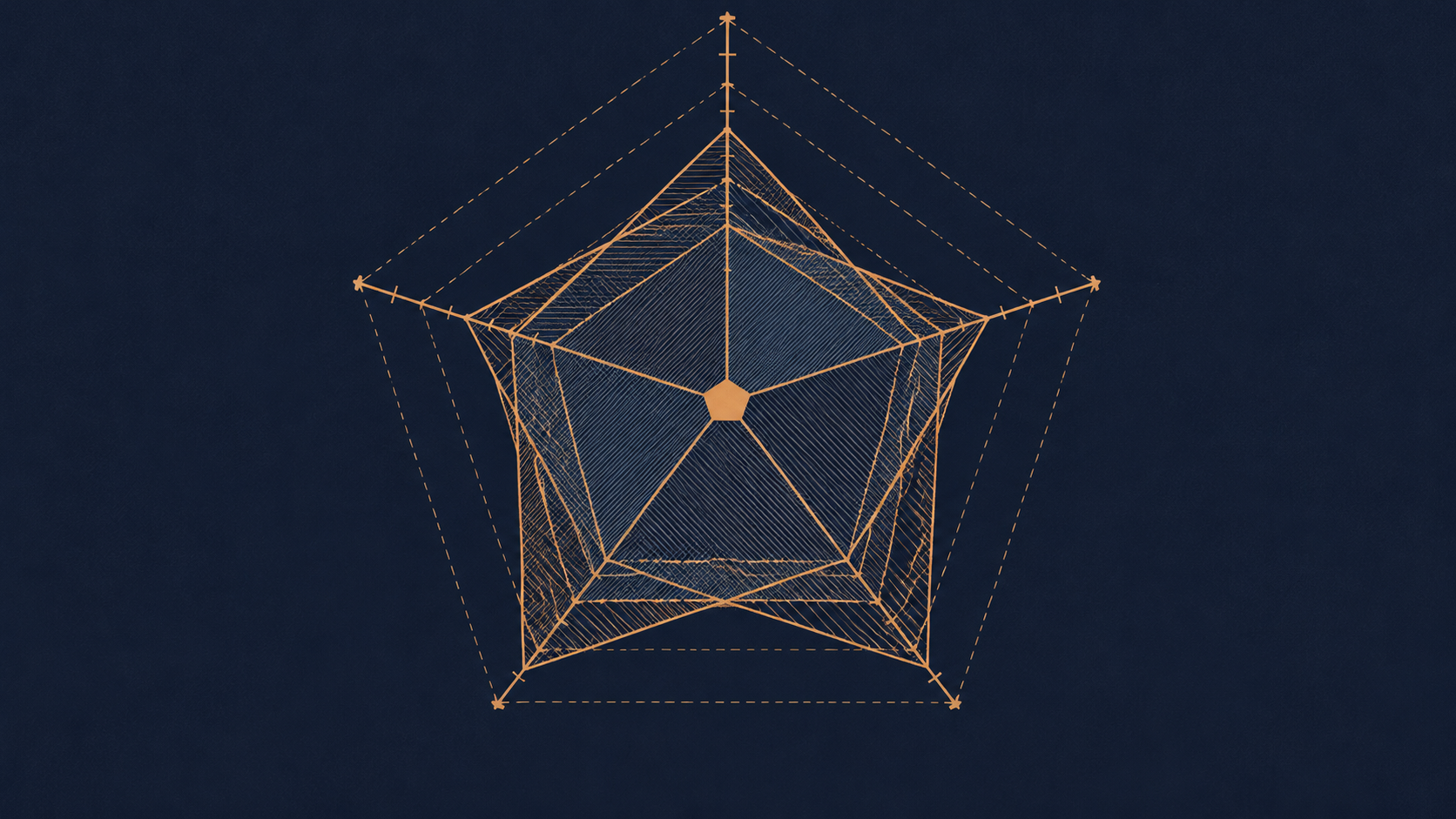
The most common mistake in image-to-image selection is "comparing only the unit price." The cost per image is only one fifth of the information; it is recommended to look at the following dimensions together.
1. Consistency with the input
The core value of image-to-image is "looking like the original image." Look at how stable the model is in preserving the subject outline, faces, text, and layout. A model with poor consistency gives you the feeling that "after editing it became another image," and users will notice immediately.
2. Controllability
Can you precisely direct the scope of modification through parameters and prompts? Does local editing support region constraints? Is the strength of style transfer adjustable? A model with weak controllability leaves the product side with no way to design the interaction — because you cannot promise users "it changes wherever you circle."
3. Cost per image
That is, the unit price under per-image billing. It is the only thing that can be written as a straight line, but it is only comparable among models with the same billing basis; directly comparing a per-image price with a per-token price usually yields the wrong conclusion.
4. Latency and throughput
Image editing is a strongly interactive scenario; users are waiting right after they click the button. Time to first byte, time per image, and whether there is queuing under high concurrency all directly determine whether the feature can be built as a real-time preview. Batch offline tasks care more about throughput than per-image latency.
5. Interface and parameter form
How is the input image passed (URL, base64, or does it need to be uploaded first)? How is the output returned (directly, or as a task ID to poll)? Are there knobs such as seed, size, and strength? These determine the integration workload and also the migration cost.
Turn the five items above into a comparison scorecard and score each candidate instead of writing only prices; you will find that the gaps between candidates are often not about money.
How to run a reliable small-sample selection experiment
Do not choose a model by gut feeling. Use a small-sample controlled experiment that can be completed in half a day; the conclusion will be more reliable than any review article.
Step 1: Pick 8–15 representative inputs
The samples should cover the distribution of your real business, not just "pretty images":
- Typical scene images (normal lighting, standard composition)
- Difficult samples (low resolution, dense text, group photos)
- Edge samples (extreme aspect ratios, non-real-photo material)
Pair each image with a fixed editing instruction, and use exactly the same inputs and instructions for all candidate models.
Step 2: Define the scoring criteria
Write down the scoring items in advance to avoid finding reasons after the fact. Four items are recommended, each scored 1–5:
- Fidelity: are the subject, structure, and text correctly preserved
- Instruction following: was the specified modification actually completed
- Image quality: artifacts, distortion, local breakdowns
- Usability: can this result be delivered directly to users
Step 3: Blind evaluation and recording
Shuffle the order of output file names before scoring to reduce the bias from "knowing who produced the image." The record table should include at least: sample ID, model, the four scores, generation time, whether it failed, and cost per call.
Step 4: Compute the overall conclusion
overall score = weighted(fidelity, instruction following, image quality, usability)
cost-effectiveness = overall score / cost per image
Set the weights by business: marketing materials value quality, real-time tools value latency. Finally, do not output only a single champion; give a conclusion of "choose A under what conditions, choose B under what conditions" — that is far more useful than a ranking.
Notes on migrating to the new model
When switching from an existing image-to-image pipeline to gpt-image-2.6-flare/image-to-image, the risk lies mainly not in the model itself but at the seams. Before launch, confirm each of the following:
Interface and application layer
- Call form: synchronous return or asynchronous task? If asynchronous, the polling interval and timeout must be adjusted accordingly.
- Input constraints: what are the limits on input image format, size, and aspect ratio? Does exceeding them cause an error or automatic cropping? The behavior differs, and so do the front-end prompts.
- Output form: is the return image binary, a URL, or base64? This directly determines whether your storage path needs to change.
- Parameter mapping: do the strength, size, and sampling-type parameters in the old pipeline have corresponding items on the new interface? If not, how should they be expressed as a fallback?
Engineering resilience
- Error classification: handle content moderation rejections, invalid parameters, rate limiting, and timeouts separately; do not retry them uniformly — retrying moderation errors only makes things worse.
- Retry budget: under per-image billing, every retry incurs new cost, so the retry policy must set a cap and log it.
- Adapter layer: converge model calls behind a thin adapter layer to avoid parameter names of a particular vendor scattered throughout business code.
- Canary and rollback: connect the new model to a small share of traffic first, keep a switch for the old model, and ramp up gradually after confirming the metrics.
- Comparative instrumentation: record the model version, latency, success status, and whether each request was manually rejected; this is the basis for subsequent decisions.
Migration is not a one-time replacement but a reversible switch. Only when you can roll back to the old pipeline with one click will you dare to truly scale up.
When not to choose it
Conversely, there are several scenarios in which gpt-image-2.6-flare/image-to-image is not the first choice:
- There is no input image at all. For pure creative generation and from-scratch composition needs, text-to-image is more direct; forcing image-to-image only adds an extra upload step.
- Edits that must be pixel-deterministic. For example, precisely adjusting text layout, changing numbers, or changing color blocks by coordinates — deterministic image processing or template rendering is more reliable for these tasks, and generative models are inherently nondeterministic.
- Extremely low-latency, strongly real-time interaction. If the product requires millisecond-level response (such as a real-time filter-style preview), you need to stress-test first to confirm whether the latency is achievable; if not, it should not be used.
- Free features that are extremely cost-sensitive. Although per-image billing is linear, the number of images for free features grows linearly with user volume, so compute the unit economics clearly before deciding whether to open it.
- Batch processing that must be strictly reproducible. When the same input must always produce the same output, generative models generally cannot guarantee full consistency.
The judgment method is simple: if your need can be solved stably with "rules + an image processing library," do not introduce a model; if the core difficulty is exactly semantic understanding and image redrawing, then it is a suitable candidate.
Related articles
View all articles →-

Comparison
Gemini Omni 1.2 Flash Model Selection Checklist: Input Modes, Specs, and Budget
Verify input modes, specs, budget, and effect boundaries, and complete model selection validation with your own samples
-
Comparison
Nano Banana for Under 1¢ an Image: 2.1 vs 2 vs Pro, Same Prompt
List and Black Friday prices for 2.1, 2 and Pro, plus one prompt on all three
3 min read -
Comparison
AI Video API Black Friday 2026: Veo, Seedance, Kling Up to 23% Less
Per-second and per-clip prices for Veo 3.1, Seedance and Kling 3.0, at list and during Black Friday
3 min read