
Comparison
ltx-2.5-pro/audio-to-video Comparative Review: Model Selection and Integration Guide for Audio-Driven Video Models
From capability boundaries and per-second billing to migration overhead, helping engineering teams make implementable selection decisions
On this page
What kinds of problems audio-driven video solves
Audio-driven video (audio-to-video) refers to using an audio clip as a conditioning input to generate video frames that match it. Its input shape is very specific: a single audio track, which may be speech, music, or ambient sound; the output is a video whose visuals need to maintain some correspondence with the audio in rhythm, lip movement, or emotion.
Typical scenarios for this type of task include: generating visual imagery for voiceover or podcast content, generating short-form video material with matching rhythm for music clips, generating lip-synced talking videos for virtual avatars, and rapidly producing draft-level videos in advertising and social media content production.
To determine whether a requirement really falls into this category, ask three questions: first, is audio the core condition driving the visuals, rather than an optional background track; second, is a finished video file needed, rather than a single-frame image or an audio processing result; third, is temporal alignment a key quality metric. If the answer to all three is "yes," you are dealing with a typical audio-to-video task; if the visuals are mainly driven by text prompts with audio merely layered on top, that is closer to text-to-video plus post-production compositing, and the same selection logic should not be used.
At the same time, recognize the capability boundary: generated results are better suited as creative drafts, previews, or batch material, rather than being used directly as production-grade assets. Engineering teams should build "human review and secondary editing" into the process at the selection stage, rather than assuming model outputs can go live directly.
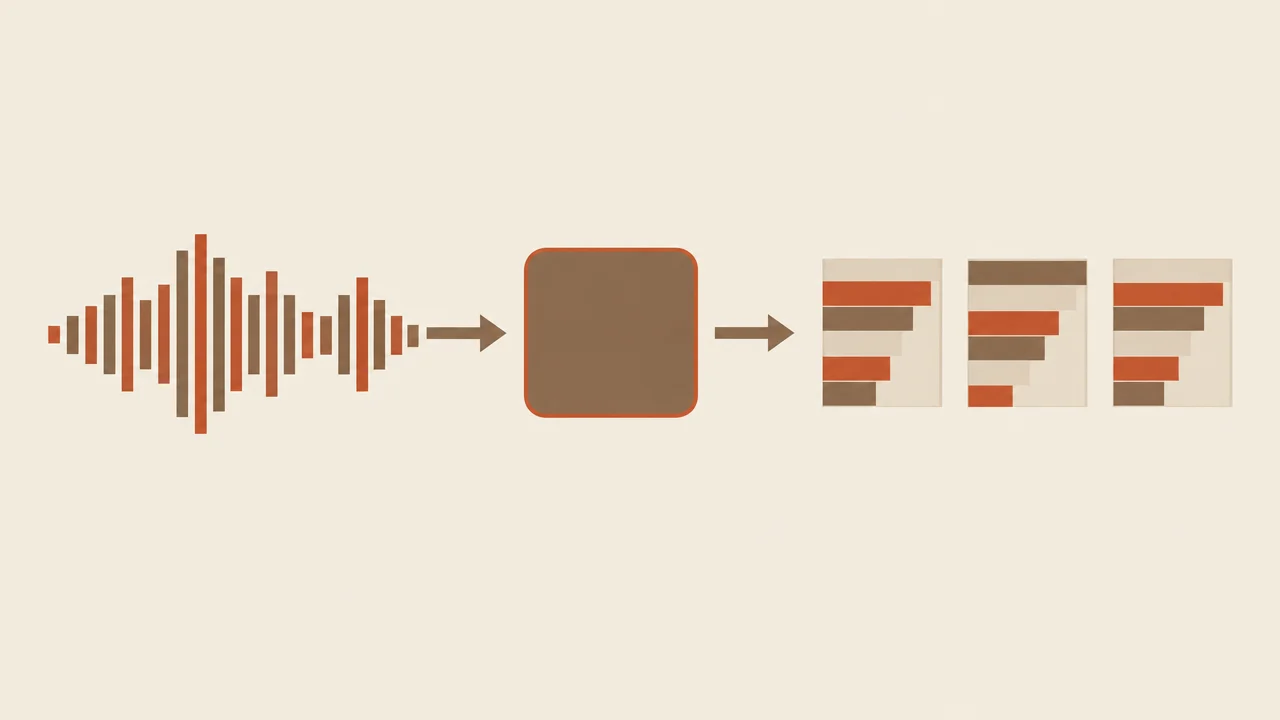
Positioning and capability list of ltx-2.5-pro/audio-to-video
Based on publicly available model information, the positioning of ltx-2.5-pro/audio-to-video is very focused:
- Capability: audio-to-video, i.e., audio-driven video generation.
- Output type: video.
- Billing method: billed by the seconds of output video, billed by input audio duration, priced at
$0.2429/per second. Input audio must be between 2 and 10 seconds.
These three pieces of information are enough to outline where it fits. It is a dedicated "audio in, video out" model, not a multimodal all-rounder. If your task requires text-to-video, image-to-video, or needs to simultaneously produce subtitles, audio, and structured metadata in the same call, it is not covered, and you should look for a model with the corresponding capability.
Areas not covered by public information—such as maximum supported duration, resolution tiers, concurrency quotas, and whether first-frame image conditioning is supported—are not extrapolated in this article. These parameters directly affect whether deployment is feasible; the correct approach is to check the latest parameter documentation on the HiAPI.ai model page before integration and confirm with small-sample validation. For model details, see ltx-2.5-pro/audio-to-video.
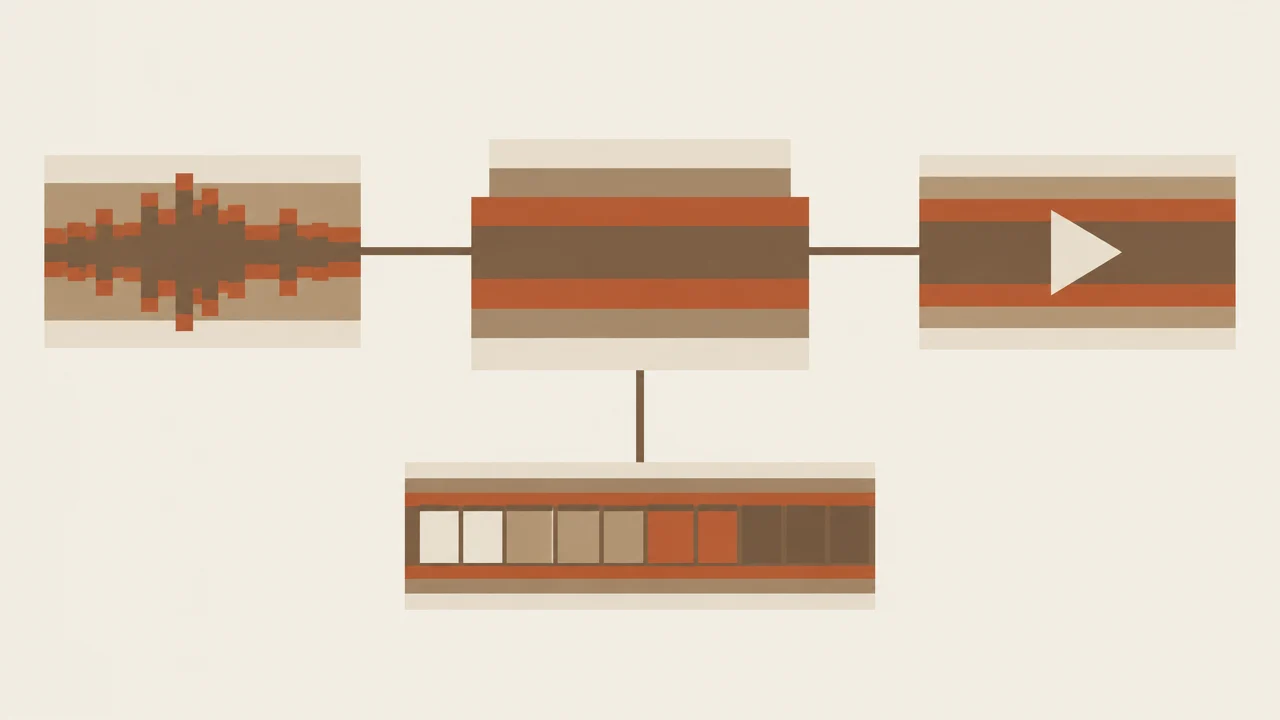
How per-second billing works: estimating single-call and batch costs
The advantage of billing by output seconds is that cost is directly tied to output, and the estimation logic is simple: cost ≈ total output video seconds × per-second unit price. Specifically, billing is by input audio duration, priced at $0.2429/per second. Input audio must be between 2 and 10 seconds. This article does not work through specific figures.
When building budget intuition, you can reason in this order:
- First determine the target duration of a single video, for example a 15-second short-form video asset.
- Multiply the duration by the per-second unit price to get the order of magnitude of cost per call.
- Multiply by the number of items in a batch to get the cost of one batch. For example, generating 50 15-second assets at once means 750 seconds of output.
- Then multiply by the number of batches per day or month to get the periodic budget.
Because cost grows linearly with duration, the most effective way to control cost is not switching models, but controlling output duration and effective yield. Two engineering habits are worth designing in advance:
- Duration is budget: constrain the target duration at the request construction stage to avoid generating far more length than needed and then trimming it, which amounts to paying for wasted footage.
- Degradation strategy: run small samples first for batch tasks, and only scale up after confirming the pass rate; set retry limits for failed samples to prevent retry costs from spiraling.
Also distinguish "input audio duration" from "output video duration"—the billing basis is output seconds; if output length does not equal input length, the budget should be calculated on the output side.

Which dimensions to compare when benchmarking against similar models
When comparing audio-driven video models, looking only at unit price can easily lead to wrong decisions. It is recommended to score each item using the following dimension checklist to form a reusable evaluation table:
- Input form: whether it accepts only audio, and whether it supports first-frame images, reference images, or text prompts as joint conditions. The more flexible the input, the better the controllability, but it also means more complex request construction.
- Output specifications: resolution, frame rate, container format, and whether it includes an audio track. Output specifications determine whether the post-processing pipeline needs transcoding.
- Billing unit: by second, by call, or by token. Per-second billing makes it easy to convert duration requirements directly into budget, while per-call billing requires attention to the maximum duration per call.
- Integration complexity: whether asynchronous task polling is required, whether there is a callback mechanism, and how authentication and quota policies work. Integration complexity translates directly into engineering effort.
- Result controllability: whether duration is controllable, whether results are stable across multiple calls, and whether the cause can be identified on failure. This item is the hardest to quantify but has the greatest impact on production usability.
- Ecosystem consistency: whether it shares the same interface specification with other models in use. A unified interface can significantly reduce maintenance costs when multiple models coexist.
When comparing, it is recommended to evaluate "whether it works" and "whether it is expensive to use" separately: first filter out options that do not meet hard requirements using the first four items, then compare cost and controllability among the remaining options. Comparisons that focus only on unit price often miss hidden costs in integration and validation.
Integration path and key decisions at the code level
When calling this model on HiAPI.ai, there are several points on the engineering side that need to be settled in advance to avoid rework after launch.
Request construction: submit audio as the primary input, and explicitly specify control parameters such as target duration. The audio encoding format, sample rate, and file size should be normalized on the client side first to reduce the probability of server-side failures due to non-compliant input. For request body field names and values, refer to the model page documentation; do not hard-code from memory.
Synchronous or asynchronous: video generation usually takes significantly longer than ordinary inference requests. If the interface is provided as an asynchronous task, the client needs to implement the complete chain of "submit task—poll status—fetch result," and set backoff intervals and timeout limits for polling; if callbacks are provided, ensure the callback endpoint is idempotent to prevent processing the same result twice. The pseudocode below shows the structure of this chain; replace field names with those in the actual documentation:
# Pseudocode: structural illustration of an asynchronous task chain
task = client.submit(model="ltx-2.5-pro/audio-to-video", audio=audio_ref, aspect_ratio="auto")
while True:
    status = client.poll(task.id)
    if status.state in ("succeeded", "failed"):
        break
    sleep(backoff())

if status.state == "succeeded":
    save(status.output_url)
else:
    log_and_retry(task, max_retries=2)
Duration control: explicitly pass the target duration as a request parameter rather than trimming after generation; this optimizes both cost and quality.
Result validation: perform basic checks on the returned video—whether the duration meets expectations, whether the file is decodable, and whether audio and video are basically aligned. Make validation an independent step in the pipeline; failed samples should enter a human review queue rather than being discarded directly.
Error handling and quotas: distinguish three types of situations—input errors (not retryable), temporary server errors (retryable with backoff), and quota exhaustion (requires queuing)—and handle them separately to avoid indiscriminate retries that amplify costs.
Considerations when migrating and replacing
When switching from an existing solution to ltx-2.5-pro/audio-to-video, the adaptation work that needs to be redone is mainly concentrated in the following areas:
- Input preparation process: if the original solution accepted text or images as the primary condition, audio now needs to be elevated to a first-class input. Audio capture, editing, format normalization, and duration trimming all need to be incorporated into the upstream pipeline.
- Duration semantics alignment: confirm what determines the output duration of the new model—whether it follows the input audio or is specified by a parameter. The two semantics are handled completely differently in business code.
- Interface adaptation layer: converge model calls into an internal adaptation layer to avoid business code directly depending on specific field names. This way, when the model is changed again later, changes are concentrated in one place.
- Result validation and human review: the pass rate of the new model needs to be re-measured; the thresholds of the old solution cannot be carried over. A higher proportion of human spot checks should be retained during the initial migration period.
- Billing model recalculation: substitute per-second billing into the original budget formula, re-evaluate single-item cost and batch cost, and confirm whether degradation or rate-limiting strategies are triggered.
- Canary rollout and rollback: have the new model handle a small proportion of traffic first, run it in parallel with the old solution for a period, compare quality and latency using the same batch of inputs, and then gradually scale up; also keep a rollback switch.
Common rework points in migration are "assuming fields are compatible" and "assuming duration semantics are consistent." For both, it is recommended to run end-to-end with actual samples first before changing business code.
Selection conclusion and implementation recommendations
Back to selection itself: the scenarios suited to ltx-2.5-pro/audio-to-video are clear: content production tasks where audio is the core driving condition, a finished video output is required, and there is a clear budget constraint on duration. Its advantage lies in its single focus and intuitive billing basis, making the "audio in, video out" chain clean enough to be combined with other models within a unified interface system.
Recommended scenario-based routing:
- Audio is the primary driver and a finished video is needed → include it as a priority candidate and run small-sample validation.
- Text is the primary driver and audio is only background → prioritize text-to-video solutions; do not force this one to fit.
- Multimodal joint conditions or complex post-production control are needed → first confirm whether the model's input flexibility meets the requirement; if not, split the process.
For the rollout path, it is recommended to follow three steps: "small sample—quantify—scale up": first run end-to-end with a dozen or so audio clips close to the actual business scenario, measuring the pass rate, average latency, and actual output seconds; then use these data to calibrate the billing model and retry strategy; only then scale up canary traffic proportionally. For model details, see ltx-2.5-pro/audio-to-video.
Turning evaluation dimensions into a checklist shared by the team is more valuable than memorizing the parameters of any single model—models iterate, but judgment methods do not.
Related articles
View all articles →-

Comparison
Meshy-6 text-to-3d Model Selection Guide: Pricing, Capability Boundaries, and Cross-Model Comparison
Start from capability boundaries and per-call costs to judge when to use it and when to stick with the traditional 3D pipeline
-

Comparison
meshy-6/image-to-3d Side-by-Side Comparison and Model Selection Guide: What to Calculate Before Integrating Image-to-3D
-

Comparison
ltx-2.5-fast/audio-to-video side-by-side comparison: a selection and migration guide for audio-video generation models
A practical decision framework for developers, from capability boundaries and per-second billing to migration overhead