
Guide
Meshy-6 text-to-3d Getting Started Guide: Capability Boundaries, Pricing, and Integration Practices
From parameter design to cost control: integrate text-to-3D models into your workflow

On this page
Why developers should pay attention to text-to-3D
Text-to-3D solves a very specific problem: turning a natural language description into a 3D output that can enter a downstream pipeline. It fills the "zero to one" stage of asset creation—previously this meant either manual modeling by artists or digging through asset libraries for a close match; now you can get a starting point through generation first.
For developers, its value shows up mainly in three scenarios: quickly validating gameplay or scene concepts during prototyping; batch-generating placeholder assets with a consistent style; and providing candidate inputs for downstream toolchains (rendering, lightweight editing, preview). What these scenarios share is that "having something usable first" matters more than "getting it exactly right on the first try."
But it also has clearly unsuitable scenarios. It is not a general-purpose 3D asset library and cannot replace retrieval-based asset systems; nor is it a precision modeling tool—don't expect it to produce finished models that meet engineering dimensions and topology standards. If your need is parametric, reproducible modeling results with controllable topology, text-to-3D is not the right choice.
So to judge whether it is worth integrating, ask three questions first: Does my business accept a "generate candidates + manual screening" process? Can my downstream pipeline handle non-deterministic outputs? Can my cost model withstand per-call billing? If all three answers are "yes," then read on for the integration details.

Capability boundaries: what it can and cannot do
meshy-6/text-to-3d is a text-to-3D generation model with an output type of 3D. Placing its capabilities on an axis makes things clearer: at one end is pure 2D image generation, which produces flat visuals; at the other end is precise manual modeling, which produces controllable, measurable geometric structures. Text-to-3D sits in the middle—it delivers results at the level of three-dimensional form, and the form and style can be close to expectations, but the degree of precision it can promise is far lower than manual modeling.
What it is good at: generating 3D forms with overall consistency based on descriptions of subject, style, and material tendencies; performing multiple generations under the same prompt context to obtain candidate sets with similar styles; and providing a low-cost trial-and-error method for concept exploration.
Where it fails: situations requiring strict dimensional and proportional relationships; industrial production that specifies topology, polygon budgets, and UV layouts; requirements for high reproducibility (identical outputs across multiple runs with the same input); and deliverables with hard acceptance standards for detail precision. For these needs, generated results can only serve as references or starting points, and manual or specialized tools must still be involved afterward.
A more reasonable positioning is therefore to treat it as a "form proposer" rather than a "modeling executor." This positioning directly determines how to write prompts, how to arrange the workflow, and how to control costs later.

Key points for server-side invocation and prompt design
Prompt design is the part most worth investing in here, because experience with 2D image prompts does not fully carry over. 2D descriptions focus more on composition, lighting, and visual texture; 3D descriptions need to revolve around "what object is this."
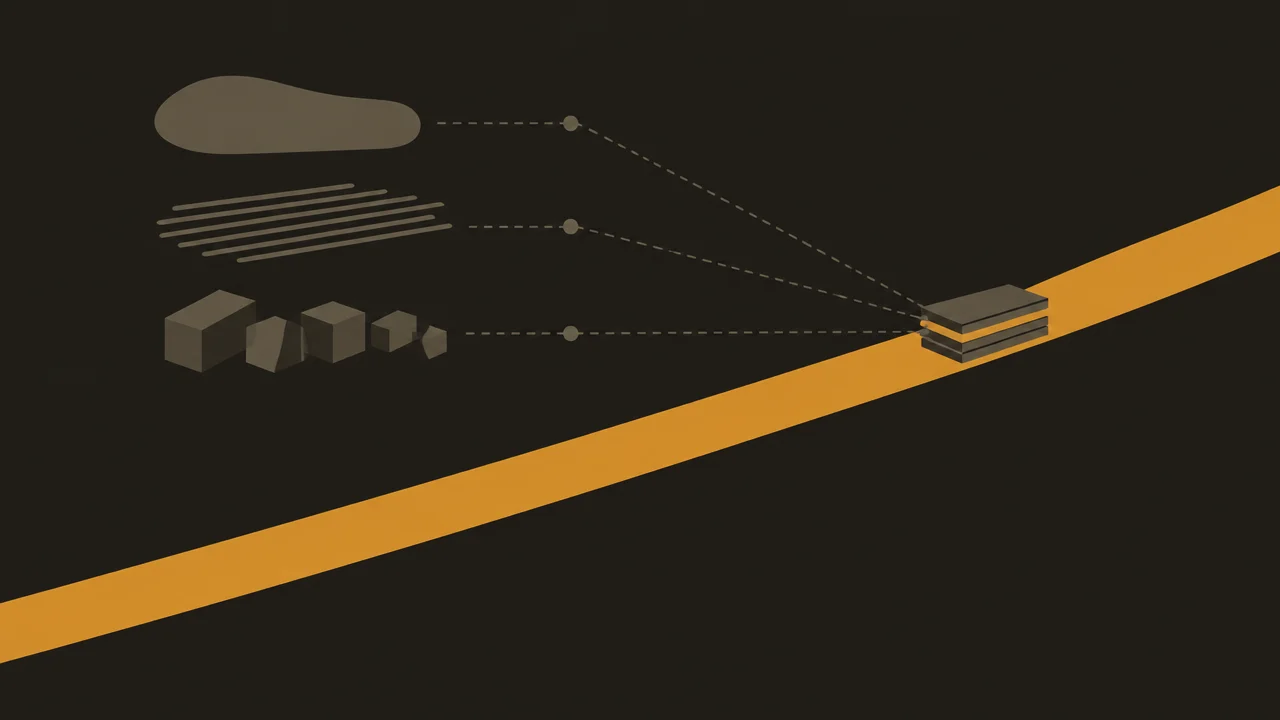
You can organize a prompt in four layers: subject and shape (what it is, the rough geometric form, single item or combination), style (realistic, cartoon, low-poly, and other overall tones), material and surface tendencies (metal, wood, fabric, and other visual orientations), and purpose (game prop, scene decoration, display model, etc., to help the model converge on a suitable form). Four layers of information are far more useful than piling up adjectives—"a rounded ceramic-textured cup, single object, cartoon style, for in-game prop preview" constrains the output better than "exquisite, premium, beautiful."
On the invocation path, it is recommended to put generation requests on the server side, with the backend uniformly holding credentials and quota control, rather than letting clients connect directly. At the same time, assume from the start that this is a long-running task: request submission and result retrieval should not be completed within the same synchronous request, otherwise it will overwhelm the timeout settings of the main path. For the specific API shape and parameters, refer to the documentation for meshy-6/text-to-3d on HiAPI.ai, and align request body construction and result retrieval methods with the documentation before writing business code.
Prompts are best made into configurable templates rather than strings scattered throughout the code. This makes it easier to adjust styles, reuse subject descriptions, and run A/B comparisons, and also makes it easier to distill "which batches of prompts perform well" into team assets.
Cost estimation and budget control under per-call billing
This model is billed per call, with a fee charged for each invocation. This determines that its cost model is completely different from token-billed text or image APIs: cost is not determined by input length but by number of calls. A single generation has a fixed cost regardless of prompt length.
This means the focus of cost control shifts from "compressing input" to "reducing ineffective calls." A few practical suggestions:
First, run a small batch test first. Use a small set of representative prompts to validate the distribution of results, estimate the "proportion of usable results," and then work backward to how many calls are needed to reach business goals. This ratio is the real per-unit cost multiplier.
Second, set a cap on retries. When generated results are unsatisfactory, repeated retries are the most likely thing to happen, and each retry is billed independently. It is recommended to set a maximum retry count at the task level and distinguish retries from "modify the prompt and try again"—the former is fault tolerance, the latter is exploration, and the two should be recorded under different budget items.
Third, set budget gates. Set call limits per day or per project, and when the limit is exceeded, reject new tasks and raise alerts rather than letting tasks queue indefinitely and consume quota. This is especially important for internal trial environments.
Fourth, monitor call volume tied to business metrics. Monitoring only the technical success rate is not enough; you also need to look at "how many calls on average were consumed per successfully delivered asset." When this metric deteriorates, the problem is usually in the prompts or requirement definition, not in the API itself.
Integration flow and asynchronous task-based design
The recommended integration path is task-based: the client submits a generation request, the server persists it and returns a task identifier, a background queue handles the actual generation call, and when it is complete, the result is obtained via callback or polling, then written to asset storage and the business side is notified.
The reason for this design is straightforward: generation takes far longer than normal API response time, and synchronous waiting will cause gateway timeouts, connection pileups, and confusing retry semantics. After splitting into three stages—"submit—process—retrieve"—each stage has its own timeout and retry strategy.
When implementing, pay attention to a few points. The task table should record the prompt, submission time, status, retry count, and result reference, making it easy to review afterward and attribute costs. Keep the state machine simple: pending, processing, succeeded, failed, over limit, avoiding too many intermediate states that make troubleshooting difficult. Make the callback endpoint idempotent so repeated callbacks for the same task do not cause duplicate writes. For result storage, it is recommended to keep two layers: the raw output and the business-side reference, so that downstream implementation changes do not affect historical data.
In addition, queue consumption speed should be linked to the budget gate: when the budget approaches its limit, proactively slow down or pause consumption, which is more effective than reconciling afterward.
Validation, troubleshooting, and quality spot checks
After launch, the first thing is not to look at call volume but to establish a quality spot-check mechanism. Manual spot checks do not need to be exhaustive, but they must cover different prompt categories and record results in three tiers: "usable / needs modification / unusable." This distribution is the baseline for all subsequent optimization.
When failures occur, the recommended troubleshooting order is as follows: first check whether the request was submitted successfully and whether the parameters meet documentation requirements; then check whether task state transitions are normal and whether anything is stuck in an intermediate state; then check whether the result has already been returned but an error occurred in downstream storage or the callback stage; only then return to the prompt level to determine whether the description is unclear or the requirement itself exceeds the model's capability boundary.
Plan fallback options in advance. Feasible approaches include: falling back to placeholder assets or an existing asset library when results are unusable; switching to manual intervention for high-value requirements; and preparing a set of proven conservative versions at the prompt template level as the default retry plan on failure. The key is not to let failures pass silently—every ineffective generation has already incurred a cost.
Typical use cases and combination suggestions
Scenarios suitable for text-to-3D fall roughly into several categories: rapidly producing multiple form proposals during prototyping and concept exploration; batch-generating placeholder assets with a consistent style in content production workflows; creative features for end users that let them get a previewable 3D result from one sentence; and providing candidate inputs for downstream rendering or preview tools.
When used in combination, the division of labor should be clear. Text models are suitable for organizing a user's vague requirements into structured prompts before generation, turning "I want something sci-fi" into a complete description including subject, style, material, and purpose, then handing it to 3D generation; image generation is suitable for style references and visual presentation, used in parallel with 3D output rather than as a substitute for it; editing, optimization, and normalization after generation are left to specialized tools or manual workflows.
In one sentence: place meshy-6/text-to-3d in the "proposal" stage, leave precision and standards to later stages, and pair it with asynchronous tasks and budget gates to integrate it into your workflow at controllable cost. For API details, refer to the model documentation.
Related articles
View all articles →-

Guide
meshy-6/image-to-3d Getting Started Guide: Capability Boundaries, API Parameters, and Pricing Practices
From image to 3D asset: what you need to understand before integrating a third-party image-to-3D model
-

Guide
LTX-2.5-Fast Text-to-Video Prompts: Copy-Paste Recipes for Developers
Reusable prompt patterns for storyboarding, native audio, and duration control
10 min read -

Guide
LTX-2.5-Fast Image-to-Video Prompts: Copy-Paste Recipes for Developers
Reusable prompt patterns for first/last-frame composition, camera motion, and negative lists on ltx-2.5-fast/image-to-video
9 min read