
Comparison
How to Choose meshy-7.1 Multi-Image to 3D: Capabilities, Pricing, and Cross-Model Comparison

On this page
Role of Multi-View to 3D in the Development Pipeline
Multi-view to 3D (multiview-to-3d) addresses a very specific problem: you already have multi-angle photos or renders of the same object and want to synthesize them into a 3D asset with geometry, rather than manually modeling from scratch.
Its place in the asset production workflow is also clear—it typically sits after 'asset capture' and before 'downstream use.' A typical chain is: capture or render multi-angle views → multi-view to 3D generates a mesh → post-processing (decimation, retopology, texture correction) → import into engine, product display, AR preview, or simulation environment. In other words, it outputs an intermediate asset, not a final product, and the investment in post-processing must be included in the overall cost.
To determine whether you need this capability, ask three questions:
- Is your input naturally multi-view? If you only have a single image, the value of a multi-view model is limited.
- Are your assets mainly 'physical objects with some geometric complexity'? It is not useful for purely flat or purely procedural scenes.
- Can you accept that the generated result requires post-processing? Treat it as a 'high-quality draft generator' rather than a 'one-click final product' to set reasonable expectations.
If the answers lean positive, multi-view to 3D can significantly reduce manual modeling time; if negative, allocating budget to other stages is more cost-effective.
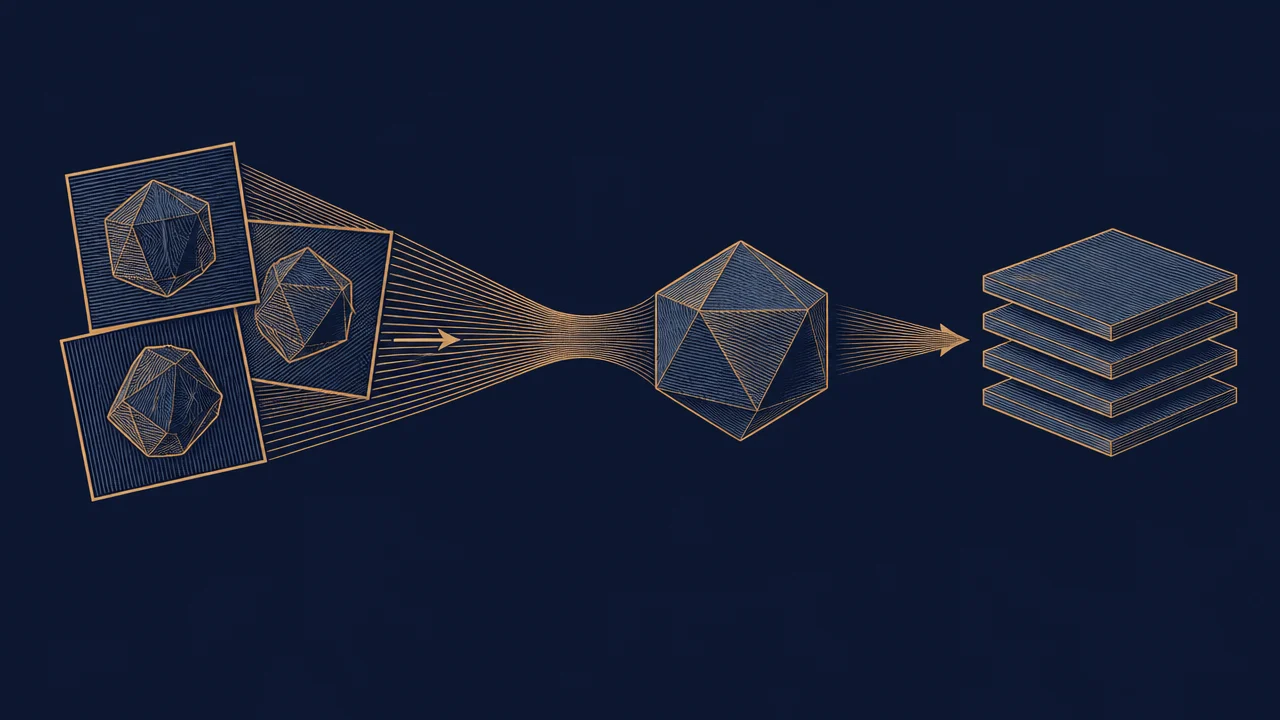
Capability Boundaries of meshy-7.1/multi-image-to-3d
Based on currently public model information, the positioning of meshy-7.1/multi-image-to-3d is clear: the capability tag is multiview-to-3d, and the output type is 3d. That is, it takes multi-view input and produces a 3D asset.
It is important to note that capability tags only indicate 'what it does,' not 'to what extent it does it.' The following details should be verified against the parameters and billing rules published on the model page before formal selection, and not assumed from experience:
- Number and order of input views: minimum and maximum number of images, whether order affects the result, and whether views must be evenly distributed.
- Input image constraints: resolution limits, whether transparent background is required, and sensitivity to lighting consistency and white balance.
- Output format and structure: mesh format, whether textures and materials are included, unit and orientation conventions, and coordinate system.
- Geometric quality characteristics: polygon count range, whether watertight, and suitability for direct decimation.
- Failure modes: whether conflicting views, severe occlusion, reflective materials, etc., cause errors or produce poor-quality results.
A practical approach is to run a small-sample trial with 5–10 sets of your own actual materials, covering simple geometric shapes, complex curved surfaces, and objects with thin structures, and record the actual performance for each item above. This record is more informative than any parameter table for determining whether it fits your asset types.
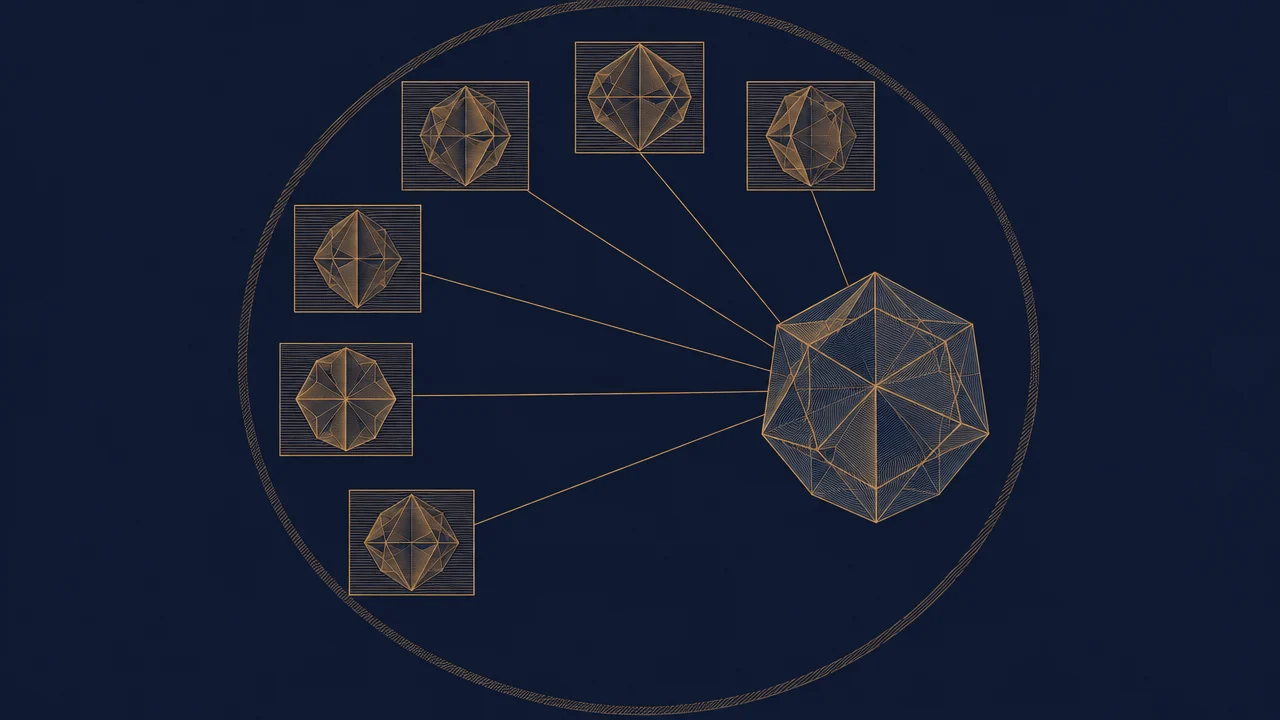
Pricing Conversion: What $1.7143 per Generation Really Means
The billing basis for meshy-7.1/multi-image-to-3d is per-generation billing: $1.7143 per generation. Understanding this basis is more important than memorizing the number.
Per-generation billing means the cost is linearly related to the 'number of generations,' not to the number of input images, output polygon count, or time consumed. This leads to two direct corollaries:
First, the per-model cost is fixed. Whether you input 4 views or 8 views, the cost per successful generation remains the same. Therefore, per-model cost = unit price × number of generations required to achieve an acceptable result. The real cost sensitivity is not the unit price but the first-pass yield. If your materials require an average of 2 retries to get a usable result, the actual per-model cost is twice the nominal value.
Second, batch budgets can be directly extrapolated. Total budget ≈ unit price × number of assets × average number of attempts. When asset scale ranges from hundreds to tens of thousands, this formula is sufficient for order-of-magnitude estimation; reducing the average number of attempts from 2 to 1.2 improves unit cost more than any price negotiation.
Cost optimization levers therefore concentrate in three areas: improving input material quality (reducing retries), establishing automatic result screening (avoiding repeated payment for clearly failed outputs), and separately accounting for post-processing costs—post-processing is often the largest labor cost but is easily masked by the unit price. Per-generation billing: $1.1429 per generation with texturing disabled, and $1.7143 per generation with texturing enabled.
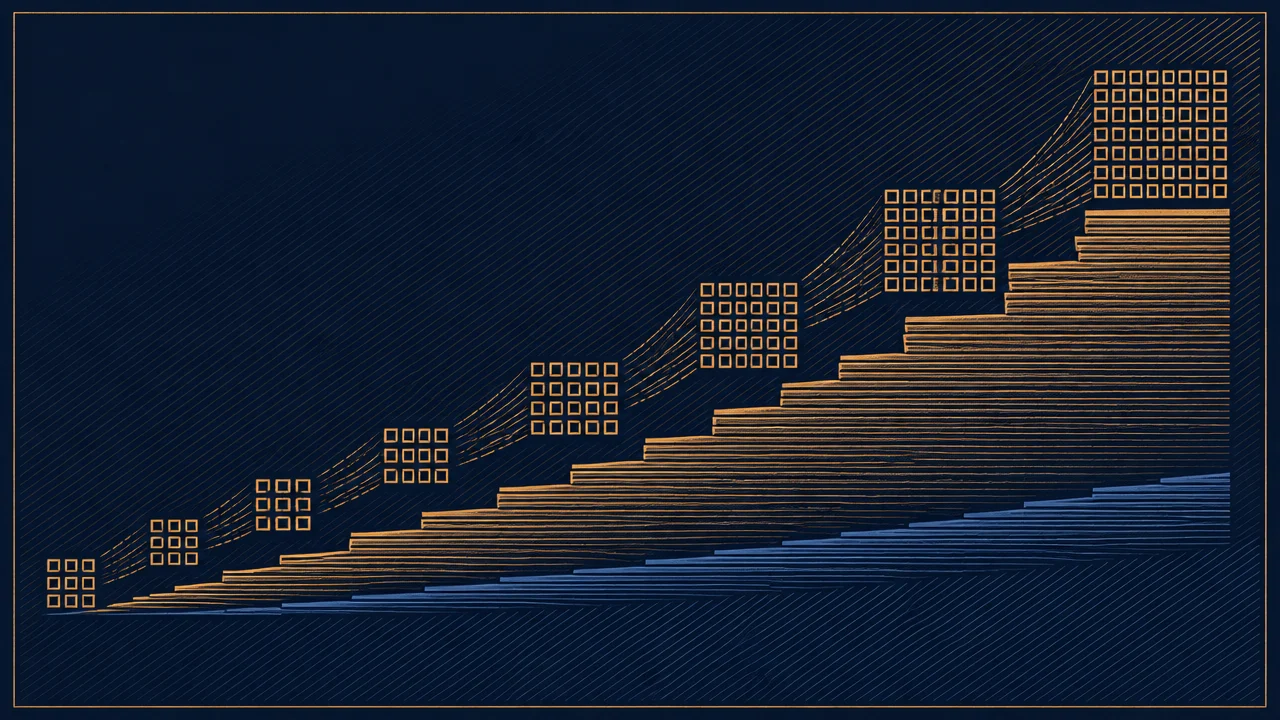
Checklist of Dimensions for Comparing Similar Models
Selecting based solely on unit price is the most common mistake. It is recommended to build your own scoring table covering at least the following dimensions and score each candidate model item by item:
- Input constraints: range of view counts, resolution requirements, tolerance for background and lighting. Looser constraints mean lower front-end capture costs.
- Output usability: whether the format matches your engine, whether textures are included, and whether the geometry is clean enough for direct decimation. The closer the output is to a final product, the less post-processing is needed.
- Pricing basis: per generation, per output second, or per token? Different bases cannot be directly compared by unit price; they must be converted to 'cost per usable asset.'
- Stability and consistency: is the result stable when the same input is called repeatedly? How much does the success rate fluctuate in batch tasks? This is critical for automated pipelines.
- Latency and throughput: time per generation, whether concurrency is supported, and whether there are queue limits. This affects scheduling, not billing.
- Failure feedback quality: whether actionable error messages are provided on failure, determining whether you can implement automatic retries.
- Integration cost: authentication method, request structure, and whether additional storage relay is required.
Assign weights to each dimension when scoring—for e-commerce display scenarios, the weight of 'output usability' should be much higher than 'latency'; for batch offline rendering scenarios, the opposite. Only the weighted total score is a meaningful comparison. meshy-7.1/multi-image-to-3d has a clear per-generation pricing basis, which is actually easier to handle in cross-comparison: simply multiply by the estimated number of attempts.
Scenario-Based Selection: When to Choose It
Applying the above dimensions to specific scenarios makes the choice much clearer.
When to prioritize meshy-7.1/multi-image-to-3d:
- You already have structured multi-view materials, such as multi-angle product photography, turntable capture sequences, or multi-view images rendered from existing models.
- Asset types are mainly physical objects, and the goal is 'reasonable geometry, usable for display or lightweight interaction' rather than film-level precision.
- Your pipeline is batch offline generation, insensitive to single-run latency but requiring high controllability of per-model cost—per-generation billing makes budget capping easy here.
- You want to manage the generation stage under a unified interface to reduce multi-service stitching.
When it is less suitable and other solutions should be considered:
- Only a single image is available. The core advantage of a multi-view model cannot be realized; consider single-image to 3D capabilities instead.
- Extremely high geometric precision or strict topology specifications are required (e.g., direct input to CAD or simulation solving). The generated result still requires extensive manual retopology, yielding limited benefit.
- Assets are scenes, terrain, vegetation, or other categories that are not 'standalone objects'; multi-view capture itself is not feasible.
- Online interactive scenarios with extremely high real-time requirements and synchronous returns.
A common compromise strategy is tiering: use multi-view to 3D for 'high-volume, medium-precision' main assets, and concentrate manual modeling budget on a few high-value assets. This controls average cost while preserving the quality floor for key objects.
Integration and Migration Considerations
Whether integrating for the first time or migrating from other 3D generation services, it is recommended to verify the following engineering details before writing business code:
Request side
- Confirm how input images are passed: URL or uploaded resource ID? Does the temporary link's validity cover queue time?
- Validate input specifications: view count, resolution, format. Put validation on the client side to avoid paying for requests destined to fail.
- Define timeout and retry boundaries: which error codes are worth retrying, and which are input issues that should fail immediately.
Output side
- Is the output returned synchronously or as an asynchronous task? If asynchronous, confirm polling interval and task validity period.
- Immediately transfer the asset to your own storage upon receipt; do not rely on the long-term availability of temporary download links.
- Establish automatic result screening: abnormal polygon counts, degenerate geometry, missing textures, etc. Screening with rules before manual review can significantly reduce post-processing costs.
Migration specifics
- Do not assume that coordinate system, units, and orientation are consistent with other services; be sure to perform a manual comparison.
- Re-run historical materials for A/B testing: generate each batch of input once on both the old and new services, and compare first-pass yield and post-processing labor hours; this is more reliable than any subjective evaluation.
- Explicitly model differences in billing basis into the cost module. Mixing per-generation and usage-based billing with the same estimation formula will cause distortion.
On HiAPI.ai, you can directly refer to the meshy-7.1/multi-image-to-3d model page for the latest API parameters and billing information; switching and comparing similar models under a unified interface also saves considerable glue code.
Implementation Checklist
Confirming each item before launch can prevent most rework:
Technical validation
- Complete a small-sample trial with 5–10 sets of actual materials, recording success rate and distribution of failure reasons.
- Confirm input specifications (view count, resolution, format) are consistent with client-side validation logic.
- Confirm output format, coordinate system, and units match the downstream pipeline, and complete an end-to-end import test.
- Output assets have been transferred to your own storage, not relying on temporary links.
- Retry strategy is defined: retryable errors, maximum retry count, backoff interval.
Cost validation
- Average number of attempts has been measured (per-model cost = unit price × number of attempts).
- Total budget at batch scale has been extrapolated using the formula, with retry margin reserved.
- Post-processing labor costs have been separately estimated and included in unit cost.
- Per-generation billing: $1.1429 per generation with texturing disabled, and $1.7143 per generation with texturing enabled.
Quality validation
- Automatic result screening rules are live (polygon count, geometry, textures).
- Manual sampling ratio and acceptance criteria are determined.
- An A/B comparison with the existing solution on the same batch of materials has been conducted, with data supporting both first-pass yield and post-processing labor hours.
Once this checklist is completed, whether meshy-7.1/multi-image-to-3d fits your pipeline is no longer a judgment call but a set of verifiable data conclusions. The end goal of selection is never choosing a particular model, but having an evaluation method that can be continuously recalculated as materials and prices change.
Related articles
View all articles →-

Comparison
Meshy-6 text-to-3d Model Selection Guide: Pricing, Capability Boundaries, and Cross-Model Comparison
Start from capability boundaries and per-call costs to judge when to use it and when to stick with the traditional 3D pipeline
-

Comparison
meshy-6/image-to-3d Side-by-Side Comparison and Model Selection Guide: What to Calculate Before Integrating Image-to-3D
-

Comparison
ltx-2.5-fast/audio-to-video side-by-side comparison: a selection and migration guide for audio-video generation models
A practical decision framework for developers, from capability boundaries and per-second billing to migration overhead