
Tutorial
Stable Audio 3 Medium Audio Inpainting in Practice: 5 High-Value Use Cases for Developers and Key Implementation Points
From material repair to batch production: integrating audio inpainting capability into real business workflows

On this page
Why choose audio inpainting instead of full-segment regeneration
Among audio generation models, full-segment regeneration and localized inpainting are two fundamentally different engineering strategies. Full-segment regeneration means: given a description or reference, have the model regenerate the entire audio track. It suits creation from scratch, but in scenarios where "the material already exists and you only want to change a few seconds of it," the cost is high—what you get is a brand-new audio track; the original tone, rhythm, and ambient sound have all changed, and you still have to realign the timeline and redo post-production.
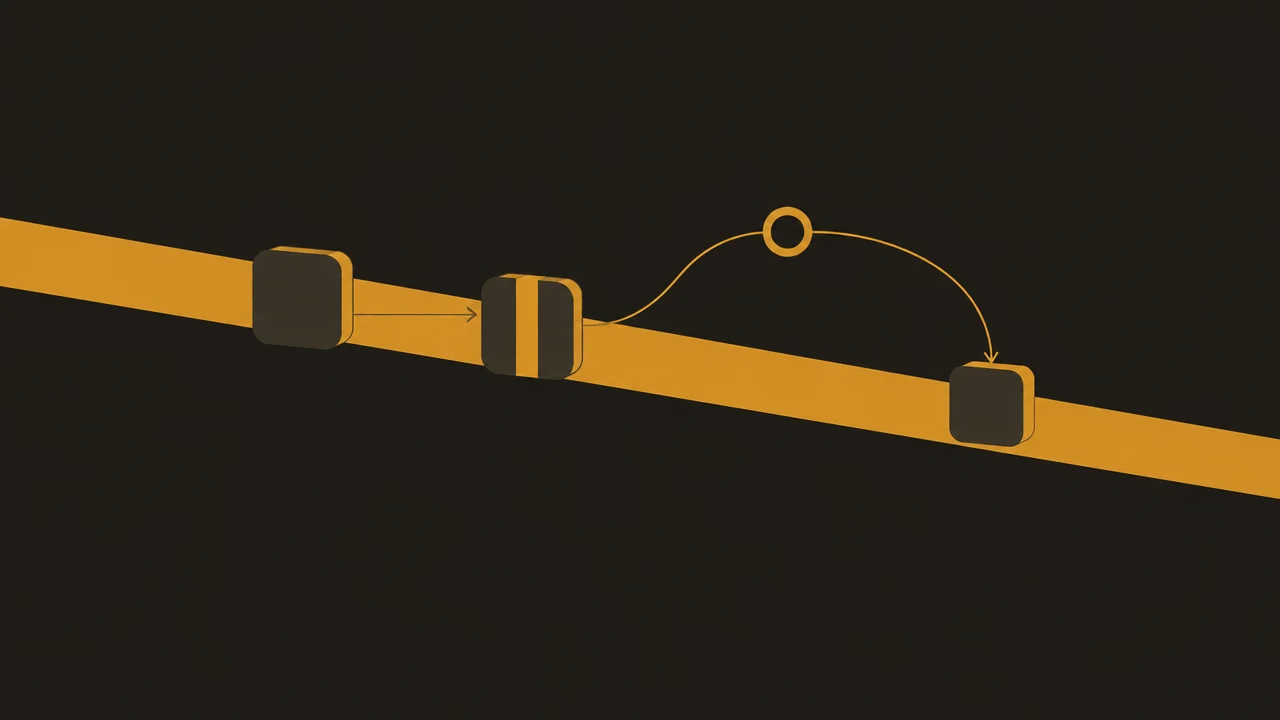
stable-audio-3-medium/audio-inpainting takes another path: audio inpainting. You provide existing audio and specify the segment that needs to be replaced or completed, and the model generates content only for that segment while the rest remains unchanged. The problem it solves can be summarized as "changing only a local part of existing audio."
The advantages of this approach show up at three levels. First, cost is controllable: billing is per audio track rather than scaling linearly with generation duration, so the length of the segment to be inpainted does not directly determine the number of calls; when planning usage, you estimate "how many audio tracks to process" rather than "how many seconds to generate." Second, context fidelity: the parts not inpainted are preserved as-is, so the speaker's timbre, the room's reverb, and the key of the background music all carry over, and post-production rework is minimal. Third, process embeddability: inpainting is a clear, bounded operation that is easy to wrap as one step in a pipeline rather than an uncontrollable act of creation.
The applicable boundaries are equally clear. When the style and structure of the entire audio track are themselves unsuitable, inpainting cannot help; if regeneration is needed, regenerate. When the segment to be replaced is very long with blurred boundaries, or the input audio itself is of poor quality (noise floor covering the voice, severe clipping), the seams in the inpainted result will be obvious; in that case, pre-processing first or simply switching materials is more cost-effective. The criterion can be simplified to one sentence: if the "skeleton" of the target audio is correct and only a small piece is broken, use inpainting; if the skeleton itself is wrong, do not inpaint.

Integration method and call flow overview
Integrating audio inpainting into a business can be broken down into four end-to-end steps: prepare the input audio, determine the inpaint interval, make the call, and retrieve and validate the result.
Step one, prepare the input audio. You need an audio file that the server can read, and you must ensure its sample rate, channel count, and encoding format are consistent on the business side. In practice, it is recommended to normalize the format before uploading, to avoid mixing files with different parameters in the same batch, which can cause errors in later comparison and splicing. For long audio, you usually need to slice it on the business side first, because the granularity of inpainting is a "segment," not "an entire two-hour recording"—cutting long audio into logical units (one utterance, one paragraph, one sound-effect block) makes it easier both to locate problematic segments and to retry a single failed task.
Step two, determine the inpaint interval. This is the step that most requires engineering involvement in the whole flow. You need to explicitly tell the model "which segment is to be replaced," and the interval's start and end points should fall at relatively quiet or structurally stable positions—avoid cutting in the middle of a word, on a drumbeat, or in the transient of a sound effect. Leaving a little margin before and after the interval to give the model enough context is a common way to reduce seams.
Step three, make the call. Call stable-audio-3-medium/audio-inpainting through the unified API of HiAPI.ai; the output type is audio. The input audio and the inpaint interval are submitted together, and the API returns results per item. See the model page at stable-audio-3-medium/audio-inpainting; parameters and request format follow the instructions on that page.
Step four, retrieve and validate. Do not send results directly into the production database. First run an automated validation on the business side: whether the duration matches expectations, whether the loudness of the inpainted segment is close to the surrounding context, and whether there is obvious silence or popping. Only results that pass validation go downstream; failures enter the retry queue.
There are three prerequisites to clarify in advance: first, the account and authentication configuration are ready; second, there is a minimal example that runs end to end to confirm the pipeline works; third, there is a mechanism for failure retries and temporary result storage, because inpainting tasks are essentially asynchronous, and in batch scenarios some tasks will inevitably need to be redone.
Use case one: segment repair for podcasts and voiceover
Podcasts and voiceover content are the most typical inpainting scenarios. After recording an episode, common problems include a few slips of the tongue, clearing the throat somewhere, a section covered by ambient noise, or a damaged segment caused by a momentary dropout in the recording device. The traditional approach is to re-record those lines and then edit and splice them, which is costly and tends to produce inconsistent timbre; full-segment regeneration amounts to discarding the content already recorded.
With audio inpainting, the approach is: locate the small problematic segment, submit it as the inpaint interval, and have the model generate replacement content at that position while keeping the original recording before and after. Because the context is the same real recording, the generated segment is more likely to match the original voice in speaking rate, timbre, and ambience, and the edit points are easier to hide.
The key precaution here is context continuity. Voice inpainting is especially sensitive at boundaries: if the cut point falls in the middle of a word's final vowel, the model will find it hard to connect naturally, and listeners will notice immediately. The safe approach is to place cut points at pauses between sentences, at breath points, or at positions corresponding to punctuation, and to keep a small piece of original audio at both ends of the interval as a transition. In addition, the loudness after inpainting needs to be aligned with the original segment; otherwise, even if the timbre is right, a jump in volume will break the illusion. It is recommended to write "cut points at pauses" and "loudness normalization after inpainting" into the processing specification rather than relying on people listening to each item.
Use case two: local replacement of background music and sound effects
For background music and sound-effect materials, inpainting tends toward "swap a block" rather than "repair a block." Typical scenarios include: an instrument in a loop of background music is too prominent, a few seconds of sound effect are unsuitable and need replacing, a short sample of unclear copyright in the material needs to be swapped out, or the same background music needs slight variations for different versions.
These scenarios are characterized by stable material structure and units of loops or passages. Inpaint intervals can correspond to bar, beat, or sound-effect event boundaries, and cut points are much easier to find than with voice, because music and sound effects have clear structural positions. Operationally, it is recommended to align interval start and end with bars or beats, keeping one to two beats before and after the interval as context, which significantly reduces rhythmic misalignment.
For sound effects, pay attention to transients. The energy of a sound effect is often concentrated in an extremely short onset moment; if the cut point lands exactly on the transient, the inpainted result is prone to "two onsets stacked together" or "the onset being cut off." A more stable approach is to replace the entire sound-effect event as a whole interval, rather than replacing only half of it.
For teams doing content distribution, the value of this use case lies in version management: the same master material can cheaply derive multiple local variants for different channels, regions, or A/B tests, without having to redo the entire background track for each variant.
Use case three: standardized segment patching in batch content production
When inpainting goes from "used occasionally" to "thousands of runs per day," the engineering focus shifts from results to the pipeline. The typical form of batch production is: a batch of audio files enters the queue, each one is assessed for which segments need patching and which segment to patch, inpainting is submitted, results are validated, passed results are output, and failures return to the queue for retry.
To make this pipeline run stably, several things must be designed in advance.
Determination and slicing up front. Which audio track and which segment need patching are best provided by upstream rules or detection steps, rather than judged on the fly inside the pipeline. Slicing rules must be fixed so that rerunning the same audio track cuts out the same intervals.
Task idempotency. Each inpaint task carries a unique identifier, reused on retry, to avoid the same segment being processed twice due to timeout resubmission and producing duplicate results. Deduplicate by identifier when writing results to the database.
Failure isolation. A single failure must not block the whole batch. The queue must support picking out failed items for individual retry and recording failure reasons, to make it easy to distinguish input problems, interval problems, and occasional service-side problems.
Automated result validation. In batch scenarios no one listens to each item, so automated validation must provide the safety net: duration, loudness, silent segments, and clipping detection; any anomaly blocks the result. Validation thresholds should be adjusted with the business rather than set once and never reviewed.
Canary release and scale-up. Run new batches on a small sample first before scaling up; especially after adjusting slicing rules or interval strategies, validate one batch before going full volume to avoid large-scale rework.

Use case four: audio enhancement for training and evaluation data
When building audio datasets, inpainting capability can serve as a data augmentation method. There are two common uses: first, repairing local defects in samples, such as recording dropouts, transient noise, or truncated tail sounds, so that samples that would otherwise be discarded become usable again; second, generating controlled variants, replacing local segments while keeping the sample as a whole unchanged, to expand data diversity.
The first use has lower risk; in essence, it rescues some "unqualified samples." The key point is to preserve the correspondence between original files and inpainted results, and clearly mark which samples have been inpainted, to avoid later training treating inpainting artifacts as part of the real distribution.
The second use requires more caution. If inpainted segments are used to create variants of an evaluation set, you must prevent leakage of the "same source, different segments" kind between the training set and the evaluation set—multiple variants derived from the same original audio must not appear on both the training and evaluation sides at the same time. It is recommended to maintain source identifiers at the dataset level and split by source rather than by file.
There is also a bottom line: content generated by inpainting is not equivalent to real collected data. For tasks that require strict authenticity (such as acoustic environment modeling), inpainted samples can only be supplementary, cannot replace original collection, and must be explicitly marked in the data description.
Use case five: in-product real-time segment editing experience
For end-user-facing audio editing features, inpainting capability can be offered as the backend. The user selects a segment of the waveform in the interface and clicks "redo this segment"; the frontend submits the selection and audio, the backend calls inpainting, returns the new audio, and the frontend replaces the selection for playback. The value of such a feature to users is direct: without understanding audio engineering, they can change a small segment they are unhappy with.
Several trade-offs in experience design must be thought through in advance.
Synchronous or asynchronous. Audio inpainting is not instant, so do not package it in the product as "click and get a result immediately." A more reasonable interaction is to give clear status feedback first (processing, estimated wait), then notify when complete. For long audio or batch selections, going directly with asynchronous tasks plus message notifications is more stable than making users wait.
Selection constraints. Letting users select arbitrarily will cause seam problems to break out en masse. The product side can apply soft constraints to selections: suggest optimal cut-point positions, give advice for selections that are too short or too long, and automatically leave transition margins at both ends of the selection. Bringing engineering experience forward into the interaction is more effective than educating users afterward.
Undo and comparison. Inpainting is "changing a local part," so users naturally want to compare before and after. Keeping the original segment, supporting one-click rollback, and allowing audition comparison are the basics of such a feature. At the same time, clearly inform users that inpainting consumes call quota, to avoid wasted cost from mistaken operations.
Concurrency and quotas. Multi-user products should set concurrency and usage limits for each account, to prevent individual users' large batch submissions from dragging down the overall queue, and to make cost attribution easier.
Cost estimation and call volume planning
The billing basis for stable-audio-3-medium/audio-inpainting is per audio track, at $0.0632 per audio track. This determines the estimation method: first calculate the number of calls, then multiply by the unit price, rather than converting by duration.
Planning has three layers.
Layer one, business volume. Estimate how many audio tracks need to be processed per month. Note that "track" here is the task unit submitted to the API; if one business audio track is cut into multiple segments and inpainted separately, that counts as multiple calls. The finer the slicing granularity, the more calls, so the slicing strategy must balance effect and cost—finer is not always better.
Layer two, retry budget. Actual call volume is always greater than business volume. Failure retries, canary validation, and redoing unsatisfactory results all generate extra calls. Planning should leave a retry margin on top of business volume; the specific ratio depends on input quality and validation strictness. It can be wider early on and narrowed after the pipeline stabilizes.
Layer three, canary budget. Small-sample validation before launching new scenarios and comparison tests after parameter adjustments should be budgeted separately, not mixed with official volume; otherwise cost attribution will be distorted.
A practical habit is: use "business tracks × average slices per track × retry coefficient" as the monthly call volume estimate formula, and periodically calibrate the coefficients against actual bills. The unit price is fixed; the only thing you can optimize is the number of calls—reducing invalid slices, improving first-pass success rate, and blocking obviously unqualified inputs before the call directly determine the final cost. For real-time prices and billing details, refer to the site's pricing panel.
Troubleshooting and pre-launch checklist
The most common pitfalls when integrating audio inpainting cluster around input, boundaries, and retries.
Input-related. Inconsistent formats are the most common source of failure: sample rate, channel count, and encoding mixed across batches cause some tasks to fail or produce abnormal results. When troubleshooting, first confirm the input can be parsed normally, then investigate other causes. Another high-frequency problem is that the audio itself is of poor quality—excessive noise floor, clipping, long silences; even if the call succeeds, the inpainted result is unusable for such input, so it should be blocked at the entrance.
Boundary-related. Seams between the inpainted segment and the context are the most typical quality problem. The cause is usually an inappropriate cut-point position (cutting in the middle of a word, on a beat, or on a transient) or an interval that is too short, leading to insufficient context. The troubleshooting method is to play back the seam and check whether the cut point falls at a stable position and whether margins are left at both ends of the interval. Loudness mismatch can also be mistaken for a seam; after fixing the cut point, remember to do a loudness comparison.
Retry-related. Resubmitting after a timeout causing duplicate processing, failed tasks not being isolated and dragging down the whole batch, and unlimited retries causing cost blowups are all pipeline-level problems. The core measures are idempotent task identifiers, separate queuing of failed items, and a retry limit with recorded reasons.
Before launch, it is recommended to self-check item by item:
- Input audio formats are unified at the entrance, with rules to reject unqualified inputs
- Slicing rules are fixed and reproducible, cut points fall at stable positions, and margins are left at both ends
- Each task has a unique identifier, retries are idempotent, and results are deduplicated when written to the database
- Result validation is automated, covering duration, loudness, silence, and clipping
- Failed tasks can be isolated and retried individually, with a retry limit
- Usage estimates include retry and canary budgets, and costs can be attributed by scenario
- Small-sample canary validation has been done, and both effect and cost meet expectations before scaling up
Going through these items will prevent most post-launch rework in advance. For the model's specific parameters and call methods, follow the instructions on the stable-audio-3-medium/audio-inpainting page; getting one minimal example working before rolling out the pipeline is the least troublesome order of progress.
Related articles
View all articles →-

Tutorial
MAI Image 2.7 Flash Image Editing in Practice: 5 High-Value Image Editing Scenarios and Integration Essentials
-

Tutorial
MAI Image 2.7 Image Editing in Practice: 5 High-Value Image Editing Scenarios and Integration Essentials
An image-to-image scenario breakdown for developers: from model selection and integration to cost control
-

Tutorial
MAI Image 2.7 Flash Text-to-Image in Practice: 5 High-Value Application Scenarios and Integration Essentials
From scenario selection to cost accounting, truly put low-cost text-to-image models to work