
Camera-Movement Visual Notes: Reference-Image-Driven Cinematic Language Demonstration
In the form of "camera-movement visual notes," a set of reference images is used to demonstrate common camera moves, which are then driven by kling-4.0-flash/reference-to-video to generate a short clip using reference assets rather than a first frame. The image_urls in the schema are reference assets, and the prompt points to specific images via @Image1 and @Image2, so camera intents such as "dolly-in," "lateral pan," and "orbit" can be assigned to different reference images, letting the model execute camera movement while keeping the subject and style consistent. At the parameter level, this route uses the default output: 720p, default 5 seconds, auto aspect ratio, in line with the Flash version's positioning of trading speed and cost for rapid iteration on short clips—suitable for low-cost screen tests and validating camera-movement concepts before final rendering. It applies to storyboard previz, shot-plan communication, batch drafts of short social media shots, and providing visual examples of camera-movement vocabulary for cinematography/editing teams.
Style Camera Movement · Storyboard · reference-to-video
Model Kling 4.0 Flash
Reference inputs

Reference images
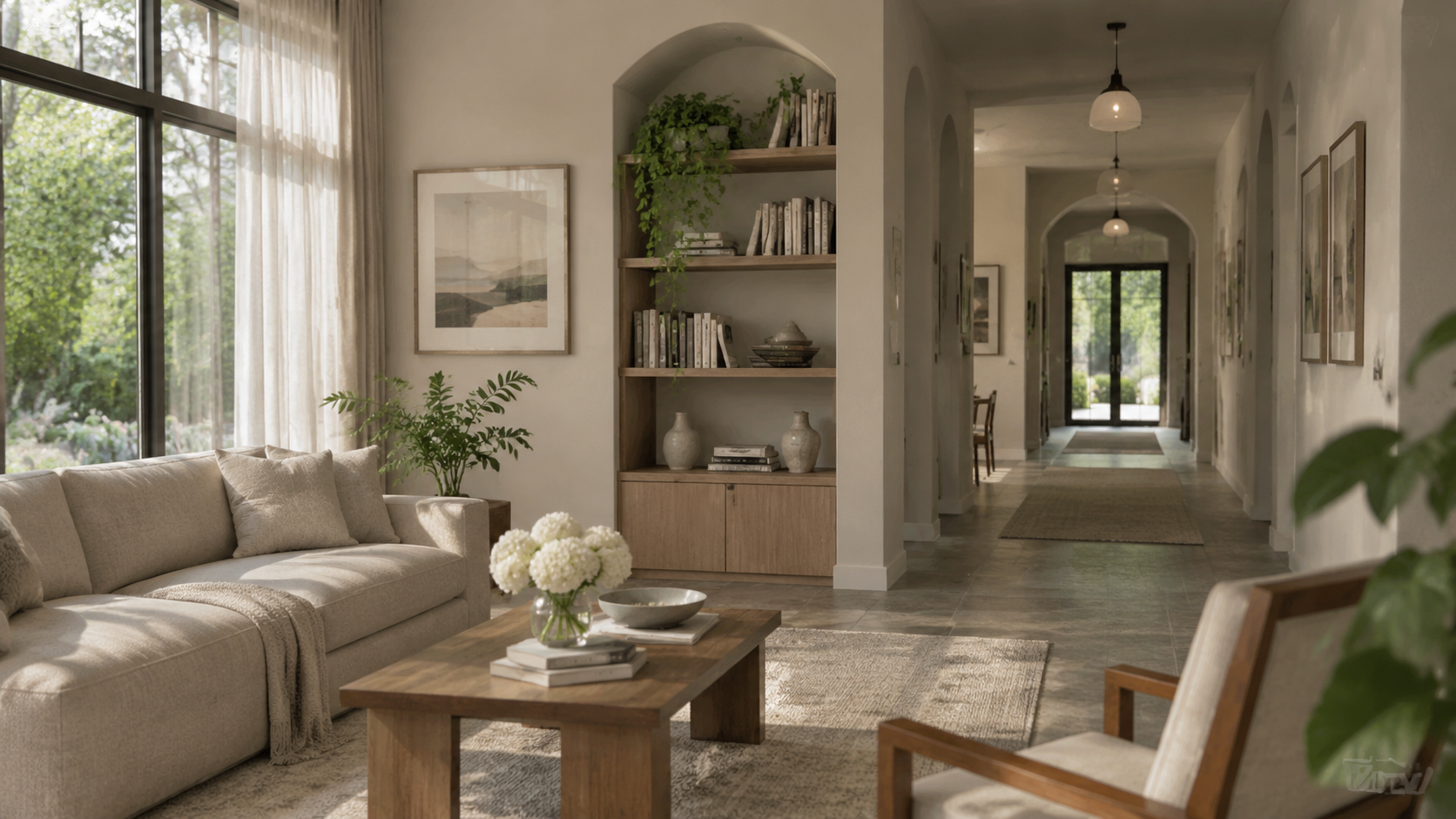
Reference images
Prompt
A concise visual demonstration of cinematic language: based on the reference images, build a continuous long take that showcases classic camera movements. First, use a slow push-in toward the subject described in @Image1, keeping composition and lighting consistent with the reference image; then smoothly transition into a lateral pan that reveals the environment implied by @Image2. The camera movement should be steady and clearly legible, maintaining subject identity throughout the uncut motion, shallow depth of field, natural daylight, clean composition, 16:9 aspect ratio, 720p, a short clip suitable as a storyboard reference.
Copy the full prompt and adapt it for your own generation.
Tags