
Guide
Gemini Omni Flash Reference-to-Video Prompts: Copy-Paste Recipes for Developers
Multi-reference image ordering, subject consistency, camera-motion wording, duration and resolution tiers, and negative lists — with runnable requests

On this page
What reference-to-video actually changes for prompt design
Text-to-video asks the model to invent everything: subject, wardrobe, environment, lighting, motion. Reference-to-video inverts that contract. You hand the model images that already answer most of the "what," and your prompt's job narrows to the "how" — how the subject moves, how the camera behaves, how long the shot lasts, and what must not appear.
The practical consequence is that prompt habits from text-to-video actively hurt here. Long descriptive paragraphs that restate a subject's appearance compete with the reference images and push the model toward averaging them into something generic. Adjectives stacked for emphasis — "cinematic, epic, dramatic, sweeping" — carry almost no signal compared to one concrete instruction. And any prompt that describes a person's face or a product's exact geometry in words invites drift, because the words and the pixels will disagree.
The mental model to keep
Treat each reference image as a constraint and your prompt as the schedule. Constraints say who and what. The schedule says when, where, and how it moves. If you find yourself writing sentences that re-describe what an image already shows, delete them. If you find yourself writing zero sentences about camera and motion, you have under-specified the part that actually needs words.
A useful check before you hit the API: cover the reference images and read your prompt. Does it still make sense as a request about these specific inputs? If it reads like a standalone text-to-video prompt, you have written too much and labeled too little.
This guide walks through image ordering, subject consistency, camera-motion phrasing, tier selection, and negative lists, and ends with runnable requests against gemini-omni-flash/reference-to-video on the hiapi API.
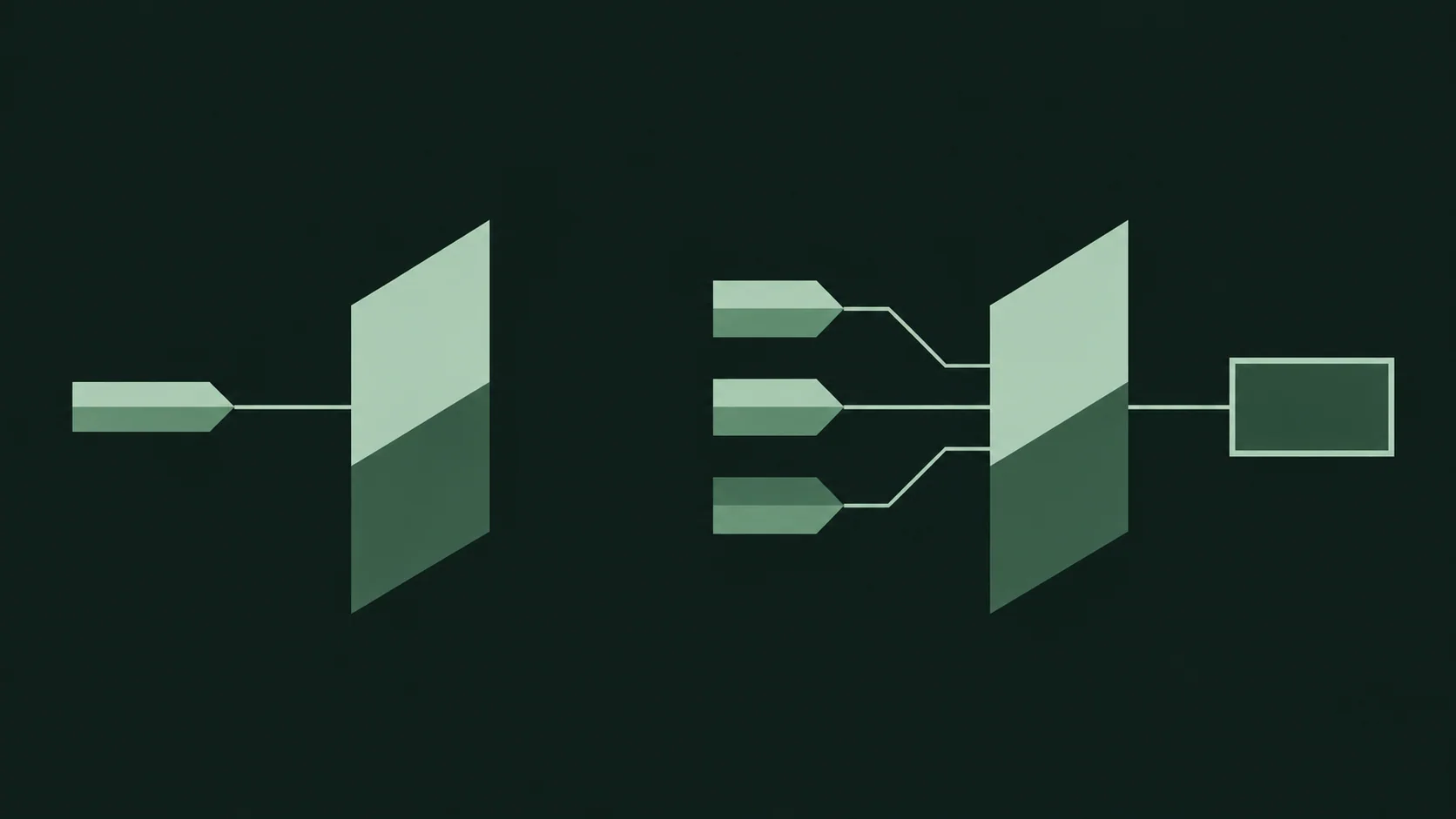
Organizing multiple reference images
When you pass more than one reference image, order and labeling matter more than prompt length. The model needs to know which image governs which aspect of the output, and the cheapest way to communicate that is to assign each slot exactly one role.
One role per slot
The reliable pattern is: subject first, then anything that modifies the subject (wardrobe, product variant), then environment, then style. Each image should be doing one job. If a single image is supposed to carry both the character's face and the room they stand in, the model has to guess which one wins when they conflict.
Write the role into the prompt explicitly, in the same order you pass the images:
Image 1: the character (face and hair).
Image 2: the jacket the character wears.
Image 3: the room the character stands in.
Image 4: the color and lighting style to apply overall.
Numbering the images in the prompt and matching the order of the request payload is the single highest-leverage habit in multi-reference prompting. When you reorder the payload, reorder the prompt text in the same edit.
Prioritize when roles collide
Collisions happen. Two images may both contain a background; an environment image may include a person. When that occurs, state the precedence in one line rather than hoping the model infers it:
Use the face from Image 1. Ignore any people in Image 3; Image 3 is the room only.
Fewer, cleaner references beat more
Every additional reference image is another constraint the model must satisfy simultaneously. If a fourth image only adds style, and style can be expressed in a phrase, prefer the phrase. Four well-labeled images with distinct roles usually outperform eight overlapping ones, and they make failures far easier to diagnose.
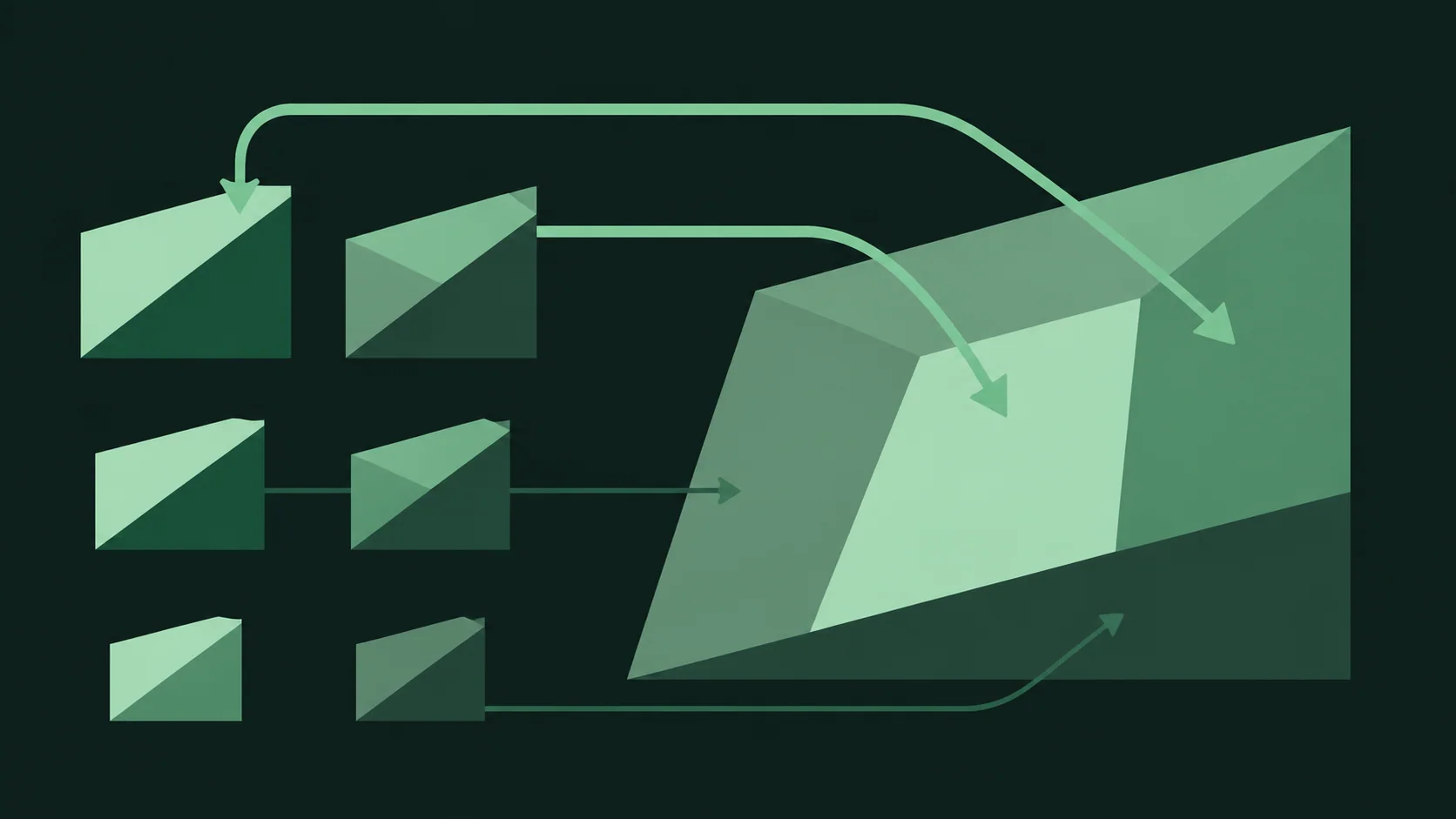
Keeping subjects consistent across shots
Consistency across multiple clips comes from reusing the same reference set with the same role labeling, and varying only the parts of the prompt that describe the shot. Change the references and every downstream prompt has to be re-tuned; keep them fixed and each new shot is a small, isolated experiment.
The stable-identity block
Write a short header block that you copy verbatim into every prompt for a given subject, then append shot-specific instructions below it:
Subject: the character from Image 1, wearing the jacket from Image 2.
Keep face shape, hair length, and jacket color identical to the references.
That block never changes. Everything after it — camera move, action, duration — is the variable. This structure also makes it obvious when a drift problem is caused by the references rather than the wording, because the wording is held constant.
Describe change, not appearance
When a shot requires the subject to do something, describe the action and the resulting change, not the subject's features:
The character turns from facing the window to facing the camera; the jacket stays the same.
Phrases like "stays the same" or "unchanged" are cheap, effective anchors. Avoid re-describing the face or the product's silhouette in words for any shot after the first; the references already carry that information, and new words will only add noise.
Watch for the averaging failure
If the subject comes out slightly generic — softer features, blended colors — the usual cause is too many overlapping references competing for the same role, or a prompt that describes appearance in detail on top of the images. Fix it by removing references and deleting appearance sentences, not by adding more adjectives.
Camera motion wording that the model respects
Camera motion is where prompts most often fail, and the failure mode is almost always the same: several moves are named in one shot, so the model picks one, blends them, or produces a slow drift that satisfies none.
One explicit move per shot
State exactly one camera behavior per prompt. Name the move, then the subject of the move:
Camera: slow push in toward the character.
Camera: static, locked off. The character moves; the camera does not.
Camera: orbit clockwise around the product, roughly a quarter turn.
Camera: pan left, following the character as they walk.
Static shots deserve to be stated as explicitly as moving ones. If you omit camera language, the model may add unrequested drift; "static, locked off" is a constraint, not a waste of words.
Consequences of stacking
"Slow push in while orbiting and slightly zooming" reads as three constraints that partially cancel. Pick the one that carries the meaning of the shot. If you need a second move, put it in a second clip and cut them together in the edit — that is a cheaper solution than asking one generation to do two things.
Pace belongs with the move
One qualifier on speed is useful — "slow," "steady," "fast" — because it tells the model how far to travel within the shot's duration. More than one speed or mood adjective around the same move adds nothing. Keep motion language to a single sentence and put it in a consistent place in every prompt, usually at the end, so you can scan a batch of prompts and see immediately what each shot does.

Picking duration and resolution tiers before you write
Duration and resolution are not post-hoc settings you apply to a finished prompt; they change what the prompt needs to say. Decide both tiers first, then write.
Duration changes motion density
A short shot has room for one beat: a single move, or a single action. A longer shot has room for a change of state — a turn, a reveal, an entrance. If you write a long-shot prompt and render it short, the action gets compressed into something unreadable. If you write a short-shot prompt and render it long, the model pads with drift.
The rule of thumb: one beat per short shot, one state change per long shot. When a recipe needs two beats, split it into two generations rather than stretching a single prompt.
Resolution changes composition tolerance
Higher resolution tiers reward clean, simple compositions with a clear subject and uncluttered background. Fine detail — jewelry, small text on a product, fabric weave — only reads at the upper tiers; asking for it at a low tier produces mush. Conversely, if your shot is a wide establishing view with a small subject, low tiers lose the subject entirely.
Match the tier to the detail the shot depends on: close product shots and face-forward character shots belong at high tiers, wide environment plates can go lower. This is also where reference image quality sets a ceiling — the output will not out-resolve the references.
Write the tier into the prompt file
Keep duration and resolution as fields alongside the prompt text in your code, not scattered in comments. In the recipes below, the request body carries them explicitly, which keeps the prompt itself focused on content and motion.
Negative lists that fix artifacts without fighting the prompt
A negative list is a short set of things that must not appear. Its purpose is to suppress recurring artifacts, not to enumerate everything you dislike about video generation.
Short and specific
Four to six items is the useful range. Each item should name a concrete, visible failure you have actually seen in your own outputs:
Negative: extra fingers, warped face, text overlays, watermark, flickering lighting, duplicate subject.
This list targets real failure modes — hand artifacts, identity drift, unwanted captions, and temporal instability — without introducing new concepts the model has to reconcile.
Why long lists backfire
Long negative lists tend to name things that share vocabulary with the positive prompt. Writing "no dark, moody lighting" while the positive prompt calls for a night scene forces a contradiction the model resolves unpredictably. Similarly, listing many objects that should not be present can leak those objects into the scene. Every negative term is a concept the model must actively process; a list of twenty is twenty chances to make things worse.
Keep it stable across a batch
Once a negative list is working for a subject, freeze it. Changing the positive prompt and the negative list in the same iteration makes it impossible to attribute a fix or a regression. Iterate one variable at a time, starting with the positive prompt.
Copy-paste recipes with runnable requests
Each recipe is a prompt plus a request body for gemini-omni-flash/reference-to-video. Replace the reference file paths with your own images. Duration and resolution are carried as fields in the request; check the model page for the tiers currently offered.
Recipe 1: Character, stable identity, single move
Image 1: the character (face and hair).
Image 2: the jacket the character wears.

Subject: the character from Image 1, wearing the jacket from Image 2.
Keep face shape, hair length, and jacket color identical to the references.
Action: stands still, looking slightly off-camera.
Camera: slow push in toward the character.
Negative: extra fingers, warped face, text overlays, flickering lighting.
curl -X POST https://api.hiapi.ai/v1/video/generations \
  -H "Authorization: Bearer $HIAPI_API_KEY" \
  -H "Content-Type: application/json" \
  -d '{
    "model": "gemini-omni-flash/reference-to-video",
    "prompt": "Image 1: the character (face and hair).\nImage 2: the jacket the character wears.\n\nSubject: the character from Image 1, wearing the jacket from Image 2.\nKeep face shape, hair length, and jacket color identical to the references.\nAction: stands still, looking slightly off-camera.\nCamera: slow push in toward the character.\nNegative: extra fingers, warped face, text overlays, flickering lighting.",
    "references": ["character.png", "jacket.png"],
    "duration": "short",
    "resolution": "high"
  }'
import requests, os

prompt = """Image 1: the character (face and hair).
Image 2: the jacket the character wears.

Subject: the character from Image 1, wearing the jacket from Image 2.
Keep face shape, hair length, and jacket color identical to the references.
Action: stands still, looking slightly off-camera.
Camera: slow push in toward the character.
Negative: extra fingers, warped face, text overlays, flickering lighting."""

r = requests.post(
    "https://api.hiapi.ai/v1/video/generations",
    headers={"Authorization": f"Bearer {os.environ['HIAPI_API_KEY']}"},
    json={
        "model": "gemini-omni-flash/reference-to-video",
        "prompt": prompt,
        "references": ["character.png", "jacket.png"],
        "duration": "short",
        "resolution": "high",
    },
)
print(r.json())
Recipe 2: Product orbit
Image 1: the product, front view. Image 2: the product, side view.
Image 3: the surface it sits on.

Subject: the product from Images 1 and 2, resting on the surface from Image 3.
Keep shape, color, and proportions identical to the references.
Action: the product is motionless.
Camera: orbit clockwise around the product, roughly a quarter turn.
Negative: duplicate product, warped edges, text overlays, flickering lighting.
Send the same body shape as Recipe 1 with three entries in references and a high resolution tier, since this shot depends on edge detail.
Recipe 3: Environment, static camera
Image 1: the room.
Image 2: the lighting and color style.

Scene: the room from Image 1, lit and graded as in Image 2.
Camera: static, locked off. Nothing in frame moves except a faint drift of dust in the light.
Negative: people, text overlays, watermark, flickering lighting.
A locked-off environment plate is the cheapest useful clip to generate and the easiest to validate — any subject-shaped artifact in the output is an immediate signal that the negative list needs tightening.
Adapting the recipes
Keep the section labels (Subject:, Action:, Camera:, Negative:) across all your own prompts. The labels are not magic words for the model, but they enforce the discipline this guide describes: one role per reference, one move per shot, and a short, targeted negative list.
Validating outputs and iterating fast
Review each generated clip against two questions in a fixed order. First: does the subject match the references? Second: does the motion match the single move you asked for? Those two checks catch most failures, and their order matters because identity problems usually have to be fixed before motion problems are even visible.
Attribute the failure before changing anything
When the subject drifts, the cause is almost always the references or the role labeling — overlapping roles, an extra image, or appearance sentences competing with the pixels. When the motion is wrong, the cause is almost always the prompt's camera line or a duration tier that does not fit the number of beats. When composition is muddy but subject and motion are right, the resolution tier is the suspect.
Changing the prompt, the references, and the tier in one iteration destroys the attribution and leaves you guessing. Change one, re-render, compare.
Log every iteration
Keep a plain record per recipe: the reference list in order, the prompt text, the duration and resolution tiers, and a one-line verdict. This is what makes a failure diagnosable a week later, and it turns your prompt library into a set of known-good starting points rather than a pile of one-off experiments. When a recipe stabilizes, freeze it and branch new shots from it rather than editing in place.
The full cycle — prompt recipe, request, rendered clip, verdict, one-variable change — is fast when the request bodies are already parameterized. Start with the recipes above, swap in your own references, and let the validation loop do the tuning.
Related articles
View all articles →-

Guide
gpt-6.2-sol Getting Started Guide: Capability Boundaries, API Integration, and Token Pricing Essentials
Integration decisions and practical essentials for engineering teams
-

Guide
gpt-6.2-astra Getting Started Guide: Text Model Capability Boundaries, Integration Essentials, and Cost Control
-

Guide
Tripo H3.1 Getting Started Guide: Choosing Among Three Input Modes, Parameters, and Pricing
A practical guide for developers on 3D generation integration decisions and cost control