
Guide
ideogram-v4.6/precise-edit Getting Started Guide: Image Editing Capabilities, Pricing, and Integration Practices
Integration decisions from capability boundaries to per-image billing

On this page
What problem this model solves
ideogram-v4.6/precise-edit is an image editing model released by Ideogram. Its output type is image, and its capability is positioned as image-to-image. In one sentence: you give it an existing image plus an editing intent, and it returns the edited image rather than generating a scene from scratch.
This positioning determines the scenarios it suits: you already have material on hand and need local adjustments, style transfer, or detail modifications while hoping to preserve the main structure of the original image. If your need is "give me a completely new image," it is not a candidate for you; if your need is "this image is basically right, change a certain element into something else," then it is the right tool.
The integration entry point is unified on the HiAPI.ai model page: ideogram-v4.6/precise-edit. The calling method is consistent with other image models, and no separate integration with the provider is required.
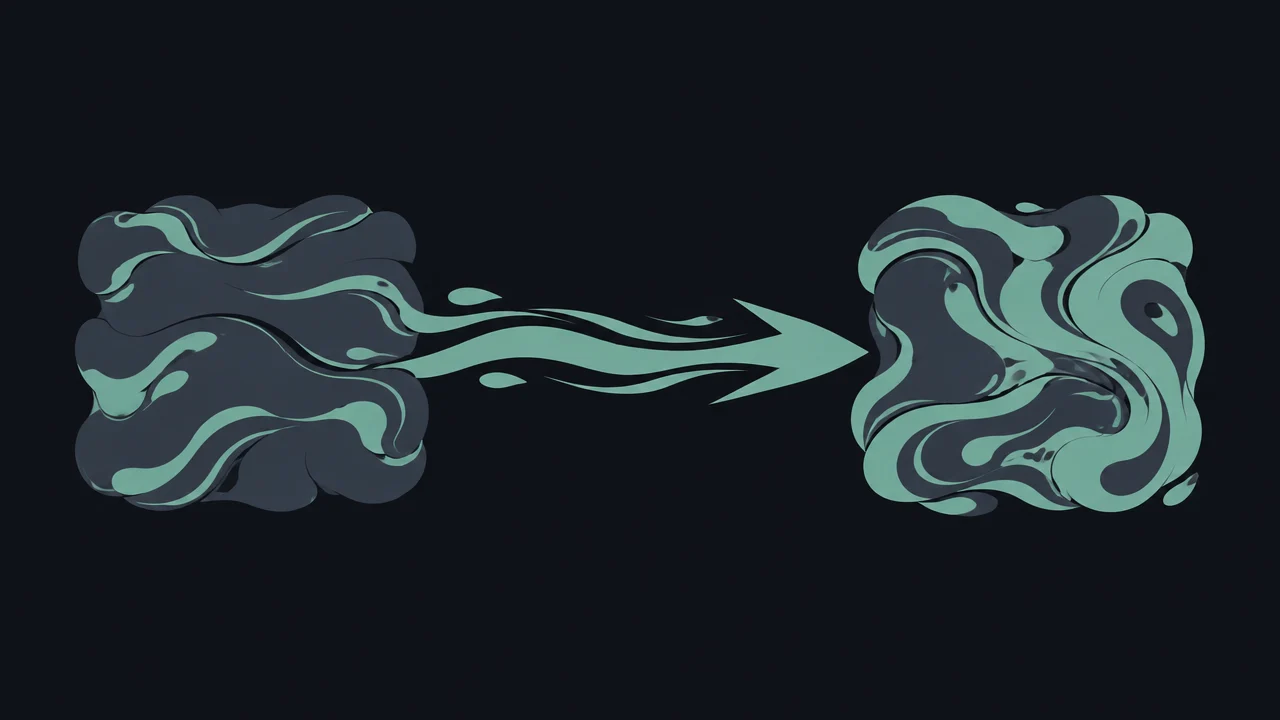
Capability boundaries: only image-to-image editing
Drawing the capability boundaries clearly is more important than memorizing parameters. The core of ideogram-v4.6/precise-edit is an image-to-image box: input image + editing intent → output image. There are two other categories of capability outside the box, and it covers neither:
- Text-to-image: generating an entire scene from a prompt alone without an input image is not its responsibility. When integrated with text-to-image expectations, the most typical symptom is "not knowing what input image to provide."
- General conversation/multimodal Q&A: it does not return textual explanations or perform image-understanding Q&A; it only returns image results.
Therefore, before integrating, ask yourself three questions: Is there a definite input image? Should the changes happen on the basis of the original image? Do you only need one image as the result? If all three answers are "yes," continue; if any answer is "no," the model choice is wrong.
There is also a hidden boundary: the "precision" of the edit depends on the input image quality and the clarity of the editing intent, not on piling up parameters. Treating the boundary as a contract can save a great deal of debugging time.

Cost structure of per-image billing
The billing basis is per-image billing, with one image counted for each successfully produced image result. This means the budget model is completely different from that of token-based models:
- Cost = number of images produced by calls × price per image, with no direct price conversion relationship to prompt length or input image resolution (for the specific unit price, refer to the site's pricing panel).
- Do not budget with a token mindset. The cost driver of image editing is the number of calls, so the way to control costs is to reduce ineffective calls, not to compress prompts.
- When estimating, first determine "how many images one task needs to produce." If the business requires multiple attempts per original image to get a satisfactory result, the actual number of images will be a multiple of the number of calls, and the budget must be scaled up by this multiple.
A practical approach: during the trial-run phase, record "the average number of images called per usable result." This coefficient affects total cost more than the unit price itself. Use it to back-calculate the budget before batching, which is more effective than reconciling afterward.
Parameters to confirm and input preparation before integration
Go through the checklist below before calling to avoid most rework.
Input image
- Form: confirm that it is an image input form accepted by the model; a single image corresponds to one editing request.
- Quality: if the input image itself is blurry or heavily compressed, the editing result will not be better. The clarity of the original image is the lower bound of the effect.
- Content: do not include irrelevant elements in the image that you do not want preserved or changed; editing uses the entire image as context.
Editing intent
- Use an explicit description to state "where to change and what to change it to," rather than a vague "optimize it."
- One request should focus on one type of change. Cramming multiple unrelated changes into the same edit reduces controllability of the result.
Handling returned results
- The return is an image, which needs to be handled according to your storage and distribution pipeline: writing to disk, CDN, and the version correspondence with the original image.
- It is recommended to save the triplet of "input image + editing intent + output image" on the business side; it is useful for later troubleshooting of quality issues and for reproduction.
Engineering side
- Set upper limits for timeouts and retries to avoid failed retries amplifying the per-image billing cost.
- Set concurrency according to business peaks; do not make stress-test-style calls with unlimited concurrency.

Typical usage and validation process
Do not run batches right away. A four-step approach is recommended:
- Single-image trial run: choose the most representative business image, run one edit, and confirm that the API works and the return form meets expectations.
- Small-sample comparison: take 5–20 images covering different scenarios (different subjects, different edit types), compare input and output image by image, and record which ways of expressing editing intent work well and which fail. The output of this step is "prompt formulation" and an "acceptable scenario list," not code.
- Summarize failure modes: classify samples with unsatisfactory results—was the intent unclear, was the input image unsuitable, or did the task itself exceed the image-to-image boundary? Exclude the third category directly; do not try to salvage it by tuning parameters.
- Gray release and scale-up: estimate the budget based on the "average number of images called per usable result" obtained from the small sample, first release a small batch of real traffic, verify cost and quality, and then go full scale.
The key decision point in the whole process is step 3: distinguishing "can be fixed" from "should not be used." For the former, iterate on the prompt; for the latter, switch solutions.
Common pitfalls and model selection advice
Frequent misuse
- Treating the editing API as a generation API: trying to call it without an input image, or expecting it to complete a scene out of thin air. Such needs should use a text-to-image model instead.
- Cramming multiple changes into one call: the result is uncontrollable, and rework costs are actually higher.
- Ignoring retry costs: failed retries are real expenditure under per-image billing, so the retry strategy must have an upper limit.
- Repeatedly trying with low-quality input images: the problem is on the input side, and no number of calls will solve it.
When to switch models
- The need is "generate from nothing" → switch to text-to-image.
- The model needs to explain image content and output text → switch to a multimodal understanding model.
- The editing task itself requires major scene reconstruction and the original image structure no longer matters → the value of image-to-image is limited, and a generative path is more suitable.
- The input image quality cannot be improved and the effect never meets the standard → solve the material problem first, rather than continuing to consume the calling budget.
Selection principle: first lock in the model category according to the two dimensions "is the input an image or text" and "is the output an image or text," then compare within the category. In the "image in, image out" cell, ideogram-v4.6/precise-edit has clear boundaries; using it in the right cell is the most cost-effective choice.
For the specific unit price and billing details, refer to the site's pricing panel; for model information and integration methods, see the ideogram-v4.6/precise-edit model page.
Related articles
View all articles →-

Guide
meshy-6/image-to-3d Getting Started Guide: Capability Boundaries, API Parameters, and Pricing Practices
From image to 3D asset: what you need to understand before integrating a third-party image-to-3D model
-
Guide
Meshy-6 text-to-3d Getting Started Guide: Capability Boundaries, Pricing, and Integration Practices
From parameter design to cost control: integrate text-to-3D models into your workflow
-
Guide
LTX-2.5-Fast Text-to-Video Prompts: Copy-Paste Recipes for Developers
Reusable prompt patterns for storyboarding, native audio, and duration control
10 min read