
Tutorial
kling-2.6/motion-control in Practice: 5 High-Value Video Generation Scenarios and Integration Essentials
From pricing model to scenario selection: a developer's guide to putting motion-control video into production

On this page
Why motion control is the most practical capability for putting video generation into production
Pure text-to-video takes a description as input, and the model freely decides on the camera, subject, and motion trajectory. The result is often "good-looking but uncontrollable" — run the same prompt twice and the motion rhythm can be completely different. For developers, this uncertainty is acceptable in demos, but once it enters a business pipeline it becomes a hard problem: you cannot promise a business stakeholder that "the arm in this video will raise at this point in time."
Motion-control models change the input structure. In addition to text or a reference image, they also accept a motion reference; the output subject moves according to the reference motion, while its appearance is determined by the subject material. In other words, "who is moving" and "how it moves" are split into two independently replaceable inputs. This is exactly the shape business systems need: motions can be accumulated as reusable templates, and subject material can be passed in dynamically per order, per SKU, or per user.
The capability boundary also needs to be understood up front. Motion control excels at transferring pose and motion rhythm; it is not precise physical simulation, nor is it shot-level camera-language control. When the subject's appearance is complex, occlusion is severe, or the motion range is too large, fidelity drops. To judge whether your business matches, test it with one question: Is your need "apply an existing motion to a new subject"? If yes, it is worth adopting; if what you want is "precisely edit a certain object in a certain frame," that is outside its problem domain.
Below, using kling-2.6/motion-control (provided by Kuaishou, outputs video, capability: motion-control) as an example, we break down 5 typical scenarios and integration essentials. Model information is available at kling-2.6/motion-control.

Scenario 1: Batch production of templated motion content
This is the most direct value scenario for motion control: motion templates are made once and then reused indefinitely.
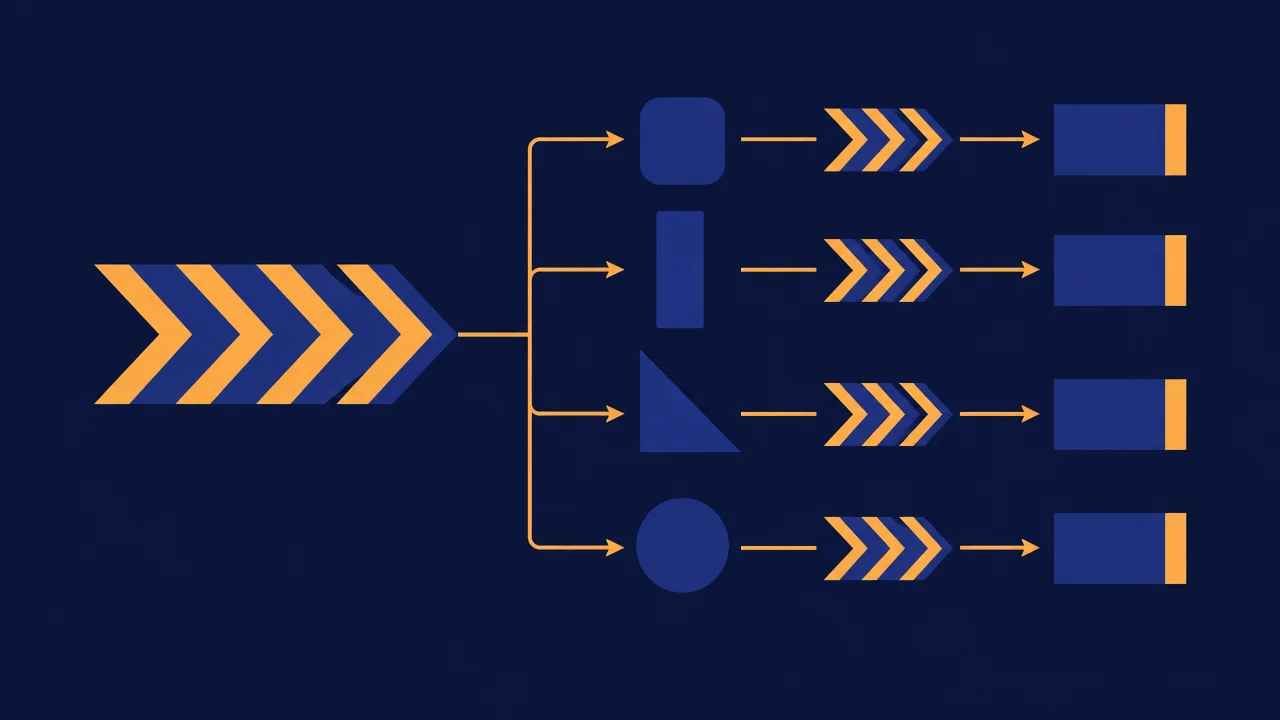
In practice, split the production workflow into three layers. The motion layer is a set of template motion clips maintained by operations (waving, turning, finger hearts, dance clips, etc.), shot once and used long-term; the subject layer is the material passed in dynamically for each task, which may be an anchor persona, an IP character, or a user-uploaded photo; the generation layer submits "template + subject" to the model and gets the finished video.
There are two engineering essentials. First, templates must be numbered and version-managed, because once the motion reference changes, historical outputs cannot be reproduced, and the cache key must include the template version number. Second, batch tasks should be aggregated by template, so tasks with the same template in the same time window can share warm-up and queueing policies, avoiding different templates crossing and lengthening overall wait time. This type of scenario usually needs dozens to hundreds of outputs at a time; the retry cost of a single failed item is not high, but the orchestration logic must be idempotent: record status by task ID, and do not double-charge on retries.
On the output side, it is recommended to keep the triple of "template ID + subject material ID + parameter snapshot"; this will save a lot of effort later for effect tracing and A/B comparison.
Scenario 2: Motion-effect short clips for e-commerce and product display
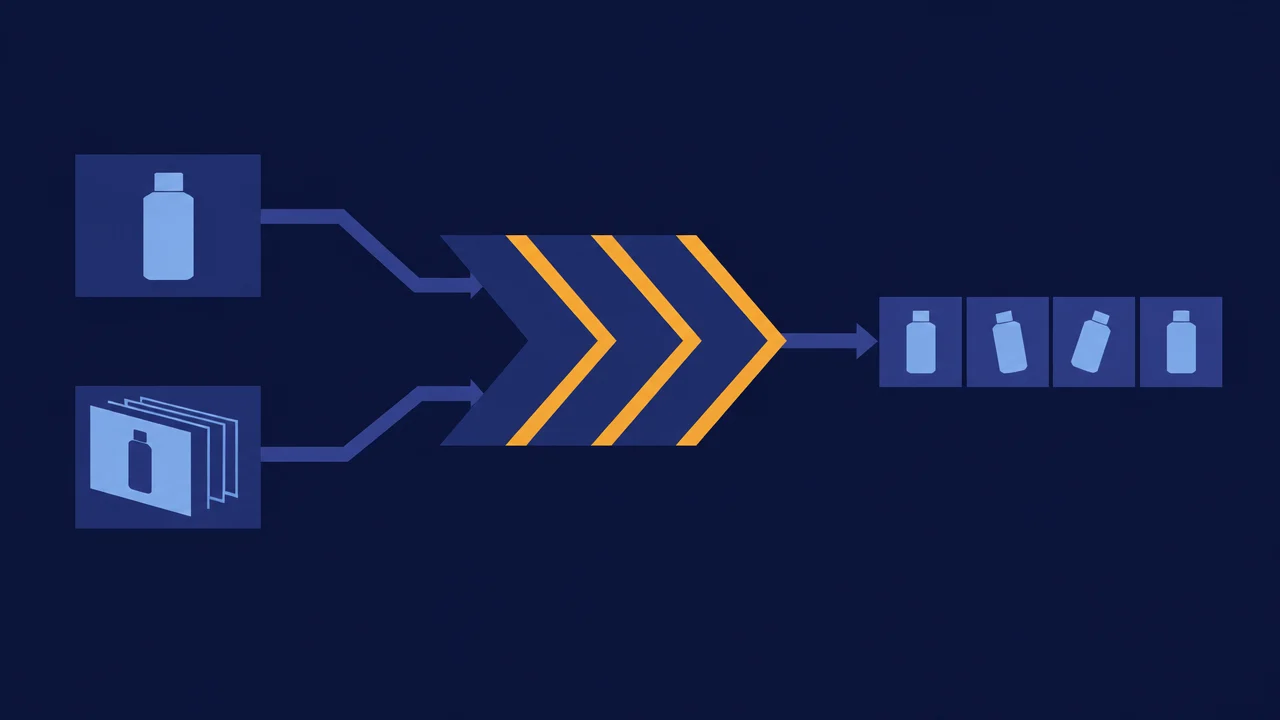
Product images are static, so users cannot see texture and volume. Motion control can add a light motion to a product — slow rotation, hovering, opening and closing, interspersed display — thereby generating a few seconds of display motion effect.
Material preparation determines the upper limit of the finished video. For subject material, use product images or short-video frames with a clean background, complete subject, and consistent lighting; if the background is cluttered, the model may treat background elements as part of the subject and make them move, producing the awkward effect of "the table rotating along with the cup." The motion reference should also be restrained: small-amplitude, even-speed motions work best for product display, while violent motions easily deform still objects.
Align expectations with business stakeholders up front. This type of video solves "more attractive than a static image," not "product-grade 3D rendering"; fine textures and reflections cannot be fully accurate. At launch, position it as an atmosphere clip for the detail page or as feed material, not as compliant main-image material. Also note that the model outputs video, so when integrating into a landing page you must consider first-frame loading and autoplay policies to avoid hurting page performance.
Scenario 3: Teaching and motion demonstration content
Teaching scenarios are extremely sensitive to whether the motion is believable. Learners will stare at the hands, footsteps, and shifts in center of gravity; any drift will be magnified.
The advantage of motion control here is that the reference motion itself comes from a real-person demonstration, so the rhythm and range are naturally reasonable; the model only needs to transfer the motion onto a presenter persona suitable for appearing on camera. In practice there are three lessons:
- The motion reference must be complete: the preparation, main motion, and ending should all be within the clip as much as possible; a truncated motion will make the model "improvise" at the end.
- Keep the viewpoint consistent: the closer the shooting angle of the reference motion is to the desired output angle, the more stable the fidelity; transferring across large angles introduces obvious limb distortion.
- Prioritize readability over beauty: in teaching videos, clarity matters more than polish; subject-background contrast and whether limbs are occluded must all be checked during acceptance.
There is another easily overlooked point: motion decomposition. Splitting a complex motion into multiple short clips, generating them separately, and then playing them in order on the front end or editing them together is usually more stable than having the model generate the whole segment in one go, and it also makes it easier to locate problematic clips and redo them individually.
Scenario 4: Rapid iteration of brand and marketing material
The actual working style of marketing teams is "look at many directions first, then converge on one." In the traditional workflow, every direction requires live shooting or post-production, and trial-and-error costs are high, causing ideas to be cut during the proposal stage.
With motion control, the approach is small-batch trial production and multi-version comparison. For the same creative brief, fix the subject material, vary the motion references, durations, and rhythms, and generate several versions at once. The team quickly reviews them, keeps 2–3 directions, and then does refined reruns for the retained directions. The key to this chain is not single-item quality but the number of selectable options per unit time.
Two things must accompany this on the engineering side: first, archive generation parameters together with the finished videos so that during review you can clearly say "which motion template this version used"; second, feed failed and high-scoring samples back into the template library, gradually accumulating experience assets such as "motions with high conversion rates." Note the queueing characteristics of asynchronous tasks; trial batches are best submitted off-peak and should not compete with batch production tasks for the same time window.
Scenario 5: Product interaction and concept prototype validation
Before live shooting, product and design teams need to answer "does this interaction look right?" Storyboards can only express static composition, and motion tools cannot reproduce the look of real people or real scenes.
Motion control can generate concept previews at low cost: use motion clips corresponding to a rough storyboard as references, pair them with hand-drawn drafts or placeholder materials, and quickly produce a "dynamic preview that people can understand." It replaces early live-shooting validation, not final material. During review, focus on rhythm, shot transitions, and where user attention lands; do not be too demanding about image quality.
The value of this path lies in shortening the decision cycle. Designers can iterate multiple motion plans within a day, and product managers can take the videos to align expectations with business stakeholders, avoiding the discovery late in development that "this interaction looks weird in the actual footage." It is recommended to store prototype-stage outputs separately, isolated from the formal material library, to avoid misuse.
Integration approach and per-second billing cost control
Integrating the model itself is a conventional asynchronous call flow: submit a task (subject material + motion reference + text/parameters) → poll or receive a callback → fetch the video result. Everything goes through the HiAPI.ai interface; authentication, rate limiting, and error-code style are consistent with other video models on the platform, so switching cost is low.
Focus on three engineering aspects:
First, asynchronous task management. Video generation takes far longer than text calls; do not make user requests wait synchronously. Return a task ID immediately after submission, and let the front end poll or use callbacks to advance; the server side must have timeout fallbacks, failure retries, and idempotency control to prevent duplicate submissions from causing duplicate consumption.
Second, cost estimation basis. This model is billed by output seconds, so the cost per item is only linearly related to the finished video duration — to estimate total consumption, simply use "number of items planned × duration per item" to get total seconds, then multiply by the unit price (default tier $0.100/second (720P), pro tier $0.160/second (1080P)). This also means duration is the most effective cost lever: if a display motion effect can be told in 5 seconds, use a 5-second reference video.
Third, caching and reuse. For the combination of the same subject + same motion template + same parameters, the result should be cached and reused directly; this is especially suitable for templated content and products that recur in e-commerce scenarios. Add submitting large batches off-peak and validating parameters with short durations before scaling up in volume — combining these points usually keeps wasted consumption very low.
Common issues and effect acceptance checklist
Go through the following issues before launch to save most rework.
- Motion fidelity below expectations: first check whether the reference motion is truncated, whether the range exceeds what the subject's form can bear, and whether the reference and target viewpoints differ too much; then consider splitting into short clips and generating segment by segment.
- Subject deformation or background moving along: this is mostly a material quality issue. Retry with material that has a clean background, a complete subject, and consistent lighting.
- Generated duration does not match expectations: it is explicitly billed by output seconds, and the output duration follows the reference video (when character_orientation is image, up to 10 seconds; when video, up to 30 seconds). Trim the reference video to the required length first; do not use long material to "try your luck."
- Queueing and timeouts: during peak periods, task queueing time lengthens; the API side must have timeout and retry policies, and the user side must provide progress feedback to avoid front-end freezing.
- Duplicate billing on failure retries: control with idempotency keys + a task state machine, and retry only after successful results are persisted.
- Material compliance: confirm portrait and copyright authorization for subject material and motion references before submission. This is the business stakeholder's responsibility, but the engineering side should keep audit records.
The acceptance checklist can be simplified into five items: whether key motion nodes are aligned, whether the subject is stable without deformation, whether the beginning and end are complete, whether clarity and bitrate meet the placement requirements, and whether the actual consumption per item is within budget. Only scale up after all pass.
Motion-control video models are not universal generators; they solve a very specific problem: transferring controllable motion onto variable subjects. Understand this clearly, then combine it with the duration lever of per-second billing and caching strategies, and kling-2.6/motion-control can become a stable, budgetable component in your business pipeline. For model parameters and call details, see kling-2.6/motion-control.
Related articles
View all articles →-

Tutorial
Meshy-6 Text-to-3D in Practice: 5 High-Value Application Scenarios and Integration Essentials
-

Tutorial
meshy-6/image-to-3d in practice: 5 high-value use cases and key implementation points
From one image to a usable 3D asset: a cross-cutting view of cost, quality, and engineering integration
-
Tutorial
ltx-2.5-fast/audio-to-video in Practice: 5 Practical Audio-Driven Video Scenarios
A scenario-selection and implementation checklist for developers, from API integration to cost estimation