
Guide
ltx-2.5-pro/audio-to-video Getting Started Guide: Capability Boundaries, Per-Second Billing, and Integration Practices

On this page
What problem this model solves
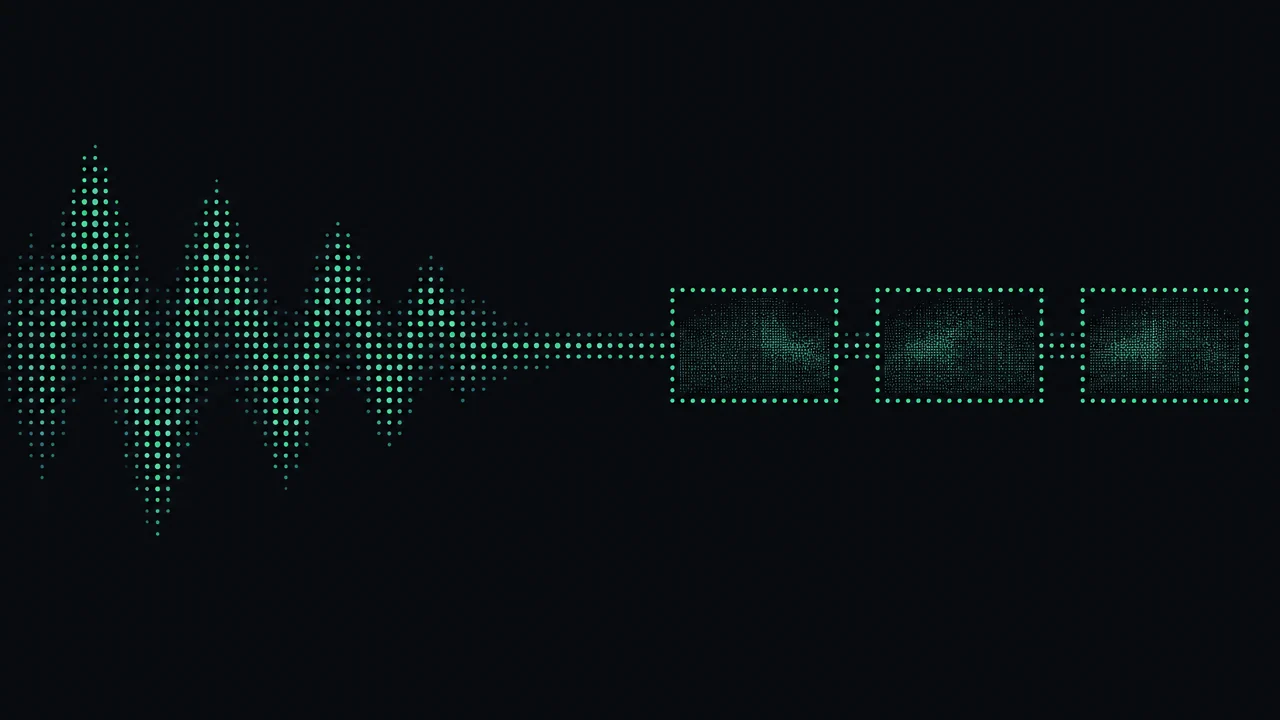
ltx-2.5-pro/audio-to-video does exactly one thing: it converts an audio clip into a video clip. You give it audio, and it returns video. There are no other input branches and no other output forms in between.
This positioning determines who it is for. If your workflow already has audio assets—voiceovers, narration, music clips, podcast segments—and you want to convert them in batches into publishable, previewable video content, then this model fits your needs exactly. Conversely, if what you want is text-to-video, image-to-video, video editing, or video continuation, it is not the right choice, and reading further will not uncover those capabilities.
The judgment criterion can be simplified to one sentence: Does a definite audio clip already exist on your input side? If yes, continue; if not, solve the audio source problem first, then come back to consider integration.
Capability boundaries: what it can and cannot do
Understanding the boundaries of a single-capability model is more important than understanding what it can do, because the vast majority of integration incidents come from expectation mismatches, not call failures.
The part it can do is fairly clear: it accepts audio input and outputs a video file. The model is positioned as the audio-to-video capability branch under the ltx-2.5-pro series, and the output type is video. When calling it, you need to prepare an audio clip and you get back a video result.
The part it does not do also needs to be stated clearly:
- It does not accept text prompts that drive scene descriptions. This is not an "audio + prompt" dual-input model, so do not assemble multimodal requests according to the habits of general video models.
- It does not accept images as the first frame or reference image. Image-driven video generation is a separate capability line.
- It does not perform video-to-video conversion. There is no video channel on the input side.
- It does not generate or rewrite the audio itself. Audio quality, duration, and content are your responsibility; the model only consumes it.
Keep these points in mind, and you will save a lot of time during troubleshooting: when you find that "the result is wrong," first confirm whether you have tried to make it do something outside its responsibilities.
Preparation before integration and the calling process
The complete chain can be broken down into four steps, each with a clear handoff point.
Step 1: Confirm the model identifier and availability. The model identifier is ltx-2.5-pro/audio-to-video, and it is addressed by this name on the unified API platform. Before integration, confirm that your account permissions, keys, and quota status are normal, so you do not misdiagnose an authentication issue as a model issue.
Step 2: Prepare the audio assets. This is the most easily underestimated step. You need to confirm the audio's format, duration, and content integrity. Duration directly determines cost (covered in the next section), and format determines whether the request will be rejected. It is recommended to first take an inventory of assets locally: unify the audio to be processed into the same container format and sampling parameters to reduce variation within a batch.
Step 3: Send the request. In terms of request structure, audio is the core payload, and the remaining fields are organized around it. The advantage of using the unified interface is that the request shape stays consistent with the other models you have already integrated, so cross-cutting logic such as authentication, retries, and logging does not need to be rewritten.
Step 4: Receive and persist the result. What comes back is a video result, and what you need to handle is downloading, storage, transcoding, and distribution. This step is often treated as "something outside the call" and ignored, but it determines the availability of the entire chain—it is recommended to settle the storage path and naming rules the first time you get the call working.
The goal of getting the first call working is not to produce a perfect result, but to verify that the end-to-end chain is unobstructed: the request was sent, the result came back, and the file can be opened. Only after these three things hold should you discuss quality.

Key points for parameter and input organization
The basic principle of parameter organization is: converge uncertainty into a few dimensions and fix everything else.
Dimensions worth verifying one by one before launch:
- Audio duration. It is both an effect variable and a cost variable, and must be treated as a first-class parameter. Whether long audio should be sliced and how to choose slice points need to be settled during the verification phase.
- Audio format and encoding. Do not assume the model is tolerant of container formats. Test one or two formats against each other, and fix one for the entire batch after selection.
- Upper limit of audio length per request. Overly long audio is either rejected or behaves unstably, so you need to verify your own safe range.
- Concurrency and timeout settings. Audio and video processing takes time on a different order of magnitude from pure text inference; default timeout values are usually insufficient and must be adjusted based on actual observations.
In terms of request structure, it is recommended to organize the audio payload separately from business metadata (task ID, source tags), and not mix business fields into model parameters—when you switch models or add models later, this layer of isolation saves a refactor.
A practical suggestion: externalize parameter configuration into configuration files or environment variables rather than hard-coding it in the calling code. During the verification phase you will change these values frequently, and hard-coding will make controlled experiments painful.
Per-second billing: how costs are calculated and controlled
The billing basis is straightforward: billing is by the number of seconds of the output video, at a unit price of $0.2429 per second. This means cost has a linear relationship with audio duration, with no tiers and no bundles.
The conversion method is therefore very simple: cost per call ≈ audio seconds × unit price. A 6-second audio clip costs about 6 × 0.2429; a 10-second audio clip costs about 10 × 0.2429. You can directly use this multiplication to convert any asset duration into a budget.
Monthly estimation has one more layer: calculate "average seconds per piece of content × number of pieces per month," then multiply by the unit price. Note that if the business has retries, multiple trial runs of versions, or regeneration steps due to unsatisfactory results, the actual number of calls will be higher than the number of content pieces. Empirically, the actual seconds consumed during the verification and tuning phases may be several times the final output duration, so list this part separately in budgeting and do not mix it into steady-state costs.
There are three main engineering approaches to controlling costs:
First, slicing. Sending a long audio clip as a whole means a single failure wastes the entire duration. Slicing it into shorter segments for parallel processing gives a smaller cost boundary per failure and makes retries more precise.
Second, short before long. Parameter verification, effect confirmation, and format compatibility testing should all be completed with the shortest representative segments. Do not use a long asset to test a configuration that has not yet been verified.
Third, caching and deduplication. Converting the same audio clip to video repeatedly is pure waste. Do input hashing at the task layer, and reuse existing results directly on a hit. Repeated calls are especially common during the verification phase, and this caching layer can cut a considerable portion of the overhead. Billing is by input audio duration, priced at $0.2429/second. The input audio must be between 2 and 10 seconds. For pricing, refer to the official price announcement.

Common problems and troubleshooting approach
Problems in the early integration stage fall roughly into three categories, and the order of diagnosis should be: input problems → call problems → expectation mismatches.
Input problems are the most common. The symptom is a rejected request or an abnormal result. Check items: whether the audio format is within the supported range, whether the file is complete, whether the duration exceeds the safe range, and whether the encoding parameters are consistent. These problems are fastest to solve by binary search—start with a short audio clip known to work as the baseline, then replace variables one by one.
Call problems manifest as failures at the request level: authentication errors, timeouts, rate limiting, or response structures that do not match expectations. For these problems, look at error codes and response bodies first rather than guessing model behavior. Timeouts are the most easily misdiagnosed: audio and video tasks take far longer than text inference, and many people encountering a timeout for the first time think the model does not support that audio clip, when in fact the default timeout value is simply too short.
Expectation mismatches are the most insidious category. The symptom is "the call succeeded, but the result is not what I wanted." At this point, go back to the boundary checklist in the second section and check item by item: Are you expecting it to respond to a prompt? Are you hoping it will reference an image? Are you trying to make the output audio change? As long as the requirement falls outside the model's responsibilities, parameter tuning cannot solve it.
A general principle: first use the smallest reproducible input to locate the problem level, then change parameters. If you change three variables at once, you will never know which one made the difference.
Pre-launch checklist and optimization directions
Turning one-time integration into sustainable production usage requires going through a checklist before scaling up officially.
Acceptance checklist:
- The end-to-end chain runs stably on the smallest input, including the failure retry path.
- The audio format and parameters are fixed, and there is a reusable asset preprocessing script.
- The duration upper limit and the actual safe range have been confirmed with sample verification, and the slicing strategy has been decided.
- Timeout, concurrency, and retry parameters have been adjusted based on actual elapsed time, not left at default values.
- The billing model has been established: cost per call, monthly budget, and extra consumption during verification are accounted for separately.
- Result persistence, naming, and distribution rules have been determined.
- Error classification and alerting have been integrated, capable of distinguishing input errors, call errors, and content anomalies.
In terms of optimization directions, the biggest short-term gain comes from asset normalization—unifying formats and parameters eliminates most sporadic failures; in the medium term, the task queue and caching layer are worth investing in, as they directly determine unit cost; in the long term, if you will integrate other video capabilities later, the unified API's addressing method lets you switch between models by changing only one identifier instead of rewriting the calling layer. For model details, see ltx-2.5-pro/audio-to-video.
With clear boundaries, controlled durations, and well-designed failure paths, this model can reliably handle the audio-to-video step.
Related articles
View all articles →-

Guide
meshy-6/image-to-3d Getting Started Guide: Capability Boundaries, API Parameters, and Pricing Practices
From image to 3D asset: what you need to understand before integrating a third-party image-to-3D model
-

Guide
Meshy-6 text-to-3d Getting Started Guide: Capability Boundaries, Pricing, and Integration Practices
From parameter design to cost control: integrate text-to-3D models into your workflow
-

Guide
LTX-2.5-Fast Text-to-Video Prompts: Copy-Paste Recipes for Developers
Reusable prompt patterns for storyboarding, native audio, and duration control
10 min read