
Tutorial
Multi-image to 3D model in practice: 5 high-value application scenarios for meshy-7.1/multi-image-to-3d
From multi-view images to usable 3D assets: breaking down integration methods, costs and implementation points by scenario
On this page
Capability boundaries and billing model of multi-image to 3D
This model is billed per call, with two tiers based on should_texture: texture disabled $1.1429/call, texture enabled $1.7143/call.
meshy-7.1/multi-image-to-3d is a model with output type 3d, and its core capability is multiview-to-3d: given multiple view images of the same object, it outputs a complete 3D mesh asset. The value of this pipeline lies in converting "shooting/drawing cost" into "modeling cost"—you no longer need to build faces and unwrap UVs from scratch; you only need to prepare a set of photos or renders with consistent viewpoints.
The capability boundaries must be understood upfront. What it does is reconstruction-style generation based on multi-view images, which means three things:
- The more complete and consistent the input views, the higher the usability rate of the output; for missing back or bottom faces, the model will "reasonably guess," and a wrong guess means rework.
- Its representation of materials and structure is generative, not measurement-based. Industrial-grade requirements such as dimensional accuracy, assembly relationships, and tolerances are outside its capability scope.
- The output is an asset-level model, not a finished product ready for launch; subsequent steps such as cleanup, retopology, and texture correction are still required.
The cost basis is simple: billed per call, and each call produces one generation result. The real cost is never equal to unit price multiplied by "the number of models you want to make," but rather unit price multiplied by "the number of models you want to make × average number of calls." The average number of calls is determined by the retry rate, and the retry rate is determined by input quality. This formula runs through all the scenarios below—any scenario where input preparation cost exceeds generation cost is not suitable for integration; any scenario where inputs can be standardized and batch-prechecked will see marginal costs drop quickly.
The following sections break down the differences in integration pipelines across five scenarios to help teams choose their first path to implementation.

Scenario 1: 3D display assets for e-commerce products
This is the scenario with the most intuitive return on investment: converting multi-angle real product photos into interactive 3D display assets for rotation viewing on detail pages, AR placement previews, and so on.
The conditions during shooting determine the upper limit of the final output. It is recommended to shoot for "multi-view acquisition" rather than "multi-angle beautification":
- Fix lighting position and color temperature to avoid shadow direction or white balance jumps between different views; otherwise the model will misread lighting differences as material differences.
- Shoot around the object at equal angles with the object at the center, ensuring sufficient overlap between adjacent views; overlap is the anchor for reconstruction.
- Keep camera height and distance consistent; when necessary, use a turntable with a fixed camera position to reduce perspective differences.
- Keep the background as clean and low-texture as possible to prevent tabletop texture from "growing" onto the model surface.
The call pipeline is: group and archive product images by view → precheck (quantity, overlap, sharpness, background) → call the model → store results and bind them to SKUs → frontend retrieves display assets by SKU.
Common pitfalls are concentrated in two types of products: highly reflective metal and transparent materials, where specular highlight positions are inconsistent across multi-view images and are easily mistaken for surface structure; and soft, easily deformed products (clothing, soft bags), where deformation during shooting prevents multi-view alignment. For these two types, it is recommended to validate with a small batch before scaling up.
For cost judgment, e-commerce has a large number of SKUs but large differences in per-item value. A reasonable strategy is to enable 3D display only for categories with high order value, high return rates, or high inquiry volume, using a small number of calls to cover most of the conversion benefit.

Scenario 2: Prototype assets for games and interactive content
In the prototype stage, teams need "quantity" rather than "precision": placeholder assets can quickly get gameplay working, which is more important than waiting for art scheduling. The role of multi-image to 3D here is a prototype asset production tool, not a replacement for manual modeling.
The process is usually: concept art or three-view design → batch generate candidate models → manual selection → uniformly scale to the placeholder specifications in the engine → integrate into levels.
Quality trade-offs must be agreed upfront:
- Topology is not guaranteed to be suitable for animation rigging; this is acceptable in the prototype stage. Once entering formal production, artists must redo or retopologize it.
- Style consistency is controlled through inputs. If you want a batch of assets to have a unified style, the input images must have a unified style; the model will not automatically converge to a certain art style.
- When batch generating, estimate call volume based on "number of candidates" rather than "number of requirements," because the selection step will inevitably eliminate some results.
Can it replace manual modeling? In the prototype stage, it can significantly reduce waiting time; in the formal asset stage, it cannot, because the topology, UVs, and skeleton compatibility of generated results all need to be rebuilt. Positioning its output as "viewable, runnable, reviewable" rather than "deliverable" will keep team expectations aligned.
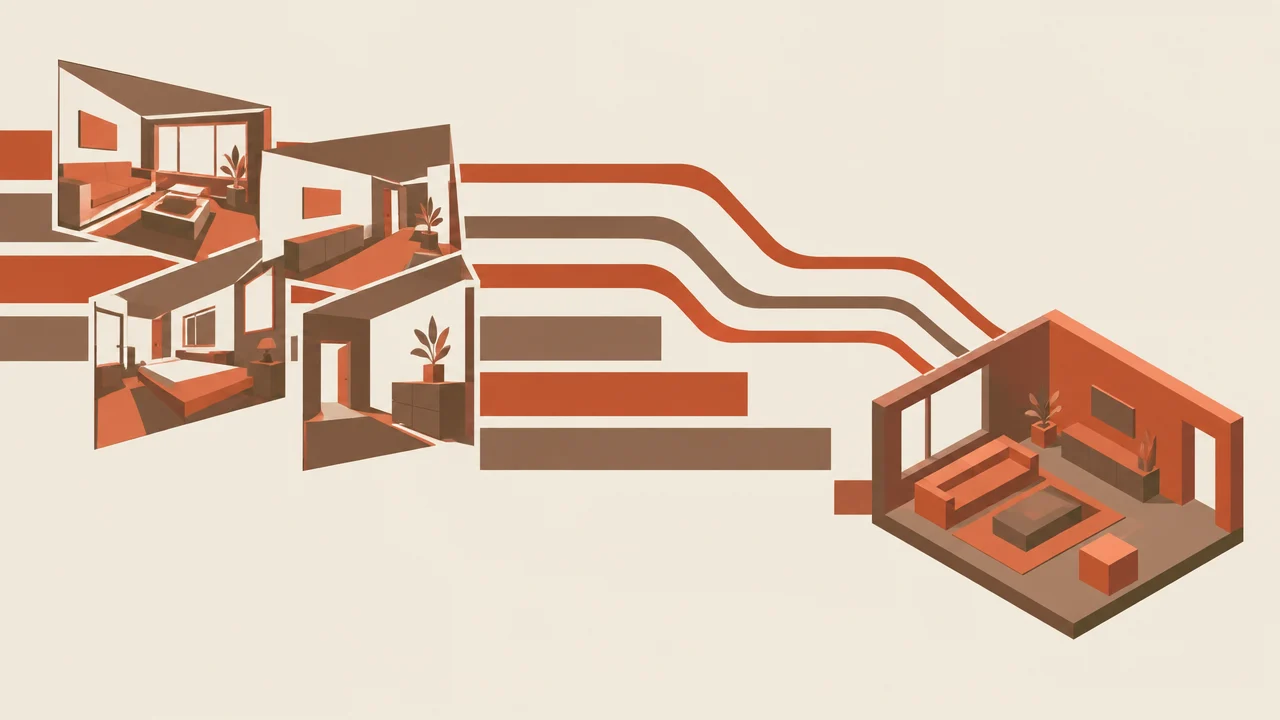
Scenario 3: Visual preview for architecture and interior design proposals
In interior design and architectural proposal communication, clients often struggle with spatial relationships rather than material details. Using multi-view reference images to generate spatial volumes or furniture models for proposal previews and volume communication is the core value of this scenario.
Implementation points:
- Use "multi-angle reference images of the same space/same furniture" as input, rather than mixing renderings from different proposals; otherwise the model will average across multiple proposals.
- Integrate generated results into the visualization process as volume and proportion references, to quickly provide rotatable 3D views during proposal review.
- Individual furniture items are more likely to produce stable results than whole-room spaces; for whole rooms, it is recommended to split them into multiple individual items and generate them separately.
Delivery boundaries must be stated clearly: this type of output is not a basis for construction drawings and does not carry dimensional accuracy. It can accelerate communication about "what this space roughly feels like," but it cannot replace surveying and detailed design. Writing the boundaries into external documentation is much cheaper than explaining afterward.
Scenario 4: Structural schematic models for industrial and hardware products
In the early stages of hardware, there is often no complete CAD data, only prototype photos, structural sketches, or competitor reference images. At this point, using multi-view images to generate structural schematic models for internal discussion, assembly relationship illustration, and promotional images is feasible.
Feasible practices:
- Clearly define the use as "schematic," for meeting communication, manual illustrations, and form descriptions in bid materials.
- Choose multi-angle photos of the same prototype version as input whenever possible, to avoid structural confusion caused by mixed shots of different versions.
- After output, have a structural engineer perform a manual review and mark parts inconsistent with the actual structure.
Precision red lines that must not be crossed:
- Do not use as a basis for any dimensions, tolerances, or assembly clearances.
- Do not use for interference checks, mold evaluation, or production acceptance.
- Do not use as a replacement for reverse engineering workflows; when actual dimensions are needed, use 3D scanning.
If this red line is clearly stated, Scenario 4 becomes a very low-cost, fast-acting internal tool; if not, it becomes an expensive misunderstanding.
Scenario 5: 3D interactive assets for marketing and social content
The characteristics of 3D asset demand for campaign pages, AR filters, and social content are: large quantity, short lifecycle, low per-item budget, and almost no precision requirements. This type of demand is naturally suited to being organized as a "candidate funnel."
The approach is to place generation calls in the middle of the funnel for screening, rather than investing equally in every creative idea:
- First use low-cost means (reference image sets, style tests) to screen out clearly unsuitable creative directions.
- Only prepare multi-view images and call generation for directions that pass the initial screening.
- Select a small usable subset from the generated results to enter the publishing stage.
The key to budget control is to set a call cap for each campaign and work backward from "number of finally published assets" to the allowed number of candidates. After the campaign ends, archive the input image sets and prompt information; similar campaigns can directly reuse the input sets, avoiding repeated acquisition costs.
Integration implementation: call chain and input preprocessing
The cross-scenario call structure can be implemented directly on a unified interface; see the model page meshy-7.1/multi-image-to-3d. It is recommended to split the pipeline into four stages:
1. Input validation (before calling)
Perform a mandatory precheck before sending requests to keep clearly unqualified inputs outside billing:
- Whether the number of views and coverage meet minimum requirements, and whether there are large missing areas.
- Whether the resolution and sharpness of each view meet standards, and whether there is blur or overexposure.
- Consistency between views: whether lighting direction, color temperature, and background are unified.
- Same-object determination: confirm that this set of images belongs to the same object/same version.
2. Request and idempotency
Each generation task carries a business-side unique identifier, and the input fingerprint (hash of the image set) and task status are recorded in the database. This way, repeated submissions of the same input set can be intercepted at the business layer instead of being billed repeatedly.
3. Retry strategy
Retries must be conditional: retry only failure-type errors; for "generation succeeded but result unusable," first go back to troubleshoot the input rather than resending as-is. Indiscriminate retries are the most common cause of runaway costs.
4. Asset storage
Store results in object storage and write metadata (input fingerprint, model version, generation time, business tags); the frontend retrieves assets by business ID and does not directly hold generation-side identifiers. This way, when switching versions or regenerating later, the business side does not need to change.
Cost and quality control: spend each call where it matters most
Condense the experience from the previous scenarios into actionable engineering practices:
- Calculate actual cost using retry rate rather than unit price. Record "number of calls / number of usable assets" for each scenario; this ratio is the effective unit price. When it rises, stop and investigate inputs instead of increasing budget.
- Cache input fingerprints. Generate each multi-view image set only once, and reuse results by business tags; when revised, use a new fingerprint to trigger new generation while keeping old assets.
- Validate with small samples before batch runs. For each new category or new style, first run a small number of calls to confirm usability rate, then decide the scale.
- Move prechecks earlier. Make sharpness, consistency, and coverage checks automated gates, so unqualified inputs do not enter the call stage.
- Set scenario-level budget caps. Control by scenario rather than by total volume, preventing low-value scenarios from consuming the budget of high-value scenarios.
A decision checklist for scenario selection can be reviewed through three questions: Can inputs be collected in a standardized way? Does the output precision requirement fall within the "schematic/display" range? Can the per-item business value cover "unit price × average number of calls"? If all three answers are "yes," it is worth integrating; if any answer is "no," do not put budget into it yet.
The benefit of multi-image to 3D does not come from the call itself, but from doing input preparation and quality gates before the call.
Related articles
View all articles →-

Tutorial
Meshy-6 Text-to-3D in Practice: 5 High-Value Application Scenarios and Integration Essentials
-

Tutorial
meshy-6/image-to-3d in practice: 5 high-value use cases and key implementation points
From one image to a usable 3D asset: a cross-cutting view of cost, quality, and engineering integration
-
Tutorial
ltx-2.5-fast/audio-to-video in Practice: 5 Practical Audio-Driven Video Scenarios
A scenario-selection and implementation checklist for developers, from API integration to cost estimation